HTML is the language used to structure and present content on the World Wide Web. It uses tags to define headings, paragraphs, lists, and other elements. A basic HTML file includes an <html> tag which contains <head> and <body> sections. The <head> includes the <title> and the <body> holds the visible page content. Common tags include <p> for paragraphs, <ul> and <ol> for unordered and ordered lists, and <img> to embed images.
HTML (Hypertext MarkupHTML(Hypertext Markup
Language)Language)
Language of Web PageLanguage of Web Page
Presented By: Macrosys, Moga
2.
Hypertext & HyperlinkHypertext& Hyperlink
English -> Written -> Books
HTML -> Written -> Web page
Hyper Text Markup Language
Web pages are text files.
The key to hypertext is the use of
hyperlinks, which allow you to jump from
one topic to another topic.
3.
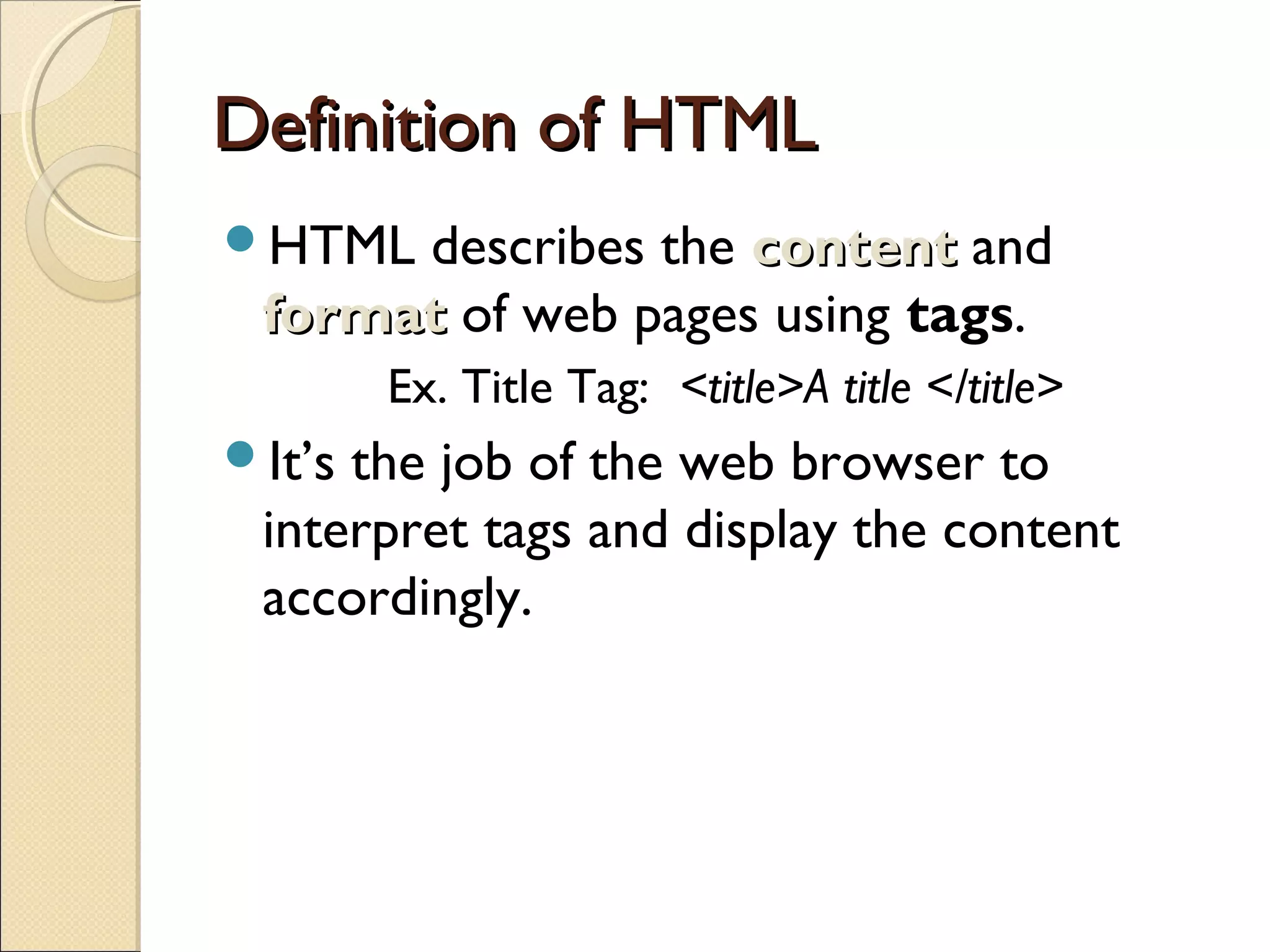
Definition of HTMLDefinitionof HTML
HTML describes the contentcontent and
formatformat of web pages using tags.
Ex. Title Tag: <title>A title </title>
It’s the job of the web browser to
interpret tags and display the content
accordingly.
4.
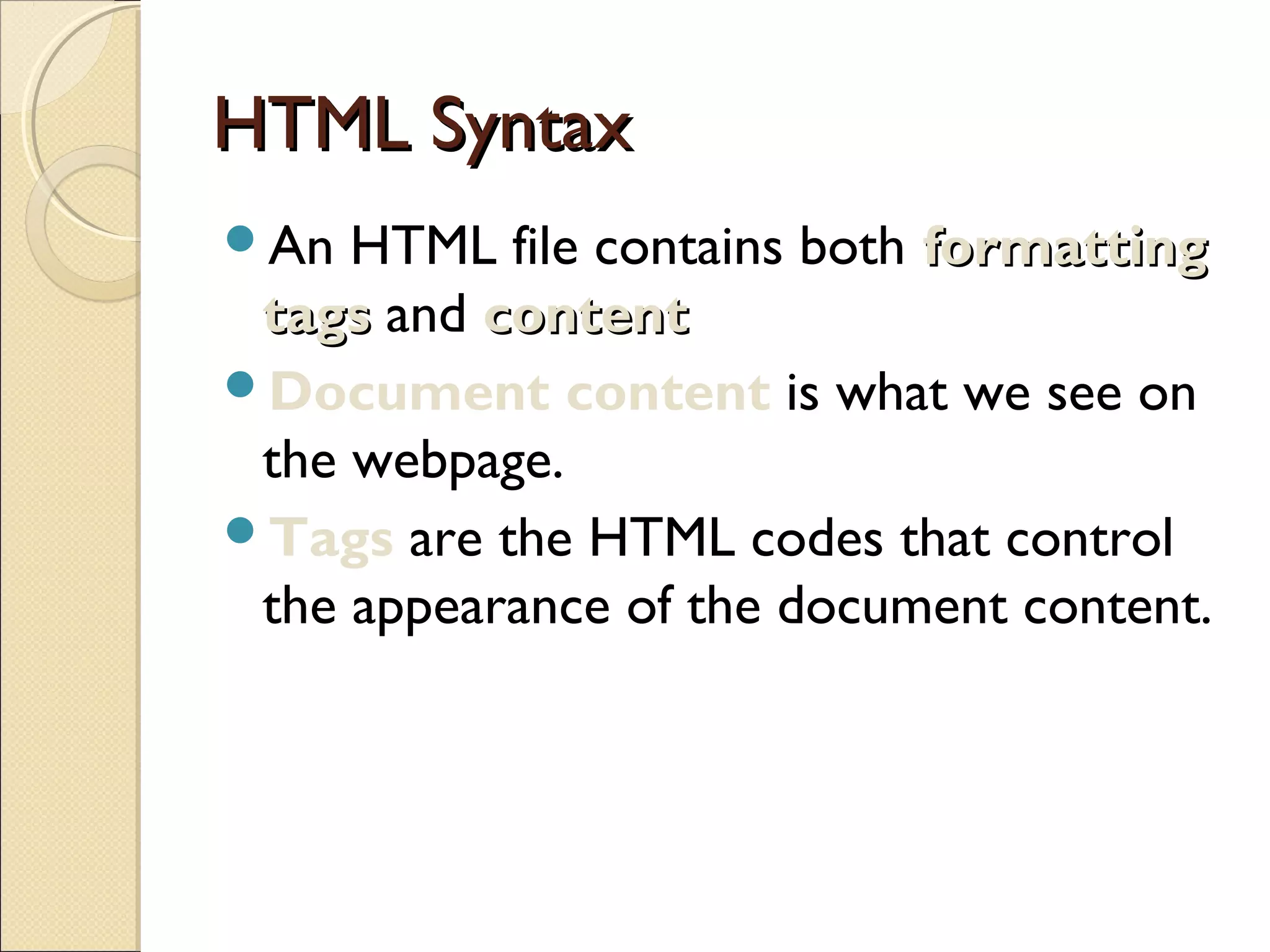
HTML SyntaxHTML Syntax
AnHTML file contains both formattingformatting
tagstags and contentcontent
Document content is what we see on
the webpage.
Tags are the HTML codes that control
the appearance of the document content.
5.
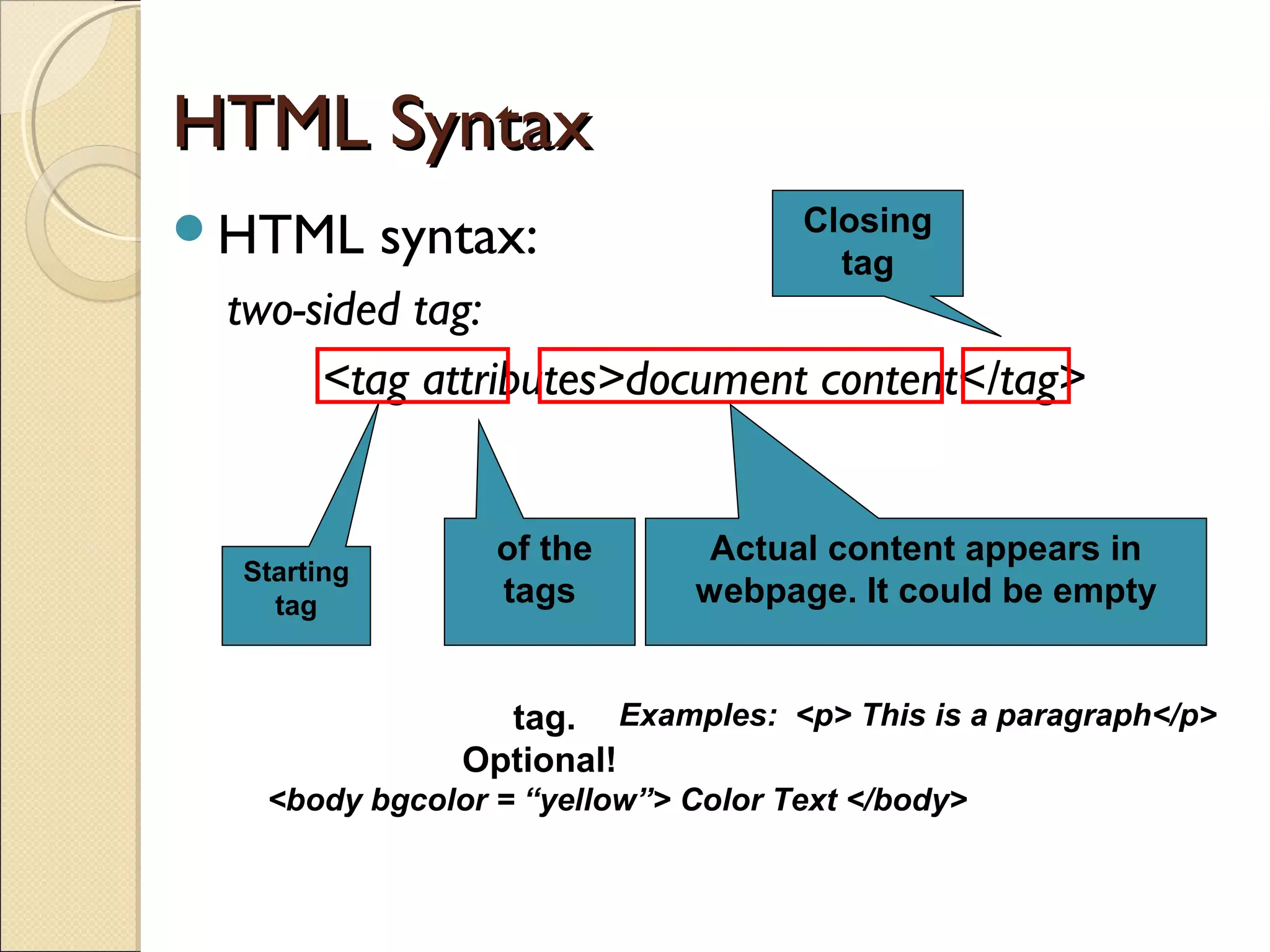
HTML SyntaxHTML Syntax
HTMLsyntax:
two-sided tag:
<tag attributes>document content</tag>
Starting
tag
of the
tags
tag.
Optional!
Actual content appears in
webpage. It could be empty
Closing
tag
Examples: <p> This is a paragraph</p>
<body bgcolor = “yellow”> Color Text </body>
6.
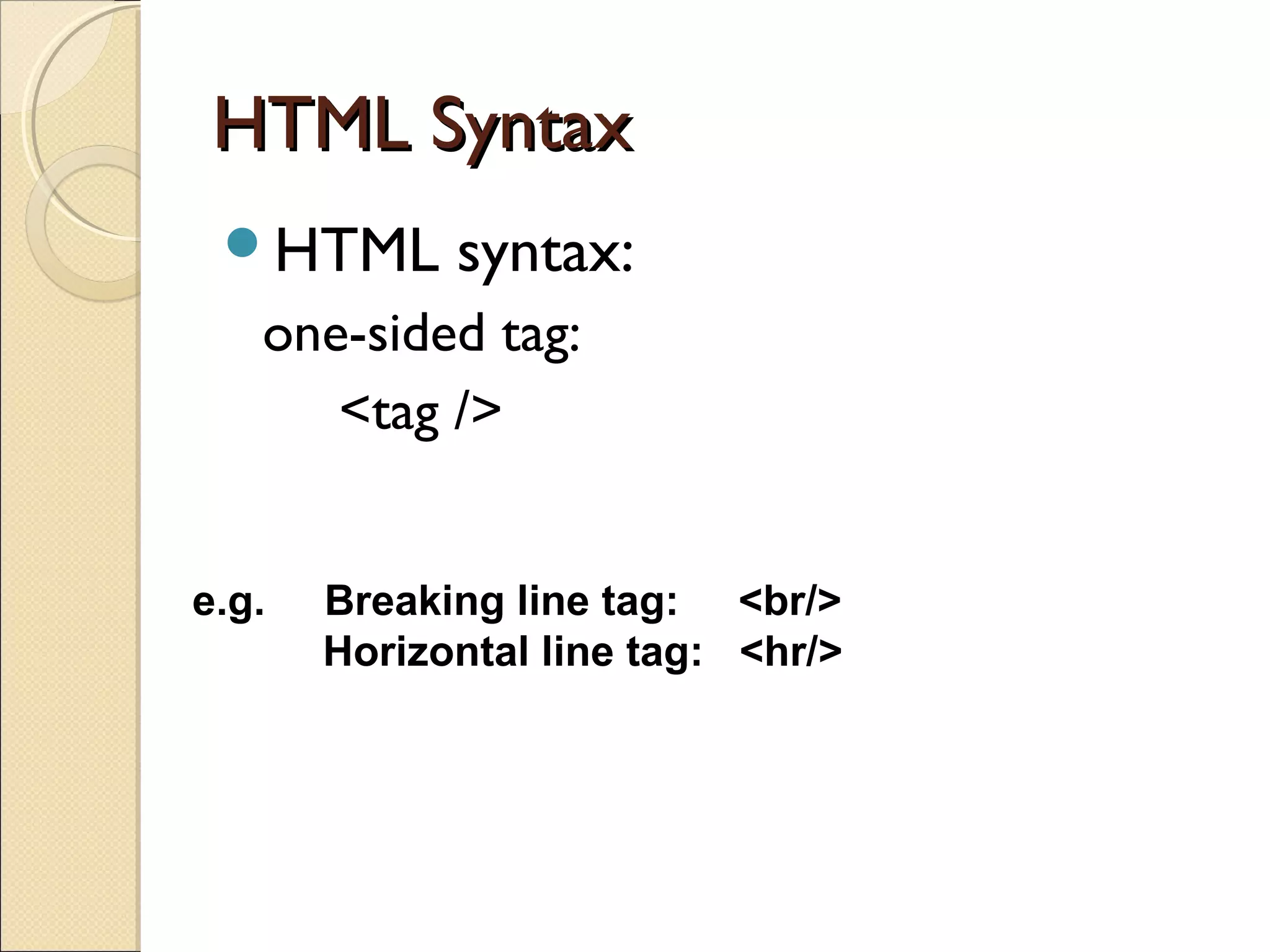
HTML SyntaxHTML Syntax
HTMLsyntax:
one-sided tag:
<tag />
e.g. Breaking line tag: <br/>
Horizontal line tag: <hr/>
7.
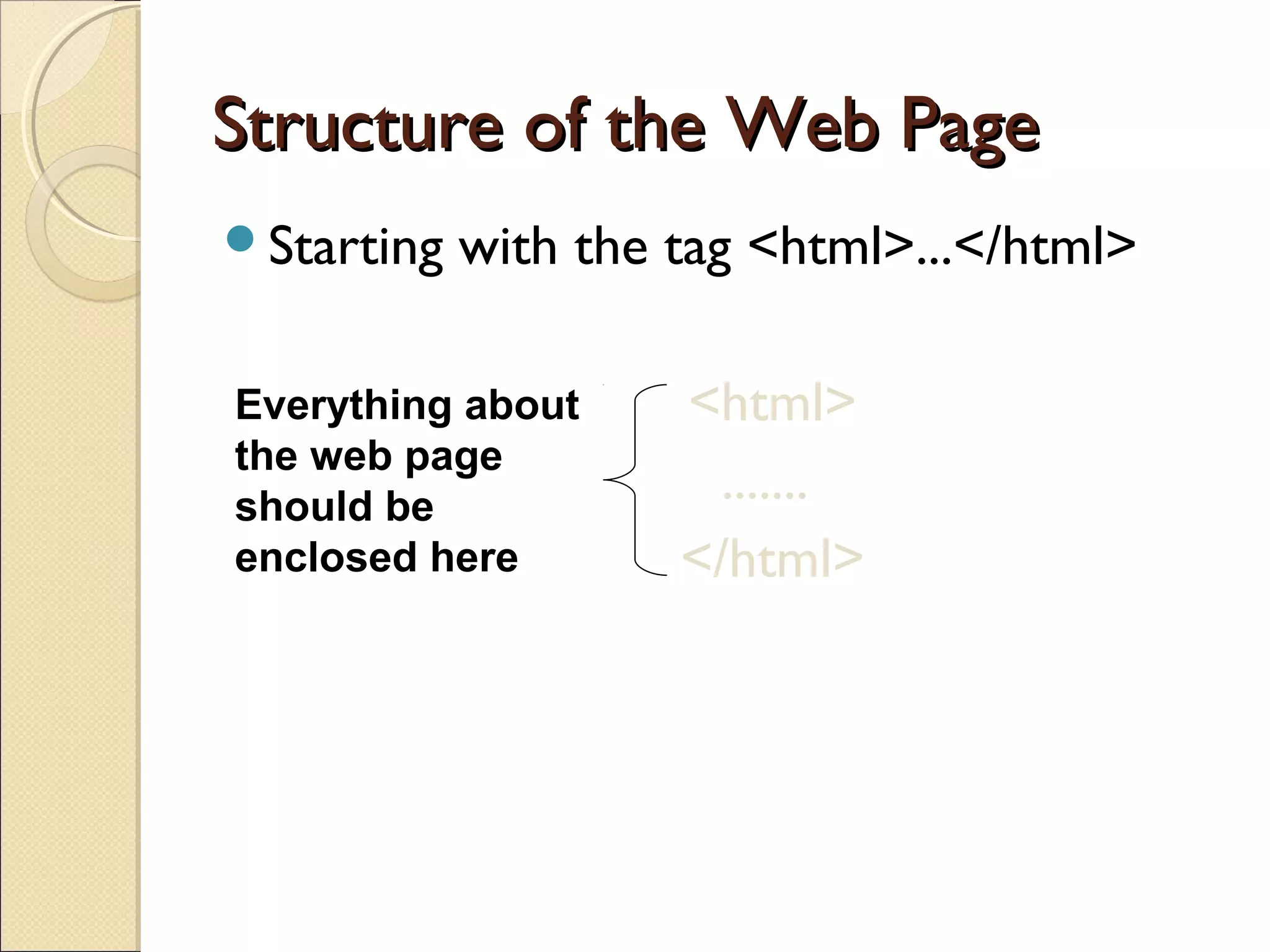
Structure of theWeb PageStructure of the Web Page
Starting with the tag <html>...</html>
<html>
.......
</html>
Everything about
the web page
should be
enclosed here
8.
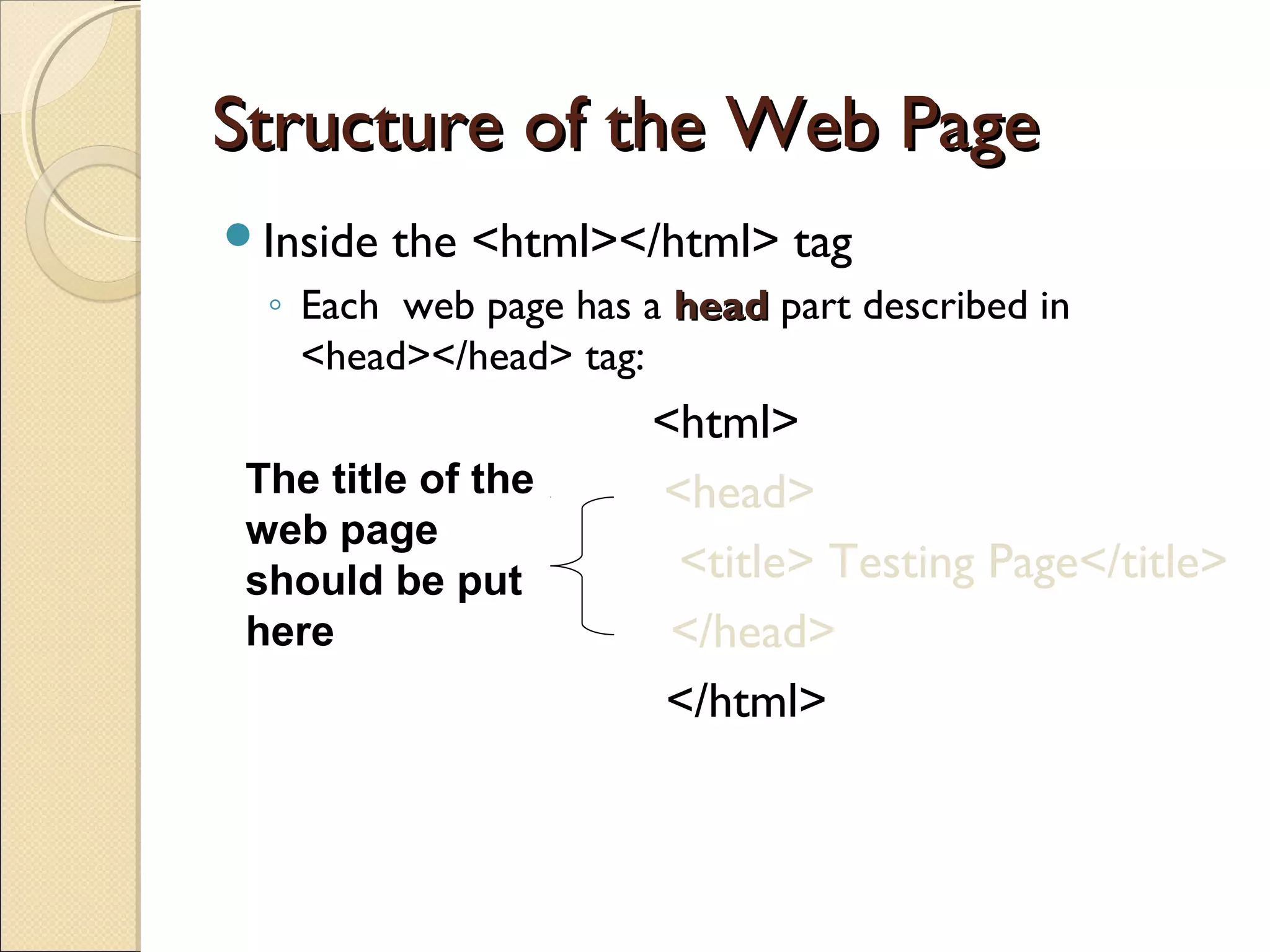
Structure of theWeb PageStructure of the Web Page
Inside the <html></html> tag
◦ Each web page has a headhead part described in
<head></head> tag:
<html>
<head>
<title> Testing Page</title>
</head>
</html>
The title of the
web page
should be put
here
9.
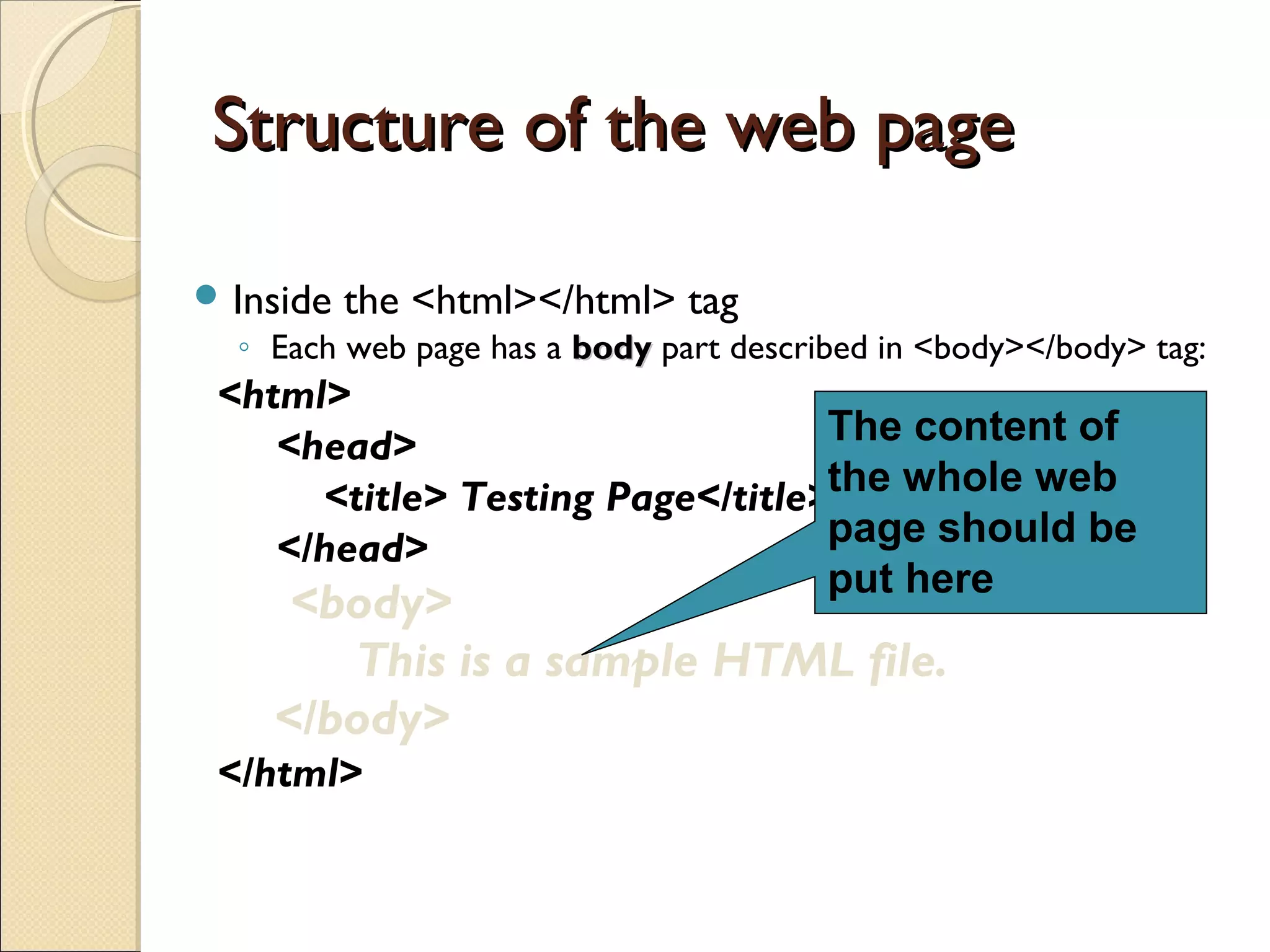
Structure of theweb pageStructure of the web page
Inside the <html></html> tag
◦ Each web page has a bodybody part described in <body></body> tag:
<html>
<head>
<title> Testing Page</title>
</head>
<body>
This is a sample HTML file.
</body>
</html>
The content of
the whole web
page should be
put here
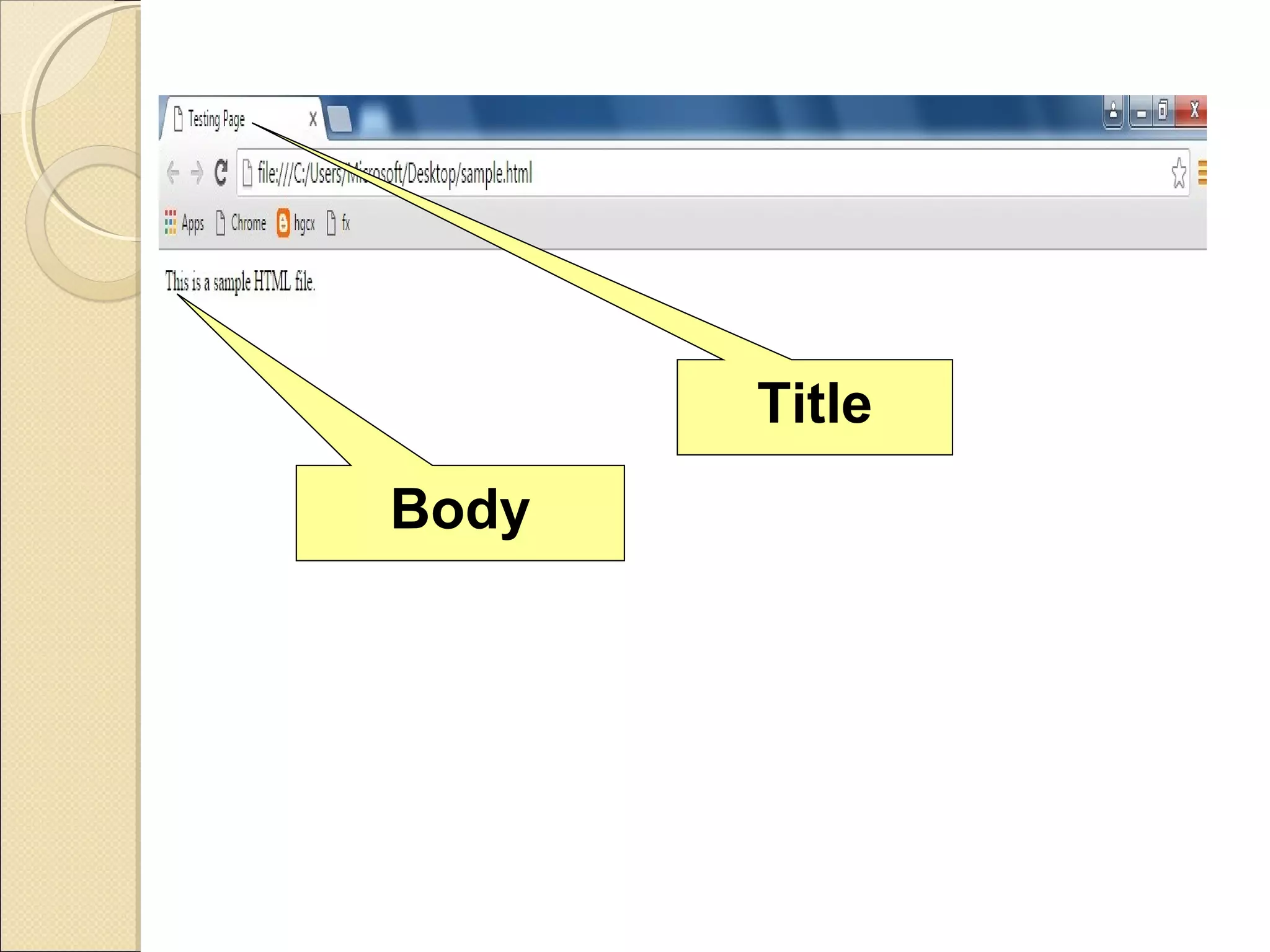
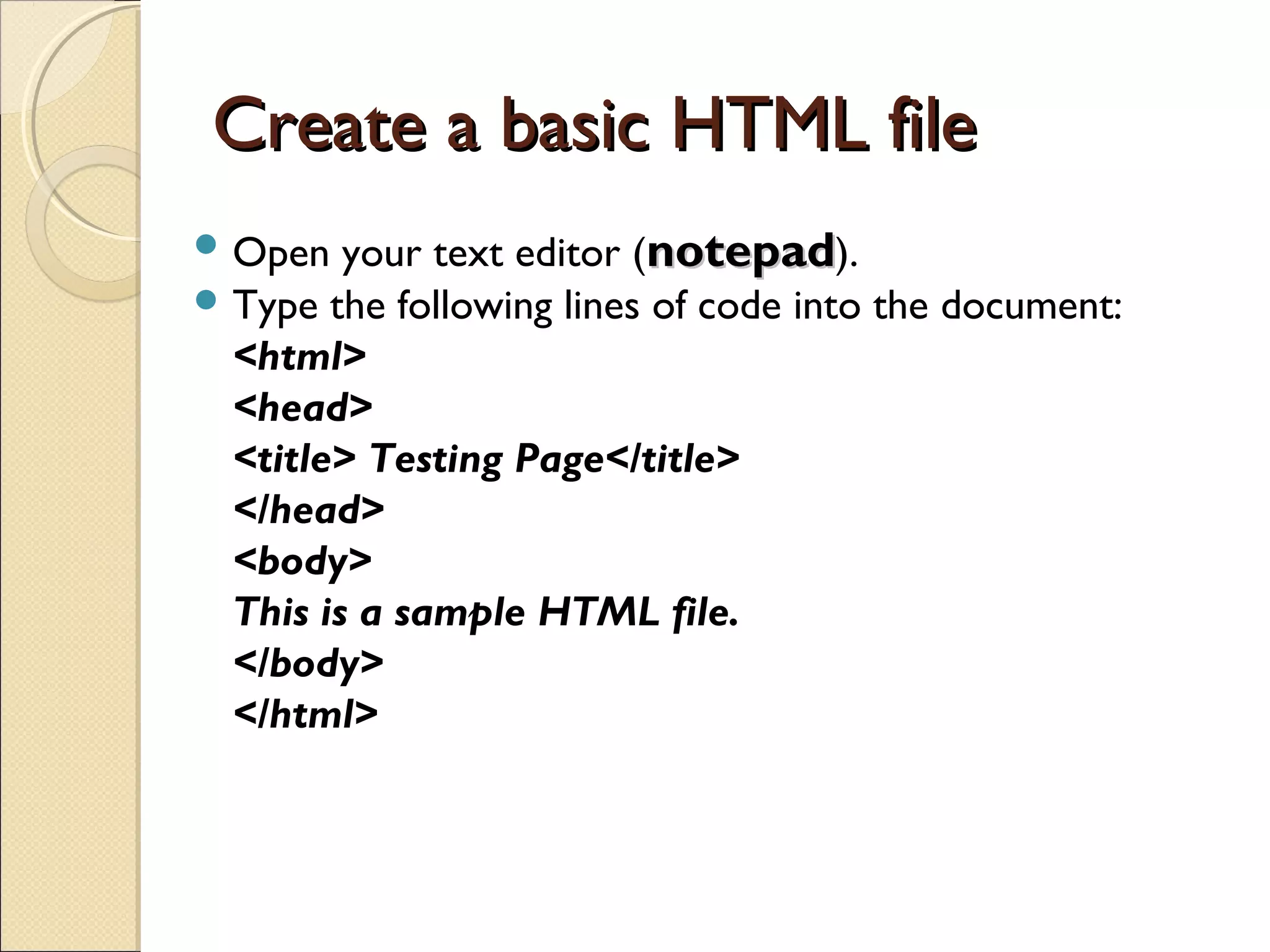
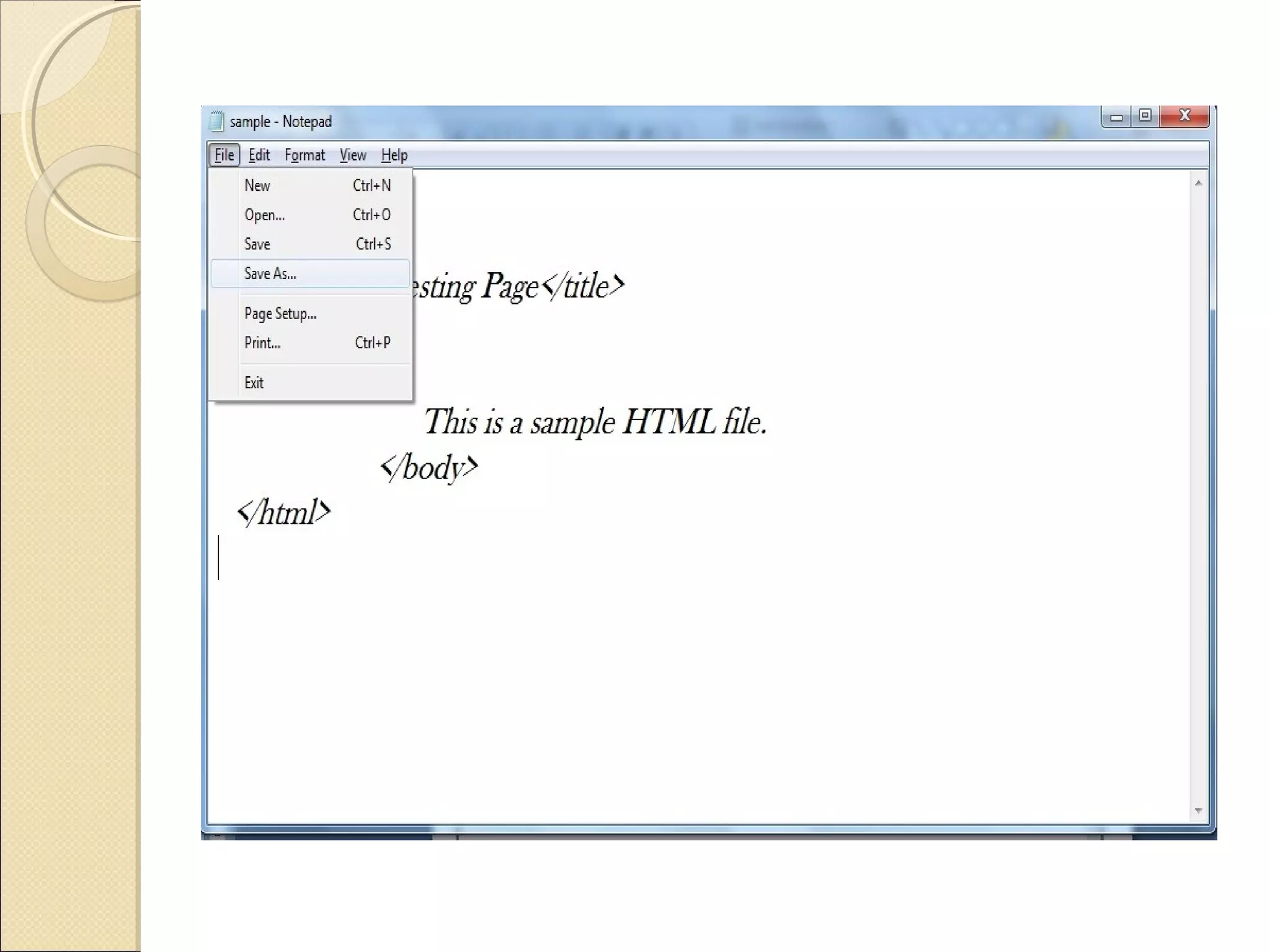
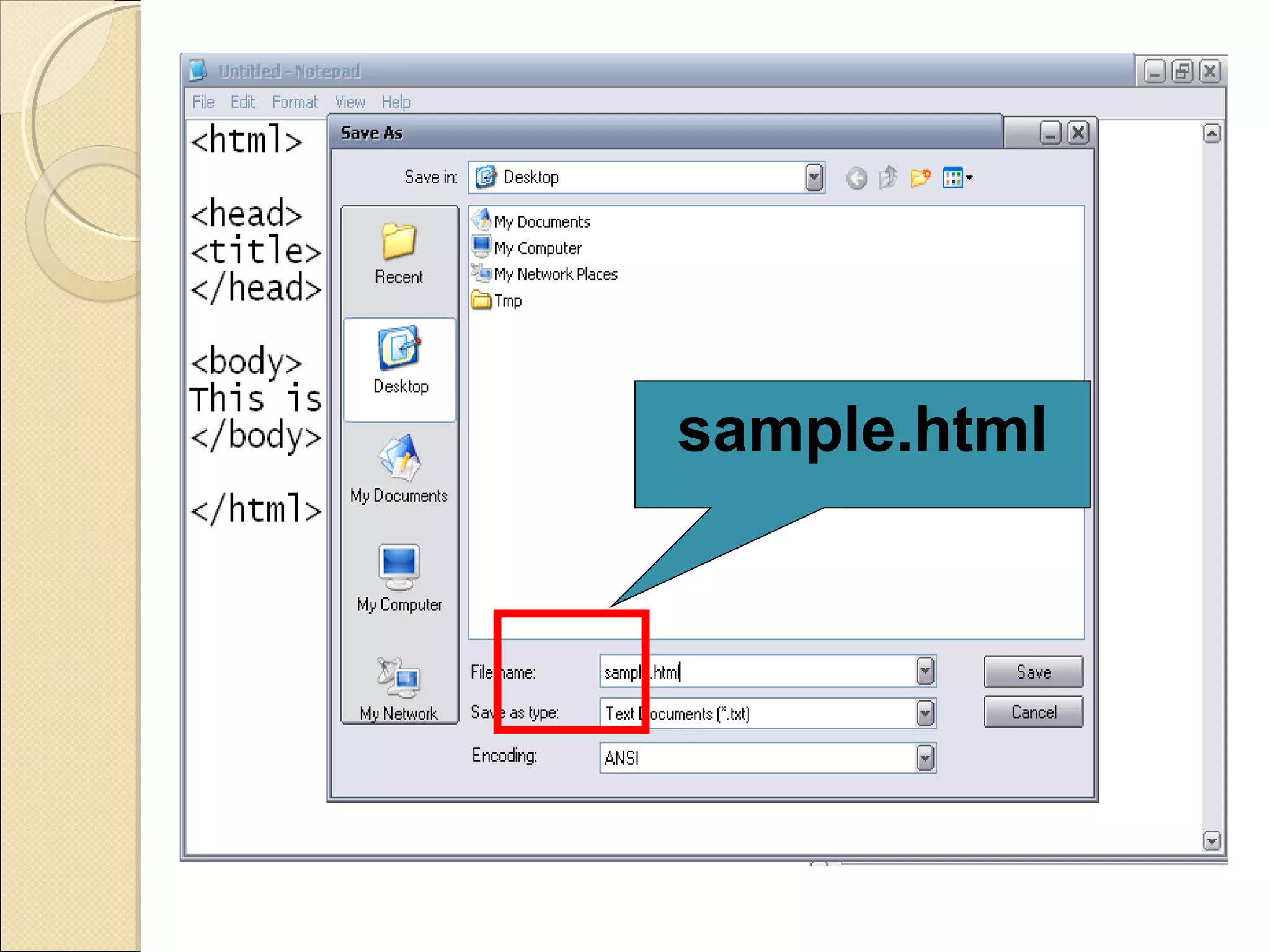
Create a basicHTML fileCreate a basic HTML file
Open your text editor (notepadnotepad).
Type the following lines of code into the document:
<html>
<head>
<title> Testing Page</title>
</head>
<body>
This is a sample HTML file.
</body>
</html>
Introduction to somecommon tagsIntroduction to some common tags
Paragraph tag
List tag
Hyperlink tags
15.
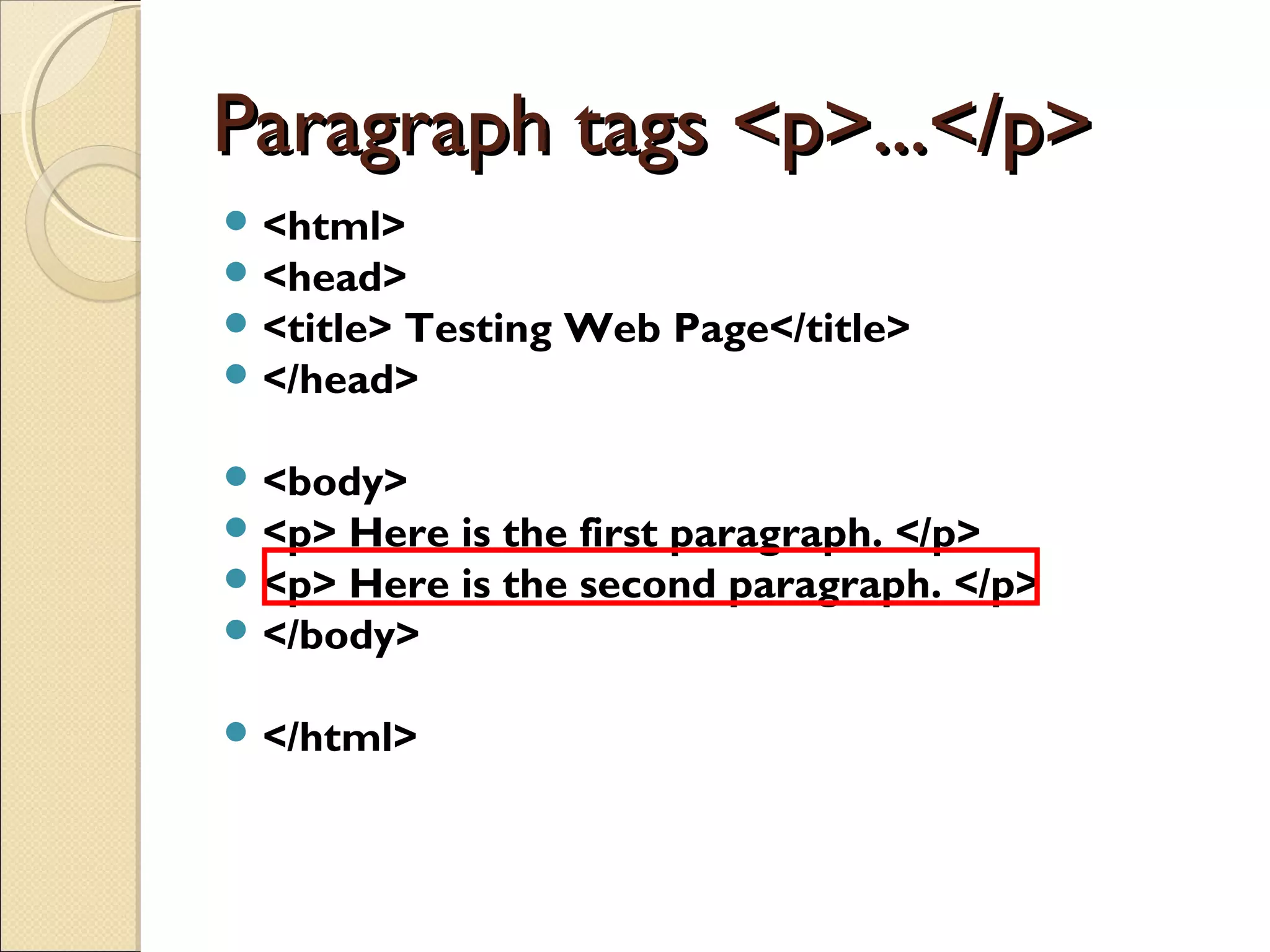
Paragraph tags <p>...</p>Paragraphtags <p>...</p>
<html>
<head>
<title> Testing Web Page</title>
</head>
<body>
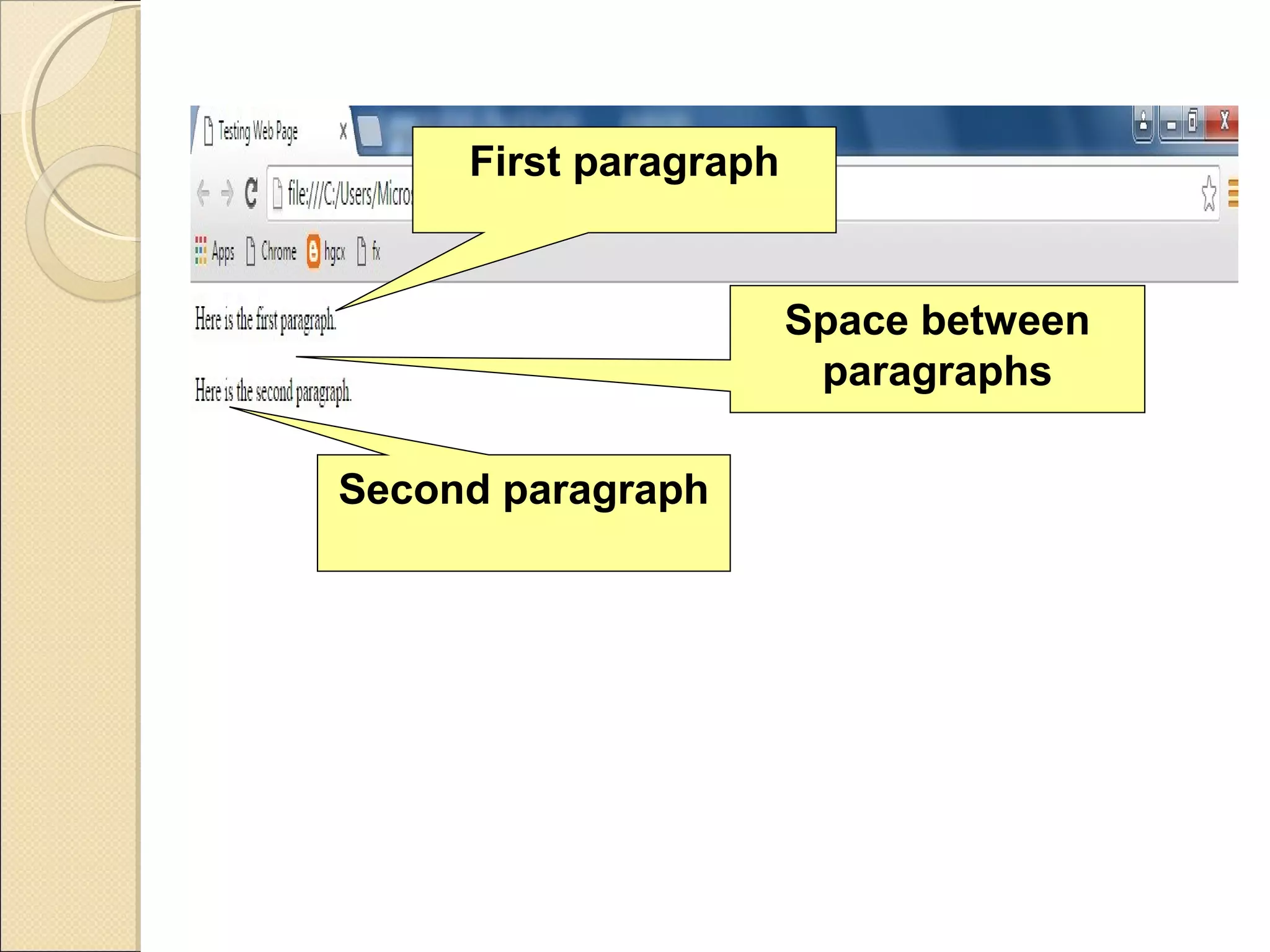
<p> Here is the first paragraph. </p>
<p> Here is the second paragraph. </p>
</body>
</html>
List tagsList tags
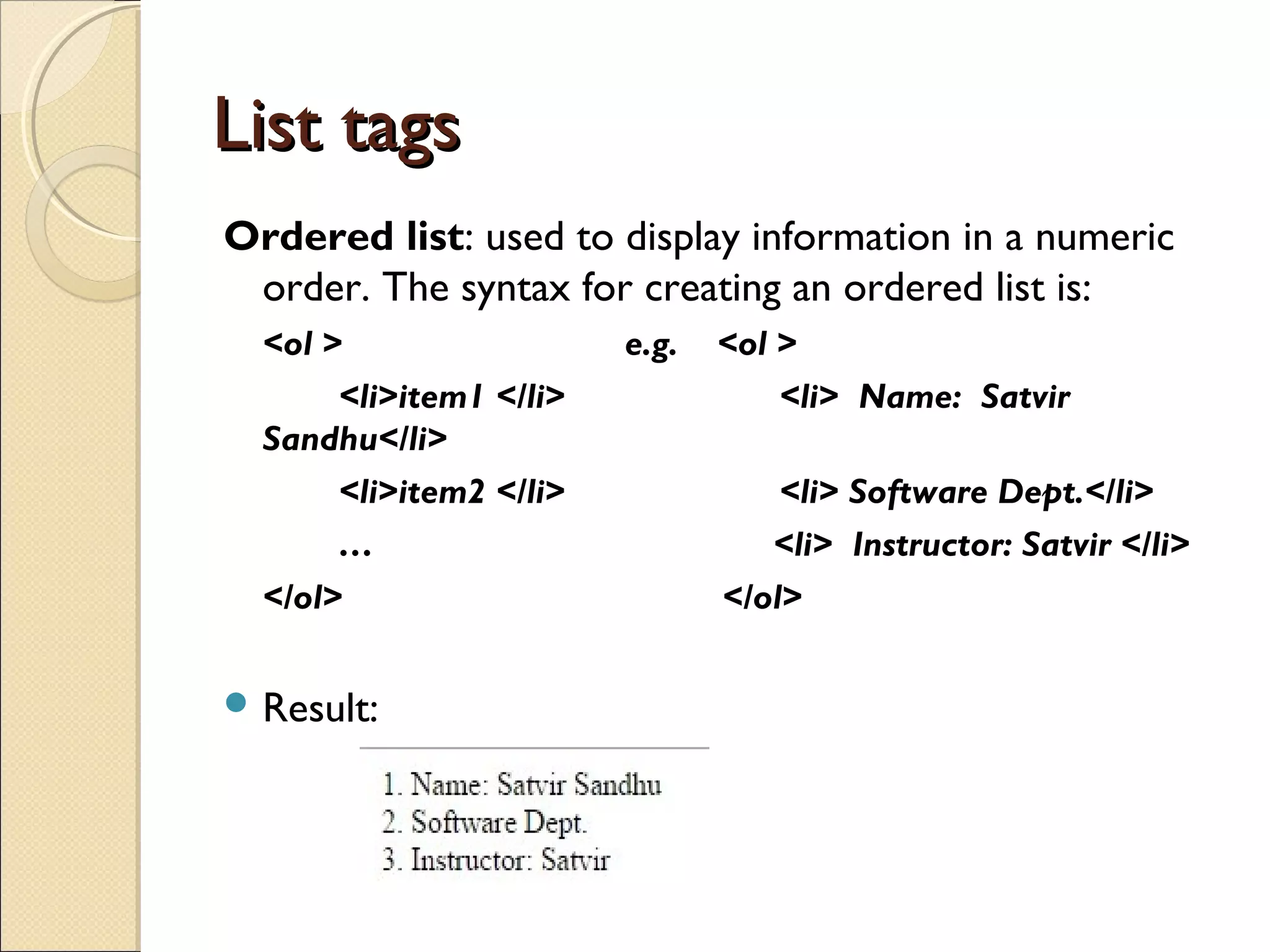
Orderedlist: used to display information in a numeric
order. The syntax for creating an ordered list is:
<ol > e.g. <ol >
<li>item1 </li> <li> Name: Satvir
Sandhu</li>
<li>item2 </li> <li> Software Dept.</li>
… <li> Instructor: Satvir </li>
</ol> </ol>
Result:
18.
List tagsList tags
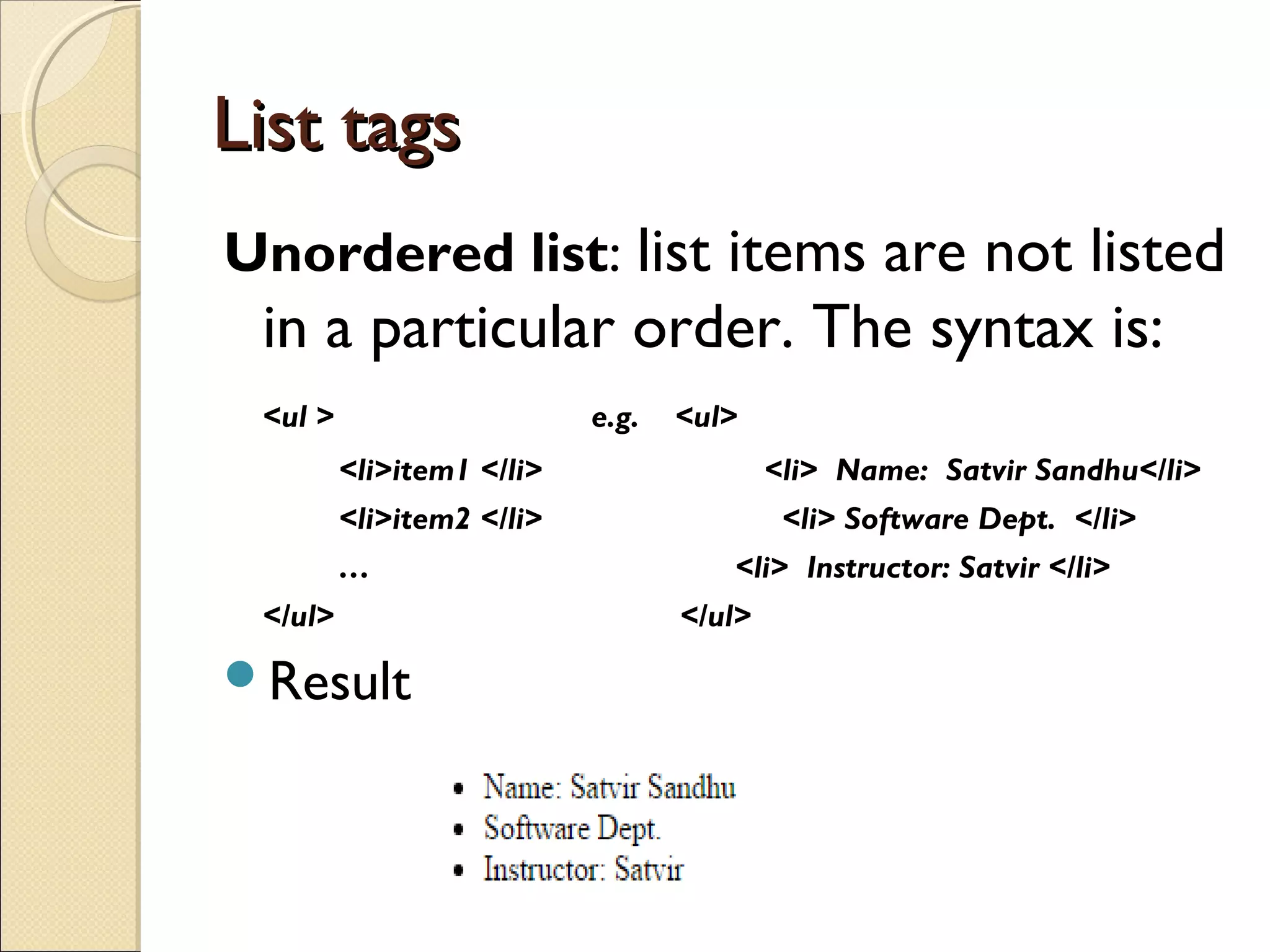
Unorderedlist: list items are not listed
in a particular order. The syntax is:
<ul > e.g. <ul>
<li>item1 </li> <li> Name: Satvir Sandhu</li>
<li>item2 </li> <li> Software Dept. </li>
… <li> Instructor: Satvir </li>
</ul> </ul>
Result
19.
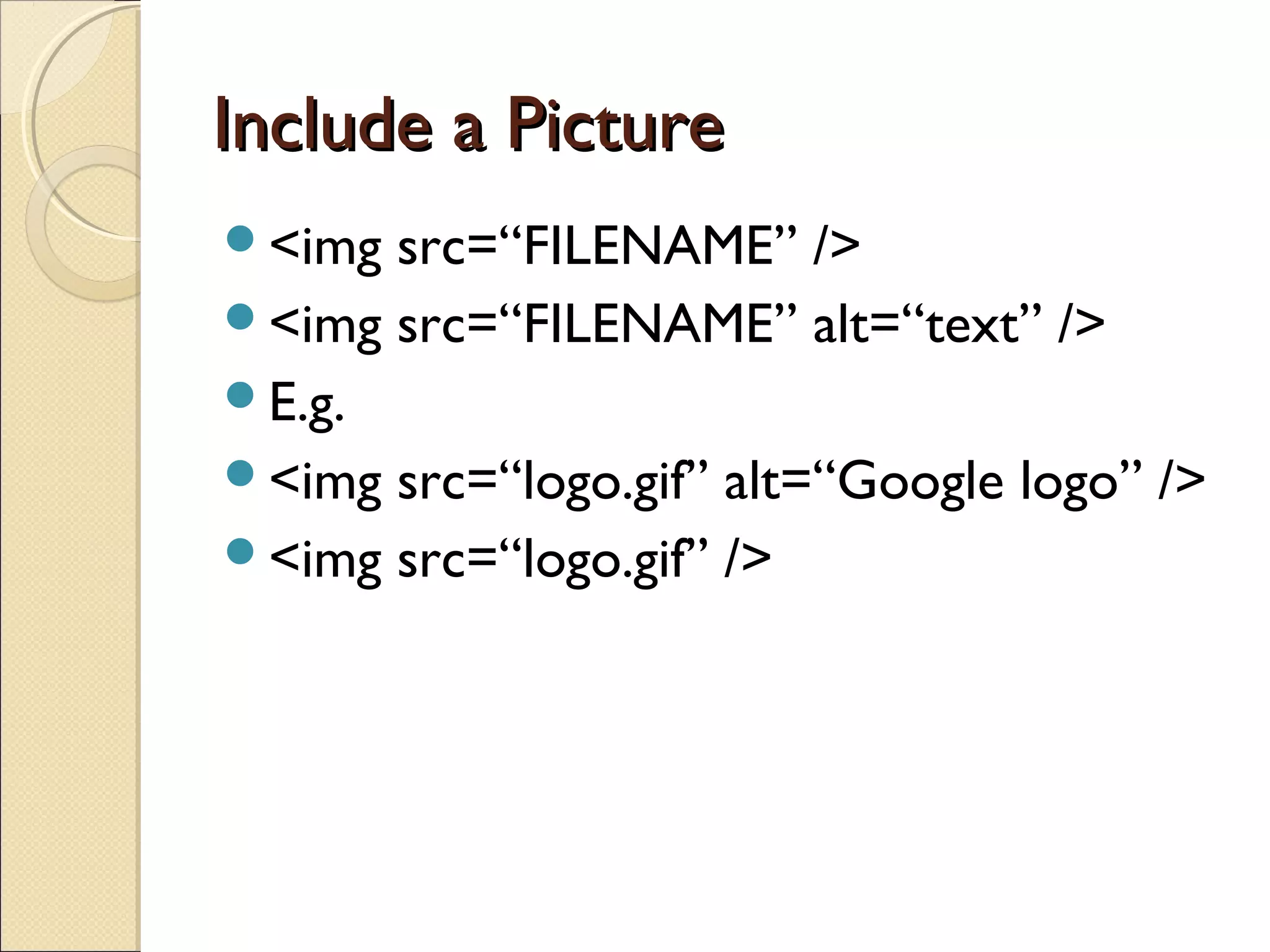
Include a PictureIncludea Picture
<img src=“FILENAME” />
<img src=“FILENAME” alt=“text” />
E.g.
<img src=“logo.gif” alt=“Google logo” />
<img src=“logo.gif” />