
 YouTube Movie Downloader


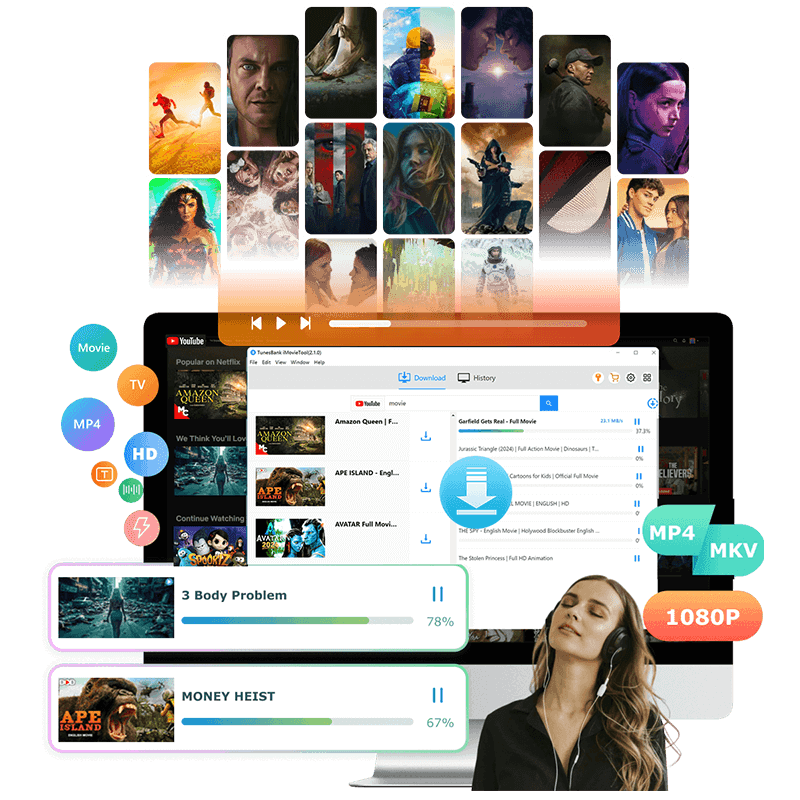
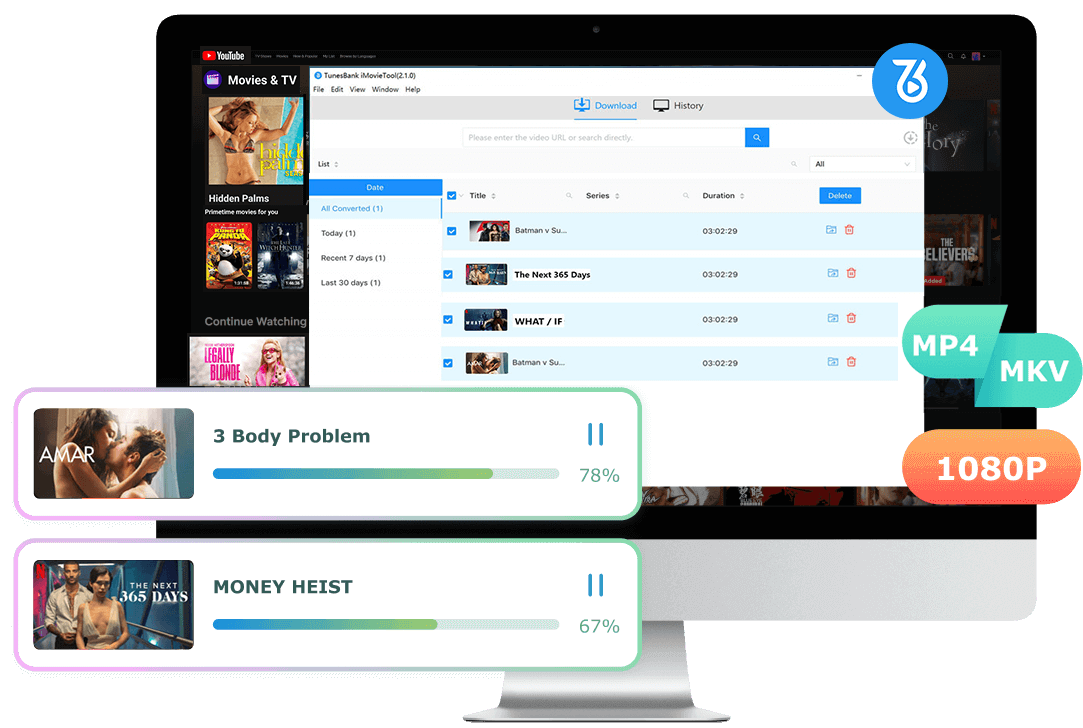
YouTube Movie Downloader is the best tool to download full-length movies and shows from YouTube Movies to MP4 or MKV format with 1080p/4k high quality. Even if you don't have a Premium, you can download free movies to Windows/Mac computer for offline watching.
Download YouTube movies and TV shows on Mac and PC.
Download free movies from YouTube Movies without Premium.
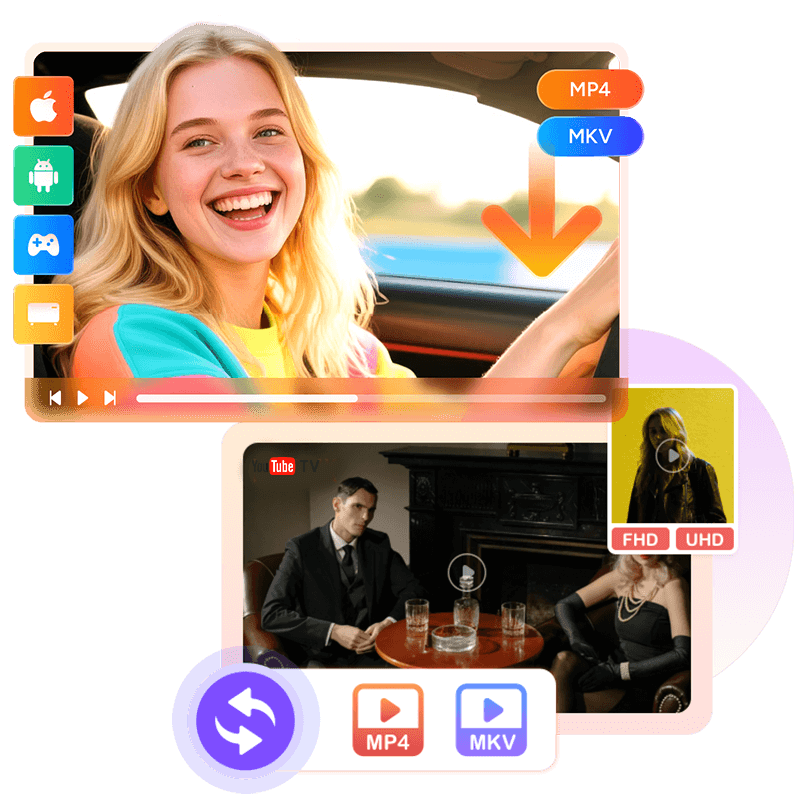
Download any YouTube videos to MP4 or MKV format.
Save YouTube movies and shows in HD 1080p or 4K quality.
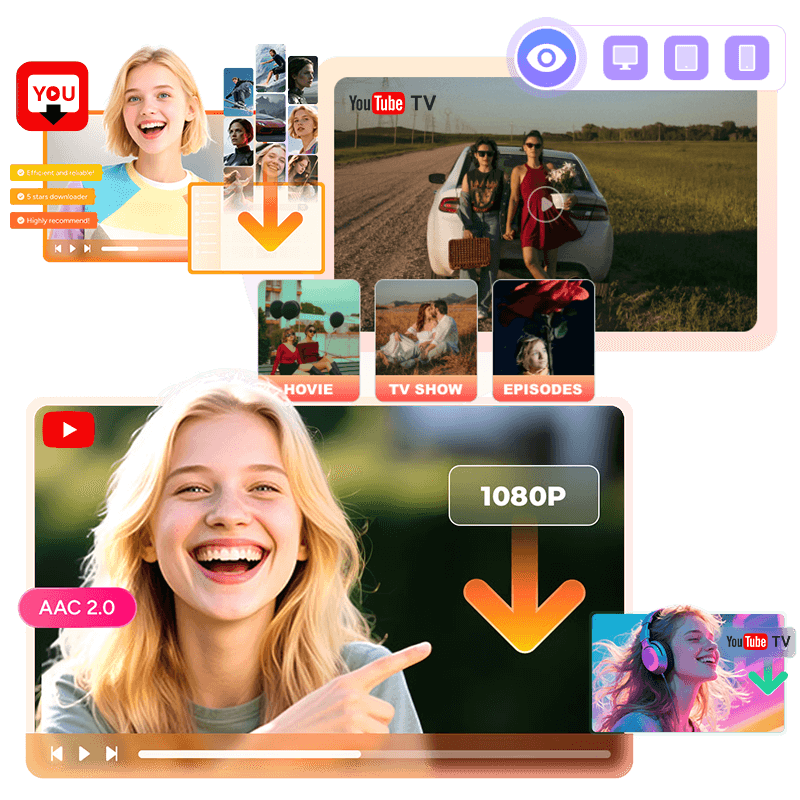
Preserve AAC 2.0 audio tracks and multilingual subtitles.
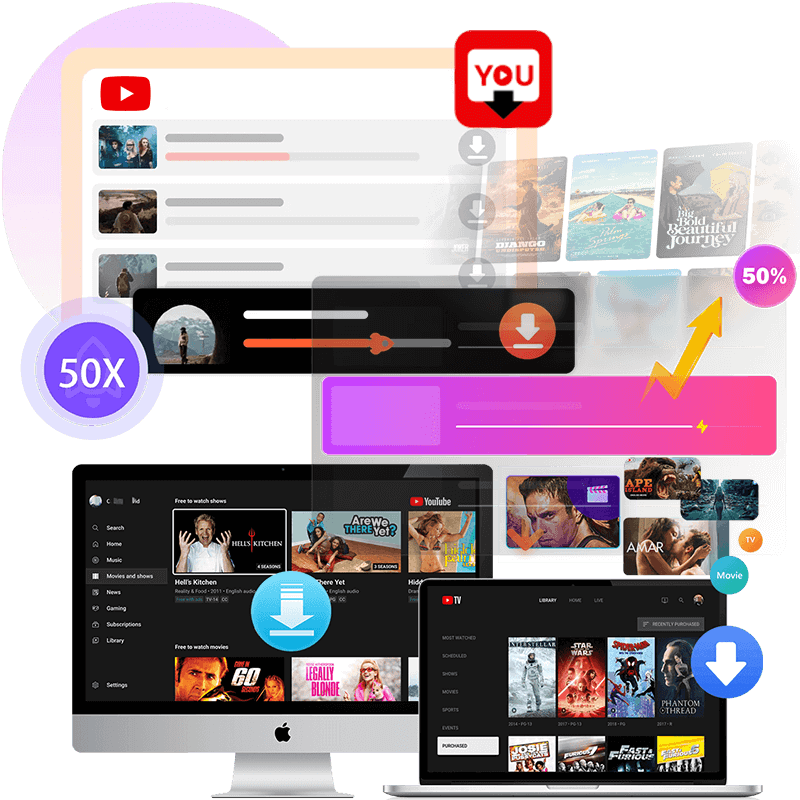
Batch download YouTube movies at up to 50X faster speed.
 Win
Win Mac
MacAttention: iMovieTool is a home edition available for personal use only.


Flexible Video Encoding
Our YouTube Movie Downloader supports both H.265 and H.264 video codecs, allowing you to balance file size and video quality for efficient storage and smooth playback.

Metadata Preservation
Automatically preserves original video metadata, including title, cast, cover, season information, dimension, and download date, helping you organize and manage your downloaded YouTube movies more efficiently.

Embedded Browser
With its built-in web browser for the YouTube Video library, iMovieTool lets you access, browse, search and download movies or TV shows you like in keyword, name, URL, without switching to YouTube app.

Multi-Language Interface
iMovieTool offers multi-language interface support, including English, Deutsch, Español, Français, Japanese, Czech, Danish, Indonesian, Malay, Turkish and Simplified Chinese. So you can use the software in your preferred language.
iMovieTool makes it easy to download YouTube movies and shows to MP4: launch the software and log in to YouTube account, search and add videos, define output settings and begin downloading.
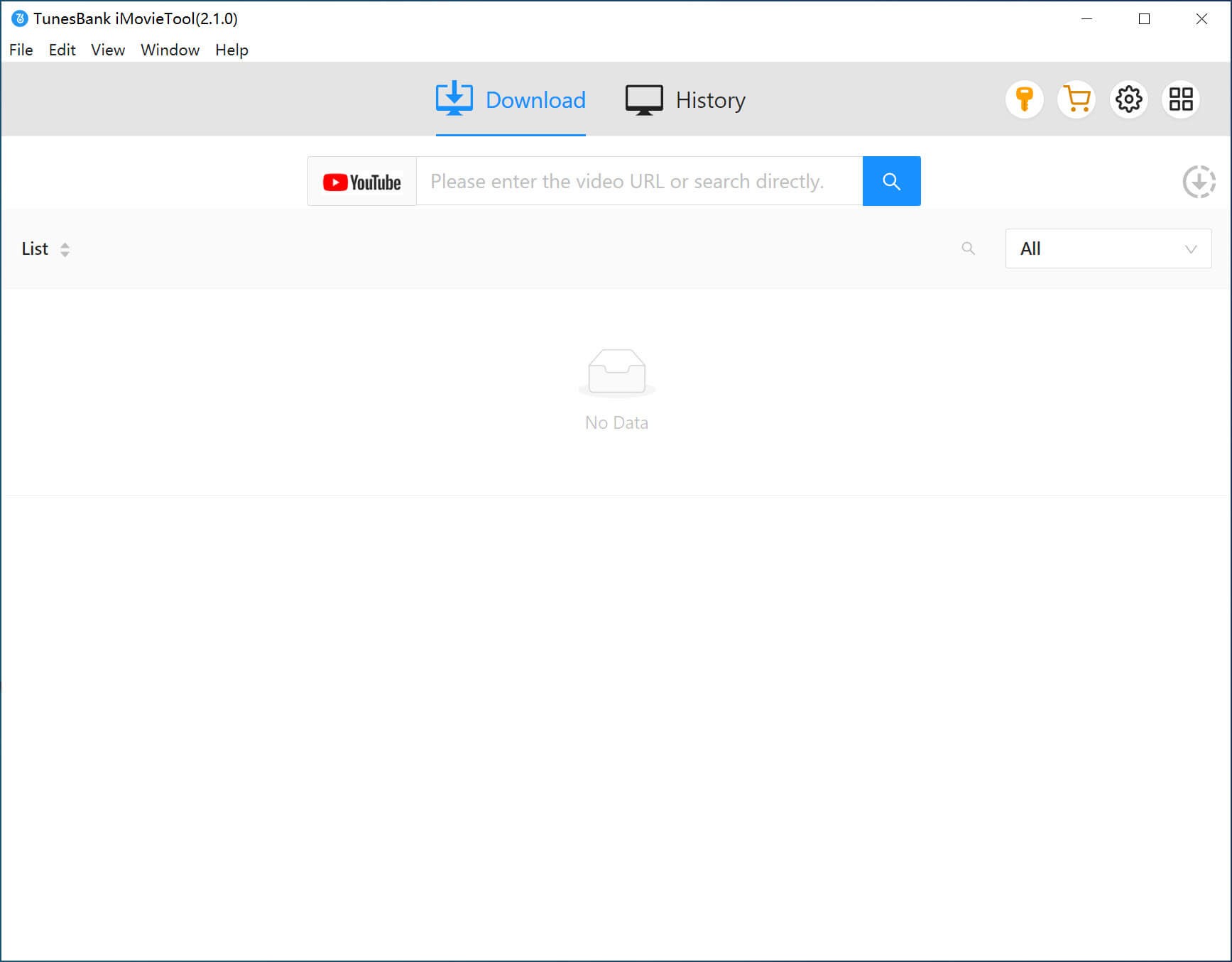
Step 1. Open iMovieTool and select YouTube service, log in too your YouTube free or premium account.
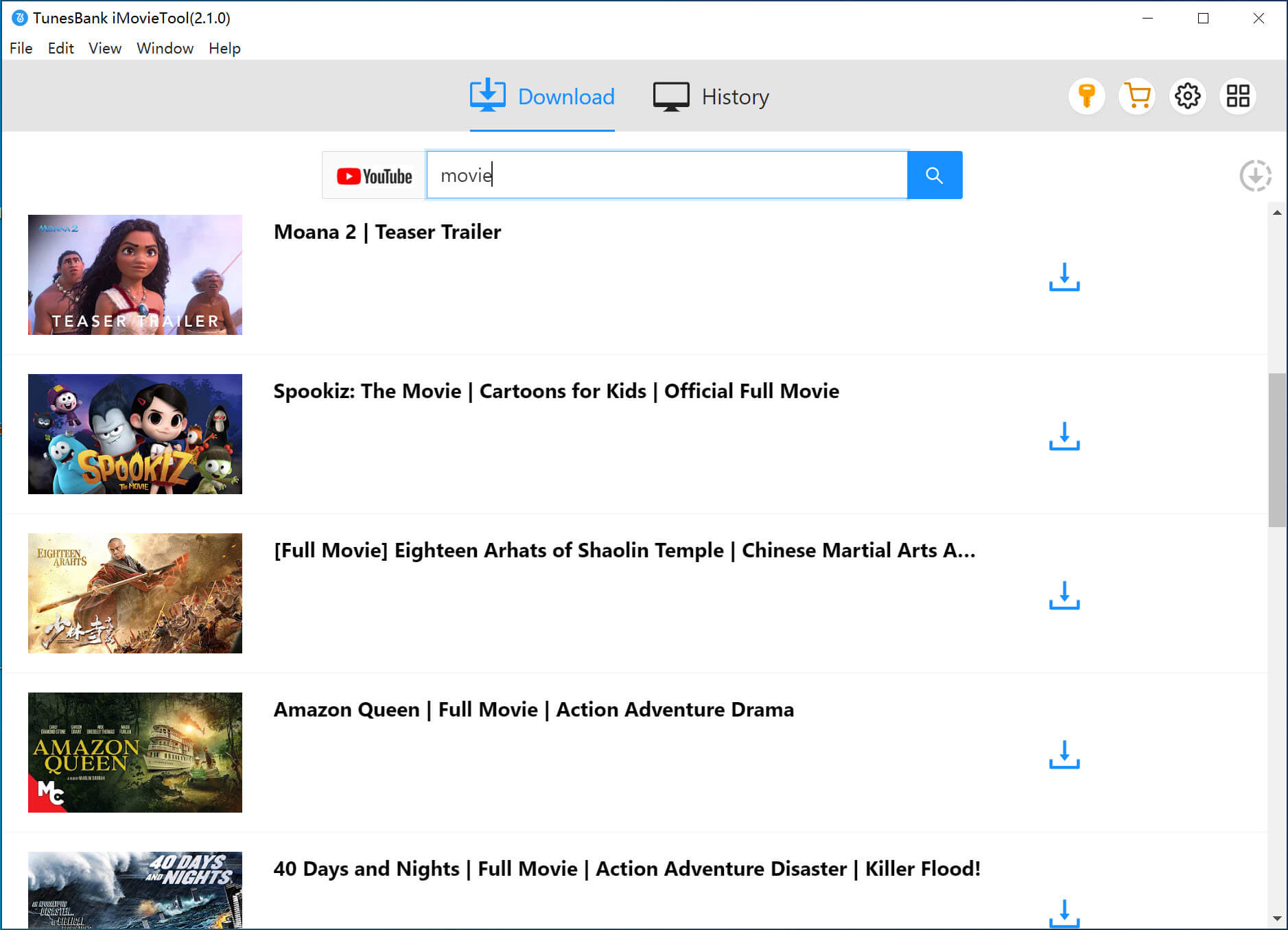
Step 2. On the built-in YouTube web browser, browse and find the movie or show you want to download.
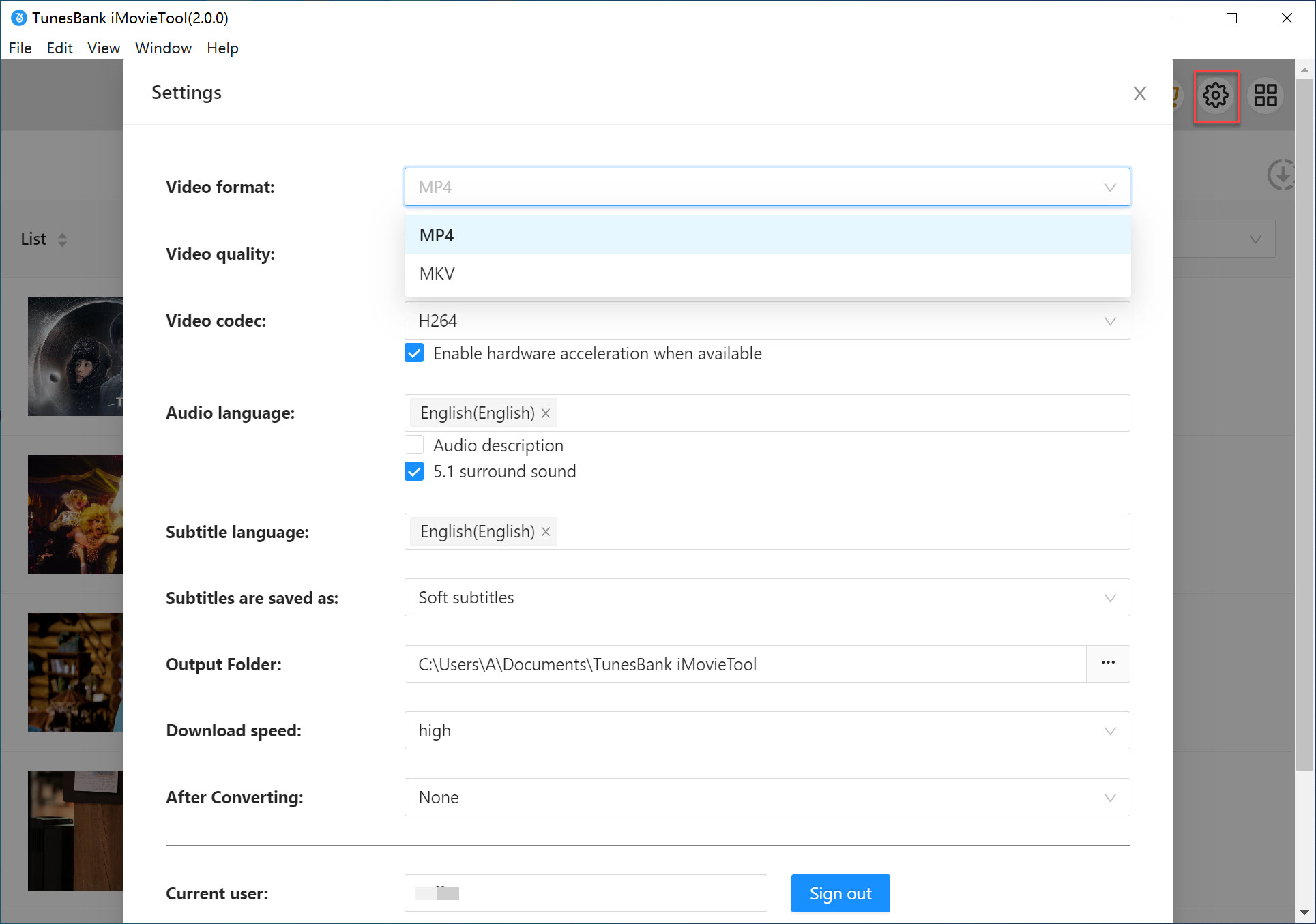
Step 3. Select video format (MP4/MKV), video quality. audio tracks, and subtitles.
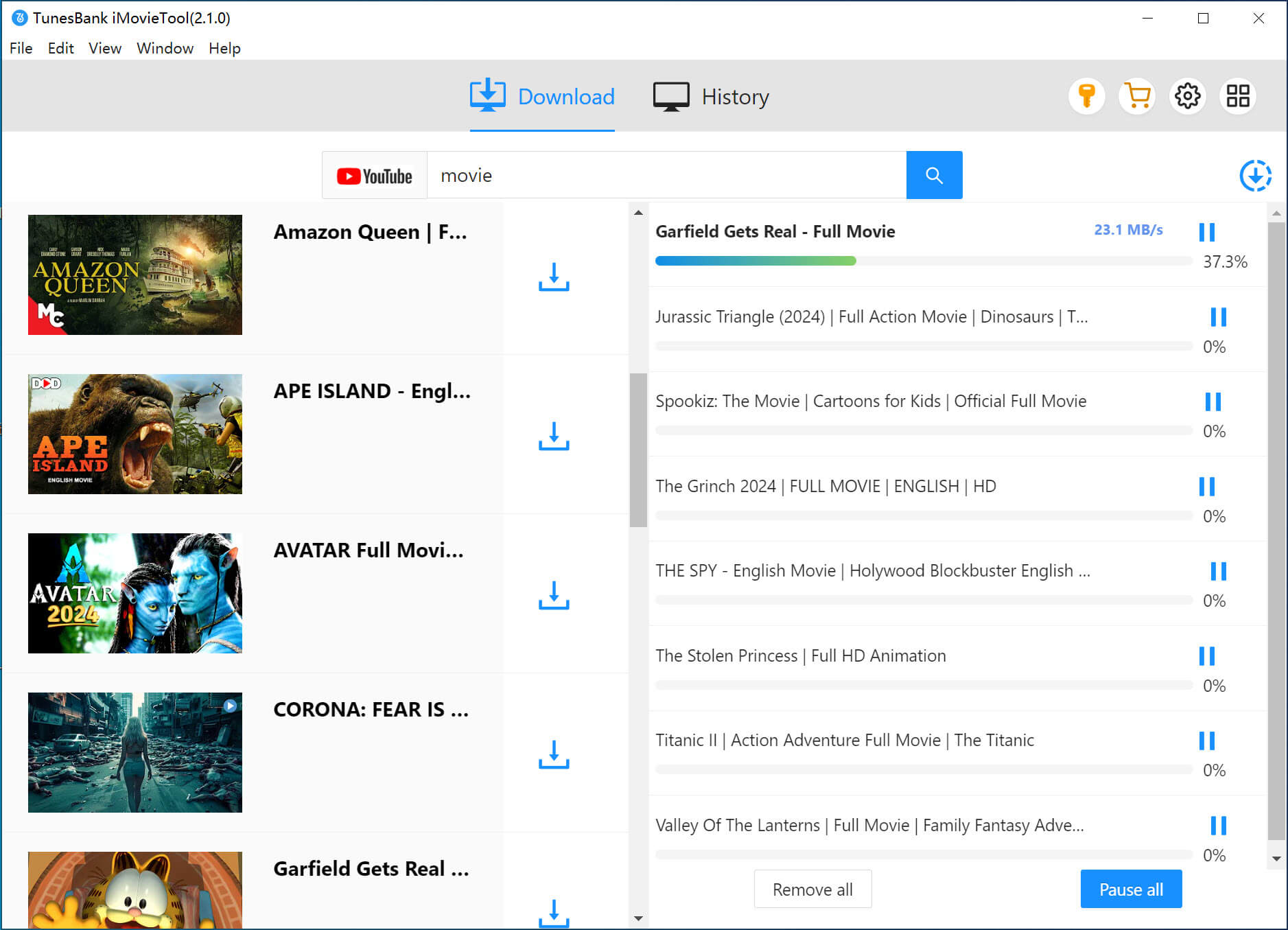
Step 4. Hit on "Download" button to start downloading YouTube movies or shows to Mac or PC in MP4 format.













Amelia

"This YouTube movie downloader has simplified my life by helping me move downloaded YouTube movies to USB drive. Now I can watch my movies on my Samsung TV from the USB drive without need an internet connection."

Charlotte
"Absolytely love iMovieTool YouTube Movie Downloader! It downloads my favorite K-Drama into 1080P MP4 files. Thus, I can keep the downloads and watch them anytime, anywhere. It is my best movie downloader tool!"

Liam
"Definitely a good YouTube downloader to save YouTube full-length movies and shows as 1080p MP4 files to watch offline. Simple user interface, customizable download settings and fast speed. Recommend! "
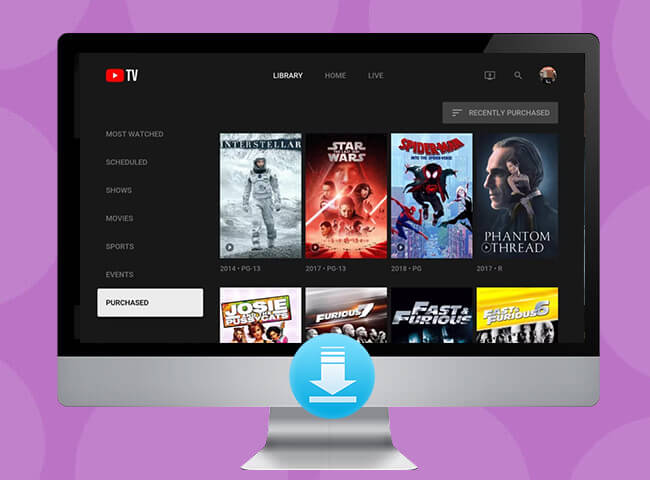
Easily Download YouTube Movies and TV Shows
 100% safely download. Recommended by most Netflix users.
 30-Day Money Back Guarantee
 100% Secure
 Transactions Protected
 Serving Millions of Users
 System Requirements:
 Ratings:

 Pricing:
 Supported Formats:

The free trial version of iMovieTool YouTube Movie Downloader allows new users to download the first six minute of each video. a limited number of videos in full functionality. To get the full version and enjoy unlimited downloads, please upgrade to a subscription plan or lifetime license.
Yes. iMovieTool YouTube Movie Downloader is 100% safe to use when downloaded videos from YouTube and other websites. It does not contain malware, spyware, or bundled software. The program uses secure encryption technology to protect your account information and privacy.
iMovieTool YouTube Movie Downloader is developed to personal use only. When downloading YouTube content, always comply with your local regulations and YouTube's terms of service. We do not encourage distributing, sharing, or using downloaded content for commercial purposes, it's 100% illegal.
Of course. Whether you are using a YouTube free or premium account, you can utilize our iMovieTool to get YouTube video free downloads onto your computer.
With iMovieTool YouTube Movie Downloader, you can download YouTube movies, TV shows, rentals, purchased content, and regular videos. Even if you don't have a YouTube Premium, the download functionality is still workable.
Yes. iMovieTool YouTube Movie Downloader supports batch downloading. You can download multiple YouTube movies or entire TV series at once, saving time by queuing all selected episodes in a single task.
On both Windows PC and Mac, downloaded YouTube videos are saved to the default output folder set in iMovieTool. You can also customize the save location in the settings panel before downloading.
No. When downloading YouTube videos with iMovieTool, YouTube videos are saved as local MP4 or MKV files and will not expire or be removed. You can keep them permanently for offline playback.
Yes. You can insert a USB flash drive and set it as the output path directly in iMovieTool's setting panel before downloading. Alternatively, download YouTube movies to MP4 on your PC or Mac first, then transfer the files to your USB drive manually.
iMovieTool is an all-in-one video downloader. It supports 8 major streaming platforms, including YouTube, Netflix, Amazon Prime Video, Hulu, Max, Disney+, Apple TV+, and Paramount+. Even without a subscription or license, all users can use it to download videos from 4 video-sharing websites like X, Facebook, Instagram, and TikTok for free.

TunesBank
Spotify Music Converter
Download Spotify songs, albums, playlists, podcasts and even audiobooks for listening offline without Premium.
Try It Free Try It Free


TunesBank
Apple Music Converter
Built-in Apple Music web player to download Apple Music tracks, playlists, and albums to MP3, M4A, WAV and FLAC.
Try It Free
Try It Free

TunesBank
Audible Converter
Remove DRM from Audible books, and Convert Audible AA/AAX to MP3, M4A, FLAC, and WAV files for listening in anywhere.
Try It Free
Try It Free


Products
Popular Solutions
Support
Copyright © 2026 TunesBank Software Inc. All rights reserved.


 United States (English)
 Japan (日本語)
 Russia (русский)
 Germany (Deutsch)
 France (Français)
 Spain (Español)
 Italy (Italia)
 Portugal (Portugues)
 China (繁体中文)
 Turkish (Türk dili)
 Dutch (Nederlands)
 Korean(한국인)
 Saudi Arabia(عربي)