Patch My PC Support Portal
Support
We own the Experience,
not just the case
Our roots are in the deep understanding of Microsoft technologies like Intune, Configuration Manager, WSUS.
That technical depth is important, but it is only part of what makes Patch My PC Support different.
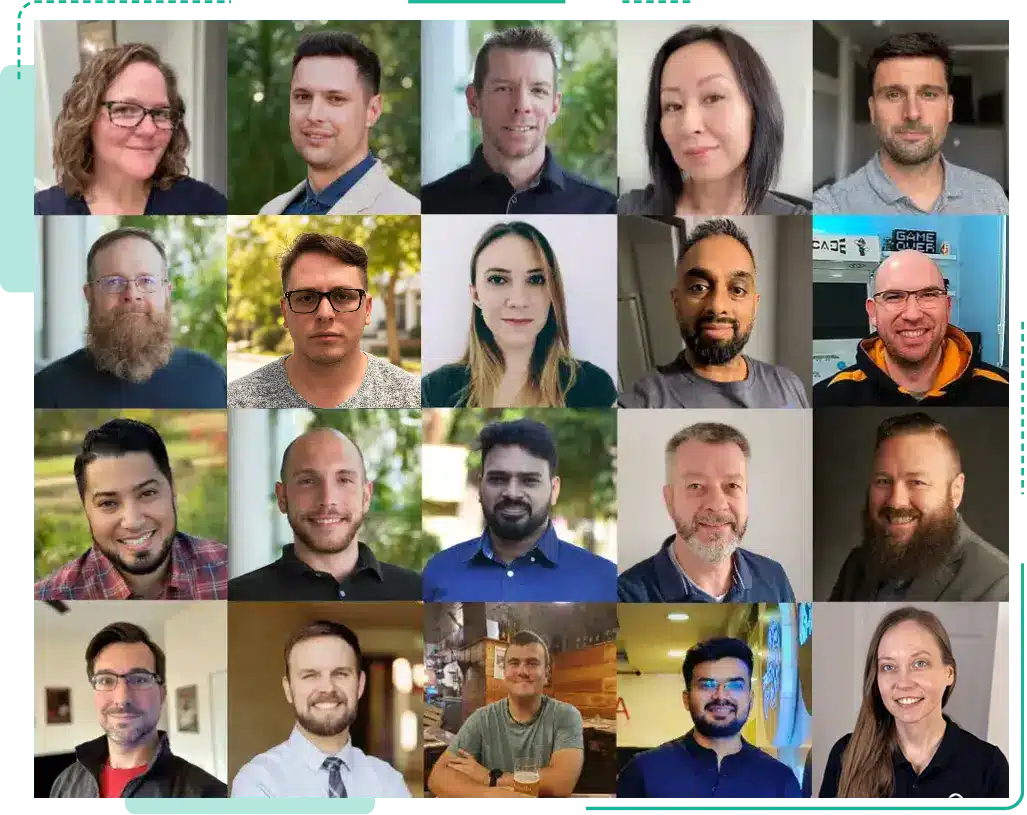
When you reach out to us, you are connecting with real people who care about getting you to the right outcome. Our team is made up of former system administrators, cybersecurity experts, Microsoft veterans, and MVPs who understand the ecosystem our customers rely on every day.
That experience is guided by our values. We believe support should be clear, honest, and personal. That means being transparent about what we know, what we are investigating, and what happens next. It means taking ownership, collaborating closely, and giving you clear next steps while keeping the experience human from start to finish.
We recognize that our software is only part of a broader ecosystem within your organization.
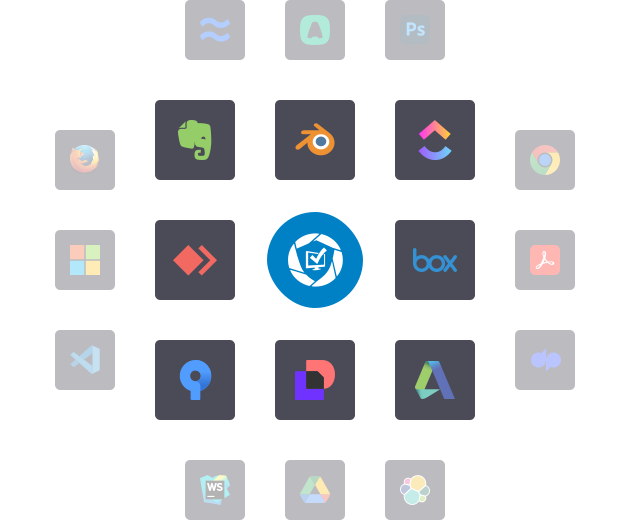
It works alongside Configuration Manager, Intune, WSUS, Azure, Entra ID, and other Microsoft technologies. Challenges don’t always sit neatly within a single product.
While we don’t provide direct support for Microsoft technologies, we know that issues with them can sometimes prevent you from using our software effectively. In those situations, we’ll work with you to assess the impact, share guidance based on our experience, and remain alongside you if Microsoft’s direct involvement is required.
Our goal is to make sure you are supported throughout the process and never left without direction or clarity.
What We Support
We’ll always help where we can, and we’ll be clear when something needs input from another party or vendor. The categories below explain how we handle different support scenarios.
How to Reach Us
Submitting a case ensures your request is routed straight to the right engineer with the relevant expertise, so it can be reviewed immediately.
By including logs and context upfront, we can quickly diagnose issues, recognise common patterns, and provide a faster, more accurate resolution.
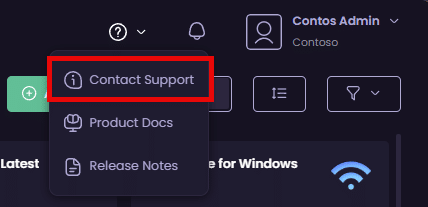
Open a case here or via the support icon in the Patch My PC Cloud portal.
Live chat is ideal for quick questions and real-time guidance, especially when you need fast clarification or help moving forward.
Live Chat works best for:
- Simple “how do I…?” questions
- Clarifying product behavior or settings
- Guidance on next steps or documentation
- License or access questions
Chat can be accessed via the bottom-right corner of our website.
Support Response Goals and Targets
Support from Patch My PC is included at no additional cost.
While not a formal Service Level Agreement (SLA), we maintain the following internal goals to ensure a consistent, responsive, and high-quality experience for all our customers.
Patch My PC provides near-continuous support coverage through a follow-the-sun model spanning multiple global time zones.
Our engineers are distributed across North America, Europe, India, and Australia, with intentional overlap between regions to ensure continuity of support.
| Metric | Target |
|---|---|
| Initial Case Response | Within 4 hours |
| Case Escalation | Trigger after 24 hours (initiates case review) |
| Case Resolution | Target 90% of cases resolved within 5 business days |
| Critical/Urgent Priority | Support follows the targets above with a “Follow-the-Sun” model (engineer hand-off across time zones during business week) |
Popular Support Links


