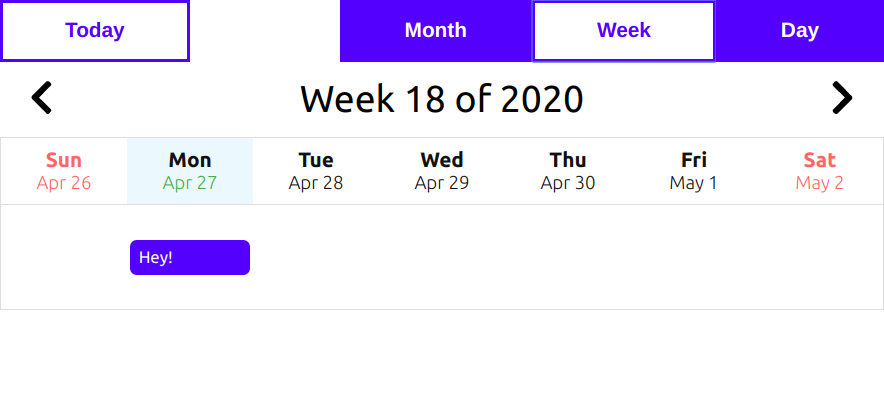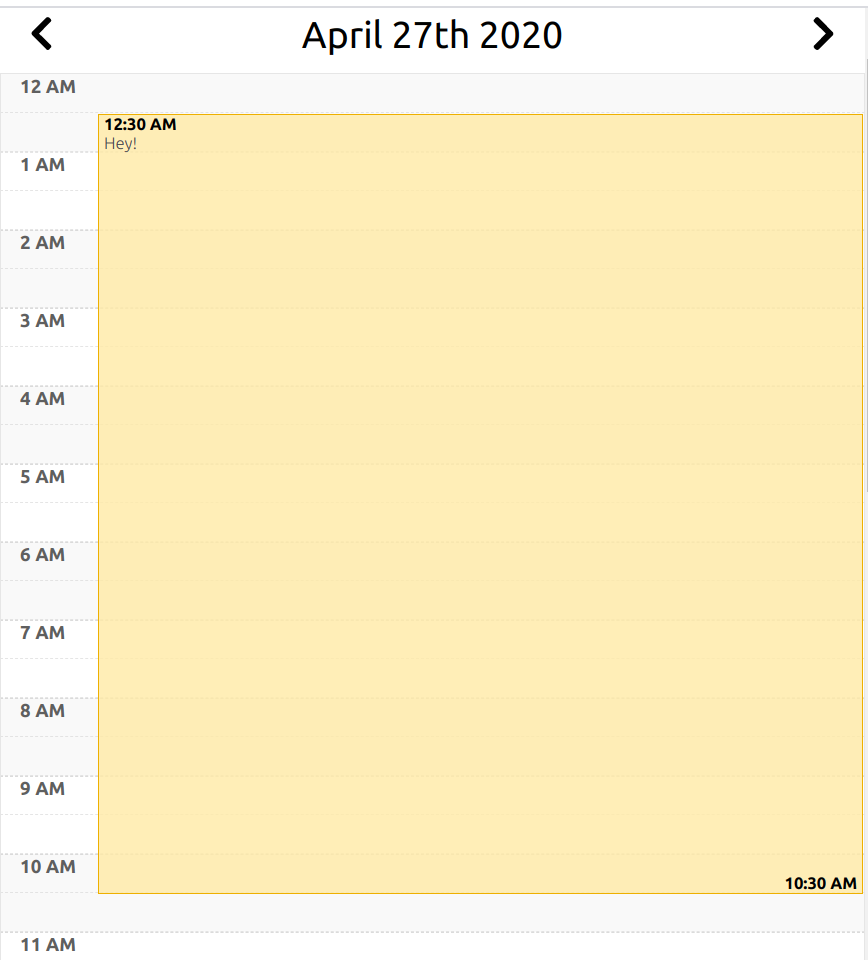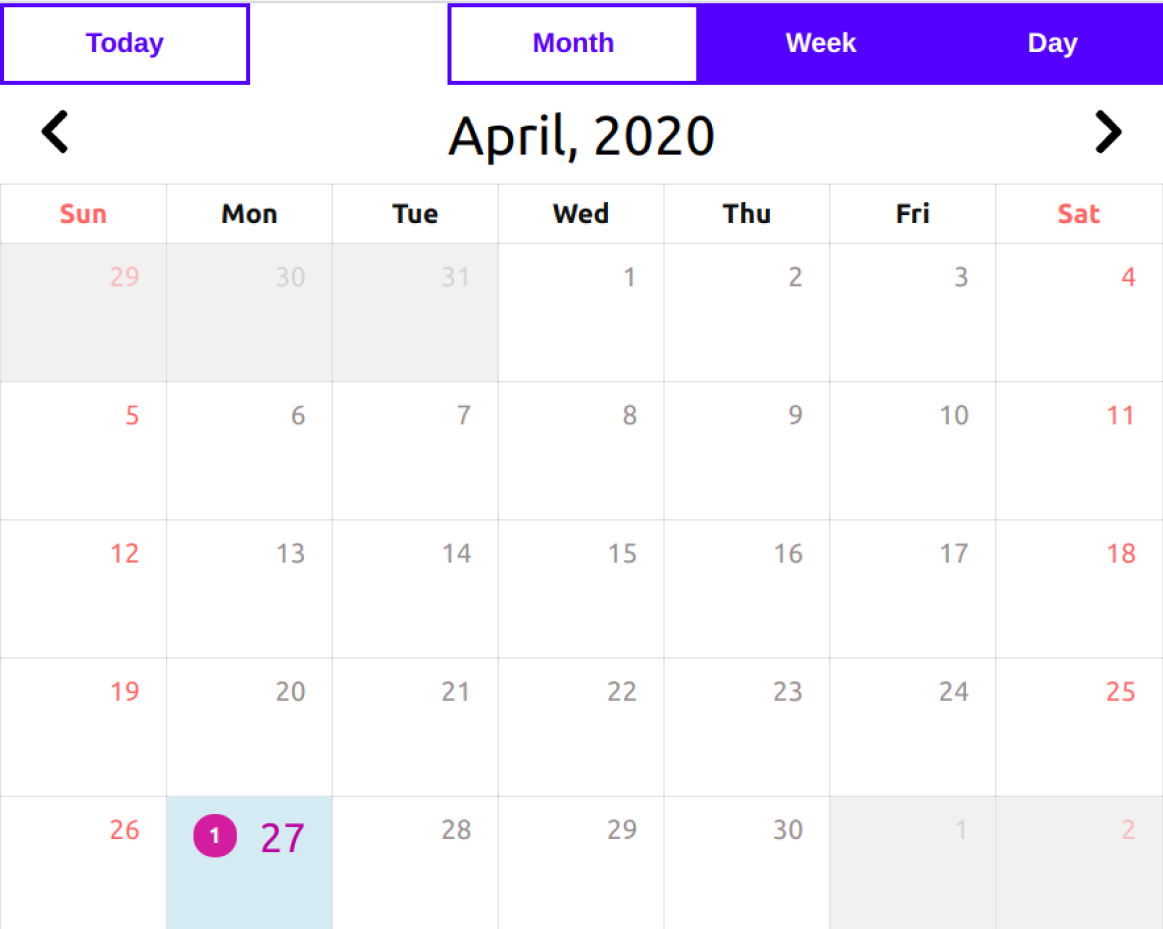
- Add events to calendar
- Display Day wise, Week wise and Month wise
- Install by executing
npm install mreactcalendaroryarn add mreactcalendar. - Import by adding
import Calendar from 'mreactcalendar'. - Use by adding
<Calendar />. - Available props to
Calendarare :- Use
eventsprop to add events to the calendar.Eventsshould an array of objects with required property i. e. start, end and title.
- Other props are:
dayviewstart,dayviewendandviewthough they have default you can change it to provide your default value. - In order to enable drag and drop to calendar you can use
dropFromOutsideprop. - Events can be clicked and to get the detailed data about data you can pass the prop
eventClickedwhich provide access to event data.
- Use
mreactcalendar is under constant development. This documentation is written for mreactcalendar v-2.0.0 .
Your project needs to use React 16.3 or later.
mreactcalendar uses modern web technologies. That's why it's so fast and lightweight.
Add React-Calendar to your project by executing npm install mreactcalendar or yarn add mreactcalendar.
Here's an example of basic usage:
import React, { Component } from 'react';
import Calendar from 'mreactcalendar';

class MyApp extends Component {
  state = {
    events: {
      start: new Date(),
      endt: new Date(),
      title: 'Hey!'
    }
  }

  handleDrop = (event) => {
    // with help of event data you can get access to date property.
  }

  eventPressed = event => {
    // capute the event that has been clicked.
  }


  render() {
    return (
      <div>
        <Calendar
          events={this.state.events}
          dropFromOutside={this.handleDrop}
          dayviewstart='6:00'
          dayviewend='20:59'
          eventClicked={this.eventPressed}
        />
      </div>
    );
  }
}