

CodeRabbit Agent is an AI agent for your entire SDLC right in Slack:Documentation Index
Fetch the complete documentation index at: https://docs.coderabbit.ai/llms.txt
Use this file to discover all available pages before exploring further.
- Investigate — Ask questions about your codebase, trace features, and cross-reference Sentry errors with merged PRs and Jira issues, all in natural language.
- Plan — Generate structured from any Slack thread and hand them off to Claude Code, Codex, Cursor, or any coding agent.
- Act — Discuss requirements with your team, reference Linear issues or Figma drafts, then ask CodeRabbit to open a pull request incorporating everything.
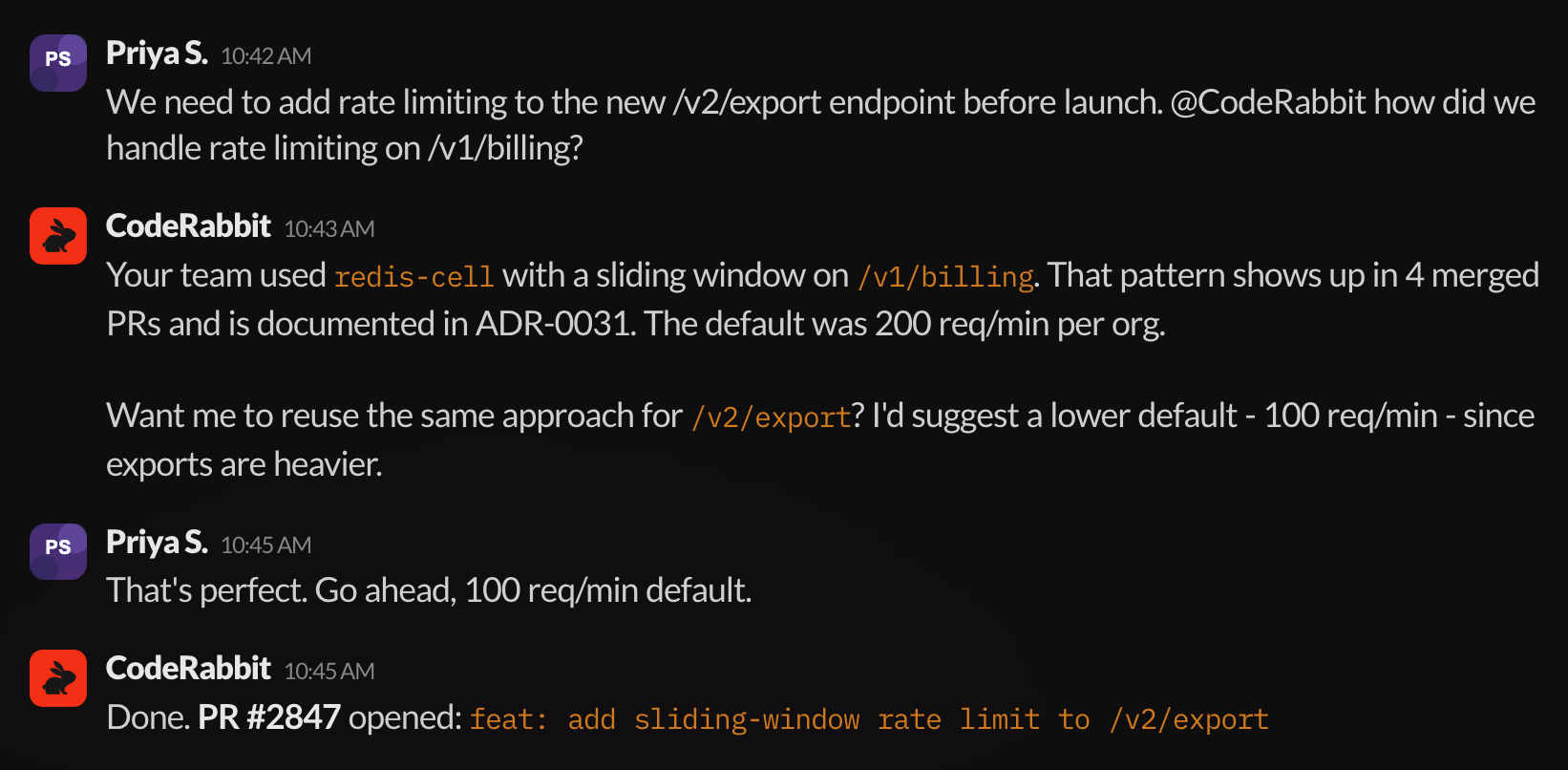
@coderabbit mentions in channels and threads, and to direct messages — no special syntax required. Every response runs within the , so the Agent only sees the repositories and connections your admins have approved for a specific channel. Context carries over between messages, a persistent retains what your team discovers, and every conversation can be reviewed after the fact.
Scopes
Control which repositories, connections, and settings are available per
channel or DM.
Connections
Integrate with Jira, Linear, Notion, Sentry, Datadog, PagerDuty, Figma,
Google Drive, MCP servers, and more.
Automations
Save scheduled or message-triggered work — vulnerability checks, weekly
summaries, alert triage, and periodic audits — that post results into Slack
threads.
Sandboxes
Shared environments where CodeRabbit Agent works on code changes and prepares
pull requests.
Knowledge Base
Persistent, team-wide store of facts and decisions that enriches every
conversation.
Thread reviews
Web-based inspection of any CodeRabbit Agent conversation, with full context and
citations.
What’s next
CodeRabbit Agent for Slack documentation
Full documentation covering capabilities, administration, security, and day-to-day usage.
CodeRabbit architecture
The system behind every Coding Plan, review comment, and CodeRabbit Agent response.