Current configured baseUrl = / (default value)\n We suggest trying baseUrl = \n\n',document.body.prepend(n);var e=document.getElementById("__docusaurus-base-url-issue-banner-suggestion-container"),s=window.location.pathname,o="/"===s.substr(-1)?s:s+"/";e.innerHTML=o}document.addEventListener("DOMContentLoaded",function(){void 0===window.docusaurus&&insertBanner()})
Optimized for performance to handle large codebases with thousands of files. Spell check your entire project in seconds. Built-in and add-on dictionaries for dozens of programming and human languages are available. Extensible with custom word lists and dictionaries. VS Code extension, CLI tool, ESLint plugin. Integrate into your editor, CI/CD pipeline, or build process. cspell-cli — This will add the Contributions are welcome! See our contribution notes. Note: To add or remove words in a dictionary, visit cspell-dicts. 🙏 Special thanks to all of our amazing contributors! 🥰 Houssem Dellai James Q. Quick Syntax Bald. Bearded. Builder. Tom on the Internet Coding With Adam Coding with Estefania Sean C Davis QiroLab vlogize Brought to you by 
Lightning Fast
Multi-Language
Works Everywhere
cspell-cli is useful for including cspell directly from GitHub.npm install -g git+https://github.com/streetsidesoftware/cspell-clicspell-cli command, which is an alias of the cspell command.


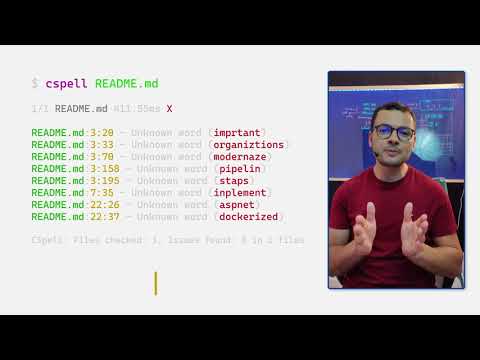
Spell Checking Documentation in DevOps Pipelines
Don't Worry About Spelling...VS Code Can Do It For You!!

Spell Checking In VSCode - VSCode Pro Tips

Spell Check in VS Code with Code Spell Checker - Extension Highlight
Spell check your code from the command line with Cspell

How to Use VS Code Spell Checker - Detailed walkthrough to setup and use multiple languages

Code Spell Checker Extension for Visual Studio Code

Quick Tip: Use a Code Spell Checker
Top 22 Must-Have VSCode Extensions for Frontend Developers
How to Use Cspell --file-list with Node.js
 Street Side Software


