We’ve transitioned to a Sustaining Engineering model to better serve the customers who rely on us every day. Our mission is simple: to provide the most stable, secure, and reliable environment for your apps and data. We will continue releasing features and functionality that align with our Sustaining Engineering goals and provide a more robust and efficient platform to our customers.
Today we are excited to share three recent enhancements:
The post Heroku March 2026 Update appeared first on Heroku.
]]>We’ve transitioned to a Sustaining Engineering model to better serve the customers who rely on us every day. Our mission is simple: to provide the most stable, secure, and reliable environment for your apps and data. We will continue releasing features and functionality that align with our Sustaining Engineering goals and provide a more robust and efficient platform to our customers.
Today we are excited to share three recent enhancements:
- 1GB slug limits: We’ve doubled the default compressed slug size from 500MB to 1GB to support complex libraries and AI/ML frameworks.
- Longer build timeouts: More flexibility for complex builds that need extra time to compile.
- Heroku CLI v11: A complete architectural move to ESM and oclif v4, delivering faster execution and better maintainability.
You can follow the Heroku Changelog to keep track of the work we do to keep your apps reliable and secure.
The post Heroku March 2026 Update appeared first on Heroku.
]]>Heroku CLI v11 is now available. This release represents the most significant architectural overhaul in years, completing our migration to ECMAScript Modules (ESM) and oclif v4. This modernization brings faster performance, a new semantic color system, and aligns the CLI with modern JavaScript standards. While v11 introduces breaking changes to legacy namespaces, the benefits are […]
The post Modernizing the Command Line: Heroku CLI v11 appeared first on Heroku.
]]>Heroku CLI v11 is now available. This release represents the most significant architectural overhaul in years, completing our migration to ECMAScript Modules (ESM) and oclif v4. This modernization brings faster performance, a new semantic color system, and aligns the CLI with modern JavaScript standards.
While v11 introduces breaking changes to legacy namespaces, the benefits are substantial: better performance, improved maintainability, and enhanced usability that simplifies how you manage Heroku resources from the command line.
Modern architecture built for performance and usability
Faster execution via ECMAScript Modules (ESM)
The transition to a full ESM-first architecture is the core of v11. By converting every command, library, and test from CommonJS to ESM, we’ve unlocked significant performance gains:
- Superior tree-shaking: Reduced bundle sizes lead to a leaner installation and faster updates.
- Faster command execution: Optimized module loading streamlines the internal execution path.
- Modern ecosystem alignment: The CLI now mirrors the standards of modern JavaScript, simplifying long-term maintenance.
Streamlined performance with Open CLI Framework (oclif) v4
We’ve jumped two major versions to oclif v4, bringing the CLI in line with the latest standards of the Open CLI Framework. This transition delivers:
- Faster command loading: Improved manifest caching ensures the CLI doesn’t have to parse every command for every interaction, making the experience significantly faster.
- Seamless interoperability: Version 11 ensures smooth compatibility between CommonJS and ESM plugins, allowing for a more flexible developer experience.
- Modular code organization: The upgrade to oclif v4 enables granular imports, leading to a leaner and more maintainable codebase.
To support these changes, we’ve also simplified our build system—migrating from Yarn to npm and removing the monorepo structure in favor of a single, more maintainable package.
Enhanced visual experience
Usability in v11 extends to how you interact with and interpret terminal data. The CLI’s visual output is now more intuitive, customizable, and accessible:
- Consistent semantic colors: Common Heroku resources, success, warning, and error messages now follow a unified color palette, making it easier to identify critical information at a glance.
- Modern theme support: With Version 11, the Heroku CLI is now themeable, allowing for a more modern and readable visual experience. You can also manually opt for a basic ANSI color scheme by setting the
HEROKU_THEME=simpleenv var. - Global accessibility: Version 11 supports disabling colors entirely by setting the
NO_COLOR=trueenv var for users with visual impairments or those who prefer plain-text logging.
Node.js 22 support
The Heroku CLI v11 ships with Node.js 22 while maintaining Node.js 20 compatibility, providing several key benefits:
- Modern runtime access: Users can now leverage the latest JavaScript features and performance improvements provided by the Node.js 22 runtime.
- Latest standard alignment: The update ensures the CLI remains current with the evolving JavaScript ecosystem.
- Performance-first foundation: Supporting the latest LTS version of Node.js is essential for delivering the performance gains of our new ESM-first architecture.
New commands for modern Heroku workflows
We have also focused on the day-to-day developer experience. These updates refine how you interact with your Heroku resources and make it easier to discover the tools you need:
- Unified data maintenance: The
heroku data:maintenance:*commands are now built into the core CLI. Note that legacyheroku pg:maintenanceandheroku redis:maintenancecommands have been deprecated. - Fast command discovery: Can’t remember a command name?
heroku searchhelps you find it fast. - Global prompt support: The
--promptflag is now available globally and appears in help text for all commands that support it. - Streamlined REPL invocation: Access to REPL is now accessible via
heroku repland included in our CLI documentation and help text. Try it out!
Transitioning to Heroku CLI v11
To support this new architecture, v11 includes a few updates to how certain commands and outputs behave. While these represent a shift from legacy versions, they are designed to make your workflow cleaner and more consistent:
- Output formatting: CLI output format has changed in v11, with the most visible changes in table formatting.
- AI plugin: To keep the core installation lean and fast, the
heroku-cli-plugin-aiis now an optional installation rather than being bundled by default. - Unified maintenance commands: We’ve simplified data management by moving maintenance tasks into the core
data:maintenance:*namespace. This replaces the legacypg:maintenanceandredis:maintenancecommands with a single, intuitive workflow.
A modernized CLI for a modern ecosystem
Heroku CLI v11 is a complete technical modernization designed to grow with the JavaScript ecosystem, and represents a major investment in the CLI’s future. By modernizing our architecture with ESM and oclif v4, we’ve built a faster, more maintainable foundation that will enable us to ship features more quickly while improving the developer experience.
Upgrade today or visit the installation guide. For a full list of updates, check out the CLI changelog. As always, we welcome your feedback as we continue to improve the developer experience.
The post Modernizing the Command Line: Heroku CLI v11 appeared first on Heroku.
]]>Modern applications, especially those leveraging AI and data-heavy libraries, need more room to breathe. To support these evolving stacks and reduce developer friction, we’ve increased the default maximum compressed slug size from 500MB to 1GB. Understanding app slugs and deployment App slugs are the container build artifacts produced by Heroku Buildpacks and run in dynos. […]
The post Bigger Slugs and Greater Build Timeout Flexibility appeared first on Heroku.
]]>Modern applications, especially those leveraging AI and data-heavy libraries, need more room to breathe. To support these evolving stacks and reduce developer friction, we’ve increased the default maximum compressed slug size from 500MB to 1GB.
Understanding app slugs and deployment
App slugs are the container build artifacts produced by Heroku Buildpacks and run in dynos. Allowing larger slugs makes it easier to deploy apps with large library or package dependencies on Heroku. Many AI and machine learning libraries fit this pattern and we’re looking forward to seeing what new types of apps will be possible with the higher limit.
How this can affect your dyno boot times
While the new 1GB limit provides more headroom, there is a direct correlation between slug size and dyno boot times. Larger slugs are slower to download and extract and starting large apps takes longer, which can slow down common tasks like scaling and heroku run commands. We still recommend that you try to keep slugs small and nimble to ensure optimal performance.
Increased build compile timeouts for complex apps
We’re also increasing the build compile timeouts as part of this change. Build timeout is another limitation commonly hit for complex Heroku apps with many dependencies. Heroku already has a lot of flexibility to allow occasional long-running builds when build caches are cleared, and today’s update increases these timeout limits across the board.
Removing deployment friction for developers
Slug size limits and build timeouts weren’t just minor inconveniences, they were recurring points of friction that disrupted developer flow. By easing these constraints, we’re ensuring that your deployment pipeline stays out of your way, allowing you to focus on building complex applications.
The post Bigger Slugs and Greater Build Timeout Flexibility appeared first on Heroku.
]]>Most developers never see the 11 pack releases we shipped in the last 14 months as pack CLI maintainers. That’s actually a good sign—it means the infrastructure just works. When a critical vulnerability emerges requiring an immediate upgrade, the fix is shipped within days. Here’s what most developers don’t see: that same security patch now […]
The post Behind the Scenes: How Maintaining Cloud Native Buildpacks Powers Platforms Like Heroku appeared first on Heroku.
]]>Most developers never see the 11 pack releases we shipped in the last 14 months as pack CLI maintainers. That’s actually a good sign—it means the infrastructure just works. When a critical vulnerability emerges requiring an immediate upgrade, the fix is shipped within days.
Here’s what most developers don’t see: that same security patch now protects every buildpack user across Heroku, Google Cloud, Openshift, VMware Tanzu, and thousands of internal platforms.
The daily work of platform maintenance
As maintainers of pack CLI, the entry point to Cloud Native Buildpacks (CNBs), our work lives in that invisible layer between developers and infrastructure. The routine looks like this: daily Slack monitoring, triaging GitHub issues, reviewing community pull requests, and participating in weekly Cloud Native Community Foundation (CNCF) working group meetings.
In the last 14 months, we’ve shipped 27 releases across CNB projects (11 for pack, 16 for buildpacks/github-actions), reviewed 65+ community PRs, and implemented two major features: Execution Environments and System Buildpacks. That’s roughly one release every 5-6 weeks, each bringing bug fixes, security patches, or new capabilities.
The work includes unglamorous but critical tasks: migrating Windows CI from Equinix LCOW to GitHub-hosted runners, upgrading from docker/docker to moby/moby client, and shipping FreeBSD binaries for broader platform support. When multi-arch builds needed the --append-image-name-suffix flag or when the Platform API 0.14 lifecycle restorer had issues, those fixes went out to everyone.
There are no flashy demos; instead this is invisible infrastructure work that proves its worth when an emergency security patch ships or a build completes in 30 seconds instead of failing after 5 minutes.
How upstream open source creates downstream value
Here’s where it gets interesting: Heroku has funded our maintainer work, but the benefits ripple across the entire cloud-native ecosystem. This bidirectional value is what makes open source infrastructure so powerful.
Take System Buildpacks, a feature we recently implemented:
- For Heroku, it means they can curate platform defaults while giving users flexibility with third-party buildpacks.
- For Google Cloud Run, it solves its buildpack composition problem.
- For internal platform teams, it eliminates the manual Procfile buildpack overhead that’s been a pain point for years.
That one newly implemented feature created universal benefit.
Or consider Execution Environments, another major feature we shipped this year. This enables Heroku to support test environments for CI products while also helping any platform operator who needs consistent build configurations across development, CI, and production. The code lives upstream in the CNCF project, battle-tested by multiple companies, and maintained collaboratively.
The CNCF governance model ensures no single company can control the direction. Companies like Heroku, Google, and VMware collaborate on infrastructure so they can compete on developer experience. When we fix a multi-arch publishing bug or add FreeBSD support, everyone benefits immediately.
Real innovation happens in production
The features we’re shipping aren’t theoretical, they solve real problems in production:
- Build Observability (RFC 0131): Platform operators need metrics and tracing to optimize costs and troubleshoot failures. Coming in Q3 2026, this will provide comprehensive visibility into build performance across the ecosystem.
- OCI Image Annotations (RFC 0130): Enterprise compliance requires metadata tracking. We’re making it zero-config so platforms can meet SOC2, FedRAMP, and other regulatory requirements without manual overhead.
- Removing Kaniko dependency: Supply chain security isn’t just buzzwords, it’s actively removing unmaintained dependencies from critical infrastructure to reduce risk.
Each feature starts with a production requirement, gets refined through community discussion, and ships as a standard that everyone can rely on.
Why this model works
At KubeCon EU 2025, the biggest question during our presentation “Buildpacks: Pragmatic Solutions to Quick and Secure Image Builds” wasn’t about technical implementation—it was about sustainability. How do we keep critical open source infrastructure maintained?
Companies like Heroku invest in dedicated maintainer teams, and get battle-tested technology that serves their needs while contributing to the commons. The ecosystem gets features driven by real production requirements, not academic speculation, and developers get reliable infrastructure that just works.
That’s the true impact of open source maintainership: 65+ PRs reviewed, 27 releases shipped, 2 major features delivered, and the countless invisible fixes that keep platforms running smoothly.
Join the conversation at KubeCon EU 2026
The evolution of Cloud Native Buildpacks continues, and there is no better place to see where we’re headed next than at KubeCon EU 2026.
If you want to dive deeper into the future of the project, don’t miss the upcoming session:
Buildpacks: Towards 1.0, AI, and Other Things
Thursday March 26, 2026 14:30 – 15:00 CET
Aidan Delaney, Bloomberg
This talk covers the road to 1.0, focusing on the stability and technical components (Lifecycle, Platform, and Builder) necessary for a production-ready foundation. Aidan will also showcase how the ecosystem is integrating AI and Machine Learning to simplify the deployment of AI-driven applications.
Visit the Buildpacks Project booth
The community will be out in full force! Stop by the CNB booth, P-3B in the Project Pavilion (map), to meet the maintainers, ask questions, and learn more about the “invisible” infrastructure powering your code. We’d love to see you there!
The post Behind the Scenes: How Maintaining Cloud Native Buildpacks Powers Platforms Like Heroku appeared first on Heroku.
]]>Modern applications on Heroku don’t just consist of code. They are living ecosystems comprised of dynos, databases, third-party APIs, and complex user interactions. As these systems scale, so do the logs and metrics. To efficiently extract the signals from the noise you need to understand system health in the context of external factors, like resource […]
The post From Fragmented Logs to Full-Stack Visibility with SolarWinds Papertrail appeared first on Heroku.
]]>Modern applications on Heroku don’t just consist of code. They are living ecosystems comprised of dynos, databases, third-party APIs, and complex user interactions. As these systems scale, so do the logs and metrics. To efficiently extract the signals from the noise you need to understand system health in the context of external factors, like resource limits . While Heroku removes the pain of managing servers, observability is critical for monitoring service interactions and performance optimization.
Maintaining peak performance and operational health demands sophisticated logging and monitoring capabilities. However, a common friction point remains: the “swivel-chair” workflow. The necessity of frequent toggling between application source code, deployment activity logs, and disparate monitoring dashboards creates significant cognitive load. When you are diagnosing a critical production error, every second spent correlating a timestamp from a log file to a spike on a separate metrics dashboard is a second lost.
To resolve this fragmentation, SolarWinds Papertrail powered by SolarWinds and Heroku have expanded the SolarWinds Papertrail add-on. By delivering logs and metrics into a single, unified solution, we are helping developers streamline troubleshooting and dedicate more time to writing high-quality code.
The high cost of context switching: Where traditional monitoring fails
Before we dive into the solution, it is worth dissecting the problem. In a traditional Heroku setup, a developer might rely on heroku logs –-tail for real-time events, a separate add-on for performance graphs, and perhaps a third tool for uptime alerting.
This fragmentation results in several operational inefficiencies:
- Correlation blindness: If your application throws a 500 error, was it caused by a memory leak, a database lock, or a bad deployment? Finding the answer requires manually matching the timestamp of the error log with the timestamp of the CPU spike on a different screen.
- Alert fatigue: When metrics and logs are siloed, alerts lack context. A “High CPU” alert is useless without the accompanying log lines that tell you what process was consuming that CPU.
- Tool sprawl: Managing multiple subscriptions, API keys, and dashboards increases administrative overhead and costs.
The cognitive load required to diagnose a production error is often higher than the complexity of the fix itself. This is where the unified SolarWinds Papertrail add-on changes the game.
The solution: One interface for logs and metrics
To simplify and consolidate your application’s observability stack, SolarWinds Papertrail has been extended to replace the functionality previously delivered by separate add-ons. The enhanced SolarWinds Papertrail add-on combines real-time log management, metrics dashboards, and alerting into a single, unified offering.
This consolidation provides a single pane of glass for all aspects of your application’s health. By bringing these capabilities under one roof, we eliminate the high cost of context switching.
Core components of the unified architecture
SolarWinds Papertail’s unified architecture isn’t just about moving data; it’s about transforming raw logs and metrics into actionable insights. By layering different types of operational data, we tell a complete story and eliminate the traditional barriers to speed.
Eliminate data lag with real-time unified ingestion
SolarWinds Papertrail’s signature feature has always been frustration-free log management. It allows you to tail and search logs as they happen. Real-time means real-time. There is no waiting for batches to process or indexes to update.
- Live tail: Watch events stream live, identical to the CLI experience but with powerful filtering and highlighting.
- Contextual search: Access your logs via a web browser, command-line interface (CLI), or API with the same effortless search format.
Gain instant visibility through native Heroku metrics
Instead of requiring a separate agent or complex configuration, SolarWinds Papertrail leverages Heroku’s native capabilities. It automatically ingests high-volume log data and structures it into actionable metrics.
- Dyno performance: Visualize CPU load, memory usage, and load averages per dyno.
- Application health: Track throughput, response times, and error rates.
- Data services: Monitor critical database performance including active and waiting connections, database size, cache hit rates, and IOPS to prevent connection saturation and storage bottlenecks.
When you view these metrics alongside your logs, the shape of your traffic becomes visible. A sudden dip in log volume might indicate a silent failure where requests aren’t reaching the server, while a massive spike could signal a DDoS attack or a runaway loop.
Cut through the noise with context-aware alerting
Alert fatigue is a real threat to operational excellence. If everything is an emergency, nothing is. The expanded SolarWinds Papertrail toolset moves beyond basic error counting to intelligent alerting.
You can now set granular, custom thresholds using minimum, maximum, average, or summary values on any metric. This allows you to filter out transient noise and focus on statistically significant deviations.
When a true issue is detected, the system integrates seamlessly with the tools you already use, pushing actionable notifications to Slack, PagerDuty, Microsoft Teams, and more.
Scale your team’s expertise with institutional memory
One of the most underrated challenges in growing development teams is the loss of troubleshooting context during handoffs or scaling. SolarWinds Papertrail addresses this by treating every saved search and custom alert as institutional memory.
Because all Heroku collaborators can contribute to a shared library of diagnostic tools, the platform accumulates your team’s collective expertise. A complex search query written to diagnose a specific race condition today doesn’t vanish into a terminal history; it becomes a reusable diagnostic tool for a junior developer tomorrow.
The 2:00 AM test: From fragmented logs to near-instant resolution
To understand the practical impact, let’s look at a common scenario. The incident: It is 2:00 AM. Your PagerDuty triggers an alert: “API Response Time High.”
The old way
You wake up, log into your metrics dashboard, and see a spike in response time starting at 1:55 AM. You then open your logging provider and try to search for logs from that timeframe. You are scrolling, trying to mentally overlay the graphs with the text. You see some database errors but aren’t sure if they are the cause or the symptom.
The SolarWinds Papertrail way
You click the link in the PagerDuty alert. It takes you directly to the SolarWinds Papertrail dashboard, focused on the 1:55 AM timeframe.
- Top view: You see the “Response Time” graph spiking.
- Bottom view: Directly underneath, you see the log stream for that exact moment.
- Diagnosis: You notice a specific background worker (
Dyno worker.1) outputting “Out of Memory” errors (R14) right as the latency spiked. - Resolution: You identify that a specific batch job was consuming too much RAM. You restart the dyno and push a fix to optimize the job.
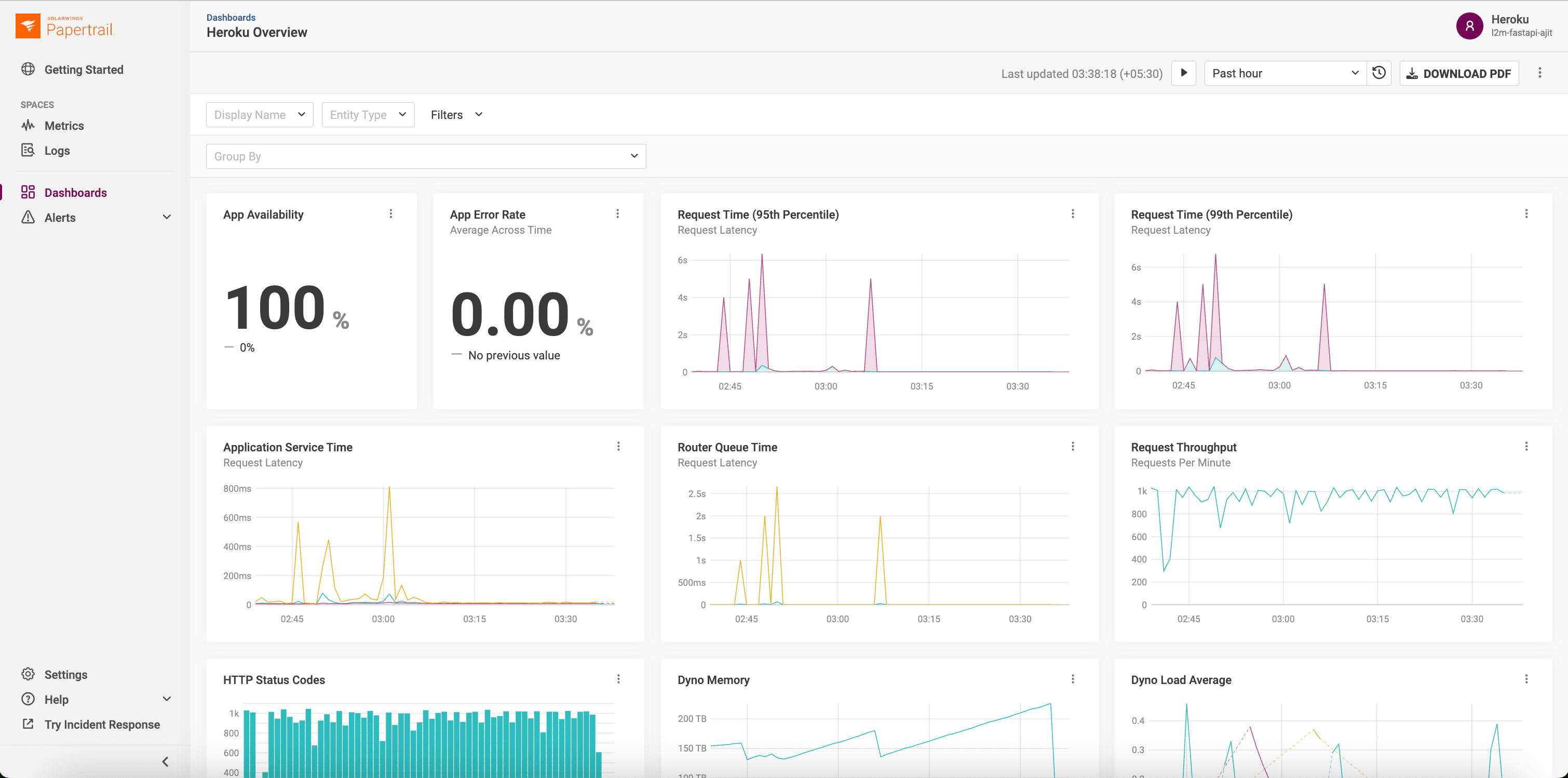
Total time? Minutes, not hours. The correlation was instant because the data was unified.
Migration: Simplifying the stack
Other SolarWinds add-ons, Librato and AppOptics were deprecated at the end of January 2026. For teams previously relying on separate add-ons like Librato or AppOptics, the path forward is now significantly streamlined. Managing distinct subscriptions and dashboards for logs versus metrics is a relic of the past now that we’ve brought metrics into SolarWinds Papertrail.
Accelerate development and minimize headaches with SolarWinds Papertrail
Modern development isn’t just about shipping code. It’s about owning the lifecycle of that code in production. The SolarWinds Papertrail add-on for Heroku offers a path away from fragmented, frustration-filled troubleshooting toward a streamlined, full-stack view of your application’s health.
By consolidating logs, metrics, and alerting into a single, frustration-free interface, you regain the focus required to build what’s next.
Ready to streamline your workflow? Find SolarWinds Papertrail in the Heroku Elements Marketplace today.
The post From Fragmented Logs to Full-Stack Visibility with SolarWinds Papertrail appeared first on Heroku.
]]>The web browser and certificate authority industry is shortening the maximum allowed lifetime of TLS certificates. These changes will improve security on the Web, but you may have to change certificate maintenance practices for apps you run on Heroku. The good news is that if you’re using Heroku Automated Certificate Management, no changes are required: […]
The post Preparing for Shorter SSL/TLS Certificate Lifetimes appeared first on Heroku.
]]>The web browser and certificate authority industry is shortening the maximum allowed lifetime of TLS certificates. These changes will improve security on the Web, but you may have to change certificate maintenance practices for apps you run on Heroku.
The good news is that if you’re using Heroku Automated Certificate Management, no changes are required: Heroku already refreshes and updates certificates on your apps according to the new policies.
If you maintain and upload certificates for your Heroku applications yourself, here is what the changes will mean for you.
Industry shift towards shorter certificate lifetimes
The CA/Browser Forum is phasing in shorter maximum lifetimes for all publicly trusted SSL/TLS certificates. While the final goal is a 47-day limit by 2029, the first major milestone is approaching quickly.
Starting March 15, 2026, the maximum validity period for publicly trusted SSL/TLS certificates will be reduced to 200 days.
| Effective Date | Maximum Certificate Lifespan |
|---|---|
| Current | 398 days |
| March 15, 2026 | 200 days |
| March 15, 2027 | 100 days |
| March 15, 2029 | 47 days |
Why this is happening
Shorter certificate lifespans improve security by:
- Reduced exposure: Shrinks the window of exposure if a private key is compromised
- Modern standards: Ensures certificates rotate frequently to adopt the latest cryptographic standards
- Automation: Encourages a shift toward automated certificate management
Recommended actions for manual certificate users
If you use custom SSL certificates on Heroku (certificates you obtain and upload yourself), you will need to:
- Plan for more frequent renewals: After March 15, 2026, you’ll need to renew certificates at least every 200 days (approximately every 6.5 months) rather than annually.
- Update your renewal processes: Ensure your team or certificate management tools can handle the increased renewal frequency.
- Check your current certificates: Review the expiration dates of your existing certificates.Note: Certificates issued before March 15, 2026 with longer validity periods will remain valid until they expire, but renewals after that date must comply with the new 200-day maximum.
Automating certificate renewals with Heroku ACM
Consider switching to Heroku Automated Certificate Management (ACM). ACM automatically provisions and renews certificates for your custom domains at no additional cost, eliminating the need for manual certificate management.
To enable ACM for your app:
heroku certs:auto:enable -a your-app-name
Learn more: Heroku ACM Documentation
Have questions about certificate management?
If you have questions about these changes or need assistance with your certificate strategy, please contact Heroku Support or visit our documentation:
We’re committed to helping you navigate these industry changes smoothly.
The post Preparing for Shorter SSL/TLS Certificate Lifetimes appeared first on Heroku.
]]>Heroku is introducing significant updates to Managed Inference and Agents. These changes focus on reducing developer friction, expanding model catalogue, and streamlining deployment workflows. More flexibility with the new standard plan Until now, Heroku’s model-based plans required developers to provision a specific add-on for a specific model. This created significant operational overhead. If you wanted […]
The post Whats New in Heroku AI: New Models and a Flexible Standard Plan appeared first on Heroku.
]]>Heroku is introducing significant updates to Managed Inference and Agents. These changes focus on reducing developer friction, expanding model catalogue, and streamlining deployment workflows.
More flexibility with the new standard plan
Until now, Heroku’s model-based plans required developers to provision a specific add-on for a specific model. This created significant operational overhead. If you wanted to experiment with a different model or implement a fallback strategy, you had to provision a new add-on and manage multiple config variables.
We have added a new standard plan for Heroku Managed Inference and Agents.
With this update, a single add-on and a single API key grant access to our entire catalog of supported models. You no longer need to reprovision resources to switch from a smaller model to a high-reasoning model. Instead, you simply update the model name in your code. This unified approach improves developer experience and allows for more robust application architectures. Try the standard mode using the following CLI command:
$ heroku addons:create heroku-inference:standard -a $APPNAME
New frontier models and an expanded open-weight catalog
Claude 4.6 models
Heroku now supports the Claude 4.6 family, the most capable models in the Claude family, designed for high-complexity workloads.
- Claude Opus 4.6: Designed for advanced software development, complex agentic workflows, and long-horizon planning.
- Claude Sonnet 4.6: High-performing model that is ideal as a daily driver and sophisticated financial analysis.
Open-weight models
We have also expanded our catalog with five new open-weight models to provide more cost-effective options for diverse use cases.
- DeepSeek v3.2: Advanced model built for high-efficiency agentic reasoning and long-context understanding.
- Kimi K2.5: Optimized for massive context processing, advanced mathematical reasoning, and complex agent swarms.
- MiniMax M2.1: Specialized for practical engineering and multi-language full-stack application building.
- ZAI GLM 4.7: Industry-leading model for reliable tool-calling and vibe coding visually aesthetic front-ends.
- ZAI GLM 4.7 Flash: A lightweight model optimized for speed, cost-efficiency, and agentic workflows where responsiveness is critical.
Embed models
We are enhancing our support for vector-based search and retrieval with a new Cohere Embed V4 model. The latest generation of Cohere’s embedding technology is built for higher accuracy and complex document analysis.
- Cohere Embed V4: Specifically designed to understand conceptual relationships rather than just keyword matching.
Model deprecation notice
As we transition to these next-generation models, we are beginning the deprecation process for older versions, including Claude 3.5, Claude 3.7, and Claude 4. Users are encouraged to migrate to Claude 4.5 and 4.6 to ensure continued support and optimal performance.
Build better with Heroku AI
The shift to a standard plan and the addition of new frontier models like Claude Opus 4.6 represent Heroku’s commitment to providing access to a wide model catalogue. By improving developer experience and expanding model choice, we are making it easier than ever to build, scale, and optimize AI-powered applications.
To get started, visit the Heroku Dev Center or provision the new standard plan for Heroku Managed Inference and Agents today.
The post Whats New in Heroku AI: New Models and a Flexible Standard Plan appeared first on Heroku.
]]>Large language models are good at writing code. Data from Anthropic shows that allowing Claude to execute scripts, rather than relying on sequential tool calls, reduces token consumption by an average of 37%, with some use cases seeing reductions as high as 98%. Untrusted code needs a secure and isolated place to execute. We solved […]
The post Code Execution Sandbox for Agents on Heroku appeared first on Heroku.
]]>Large language models are good at writing code. Data from Anthropic shows that allowing Claude to execute scripts, rather than relying on sequential tool calls, reduces token consumption by an average of 37%, with some use cases seeing reductions as high as 98%.
Untrusted code needs a secure and isolated place to execute. We solved this with code execution sandboxes (powered by one-off dynos), launched alongside Heroku Managed Inference and Agents in May 2025.
You can leverage these sandboxes in two ways:
- Built-in tools, within our Managed Inference and Agents API
- MCP tool, by deploying our open-source Model Context Protocol (MCP) servers to connect the sandbox to any client, including Agentforce, Claude Desktop, or Cursor
How agents improve with code execution tools
Every tool definition and intermediate output is forced through the model’s context window. This is highly inefficient. For example, if you analyze a 10MB log file, the entire file consumes your context even if you only need a brief summary of the errors.
The better pattern, which Anthropic calls programmatic tool calling, lets the model write code that orchestrates everything.
If you’re using Salesforce and want to ask Agentforce to find at-risk deals in your Q1 pipeline, the agent writes a script that queries thousands of opportunities, cross-references activity history, filters for deals with no recent engagement, and returns just the 12 that need attention. The tool execution and reasoning and analysis can happen in the Heroku sandbox and only the summary hits the model’s context.
Isolation via one-off dynos
To execute untrusted code safely, we use one-off dynos. This is the same infrastructure that has been used for administrative or maintenance tasks on Heroku for over a decade. Because these dynos are spun up on demand and terminate after use, they provide a naturally isolated, cost-effective, and secure environment, which means the blast radius of LLM generated code is limited to an ephemeral container.
How to use the built-in tools
If you’re using the Managed Inference and Agents API, include code_exec_python (or code_exec_ruby, code_exec_node, code_exec_go) in your tool list:
curl "$INFERENCE\_URL/v1/agents/heroku" \\
  -H "Content-Type: application/json" \\
  -H "Authorization: Bearer $INFERENCE\_KEY" \\
  -d '{
    "model": "claude-4-sonnet",
    "messages": [
      {
        "role": "user",
        "content": "Calculate the standard deviation of [23, 45, 67, 12, 89, 34, 56, 78, 90, 11]"
      }
    ],
    "tools": [
      {
        "type": "heroku_tool",
        "name": "code_exec_python"
      }
    ]
  }'
The agent writes Python, we execute it in a dyno, and stream back the result:
{
  "choices": [
    {
      "message": {
        "role": "assistant",
        "content": "The standard deviation is 30.19. Here's what I calculated:\n\nMean: 50.5\nVariance: 911.39\nStd Dev: 30.19\n\nThe data has fairly high spread - values range from 11 to 90."
      }
    }
  ]
}
You can pass runtime_params with max_calls to limit how many times the tool runs during a single agent loop.
Deploying your own code execution MCP server
For Agentforce, Claude Desktop, Cursor, or custom frameworks, deploy the MCP server directly:
git clone https://github.com/heroku/mcp-code-exec-python
cd mcp-code-exec-python
heroku create my-sandbox
heroku config:set API_KEY=$(openssl rand -hex 32)
git push heroku main
The server implements the Model Context Protocol. Point your client at it and you get the same sandboxed execution. We have implementations for Python, Ruby, Node, and Go. Each repo has a deploy button if you prefer one-click setup.
Start building more powerful, efficient AI agents by trying out our code execution sandboxes today.
The post Code Execution Sandbox for Agents on Heroku appeared first on Heroku.
]]>If you’ve ever debugged a production incident, you know the drill: IDE on one screen, Splunk on another, Sentry open in a third tab, frantically copying error messages between windows while your PagerDuty keeps buzzing. You ask “What errors spiked in the last hour?” but instead of an answer, you have to context-switch, recall complex […]
The post Building AI-Powered Observability with Heroku Managed Inference and Agents appeared first on Heroku.
]]>If you’ve ever debugged a production incident, you know the drill: IDE on one screen, Splunk on another, Sentry open in a third tab, frantically copying error messages between windows while your PagerDuty keeps buzzing.
You ask “What errors spiked in the last hour?” but instead of an answer, you have to context-switch, recall complex query syntax, and mentally correlate log timestamps with your code. By the time you find the relevant log, you’ve lost your flow. Meanwhile the incident clock keeps ticking away.
The workflow below fixes that broken loop. We’ll show you how to use the Model Context Protocol (MCP) and Heroku Managed Inference and Agents to pipe those observability queries directly into your IDE, turning manual hunting into instant answers.
Connecting telemetry to code for AI-powered observability
The system connects AI coding assistants to observability platforms through the Model Context Protocol (MCP), with Managed Inference and Agents handling the transport layer.
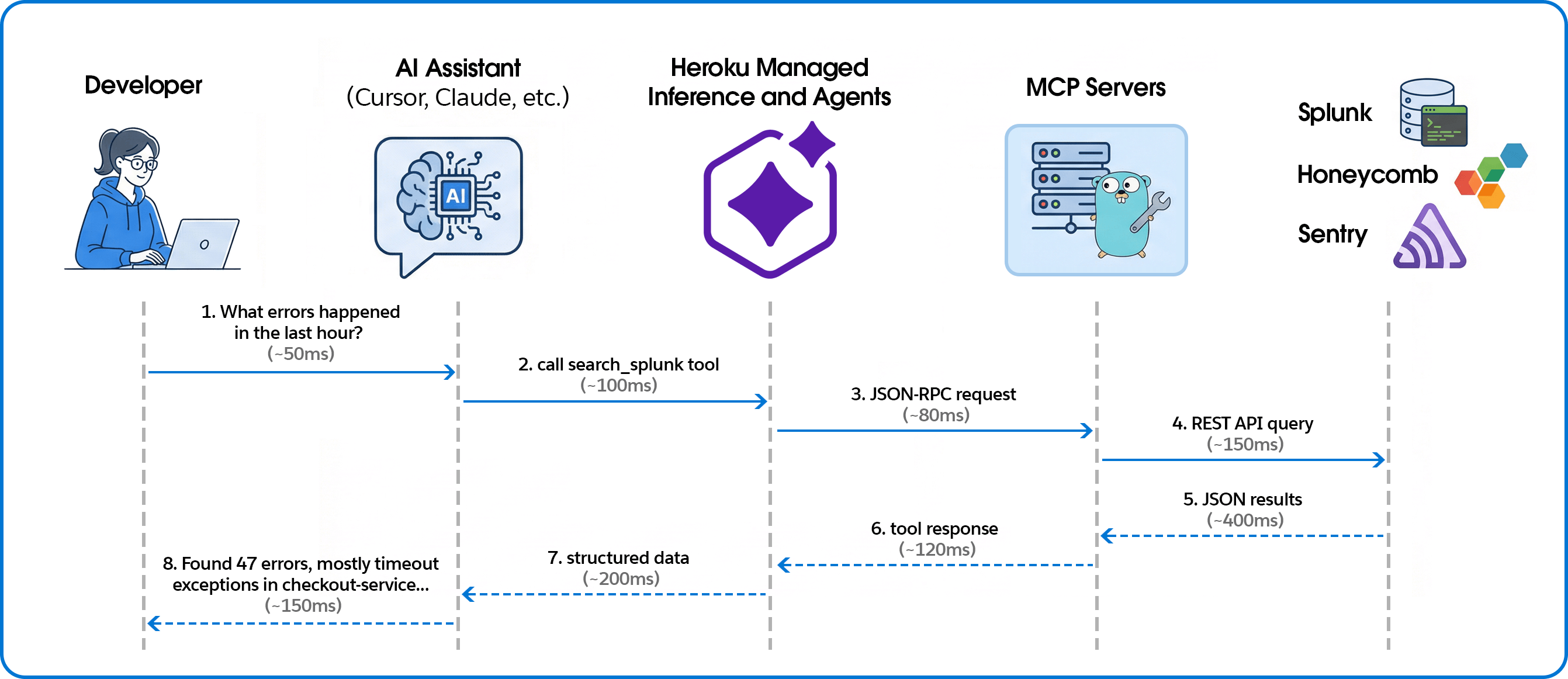
Building the MCP servers
Unified tool interface
We expose each observability platform through MCP’s consistent tool interface. Here’s how we define a Splunk search tool:
searchTool := mcp.NewTool("search_splunk",
    mcp.WithDescription("Execute a Splunk search query and return the results."),
    mcp.WithString("search_query", mcp.Description("The search query to execute")),
    mcp.WithString("earliest_time", mcp.Description("Start time for the search")),
    mcp.WithString("latest_time", mcp.Description("End time for the search")),
    mcp.WithNumber("max_results", mcp.Description("Maximum number of results")),
)
The AI assistant sees this as a callable tool with typed parameters. When a user asks about errors, the assistant decides which tool to call and constructs the appropriate arguments.
Handling tool calls
Tool handlers translate MCP requests into platform-specific API calls:
s.AddTool(searchTool, func(ctx context.Context, request mcp.CallToolRequest) (*mcp.CallToolResult, error) {
    searchQuery, _ := request.RequireString("search_query")
    earliestTime := request.GetString("earliest_time", "-24h")
    latestTime := request.GetString("latest_time", "now")
    maxResults := request.GetInt("max_results", 100)

    results, err := client.Search(ctx, searchQuery, earliestTime, latestTime, maxResults)
    if err != nil {
        return mcp.NewToolResultText(fmt.Sprintf("Error: %v", err)), nil
    }

    resultData, _ := json.Marshal(results)
    return mcp.NewToolResultText(string(resultData)), nil
})
Multi-platform support
The same pattern works across observability platforms. For Honeycomb, we expose dataset queries with filters and breakdowns:
queryTool := mcp.NewTool("query_honeycomb",
    mcp.WithDescription("Execute a Honeycomb query with filters and breakdowns"),
    mcp.WithString("dataset", mcp.Description("The dataset to query")),
    mcp.WithString("calculation", mcp.Description("COUNT, AVG, P99, etc.")),
    mcp.WithString("filter_column", mcp.Description("Column to filter on")),
    mcp.WithString("filter_value", mcp.Description("Value to filter for")),
)
For Sentry, in addition to Sentry tools, we enabled direct event lookup from URLs—paste a Sentry link and get the full JSON:
eventTool := mcp.NewTool("get_sentry_event",
    mcp.WithDescription("Get event by URL or ID - paste Sentry event URL to fetch full JSON"),
    mcp.WithString("event_url_or_id", mcp.Description("Sentry event URL or event ID")),
)
Deploying with Heroku Managed Inference and Agents
Heroku Managed Inference and Agents provides an MCP gateway that handles the SSE transport layer, letting you deploy MCP servers as simple STDIO processes.
Create app, attach Add-on, configure, and deploy:
heroku create your-observability-mcp
heroku addons:create heroku-inference:claude-4-5-haiku -a your-observability-mcp
# Set credentials for your observability platform
heroku config:set YOUR_PLATFORM_CREDENTIALS -a your-observability-mcp
# Deploy
git push heroku main
Get the inference token:
heroku config:get INFERENCE_KEY -a your-observability-mcpTeam members add this to their Cursor or Claude configuration:
{
  "mcpServers": {
    "splunk": {
      "command": "npx",
      "args": ["-y", "mcp-remote", "https://us.inference.heroku.com/mcp/sse",
               "--header", "Authorization:Bearer YOUR_INFERENCE_TOKEN"]
    }
  }
}
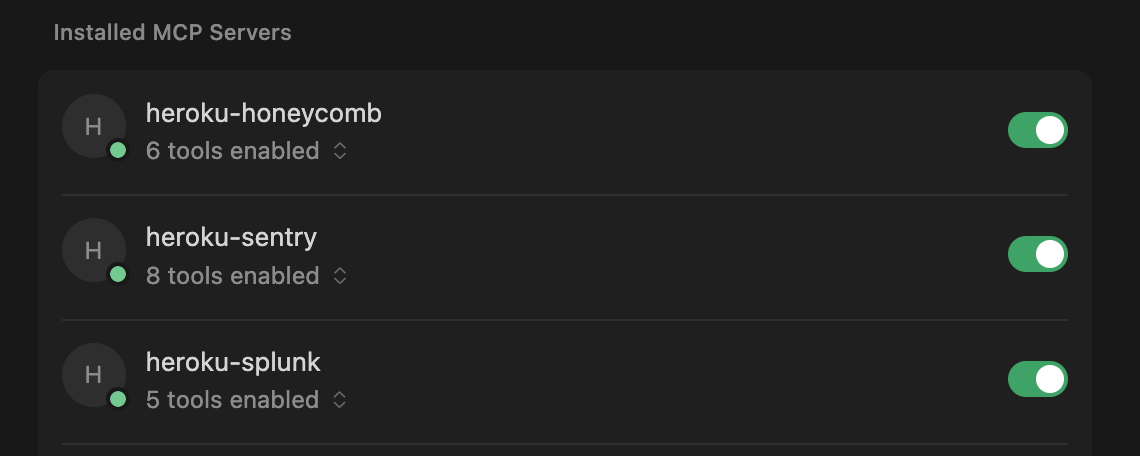
Contextualizing error spikes
In a traditional dashboard, you see a red bar. With MCP, you get an answer. We asked the agent, “What error types are most common in production today?” and it returned the ranked list below.
| Rank | Error Type | Count | Primary Source |
|---|---|---|---|
| 1 | TimeoutException | 847 | checkout-service, payment processing |
| 2 | ConnectionRefused | 312 | database pool exhaustion, redis |
| 3 | NullPointerException | 156 | user-profile-api, missing field handling |
| 4 | RateLimitExceeded | 98 | external-api-gateway, third-party calls |
| 5 | AuthenticationFailed | 67 | session-service, expired tokens |
| 6 | ResourceNotFound | 54 | inventory-api, stale cache references |
| 7 | CircuitBreakerOpen | 41 | payments-api, downstream failures |
| 8 | DeserializationError | 28 | webhook-processor, malformed payloads |
While the distribution might look standard, the AI can help you interpret the security implications. For example, the AI can correlate a rise in AuthenticationFailed errors with specific geographic regions to confirm a brute-force attempt or credential attack, or identify that RateLimitExceeded errors are coming from a single subnet. This context transforms a generic “error count” into actionable security intelligence.
Why AI-native observability changes the game
Connecting your observability stack to your IDE via MCP does more than just save you a few clicks; it keeps you in the flow during an incident. By letting Heroku Managed Inference and Agents handle the proprietary query syntax, any engineer can interrogate production data as easily as a platform specialist. Why this works better:
- Automate complex security audits: We processed 175,000+ events in minutes to clear a suspicious account flag, turning hours of manual log analysis into a single natural language question.
- Bypass the syntax barrier: Engineers ask questions in natural language instead of wrestling with complex SPL or Honeycomb queries. No one needs to remember platform-specific syntax at 2 AM.
- Deploy “Day One” observability: New hires can query production state immediately without mastering your specific observability stack or acronyms. The AI translates intent into execution.
- Debug directly in context: Stop toggling between IDE and browser. By pulling telemetry into your local environment, you keep your mental model intact and fix issues where the code lives..
- Instant root cause analysis: Simply paste a URL to get an immediate root cause analysis with suggested fixes, skipping the manual correlation step entirely.
Extend your AI assistant with any API
Moving from siloed observability tools to an AI-integrated debugging workflow requires bridging the gap between platforms and your IDE. We built this using Heroku Managed Inference and Agents and the Model Context Protocol, and the same pattern works for any API you want to bring into your AI assistant.
Whether it’s observability, internal tools, or customer data — if you can call an API, you can expose it as an MCP tool. Heroku Managed Inference and Agents handles the transport, authentication, and hosting. You focus on the integration.
What will you build? Get started with Heroku Managed Inference and Agents
The post Building AI-Powered Observability with Heroku Managed Inference and Agents appeared first on Heroku.
]]>Today, we are thrilled to announce the General Availability (GA) of the Heroku GitHub Enterprise Server Integration. For our Enterprise customers, the bridge between code and production must be more than just convenient. It must be resilient, secure, and governed at scale. While our legacy OAuth integration served us well, the modern security landscape demands […]
The post Heroku and GitHub Enterprise Server: Stronger Security, Seamless Delivery appeared first on Heroku.
]]>Today, we are thrilled to announce the General Availability (GA) of the Heroku GitHub Enterprise Server Integration.
For our Enterprise customers, the bridge between code and production must be more than just convenient. It must be resilient, secure, and governed at scale. While our legacy OAuth integration served us well, the modern security landscape demands a shift away from personal credentials toward managed service identities.
Why switch to the GitHub Apps integration?
This new integration is built on GitHub Apps, moving beyond the limitations of personal OAuth tokens to provide a more robust connection for mission-critical pipelines.
- Decoupled authentication: Historically, if the developer who set up a pipeline left the organization, the deployment would break. With this integration, the GitHub App acts as its own identity. Your CI/CD pipelines remain stable regardless of personnel changes.
- Granular security: GitHub Apps offer superior permission control compared to broad OAuth scopes. You can allowlist specific repositories and define exactly what Heroku can see and do.
- Zero service accounts: You no longer need to manage and pay for a separate “bot user” to act as a service account. The GitHub App acts on its own behalf, reducing overhead and security surface area.
Strategic benefits for DevOps teams
By moving to this integration, you unlock the full power of Heroku Flow for your private GitHub Enterprise Server instances:
- Enhanced CI/CD automation: Seamlessly link your GitHub Enterprise repositories to Heroku Pipelines to orchestrate the flow of code from staging to production. Ensure that your GitHub Actions pass successfully before any code is automatically deployed, maintaining a high bar for production stability.
- Review apps for every PR: Give your stakeholders and QA teams instant, isolated environments to test feature branches, fully integrated within your GitHub Enterprise Server firewall.
- Repeatable “golden paths”: When combined with Terraform, you can now programmatically provision Heroku Apps that are automatically linked to your Enterprise repos via a secure, organization-level handshake.
- Enterprise governance: Admins gain a “single pane of glass” view in the Heroku Enterprise Account settings to see all authorized organizations and manage repo access across the entire fleet of applications.
Getting started
The integration is available today for all Heroku Enterprise customers. Because this is an organization-level change, we recommend a phased rollout:
- Step 1: Enable for testing. Reach out to Heroku Support to enable the feature for a specific test team.
- Step 2: Connect. Navigate to your Enterprise Account Settings tab to link your GitHub Enterprise Server URL.
- Step 3: Reconfigure. Update your existing pipelines to use the new connection.
For a step-by-step walkthrough, including prerequisites and limitation details, visit our official Dev Center documentation.
The post Heroku and GitHub Enterprise Server: Stronger Security, Seamless Delivery appeared first on Heroku.
]]>Today, Heroku is transitioning to a sustaining engineering model focused on stability, security, reliability, and support. Heroku remains an actively supported, production-ready platform, with an emphasis on maintaining quality and operational excellence rather than introducing new features. We know changes like this can raise questions, and we want to be clear about what this means […]
The post An Update on Heroku appeared first on Heroku.
]]>Today, Heroku is transitioning to a sustaining engineering model focused on stability, security, reliability, and support. Heroku remains an actively supported, production-ready platform, with an emphasis on maintaining quality and operational excellence rather than introducing new features. We know changes like this can raise questions, and we want to be clear about what this means for customers.
There is no change for customers using Heroku today. Customers who pay via credit card in the Heroku dashboard—both existing and new—can continue to use Heroku with no changes to pricing, billing, service, or day-to-day usage. Core platform functionality, including applications, pipelines, teams, and add-ons, is unaffected, and customers can continue to rely on Heroku for their production, business-critical workloads.
Enterprise Account contracts will no longer be offered to new customers. Existing Enterprise subscriptions and support contracts will continue to be fully honored and may renew as usual.
Why this change
We’re focusing our product and engineering investments on areas where we can deliver the greatest long-term customer value, including helping organizations build and deploy enterprise-grade AI in a secure and trusted way.
The post An Update on Heroku appeared first on Heroku.
]]>If you’ve built a RAG (Retrieval Augmented Generation) system, you’ve probably hit this wall: your vector search returns 20 documents that are semantically similar to the query, but half of them don’t actually answer it. A user asks “how do I handle authentication errors?” and gets back documentation about authentication, errors, and error handling in […]
The post Building AI Search on Heroku appeared first on Heroku.
]]>If you’ve built a RAG (Retrieval Augmented Generation) system, you’ve probably hit this wall: your vector search returns 20 documents that are semantically similar to the query, but half of them don’t actually answer it.
A user asks “how do I handle authentication errors?” and gets back documentation about authentication, errors, and error handling in embedding space, but only one or two are actually useful.
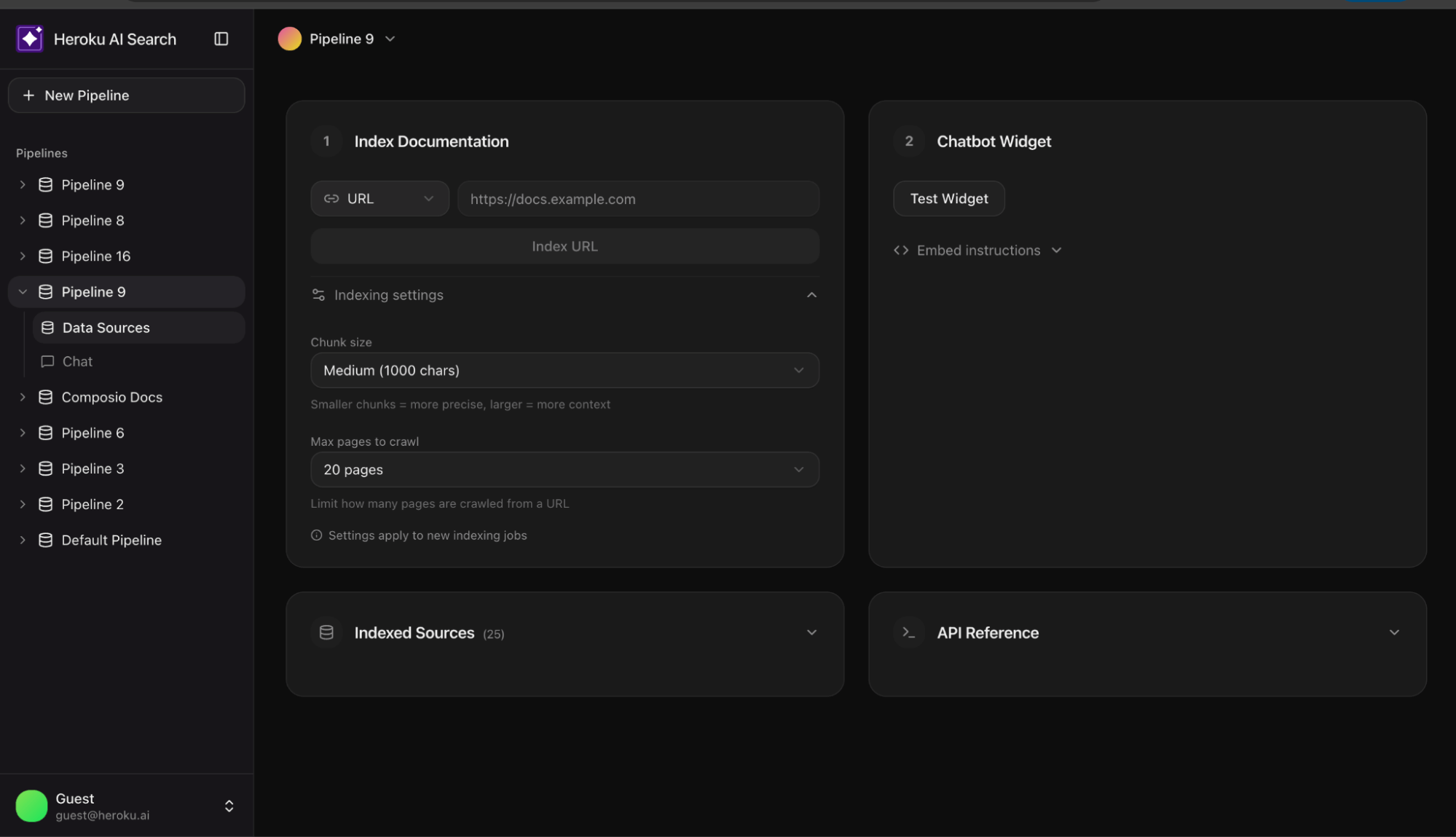
This is the gap between demo and production. Most tutorials stop at vector search. This reference architecture shows what comes next. This AI Search reference app shows you how to build a production grade enterprise AI search using Heroku Managed Inference and Agents.
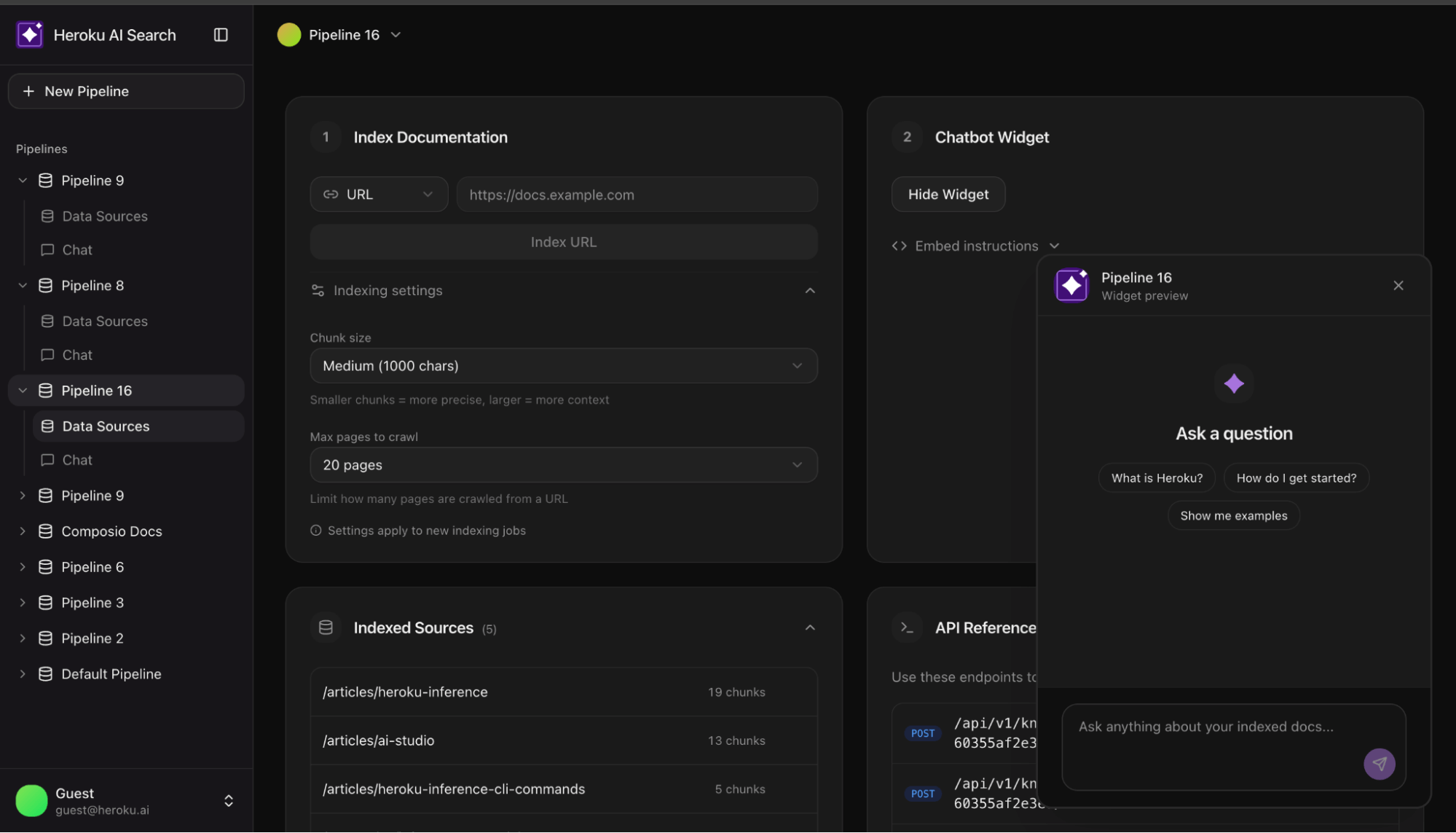
Why two-stage retrieval
Vector embeddings are coordinates in high dimensional space. Documents close together share semantic meaning. Semantic proximity is a false proxy for accuracy; a document can be ‘close’ in vector space but fail to provide a factual answer. You need a second stage where a reranking model scores each one against the actual query. It asks: “Does this document answer this question?” rather than “Is this document about similar things?”
The difference in result quality is significant. This reference implementation shows how to wire it up and how to make it optional when latency matters more than precision.
Architecture overview
The system consists of two primary pipelines:
- Indexing pipeline: URL → Crawl → Chunk → Embed → pgvector
- Query pipeline: Question → Embed → Vector Search → Rerank → Claude → Answer
Heroku services
| Component | Service | Role |
| Embeddings | Heroku Managed Inference and Agents | Converts text to vectors (Cohere Embed Multilingual) |
|---|---|---|
| Reranking | Heroku Managed Inference and Agents | Scores query document relevance (Cohere Rerank 3.5) |
| Generation | Heroku Managed Inference and Agents | Produces answers from context (Claude 3.5 Sonnet) |
| Storage | Heroku Postgres + pgvector | Stores vectors, runs similarity queries |
Streamlining the stack: Unified provider setup
const heroku = createHerokuAI({
  chatApiKey: process.env.HEROKU_INFERENCE_TEAL_KEY,
  embeddingsApiKey: process.env.HEROKU_INFERENCE_GRAY_KEY,
  rerankingApiKey: process.env.HEROKU_INFERENCE_BLUE_KEY,
});
Indexing: Getting documents in
Crawling real-world sites
Documentation sites are messy. Naive scraping often extracts more navigation links than actual content. The crawler uses a simple heuristic to detect junk:
function isLikelyJunkContent(content: string, htmlLength: number): boolean {
  // If HTML is huge but text is tiny, it's likely boilerplate
  if (htmlLength > 100000 && content.length < htmlLength * 0.05) return true; const navPatterns = ['sign in', 'login', 'menu', 'pricing']; // If the start of the doc is stuffed with nav links return navPatterns.filter(p => content.slice(0, 500).includes(p)).length >= 4;
}
Chunking at natural boundaries
Documents are split into 1000 character chunks with 200 characters of overlap. To avoid losing meaning, we prioritize splitting at paragraph or sentence breaks.
Batch storage with pgvector
The unnest function allows inserting hundreds of chunks in a single SQL query:
  INSERT INTO chunks (pipeline_id, url, title, content, embedding)
  SELECT
    ${pipelineId}::uuid,
    unnest(${urls}::text[]),
    unnest(${titles}::text[]),
    unnest(${contents}::text[]),
    unnest(${embeddings}::vector[])
Retrieval: The two-stage pattern
Stage 1: Vector search
Retrieve the top 20 chunks by cosine similarity. This is fast and scales well in Postgres.
  SELECT content, 1 - (embedding <=> ${vector}::vector) as similarity
  FROM chunks
  ORDER BY embedding <=> ${vector}::vector
  LIMIT 20
Stage 2: Semantic reranking
Pass those 20 candidates to a reranking model. Rerankers use a cross encoder architecture, processing the query and document together to score relevance accurately.
const reranked = await rerankModel.doRerank({
  query,
  documents: { type: "text", values: chunks.map(c => c.content) },
  topN: 5
});

Streaming: Responsive UX
RAG involves multiple steps (Embed → Search → Rerank → Generate). To prevent a “blank screen,” use Server Sent Events (SSE) to stream progress:
send("step", { step: "embedding" });
send("step", { step: "searching" });
send("step", { step: "reranking" });
send("sources", { sources }); // Show sources while LLM generates

for await (const chunk of streamRAGResponse(message, context)) {
  send("text", { content: chunk });
}
Conclusion: Deploy the reference app
Moving from a demo to a production grade RAG system requires bridging the gap between similarity and relevance. This architecture provides a battle tested foundation using Heroku Managed Inference and Agents and pgvector to ensure your search results actually answer user questions. Deploy the reference chatbot today to see how two-stage retrieval transforms your documentation search.
The post Building AI Search on Heroku appeared first on Heroku.
]]>Today, we are announcing the general availability of reranking models on Heroku Managed Inference and Agents, featuring support for Cohere Rerank 3.5 and Amazon Rerank 1.0. Semantic reranking models score documents based on their relevance to a specific query. Unlike keyword search or vector similarity, rerank models understand nuanced semantic relationships to identify the most […]
The post Optimize Search Precision with Reranking on Heroku AI appeared first on Heroku.
]]>Today, we are announcing the general availability of reranking models on Heroku Managed Inference and Agents, featuring support for Cohere Rerank 3.5 and Amazon Rerank 1.0.
Semantic reranking models score documents based on their relevance to a specific query. Unlike keyword search or vector similarity, rerank models understand nuanced semantic relationships to identify the most relevant documents for a given question. Reranking acts as your RAG pipeline’s high-fidelity filter, decreasing noise and token costs by identifying which documents best answer the specific query.
Implement two-stage retrieval with the Heroku Rerank API
The Heroku Managed Inference API is designed to be compatible with the Cohere format. Integrate reranking into your existing RAG (retrieval augmented generation) stack by sending a request to the /v1/rerank endpoint.
To get started, provision a model via the Heroku CLI:
heroku ai:models:create -a your-app-name cohere-rerank-3-5 --as RERANK
Once the model is provisioned, you can set your environment variables and implement reranking with a simple request. In this example, we verify which technical documents best answer a query about database optimization:
const response = await fetch(`${process.env.RERANK_URL}/v1/rerank`, {
  method: 'POST',
  headers: {
    'Authorization': `Bearer ${process.env.RERANK_KEY}`,
    'Content-Type': 'application/json'
  },
  body: JSON.stringify({
    model: process.env.RERANK_MODEL_ID,
    query: 'How do I optimize database connection pooling?',
    documents: [
      'Connection pooling reduces overhead by reusing existing database connections.',
      'You can monitor application performance using built-in metrics and logging tools.',
      'Set max pool size based on your dyno count to prevent connection exhaustion.',
      'Regular database backups are essential for disaster recovery planning.'
    ],
    top_n: 2
  })
});

const { results } = await response.json();
console.log(results);
/*
[
  { index: 0, relevance_score: 0.5948578715324402 },
  { index: 2, relevance_score: 0.42105236649513245 }
]
*/
Analyzing reranker relevance scores
The rerank endpoint returns a comprehensive result object that allows you to map scores back to your original data. Each item in the results array contains an index, which represents the original position of the document in the input array, and a relevance_score, which is a normalized float where higher values indicate better alignment with the query. This structure allows teams to set strict quality thresholds, only passing information to the AI agent if the reranker confirms it is highly relevant.
Top-N context filtering for accuracy and reduced cost
The top_n parameter allows you to limit the number of results returned. This is particularly useful for retrieving only the most relevant documents to keep your context window clean and reduce inference costs. If not specified, the API will return scores for all provided documents.
Regional availability and limits
To support global performance and data residency requirements, these models are available in both US and EU regions. Performance is managed through specific rate limits and transparent pricing models:
- Cohere Rerank 3.5 supports up to 250 requests per minute at $2.00 per 1,000 queries.
- Amazon Rerank 1.0 supports up to 200 requests per minute at $1.00 per 1,000 queries.
Next steps
By bringing managed reranking to Heroku, we are giving developers the tools to build enterprise-grade search and retrieval without the overhead of managing infrastructure. Visit the Heroku Managed Inference Documentation for full technical specifications and implementation guides.
The post Optimize Search Precision with Reranking on Heroku AI appeared first on Heroku.
]]>This month marks significant expansion for Heroku Managed Inference and Agents, directly accelerating our AI PaaS framework. We’re announcing a substantial addition to our model catalog, providing access to leading proprietary AI models such as Claude Opus 4.5, Nova 2, and open-weight models such as Kimi K2 thinking, MiniMax M2, and Qwen3. These resources are […]
The post Heroku AI: Accelerating AI Development With New Models, Performance Improvements, and Messages API appeared first on Heroku.
]]>This month marks significant expansion for Heroku Managed Inference and Agents, directly accelerating our AI PaaS framework. We’re announcing a substantial addition to our model catalog, providing access to leading proprietary AI models such as Claude Opus 4.5, Nova 2, and open-weight models such as Kimi K2 thinking, MiniMax M2, and Qwen3. These resources are fully managed, secure, and accessible via a single CLI command. We have also refreshed aistudio.heroku.com, please navigate to aistudio.heroku.com from your Managed Inference and Agents add-on to access the models you have provisioned.
Whether you are building complex reasoning agents or high-performance consumer applications, here’s what’s new in our platform. All of the open-weight models you access on Heroku are running on secure compute on AWS servers. Neither Heroku nor the model provider has access to your data and it is not used in training.
Expanding Heroku’s AI catalog with new state of the art models
Claude 4.5 models
We now support the full Claude 4.5 family in both US and EU regions, replacing the prior Claude 3 models which are scheduled for depreciation in January of 2026.
- Claude Opus 4.5: Designed for deep reasoning, complex task orchestration, and long-horizon planning. Recommended for demanding agentic workflows.
- Claude Sonnet 4.5: Balanced model for enterprise workloads, coding, and analysis.
- Claude Haiku 4.5: Low-latency model for high-volume tasks and classification.
Open-weight models
We have added several open-weights models to Heroku Managed Inference and Agents.
- Kimi K2 Thinking: Specialized for chain-of-thought processing, writing, and reasoning tasks.
- MiniMax M2: optimized for creative generation, roleplay, and coding agents.
- Qwen3 (235B & Coder 480B): Large models delivering exceptional performance as coding agents.
Nova models
- Amazon Nova 2 Lite: The Nova 2 family is now available, replacing the previous generation. These models provide updated multimodal capabilities and improved price-performance ratios.
Anthropic’s Messages API (Heroku preview)
Heroku now offers preview support for the Messages API format for all Anthropic models on Heroku. The API format is an alternative to the standard chatCompletions API and aligns with the Claude SDKs, enabling direct integration with Claude Code and the Claude Agents SDK.
Technical implementation and authentication
Authentication detail for the v1/messages endpoint, the authentication structure mirrors Anthropic’s standard practice. Set the value of your Heroku add-on’s INFERENCE_KEY as the value for the x-api-key HTTP header in your request.
Quickstart with Anthropic Python SDK
import os
from anthropic import Anthropic

inference_url = os.getenv("INFERENCE_URL")
inference_key = os.getenv("INFERENCE_KEY")
inference_model = os.getenv("INFERENCE_MODEL")


client = Anthropic(
    api_key=inference_key,
    base_url=inference_url
)


message = client.messages.create(
    model=inference_model,
    max_tokens=1024,
    messages=[
        {"role": "user", "content": "Hello, what should I build today?"}
    ]
)
Key Constraints for Developers
- Beta Features: We do not currently support the
anthropic-betaheader. - Claude Code: To ensure compatibility, set
CLAUDE_CODE_DISABLE_EXPERIMENTAL_BETAS=1. - Scope: The Messages API is exclusively available for Anthropic models.
Performance boost: automatic prompt caching
Heroku now caches system prompts and tool definitions to reduce latency on repeated requests. Prompt caching is enabled by default with no code changes required. Only system prompts and tool definitions are cached; user messages and conversation history are excluded and automatically expire to ensure privacy and security. You can disable caching for any request by adding a single HTTP header: X-Heroku-Prompt-Caching: false.
Lifecycle updates
Deprecations
- Claude 3 Family: The Claude 3 models (Sonnet 3.5, Sonnet 3.7, Haiku 3, and Haiku 3.5) will be deprecated as of Jan 30th, 2026. Workloads should migrate to the Claude 4.5 family.
- Nova 1st Gen: will be deprecated as of Feb 28th, 2026 in favor of Nova 2.
- Model Fallback: We are working on a default model fallback mechanism where if your model is deprecated, you’ll automatically switch over to a similar more recent model in the same family of models.
Heroku AI PaaS: Accelerating AI Development
This release brings state-of-the-art reasoning and efficient open-weight models to the Heroku platform. With the addition of prompt caching you can now optimize latency with minimal configuration. We recommend validating your applications with the Claude 4.5 and Nova 2 families ahead of the upcoming deprecation cycle. We would love to hear your feedback and feature requests, please reach out to [email protected].
The post Heroku AI: Accelerating AI Development With New Models, Performance Improvements, and Messages API appeared first on Heroku.
]]>Modern Continuous Integration/Continuous Deployment (CI/CD) pipelines demand machine-to-machine authorization, but traditional web-based flow requires manual steps and often rely on static credentials; a major security risk. Heroku AppLink now uses JWT Authorization to solve both: enabling automated setup and eliminating long-lived secrets. In today’s evolving threat landscape, security attacks increasingly exploit systems that rely on […]
The post Heroku AppLink: Now Using JWT-Based Authorization for Salesforce appeared first on Heroku.
]]>Modern Continuous Integration/Continuous Deployment (CI/CD) pipelines demand machine-to-machine authorization, but traditional web-based flow requires manual steps and often rely on static credentials; a major security risk. Heroku AppLink now uses JWT Authorization to solve both: enabling automated setup and eliminating long-lived secrets.
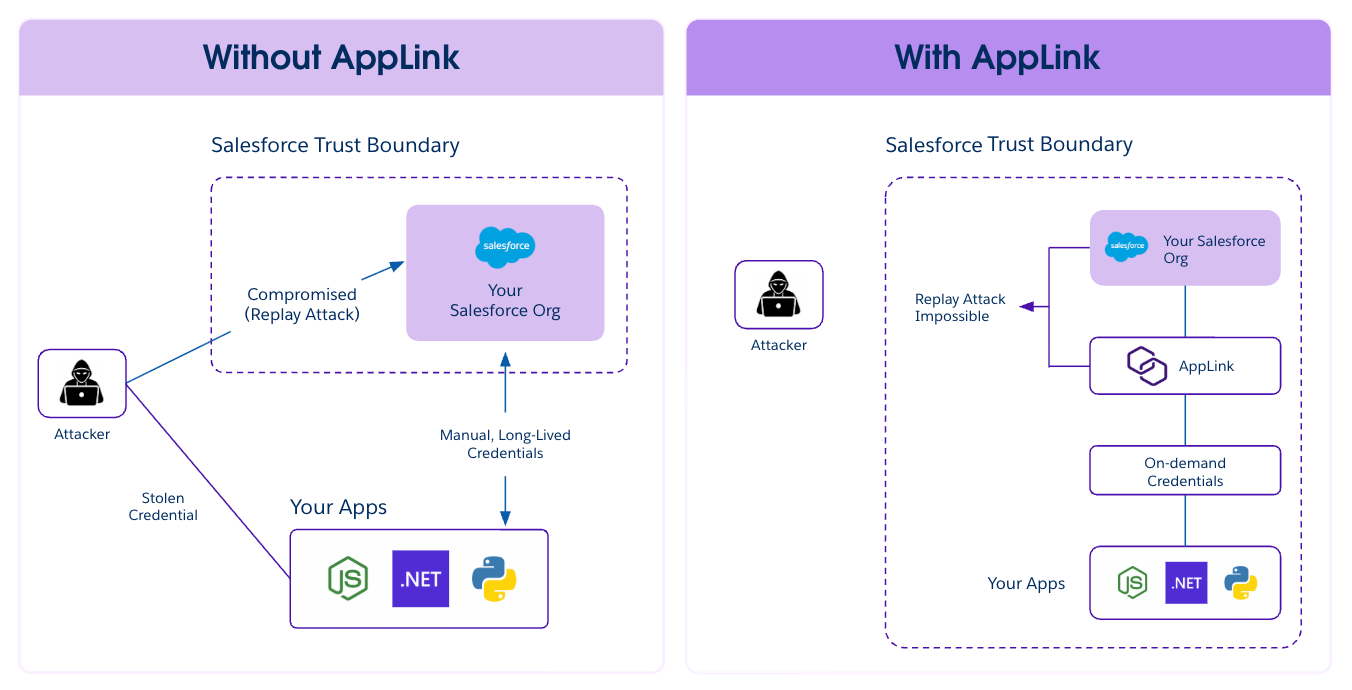
In today’s evolving threat landscape, security attacks increasingly exploit systems that rely on long-lived access tokens or static credentials. If these credentials are compromised—for instance, if they are stolen from a configuration file or environment variable—attackers can reuse them for persistent, unauthorized access to sensitive data and systems. This vulnerability creates a major security risk that has recently impacted third-party applications across the industry.
Heroku AppLink is designed to deliver a modern, robust security posture by directly tackling this crucial vulnerability. With AppLink, you can secure your microservice integrations by moving away from storing and managing long-lived secrets. The architecture is simple and powerful: AppLink provides your microservice with on-demand tokens on demand. This significantly reduces the window of opportunity for an attacker because there is effectively nothing for them to steal or replay to gain long-term access. By switching to dynamic, on-demand credentials, you ensure your Salesforce data is protected in a microservice environment.
The shift: Why CI/CD demands JWT-based authorization
Historically, setting up the required authorization—establishing a trusted identity for your Heroku code to interact with Salesforce—relied solely on a web-based OAuth flow. While secure, this method required manual steps and posed a significant challenge for modern, automated deployment pipelines.
To enable true machine-to-machine communication, we’ve extended AppLink with JWT authorization, eliminating the manual steps required by traditional OAuth flows. This expands on the security model already in place, providing a secure, managed boundary between Salesforce and Heroku. Responding directly to feedback from our valued customers and partners who increasingly sought to automate their CI/CD pipelines, we have significantly enhanced AppLink to simplify this critical setup.
What is AppLink, and How JWT Authorization Works
Heroku AppLink is a secure managed boundary and service that fundamentally simplifies how you connect your Heroku microservices with your Salesforce org. It is specifically designed to deliver more robust security by moving away from storing and managing long-lived secrets. The architecture provides your microservice with on-demand tokens on demand, reducing the window of opportunity for an attacker to steal credentials or execute a replay attack. For more examples check out this article by Andy Fawcett, Heroku Alumni and veteran Salesforce MVP.
AppLink provides two distinct modes for secure authentication to accommodate various integration scenarios, from user-driven applications to automated background processes.
Web-based OAuth flow
This method is the standard for user-driven applications (like a Salesforce AppExchange app) where an end-user is present to log in and grant explicit, delegated access. While secure, this flow requires manual browser interaction and is not suitable for headless, automated deployment pipelines that require true machine-to-machine authentication.
JWT-based authorization (JSON web token)
This new option directly addresses the need for automation, and is highly recommended for server-to-server communication where a secure integration is essential. It allows you to seamlessly integrate the AppLink authorization setup into your CI/CD pipeline. The utilization of JWT authorization provides a robust and highly secure mechanism for authentication and authorization. JWTs are self-contained, digitally signed tokens, which allow your Heroku app to securely assert its identity and permissions when interacting with Salesforce APIs without needing to transmit credentials repeatedly. This approach is highly recommended for server-to-server communication where a seamless and secure integration is paramount.
Headless invocation of Salesforce agent
A headless invocation of Salesforce Agent is an available option for scenarios where the Heroku application needs to perform actions on behalf of a user or leverage the contextual capabilities of the Salesforce platform without a traditional user interface flow. This method enables the Heroku service to programmatically access and interact with Salesforce Org functionalities, such as leveraging Agentforce and pre-configured topics, thereby enhancing your Heroku application with advanced Agentforce capabilities.
Secure microservices and CI/CD automation with AppLink
For developers and the IT leaders supporting them, the enhancement of AppLink with JWT authorization delivers two non-negotiable requirements for the connected enterprise.
- Consistent automation for Continuous Delivery: You can now eliminate manual steps and ensure a consistent, repeatable deployment process within your CI/CD pipeline.
- Defense against credentials theft: By leveraging JWTs and on-demand tokens, your application gains a more secure mechanism for communication.
To get started with AppLink’s new JWT authorization features and learn how to implement them in your microservices, check out the AppLink Documentation and the JWT Authorization Setup Guide.
The post Heroku AppLink: Now Using JWT-Based Authorization for Salesforce appeared first on Heroku.
]]>We’re excited to announce a significant enhancement to how Heroku Enterprise customers connect their deployment pipelines to GitHub Enterprise Server (GHES) and GitHub Enterprise Cloud (GHEC). The new Heroku GitHub Enterprise Integration is now available in a closed pilot, offering a more secure, robust, and permanent connection between your code repositories and your Heroku apps. […]
The post Heroku GitHub Enterprise Integration: Unlocking Full Continuous Delivery for Enterprise Customers appeared first on Heroku.
]]>We’re excited to announce a significant enhancement to how Heroku Enterprise customers connect their deployment pipelines to GitHub Enterprise Server (GHES) and GitHub Enterprise Cloud (GHEC). The new Heroku GitHub Enterprise Integration is now available in a closed pilot, offering a more secure, robust, and permanent connection between your code repositories and your Heroku apps.
This integration removes the final barrier preventing large enterprise customers from accessing our core continuous delivery features. By enabling a secure, permanent, app-based service identity, this integration now fully supports the use of Heroku Pipelines for automated, safe deployments and instantly accessible Review Apps for every feature branch. This ensures that developers at the world’s largest companies can finally utilize Heroku’s best-in-class workflow—deploying code consistently, automatically, and confidently from their preferred industry-standard version control system, all without being blocked by complex enterprise security or personnel turnover issues.
Scaling delivery: moving beyond personal credentials
Historically, connecting Heroku to GitHub Enterprise Server (GHES) and GitHub Enterprise Cloud (GHEC) relied on individual user credentials, typically in the form of Personal OAuth Tokens. While functional, this method presents critical friction for large organizations:
- Security mandates: Personal tokens often have broad permissions and conflict with stringent enterprise policies that demand a least privilege access model.
- Operational risk: If the specific user who set up the deployment pipeline leaves the organization or has their access revoked, the entire CI/CD process breaks down. This risk introduces fragility into mission-critical workflows.
- Maintenance burden: IT teams are forced to create and maintain separate “service accounts” or bot users purely to manage the connection, adding unnecessary complexity.
Heroku GitHub Enterprise Integration: dedicated service identity via GitHub App
This new integration is the recommended, next-generation method for connecting your Heroku Enterprise account to your organization’s GitHub environment (whether GitHub Enterprise Server or GitHub Enterprise Cloud).
Instead of relying on an individual user’s credentials (the traditional personal OAuth tokens) this feature uses a dedicated GitHub App. The GitHub App acts as a service identity, allowing Heroku to interact with your repositories on its own behalf.
This shift in authentication provides crucial advantages for enterprise security and stability by decoupling your deployment process from any single user account.
Key benefits of Heroku GitHub Enterprise Integration
This new architecture addresses critical enterprise needs, providing major improvements over the previous Heroku GitHub Deploys method:
Enhanced security and granular control
Unlike personal OAuth tokens, which grant access based on a user’s role, the integration leverages the inherent security model of GitHub Apps:
- Decoupled authentication: The GitHub App acts as a resilient, dedicated service identity, allowing Heroku to interact with your repositories on its own behalf. This decouples your deployment process from any single user account.
- Least privilege: You gain granular control over the permissions granted to Heroku, ensuring the integration can only access the specific repositories and perform the necessary deployment actions.
Deployment stability and team resilience
Increased operational stability for enterprise-grade application development.
- No pipeline breakage: Because the GitHub App owns the connection, your continuous integration and delivery (CI/CD) pipelines will not break if the original configuring user leaves your organization or has their access revoked. This ensures business continuity regardless of personnel changes.
- Zero service accounts: This integration automatically serves the function of a service account , eliminating the need to create and maintain a separate bot user for connectivity.
Unlocking the Full Power of Heroku Continuous Delivery
By establishing this robust, resilient service identity, the integration ensures that core continuous delivery features function reliably for both GitHub Enterprise Cloud (GHEC) and GitHub Enterprise Server (GHES) organizations:
- Full Heroku pipelines functionality: Core features like automated deploys and environment promotions now function seamlessly and reliably. You can consistently deploy code automatically and confidently from your preferred version control system.
- Instantly accessible Review Apps: Every feature branch now instantly receives an accessible Review App. This enables instant, isolated testing for QA and product managers, accelerating your time-to-market.
- Consistent support for all enterprise environments: The integration fully supports both on-premises GHES and the cloud-based GHEC.
This means developers at the world’s largest companies can finally utilize Heroku’s best-in-class workflow.
Take the next step: Try the new GitHub integration
The new Heroku GitHub Enterprise Integration is now available in a closed pilot, however, we would be happy to add your organization before GA. Contact [email protected] to request the pilot.
Organizations that use GitHub Enterprise Server (GHES) or GitHub Enterprise Cloud (GHEC) and are looking to achieve superior security, operational stability, and full access to Heroku’s Continuous Delivery features are the best matches for participation in this pilot.
The post Heroku GitHub Enterprise Integration: Unlocking Full Continuous Delivery for Enterprise Customers appeared first on Heroku.
]]>For modern enterprises building cloud-native applications, success hinges on achieving maximum development velocity at every scale. Infrastructure as a Service (IaaS) providers like AWS provide hundreds of services with the unmatched reliability and scale needed for enterprise infrastructure, but they can require significant effort and expertise for organizations to be effective and efficient. To achieve […]
The post PaaS + IaaS: Heroku and AWS for Cloud-Native Enterprise Agility appeared first on Heroku.
]]>For modern enterprises building cloud-native applications, success hinges on achieving maximum development velocity at every scale. Infrastructure as a Service (IaaS) providers like AWS provide hundreds of services with the unmatched reliability and scale needed for enterprise infrastructure, but they can require significant effort and expertise for organizations to be effective and efficient. To achieve true agility, development teams turn to a Platform as a Service (PaaS) like Heroku to streamline the path to production and beyond.
Sophisticated enterprises focus their expertise on building unique business value versus undifferentiated heavy lifting. Their unique apps and services that satisfy customers, improve business productivity, and gain a competitive edge. These businesses want to empower their teams with powerful tools to build great apps but not add to their developers’ cognitive load – maximizing time spent on building and optimizing apps and the customer experience. Together Heroku and AWS provide the best of both worlds – robust and powerful infrastructure services, curated together in a simplified experience that is integrated, automated, and optimized for developers and applications. The goal is speed of innovation with enterprise reliability and trust.
Speed, focus, and accelerated innovation: How Salesforce cut approval time by 90%
At Salesforce, our DET team has a saying “An IT dollar is a very expensive dollar” and that guides them in how engineers spend their time on employee-facing technology initiatives. They use Heroku to simplify how they build, deploy, and maintain five major applications that serve over 76,000 employees. These apps are created as a secure, shared service that can be called by both human users via Slack and AI agents via Agentforce. The integration between systems is secured by Heroku AppLink and ensures agents and humans only access authorized data and that tokens are managed securely.
- Strategic focus on code: Heroku is a fully managed PaaS, which means it handles the operational burden of the underlying infrastructure, including OS patching, security updates, and routine maintenance. For the Salesforce team, the choice was not about avoiding AWS, but about leveraging it effectively. It was about focusing on code rather than configuration for high-value, business enablement applications. This frees developers to concentrate solely on the application’s business logic, leading to improved productivity and reducing DevOps toil.
- Rapid deployment: Heroku’s developer-centric experience allows for rapid deployment directly from Git repositories with a simple
git push heroku main. This streamlined process accelerates the time-to-value for new applications, compressing a multi-week deployment process into minutes and enabling fast iteration and continuous delivery. - Instant provisioning of managed services: The PaaS approach allows teams to instantly provision services like Apache Kafka on Heroku, Heroku Key-Value Store, and Heroku Postgres. This eliminates the need for a large, specialized DevOps team to manually set up, configure, and maintain these complex data systems on the IaaS layer.
The transformative results of rapid application innovation can be felt across Salesforce. The Slack Approvals app, which functions similarly to the Deal Desk example, cut expense approval time from two days to just two hours, saving a cumulative 3,310 years in waiting time. Furthermore, the Task Hub app, which manages tasks like license confirmations, helped the licensing team recover $2 million in unused software licenses. This proves that when the developer experience is improved and DevOps friction is reduced with Heroku, massive enterprise ROI is achieved.
Enterprise-grade security and compliance on Heroku
Heroku provides the application-level security and compliance layer that simplifies life for developers in regulated industries.
- Extending the Salesforce Trust Boundary: Heroku AppLink is the key to maintaining security and trust in the connected enterprise, facilitating secure integration with Salesforce clouds and Agentforce.
- Advanced isolation for regulated data: For the sensitive data and highly regulated industries (like healthcare or financial services), Heroku offers dedicated, network-isolated environments :
- Heroku Private Spaces provide a dedicated runtime environment within a specified region, enabling secure, low-latency communication with corporate systems and protecting sensitive data and transactions.
- Heroku Shield Private Spaces offer an enhanced layer of security and trust controls necessary to meet compliance standards like HIPAA and PCI-DSS. This set of services includes high-compliance instances of Heroku Postgres, Heroku Connect, and Private Dynos with features like encryption at rest for ephemeral data and strict TLS enforcement. This greatly simplifies the complexities of regulatory compliance for development teams.
- Amazon Virtual Private Cloud (VPC) is recommended for maximum control over complex infrastructure, where appropriate for business or performance reasons.
- Granular access control: Heroku Enterprise features enable detailed management of user access and permissions through Heroku Teams. This allows organizations to grant fine-grained permissions to team members on a per-app basis, supporting the principle of least privilege.
Polyglot advantage: flexibility and an integration ecosystem for developers
For hands-on developers and architects, the true freedom of the Heroku platform lies in its flexibility and expansive integration ecosystem.
- Polyglot support and language choice: Heroku is a polyglot platform, offering first-class support for a wide range of popular open-source languages, including Node.js, Ruby, Java, .NET, Python, Go, PHP, Scala, and Clojure. This allows development teams to choose the absolute best language or framework for each microservice, maximizing both productivity and application performance.
- Heroku Elements Marketplace: The Heroku Elements ecosystem is a key productivity multiplier. It provides developers with:
- Heroku Add-ons: A vast marketplace of over 200 fully managed, third-party cloud services (for logging, caching, monitoring, security, and more) that can be integrated with a single click or command. The Add-on is instantly provisioned, and the configuration is attached to the application via an environment variable. This allows teams to leverage best-in-class, fully supported services from ecosystem partners without performing complex manual integration work.
- Heroku Buildpacks: These allow developers to easily extend the platform to support specific languages or frameworks, or even combine multiple languages within a single project for distinct front-end and back-end components.
AI-assisted development and modern observability
The Heroku AI PaaS architecture is future-proofed for the age of AI and designed to complement and accelerate existing AWS investments. While traditional Twelve-Factor development methods laid the foundation for initial success, today, AI-assisted tools are making the deployment of these cloud-native architectures significantly faster.
- AI-assisted creation: With Heroku Vibes, engineering and business teams can generate the full-stack code for an application like the Deal Desk simply by describing it in natural language. Once deployed, Agentforce Vibes inside Salesforce can automatically generate the necessary Flow to consume the new Heroku service.
- Observability and managed scale: For high-volume, standard enterprise workloads like API services for AI agents, Heroku provides effortless, managed scaling (Dynos). As these agents scale and begin hitting your Heroku services thousands of times an hour, the next-generation Heroku environment, Fir, provides native support for OpenTelemetry. This open-standard integration is critical for architects to monitor performance and gain deep visibility into the traces, metrics, and logs of these high-volume, modern workloads. For highly specialized, custom AI model training that requires raw GPU access, the AWS IaaS layer remains the ideal choice for its full customizability.
Data scalability and enterprise integration
Heroku helps teams realize additional value when apps are securely integrated with existing systems and supported by resilient data services.
- Advanced data scalability: To support demanding data workloads, Heroku ensures that data storage scales as effortlessly as the services consuming it. This is why Heroku is piloting Heroku Postgres Advanced, ensuring the database scales as efficiently as the AI agents consuming its data.
- Fast, reliable Salesforce integration: Heroku facilitates enterprise data integration through Heroku Connect, for two-way synchronization between your Heroku Postgres database and the core Salesforce org. Accelerated Polling can listen to Salesforce Change Data Capture (CDC) to accelerate the polling frequency for your key objects. This capability is essential for connecting custom Heroku services that handle high transaction volumes with the central source of truth in the Salesforce Platform.
The definitive architecture for the AI-powered enterprise
Heroku AI PaaS adds power and flexibility to your application architecture strategy with a streamlined developer and operator experience leveraging the reliability and scale of AWS infrastructure and deep integration to the Salesforce portfolio – the ultimate accelerator for agentic enterprise innovation.
The combination achieves three critical, unified goals for IT leaders, architects, and developers:
- Accelerated agility: It provides developers with the polyglot freedom and fully managed services (PaaS) to focus solely on business logic for rapid deployment, scalability, and easy maintenance. And reserves configuration workloads on the IaaS layer for the business’s most nuanced services and applications.
- Secure extension for Salesforce orgs: It ensures that every custom application and AI service, regardless of complexity, operates within the extended Salesforce Trust Boundary, backed by features like Heroku AppLink and Heroku Shield. This is the non-negotiable layer of security and compliance required for the connected enterprise.
- AI future-proofing: It offers the native OpenTelemetry support (via Heroku Fir) and the scalability (via Heroku Postgres Advanced) necessary to reliably manage high-volume, performance-sensitive workloads generated by the next generation of custom AI agents.
Whether the goal is optimizing complex human workflows or building the custom services that power sophisticated AI agents, enterprise success requires a strategic division of labor. Leaning in to Heroku’s developer velocity gets you AWS’s infrastructure scale based on business requirements and desired outcomes affords IT leaders agility at scale.
Special Offer: Buy Heroku through AWS
U.S. AWS Enterprise Discount Program (EDP) customers, you can buy Dynos, Heroku Private Spaces, Heroku Postgres, Heroku Key-Value Store, Apache Kafka on Heroku, and Heroku Connect through AWS Marketplace Private Offers.
Get in touch with a Heroku sales representative and let them know you’re interested in buying Heroku through AWS.
The post PaaS + IaaS: Heroku and AWS for Cloud-Native Enterprise Agility appeared first on Heroku.
]]>Heroku is launching automatic prompt caching starting December 18, 2025. Prompt caching delivers a notable, zero-effort performance increase for Heroku Managed Inference and Agents. Enabled by default, this feature is designed to deliver significantly faster responses for common workloads. We have taken a pragmatic approach and currently only enabled this to cache system prompts and […]
The post Faster Agents with Automatic Prompt Caching appeared first on Heroku.
]]>Heroku is launching automatic prompt caching starting December 18, 2025. Prompt caching delivers a notable, zero-effort performance increase for Heroku Managed Inference and Agents. Enabled by default, this feature is designed to deliver significantly faster responses for common workloads. We have taken a pragmatic approach and currently only enabled this to cache system prompts and tool definition, and not user messages or conversation history. You can disable caching for any request by setting X-Heroku-Prompt-Caching: false.
What is prompt caching and how does it speed up AI inference?
Prompt caching is an optimization that speeds up inference by securely caching and reusing the processed components of your requests for system prompts and tool definitions.
For applications involving agents, a large portion of the request remains static. Instead of reprocessing this content on every call, Heroku can now reuse the processed result from a secure cache. Currently, to simplify billing, we do not charge for cache writes or pass on the difference for cache hits as we evaluate the system.
How prompt caching works on Heroku
When your application sends an AI request, Heroku intelligently adds cache checkpoints to system prompts or tool definitions before securely passing them to the model.
- First Request: A request with a new, substantial prompt (meeting a token minimum) is processed normally, and its results are securely cached.
- Similar Requests: Subsequent requests with the same initial prompt or tools reuse the cached components, skipping most of the computation for a faster response.
- Automatic Expiration: The cache automatically expires after five minutes of inactivity.
This mechanism applies to all supported models, but caching only occurs when content meets the minimum token threshold, focusing performance gains where they add the most value.
Supported models and caching details
Caching behavior is model-specific, as different models have different thresholds and capabilities (such as caching tool definitions).
| Model | Vendor | System Prompts | Tools | Minimum Tokens Required |
|---|---|---|---|---|
| Claude Sonnet 4.5 | Anthropic |  |
|
1,024 |
| Claude Haiku 4.5 | Anthropic | |
|
4,096 |
| Claude Sonnet 4 | Anthropic | |
|
1,024 |
| Claude Sonnet 3.7 | Anthropic | |
|
1,024 |
| Claude Haiku 3.5 | Anthropic | |
|
2,048 |
| Nova Pro | Amazon | |
 |
1,000 |
| Nova Lite | Amazon | |
|
1,000 |
Enterprise-grade security and privacy
Privacy and Security is fundamental to Heroku Managed Inference and Agents. Our prompt caching feature is built on proven security infrastructure, protecting your data with enterprise-grade measures like cryptographic hashing and automatic expiration. The cache exists only in secure memory, not persistent storage, ensuring robust protection. Caching is only enabled for cache system prompts and tool definition and not user messages or conversation history.
How to disable prompt caching on sensitive workflows (opt-out)
While prompt caching offers significant benefits, you retain full control. You can disable caching for any request by adding a single HTTP header:
X-Heroku-Prompt-Caching: falseThis is useful for highly sensitive workflows or for performance testing. You have the flexibility to use this feature as you see fit.
Build faster agents
Prompt caching is another step in making Heroku Managed Inference and Agents easy, secure, and efficient for building AI applications. It provides a zero-effort performance boost, transparently accelerating your applications without changing your logic.
We’re excited to see this speed improvement enhance the workflows, document processing, and code-generation tools you’re building on Heroku.
The post Faster Agents with Automatic Prompt Caching appeared first on Heroku.
]]>We are thrilled to announce that the Heroku Terraform Provider is now fully optimized for Fir. This significant milestone allows developers to manage our next-generation platform using Infrastructure as Code (IaC). Fir is built on a modern foundation of cloud-native, open-source standards (Kubernetes) while maintaining the legendary Heroku developer experience. By combining the declarative power […]
The post Unleash the Power of IaC on Heroku’s Next Generation: Terraform for Fir is Here! appeared first on Heroku.
]]>We are thrilled to announce that the Heroku Terraform Provider is now fully optimized for Fir. This significant milestone allows developers to manage our next-generation platform using Infrastructure as Code (IaC).
Fir is built on a modern foundation of cloud-native, open-source standards (Kubernetes) while maintaining the legendary Heroku developer experience. By combining the declarative power of Terraform with the advanced capabilities of Fir, you can now manage your applications with unprecedented control, consistency, and scalability.
Did you know? 
Heroku’s Terraform Provider is extremely popular. First released eleven years ago, to date it has:
- 9.6 million total downloads
- 1.7M downloads this year
- 130,000+ downloads this month
- 50,000+ downloads this week
Needless to say, Terraform is an essential tool for us here at Heroku and our ability to build, test, and release our platform features efficiently.
IaC for the future: Why Terraform is essential for the Fir Generation
The move to Fir is a generational leap forward, addressing the increasing demand for flexibility, openness, and scalability from enterprise organizations. Using Terraform alongside this new architecture is crucial for realizing its full potential:
- Industry Standard IaC: With a market share estimated to be over 70% in the Infrastructure as Code (IaC) space, Terraform is the language of modern cloud infrastructure. The Heroku provider allows you to define every resource, from apps to spaces, using a simple, version-controlled configuration.
- Kubernetes Benefits, Heroku Simplicity: Fir is built on Kubernetes (K8s) under the hood, abstracting away the complexity of K8s while giving you its benefits: enhanced scaling limits, better resource allocation, and a foundation for future features. Terraform ensures that even as the platform leverages Kubernetes, your provisioning remains simple—defining the Heroku resources without needing to touch a single line of YAML.
- Unified Tooling: If you manage infrastructure across multiple cloud providers (like AWS, GCP, or Azure) using Terraform, you can now seamlessly integrate your Heroku Fir environments into that single, unified IaC strategy.
Fir highlights: Cloud-native features managed by Terraform IaC
Fir elevates the Heroku experience by embracing key cloud-native technologies. Using Terraform helps you provision and manage the resources that power these new features:
| Fir Key Feature | Technology Foundation | Terraform Benefit |
|---|---|---|
| Cloud Native Buildpacks | Open Container Initiative (OCI) | Provision new apps with confidence, knowing the build system is standardized and portable across your development workflow. |
| Integrated Observability | OpenTelemetry (OTel) | Define your observability provider and necessary telemetry signals and drains alongside your App or Space, ensuring all new applications are observable from day one using industry-standard tools. |
| Enhanced Scaling & Resources | Kubernetes (K8s) Core | Define granular, modern Dyno types and configurations with greater precision, taking advantage of the underlying resource allocation capabilities in Fir. |
| Security & Isolation | Fir Private Spaces | Use the Terraform provider to provision and manage your Private Spaces on Fir, ensuring your security demands are met without compromising agility. |
Terraform resource management: Automate your Fir application workflow
The Heroku Terraform Provider allows you to manage the crucial resources that define your application lifecycle on Fir:
heroku_appandheroku_space: Provision your applications within the new, enhanced Fir Private Spaces.heroku_addon: Automatically provision and configure all necessary databases, caching, and logging add-ons in tandem with your app.heroku_pipeline: Define your promotion pathways as code, setting the stage for controlled, automated deployments.heroku_config_var: Manage critical environment variables securely and consistently across all your Fir environments.
You can learn more about the full set of options available and see examples on the Heroku Dev Center.
If you have ideas or suggestions to continue enhancing our Terraform Provider, do not hesitate to let us know by reaching out to [email protected].
Get started today!
This is a major step in Heroku’s platform evolution. We encourage all users to explore how Terraform can simplify the management of your new Fir-based applications.
You can find the updated documentation and examples on the Terraform Registry page for the Heroku Provider. Embrace the future of Heroku development with the combined power of Terraform and Fir!
The post Unleash the Power of IaC on Heroku’s Next Generation: Terraform for Fir is Here! appeared first on Heroku.
]]>Beginning on October 20th, 2025 07:06 UTC, multiple Heroku services were initially impacted by a database service disruption with our cloud infrastructure provider in the Virginia region. This affected the monitoring, provisioning, networking and availability of cloud infrastructure services that power the Heroku platform.
This outage was a complex, multi-phased event primarily triggered by multiple upstream outages within the cloud infrastructure provider Virginia region, and compounded by Heroku's single-region control plane architecture and automation failures. The service disruptions can be divided into two distinct phases based on root causes, timeline, and impacts.
The post Incident Review: Intermittent Disruption and Degradation of Heroku Services on October 20, 2025 appeared first on Heroku.
]]>Summary – What Happened?
Heroku Service Impact
Beginning on October 20th, 2025 07:06 UTC, multiple Heroku services were initially impacted by a database service disruption with our cloud infrastructure provider in the Virginia region. This affected the monitoring, provisioning, networking and availability of cloud infrastructure services that power the Heroku platform.
This outage was a complex, multi-phased event primarily triggered by multiple upstream outages within the cloud infrastructure provider Virginia region, and compounded by Heroku’s single-region control plane architecture and automation failures. The service disruptions can be divided into two distinct phases based on root causes, timeline, and impacts.
Phase 1. Upstream Cloud Infrastructure Provider Database Outage (10/20/2025 06:53 UTC – 09:30 UTC)
During phase 1, Heroku’s cloud infrastructure provider’s database service disruption and subsequent throttling resulted in downstream impacts on Heroku services and some customers, including:
- Postgres, Key-Value Store, and hosted Apache Kafka provisioning delays
- Disruption of Heroku’s App Metrics, Autoscaling, and Threshold Alerting due to the inability to read or write metrics to the metrics backend database
- Degradation of Platform API and control plane operations resulting in failed dyno and app management requests triggered through the CLI and Dashboard
- Common Runtime and Private Space dyno provisioning failures and high latency, impacting Builds, deployments, Release Phase, One-off Dynos, and Continuous Integration
Heroku’s Platform API circuit breaker was triggered to block calls to the Runtime control plane, resulting in failed requests to the dyno and app management endpoints. At 09:30 UTC, the cloud provider announced that initial database recovery was complete. This restored CLI and Dashboard operations, as well as Builds.
Phase 2. Upstream Cloud Infrastructure Provider Networking Outage, Heroku Control Plane Failure, and Final Incident Cleanup (10/20/2025 11:27 UTC – 10/21/2025 03:33 UTC)
Phase 2 began at 11:27 UTC when Heroku identified dyno autoscaling issues on Private Spaces caused by the cloud infrastructure provider’s ongoing database issues. Additionally, Heroku began detecting networking degradation. At 13:21 UTC, the cloud infrastructure provider announced a second major service degradation, this time impacting network routing, including customers’ applications with custom domains. These upstream provider issues, combined with Heroku automation and control plane architectural issues, resulted in multiple downstream impacts to Heroku services and customers. During this phase, some customers may have observed the following:
- The inability to access applications, in particular those using custom domains, resulting in H99 platform errors and 5xx status code errors for client applications
- False positive or delayed Postgres, Key-Value Store, and Kafka database health alerts
- Before autoremediation was manually disabled, a small subset of customer databases began autofailover and replacement.
- Disruption of App Metrics, Dyno Autoscaling, and Threshold Alerting
- Intermittent failures, and later disruption of dyno and app management operations due to the deteriorating health of the Platform API’s Key Value Store
- Build, deployment, CLI and Dashboard failures
- Release Phase, Continuous Integration, and App Setup failures
- Delay in webhook and event delivery
- Disruption or delays in Connect synchronizations in the Virginia region
- AppLink request delays and disruptions
At 19:11 UTC the provider database degraded failover was manually remediated, the Heroku Platform API recovered, and CLI and Dashboard initiated dyno and app management operations and metrics-driven functionality (App Metrics, Dyno Autoscaling, and Threshold Alerting) began recovering.
Following the Heroku Platform API recovery, a long-tail cleanup effort was undertaken to fully restore Heroku services and mitigate customer impact, including the following activities:
- All queued webhooks were processed and distributed to customer endpoints once network connectivity was restored.
- The technology team assessed and manually corrected partial failover and replacement operations auto-triggered by the loss in network connectivity.
- Control plane instances were cycled to remediate any residual issues from internal database failovers and replacements, restoring dyno provisioning, scaling and cycling operations.
- Re-enabling of Data service auto-remediation
After impact remediation and monitoring was complete for all Heroku services, the incident was resolved on October 21st, 2025 at 03:33 UTC.
Heroku Incident Communications
Some customers expressed concern with the Heroku-specific update cadence and level of detail.
Detailed Timeline of Impacts, Investigation, and Root Cause
Phase 1. Upstream Cloud Infrastructure Provider Database Outage (10/20/2025 06:53 UTC – 09:30 UTC)
October 20th, 2025 06:53 UTC. Heroku engineering was first alerted to failures in writing application and language metrics to Heroku’s cloud infrastructure provider hosted database. This impacted Heroku’s metrics-driven features, including Application Metrics, Dyno Autoscaling, and Threshold Alerting features. At the same time, Heroku Runtime alerts signaled degradation of Heroku’s Platform API and control plane due to the upstream cloud platform provider’s database failure. API requests for dyno management operations, like scaling, stopping and restarting, began to fail or display very high latency.
October 20th, 2025 07:11 UTC. Heroku’s cloud infrastructure provider notified Heroku and their other customers of increased error rates when interacting with specific platform APIs.
October 20th, 2025 07:00 UTC. Heroku’s Postgres, KVS and Apache Kafka Data services experienced significant provisioning latency in the Virginia region. Some customers observed provisioning request delays of up to 4 hours in duration.
October 20th, 2025 07:26 UTC. Dyno provisioning failures due to upstream cloud infrastructure provider database issues resulted in increased latency for Release Phase, Heroku CI, and postdeploy scripts. Some customers observed deployment failures or slow deployments due to slow-running post-deploy scripts.
October 20th, 2025 07:40 UTC. The Heroku Platform API circuit breakers triggered to block requests to the Runtime control plane. Heroku Platform API started returning error messages for the dyno API endpoints and other app endpoints. During this time, some customer requests to obtain dyno information, or stop, start and scale dynos failed and returned a 500 or 503 status code.
October 20th, 2025 07:42 UTC. The first incident-related support ticket was logged from a customer who reported missing metrics in the App Metrics dashboard.
October 20th, 2025 09:00 UTC. Heroku’s Postgres, KVS and Apache Kafka Data services provisioning latency in the Virginia region returned to normal.
October 20th, 2025 09:15 UTC. High request retries were observed for Heroku Runtime. Heroku’s cloud provider outage affected dyno provisioning in Private Spaces apps. New Private Space dynos, including one-off dynos, could not be created. Existing dynos could not be scaled or cycled.
October 20th, 2025 09:30 UTC. Heroku’s cloud infrastructure provider updated their status indicating signs of recovery. Platform API operations were recovered, with CLI and Dashboard operations, as well as Builds, functionality restored. Mitigated services were being closely monitored for signs of stable recovery.
Phase 2. Upstream Cloud Infrastructure Provider Networking Outage, Heroku Control Plane Failure, and Final Incident Cleanup (10/20/2025 11:27 UTC – 10/21/2025 03:33 UTC)
October 20th, 2025 11:27 UTC. Heroku detected autoscaling failures due to the ongoing service disruption of Heroku’s cloud provider database, resulting in the inability for Heroku’s internal metrics aggregating service to query metrics that trigger autoscaling.
October 20th, 2025 12:15 UTC. Alerts for Heroku webhooks signaled increasing queue depth as
Heroku’s platform provider’s networking also degraded. Some customers began to experience disruptions or delays in webhook delivery to customer endpoints, resulting in downstream process delays.
October 20th, 2025 13:21 UTC. Heroku’s cloud infrastructure provider announced a second major service degradation, this time impacting network routing. Some customers with Virginia region apps, particularly those with custom domains, began observing H99 platform errors and 5xx responses on client applications.
October 20th, 2025 13:38 UTC. Heroku’s cloud provider network routing degradation triggered Heroku Connect synchronization performance alerts. Some customers began observing synchronization delays between Salesforce organizations and Heroku Postgres in the Virginia region.
October 20th, 2025 14:55 UTC. Heroku’s Platform API Key Value Store experienced a partial failover, resulting in the inability of Heroku’s Data control plane to accurately determine service health due to Heroku’s cloud provider’s network connectivity issues. Auto-remediation was triggered, resulting in a partial failover. Customers began observing intermittent failures in dyno and app management operations.
October 20th, 2025 15:05 UTC. Heroku’s Data team paused auto-remediation of databases due to the inability to accurately assess the health of existing Data services as a result of the cloud platform vendor’s network disruption. Customers received false-positive database health notifications due to the loss of network connectivity. Prior to the auto-remediation pause, a small subset of customer databases began autoremediation, but for most database customers no action was taken.
October 20th, 2025 16:20 UTC. Alerts were triggered for Heroku’s Credentials Service due to the degraded Heroku Platform API and Credentials Service. AppLink requests failed, and this event signaled a major degradation of the Heroku Platform API.
October 20th, 2025 16:30 UTC. Heroku Platform API degraded due to the partially failed-over Key Value Store. This caused failures of Heroku Builds, Dashboard, and CLI operations.
October 20th, 2025 17:05 UTC. Due to Heroku’s Platform API degradation, Release Phase, Continuous Integration, and deployments failed or stalled.
October 20th, 2025 18:16 UTC. Heroku’s Platform API experienced a near disruption, resulting in failure of most CLI and Dashboard initiated dyno and app management operations. Some customers reported unexpected Dashboard errors.
October 20th, 2025 19:11 UTC. Heroku’s Data team manually corrected the Heroku Platform API’s Key Value Store that was stalled in a partial failover state.
October 20th, 2025 19:18 UTC. The Heroku Platform API began to recover. CLI and Dashboard executed dyno and app management operations began to successfully complete.
October 20th, 2025 19:21 UTC. The Heroku metrics backend that drives App Metrics, Autoscaling, and Threshold Alerting was recovered, enabling the services to resume operations. Metrics gaps remained for the outage period in App Metrics.
October 20th, 2025 20:00 UTC. Heroku Webhooks was fully recovered after network connectivity was restored and the event backlog was cleared. Queued webhooks were processed and sent to customer endpoints.
October 20th, 2025 20:15 UTC. The technology team began a manual clean up of the small subset of customer databases that began autoremediation when the loss of network connectivity triggered automation prior to when autoremediation was disabled. The incomplete database failovers and replacements were caused by the Heroku Platform API outage that left some databases in a partially remediated state. Due to the emergency maintenance situation, some customers did not receive a notification, or received a last minute notification, of the database recovery operation.
October 20th, 2025 20:25 UTC. The technology team began cycling control plane instances to clear residual issues resulting from database failover and and replacement failures.
October 20th, 2025 23:05 UTC. To remediate partially completed database failovers and replacements and ensure services were operational, Data service auto-remediation was paused and unpaused.
October 21st, 2025 00:09 UTC. Heroku control plane instance cycling was completed. Dyno provisioning, scaling, and cycling were restored for Private Spaces and Common Runtime.
October 21st, 2025 03:33 UTC. The recovered Heroku service heightened monitoring period was completed, and the incident was resolved.
Corrective Actions
Areas of Improvement
Our retrospective identified several key areas of improvement:
- In this case, Heroku Platform API and Data control plane circuit breakers intended to insulate the platform from large-scale infrastructure outages did not sufficiently control impact by not triggering early enough.
- The Heroku control plane being located in a single region – the same as the affected region – meant that during the impact timeframe, automated remediation for Data service failures could not proceed without required manual intervention.
During our review, we found opportunities to improve how we communicated during this incident:
- Update cadence did not fully align with expectations.
- Communications did not always provide the level of detail needed to clearly outline customer impact and any recommended actions.
Planned Corrective Actions
To address the root cause findings, Heroku commits to the following corrective actions to help remediate the potential of these issues from occurring in the future:
Short-term
Control Plane Circuit Breakers. To address the delay in triggering the Platform API and Data control plane circuit breakers, we will be immediately working on improving the “circuit breakers” to ensure they trigger in a timely and appropriately scoped manner. This is to improve fault tolerance.
Incident Communications Process Optimization. Improve incident communication consistency by reinforcing existing comms standards for cadence, validated impact, observed behavior, and recommended actions.
Longer-term
Control Plane Resiliency for Data Services. To address the single region Data services control plane vulnerability, we will investigate distributing the observability tooling that the control planes rely on across multiple regions to mitigate false-positive signals in the case of a regional outage. We will also investigate longer term remediation of over-reliance on a single region of our infrastructure provider.
Control Plane Resiliency for Other Platform Services. We will be exploring ways to add additional resiliency for strategic platform components, including the Platform API.
Our commitment to you
We sincerely apologize for the impact this incident caused you and your business. Our goal is to provide world-class service to our customers, and we are continuously evaluating and improving our tools, processes, and architecture to provide our customers with the best service possible.
If you have additional questions or require further support, please open a case via the Heroku Help portal.
The post Incident Review: Intermittent Disruption and Degradation of Heroku Services on October 20, 2025 appeared first on Heroku.
]]>It’s that time of year for .NET when we get a new major version and a bunch of exciting features. .NET Conf 2025 kicked off earlier today, bringing with it the release of .NET 10, as well as ASP.NET Core 10, C# 14, and F# 10. Congrats (and a big thank you) to the .NET […]
The post Heroku Support for .NET 10 LTS: What Developers Need to Know appeared first on Heroku.
]]>It’s that time of year for .NET when we get a new major version and a bunch of exciting features. .NET Conf 2025 kicked off earlier today, bringing with it the release of .NET 10, as well as ASP.NET Core 10, C# 14, and F# 10. Congrats (and a big thank you) to the .NET team and everyone who helped get .NET 10 out the door.
At Heroku, we believe you should be able to use language and framework releases when they launch, and we prepare accordingly. You can now build and run .NET 10 apps on Heroku, with buildpack support for new SDK features like file-based apps, .slnx solution files, and more.
Migration and support timelines
This year’s release is significant because .NET 10 is the new Long Term Support (LTS) release, which will be supported for three years. This extended support, including regular updates and security patches, makes it the best release for businesses and developers to build on and migrate to, offering a stable foundation with access to the latest features.
With .NET 10 now available, the clock is ticking on previous versions. Both .NET 8 and .NET 9 will reach End of Support on November 10, 2026. In other words, now is a good time to start planning your migration.
We will continue to support .NET 8 and .NET 9 with consistent, timely updates alongside .NET 10. Our .NET support follows the official .NET support policy, and we are fully committed to providing a stable and secure platform for your .NET applications.
Let’s dive into using .NET 10 on Heroku today!
Zero-config deployment with .NET 10 file-based apps
One of the most exciting features in .NET 10 is file-based apps – .NET applications defined in a single C# file without project or solution files, making it easier than ever to deploy .NET apps to Heroku.
For example, here’s a complete ASP.NET Core 10 web application, HelloHeroku.cs:
// Use the new #sdk directive to pull in the ASP.NET Core SDK
#:sdk Microsoft.NET.Sdk.Web

var builder = WebApplication.CreateBuilder(args);
var app = builder.Build();

app.MapGet("/", () => "Hello from .NET 10 on Heroku!");

app.Run();
When you push this to Heroku, the platform detects the *.cs file and uses the .NET buildpack. Since there are no solution or project files, the buildpack treats it as a file-based app, installs the latest .NET SDK, builds and publishes the app, detects and configures it as a web application, and deploys it to serve traffic.
The result is a simple, zero-config experience to get you started quickly, ideal for prototyping and developers new to .NET. And there’s more coming – check out the .NET SDK repository to see what the .NET team is working on!
To learn more about what you can do with file-based apps on Heroku today, see our Dev Center documentation.
SLNX: A modern solution for a modern .NET
For decades, .NET developers have used .sln solution files, a proprietary format introduced in 2002 for Visual Studio. Unlike .NET itself, they haven’t changed much since. In a step towards modernization, the .NET 10 SDK is making SLNX the default format. Heroku ensures a seamless deployment experience by fully supporting both formats.
<solution>
    <project path="MyApp\MyApp.csproj"></project>
</solution>
*.slnx files are easier to read and edit, less likely to cause merge conflicts, and support a wider range of workflows and environments, from Linux shells to Visual Studio on Windows. To migrate existing .sln files, run dotnet solution migrate or see the .NET blog announcement for more details.
Heroku CI and the Microsoft Testing Platform
The .NET 10 SDK integrates the Microsoft Testing Platform (MTP) directly in the dotnet test command. Since Heroku CI runs dotnet test by default, your test suite works out of the box after you migrate your apps.
For more control over the test setup and execution, you can specify custom test commands in your app.json.
Ready to migrate? We’re here to help
To support your .NET 10 migration, we’ve updated all our documentation and resources:
- The .NET Getting Started app now runs on .NET 10.
- The ASP.NET Core configuration article includes new guidance for ASP.NET Core 10, including migration away from the now-obsolete
IPNetworkandForwardedHeadersOptions.KnownNetworksAPIs (learn more) often used to integrate with Heroku’s router. - Apps currently using .NET 10 RC builds on Heroku (with
TargetFrameworkset tonet10.0) will automatically be built with the stable .NET 10 release on the nextgit push. You can pin to specific SDK versions using aglobal.jsonfile.
For teams migrating from earlier versions, the .NET 10 breaking changes documentation covers important upgrade considerations.
Get started today
We can’t wait to see what you build with .NET 10 on Heroku. From new features like file-based apps to the stability of an LTS release, this is a great time to be a .NET developer.
Check out our updated Getting Started with .NET on Heroku guide and please feel free to reach out with any questions or feedback.
The post Heroku Support for .NET 10 LTS: What Developers Need to Know appeared first on Heroku.
]]>Puma 7 is here, and that means your Ruby app is now keep-alive ready. This bug, which existed in Puma for years, caused one out of every 10 requests to take 10x longer by unfairly “cutting in line.” In this post, I’ll cover how web servers work, what caused this bad behavior in Puma, and […]
The post Upgrade to Puma 7 and Unlock the Power of Fair Scheduled Keep-alive appeared first on Heroku.
]]>Puma 7 is here, and that means your Ruby app is now keep-alive ready. This bug, which existed in Puma for years, caused one out of every 10 requests to take 10x longer by unfairly “cutting in line.” In this post, I’ll cover how web servers work, what caused this bad behavior in Puma, and how it was fixed in Puma 7; specifically an architectural change recommended by MSP-Greg that was needed to address the issue.

For a primer on keep-alive connections: what they are and why they are critical for low-latency, performant applications, see our companion post Learn How to Lower Heroku Dyno Latency through Persistent Connections (Keep-alive)
Puma 6 Keepalive bug
When all threads are busy, Puma 6 and prior incorrectly allow a new keep-alive request to “cut the line” like this:

In this image, A is the first request, on a keep-alive connection. After A finishes processing, instead of working on request B, Puma 6 (and prior) incorrectly starts working on C, the next request on the same keep-alive connection. This process repeats until either the keep-alive connection has no more requests or a limit (10) of requests served on a single connection is reached.
That means that C and D both “cut the line” in front of B, just because they came on the same keep-alive connection. In the GitHub issue we described this as “letting one keep-alive connection monopolize a Puma thread.” This is bad behavior, but why did it exist in the first place?
You can read the background of how this was identified, reproduced, and reported in Pumas, Routers & Keepalives—Oh my!. It’s also worth mentioning that this high delay only happens when Puma is “overloaded” with more requests than it has threads. This can happen when the system needs more capacity (when web needs to be scaled), or there is a burst of traffic.
Puma 6 broken Pipe(line) Dreams: The Fast Inline Optimization
Keep-alive line-cutting behavior wasn’t intentionally added to Puma 6; rather, it was an accidental byproduct of an optimization for pipeline connections. This bug wasn’t added recently, either. It’s been part of Puma for a long time. The issue has been independently reported several times over the years, but only recently reproduced in a reliable way. First off, what is HTTP pipelining?
HTTP pipelining is when multiple requests are on the same connection and sent at the same time.

In this image, A, B, C, and D all arrive at the same time. A, B, and C are on the same pipeline connection. The previous case, where one connection “cut in line” in front of another, is not happening here. Either C or D must wait 300ms, and both have an equal chance. That explains pipeline connections, but what was the optimization that led to the keep-alive connection problem?
In Puma, any time spent coordinating the state instead of processing a request is overhead. Normally, when a request is finished, the thread pulls a new request from the queue, which requires housekeeping operations like handling mutexes. To reduce that overhead, a loop was added to handle pipeline connections. With this new code, instead of serving the first request and then sending the remainder back through the regular queue, this loop allowed Puma to process all pipelined requests in order on the same thread.
You can see some of the logic in the Puma 6 code comments:
# As an optimization, try to read the next request from the
# socket for a short time before returning to the reactor.
fast_check = @status == :run
By default, this “fast inline” behavior was limited to ten requests in a row via a Puma setting max_fast_inline:
# Always pass the client back to the reactor after a reasonable
# number of inline requests if there are other requests pending.
fast_check = false if requests >= @max_fast_inline &&
  @thread_pool.backlog > 0
This optimization for pipelined HTTP requests made sense in isolation. Unfortunately, this codepath was reused for the keep-alive case, where new requests may be sent well after the first one.
While it’s fair to serve the pipeline requests one after another, it’s unfair to treat all keep-alive requests as if they arrived at the same time as the connection.
New goal:
Goal 1: Requests should be processed in the order they’re received, regardless of whether they came from calling accept on a socket or from an existing keep-alive request.
Puma 7 Fixed Pipelines
Instead of letting a pipeline connection monopolize a single thread, Puma 7 now places pipelined connections at the back of the queue as if the next request arrived right after the first. With this new logic, the pipeline request ordering changes to this:

Now, instead of waiting for all the pipelined connections to finish, D is interleaved. One way to think of this is that instead of racing to see which request finishes last, the connections now race to determine which finishes second. This ordering now applies to keep-alive connections in addition to pipeline connections.
Unfortunately, Puma 6 had another optimization called wait_until_not_full that prevents it from accepting more connections than it has threads. That had to be adjusted to accommodate the ability to interleave keep-alive requests with new connections.
Note: Puma 7.0 turned off the keep-alive “fast inline” optimization, but they were reintroduced in Puma 7.1.0. This reintroduction relies on the addition of a new safeguard that ensures an overloaded server will process connections fairly. You can read more about it in the linked Puma issue: Reintroduce keep-alive “fast inline” behavior: 8x faster JRuby performance.
Puma 6 – Not accepting
To understand the wait_until_not_full optimization, you need to understand how a socket works on a web server.
A socket is like a solid door that a process cannot see through. When a web request is sent to a machine, the connection line is outside that door. When the web server is ready, it can choose to open that door and let one connection inside so it can start to process it. This is called the “accept” process or “accepting a connection.”
Puma uses an accept loop that runs in parallel to the main response-serving-threadpool. The accept loop will call “accept” with a timeout in a loop (rather than blocking indefinitely). All Puma processes (workers when running in clustered mode) share the same socket, but they operate in isolation from each other. If all processes tried to claim as many requests as possible, it could lead to a scenario where one process has more work than it can handle, and another is idle. That scenario would look like this:

In this picture, worker 1 boots just slightly faster than worker 2. If it has no limit to the number of requests it accepts, it pulls in A, B, and C right away, even though it only has one thread and can only work on one request. Meanwhile, worker 2 finally boots and finds no requests waiting on the socket.
Note: This unbalanced worker condition is not limited to when workers boot; that’s just the easiest way to visualize the problem. It can also happen due to OS scheduling, request distribution, and GIL/GVL contention for the accept loop (to name a few).
An ideal server with two workers would look like this:

In this picture, requests A, B, C, and D arrive one-after-another. Each process accepts one request and processes it. Because A and B arrived first and there are two processes, they don’t have to wait at all. The Puma 6 wait_until_not_full optimization got us pretty close to this ideal ordering by not accepting a new connection unless it had capacity (free threads) to handle the work:
# Pseudo code
if busy_threads < @max_threads
  accept_next_request
else
  # Block until a thread becomes idle
  @not_full.wait @mutex
end
If you remember the pipeline “interleaved” example with Puma 7, it required that both connections (the pipeline carrying A, B, and C as well as the new connection carrying D) to be in the server at the same time. But wait_until_not_full ensures that it cannot happen since servers were prevented from accepting more connections than threads.
Previously, we introduced this goal:
Goal 1: Requests should be processed in the order they’re received, regardless of whether they came from calling accept on a socket or from an existing keep-alive request.
Now we’ll add:
Goal 2: Requests should be received in the order they’re sent, regardless of whether they came from calling accept on a socket or from an existing keep-alive request.
Puma 7 fixed this problem by never blocking the accept loop. But removing wait_until_not_full reintroduces the worker accept problem behavior: One process might accept more work than it can handle, even if another process has capacity. So we need to add a new goal
Goal 3: Request load should be distributed evenly across all Puma processes (workers) within the server.
Puma 7: Accept more, sleep more
To distribute load evenly across workers, we chose to extend a previously existing sleep-sort strategy, wait_for_less_busy_worker, used in the accept loop. In Puma 6, this strategy prioritized a completely idle worker over one serving a single request. Read more about that strategy in the PR that introduced it.
The new Puma 7 logic does that, and adds a proportional calculation such that a busier process will sleep longer (versus before all busy processes slept the same, fixed amount).
This behavior change also means that the semantics of the wait_for_less_busy_worker DSL have changed. Setting that now corresponds to setting a maximum sleep value.
With all of these fixes in place, the original keep-alive bug is gone. Let’s recap.
Puma keep-alive behavior before and after
Before: Puma 6 (and prior) behaved like this:
One keepalive connection can monopolize one thread for up to ten requests in a row.
The accept loop will completely stop when it sees all threads are busy with requests
After: Puma 7 behaves like this:

- The Puma 7 fix ensures fairness: New requests on a keep-alive connection (C, D) must wait their turn behind previously accepted requests (B).
- The accept loop never fully blocks. It now slows down in proportion to the system load.
It’s important to note that Puma 7 does not give your application more request capacity. It still has to do the same amount of work with the same resources. If you overload the Puma 7 server, there will still be some delay in processing requests, but now that delay is evenly and fairly distributed.
Rollout and reception
The effort to find, reproduce, report, investigate, and eventually fix this behavior was massive. It involved many developers for well over a year. When you see it all laid out linearly like this, it might seem that we should have been able to patch this faster, but it involved many overlapping and conflicting pieces that needed to be understood to even begin to work on the problem.
A huge shout-out to Greg, who landed the fix that went out in Puma 7.0.0.pre1. Plenty more changes went into the 7.x release, but this behavior change with keep-alive connections received by far the most amount of maintainer/contributor hours and scrutiny. We let the pre-release (containing only that fix) sit in the wild for several weeks and collected live feedback to gauge the impact. We were fairly cautious and even blocked the release based on what turned out to be a Ruby core bug that was affecting Tech Empower benchmarks.
Once we were happy with the results, I cut a release of 7.0.0 a few hours before the opening keynote of RailsWorld used it live on stage. Neat.
The reception has been overwhelmingly positive. Users of Heroku’s Router 2.0 have reported a massive reduction in response time, though any app that receives keep-alive connections will benefit.
Upgrade and Unlock Lower App Latency
The fix in Puma 7 ensures that your Ruby app is finally capable of realizing the low-latency, high-throughput benefits promised by HTTP/1.1 keep-alives and Heroku Router 2.0.
If you previously experienced unfair latency spikes and disabled keep-alives (in config/puma.rb or via a Heroku lab’s feature), we strongly recommend you upgrade to Puma 7.1.0+.
Follow these steps to upgrade today:
1. Install the latest Puma version
$ gem install puma
2. Upgrade your application
$ bundle update puma
3. Check the results and deploy
$ git add Gemfile.lock

$ git commit -m "Upgrade Puma version"

$ git push heroku
Note:
Your application server won’t hold keep-alive connections if they’re turned off in Puma config, or at the Router level.
You can view the Puma keep-alive settings for your Ruby application by booting your server with PUMA_LOG_CONFIG. For example:
$ PUMA_LOG_CONFIG=1 bundle exec puma -C config/puma.rb

# ...

- enable_keep_alives: true
You can also see the keep-alive router settings on your Heroku app by running:
$ heroku labs  -a <my-app> | grep keepalive
#...
[ ] http-disable-keepalive-to-dyno  Disable Keepalives to Dynos in Router 2.0.
We recommend all Ruby apps upgrade to Puma 7.1.0+ today!
The post Upgrade to Puma 7 and Unlock the Power of Fair Scheduled Keep-alive appeared first on Heroku.
]]>Modern businesses don’t just run on Salesforce—they run on entire ecosystems of applications. At Heroku, we operate dozens of services alongside our Salesforce instance such as billing systems, user management platforms, analytics engines, and support tools. Traditional approaches to unifying this data create more problems than they solve. In this article, we’ll see how we […]
The post Building an Enterprise Data Warehouse on Heroku: From Complex ETL to Seamless Salesforce Integration appeared first on Heroku.
]]>Modern businesses don’t just run on Salesforce—they run on entire ecosystems of applications. At Heroku, we operate dozens of services alongside our Salesforce instance such as billing systems, user management platforms, analytics engines, and support tools. Traditional approaches to unifying this data create more problems than they solve.
In this article, we’ll see how we unified Salesforce and multi-app data into a real-time analytics platform that processes over 10 TB data monthly with 99.99% uptime. We’ve built a data warehouse architecture that eliminates ETL complexity while delivering real-time insights across our entire technology stack. Here’s how we did it and why this approach fundamentally changes data integration.
The Data Integration Challenge: Where Traditional ETL Fails
Similar to most companies, we faced issues where we had scattered data across Salesforce and multiple application databases with no unified analysis capability.
When dealing with Salesforce Apps, traditional ETL creates cascading problems: Salesforce API bottlenecks hit, daily API limits restrict data freshness, complex SOQL queries consume precious API calls, rate limiting causes pipeline delays when you need insights most, and developers are busy managing quotas instead of analyzing data.
With our multi-app Heroku ecosystem—including billing, user management, analytics, and support—complexity multiplies these challenges. This traditional approach results in:
- Separate ETL processes for each application database
- Production database load affecting application performance
- Complex integrations that break with schema changes
- No unified customer view across systems
Infrastructure overhead compounds problems with expensive ETL tools, manual schema management, fragmented monitoring, and dedicated teams just to maintain data pipes.
The Heroku Solution for Architectural Modernization
We leveraged Heroku’s unique position within the Salesforce ecosystem. Instead of fighting API limits and complex integrations, we built an architecture that works with the Heroku platform’s strengths:
- Native Salesforce integration through Heroku Connect eliminates API limitations
- Zero-impact data access via Heroku Postgres follower databases protects production performance
- A unified analytics platform provides a single warehouse for all data
- Heroku AI PaaS allows teams to focus on insights, not infrastructure management
- For any custom requirements, you could build an app using any programming language and deploy to production with the ease of Heroku AI PaaS
The result: We process over 10 TB of data monthly from 20+ data sources while maintaining 99.99% uptime and sub-minute data freshness.
The Heroku Data Warehouse and Data 360 (Salesforce Data Cloud) Synergy
Our architecture is designed to serve two purposes: providing real-time operational analytics for Heroku applications and acting as a low-latency staging layer for the broader enterprise. This data warehouse is perfectly positioned to complement the strategic power of Data 360 (Salesforce Data Cloud). Data 360 is focused on creating the unified customer profile and powering AI-driven business actions, while the Heroku data warehouse handles the high-volume, pro-code, operational data from your applications, ensuring that all mission-critical app data is integrated and available with sub-minute freshness to feed the Customer 360 view.
Architecture: How We Built It

Five core components work together seamlessly to bring this Data Warehouse to life:
1. Central Data Warehouse: Heroku Postgres + AWS Redshift
Heroku Postgres serves as our primary data warehouse, handling real-time operational analytics and serving as the staging area for all incoming data. This enables sub-minute query responses for dashboards and operational reporting.
AWS Redshift powers our historical analytics layer, optimized for complex analytical workloads. It handles petabytes of historical data with automatic compression.
A Note on Tiered Storage and Scale: Our production environment currently uses this tiered approach to leverage Redshift’s optimized columnar storage for historical analysis. However, for architects planning a new build today, Heroku is innovating to simplify this model. The upcoming Heroku Postgres Advanced tier is built for massive scale (over 200TB storage) and 4X throughput in initial tests, offering the potential to consolidate large-scale historical storage and complex query capacity, further reducing architectural complexity.
2. Salesforce Integration: Heroku Connect
Heroku Connect fundamentally changes Salesforce data integration by providing direct database replication that bypasses API constraints entirely.
- No API Limits: It uses direct replication, not API calls.
- Real-Time Sync: It provides sub-minute latency vs. hours with traditional ETL.
- Bidirectional Capability: You can write to Salesforce from the warehouse and vice-versa.
- Production Scale: It operates through 12 regional instances deployed globally for scale, compliance, and reliability.
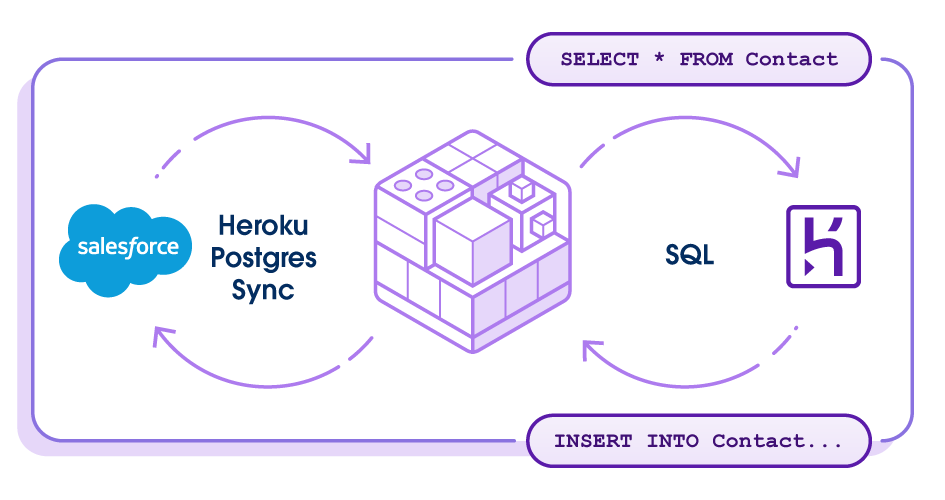
3. Source Application Data: Heroku Postgres Follower Databases
The breakthrough came from realizing we needed better database architecture, and not complex ETL.
- Heroku Postgres Follower Databases provide read-only replicas that protect app performance while providing real-time production data access.
- A simple one-command setup eliminates complex ETL infrastructure.
- We integrate 20+ source Heroku systems (billing, addons, pipelines) following a simple pattern: create a follower, store the connection string, and use template-driven jobs. Adding new apps scales linearly.
4. Orchestration: Apache Airflow
Managing 200+ jobs across 20+ sources requires sophisticated orchestration. Apache Airflow, hosted on Heroku, orchestrates everything through 30+ DAGs, ensuring 99.99% pipeline uptime across all data sources.
- Production architecture: 30+ DAGs organized by frequency and business function—hourly DAGs for real-time metrics, daily DAGs for comprehensive reporting, weekly DAGs for trend analysis, and monthly DAGs for historical aggregation. Complex dependency management ensures data consistency across all sources while enabling parallel processing where possible. Apache Airflow’s retry capability helps avoid failures/data-loss.
- Template-driven system: We created templates in Python code for incremental load, bulk load, date range load and have 200+ JSON job definitions to standardize data flow. Templates generate dynamic SQL. Incremental loading reduces transfer 90%. Atomic operations ensure zero-downtime updates.
- Heroku Connect integration: A dedicated monitoring DAG runs every 5 minutes, checking sync status across all 12 regional Heroku Connect instances and automatically retrying failed records. This proactive approach achieves 99.99% pipeline uptime while maintaining data freshness.
5. Analytics and Reporting: Tableau Integration + Heroku Dataclips
Tableau connects directly to both Heroku Postgres for real-time operational dashboards and Redshift for historical trend analysis. Heroku Dataclips provides instant SQL-based reporting directly from Heroku Postgres, offering lightweight, shareable, ad-hoc analytics for operational teams.
- Direct connectivity: It eliminates intermediate data movement for analytics and reduces latency. Tableau connects directly to both Heroku Postgres for real-time operational dashboards and Redshift for historical trend analysis, providing users with the right data source for their specific needs.
- Enterprise capabilities: Pre-built data models and standardized metrics ensure consistency while enabling exploration and discovery. Data governance features provide audit trails and lineage tracking. Self-service analytics empowers business users to create reports and dashboards.
- Performance optimization: Tableau extracts are strategically used for frequently accessed dashboards, while live connections provide real-time data for operational use cases. This hybrid approach balances performance with data freshness requirements.
- Heroku Dataclips: provides instant SQL-based reporting directly from your Heroku Postgres data warehouse, enabling teams to create shareable reports and dashboards without additional BI tools. This complements our Tableau integration by offering lightweight, ad-hoc analytics for operational teams who need quick access to data without complex dashboard setup.
What’s New from Heroku: Accelerating Your Data Strategy
The Heroku data warehouse architecture is proof of Heroku platform’s power, which continues to evolve as the Salesforce AI PaaS. We eliminate complexity and deliver enterprise-scale results.
To keep building with confidence and explore the latest advancements, read our post on new Innovations that expand the capabilities of every Salesforce Org. Key data features include:
- Heroku Postgres Advanced Tier: Delivering massive scale (over 200TB storage), 4x throughput, and decoupled compute/storage for non-disruptive, zero-downtime scaling.
- Expanded Heroku Connect Capabilities: Supporting data synchronization for 170+ standard Salesforce objects and adopting CDC Accelerated Polling to go from an update every 10 minutes to event-based and sync changes as they happen.
- Zero-Copy Data Cloud Ingestion (Beta): Enabling customers to easily bring existing Heroku Postgres data into Data 360 (Data Cloud) with zero data movement, which provides complementary data services to optimize Data Cloud architectures.
Conclusion: Performance and Impact at Scale
This architecture has transformed how we approach data integration, proving that the right platform choices eliminate traditional ETL complexity while delivering enterprise-scale results. By leveraging Heroku’s native Salesforce integration and managed infrastructure, we’ve built a data warehouse that scales effortlessly and maintains itself. The numbers demonstrate what’s possible when you stop fighting against platform limitations and start building with them.
Performance and Impact at Scale
- Performance at Scale: We built an easy-to-maintain Data warehouse on Heroku with over 10 TB data across Salesforce and 20+ Heroku apps.
- Pipeline Reliability: We run 200+ automated jobs for data load, maintaining sub-minute data freshness for critical metrics and 99.99% pipeline uptime with automated recovery.
- Cost and Operational Benefits: With Heroku, we eliminated expensive ETL infrastructure using follower databases. reducing data integration costs by 60% compared to traditional ETL tools. Dynamic scaling optimizes costs automatically, and we reduce operational overhead through managed platforms and unified monitoring across all sources.
- Business Impact: Our solution provides real-time insights that enable data-driven decisions. The unified customer view combines Salesforce and app data, improving customer analysis accuracy by 40%, and self-service analytics eliminates engineering bottlenecks.
This architecture eliminates ETL complexity while delivering real-time insights across your Salesforce and multi-app ecosystem. Heroku’s native integrations and managed platform focus you on business value, not infrastructure management.
The approach grows with you: start with Heroku Connect for Salesforce data, add follower databases for critical apps, then expand analytics as needs evolve. Each step builds on the previous without architectural changes.
Ready to unify your Salesforce and application data for your Data Warehouse? Contact Heroku Sales for architecture consultation and implementation guidance.
The post Building an Enterprise Data Warehouse on Heroku: From Complex ETL to Seamless Salesforce Integration appeared first on Heroku.
]]>The Performance Penalty of Repeated Connections Before the latest improvements to the Heroku Router, every connection between the router and your application dyno risked incurring the latency penalty of a TCP slow start. To understand why this is a performance bottleneck for modern web applications, we must look at the fundamentals of the Transmission Control […]
The post Learn How to Lower Heroku Dyno Latency through Persistent Connections (Keep-alive) appeared first on Heroku.
]]>The Performance Penalty of Repeated Connections
Before the latest improvements to the Heroku Router, every connection between the router and your application dyno risked incurring the latency penalty of a TCP slow start. To understand why this is a performance bottleneck for modern web applications, we must look at the fundamentals of the Transmission Control Protocol (TCP) and its history with HTTP.
Maybe you’ve heard of a keep-alive connection, but haven’t thought much about what it is or why they exist. In this post, we’re going to peel away some networking abstractions in order to explain what a keep-alive connection is and how it can help web applications deliver responses faster.
In short, a keep-alive connection allows your web server to amortize the overhead involved with making a new TCP connection for future requests on the same connection. Importantly, it bypasses TCP slow start phase so data in requests are transferred over maximum bandwidth. If you’re already familiar with connection persistence, you understand the magnitude of this change. For everyone else, let’s look at the fundamentals of TCP and the slow start performance bottleneck.
The Solution: Keep-Alive Connections and HTTP/1.0
When you type an address into a browser, it uses Transmission Control Protocol (TCP) to create a connection and a request to a destination website. An HTTP request has headers and a body; these are parts that a Python, Ruby, or NodeJS app will receive, process, and then send back a response.
With HTTP/1.0, there was a one-to-one relationship between connections and requests. Every new request required opening a connection, sending the request, and then closing the connection.
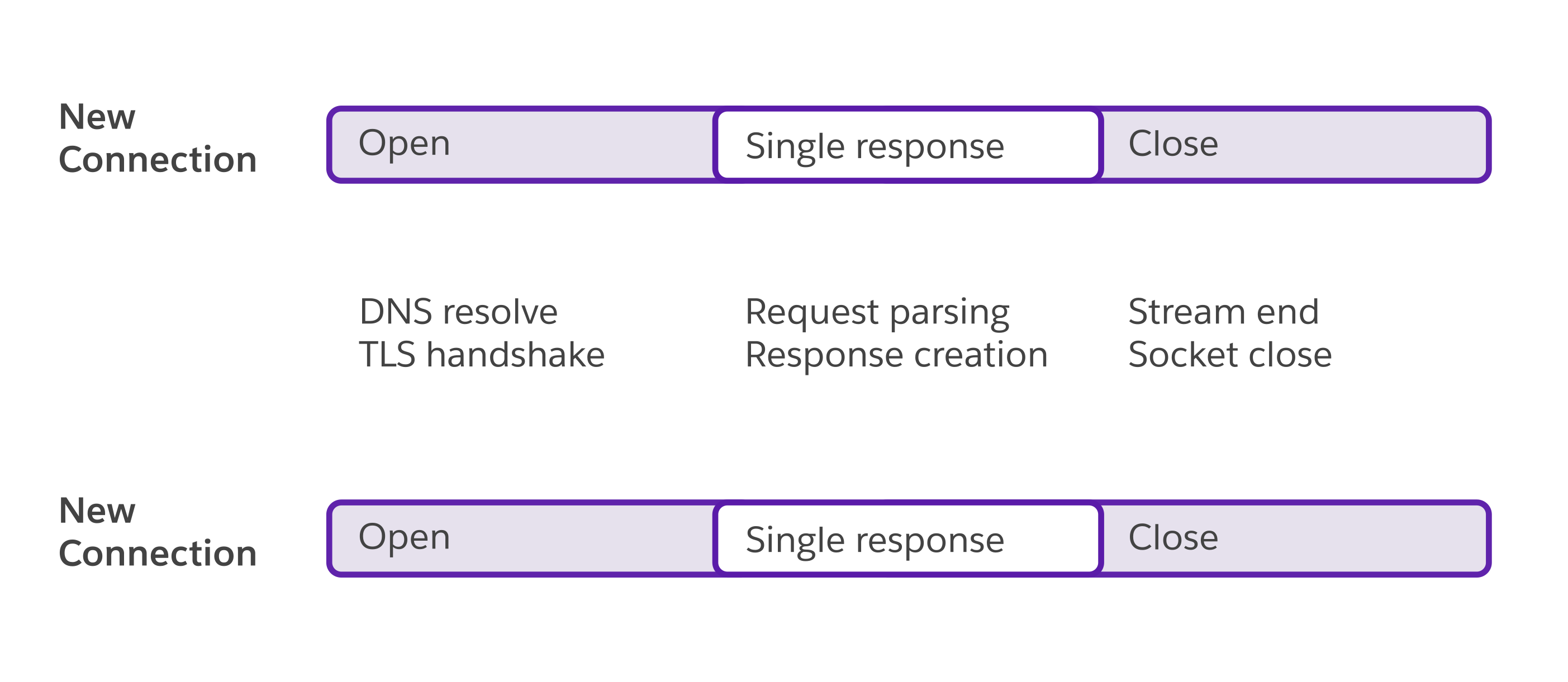
This TCP connection is between sockets on computers. Once the connection is established, one server can send data to another in the form of a request or a response. This data queues up on the socket until a program (like a web server) calls accept on it to take the next connection in the queue. HTTP/1.0 was very simple, but it was inefficient due to something called TCP slow start.
TCP slow start
A TCP “connection” isn’t one thing; it’s a stream of packets. The speed (bandwidth) at which the connection operates is dependent on the network speed of the sender, the receiver, and everything in between. If the sender delivers packets too fast, they start getting dropped, which means the sender has to re-deliver those packets.
In a perfect world, the client (sender) would send packets at the maximum possible bandwidth, but not one byte over. In the real world, there’s no way to know that magical number. Even worse, the speed of the network isn’t static and might change. To solve the problem, an algorithm called TCP slow start is used, which dynamically tunes the bandwidth at the same time that data is being sent. You might remember I brought up this algorithm in my article on writing a GCRA rate throttling algorithm. In short, it sends data slowly, and every time that data is received successfully, it increments the speed a bit. If any data is lost, it takes drastic measures to slow down before gradually ramping up again.
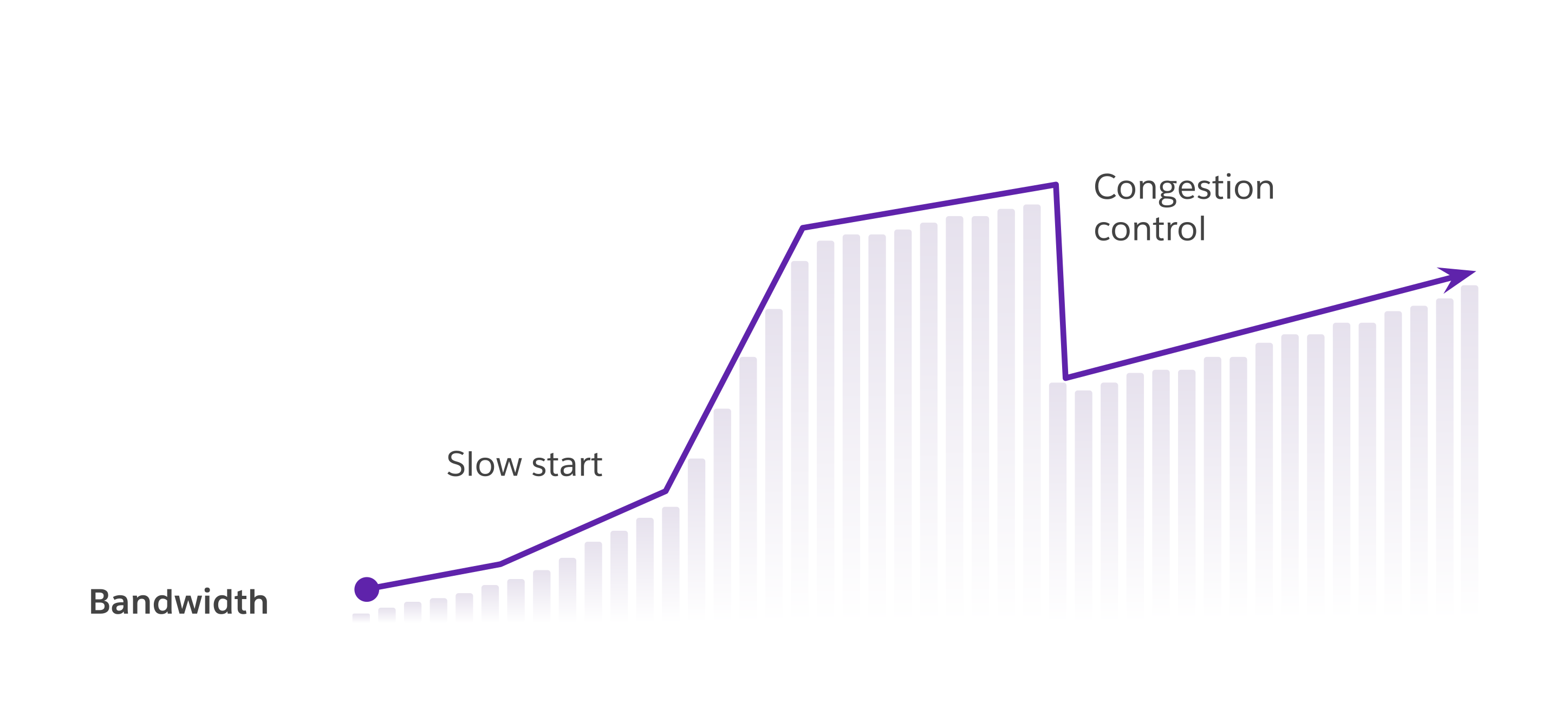
TCP slow start is a good thing, but as the name implies, it is slow to start. And since TCP is stateless, every time you start talking to the same server, it has to repeat the process with zero assumptions. So if a browser is making repeated requests to the same endpoint, it has to repeat that TCP slow start multiple times. Not great.
TCP slow start has two parts contributing to this problem. The first is the “slow.” If we could find a faster algorithm, then it would eliminate the problem. We might tune and tweak it some more, but it’s an algorithm that’s already well researched. The other is the “start.” We might not be able to make a faster algorithm, but we only have to pay this cost once: at the start of a connection. If the connection doesn’t close, we can reuse it.
HTTP/1.1 Keepalives and Pipelines
With HTTP/1.1, we have two new tools for this TCP slow start problem: pipeline and keep-alive connections. Both operate on the same basis: decouple requests from connections to reduce the “start” side of the problem.
Pipeline connections allow sending multiple requests in one payload. The headers and bodies are constructed ahead of time, concatenated together, and delivered to the server up front. In this scenario, one connection carries multiple requests (A, B, and C), but they’re all delivered at once.
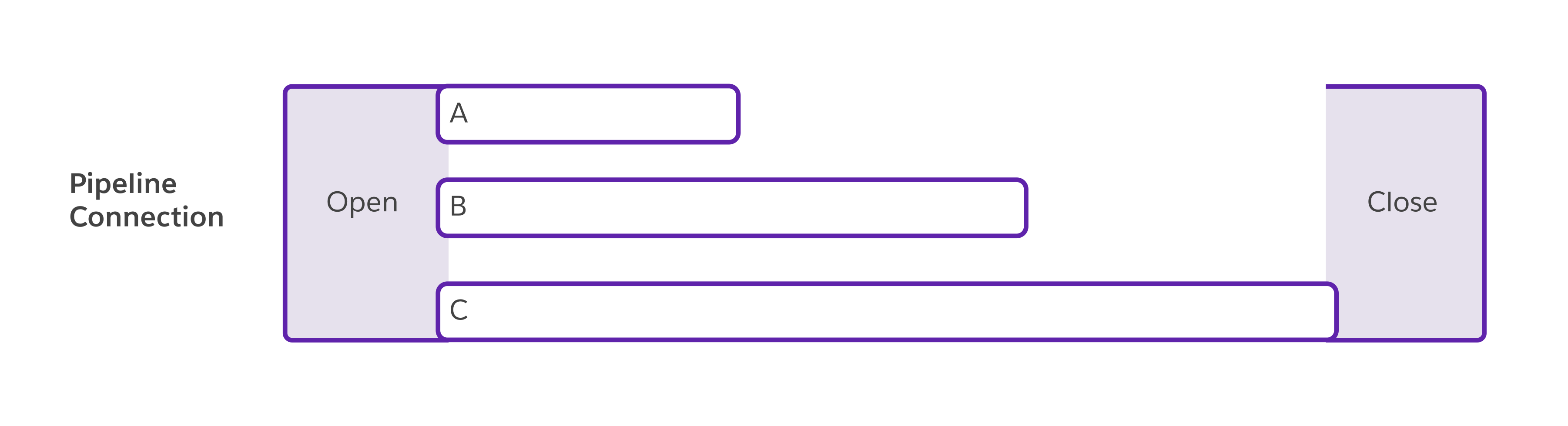
Keep-alive connections usually only carry one request up front (versus a pipeline request), but they tell the server, “once you’re done responding, don’t hang up, I might have another request for you.” This mechanism is very useful. It allows a browser to do things like: keep a pool of connections to the same origin so it can reuse them when downloading images or CSS. Unlike pipeline requests, it doesn’t have to know the use cases ahead of time, so this mechanism is more flexible.

The important thing here is that both pipeline and keep-alive connections work around the TCP slow start bottleneck by not closing the connection. These are features that come from the HTTP/1.1 spec and are fairly well supported by most web servers.
Heroku Router 2.0: Unlock Lower Latency Today
Repeatedly paying the cost of a new TCP connection for every request is a hidden performance tax, that potentially slows down your application. Heroku’s Router 2.0 is already set up to use keep-alive connections by default, eliminating the costly TCP slow start penalty on repeat requests. Now it’s time to ensure your application can fully take advantage of that unlocked bandwidth and latency reduction.
If you previously experienced unfair latency spikes and disabled keep-alives (in config/puma.rb or via a Heroku lab’s feature), we strongly recommend you upgrade to Puma 7.1.0+.
Follow these steps to upgrade today:
1. Install the latest Puma version
$ gem install puma
2. Upgrade your application
$ bundle update puma
3. Check the results and deploy
$ git add Gemfile.lock

$ git commit -m "Upgrade Puma version"

$ git push heroku
Note: Your application server won’t hold keep-alive connections if they’re turned off in Puma config, or at the Router level.
You can view the Puma keep-alive settings for your Ruby application by booting your server with PUMA_LOG_CONFIG. For example:
$ PUMA_LOG_CONFIG=1 bundle exec puma -C config/puma.rb
# ...
- enable_keep_alives: true
You can also see the keep-alive router settings on your Heroku app by running:
$ heroku labs  -a <my-app> | grep keepalive

[ ] http-disable-keepalive-to-dyno  Disable Keepalives to Dynos in Router 2.0.
We recommend all Ruby apps upgrade to Puma 7.1.0+ today!
The foundation is set for faster experiences. Beyond HTTP/1.1, the new Heroku Router also supports HTTP/2 features, enabling us to deliver new routing capabilities faster than ever before. Start delivering faster, more responsive applications today. Review your web server version and application configurations to enjoy the full power and lower latency of keep-alive connections.
The post Learn How to Lower Heroku Dyno Latency through Persistent Connections (Keep-alive) appeared first on Heroku.
]]>Imagine this: Your sales team is about to close a major deal. They’re building a custom quote in your app, but they need to see the latest product line items from an Opportunity in Salesforce. They refresh. And wait. The data is stale. The quote gets generated, but it’s missing the latest addition to the […]
The post Heroku Connect: Faster, More Reliable Data Sync with Salesforce CDC appeared first on Heroku.
]]>Imagine this: Your sales team is about to close a major deal. They’re building a custom quote in your app, but they need to see the latest product line items from an Opportunity in Salesforce. They refresh. And wait. The data is stale. The quote gets generated, but it’s missing the latest addition to the deal since your data didn’t sync yet.
This isn’t a hypothetical problem. It’s a frustrating reality for developers who have been limited by legacy data synchronization technology. You’ve told us you need faster, more comprehensive data sync, particularly Accelerated Polling support for crucial but unsupported objects like Opportunity Line Items.
We listened. Today, we’re thrilled to announce a foundational upgrade to Heroku Connect, available starting this week: Accelerated Polling can now listen to Salesforce Change Data Capture (CDC) to accelerate the polling frequency for your key objects.
Begin your journey, read the Dev Center guide on setting up accelerated polling of Salesforce.
This isn’t just a technical update; it’s the key to unlocking the rapid synchronization for the mission-critical apps you’ve always wanted to build.
From a Nudge to a Complete Story
Previously, Heroku Connect’s Accelerated Polling feature only used the Salesforce Streaming API to detect changes. This restricted the number of objects that were supported as part of Accelerated Polling.
With Accelerated Polling now supporting Salesforce CDC, the result is a foundational leap forward in sync speed and efficiency. Your Opportunity Line Item data now syncs more quickly, allowing you to finalize that significant deal you were pursuing.
What Salesforce Change Data Capture for Accelerated Polling Unlocks for You
This move from legacy technology to a modern standard solves one of the biggest challenges our customers have faced. Finally, you can enable accelerated sync for your critical objects. The old Streaming API had frustrating limitations. Crucial objects like Opportunity Line Items were left out, creating gaps in your data strategy.
With CDC, we’re blowing the doors open. Accelerated Polling will now support over 170 new Salesforce standard objects, allowing you to sync the complete dataset that drives your business.
How to Get Started Today
Salesforce CDC support for Heroku Connect’s Accelerated Polling is rolling out to all Heroku Connect customers this week. Enabling it is a simple, two-step process between you and your Salesforce Admin.
- In Salesforce: Ask your Salesforce Administrator to enable Salesforce Change Data Capture for the specific objects you want to sync with Accelerated Polling (like Pricebook2, Asset, or OpportunityLineItem). They can find this in Salesforce’s Setup menu.
- In Heroku Connect: Once an object has Salesforce CDC enabled in Salesforce, a new option will automatically appear in your Heroku Connect dashboard. Simply select the “Uses Accelerated Polling” option for Accelerated Polling on your mappings for those objects.


That’s it. For a detailed walkthrough, check out our new step-by-step guide in the Heroku Dev Center.
Welcome to the next generation of seamless Salesforce data synchronization. We can’t wait to see what you build with it.
The post Heroku Connect: Faster, More Reliable Data Sync with Salesforce CDC appeared first on Heroku.
]]>Today’s businesses face a tremendous amount of complexity in tools, data silos, and systems that teams need to navigate to deliver unique and engaging experiences to their customers. Meanwhile developers are only able to spend a fraction of their time coding due to the cognitive load of technology complexity, constant context switching, and figuring out how to adopt AI effectively into their daily work.
The Heroku AI PaaS is the Cloud Native Application Platform from Salesforce to seamlessly build and scale any custom service for greenfield app development, modernizing existing apps, and as part of a Salesforce cloud implementation.
At Dreamforce, we are excited to introduce new innovations to our AI PaaS that expand the capabilities of every Salesforce org and empower new builders. Today’s announcement includes innovations in three key areas:
- Expanding the capabilities of every Salesforce org with the flexibility of more pro-code and elastic compute with enterprise performance, scale and security enhancements.
- Enhancing and expanding the data foundation to empower our customers’ modern and AI app strategies.
- Delivering new vibes using AI to make the process of building new applications as accessible as sending a text message.
The post Heroku Introduces New Innovations to Expand the Capabilities of Every Salesforce Org appeared first on Heroku.
]]>Today’s businesses face a tremendous amount of complexity in tools, data silos, and systems that teams need to navigate to deliver unique and engaging experiences to their customers. Meanwhile developers are only able to spend a fraction of their time coding due to the cognitive load of technology complexity, constant context switching, and figuring out how to adopt AI effectively into their daily work.
The Heroku AI PaaS is the Cloud Native Application Platform from Salesforce to seamlessly build and scale any custom service for greenfield app development, modernizing existing apps, and as part of a Salesforce cloud implementation.
At Dreamforce, we are excited to introduce new innovations to our AI PaaS that expand the capabilities of every Salesforce org and empower new builders. Today’s announcement includes innovations in three key areas:
- Expanding the capabilities of every Salesforce org with the flexibility of more pro-code and elastic compute with enterprise performance, scale and security enhancements.
- Enhancing and expanding the data foundation to empower our customers’ modern and AI app strategies.
- Delivering new vibes using AI to make the process of building new applications as accessible as sending a text message.
Expanding the capabilities of every Salesforce org with AppLink
Following up to our July release of AppLink, a feature that seamlessly and securely connects custom services on Heroku with workflows and configurations in Salesforce Platform, Agentforce, and Data Cloud, we are delivering the following enhancements:
- Enhanced Security with support for JWT auth enables Heroku to provide custom user facing experiences for headless Agentforce deployments.
- Scalability and Performance with a 4X increase in the invocation rate throughput to handle higher levels of traffic and more complex operations with greater efficiency.
- Automation with Open API Spec to streamline Agentforce topic generation. Eliminate manual steps and errors by using annotations to speed up your configuration, deployment, and time to market.
Enhancing our data foundation to empower AI
Heroku’s long history in managed data services continues to innovate and evolve to meet the changing demands on data for modern, AI powered solutions. Our innovations focus on futurizing our data foundations and delivering unique capabilities to Salesforce orgs and Data Cloud.
- Next Gen Heroku Postgres replatforms the popular Postgres offering to enhance performance, deliver massive scale, and deliver storage flexibility, zero downtime provisioning and updates, and user experience improvements to enable developers to build the apps of the future. Read more here.
- Expanding Heroku Connect capabilities to support data synchronization for 170+ standard Salesforce objects and adopting CDC Accelerated Polling to go from an update every 10 minutes to event-based and sync changes as they happen.
- Heroku for Data Cloud leverages AppLink to bring the power of industry programming languages to build and run custom apps against your Data Cloud, provide complimentary data services to optimize Data Cloud architectures, and the beta of Zero Copy for Heroku Postgres to enable customers to easily bring their existing data into a unified Data Cloud for a fuller picture of their customer and to enable Agentforce agents.
Bringing AI vibes to how new apps are built and deployed
Software development has largely been the domain of technical experts specialized in specific programming languages, frameworks, and tools making it inaccessible to those in non-technical backgrounds. While the demand for new apps has continued to grow, the available developer tools have only increased in complexity and increased cognitive load on a highly constrained group of skilled professionals. Enter AI and vibe coding to provide a new experience that makes creating apps as intuitive as sending text messages.
- Heroku Vibes is an AI-powered, collaborative agent experience for both developers and non-developers to create and deploy new applications in minutes using natural language instructions. Heroku Vibes takes those instructions to prepare a spec driven development plan, provisions the required infrastructure, and automatically deploys the application for the user. Learn more and try it here.
AI is rapidly changing the landscape of app creation and what these new apps can do. With more creators entering the space, the friction and gap for secure delivery and challenges of being performant at scale will only compound. Heroku AI PaaS is about solving the challenges at every step along the way – so that your team can focus on what’s important – building value for your customers, employees, and business.
The post Heroku Introduces New Innovations to Expand the Capabilities of Every Salesforce Org appeared first on Heroku.
]]>We are thrilled to announce the next generation of Heroku Postgres to power a data foundation for the next wave of intelligent and mission-critical applications. This roadmap has been driven by listening closely to our customers, culminating in the introduction of a new Heroku Postgres Advanced tier. This revolutionary data foundation is designed to eliminate previous scaling limits, unlock unprecedented architectural flexibility and performance, and reduce operational friction. As the AI PaaS from Salesforce, Heroku is the force multiplier for developers building this future with an integrated platform with powerful capabilities made simple to use - removing friction along the software delivery lifecycle. We invite you to sign up for the pilot.
The post Introducing the Next Generation of Heroku Postgres – Unlocking Performance, Scale, and Zero-Friction Ops appeared first on Heroku.
]]>We are thrilled to announce the next generation of Heroku Postgres to power a data foundation for the next wave of intelligent and mission-critical applications. This roadmap has been driven by listening closely to our customers, culminating in the introduction of a new Heroku Postgres Advanced tier. This revolutionary data foundation is designed to eliminate previous scaling limits, unlock unprecedented architectural flexibility and performance, and reduce operational friction. As the AI PaaS from Salesforce, Heroku is the force multiplier for developers building this future with an integrated platform with powerful capabilities made simple to use – removing friction along the software delivery lifecycle. We invite you to sign up for the pilot.
Heroku Postgres has a long history of enabling the most demanding workloads, from HealthSherpa’s high volume during peak enrollment periods of over 1200 requests and 30,000 queries per second to the Salesforce Data Migration Team’s ability to transform complex data processing from weeks to minutes.
Today’s announcement builds on a year of data innovations from replatforming new Essential-tier plans to delivering innovative new capabilities like streamlining upgrades.
Postgres Advanced: Heroku’s innovation layer for scale, speed and reliability
The Heroku Postgres Advanced tier is built on the latest database technologies from AWS through a collaboration with the AWS data team. Heroku transforms that robust underlying database technology by adding innovative capabilities, a superior developer experience, and operational automation. The result is a powerful managed data service that offers simplicity, reliability, and non-disruptive, zero-downtime scaling for massive scale environments.
What’s new in Heroku Postgres:
- High performance and scalability: The new architecture is built for demanding applications. We’ve seen over 4X throughput during initial tests, and it introduces high storage scalability, allowing over 200TB of storage. This immense capacity ensures that your database can grow seamlessly alongside your business, accommodating ever-increasing data volumes and throughput without compromising performance. Furthermore, Postgres Advanced dramatically increases connection capacity, ensuring your application can handle concurrent users at scale.
- Compute and storage flexibility: We’ve decoupled compute and storage to allow complete flexibility in how you configure and consume database resources, including high-availability standby, to match the specific needs of the application at any time. This architecture shift provides increased vertical and horizontal scaling and flexibility to support more complex customer data architectures.
- Proprietary follower pool architecture: Achieve superior read performance and operational agility. This unique Heroku innovation allows you to organize your database topology by attaching named follower pools to specific applications for effortless read distribution and horizontal or vertical scaling of replicas without disrupting the applications. This ensures your scaling operations are non-disruptive to achieve zero-downtime and maintain optimal performance during peak load.
- Refreshed user experience: We’re committed to enhancing the intuitive UX that Heroku is known for. Postgres Advanced will feature a new and intuitive interface in the UI dashboard and CLI that is interactive and easily scales.
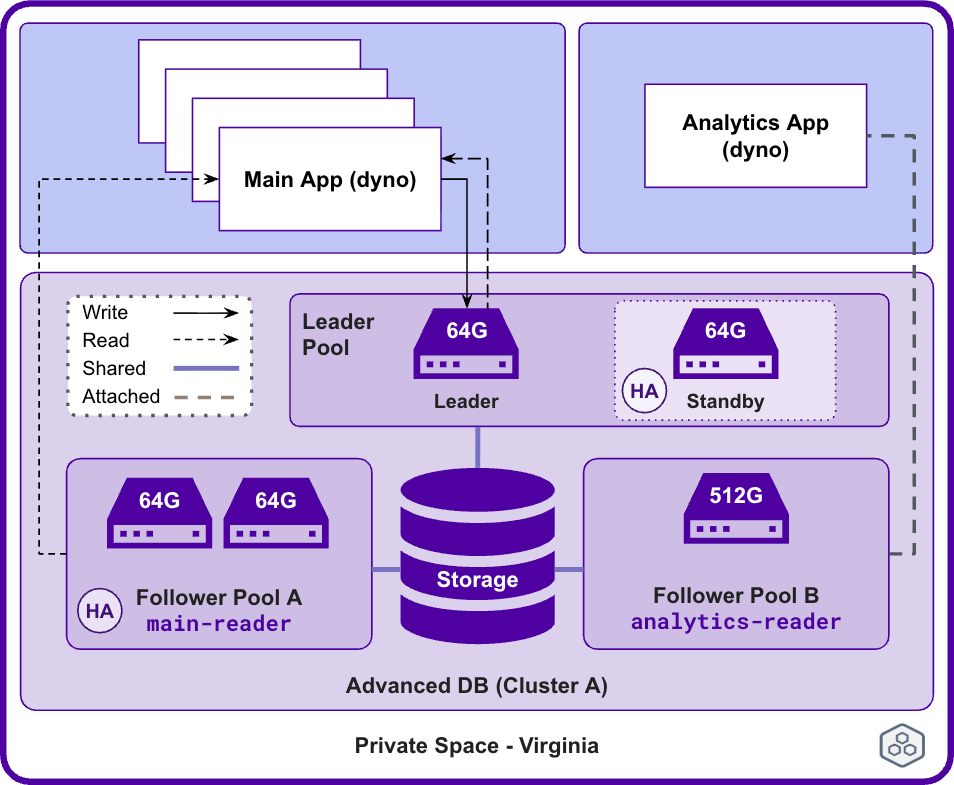
The next generation of data is here. Join the pilot.
We are excited to have you try the pilot and get your feedback. Your involvement is critical; over the course of the pilot we will continue to update the product with more features, both familiar and new – including full support for our customers that require regulatory compliance. You can expect the General Availability (GA) in early 2026. Following GA, we will provide tooling enabling you to migrate your existing database seamlessly. This new Heroku Postgres Advanced tier will eventually replace our existing Standard, Premium, Private and Shield tiers.
The post Introducing the Next Generation of Heroku Postgres – Unlocking Performance, Scale, and Zero-Friction Ops appeared first on Heroku.
]]>Introducing the pilot of Heroku Vibes, your collaborative agent for turning ideas into running apps. For those who have been with us on this journey for a while, the name “Heroku Garden” might stir up a bit of nostalgia. It was the web experience that enabled developers to become immediately productive in creating and deploying […]
The post Welcome to Heroku Vibes appeared first on Heroku.
]]>Introducing the pilot of Heroku Vibes, your collaborative agent for turning ideas into running apps.
For those who have been with us on this journey for a while, the name “Heroku Garden” might stir up a bit of nostalgia. It was the web experience that enabled developers to become immediately productive in creating and deploying Rails applications with a turnkey, opinionated environment, with the goal of making software easier and more accessible. That seed of an idea that would grow into the platform powering millions of mission-critical apps. We’re thrilled to announce the pilot of Heroku Vibes, a reimagining of our original mission into an experience built for the future.
The Heroku philosophy: effortless developer experience
From the very start, Heroku has been guided by a powerful philosophy: everyone can be a builder. We believe in the power of a great developer experience (DX). A great DX isn’t just about making things easy; it’s about making the right things easy and removing the wrong things from your path. It’s an opinionated approach that clears the way for developers to focus on what they do best: creating.
We’ve always strived to abstract away the complexities of infrastructure, so you can pour your energy into your code, not into configuring servers. This philosophy manifested in features that have become industry standards, from seamless git push heroku main deployments to buildpacks that automatically detect, build, and configure your application’s environment. We handled the tedious work of infrastructure management so you could stay in your creative flow.
Building apps with natural language
This obsession with a seamless workflow is more critical now than ever. The landscape of application development has changed dramatically with AI bringing in a whole new generation of builders. After building their first app, these developers today navigate a sea of container orchestration, CI/CD pipelines, and a dozen different cloud services just to get an application live. The cognitive overhead is immense for developers while this process is almost completely inaccessible to anyone else. We see a world where the power of modern applications is often locked behind a wall of incidental complexity. We believe it’s time to tear down that wall.
Heroku Vibes: AI-powered app building
That’s why we are excited to introduce the next evolution of this vision: Heroku Vibes. This represents the next evolution of our commitment to an effortless DX, but this time for all of the builders, not just developers. Heroku Vibes is a web-based experience that takes natural language to build and deploy full apps. The barrier to entry for building and deploying an application has been lowered to the ability to simply describe what you want to create. It’s the ultimate abstraction, the purest form of the Heroku vision.
From natural language to deployment in minutes
Imagine typing:
Let’s create an app that combines the tour schedules for my favorite bands with locations and weather data, so I can plan which outdoor concerts to hit.
or
Create a Node.js API with a Postgres database and a Redis cache, and deploy it to a staging environment in my pipeline.
Heroku Vibes parses your intent and seamlessly handles the rest: generating code, provisioning the database, connecting the cache, configuring the environment variables, connecting the services, and deploying the application. It transforms the complex choreography of software development and modern infrastructure into a simple, powerful conversation. This is the next chapter in making the right things easy.
Heroku Vibes is for every builder
Heroku Garden was for Rails developers. The new Heroku Vibes is for everyone. It’s for the seasoned developer who wants to spin up a prototype in minutes without breaking their flow. It’s for the student who is just starting their coding journey and wants to see their ideas come to life without getting bogged down by having to manage infrastructure. It’s for the entrepreneur who has a great idea but not the technical background to bring it to life on their own. We are returning to our roots to empower you to build the future. A future where the only thing standing between you and your next great application is the power of your words.
How to access Heroku Vibes
The new experience is live at vibes.heroku.com. We’ll be expanding user access from today onward.
Welcome to Heroku Vibes. We can’t wait to see what you build.
What is Heroku Vibes? Heroku Vibes is the simplest way to go from idea to app. Vibes is your AI-powered, collaborative agent for everyone – both developers and non-developers – turning ideas into live applications in minutes. Vibes removes friction from creating, evolving, and scaling apps. For individuals, Vibes grows from prototype to production. For enterprises and Salesforce customers, it is a safe and secure way to create and scale apps extending the platform.
Why Heroku Vibes? Heroku’s vision has always been to make software development much easier and more accessible. With the advent of generative AI, Heroku can now bring its deep experience and platform excellence to bear in creating an AI environment that enables users to bring their ideas to life as applications, with all of that operational expertise in play to create well-written applications that work well on the Heroku platform. This enables everyone from non-developers to expert programmers to get up and running with extremely low friction, creating and iterating on new apps, or driving meaningful change to existing apps.
The post Welcome to Heroku Vibes appeared first on Heroku.
]]>Ever found yourself in the endless loop of tweaking a prompt, running your code, and waiting to see if you finally got the output you wanted? That slow, frustrating feedback cycle is a common headache for AI developers. What if you could speed that up and get back to what you do best? Let’s focus on building amazing applications.
We're excited to introduce Heroku AI Studio, a new set of tools designed to streamline your generative AI development from prompt to production. We've focused on creating a more intuitive and efficient workflow, so you can focus on innovation instead of wrestling with your development environment. When using the Heroku Managed Inference and Agents add-on, this new tool is about to become an essential part of your workflow.
The post Heroku AI Studio is Your Workspace for Smarter, Faster AI Apps appeared first on Heroku.
]]>Ever found yourself in the endless loop of tweaking a prompt, running your code, and waiting to see if you finally got the output you wanted? That slow, frustrating feedback cycle is a common headache for AI developers. What if you could speed that up and get back to what you do best? Let’s focus on building amazing applications.
We’re excited to introduce Heroku AI Studio, a new set of tools designed to streamline your generative AI development from prompt to production. We’ve focused on creating a more intuitive and efficient workflow, so you can focus on innovation instead of wrestling with your development environment. When using the Heroku Managed Inference and Agents add-on, this new tool is about to become an essential part of your workflow.
Heroku AI Studio: your interactive AI workspace
Heroku AI Studio is your interactive workspace for the Heroku Managed Inference and Agents add-on. It allows you to directly engage with the underlying models and tools you’ve provisioned. Think of it as a real-time sandbox where you can experiment freely, understand model behavior, and fine-tune your prompts to get the exact output your application needs.

Key benefits for developers
Heroku AI Studio is more than just a testing tool; it’s a complete environment for rapid prototyping and iteration. Here’s how it helps you build better AI features, faster:
- Understand model nuances: Get a feel for the strengths and subtleties of your provisioned AI model by experimenting with different prompts and parameters in real time. This will help you quickly learn how to get the best results.
- Tune prompts with efficiency: Now, you can tune and refine your prompts directly in the studio. Iterate on instructions and text until they’re perfect, and then seamlessly integrate them into your application.
- Ensure appropriate and effective tool use: AI Studio provides affordances to ensure that tool use is effective and appropriate for your specific use case, leading to more reliable and predictable outcomes.
- Integration into your code: The studio provides built-in guidance and example code snippets to make the integration into your application’s codebase as smooth as possible.
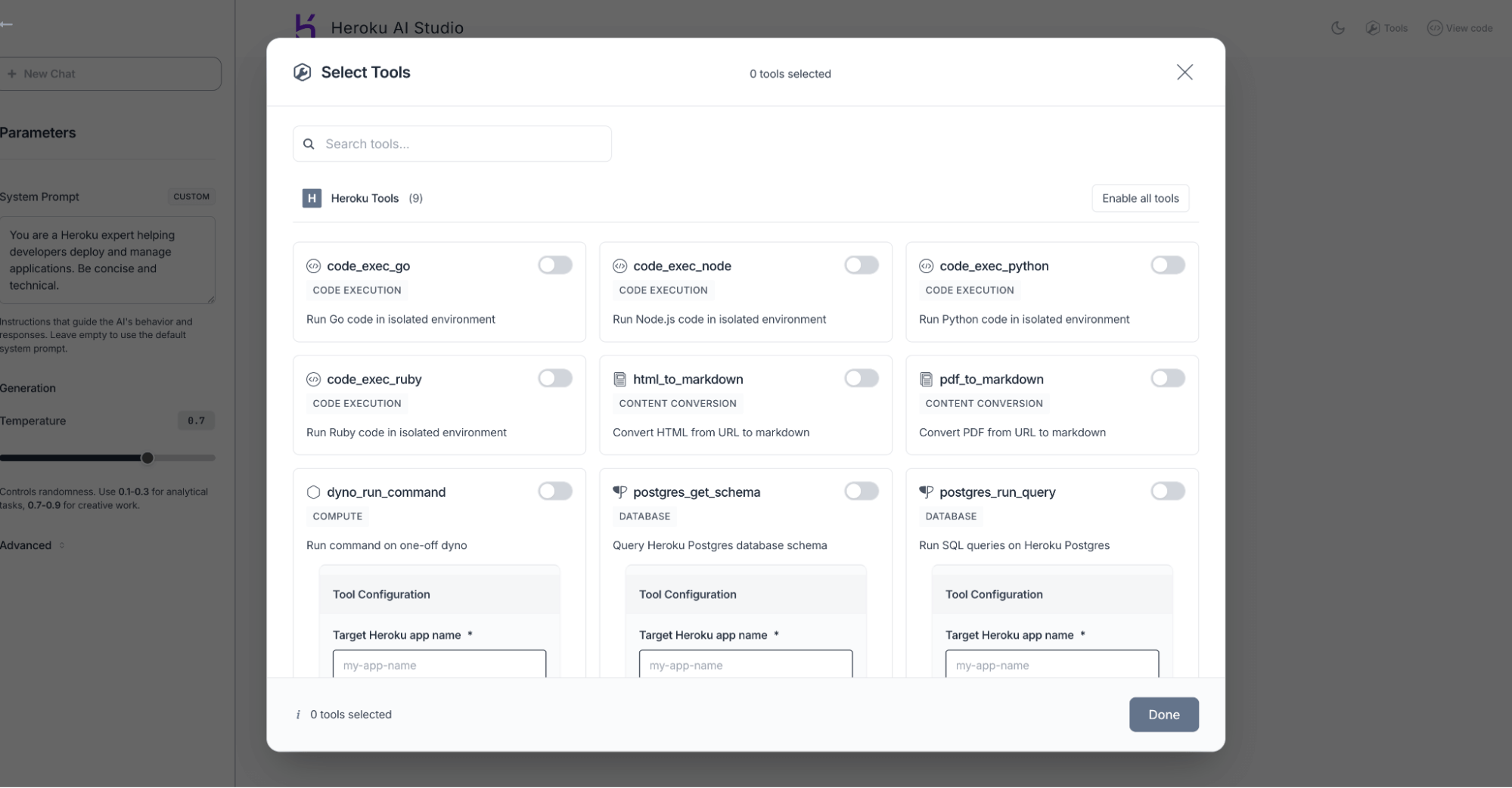
Getting started with Heroku AI Studio
If you already have a Heroku Managed Inference and Agents add-on provisioned for your app, you can get started in just a few clicks:
- Navigate to your app’s Resources page in the Heroku Dashboard.
- Click on your Heroku Managed Inference and Agents add-on from the resource list.
- On the resource view, simply click the “Open Playground” button.
You’ll be launched directly into the Heroku AI Studio, ready to start exploring, testing, and building.
Let’s start building
Heroku AI Studio helps you tackle some of the most common challenges in AI development. You can now fine-tune your prompts with greater speed and precision, ensuring your AI-powered features are both effective and appropriate for your users. We’ve also made it easier to manage and integrate the various tools and services your application relies on.
Ready to see how Heroku AI Studio can improve your workflow? Get started today and let us know what you think. We’re excited to see what you’ll build!
The post Heroku AI Studio is Your Workspace for Smarter, Faster AI Apps appeared first on Heroku.
]]>Salesforce customers often leverage third-party or custom services to extend their orgs, and they do so with two common options: Connected Apps and External Services. Connected Apps let third-party vendors or custom code call Salesforce APIs using long-lived OAuth tokens, while External Services call vendor APIs through declarative configurations with vendor-managed hosting, scaling, and endpoint security. While both approaches deliver functionality, the dynamic security threat landscape challenges us to continuously improve the risk and governance of our applications.
Heroku AppLink improves your security model and provides a managed bridge between Salesforce and Heroku, so developers or vendors can deploy services in any language and expose them as native Salesforce actions. Heroku AppLink automatically handles authentication, service discovery, and request validation while its service mesh and short-lived credentials mean that your integrations no longer depend on stored credentials or exposed endpoints. Development teams can reuse existing code and libraries instead of rewriting in Apex, admins get centralized visibility into connections and authorizations, and security teams gain tighter trust boundaries across both Connected App and External Service scenarios.
The post Securing Salesforce Integrations with Heroku AppLink appeared first on Heroku.
]]>Salesforce customers often leverage third-party or custom services to extend their orgs, and they do so with two common options: Connected Apps and External Services. Connected Apps let third-party vendors or custom code call Salesforce APIs using long-lived OAuth tokens, while External Services call vendor APIs through declarative configurations with vendor-managed hosting, scaling, and endpoint security. While both approaches deliver functionality, the dynamic security threat landscape challenges us to continuously improve the risk and governance of our applications.
Heroku AppLink improves your security model and provides a managed bridge between Salesforce and Heroku, so developers or vendors can deploy services in any language and expose them as native Salesforce actions. Heroku AppLink automatically handles authentication, service discovery, and request validation while its service mesh and short-lived credentials mean that your integrations no longer depend on stored credentials or exposed endpoints. Development teams can reuse existing code and libraries instead of rewriting in Apex, admins get centralized visibility into connections and authorizations, and security teams gain tighter trust boundaries across both Connected App and External Service scenarios.
In this post, we’ll explain how AppLink enforces trust at each step across both directions of integration traffic and give you concrete actions you can take when building.
Securing Salesforce outbound API calls with AppLink
Salesforce orgs often call out to external logic like AI models, payment gateways, or industry-specific APIs that live on public clouds or are operated by a third-party vendor. Traditionally, the vendors expose a public endpoint and trust any client presenting a bearer token. This delivers functionality but creates risk. If a token is stolen or the endpoint is misconfigured, attackers can replay calls and pull data directly from Salesforce.
Heroku AppLink solves this by putting a service mesh in front of the integration service when it is deployed. Instead of a public endpoint, only Salesforce orgs that you explicitly connect can reach the app. The mesh validates each request before handing safe context to the SDK. This ensures that inbound traffic is authenticated at the org level, not just by a token.
For customers, this means you can ask vendors to move their integration service onto Heroku with AppLink and gain the assurance that only your org can invoke it. For vendors, it means they can take the same Node.js or Python service running in AWS or Azure, deploy it to Heroku, and instantly benefit from Salesforce-native request validation.
Setting up a Salesforce External Service with AppLink on Heroku
Provision the AppLink add-on
heroku addons:create heroku-applink -a example-app
Add the service mesh buildpack
heroku buildpacks:add --index=1 heroku/heroku-applink-service-mesh -a example-app
Connect the Salesforce org
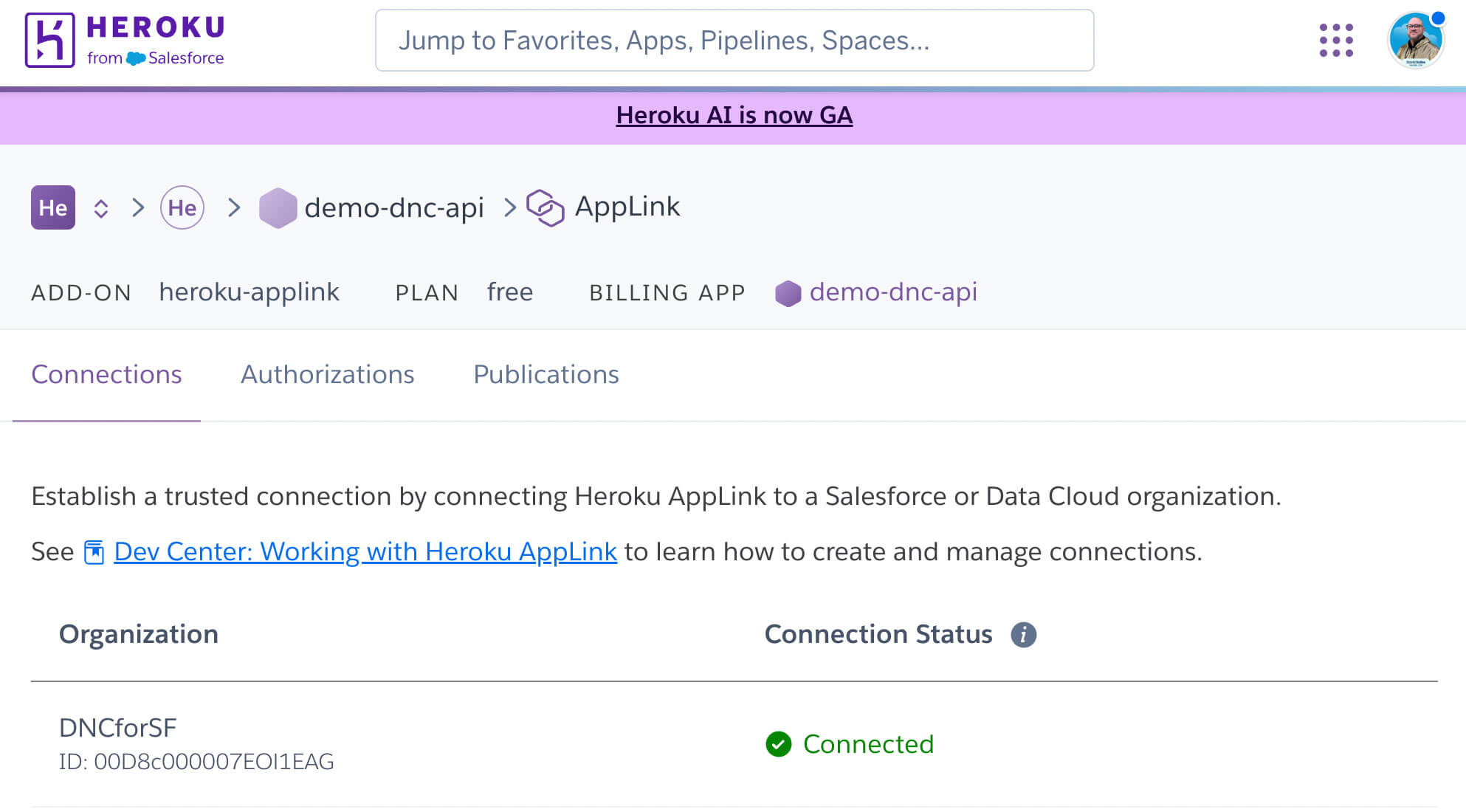
Publish an API spec as an External Service
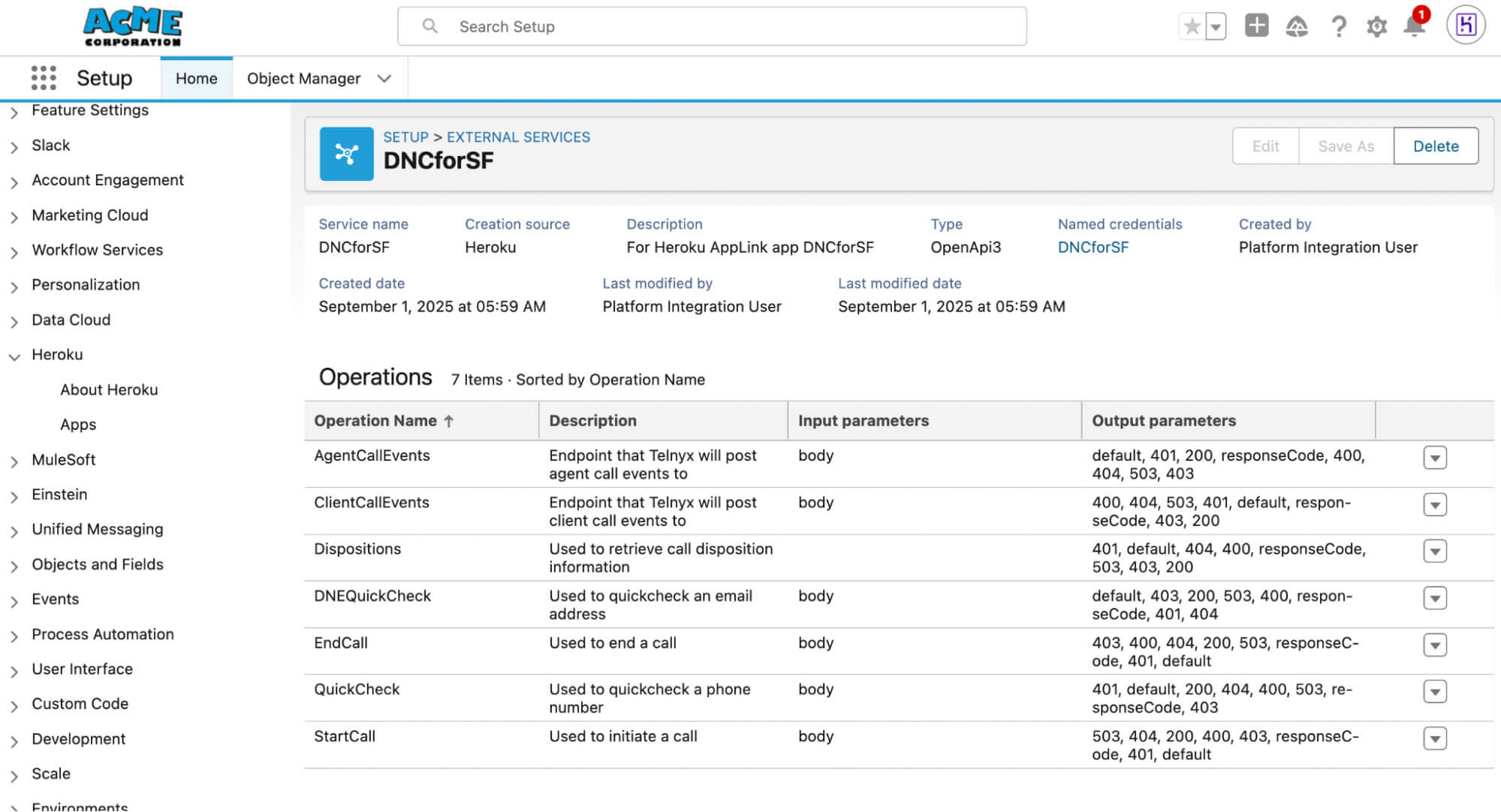
Assign the generated permission set to users who will invoke the External Service action.
Inbound API calls to Salesforce: scoped, on-demand credentials
External services often need to call back into Salesforce to update records, write support case notes, or sync customer data. Salesforce enables this by storing long-lived OAuth refresh tokens. The risk of those tokens being compromised gives malicious actors broad, long-term access to bypass MFA, which is often a weakness targeted in token replay attacks.
Heroku AppLink employs short-lived credentials obtained at runtime for outbound calls for services deployed on Heroku. For user and user-plus modes, vendors do not need to cache refresh tokens, and in authorized-user mode, AppLink stores a customer-controlled authorization for a named integration user, which contains the credential material needed to obtain short-lived credentials. These authorizations are scoped and managed within the AppLink add-on, not in a multi-tenant vendor system. Each call is scoped by the mode you select:
- User mode runs with the permissions of the Salesforce user invoking the service.
- User-plus mode adds a temporary session permission set defined in your API spec.
- Authorized-user mode runs as a designated integration identity that you authorize.
Salesforce customers can request that vendors utilize AppLink to secure inbound calls and prevent the storing of tokens that can be replayed against a Salesforce org. Using AppLink also benefits the vendors to continue to run the same integration logic but with stronger controls that satisfy enterprise security requirements.
Using AppLink authorizations for calls to Salesforce
Publish with user-plus mode
heroku salesforce:publish api-spec.yaml \
--client-name MyAppAPI \
--authorizationPermissionSetName MyAppUserPlusSet \
-a example-app
Add an authorization for authorized-user mode
heroku salesforce:authorizations:add auth-user \
--addon applink-regular-78506 \
-a example-app
And in code:
const auth = getAuthorization('org_name');
To understand the critical importance of this design, it’s helpful to examine the common attack pattern that AppLink prevents. This pattern has enabled recent data thefts by exploiting long-lived tokens.
When long-lived tokens turn into attack vectors
Consider a scenario where an integration provider stores OAuth tokens for many Salesforce orgs. These tokens are long-lived and grant broad access to Salesforce APIs and can lead to the following attack scenarios:
- Token replay for direct API access: The attacker can present the stolen token to Salesforce and gain the same access as the connected app. This bypasses MFA and session controls since OAuth bearer tokens are accepted until revoked.
- SOQL reconnaissance: With valid tokens, the attacker can issue queries against objects like User, Case, Account, and Opportunity to inventory sensitive data. They can count records, filter by fields, and identify where credentials or secrets might be stored in free-text fields.
- Bulk API data export: Once valuable objects are identified, the attacker can launch Bulk API jobs to extract large volumes of records quickly. This method is efficient and can drain high-value datasets with a handful of requests.
- Covering tracks: After completing Bulk API jobs, the attacker can attempt to delete the jobs to hide evidence, making detection harder in standard monitoring flows.
Attacks that leverage long-lived OAuth tokens stored by third-party systems do not exploit Salesforce itself. They exploit the reuse of bearer tokens issued legitimately but stored outside the customer’s control.
AppLink reduces the opportunities for attackers to replay OAuth tokens dramatically because each credential is short-lived and bound to a specific org, and the service mesh enforces that only Salesforce orgs you have explicitly connected can send requests to your service on Heroku. In user and user-plus modes, tokens are not long-lived refresh tokens sitting in a vendor system. The AppLink SDK obtains short-lived, scoped credentials at runtime, tied to the mesh context and the user mode you define. Your code does not handle bearer tokens. In authorized-user mode, AppLink stores a customer-controlled authorization for a named integration user, which is then used to obtain short-lived credentials only when needed. These authorizations live with your AppLink add-on for your app, not in a multi-tenant vendor cache.
How the AppLink service mesh enforces inbound validation
Every call from Salesforce carries an x-client-context header with base64-encoded JSON that describes the org and user. The mesh allows traffic only from connected orgs before the request reaches your code. The SDK decodes this header so your app sees safe context, not raw credentials:
javascript
const ctxHeader = req.headers["x-client-context"];
const ctxJson = Buffer.from(String(ctxHeader), "base64").toString("utf8");
const ctx = JSON.parse(ctxJson);
The SDK decodes x-client-context automatically. Read it manually only for troubleshooting.
This context is what your app uses to decide business logic. You never see or manage bearer credentials directly.
How the AppLink service mesh enforces scoped outbound calls
When your app needs to call Salesforce, AppLink obtains a short-lived credential at runtime based on the user mode. In user or user-plus mode, the credential reflects the invoking user’s rights and any session permission set you defined at publish time. In authorized-user mode, you first add an authorization, then reference it in code so the SDK can obtain a short-lived credential when needed:
bash
heroku salesforce:authorizations:add auth-user \
--addon applink-regular-78506 \
-a example-app
javascript
const auth = getAuthorization("org_name"); // default add-on
// or specify a particular attached add-on by name or UUID
const auth2 = getAuthorization("org_name", "applink-regular-78506");
The SDK uses that authorization to obtain a short-lived token only when needed, and it expires quickly.
Built-in protection against credential replay
The mesh ties every inbound request to a connected org and every outbound call to a fresh, short-lived credential. Captured credentials have very limited replay value since they expire quickly and are bound to a specific org and mesh context
This design is what closes the gap exploited in token replay attacks. The mesh validates the caller, the SDK scopes the action, and the credentials themselves expire fast enough to have no value if stolen.
Why this matters to developers and security teams
Salesforce customers extend their orgs in two main ways. Connected Apps let vendors call Salesforce APIs, but often require storing long-lived OAuth tokens. External Services let Salesforce call out to vendor APIs, but put endpoint security and token handling on the vendor. Both approaches work but introduce risk.
AppLink strengthens this model by combining the usability of External Services with managed security and by removing the token exposure often seen with Connected Apps:
- No long-lived credential storage. Credentials are minted per request by the mesh, not cached by vendors.
- Validated inbound traffic. Only explicitly connected Salesforce orgs can reach the Heroku app.
- Scoped outbound calls. User, user-plus, and authorized-user modes enforce least privilege.
- Governed publication. APIs are registered in the Salesforce API Catalog, giving admins and security teams visibility.
- Reduced blast radius. Credentials are tied to a single org and cannot be replayed across customers.
This means Salesforce customers can keep using External Services to connect to third-party APIs and can still rely on Connected Apps where needed, but by adopting AppLink or requiring vendors to use it, both patterns gain stronger controls, better governance, and a lower risk profile.
Strengthening Salesforce integration security with AppLink
Long-lived tokens create risk when stored and reused. AppLink eliminates that risk by obtaining short-lived, scoped credentials at runtime through the service mesh. In authorized-user mode, AppLink maintains a customer-controlled authorization for a designated integration user, scoped to your Heroku app and used only to obtain short-lived credentials when needed.
Whether you are building, buying, or managing integrations, AppLink provides a consistent framework for securing and governing them.
- Customers building their own integrations can adopt AppLink directly to secure inbound and outbound traffic.
- Customers who rely on ISVs or partners can raise the bar by requiring those vendors to use AppLink as their integration pattern.
- Developers benefit from cleaner integration workflows.
- Admins gain visibility and control over what is connected.
- Security teams and CISOs get stronger assurance that integrations cannot be replayed or abused.
Adopting AppLink and asking partners to do the same improves security and trust for every Salesforce org.
The post Securing Salesforce Integrations with Heroku AppLink appeared first on Heroku.
]]>When Production Goes Sideways Imagine this: It’s 2 AM, your phone buzzes with an alert, and your dashboards are screaming. Production is down. Sound familiar? An automated health check has failed, and your internal dashboards are showing a spike in errors. You’ve just pushed a new release that included a critical database schema change, and […]
The post Triage and Fix with Confidence: <code>heroku run</code> and OTel on Heroku Fir appeared first on Heroku.
]]>When Production Goes Sideways
Imagine this: It’s 2 AM, your phone buzzes with an alert, and your dashboards are screaming. Production is down. Sound familiar? An automated health check has failed, and your internal dashboards are showing a spike in errors. You’ve just pushed a new release that included a critical database schema change, and a background worker task that relies on it is now failing. The web application is still running, but users are starting to report issues. You need to investigate and fix the problem, but doing so on a running production dyno could be risky and impact your live service.
In the past, you might have used heroku run:inside to connect to a running web dyno and troubleshoot, but that can consume resources from a live process and potentially destabilize a running production application. Alternatively, you might have used heroku run:detached to run a command in the background, but this doesn’t give you the interactive session you need for real-time diagnostics.
This is a classic developer’s nightmare, but it’s exactly the kind of scenario where Heroku’s next-gen platform capabilities shine. Now, you can use heroku run to launch a dedicated, one-off dyno to perform administrative or maintenance tasks, completely separate from your formation dynos. This is a key difference from heroku run:inside and heroku run:detached.
Fixing the problem: The power of heroku run interactive
Heroku’s next-gen platform (codename Fir) introduces the heroku run command for launching a one-off dyno to execute administrative or maintenance tasks for your application. This command initiates an interactive CLI session, relaying input and output between your terminal and the running dyno. This is a critical solution to a functional gap, providing an isolated, yet responsive shell for hands-on operations.
This new interactive capability is perfect for a critical task like a database migration. You get a shell inside a temporary dyno that has your application’s code and environment variables, allowing you to run a migration script and watch the output in real time. The ability to run interactive commands like this in a safe space is paramount for effective debugging and troubleshooting.
To use heroku run on Fir, you must first add a public SSH key to your account. This is a new security feature that provides a robust authentication mechanism for interactive sessions. You must also have your application deployed.
Then, simply run your command with heroku run. For a migration, you might use a command like this:
$ heroku run -a my-test-application -- rake db:migrateThis new workflow provides a much-needed bridge between a quick fix and a full-scale deployment, giving developers the power and flexibility they need to manage their applications more effectively.
Gaining full visibility with OTel
Now that the database migration is complete, how do you know your application’s performance has returned to normal? This is where the new OpenTelemetry (OTel) signal enhancements, natively integrated into the Fir platform, come into play. Heroku’s telemetry provides comprehensive out-of-the-box data, ensuring consistency by adhering to semantic conventions.
This adherence to an open standard is not a trivial detail; it is a design choice that ensures consistency and interoperability. The benefit of Heroku’s telemetry data using standardized attribute names and formats is that it allows the data to be easily ingested and correlated by any OTel-compliant observability platform, such as Grafana, Honeycomb or Datadog. This approach mitigates the risk of vendor lock-in and simplifies integration into an existing observability ecosystem.
- Request duration percentiles: Heroku’s router now emits detailed metrics that include request duration summary statistics and percentiles. This allows you to see the “long tail” of performance issues that affect a small but significant percentage of your users. For example, you can inspect metrics like
http.server.request.duration.p0-999to see the 99th percentile request duration. Theheroku.router.connectandheroku.router.serviceattributes are now captured as floats, providing more precise timing data. This detailed view gives you the confidence that your fix not only restored the service but also improved the experience for all users. - The
heroku.app.nameattribute: Theheroku.app.nameattribute is now automatically added to all application signals. This simple addition is incredibly powerful for filtering and analyzing data. You can easily filter all of your logs, metrics, and traces by this attribute to get a unified and complete view of a specific application’s health without having to look up the app UUID. This is especially useful in a microservices architecture where you have multiple applications running in the same space. This holistic data model allows for efficient correlation and analysis across all components of the system.
Heroku’s platform also emits signals from first-party services like the Heroku Platform API, Heroku Postgres, and Heroku Kafka. These signals are all filterable by the service.name attribute, allowing you to see all activity related to a specific service. This enables a level of operational visibility that is invaluable for root cause analysis.
A complete debugging workflow
With Heroku Fir, you have a complete and powerful debugging workflow that covers every stage of an incident. It’s a significant leap forward to improved operational efficiency, reduced risk, and faster incident resolution.
- Identify the problem: Start with your observability tools. The OTel signal enhancements, including the new
http.server.request.durationrouter metrics, can help you identify a problem like high latency or a spike in errors. Use theheroku.app.nameattribute to filter the traces and quickly pinpoint the affected application. - Fix with confidence: Use the interactive
heroku runcommand to launch a dedicated, one-off dyno to perform your fix. This provides a safe, isolated environment that won’t disrupt your live formation dynos. This capability reduces the risk of maintenance tasks affecting production by providing an isolated environment. - Verify and monitor: Once the fix is complete, use the new OTel signals to confirm that your application’s performance has returned to normal. The request duration percentiles give you a detailed view of latency, and the
heroku.app.nameattribute ensures you can monitor the long-term health of your application with ease. This comprehensive telemetry provides the data needed for quick and effective root cause analysis, thereby reducing Mean Time to Resolution (MTTR) and improving operational resilience.
By combining the powerful interactivity of heroku run with the deep insights from native OTel signals, you’re not just fixing problems — you’re building a more resilient and observable application. This is the new era of Heroku development, built to empower you to debug, manage, and scale your applications with unprecedented visibility and control.
Ready to experience this new level of control and visibility? Explore Heroku Fir today.
The post Triage and Fix with Confidence: <code>heroku run</code> and OTel on Heroku Fir appeared first on Heroku.
]]>Beginning at 06:00 UTC on Tuesday, Jun 10, 2025, Heroku customers began experiencing a platform service disruption due to an unintended system update applied to our production infrastructure by our vendor. To compound the issue, the Heroku Status site was affected by the outage. Shortcomings in site design and API latency resulted in timeouts, and the Status site appeared as if there were no active incidents.
On June 15th we published a summary of our initial investigation, mitigation, and root cause analysis. We also identified the following post-incident remediation objectives:
- Ensuring immutable infrastructure
- Increasing resilience of communication channels
- Accelerating investigation and recovery
As promised, we are providing a status update of our continued corrective actions.
The post Corrective Action Update for the Heroku June 10th Outage appeared first on Heroku.
]]>Beginning at 06:00 UTC on Tuesday, Jun 10, 2025, Heroku customers began experiencing a platform service disruption due to an unintended system update applied to our production infrastructure by our vendor. To compound the issue, the Heroku Status site was affected by the outage. Shortcomings in site design and API latency resulted in timeouts, and the Status site appeared as if there were no active incidents.
On June 15th we published a summary of our initial investigation, mitigation, and root cause analysis. We also identified the following post-incident remediation objectives:
- Ensuring immutable infrastructure
- Increasing resilience of communication channels
- Accelerating investigation and recovery
As promised, we are providing a status update of our continued corrective actions.
Ensuring Immutable Infrastructure
Our June 15th commitment to customers
The root cause of this outage was an unexpected change to our running environment. We disabled the automated upgrade service during the incident (June 10), with permanent controls coming early the next week. No system changes will occur outside our controlled deployment process going forward. Additionally, we’re auditing all base images for similar risks and improving our network services to handle graceful service restarts.
Where we are today
To ensure that future system changes occur only in a controlled manner, we:
- Implemented a permanent halt on all unattended vendor operating system upgrades
- Audited our images to rule out any other sources of mutation
- Developed a risk-based strategy for what types of changes could be safely automated as an attended upgrade
For network resiliency, we added automated startup scripts for our networking services. We are also actively working with our colleagues to help maintain and validate our system images.
Increasing Resilience of Communication Channels
Our June 15th commitment to customers
Our status page failed you when you needed it most because our primary communication tools were affected by the outage. We are building backup communication channels that are fully independent to ensure we can always provide timely and transparent updates, even in a worst-case scenario.
Our approach
Our objective is to move as quickly as possible while providing a smooth transition for customer Status site integrations and without compromising our internal operational safeguards.
Where we are today
We immediately added CDN caching to the Heroku Status site for resiliency and optimized our page load state to eliminate the appearance of false negatives. We are methodically migrating our internal and customer-facing integrations to the Salesforce Trust site, including internal release gating, CLI, and App Metrics integrations. We are also working on a formalized backup incident communications channel for business continuity. From the process side, new Trust site templates and incident commander protocols have been prepared. Heroku has aligned with global incident commander protocols, which require an incident update cadence of at least one update every 30 minutes for active Sev-0 incidents, and at least one update every 60 minutes for Sev-1, and Sev-2 incidents. The Heroku Status site configuration will be fully migrated to the Salesforce Trust site. Beginning on Oct 10th, the Salesforce Trust site will serve as the primary channel for all incident and maintenance communications.
What customers should expect
Incident and Maintenance Notifications
Customers who are currently subscribed to the Heroku Status site will be sent an email to confirm their intent to remain subscribed to incident notifications. Any Status site subscribers that don’t explicitly opt out will be automatically subscribed to the new Trust site.
Status API Migration
We are working on a longer-term Status API migration strategy to minimize disruption for customers with Status API integrations. We will keep Heroku customers informed of future migration expectations, provide migration guidance, and ensure that a minimum of 30 days is provided for customers to migrate their Status API integrations.
Migration instructions and guidance
We will provide Status site migration updates and guidance through the following communication channels:
- Emails to Status site subscribers
- Heroku changelog
- Heroku DevCenter Status site page
- Heroku Status site scheduled maintenance event
Accelerating Investigation and Recovery
Our June 15th commitment to customers
The time it took to diagnose and resolve this incident was unacceptable. To address this, we are overhauling our incident response tooling and processes. This includes building new tools and improving existing ones to help engineers diagnose issues faster and run queries across our entire fleet at scale. We are also streamlining our “break-glass” procedures to ensure teams have rapid access to critical systems during an emergency and enhancing our monitoring to detect complex issues much earlier.
Where we are today
We enhanced our testing and monitoring to more effectively prevent, detect, and diagnose issues, including the addition of:
- Automated regression testing for dyno-to-dyno communications
- Canaries for long-running applications
- Additional monitoring and alerting for our monitoring and alerting orchestration service
- Streamlined monitoring for our platform log drain collection and forwarding service
- Improved introspection and monitoring for our customer notifications service
We are investigating the feasibility of monitoring operating system drift. Additionally, we plan to add canaries for dyno network connectivity.
To reduce the time to issue detection and remediation, we streamlined authorized engineers’ access to Private Spaces and dynos to conduct investigations. We are also working on safe processes at scale to expedite the detection and remediation of configuration-caused incidents.
We streamlined our “break-glass” tooling, and are in the process of revising related procedures for all core services.
Our ongoing commitment
We greatly appreciate the opportunity to serve our customers, and are committed to ensuring that this magnitude of outage and lapse in communications never happens again. We will continue to improve our processes, platform monitoring, performance, and resilience even after we have completed our identified corrective actions. We will keep you informed on the progress of pending corrective actions, including the Trust site migration.
The post Corrective Action Update for the Heroku June 10th Outage appeared first on Heroku.
]]>The AI revolution presents a critical challenge: moving from experimentation to production. This year, Heroku has evolved beyond a traditional PaaS to become an AI PaaS, a fully managed platform designed to solve this problem and accelerate the delivery of AI-powered apps. With new capabilities like AppLink, Managed Inference and Agents, and MCP on Heroku, Heroku now provides a fully managed platform designed for the AI era.
This evolution accelerates the delivery of AI-powered apps and intelligent agents, bringing a new level of speed and simplicity to your development process. Dreamforce 2025 is your chance to see firsthand how the Heroku AI PaaS is delivering business value faster and with less complexity.
The post Discover How Heroku’s AI PaaS Delivers Real-World Results at Dreamforce appeared first on Heroku.
]]>This blog will take you through key Dreamforce highlights. Want a deeper dive? Need to book a meeting? Visit Heroku at Dreamforce for additional details, including featured sessions, special events, and opportunities to meet our experts.

The AI revolution presents a critical challenge: moving from experimentation to production. This year, Heroku has evolved beyond a traditional PaaS to become an AI PaaS, a fully managed platform designed to solve this problem and accelerate the delivery of AI-powered apps. With new capabilities like AppLink, Managed Inference and Agents, and MCP on Heroku, Heroku now provides a fully managed platform designed for the AI era.
This evolution accelerates the delivery of AI-powered apps and intelligent agents, bringing a new level of speed and simplicity to your development process. Dreamforce 2025 is your chance to see firsthand how the Heroku AI PaaS is delivering business value faster and with less complexity.
Here’s your Dreamforce guide to experiencing the new Heroku and unlocking its full potential.
See how customers are driving business impact with Heroku
Workday Supercharges BizOps with Agentforce & Heroku
Discover how Workday uses Agentforce & Heroku AppLink to create powerful automation for complex workflows, deliver transformative user experiences with intelligent agents, and streamline operations.
Audata Projects 50% Revenue Growth with Agentforce & Heroku
Discover how Audata used Heroku and Agentforce to launch a global media platform, resolve 60% of support cases with AI, and fuel 50% revenue growth by saving on DevOps costs.
AT&T Slashes Lead Delivery Time with Heroku & Salesforce
Learn how AT&T cut lead delivery from 48 hours to 15 minutes! See how it builds fast, scalable sales data systems for any industry, discovering new insights and reducing manual work.
How Salesforce Drives Productivity with Heroku & Slack
See how Salesforce uses Heroku to run Slack apps at scale for 80k+ employees, saving millions and cutting approval times from days to hours, freeing up resources to drive corporate goals.
Vestmark Increases DevOps Efficiency by 80% with Heroku
Vestmark optimized DevOps by 80% and accelerated new product development by 94%. Attendees will learn how it reduced operational burden, freed resources for innovation, and significantly saved costs.
Connect with Heroku experts
Heroku Happy Hour
Start your Dreamforce week off right. Join us for an evening of appetizers, cocktails, and music from our live DJ, all just a short walk from the Moscone Center.
Salesforce Ben Breakfast Blend: Move Beyond the AI Hype
Join our expert panelists for a lively discussion on how Agentforce and the new Heroku AppLink can solve your most critical business problems, drive integration, and enable innovation at scale.
Get hands-on with Heroku
Go beyond the sessions with exclusive opportunities to get hands-on with the Heroku platform.

Agentforce & AppLink Demos
Get an exclusive look at the latest Heroku product innovations and connect with our experts to envision how these powerful solutions can drive new value for your business.
Camp Mini Hacks
Put your skills to the test when you tackle fun coding challenges using Heroku and Salesforce technologies. Learn how to build agentic AI applications and integrate Heroku with Salesforce Data Cloud.
Unlock the future with Heroku at Dreamforce
Dreamforce isn’t just about talking AI—it’s about showing what’s possible for you to do today. With Heroku’s new AI PaaS capabilities, you’ll discover how to go beyond the hype and start building intelligent, real-world applications.
- Connect with Heroku leadership to explore strategy, business ROI, and our product roadmap.
- Get personalized puidance from our product experts on how to revolutionize your business with tools like AppLink and Agentforce
- Hear from customers firsthand how they are achieving dramatic results with Heroku’s AI capabilities
This is your chance to see how Heroku can transform the way you build and scale. Don’t miss it – request a meeting today to connect with Heroku experts at Dreamforce.
The post Discover How Heroku’s AI PaaS Delivers Real-World Results at Dreamforce appeared first on Heroku.
]]>Building intelligent applications requires powerful, cost-effective AI. Today, we’re simplifying that process by making Amazon’s cutting-edge Nova models directly available via Heroku Managed Inference and Agents. Provisioning these models is as simple as attaching the add-on to your Heroku application, providing a direct, managed path for developers and businesses to leverage a new class of […]
The post Amazon Nova Models: Now Available on Heroku appeared first on Heroku.
]]>Building intelligent applications requires powerful, cost-effective AI. Today, we’re simplifying that process by making Amazon’s cutting-edge Nova models directly available via Heroku Managed Inference and Agents. Provisioning these models is as simple as attaching the add-on to your Heroku application, providing a direct, managed path for developers and businesses to leverage a new class of powerful and cost-effective AI models with unparalleled simplicity.
Heroku AI: balancing performance and cost with Nova models
The Amazon Nova family of models is engineered to provide an exceptional balance of performance and cost. Both nova-pro and nova-lite are optimized for modern development patterns like Retrieval-Augmented Generation (RAG) and building powerful AI agents.
While these models have powerful multimodal capabilities, our initial integration on Heroku focuses on their robust text-to-text functionality. Support for multimodal capabilities will be introduced in a future release.
Model comparison at a glance
| Feature | nova-lite | nova-pro |
|---|---|---|
| Key Strength | Speed & Low Latency | Accuracy & Deep Reasoning |
| Best For | Real-time, high-volume apps | Complex, context-heavy tasks |
| Context Window | 300,000 Tokens | 300,000 Tokens |
| Price (per 1M tokens) | $0.06 Input / $0.24 Output | $0.80 Input / $3.20 Output |
| Tool Use | Yes | Yes |
nova-pro: for demanding, high-accuracy tasks
The nova-pro model is optimized for complex scenarios where accuracy and deep reasoning are critical. It excels at processing and reasoning over vast amounts of information, making it exceptionally well-suited for tasks that require a deep understanding of extensive context.
Use cases:
- Financial document analysis: Analyze the full scope of lengthy financial reports or contracts in a single pass.
- Sophisticated agentic workflows: Build autonomous agents that can maintain context across many steps and tool interactions.
nova-lite: for high-throughput, real-time applications
The nova-lite model is built for speed. It delivers rapid, low-cost inference, making it the ideal choice for high-volume applications that require immediate responsiveness, while still handling significant contextual information.
Use cases:
- Interactive customer support: Power intelligent chatbots that can recall long conversation histories to provide personalized support.
- Live document processing: Instantly classify and extract data from large documents as they are uploaded.
From text generation to action: powerful tool use with Nova and Heroku
What truly sets these models apart is their powerful ability to move beyond text and take action. Both nova-pro and nova-lite have tool use (also known as function calling) capability. This feature allows the models to go beyond generating text and interact with external systems.
Simplified by Heroku Managed Inference and Agents
We’ve made connecting these models to your apps seamless. Just attach the Heroku Managed Inference and Agents add-on, and you are ready to go. Heroku simplifies the operation with these models by providing two powerful, purpose-built endpoints:
An OpenAI-compatible endpoint: For straightforward chat and text-generation tasks, use the familiar /v1/chat/completions endpoint. This allows for easy integration with existing codebases and libraries designed for the OpenAI API.
A powerful agents endpoint: To build more sophisticated agentic workflows, the /v1/agents/heroku endpoint provides native support for both built-in Heroku tools (like running code or querying a database) and custom tools via the Model Context Protocol (MCP). This makes it simple to create AI agents that can take action within your application ecosystem.
This dual-endpoint approach gives you the flexibility to choose the right level of abstraction for your needs, from simple text generation to complex, multi-step agentic tasks.
Getting started
You can provision Nova models in both the US and EU regions. To attach a model to your application, simply attach the Heroku Managed inference and Agents addon or use the Heroku CLI. For example, to provision the nova-pro model:
heroku addons:create heroku-inference:nova-pro -a your-app-name
From there, your application is ready to start making calls to the model and building the next generation of intelligent, responsive applications.
The post Amazon Nova Models: Now Available on Heroku appeared first on Heroku.
]]>Start building with OpenAI’s new open-weight model, gpt-oss-120b, now available on Heroku Managed Inference and Agents. This gives developers a powerful, transparent, and flexible way to build and deploy AI applications on the platform they already trust. Access gpt-oss-120b with our OpenAI-compatible chat completions API, which you can drop into any OpenAI-compatible SDK or framework. […]
The post Heroku AI Expands Model Offering with OpenAI’s gpt-oss-120b appeared first on Heroku.
]]>Start building with OpenAI’s new open-weight model, gpt-oss-120b, now available on Heroku Managed Inference and Agents. This gives developers a powerful, transparent, and flexible way to build and deploy AI applications on the platform they already trust. Access gpt-oss-120b with our OpenAI-compatible chat completions API, which you can drop into any OpenAI-compatible SDK or framework.
Why gpt-oss-120b matters for the AI community and enterprise teams
OpenAI has released gpt-oss-120b as part of its new family of open-source models. This 120-billion parameter model and a Mixture-of-Experts (MoE) architecture are designed for a wide range of text generation and understanding tasks. It represents a significant step forward in making powerful AI more accessible to the developer community. Key features of the gpt-oss-120b include:
- Open Weight: As an open-weight model, developers can inspect the model’s architecture, understand its inner workings, and fine-tune it for specific use cases. The weights are released under a permissible Apache 2.0 license
- Architecture: The model uses a Mixture-of-Experts (MoE) architecture, which allows it to be highly performant while remaining computationally efficient. With 117 billion total parameters, it only activates 5.1 billion per token, enabling it to run on a single 80GB GPU.
- Designed for Agentic Workflows: The model was built with tool use in mind, demonstrating strong capabilities in instruction following, function calling, and executing tasks like web searches and running Python code.
Performance and benchmarks
According to OpenAI, the gpt-oss-120b model delivers performance that is competitive with, and in some cases exceeds, their proprietary o4-mini model. Early benchmark results show that gpt-oss-120b matches or surpasses o4-mini and other open weight models such as DeepSeek and Qwen3.
| Benchmark | GPT-OSS-120b | OpenAI o4-mini | DeepSeek R1-0528 | Qwen3-235B |
| MMLU | 90.0% | 93.0% | 85.0% | 84.4% |
| AIME 2025 (with tools) | 97.9% | 99.5% | 87.5% | 92.3% |
| Codeforces (no tools) | 2463 (Elo) | 2719 (Elo) | 1930 (Elo) | N/A |
| Total Parameters | 117B | N/A | 671B | 235B |
| Active Parameters | 5.1B | N/A | 37B | 22B |
While official benchmarks are strong, early community feedback is still emerging, with some users reporting excellent results in reasoning, scientific research, and tool-assisted tasks.
gpt-oss-120b on Heroku: simplifying AI infrastructure
With Heroku Managed Inference and Agents, your team can:
- Deploy gpt-oss-120b with zero infrastructure overhead
- Call the model securely from your Heroku apps
- Build agents that take action, run code, and fetch data in real time
- Monitor and scale inference as usage grows
And because it’s built into the Heroku platform, your team avoids the cost and complexity of managing and provisioning inference.
Transparent pricing for scalable AI
The pricing for gpt-oss-120b is designed to allow you to scale your applications cost-effectively.
- Input Tokens: $0.15 per million tokens
- Output Tokens: $0.60 per million tokens
Get started today with gpt-oss-120b on Heroku
The gpt-oss-120b model is now available in the Heroku Managed Inference and Agents add-on, which can be added from the Elements Marketplace.
Ready to build? Get Started with Heroku Managed Inference and Agents today.
We look forward to seeing what you create.
The post Heroku AI Expands Model Offering with OpenAI’s gpt-oss-120b appeared first on Heroku.
]]>Building AI applications that can interact with private data is a common goal for many organizations. The challenge often lies in connecting large language models (LLMs) with proprietary datasets. A combination of Heroku Managed Inference and Agents and LlamaIndex provides an elegant stack for this purpose. This post explores how to use these tools to […]
The post Building Data-Aware AI Applications with Heroku AI and LlamaIndex appeared first on Heroku.
]]>Building AI applications that can interact with private data is a common goal for many organizations. The challenge often lies in connecting large language models (LLMs) with proprietary datasets. A combination of Heroku Managed Inference and Agents and LlamaIndex provides an elegant stack for this purpose.
This post explores how to use these tools to build retrieval-augmented generation (RAG) applications. We’ll cover the technical components, Use Cases and the development process, and how to get started.
LlamaIndex for data orchestration
LlamaIndex is an open-source framework for building context-aware LLM applications. Its core function is to orchestrate a retrieval-augmented generation (RAG) pipeline, which manages the entire data lifecycle for your application.
It uses data connectors from LlamaHub to ingest information from various sources (like Slack, Notion, Google Docs, or APIs), indexes that data into a searchable knowledge base, and then retrieves the most relevant context to help an LLM answer user queries accurately. In essence, it makes your private data accessible and useful for the LLM.
Heroku AI for managed inference
Heroku is an AI PaaS designed to simplify building, deploying, and scaling AI applications. Heroku AI provides several primitives useful for RAG applications
- Managed Inference for models like Anthropic’s Claude Sonnet through a OpenAI compatible API
- Embedding models like Cohere’s Embed Multilingual to convert text data into vector representations for search.
- The pgvector extension for Heroku Postgres enables vector search capabilities, allowing it to function as a vector store.
- Heroku also provides an easy way to access data using Model Context Protocol (MCP) and AppLink to securely connect to your Salesforce org
Understanding retrieval-augmented generation (RAG)
Retrieval-augmented generation (RAG) is a technique that improves LLM outputs by providing them with relevant information retrieved from an external knowledge base. Instead of relying solely on its pre-trained data, the LLM can reference this external data before generating a response.
Common use cases for RAG and agents
The value of this stack becomes clear when applied to specific business problems that involve querying large volumes of documents.
- In financial analysis, professionals can bypass the time-consuming manual search of dense reports and instead use the RAG system to receive a synthesized answer with the relevant context retrieved directly from the document.
- The insurance industry can build powerful agents. For example, an agent could be tasked with assessing a claim for hail damage. It would first use a RAG tool to retrieve the specifics of the customer’s auto policy from a knowledge base. Then, it might use a weather data API as a second tool to verify if a hailstorm was reported in the customer’s location on the specified date. Finally, the agent would synthesize these findings to determine if the policy covers the event and generate a summary for a human adjuster.
- For customer support and internal knowledge, RAG can power chatbots built on top of scattered knowledge bases like FAQs and HR policies.
Building a RAG application with Heroku AI and LlamaIndex
The integration between LlamaIndex and Heroku Managed Inference and Agents streamlines the development of RAG applications.
First, provision the necessary Heroku resources: a Postgres database with pgvector, a Claude 4 Sonnet model for inference, and Cohere model for embeddings.
heroku addons:create heroku-postgresql:essential-0 --app your-app-name --wait
heroku pg:psql --command "CREATE EXTENSION vector" --app your-app-name
heroku addons:create heroku-managed-inference:claude-4-sonnet --as INFERENCE --app your-app-name
heroku addons:create heroku-managed-inference:cohere-embed-multilingual --as EMBEDDING --app your-app-name
Next, use LlamaIndex in your Python application to connect to these services. Since Heroku provides an OpenAI-compatible API for its embedding service, we can use LlamaIndex’s OpenAILikeEmbedding class by pointing it to the correct Heroku environment variables.
from llama_index.llms.heroku import Heroku
from llama_index.embeddings.openai_like import OpenAILikeEmbedding
from llama_index.core import VectorStoreIndex, SimpleDirectoryReader, StorageContext
from llama_index.vector_stores.postgres import PGVectorStore
from sqlalchemy import make_url
import os

llm = Heroku()

# Use OpenAILikeEmbedding class pointed at Heroku's service
# It reads the EMBEDDING_URL, EMBEDDING_KEY, and EMBEDDING_MODEL_ID from env vars
embed_model = OpenAILikeEmbedding(
    api_base=os.environ.get("EMBEDDING_URL") + "/v1",
    api_key=os.environ.get("EMBEDDING_KEY"),
    model=os.environ.get("EMBEDDING_MODEL_ID")
)

# Load data from a local directory
documents = SimpleDirectoryReader("your_data_directory").load_data()

# Connect to the Heroku Postgres database with pgvector support
# The DATABASE_URL config var is automatically set by Heroku and contains the connection string
# We need to parse the connection string and pass it to the PGVectorStore
database_url = os.environ.get("DATABASE_URL").replace(
    "postgres://", "postgresql://")
url = make_url(database_url)
vector_store = PGVectorStore.from_params(
    database=url.database,
    host=url.host,
    port=url.port,
    user=url.username,
    password=url.password,
    table_name="my_vector_table",
    embed_dim=1024  # Cohere embeddings have a dimension of 1024
)

# Create a storage context to store the index
storage_context = StorageContext.from_defaults(vector_store=vector_store)

# Create the index, which will embed and store the documents
index = VectorStoreIndex.from_documents(
    documents,
    vector_store=vector_store,
    embed_model=embed_model,
    storage_context=storage_context
)

# Create a query engine to interact with the data
query_engine = index.as_query_engine(llm=llm)
response = query_engine.query("What is the main takeaway from my documents?")
print(response)
This code snippet demonstrates how to load documents, create embeddings with Cohere, store them in pgvector, and query them with Claude Sonnet 4, all orchestrated by LlamaIndex on Heroku.
You can find a complete and deployable version of the previous code snippet in our Heroku Reference Applications repository.
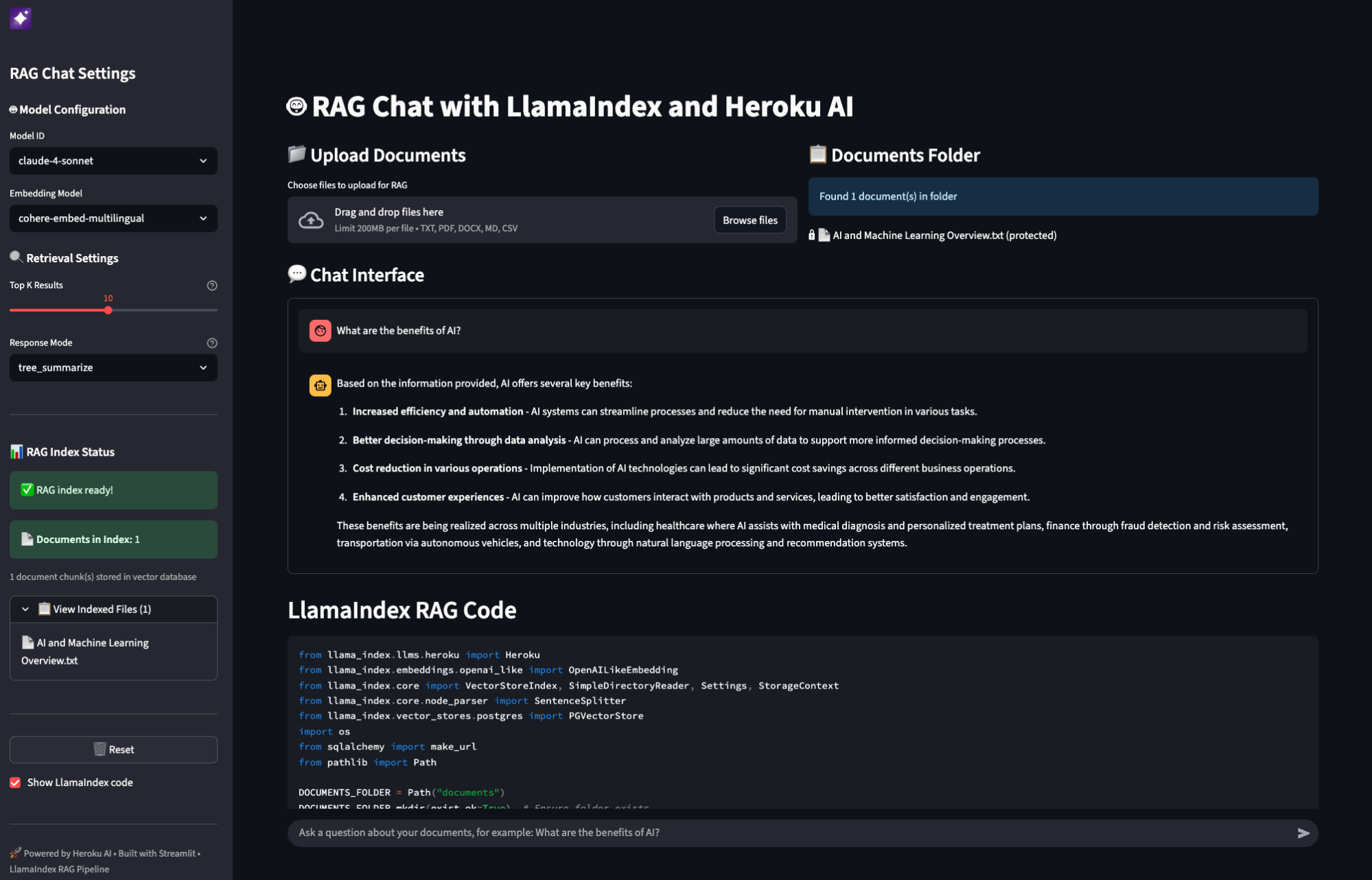
Start building with Heroku AI and LlamaIndex
The combination of Heroku Managed Inference and Agents, and LlamaIndex provides a practical toolset for building data-aware AI applications. This stack allows developers to build applications that leverage private data sources with managed infrastructure. For developers building AI applications that require integration with proprietary data, the Heroku and LlamaIndex stack offers a great solution.
The post Building Data-Aware AI Applications with Heroku AI and LlamaIndex appeared first on Heroku.
]]>Building production-grade AI applications can be complex, but with Heroku and Pydantic AI, developers gain a powerful and reliable solution for integrating advanced AI capabilities. Heroku makes it easy to integrate AI into your applications with Heroku Managed Inference and Agents. With a single click, you can attach powerful Large Language Models like Anthropic’s Claude […]
The post Building Agents With Heroku AI and Pydantic AI appeared first on Heroku.
]]>Building production-grade AI applications can be complex, but with Heroku and Pydantic AI, developers gain a powerful and reliable solution for integrating advanced AI capabilities. Heroku makes it easy to integrate AI into your applications with Heroku Managed Inference and Agents. With a single click, you can attach powerful Large Language Models like Anthropic’s Claude 4 Sonnet to your apps. Heroku AI also provides built-in tools like secure code execution and an OpenAI-compatible API that you can drop directly into popular frameworks and SDKs.
Complementing this, Pydantic AI is a Python agent framework designed to make it less painful to build production-grade applications with Agents. Just as FastAPI revolutionized web development with an ergonomic design built on Pydantic validation, Pydantic AI aims to bring that same reliability and developer experience to agent development. Since virtually every agent framework in Python already uses Pydantic for validation, Pydantic AI leans into this foundation to provide a familiar and robust experience.
Together, this combination empowers developers with advanced tooling and extensibility, including support for the Model Context Protocol (MCP) and Agent2Agent (A2A) protocol, facilitating complex, modular agentic workflows that are truly ready for enterprise demands.
Using Heroku Managed Inference and Agents with Pydantic AI
To use Heroku Managed Inference and Agents with Pydantic AI, you can use the dedicated HerokuProvider. You can set the INFERENCE_KEY and INFERENCE_URL environment variables to set the API key and base URL, respectively. The HerokuProvider will automatically use them.
export INFERENCE_KEY='your-heroku-api-key'
export INFERENCE_URL='https://us.inference.heroku.com'
With the environment variables set, you can configure the Pydantic AI agent.
from pydantic_ai import Agent
from pydantic_ai.models.openai import OpenAIModel
from pydantic_ai.providers.heroku import HerokuProvider

model = OpenAIModel(
    'claude-4-sonnet',
    provider=HerokuProvider(api_key='your-heroku-inference-key'),
)
agent = Agent(model)
Model Context Protocol (MCP)
Heroku Managed Inference and Agents supports built in tools as well as tool calling via MCP. Pydantic AI also supports the Model Context Protocol (MCP), enabling agentic workflows.
- MCP Client: Pydantic AI agents can act as an MCP Client, connecting to MCP servers to use their tools. Learn more…
- MCP Server: Agents can be exposed as MCP servers, allowing other agents to use them as tools. Learn more…
Agent2Agent Protocol (A2A)
Pydantic has also built the FastA2A library to simplify implementing the A2A protocol in Python. You can conveniently expose a Pydantic AI agent as an A2A server with just a few lines of code.
from pydantic_ai import Agent
agent = Agent('HerokuProvider:claude-4-sonnet', instructions='Be fun!')
app = agent.to_a2a()
You can run the example with uvicorn:
uvicorn agent_to_a2a:app --host 0.0.0.0 --port 8000
This will expose the agent as an A2A server, ready to receive requests. See more about exposing Pydantic AI agents as A2A servers.
Again, to get started with Heroku AI, provision Managed Inference and Agents from Heroku Elements or via the command line. We are excited to see what you build with Heroku AI and Pydantic.
Join the official Heroku AI Trailblazer Community to keep up with the latest news, ask questions, or meet the team. To learn more about Heroku AI, check out our Dev Center docs and try it out for yourself.
The post Building Agents With Heroku AI and Pydantic AI appeared first on Heroku.
]]>This blog series has taken you on a journey through the world of AppLink, from its foundational concepts and core components in Heroku AppLink: Extend Salesforce with Any Programming Language, to a deep dive into its key integration patterns in AppLink Fundamentals I: AppLink Integration Patterns – Connecting Salesforce to Heroku Applications, and then we […]
The post AppLink Fundamentals III: Building with AppLink – Development Flow and Language Choices appeared first on Heroku.
]]>This blog series has taken you on a journey through the world of AppLink, from its foundational concepts and core components in Heroku AppLink: Extend Salesforce with Any Programming Language, to a deep dive into its key integration patterns in AppLink Fundamentals I: AppLink Integration Patterns – Connecting Salesforce to Heroku Applications, and then we explored advanced integrations with Data Cloud, automation, and AI in AppLink Fundamentals II: Advanced AppLink Integrations – Automation & AI. Now, in this final installment, we turn our attention to the practical aspects of building with AppLink, focusing on the development workflow, including local testing and managing changes to the OpenAPI specification, and crucial considerations when choosing the best programming language for your Salesforce extensions.
Tell me more about integrating with Agentforce?
Agentforce integration leverages AppLink’s full computational flexibility to extend agent capabilities far beyond native Salesforce functionality. Due to the compute power and framework availability at developers’ disposal, agents can return rich content – not just text data – including generated images, PDFs, complex calculations, and processed data from external APIs.
The Heroku Agentforce Tutorial provides comprehensive step-by-step guidance for creating custom Agent Actions, from initial setup through production deployment.
Real-world example: Automotive finance agent
Car dealership agents need to provide instant, competitive finance estimates that consider complex pricing rules, customer credit profiles, and generate professional documentation. Here’s how a Koa Cars Finance Agent performs real-time credit assessments, applies complex pricing rules, and generates professional PDF agreements:
Customer: Finance estimate request
    ↓
Agent: "What's your contact email?"
    ↓
Customer: "[email protected]"
    ↓
Agent: "Which car model interests you?"
    ↓
Customer: "I'm interested in the Zig M3 car"
    ↓
Agent: Calls Heroku Finance Service

The service also automatically generates a professional PDF finance agreement:

This demonstrates AppLink’s capability to handle complex business logic including multi-tier interest rate calculations, real-time credit assessments, dynamic pricing with dealer incentives, and automatic PDF generation – all while seamlessly integrating with Salesforce CRM data.
Enhanced OpenAPI configuration for agent actions
Agentforce requires additional OpenAPI YAML attributes beyond standard external service configuration. AppLink automatically handles these specialized requirements when you include the appropriate x-sfdc agent extensions:
x-sfdc:
  agent:
    topic:
      classificationDescription: "This API allows agents to calculate automotive finance estimates, assess credit profiles, and generate professional documentation."
      scope: "Your job is to assist customers with vehicle financing by providing instant competitive estimates, applying complex pricing rules, and generating finance agreements."
      instructions:
        - "If the customer asks for finance estimates, collect contact email and vehicle model information."
        - "Use real-time credit assessment and dealer-specific pricing rules for accurate calculations."
        - "Generate professional PDF agreements and attach them to Contact records automatically."
      name: "automotive_finance_topic"
    action:
      publishAsAgentAction: true
      isUserInput: true
      isDisplayable: true
  privacy:
    isPii: true
These extensions enable:
- Agent Topic Generation: Creates logical groupings of related actions for agent organization – agent topics help agents understand when and how to use your services
- Action Publishing: Automatically makes your endpoints available as Agent Actions within the defined topic
- User Input Configuration: Controls whether fields require additional user input
- Display Configuration: Determines which response fields are shown to users
- Privacy Controls: Enables PII handling for sensitive operations
For complete details on OpenAPI configuration for Agentforce, see Configuring OpenAPI Specification for Heroku AppLink.
Development flow
The AppLink development workflow supports rapid iteration across Salesforce environments, from scratch orgs to production deployments. Understanding the development tools and processes ensures smooth implementation and reliable deployments.
Local development
Local development with AppLink focuses on testing Pattern 2 applications (Extending Salesforce) that receive requests from Salesforce. Pattern 1 applications (API access) don’t require special local testing since they make outbound calls to Salesforce APIs directly.
The invoke.sh script (found in /bin folders of sample applications) simulates requests from Salesforce with the correct headers, enabling local development and testing before deployment. For example, see the Pattern 3 invoke.sh script for testing batch operations locally.
Usage: ./bin/invoke.sh [session-based-permission-set]
The script provides several key features for development workflow:
- User Authentication Simulation: The script uses the Salesforce CLI to extract org details including access tokens, API versions, and org identifiers. It constructs the required
x-client-contextheader with base64-encoded JSON containing authentication and context information that your application would receive from Salesforce in production. - Permission Set Testing: For applications requiring elevated permissions (user mode plus), the script supports session-based permission set activation through a third parameter. It automatically creates and removes
SessionPermSetActivationrecords, allowing developers to test permission-dependent functionality locally before deploying to environments where these permissions would be granted through Flows, Apex, or Agentforce configurations. - Request Payload Simulation: The script accepts JSON payloads as parameters, enabling testing of various request scenarios and edge cases. This capability is essential for validating business logic and error handling before moving to integration testing.
To use the invoke.sh script for local testing, authenticate with your target org using the Salesforce CLI, then execute the script with your org alias and request payload:
# Authenticate with your Salesforce org
sf org login web --alias my-org

# Install dependencies and start local development server
npm install
npm run dev  # or npm start depending on your package.json scripts

# In a separate terminal, test locally with simulated Salesforce headers
./bin/invoke.sh my-org 'https://localhost:8080/api/generatequote' '{"opportunityId": "006am000006pS6P"}'
This local development workflow integrates seamlessly with your existing Node.js development tools – use nodemon for auto-reloading, your preferred debugger, and standard logging libraries. The invoke.sh script is language and framework agnostic, working with any technology stack you choose for your Heroku application.
Managing changes to the OpenAPI specification
Managing changes in the interface between your Heroku application and Salesforce requires careful attention to the OpenAPI specification file that defines your service contract. This specification serves as the single source of truth for both your application’s API endpoints and the Salesforce components that consume them.
When developing new features or modifying existing endpoints, maintaining specification alignment prevents breaking changes that could disrupt dependent Salesforce components. The OpenAPI specification defines not only the request and response schemas but also the HTTP methods, status codes, and error formats that your consuming Flows, Apex classes, or Agentforce Actions expect.
Salesforce enforces this alignment through validation during the publish process. If you attempt to publish an updated application with breaking changes to an existing specification, and there are active Apex classes, Flows, or Agentforce Actions referencing those endpoints, the publish command will fail with validation errors. This protection mechanism prevents accidental service disruptions in production environments.
For development environments where you need to iterate rapidly on service interfaces, scratch orgs provide the flexibility to start fresh when needed. However, if you’re working with persistent sandboxes or production environments, you have two options when breaking changes are necessary: either remove all references to the modified endpoints from your Flows, Apex classes, and Agentforce Actions before publishing, or use a different client name parameter in the CLI publish command to create a parallel service definition, for example --client-name MyService_v2.
Using scratch orgs
Scratch orgs represent the optimal development environment for AppLink applications, particularly when your service interfaces change frequently during development. Unlike traditional sandboxes, scratch orgs provide a clean, disposable environment that can be recreated as needed when breaking changes occur or when you need to test deployment scenarios from ground zero.
The key advantage of scratch orgs for AppLink development lies in their ability to start fresh without the complexity of cleaning up existing references, published applications, or permission configurations. When your service evolves significantly, you can create a new scratch org, configure the necessary features, and test your complete deployment pipeline without worrying about conflicts from previous iterations.
To configure a scratch org for AppLink development, you must enable the required features in your scratch org definition file. For standard Salesforce integration, include the HerokuAppLink feature in your project’s config/project-scratch-def.json:
{
  "orgName": "AppLink Development",
  "edition": "Developer",
  "features": ["HerokuAppLink"],
  "settings": {
    "lightningExperienceSettings": {
      "enableS1DesktopEnabled": true
    }
  }
}
For Data Cloud integration scenarios, also include the CustomerDataPlatform feature alongside HerokuAppLink. Once configured, create and authenticate with your scratch org using standard Salesforce CLI commands, then proceed with your AppLink connection and deployment workflow.
Scratch orgs excel in scenarios where you’re developing new integration patterns, testing permission model changes, or validating deployment automation. They provide the confidence that your deployment process works correctly from a clean state, which is essential for production readiness. While traditional sandboxes remain valuable for longer-term testing scenarios and stakeholder demonstrations, scratch orgs offer the rapid iteration cycle that modern development practices require.
CI/CD integration
The JWT-based authentication flow (heroku salesforce:connect:jwt) integrates seamlessly with scratch org workflows, enabling automated connection setup as part of your CI/CD pipeline. This capability allows you to script complete environment provisioning, from scratch org creation through application deployment and testing, providing reproducible development environments for your entire team.
Coding language choices
When extending Salesforce functionality, choosing the right programming language depends on your specific requirements, team expertise, and operational constraints. While Apex remains a powerful option for many scenarios, AppLink opens up the entire spectrum of modern programming languages, each bringing unique capabilities and development ecosystems to your Salesforce solutions.
The following comparison helps you understand the tradeoffs between Apex and other programming languages when building Salesforce extensions, highlighting where each approach excels and the specific capabilities that become available when hosting code on Heroku using the AppLink add-on. Consider using Apex for transaction-critical operations requiring database triggers and system-level access, while leveraging AppLink and modern programming languages for computationally intensive tasks, external integrations, and scenarios where existing code investments can be preserved and extended.
| Capability | Apex | Node.js, Python, Java…* |
|---|---|---|
| Fully Managed Trusted Infrastructure | |
|
| Extend Apex, Flow and Agentforce | |
|
| Record Update Logic in Transaction | |
Triggers not supported |
| Secure by Default | With Annotations | |
| Run as User | With Annotations | |
| Run as System | Default | Principle of Least Privilege** |
| Limits Handling | Fixed CPU Timeout, Heap and Concurrency Limits | Elastic Horizontal and Vertical Scale*** |
| Extend Existing Code Investment | N/A | |
* Capabilities only available when hosting code on Heroku using the Heroku AppLink Add-on
** Heroku logic can leverage Session-based Permission Sets to elevate beyond user permissions
*** Salesforce API limits still apply; use Unit of Work patterns to make optimal use of updates
AppLink also enables developers with skills in your wider organization or hiring pool to contribute to Salesforce programs using languages they’re already proficient in, expanding your team’s ability to deliver sophisticated Salesforce extensions without requiring specialized Apex training.
Summary
AppLink represents a fundamental shift in how developers can extend Salesforce, breaking through traditional platform limitations to bring unlimited computational flexibility to the Salesforce ecosystem. With enterprise-grade security through User Mode authentication, seamless integration where Heroku applications appear natively within Salesforce through generated Apex classes, Flow actions, and Agentforce capabilities, and support for unlimited language choice in Node.js, Python, Java, and other languages, AppLink bridges the gap between Salesforce’s declarative power and unlimited programming flexibility.
Whether you’re extending core CRM functionality, building sophisticated agent actions, or integrating with external systems, AppLink provides the foundation for enterprise-grade Salesforce extensions using the languages and frameworks you know best.
Read More of the AppLink Fundamentals series
- AppLink Fundamentals I: AppLink Integration Patterns – Connecting Salesforce to Heroku Applications
- AppLink Fundamentals II: Advanced AppLink Integrations – Automation & AI
- AppLink Fundamentals III: Building with AppLink – Development Flow and Language Choices
The post AppLink Fundamentals III: Building with AppLink – Development Flow and Language Choices appeared first on Heroku.
]]>In our previous posts, we introduced Heroku AppLink and explored its foundational integration patterns for connecting Heroku applications with Salesforce. Now, we’ll delve into how AppLink truly expands Salesforce capabilities, focusing on advanced integrations with Data Cloud, Flow, Apex, and Agentforce. This blog will highlight how AppLink empowers you to infuse your Salesforce orgs with […]
The post AppLink Fundamentals II: Advanced AppLink Integrations – Automation & AI appeared first on Heroku.
]]>In our previous posts, we introduced Heroku AppLink and explored its foundational integration patterns for connecting Heroku applications with Salesforce. Now, we’ll delve into how AppLink truly expands Salesforce capabilities, focusing on advanced integrations with Data Cloud, Flow, Apex, and Agentforce. This blog will highlight how AppLink empowers you to infuse your Salesforce orgs with powerful external logic, real-time data processing, and intelligent automation.
Extending Salesforce automation, code, and AI
Once your Heroku application is deployed and connected using AppLink, it becomes available for invocation from Apex, Flow, and Agentforce. The key to this integration is the OpenAPI specification that describes your endpoints, enabling automatic service discovery and registration in Salesforce.
OpenAPI specification integration
AppLink uses your OpenAPI (YAML or JSON) specification to understand your service capabilities and generate the appropriate Salesforce integration artifacts. Here’s an example from the Pattern 2 sample showing how the generateQuote operation is defined:
components:
  schemas:
    QuoteGenerationRequest:
      type: object
      required:
        - opportunityId
      description: Request to generate a quote, includes the opportunity ID to extract product information
      properties:
        opportunityId:
          type: string
          description: A record Id for the opportunity

paths:
  /api/generatequote:
    post:
      operationId: generateQuote
      summary: Generate a Quote for a given Opportunity
      description: Calculate pricing and generate an associated Quote.
      requestBody:
        content:
          application/json:
            schema:
              $ref: "#/components/schemas/QuoteGenerationRequest"
      x-sfdc:
        heroku:
          authorization:
            connectedApp: GenerateQuoteConnectedApp
            permissionSet: GenerateQuotePermissions
      responses:
        "200":
          description: OK
          content:
            application/json:
              schema:
                $ref: "#/components/schemas/QuoteGenerationResponse"
The x-sfdc section contains Salesforce-specific metadata that AppLink uses to configure authentication and permissions. When you run heroku salesforce:publish, this specification becomes:
- Generated Apex classes with strongly-typed request/response objects
- External Service definitions visible in Flow Builder’s Action palette
- Agent Actions available for Agentforce configuration
- Connected App and Permission Set configurations for secure access
Rather than writing OpenAPI specifications manually (which can be tedious and error-prone), most AppLink samples leverage the schema definition features already built into popular Node.js frameworks. The Pattern 2 sample uses Fastify’s schema system to automatically generate the specification, but similar approaches work with Express.js using libraries like swagger-jsdoc or express-openapi:
// From heroku-applink-pattern-org-action-nodejs/src/server/routes/api.js
const quoteGenerationSchema = {
  operationId: 'generateQuote',
  summary: 'Generate a Quote for a given Opportunity',
  'x-sfdc': {
    heroku: {
      authorization: {
        connectedApp: 'GenerateQuoteConnectedApp',
        permissionSet: 'GenerateQuotePermissions'
      }
    }
  },
  body: { $ref: 'QuoteGenerationRequest#' },
  response: {
    200: { schema: { $ref: 'QuoteGenerationResponse#' } }
  }
};
This approach ensures your API documentation stays synchronized with your implementation while providing the metadata Salesforce needs for seamless integration.
Invoking from Apex
AppLink enables both synchronous and asynchronous invocation from Apex:
Synchronous Invocation: Your Heroku service appears as a generated Apex class that you can invoke directly:
// From heroku-applink-pattern-org-action-nodejs sample
HerokuAppLink.GenerateQuote service = new HerokuAppLink.GenerateQuote();
HerokuAppLink.GenerateQuote.generateQuote_Request request = new HerokuAppLink.GenerateQuote.generateQuote_Request();
HerokuAppLink.GenerateQuote_QuoteGenerationRequest body = new HerokuAppLink.GenerateQuote_QuoteGenerationRequest();
body.opportunityId = '006SB00000DItEfYAL';
request.body = body;
System.debug('Quote Id: ' + service.generateQuote(request).Code200.quoteId);
The generated classes handle authentication, serialization, and HTTP communication automatically. Synchronous calls are subject to Apex callout limits and timeout constraints.
Asynchronous Invocation with Callbacks: For long-running operations beyond Apex governor limits, AppLink supports asynchronous processing with callback handling. This requires additional OpenAPI specification using the standard callbacks definition to define the callback endpoint that Salesforce will invoke when processing completes.
This pattern enables background processing workflows where your Heroku application can perform extensive calculations or external API integrations without blocking the Salesforce user interface. For detailed callback configuration examples, see Getting Started with AppLink and Pattern 3: Scaling Batch Jobs.
Invoking from Flow
Flow Builder provides no-code access to your Heroku applications through External Service Actions. After publishing your service, it appears automatically in the Action palette:
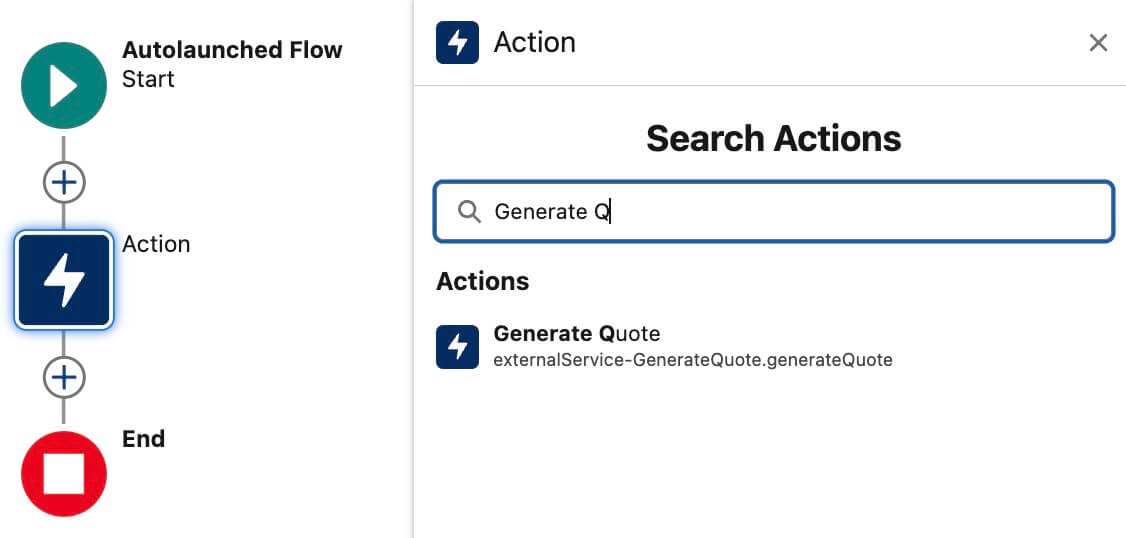
Flow Builder integration
Flow developers can drag your Heroku operation onto the canvas, configure input variables, and capture output data just like any other Flow action. This enables sophisticated business automation combining Salesforce’s declarative tools with your custom processing logic.
Invoking from Agentforce
Agentforce leverages your Heroku applications as Agent Actions organized within Agent Topics through the enhanced OpenAPI configuration detailed in the dedicated Agentforce section below. Once configured with the appropriate x-sfdc agent extensions, agents can automatically invoke your Heroku endpoints to fulfill user requests requiring specialized processing, external API calls, or complex calculations beyond native Salesforce capabilities.
Permission elevation and security
AppLink operates using User Mode authentication, meaning your code inherits the exact permissions of the Salesforce user who triggers the operation. This provides the most secure integration by following the principle of least privilege.
However, for scenarios where your application needs to access data or perform operations beyond the triggering user’s permissions, AppLink supports elevated permissions (known as “user mode plus” in the main documentation) through Permission Sets. This optional advanced feature allows administrators to grant specific additional permissions that are activated exclusively during code execution.
For example, your Heroku application might need to access sensitive discount override fields that regular users cannot see, or create records in objects where users have read-only access. The Permission Set approach ensures these elevated permissions are:
- Explicitly defined and administrator-controlled
- Only active during Heroku application execution
- Visible through standard Salesforce Permission Set management
- Applied temporarily without changing the user’s permanent permissions
For detailed implementation guidance including permission set configuration and testing approaches, see the Pattern 2 sample documentation.
What’s next?
This blog has explored how AppLink facilitates advanced integrations with Salesforce, extending capabilities across Data Cloud, automation with Flow and Apex, and intelligent interactions with Agentforce. We’ve seen how OpenAPI specifications streamline service discovery and how AppLink’s permission model offers granular control over elevated access.
In our final blog, we’ll shift focus to the practical aspects of the development workflow, including local testing, managing OpenAPI changes, and crucial considerations when choosing between Apex and other programming languages for your Salesforce extensions. Stay tuned for insights into building and deploying your AppLink solutions with confidence.
Read More of the AppLink Fundamentals series
- AppLink Fundamentals I: AppLink Integration Patterns – Connecting Salesforce to Heroku Applications
- AppLink Fundamentals II: Advanced AppLink Integrations – Automation & AI
- AppLink Fundamentals III: Building with AppLink – Development Flow and Language Choices
The post AppLink Fundamentals II: Advanced AppLink Integrations – Automation & AI appeared first on Heroku.
]]>In our previous post, we introduced AppLink as a powerful new way to extend Salesforce with any programming language at any scale, detailing its core components and overarching benefits. Now, we’ll dive deeper into the practical application of AppLink by exploring its primary integration patterns. Understanding these patterns is key to leveraging AppLink effectively, as […]
The post AppLink Fundamentals I: AppLink Integration Patterns – Connecting Salesforce to Heroku Applications appeared first on Heroku.
]]>In our previous post, we introduced AppLink as a powerful new way to extend Salesforce with any programming language at any scale, detailing its core components and overarching benefits. Now, we’ll dive deeper into the practical application of AppLink by exploring its primary integration patterns. Understanding these patterns is key to leveraging AppLink effectively, as they dictate how your Heroku applications interact with and enhance your Salesforce orgs.
Usage patterns
AppLink supports four proven integration patterns, but we’ll focus on the two primary patterns that represent the main integration approaches – the other two patterns are variations of these same foundational concepts. Note that these patterns align with AppLink’s three official user modes: Pattern 1 corresponds to “run-as-user mode”, while Pattern 2 uses both “user mode” and “user mode plus” (for elevated permissions). Let’s explore both core patterns with their specific architectures and implementation approaches.
Pattern 1: Salesforce API access
This pattern uses run-as-user mode authentication, which enables system-level operations with consistent, predictable permissions by using a specific designated user’s context. This approach is ideal for automated processes and customer-facing applications that require stable permission sets and don’t depend on the triggering user’s access level. Run-as-user authorizations allow your Heroku applications to access Salesforce data across multiple orgs with the permissions of the designated user.
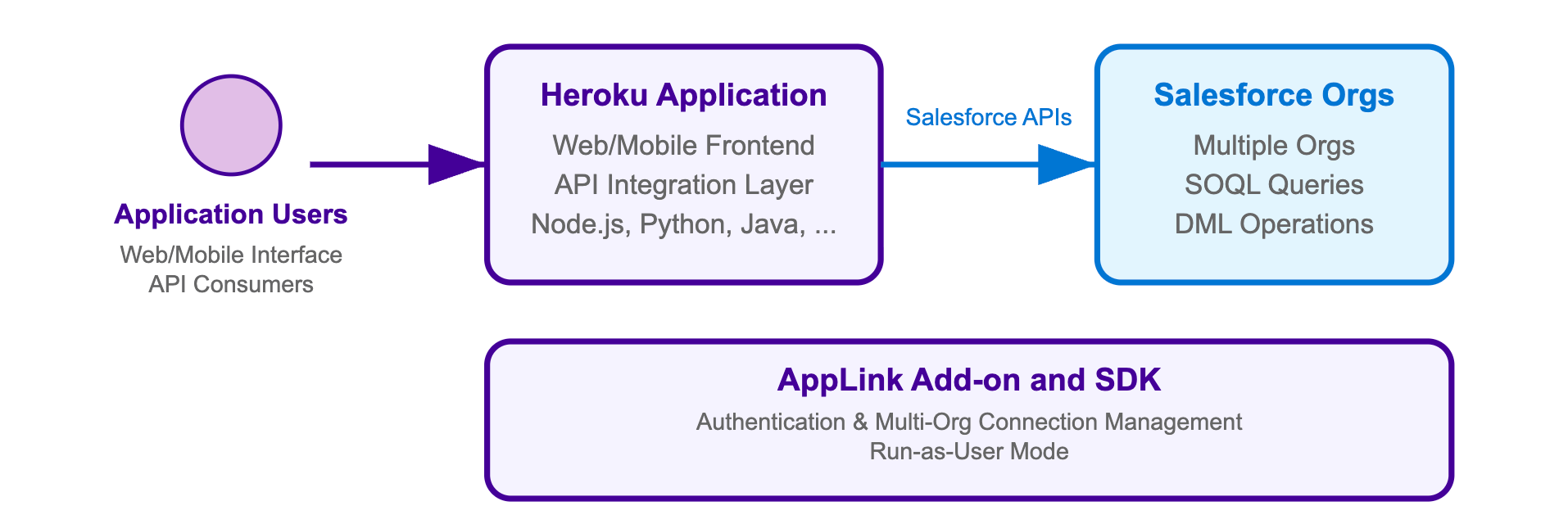
For a Heroku application that accesses Salesforce APIs, you need:
- AppLink Add-on:
heroku addons:create heroku-applink - AppLink CLI Plugin: Install the Heroku CLI plugin for deployment commands
- Org Login: An org login for a user with the ‘Manage Heroku Apps’ permission
- AppLink SDK (optional): For your chosen language to simplify integration
Here’s the complete command sequence for deploying and connecting a Node.js application with Salesforce API access, adapted from our Pattern 1 sample:
# Create and configure Heroku app
heroku create
heroku addons:create heroku-applink --wait
heroku buildpacks:add heroku/nodejs
heroku config:set HEROKU_APP_ID="$(heroku apps:info --json | jq -r '.app.id')"

# Connect to Salesforce org(s) using run-as-user mode
heroku salesforce:authorizations:add my-org
heroku config:set CONNECTION_NAMES=my-org

# Deploy application
git push heroku main
heroku open
Your application retrieves named authorizations and performs SOQL queries across multiple Salesforce orgs. The SDK simplifies multi-org connectivity through the AppLink add-on, which manages authentication and connection pooling automatically.
The first step in your Node.js application is initializing the AppLink SDK and retrieving a specific named authorization. This follows familiar Node.js patterns where connection details are managed through environment variables:
// From heroku-applink-pattern-api-access-nodejs/index.js
const sdk = init();

// Get connection names from environment variable
const connectionNames = process.env.CONNECTION_NAMES ?
  process.env.CONNECTION_NAMES.split(',') : []

// Initialize connection for specific org
const org = await sdk.addons.applink.getAuthorization(connectionName.trim())
console.log('Connected to Salesforce org:', {
  orgId: org.id,
  username: org.user.username
})
Once you have an org connection, executing SOQL queries becomes straightforward using the Data API. The SDK handles authentication, session management, and provides structured responses that are easy to work with:
// Execute SOQL query using the Data API
const queryResult = await org.dataApi.query('SELECT Name, Id FROM Account')
console.log('Query results:', {
  totalSize: queryResult.totalSize,
  done: queryResult.done,
  recordCount: queryResult.records.length
})

// Transform the records to expected format
const accounts = queryResult.records.map(record => ({
  Name: record.fields.Name,
  Id: record.fields.Id
}))
For Java developers, refer to the SalesforceClient.java class in the Java Pattern 1 sample for equivalent functionality. This implementation directly uses the AppLink API endpoint GET /authorizations/{connection_name} as described in the AppLink API documentation, demonstrating how to integrate without the SDK by making HTTP calls to ${HEROKU_APPLINK_API_URL}/authorizations/{developerName} with Bearer token authentication.
When you run the sample application locally or deploy it to Heroku, the code above produces a web interface that displays Account records from your connected Salesforce orgs. The application demonstrates both single-org and multi-org connectivity, with automatic authentication handling through the AppLink add-on:

The interface shows Account records from each connected org, along with connection details and bulk API capabilities. This demonstrates how AppLink simplifies multi-org data access patterns that would otherwise require complex OAuth flows and session management.
Pattern 2: Extending Salesforce
This pattern enables Salesforce users to invoke your Heroku applications directly from within Salesforce through Flow, Apex, or AgentForce. Your application becomes a published service that extends Salesforce capabilities across Lightning Experience, Sales Cloud, Service Cloud, and other Salesforce products. By publishing your application through AppLink, you’re extending the Salesforce platform with custom business logic that users can seamlessly access from their familiar Salesforce interface.
This pattern uses User Mode authentication, which provides the most secure integration by inheriting the exact permissions of the Salesforce user who triggers the operation. Additionally, User Mode supports elevated permissions (known as “user mode plus” in the main documentation) that are granted exclusively during code execution through Permission Sets. This allows your Heroku application to perform operations that the triggering user cannot normally perform, with admin-approved elevated permissions visible through Permission Sets in the org.
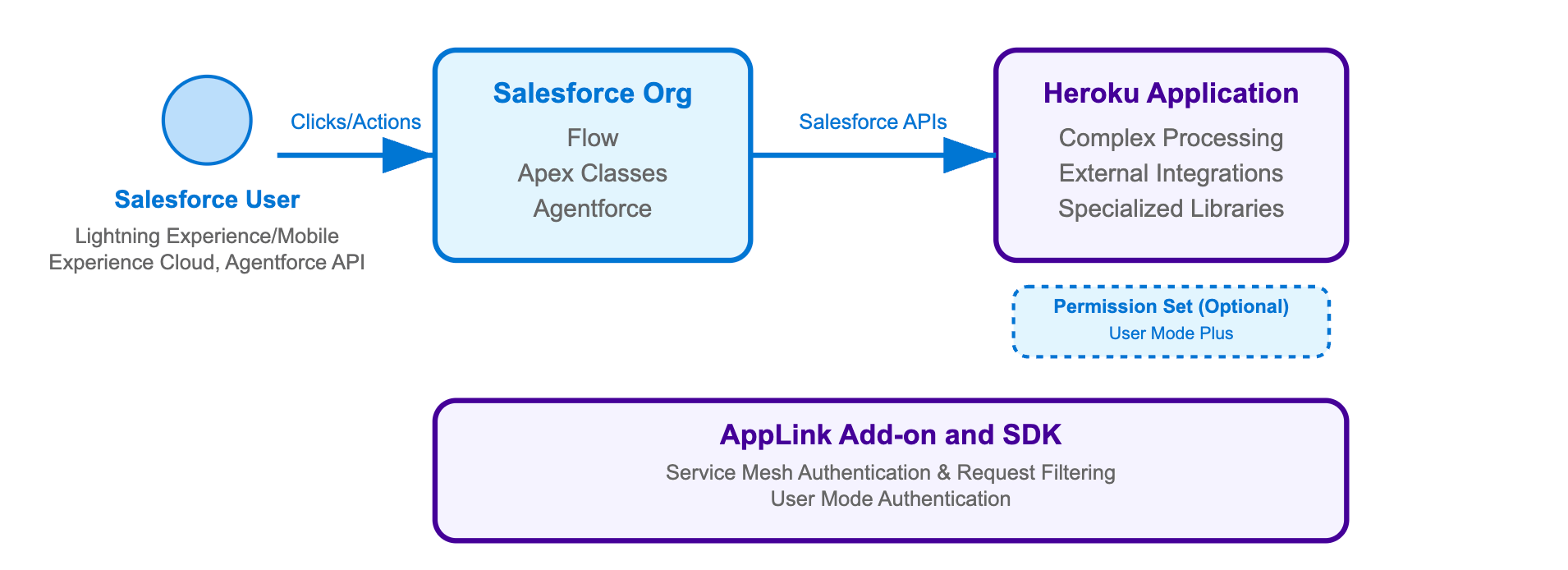
For a Heroku application designed to be invoked by Salesforce, you need:
- AppLink Add-on:
heroku addons:create heroku-applink - AppLink Buildpack:
heroku buildpacks:add --index=1 heroku/heroku-applink-service-mesh - AppLink CLI Plugin: Install the Heroku CLI plugin for deployment commands
- OpenAPI YAML file: Describing your HTTP endpoints for Salesforce discovery
- Org Login: An org login for a user with the ‘Manage Heroku Apps’ permission
- AppLink SDK (optional): For your chosen language to simplify integration
- Procfile Configuration: To inject the service mesh for authentication
The deployment process requires an api-docs.yaml file that describes your HTTP endpoints using the OpenAPI specification format. This file serves as the bridge between your Heroku application and Salesforce, enabling automatic generation of Apex classes, Flow actions, and Agentforce integrations. The YAML file contains both standard API documentation and Salesforce-specific metadata that controls authentication and permissions – we’ll explore its structure and contents in detail later in this blog.
The following command sequence installs the AppLink add-on, configures a buildpack that injects a request interceptor known as the service mesh (which handles authentication and blocks external access), and establishes the secure connection between your Heroku application and Salesforce org. Note that Pattern 2 uses salesforce:connect to create connections (for app publishing) rather than salesforce:authorizations:add used in Pattern 1 (for data access). This deployment and connection process is adapted from our Pattern 2 sample:
# Create and configure Heroku app
heroku create
heroku addons:create heroku-applink
heroku buildpacks:add --index=1 heroku/heroku-applink-service-mesh
heroku buildpacks:add heroku/nodejs
heroku config:set HEROKU_APP_ID="$(heroku apps:info --json | jq -r '.app.id')"

# Deploy and connect to Salesforce
git push heroku main
heroku salesforce:connect my-org
heroku salesforce:publish api-docs.yaml --client-name GenerateQuote --connection-name my-org --authorization-connected-app-name GenerateQuoteConnectedApp --authorization-permission-set-name GenerateQuotePermissions
Your Procfile needs to route requests through the service mesh for authentication, and your application should use APP_PORT instead of the standard PORT environment variable (which is now used by the service mesh). For example, in Node.js:
// From config/index.js
port: process.env.APP_PORT || 8080,
web: APP_PORT=3000 heroku-applink-service-mesh npm start
Important security note: The service mesh will by default block all incoming requests to the application unless they are from a Salesforce org. The HEROKU_APP_ID config variable is currently required as part of the implementation – in future releases we will look to remove this requirement.
Once your application is deployed and published, you need to grant the appropriate permissions to users who will be invoking your Heroku application through Apex, Flow, or Agentforce:
# Grant permissions to users
sf org assign permset --name GenerateQuote -o my-org
sf org assign permset --name GenerateQuotePermissions -o my-org
The permission sets serve different purposes: GenerateQuote grants users access to the Heroku app (through the Flow, Apex or Agentforce interaction they are using), while GenerateQuotePermissions provides additional permissions the code might require to access objects and fields in the org that the user cannot normally access – this elevated permission model is discussed in the next section in more detail.
Applications use familiar Express-style middleware to parse incoming Salesforce requests and enable transactional operations. The SDK’s parseRequest method handles the complex process of extracting user context and authentication details from Salesforce requests – no need to manually parse headers or manage authentication tokens.
When using the AppLink SDK with your preferred Node.js web framework, middleware configuration follows standard patterns. The Pattern 2 sample uses Fastify (though Express.js, Koa, or other frameworks work equally well), where the SDK automatically parses incoming request headers and body, extracting user context and setting up the authenticated Salesforce client for your route handlers.
The middleware is implemented as a Fastify plugin that applies to all routes:
// From heroku-applink-pattern-org-action-nodejs/src/server/middleware/salesforce.js
const preHandler = async (request, reply) => {
  const sdk = salesforceSdk.init();
  try {
    // Parse incoming Salesforce request headers and body
    const parsedRequest = sdk.salesforce.parseRequest(
      request.headers,
      request.body,
      request.log
    );

    // Attach Salesforce client to request context
    request.salesforce = Object.assign(sdk, parsedRequest);
  } catch (error) {
    console.error('Failed to parse request:', error.message);
    throw new Error('Failed to initialize Salesforce client');
  }
};
This middleware plugin is registered in the main application file where the Fastify server is configured:
// From heroku-applink-pattern-org-action-nodejs/src/server/app.js
import { salesforcePlugin } from './middleware/salesforce.js';

// Register Salesforce plugin
await fastify.register(salesforcePlugin);
For developers not using the AppLink SDK, the key integration point is parsing the x-client-context header that contains base64-encoded JSON with authentication and user context. Here’s how you can implement this manually in Java:
// From heroku-applink-pattern-org-action-java/.../SalesforceClientContextFilter.java
private static final String X_CLIENT_CONTEXT_HEADER = "x-client-context";

// Decode the base64 header value and parse the JSON
String encodedClientContext = request.getHeader(X_CLIENT_CONTEXT_HEADER);
String decodedClientContext = new String(
  Base64.getDecoder().decode(encodedClientContext),
  StandardCharsets.UTF_8
);

ObjectMapper objectMapper = new ObjectMapper();
JsonNode clientContextNode = objectMapper.readTree(decodedClientContext);

// Extract authentication and context fields
String accessToken = clientContextNode.get("accessToken").asText();
String apiVersion = clientContextNode.get("apiVersion").asText();
String orgId = clientContextNode.get("orgId").asText();
String orgDomainUrl = clientContextNode.get("orgDomainUrl").asText();

JsonNode userContextNode = clientContextNode.get("userContext");
String userId = userContextNode.get("userId").asText();
String username = userContextNode.get("username").asText();
This approach bypasses the SDK entirely and directly constructs the Salesforce SOAP API endpoint ({orgDomainUrl}/services/Soap/u/{apiVersion}) using the authentication details from the header. The JSON structure in the x-client-context header contains:
{
  "accessToken": "00D...",
  "apiVersion": "62.0",
  "requestId": "request-123",
  "orgId": "00Dam0000000000",
  "orgDomainUrl": "https://yourorg.my.salesforce.com",
  "userContext": {
    "userId": "005am000001234",
    "username": "[email protected]"
  }
}
One of the key advantages of Pattern 2 applications is the ability to perform multiple DML operations atomically – similar to database transactions in Node.js ORMs like Sequelize or Prisma. The SDK’s Unit of Work pattern ensures all operations succeed or fail together, providing transactional integrity for complex business processes that involve creating or updating multiple related records:
// From heroku-applink-pattern-org-action-nodejs/src/server/services/pricingEngine.js
const { context } = client;
const org = context.org;

// Create Unit of Work for transactional operations
const unitOfWork = org.dataApi.newUnitOfWork();

// Register Quote creation
const quoteRef = unitOfWork.registerCreate({
  type: 'Quote',
  fields: {
    Name: 'New Quote',
    OpportunityId: request.opportunityId
  }
});

// Register related QuoteLineItems
queryResult.records.forEach(record => {
  const discountedPrice = (quantity * unitPrice) * (1 - effectiveDiscountRate);

  unitOfWork.registerCreate({
    type: 'QuoteLineItem',
    fields: {
      QuoteId: quoteRef.toApiString(), // Reference to Quote being created
      PricebookEntryId: record.fields.PricebookEntryId,
      Quantity: quantity,
      UnitPrice: discountedPrice / quantity
    }
  });
});

// Commit all operations in one transaction
const results = await org.dataApi.commitUnitOfWork(unitOfWork);
const quoteResult = results.get(quoteRef);
return { quoteId: quoteResult.id };
For comprehensive examples including Bulk API operations, event handling, and advanced patterns, explore the complete integration patterns samples which demonstrate real-world scenarios across Node.js, Java, and Python implementations.
In the second part of this blog, we’ll dive deeper into how to invoke this Heroku logic from Apex, Flow, and Agentforce, including the specific Salesforce security models in effect and practical implementation guidance for each integration point.
Pattern Comparison
Now that you’ve seen both primary patterns, here’s a comparison of their key differences:
| Aspect | Pattern 1: Salesforce API Access | Pattern 2: Extending Salesforce |
|---|---|---|
| Authentication | Run-as-user via salesforce:authorizations:add |
Invoking User via salesforce:connect |
| Buildpack | Not required – app accessible to external users | Required – blocks external access, Salesforce-only |
| Port Configuration | Standard PORT usage | APP_PORT configuration needed |
| Org Support | Multiple org connections supported | Single org connection with permission-based access |
| Service Discovery | Not required | Service publishing required (salesforce:publish) |
| Permission Model | Run-as-user permissions across orgs | User and user mode plus via Permission Sets |
| Use Case | Web apps accessing Salesforce data | Salesforce invoking external processing |
For detailed guidance on all integration patterns and when to use each one, note that we have a Getting Started Guide that goes through this in more detail, as well as being covered in context in each of the README files for our accompanying samples.
Additional integration patterns and features
While Patterns 1 and 2 cover the foundational approaches, AppLink also supports two additional patterns that extend these core concepts:
Pattern 3: Scaling batch jobs
This pattern builds on Pattern 2’s extension approach by delegating large-scale data processing with significant compute requirements to Heroku Worker processes. This pattern is ideal when you need to process large datasets that exceed Salesforce batch job limitations, providing parallel processing capabilities and sophisticated error handling. See the complete Pattern 3 implementation for detailed guidance on batch processing architectures.
Pattern 4: Real-time eventing
This pattern extends Pattern 1’s API access approach by using Run-as-User authentication to establish event listening for Platform Events and Change Data Capture from Salesforce. The work is performed by the Run-as-User, enabling real-time responses to data changes and event-driven automation with custom notifications sent to desktop or mobile devices. Explore the Pattern 4 implementation for event-driven integration examples.
To summarize, Pattern 3 builds on Pattern 2’s extension approach (Invoking User), while Pattern 4 builds on Pattern 1’s API access approach (Run-as-User), focusing on different scenarios and authentication models. Complete sample implementations for all four patterns are available in the AppLink integration patterns repository.
Data Cloud integration
AppLink provides comprehensive Data Cloud integration capabilities that enable bi-recreational data flow between your Heroku applications and Salesforce Data Cloud. Your applications can execute SQL queries against Data Cloud using the dataCloudApi.query() method to access unified customer profiles, journey analytics, and real-time insights.
Additionally, you can create Data Cloud Actions that allow Data Cloud to invoke your Heroku applications through Data Action Targets. The SDK’s parseDataActionEvent() function handles incoming Data Cloud events, providing structured access to event metadata, current and previous values, and custom business logic integration points. This creates powerful scenarios like real-time personalization engines, automated customer journey optimization, and intelligent data enrichment workflows that combine Data Cloud’s analytics capabilities with Heroku’s computational flexibility.
What’s next?
In our next blog in the AppLink Fundamentals series, we’ll delve into advanced integrations with Flow, Apex, and Agentforce, demonstrating how AppLink amplifies Salesforce’s existing features. Following that, we’ll cover the practical aspects of the development flow, including local testing, managing OpenAPI changes, and the key considerations when choosing between Apex and other programming languages for your Salesforce extensions.
Read More of the AppLink Fundamentals series
- AppLink Fundamentals I: AppLink Integration Patterns – Connecting Salesforce to Heroku Applications
- AppLink Fundamentals II: Advanced AppLink Integrations – Automation & AI
- AppLink Fundamentals III: Building with AppLink – Development Flow and Language Choices
The post AppLink Fundamentals I: AppLink Integration Patterns – Connecting Salesforce to Heroku Applications appeared first on Heroku.
]]>The Salesforce platform offers a powerful array of tools for customization and building customer-centric experiences, from no-code automation with Flow, Prompt Builder, and Agent Builder, to robust Apex and Lightning Web Components. The art lies in choosing the right blend of these tools to achieve agility, optimize skill sets, and quickly adapt to business demands. […]
The post Heroku AppLink: Extend Salesforce with Any Programming Language appeared first on Heroku.
]]>The Salesforce platform offers a powerful array of tools for customization and building customer-centric experiences, from no-code automation with Flow, Prompt Builder, and Agent Builder, to robust Apex and Lightning Web Components. The art lies in choosing the right blend of these tools to achieve agility, optimize skill sets, and quickly adapt to business demands. Today, we’re introducing a new ingredient to this powerful mix: Heroku + AppLink.
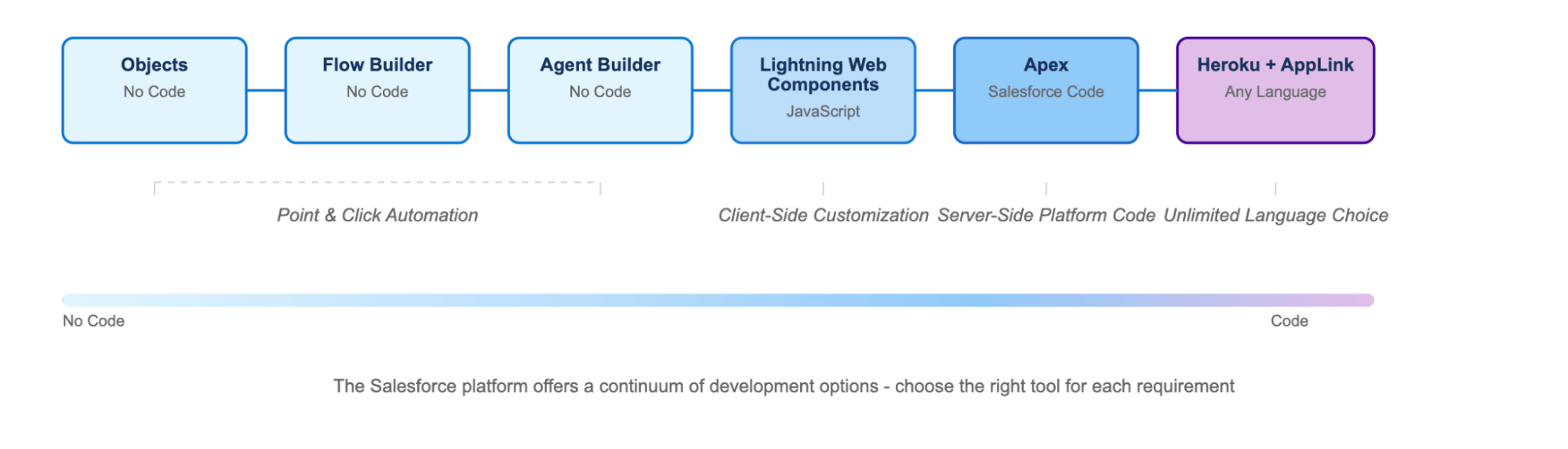
New to Heroku? Watch this brief introduction video to get familiar with the platform before diving into AppLink.
With the general availability of Heroku AppLink directly on the Salesforce Setup menu, Heroku is significantly expanding the programming language options available to Salesforce developers. AppLink empowers you to securely deploy code written in virtually any language directly to the Salesforce platform, enabling enhanced growth and capabilities for existing workloads. Heroku applications can be seamlessly attached to multiple Salesforce orgs, allowing your customizations and automations to leverage Heroku’s renowned scaling capabilities. This groundbreaking integration makes it possible to build nearly anything on the Salesforce platform without the need to store or move data off-platform for complex processing. With AppLink, you get the same trust commitment as every other Salesforce product, as AppLink handles all the security and integration for you!
Want to take the next step in your experience with Heroku? Talk with a Heroku rep!
Use AppLink with the language of your choice
If you’re a Salesforce architect or developer familiar with Node.js (the same runtime used by Lightning Web Components) or Python, this blog is for you. This initial release of AppLink provides SDK support for Node.js and Python, with a primary focus on Node.js examples and patterns. We’ve also included Java samples that demonstrate how to use AppLink in languages that don’t currently have a dedicated SDK, by working directly with AppLink’s APIs. Importantly, AppLink’s APIs are designed to work with virtually any programming language, giving you the freedom to use the tools and frameworks you’re already productive with.
In this series, we’ll embark on a journey to explore the key components of AppLink, discover how to extend Salesforce Flows, Apex, and Agentforce with external logic, and understand how AppLink helps build solutions with customer data security as a top priority, with user mode enabled by default. We’ll also delve into various usage patterns, the development flow, and crucial considerations for when to leverage AppLink versus traditional Apex development.
Exploring Heroku AppLink features
AppLink functions as a standard Heroku add-on. However, unlike add-ons from ecosystem partners, AppLink is owned and managed directly by Heroku engineers as an extension to the Heroku platform itself. As an add-on, you can expect a familiar UI, normal provisioning processes, and the ability to share the add-on across multiple Heroku applications and services. AppLink is available to all Salesforce orgs and can be easily found under the Setup menu. The add-on itself is free; you only pay for the Heroku compute and any desired data resources through normal Heroku billing. Click here to learn more about Heroku Add-ons.
AppLink is comprised of several key components that work in concert to create a fully managed bridge between your Heroku application and other Salesforce products. Understanding this architecture is crucial for successful implementation, as each component plays a specific role in enabling secure, authenticated communication between your custom code and the Salesforce platform.
The diagram below illustrates the complete AppLink ecosystem, showcasing how requests flow between Salesforce orgs and your Heroku applications, the vital role of the AppLink add-on in managing connections and authentication, and how various AppLink components coordinate to provide seamless integration. Whether you’re building applications that call Salesforce APIs or services that extend Salesforce functionality, this architecture forms the foundation for all integration scenarios.
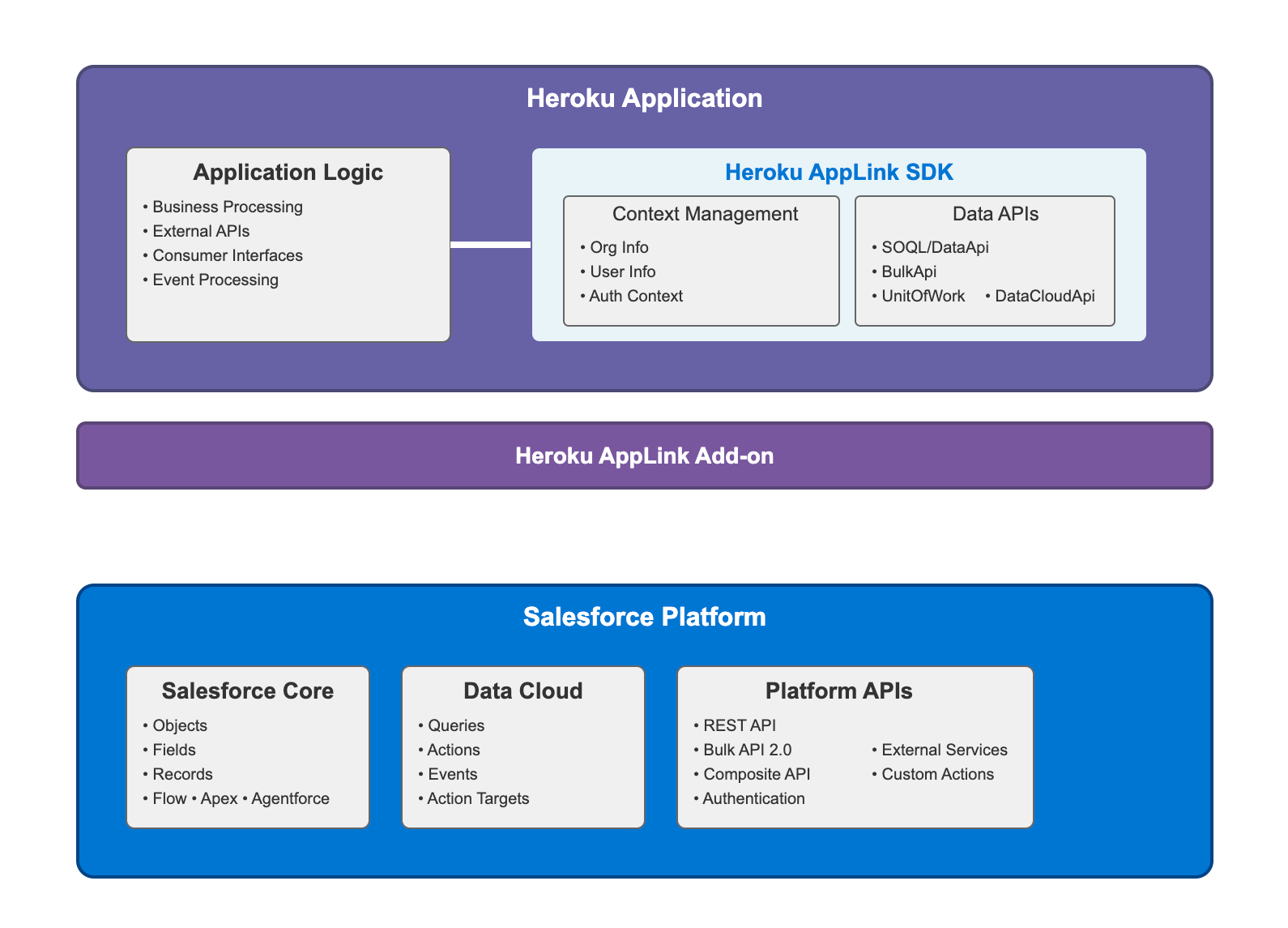
Each component within AppLink serves a distinct purpose in creating the integrated experience. The table below provides a detailed overview of the role and capabilities of each AppLink component, demonstrating how they work together to provide comprehensive Salesforce-Heroku connectivity.
| Component | Role |
|---|---|
| Add-on | Acts as the foundational connectivity layer (heroku addons:create heroku-applink), providing automatic provisioning between Heroku and Salesforce, security token management, and service discovery for making Heroku apps discoverable within Salesforce and the API Catalog. Works in conjunction with the Buildpack when building AppLink solutions that extend Salesforce as described later in this blog. Exposes environment variables: HEROKU_APPLINK_API_URL and HEROKU_APPLINK_TOKEN for authentication and API access. |
| Buildpack | Functions as the security and authentication layer (heroku buildpacks:add --index=1 heroku/heroku-applink-service-mesh) that injects the service mesh into Heroku applications designed to be invoked by Salesforce. The service mesh acts as a request interceptor that handles authentication, blocks external access to ensure only Salesforce can invoke the application, and routes authenticated requests to your application code. Required for applications that extend Salesforce functionality through Flow, Apex, or Agentforce integration patterns. |
| Dashboard | Functions as the centralized monitoring interface accessible via heroku addons:open heroku-applink with three main tabs: Connections (lists Salesforce and Data Cloud org connections with status), Authorizations (shows run-as-user authorizations with developer names and connected orgs), and Publications (displays published apps across orgs with connection status). Provides comprehensive visibility into your Heroku-Salesforce integrations. |
| CLI | Serves as the command-line interface for deployment commands, connecting and publishing apps to Salesforce orgs, local development tools, permission management, and multi-environment support. The salesforce:authorizations commands enable existing Heroku applications to access Salesforce data (run-as-user mode), while salesforce:connect commands are used for User Mode. Publishing commands allow Heroku code to be invoked via Flow, Apex, or Agentforce. |
| API | Serves as the programmatic gateway providing unified access to Salesforce and Data Cloud data with automatic authentication, authorization, and connection pooling. Used by the CLI and SDK, and can be used directly by developers’ own code for custom integrations. |
| SDK | Acts as the developer toolkit that simplifies AppLink integration by providing request processing capabilities, automatic authentication handling, and unified data access methods. The SDK parses incoming requests from Salesforce (Flows, Apex, Agentforce), including decoding the x-client-context HTTP header which contains base64 encoded JSON with user context and authentication details, routes them to appropriate business logic, and transforms responses back to Salesforce-compatible formats. Key features include connection management, transaction support, and structured error handling. Currently available for Node.js and Python, while other languages are fully supported but must use the AppLink API directly instead of the SDK. |
| OpenAPI Integration | Functions as the service discovery and registration mechanism using OpenAPI Specification files (YAML or JSON format) for endpoint discovery, automatic service registration in Salesforce Setup menu and API Catalog, and External Service generation for admins. Uses x-sfdc extensions to map Permission Set names for elevated permissions beyond the user’s access level, and to automatically create Agentforce Custom Actions. Currently supports OpenAPI 3.0 at time of writing – check Salesforce External Services documentation for the latest supported version. These features will be discussed further later. |
| Salesforce API Integration | Provides the data access layer where the AppLink SDK includes helpers for SOQL Query Engine, DML Operations, Data Cloud Integration, and Bulk API Support, but developers can still directly access these APIs or use existing Salesforce API libraries they prefer. |
Together, these components offer a comprehensive and cohesive ecosystem that simplifies the complex task of integrating Heroku applications with Salesforce. By providing dedicated tools for everything from secure connectivity and automatic authentication to streamlined deployment, monitoring, and service discovery, AppLink reduces development overhead and accelerates time to market. This holistic approach ensures that developers can focus on building powerful business logic, knowing that the underlying infrastructure for secure and scalable Salesforce extension is fully managed and integrated.
Stay tuned: from foundation to practical application
This blog post has provided a foundational understanding of AppLink – what it is, why it’s a critical new tool for Salesforce developers, and its core components.
In our three part series, AppLink Fundamentals, we’ll dive into the practical application of AppLink by exploring its key integration patterns, showing you how to connect your Heroku applications to Salesforce for various use cases. Subsequent posts in this series will delve into advanced integrations with Data Cloud, Flow, Apex, and Agentforce, followed by a look at the development workflow, language choices, and best practices for building robust solutions with AppLink. Stay tuned to unlock the full potential of extending Salesforce with the power of Heroku.
Additional AppLink resources
- Getting Started with Heroku AppLink and Salesforce
- Getting Started with Heroku AppLink and Data Cloud
- Getting Started with Heroku AppLink and Agentforce
Read the AppLink Fundamentals series
- AppLink Fundamentals I: AppLink Integration Patterns – Connecting Salesforce to Heroku Applications
- AppLink Fundamentals II: Advanced AppLink Integrations – Automation & AI
- AppLink Fundamentals III: Building with AppLink – Development Flow and Language Choices
The post Heroku AppLink: Extend Salesforce with Any Programming Language appeared first on Heroku.
]]>Modern cloud-native architectures are composed of multiple microservices running across dynamic environments. Effectively diagnosing performance issues, bottlenecks, or failures requires comprehensive observability. For this, many organizations look to OpenTelemetry, which provides a standardized approach to capturing and analyzing telemetry data. Fir is Heroku’s next generation cloud platform, designed to offer more modern cloud-native capabilities with […]
The post OpenTelemetry, Kubernetes, and Fir: Putting it All Together appeared first on Heroku.
]]>Modern cloud-native architectures are composed of multiple microservices running across dynamic environments. Effectively diagnosing performance issues, bottlenecks, or failures requires comprehensive observability. For this, many organizations look to OpenTelemetry, which provides a standardized approach to capturing and analyzing telemetry data.
Fir is Heroku’s next generation cloud platform, designed to offer more modern cloud-native capabilities with flexibility and scalability. It’s built on proven, open-source technologies. Traditional Heroku relied on proprietary technologies, which was appropriate at the time because high-quality open-source alternatives didn’t exist. But now, technologies like Kubernetes and OpenTelemetry are considered best-in-class solutions that are widely deployed and supported by a vast ecosystem.
Kubernetes is at the core of Fir’s infrastructure, providing automated scaling, self-healing, and efficient resource management. And while Kubernetes powers Fir, end users are not exposed to it directly—which is a good thing, since Kubernetes is very complex. Under the hood, Fir takes advantage of the powerful capabilities of Kubernetes, but it only exposes the user-friendly Heroku interface for user interaction.
OpenTelemetry offers standard-based visibility into how applications and services interact within Fir as well as integrate with external systems. By leveraging OpenTelemetry with Fir, developers can gain deep insights into application performance. They can track distributed requests and even route telemetry data to external monitoring platforms if they wish.
Let’s look more deeply into OpenTelemetry and what it brings to the table.
Understanding OpenTelemetry
As an observability framework, OpenTelemetry is designed to standardize the collecting, processing, and exporting of telemetry data from applications. It aims to provide a unified approach to capturing this data across distributed systems so that developers can monitor performance and diagnose issues effectively.
One of the primary goals of OpenTelemetry is to eliminate vendor lock-in. You can send telemetry data to various backends, such as Prometheus, Jaeger, Grafana, Datadog, and—of course—Heroku, without modifying application code.
OpenTelemetry consists of language-specific APIs and SDKs coupled with the OpenTelemetry Collector, all working together to provide a unified observability framework. The APIs define a standard way to generate telemetry data, while the SDKs offer language-specific implementations for instrumenting applications. The OpenTelemetry Collector acts as a processing pipeline. It supports the ingestion, filtering, and export of telemetry data using the OpenTelemetry Protocol (OTLP), which standardizes the transmission of data to various observability backends.
OpenTelemetry supports three primary telemetry data types, each serving a critical role in observability:
- Logs capture discrete events, such as errors or system messages, providing a detailed record of application behavior.
- Metrics track numerical data over time, offering quantifiable insights into system performance.
- Traces track the flow of requests across distributed services, enabling developers to diagnose latency issues and optimize performance.
Fir: Heroku’s next generation platform
By integrating Kubernetes into its core, Fir empowers developers to deploy and manage applications with greater control and resilience. Leveraging Kubernetes ensures that applications can handle varying workloads seamlessly, adapting to changing demands without manual intervention. Because it runs specifically on top of AWS EKS, Fir can take advantage of more diverse and powerful instance types, such as the AWS Graviton processor.
Fir utilizes Open Container Initiative (OCI) images and Cloud Native Buildpacks to package and deploy services and applications. This is a major improvement, because it means developers in the Heroku world can tap into their standards-based knowledge and tooling. In addition, Fir integrates seamlessly with OpenTelemetry, providing a built-in collector and easy ways to configure drains for transmitting telemetry data to additional destinations if needed.
Basing Fir on open-source standards and technologies is a major advantage for several reasons:
- If a company already uses these technologies and has a centralized observability platform, then they can gradually migrate some systems to Fir, while retaining a single pane of glass for all systems.
- It avoids lock-in because companies can easily migrate to other Kubernetes providers and still use their existing OpenTelmetry instrumentation and CNB pipelines.
- Companies have the option of maintaining a hybrid environment, in which some systems run on Heroku Fir while others run on other Kubernetes providers if they need more control.
The benefits of OpenTelemetry in Fir
Native integration with OpenTelemetry means Fir enables automatic telemetry collection without requiring extensive manual setup.
By tracing requests across distributed services (including on non-Heroku systems interacting with Fir), developers can easily pinpoint failures and optimize system performance. These capabilities enable teams to proactively address issues before they impact end users, improving application reliability.
OpenTelemetry’s vendor-agnostic approach gives organizations the flexibility to choose their preferred monitoring and analytics tools. Since OpenTelemetry is an open-source project, it benefits from continuous improvements and broad community support.
Because of its lightweight and distributed architecture, OpenTelemetry is well-suited for large-scale, cloud-native environments like Fir’s Kubernetes-based infrastructure. It efficiently handles high-volume telemetry data, ensuring that performance monitoring scales alongside the application.
How does OpenTelemetry work with Fir?
Fir provides out-of-the-gate OpenTelemetry logs and metrics for your dynos and the applications running on them. These are displayed in your app’s dashboard.
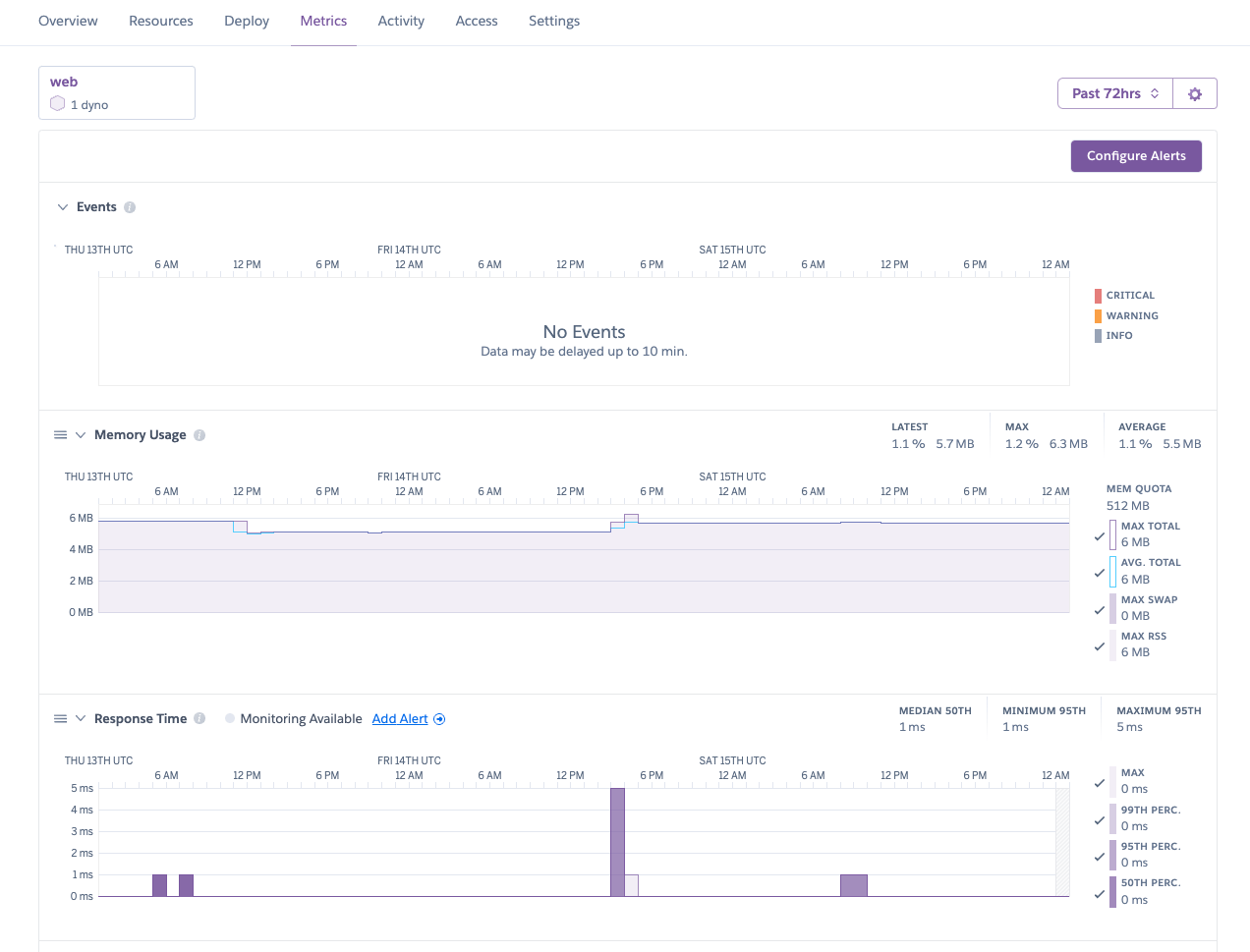
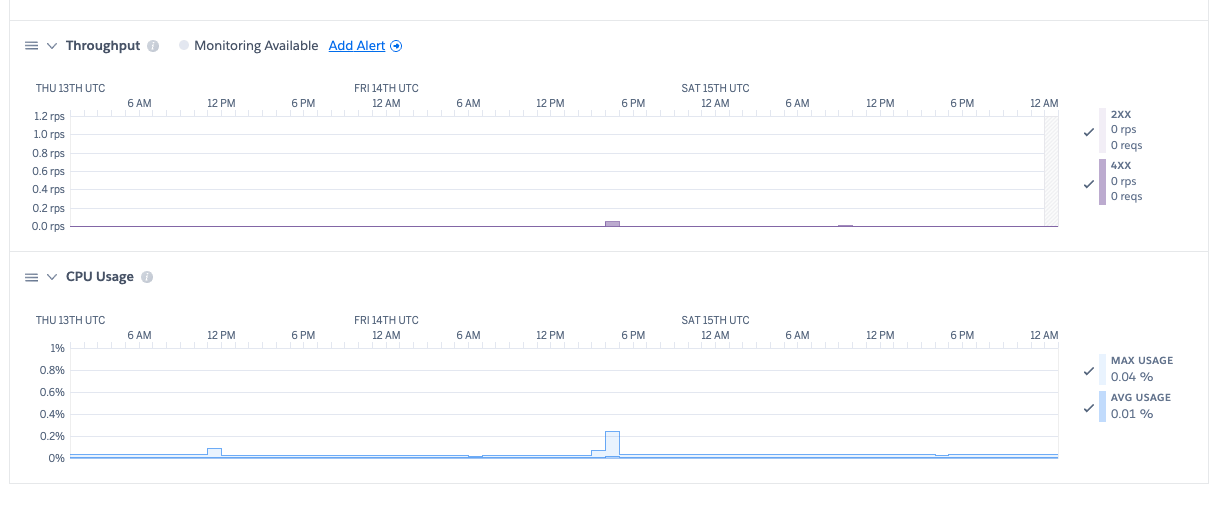
You can take this even further. If you configure an OpenTelemetry SDK and instrument your application, then you can generate custom metrics and distributed traces. You can also configure drains to send your telemetry data to third-party observability platforms.
How do all the pieces fit together? Consider the following diagram:
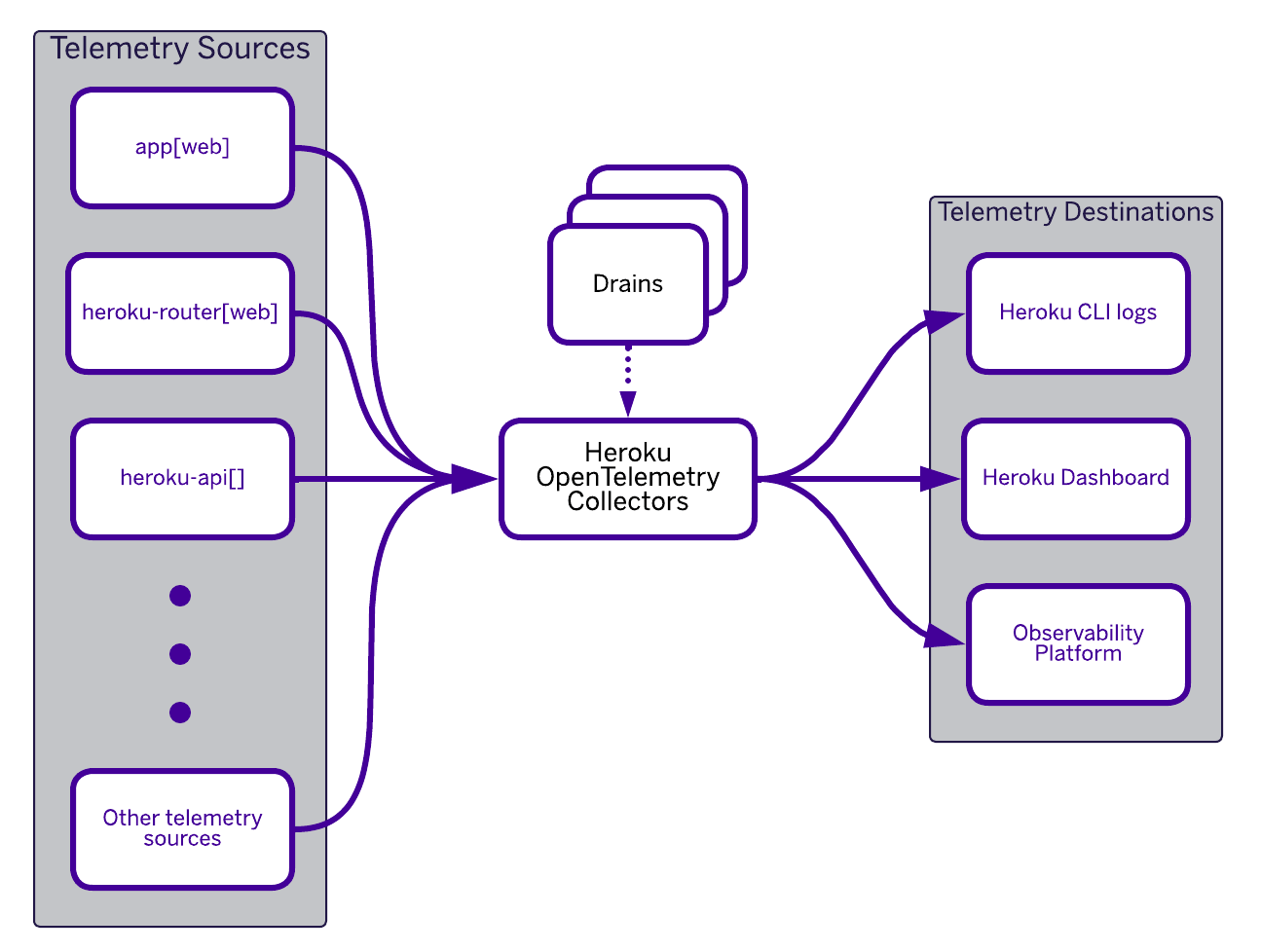
The built-in Heroku OpenTelemetry Collector does all the heavy lifting for you.
- Fir uses the Heroku OpenTelemetry Collector to collect data from various telemetry sources such as your web application, the Heroku router, and the Heroku API.
- The collector is configured with various telemetry destinations (drains).
- The collector sends the relevant telemetry data to destinations like Heroku CLI logs, the Heroku dashboard, or other observability platforms.
OpenTelemetry drains can be defined at the space level—meaning they apply to all applications in the space—or at an individual application level. This is done using the Heroku CLI:
$ heroku telemetry -h
list telemetry drains

USAGE
  $ heroku telemetry [-s ] [--app ]

FLAGS
  -s, --space=  filter by space name
  --app=        filter by app name

DESCRIPTION
  list telemetry drains

EXAMPLES
  $ heroku telemetry

COMMANDS
  telemetry:add     Add and configure a new telemetry drain. Defaults to collecting all telemetry unless otherwise specified.
  telemetry:info    show a telemetry drain's info
  telemetry:remove  remove a telemetry drain
  telemetry:update  updates a telemetry drain with provided attributes (attributes not provided remain unchanged)
The key to the interoperability of Heroku’s telemetry data is the Open Telemetry Protocol (OTLP). This protocol has two transports: gRPC and HTTP. Heroku supports both. While the gRPC transport is more efficient and has more features (HTTP/2 streaming, bi-directional streaming, Protocol Buffers payload), it might not be able to traverse some firewalls or be routed properly. In these cases, the HTTP transport, based on simple HTTP 1.1, may be the best option. It may depend also on the support in the SDK of your programming language.
Conclusion
As cloud-native applications become more complex and distributed, observability is no longer optional. It is a fundamental requirement for ensuring reliability, performance, and rapid debugging. OpenTelemetry is quickly becoming the industry standard for telemetry collection, and its seamless integration into Fir ensures that applications running on the platform can be monitored with minimal effort.
Fir’s underlying Kubernetes foundation allows organizations to benefit from industry-leading infrastructure without needing to manage the complexity of Kubernetes directly. This combination provides a powerful and future-proof platform that simplifies operations while ensuring full visibility into application behavior.
Fir’s reliance on open standards and technologies is a win-win because it reduces the risk of vendor lock-in for users and also benefits from the development effort of the open-source community to enhance and improve those technologies.
Additional resources
- Planting New Platform Roots in Cloud Native with Fir
- Heroku Documentation
- Cloud Native Buildpacks: Go tutorial from Heroku
- OTLP Specification 1.5.0 | OpenTelemetry
The post OpenTelemetry, Kubernetes, and Fir: Putting it All Together appeared first on Heroku.
]]>We’re thrilled to announce the general availability of Valkey v8.1 in Redis OSS compatible Heroku Key-Value Store. This isn’t just an incremental update; it’s a significant leap forward, bringing enhanced performance and greater efficiency. To add to this excitement, we’re bringing powerful new module capabilities to v8.1, with Valkey Bloom and ValkeyJSON. For years, Heroku […]
The post Heroku Key-Value Store Now Supports Valkey 8.1 with JSON and Bloom Modules appeared first on Heroku.
]]>We’re thrilled to announce the general availability of Valkey v8.1 in Redis OSS compatible Heroku Key-Value Store. This isn’t just an incremental update; it’s a significant leap forward, bringing enhanced performance and greater efficiency. To add to this excitement, we’re bringing powerful new module capabilities to v8.1, with Valkey Bloom and ValkeyJSON.
For years, Heroku customers have relied on our managed in-memory data store services for caching, session management, real-time leaderboards, queueing, and so much more. Valkey is a drop-in, open-source fork of Redis OSS at v7.2, maintained by the Linux Foundation, and is backwards compatible with Redis OSS protocols and clients. With Valkey v8.1, we’re continuing our commitment to providing you with a robust, scalable, and developer-friendly in-memory datastore. We are delivering this enhancement to empower you to build faster, smarter, and more efficient applications on Heroku.
What’s New in Valkey v8.1
Valkey v8.1 itself comes packed with core improvements designed to make your applications perform:
- Enhanced Performance: Experience lower latencies and higher throughput. Valkey v8.1 features a new, more memory-efficient hash table implementation and optimizations in I/O threading. This means your apps can handle more requests, faster. Active memory defragmentation also sees a significant reduction in request latency.
- Better Memory Efficiency: Squeeze more out of your instances. The new hash table design reduces memory usage per key, allowing you to store more data cost-effectively.
These improvements mean your existing Heroku Key-Value Store use cases will run faster and more efficiently, mostly without needing any changes on your end.
How to upgrade to Valkey v8.1
You can upgrade your Heroku Key-Value Store instance to the latest version with:
heroku redis:upgrade –version 8.1 –app app-nameIf you’re on mini, above command will upgrade your instance immediately. If you’re on premium or larger plans, the above command will prepare the maintenance and you can upgrade by running maintenance.
Valkey 8 Benchmark Highlights (vs Valkey 7.2)
To give you a clearer picture of the performance uplift, our internal benchmarks (combination of SETS and GETS operations) comparing Valkey 8.0 (a precursor to 8.1, sharing many core enhancements) with Valkey 7.2 on various Heroku Key-Value Store premium plans show significant improvements. Here’s a snapshot of the average gains observed:
| Heroku Plan (Cores) | Valkey 8.0 vs 7.2: Ops/sec Increase | Valkey 8.0 vs 7.2: Avg. Latency Reduction |
|---|---|---|
| premium-7 (2 cores) | ~6.5% | ~6.1% |
| premium-9 (4 cores) | ~37.4% | ~27.3% |
| premium-10 (8 cores) | ~44.7% | ~25.3% |
| premium-12 (16 cores) | ~164.6% | ~63.0% |
| premium-14 (32 cores) | ~201.8% | ~62.5% |
These benchmarks demonstrate that as you scale to plans with more CPU cores, the performance advantages of Valkey 8.x become even more pronounced, allowing your applications to handle substantially more operations per second with lower latency. While specific gains can vary by workload, the trend is clear: Valkey 8.1 is engineered for speed and efficiency. We offer a variety of Heroku Key-Value Store options to tailor to your needs.
Valkey Bloom & ValkeyJSON: Powerful New Modules for Heroku Key-Value Store
The real headline-grabbers with this release are the new, highly anticipated modules now available: Valkey Bloom and ValkeyJSON. These modules (similar to extensions on Heroku Postgres) unlock entirely new ways to leverage the power and simplicity of Heroku Key-Value Store within your Heroku applications. Let’s go over each one in more detail!
Valkey Bloom: Probabilistic Data Structures for Efficiency
Valkey Bloom introduces Bloom filters, a probabilistic data structure that excels at quickly and memory-efficiently determining if an element is probably in a set, or definitely not in a set.
- Benefit: Bloom filters can dramatically reduce the load on your primary databases and improve application efficiency by avoiding unnecessary, expensive lookups for items that don’t exist. They achieve this with remarkable memory savings – potentially over 90% compared to traditional methods for some applications.
- Use Cases:
- Cache “Probably Not Found” Queries: Before hitting your main database for an item, quickly check a Bloom filter. If it says the item is definitely not there, you save a costly database query. This is fantastic for recommendation engines (filtering out already-seen items), unique username checks, or fraud detection systems (checking against known fraudulent IPs or transaction patterns).
- Content Filtering: Efficiently check against large lists of malicious URLs or profanity.
- Ad Deduplication: Ensure users aren’t shown the same advertisement repeatedly.
While Bloom filters have a chance of a “false positive” (saying an item might be in the set when it isn’t), they guarantee no “false negatives” (if it says an item isn’t there, it’s truly not there). For many use cases, this trade-off is incredibly valuable for the performance and memory gains.
ValkeyJSON: Native JSON Handling for Rich Data Structures
Many modern applications rely heavily on JSON. With ValkeyJSON, you can now work with JSON data more naturally and efficiently within a Heroku Key-Value Store instance.
- Benefit: ValkeyJSON provides native support for storing, retrieving, and manipulating JSON documents. This allows for atomic operations on specific parts of a JSON object without needing to fetch and parse the entire thing in your application, leading to better performance and simpler application code.
- Use Cases:
- Store Complex Objects: Easily store user profiles, product catalogs with nested attributes, configuration data, or any other complex objects as JSON documents.
- Atomic Updates: Modify specific fields within a JSON document directly in Valkey. For example, update a user’s last login time or add an item to an array within a product’s attributes without rewriting the whole object.
- Simplified Development: Reduce boilerplate code for serializing and deserializing JSON in your application.
If your application deals with structured but flexible data, ValkeyJSON can significantly streamline your data management and improve performance.
Getting Started with Valkey Modules on Heroku Key-Value Store
Once you upgrade to Valkey v8.1, these powerful modules are already enabled and commands can be used. For example, to add an item to bloom filter through the CLI:
BF.ADD name-of-filter item-to-insertWe encourage you to explore the official Valkey documentation for Valkey Bloom and Valkey JSON to dive deeper into their commands and capabilities.
Valkey v8.1 & Module Power: Your Faster, More Flexible Heroku Data Store
The addition of Valkey v8.1, along with the Valkey Bloom and ValkeyJSON modules to Heroku Key-Value Store offerings, represents a significant step forward in the capabilities available to you on the Heroku platform. We’re excited to see how you’ll leverage these new tools to build the next generation of innovative applications.
As always, we’re here to support you if you get stuck. Stay tuned for more detailed guides and examples on using these new features. For now, get ready to explore the enhanced power and flexibility of Heroku Key-Value Store! Happy coding!
The post Heroku Key-Value Store Now Supports Valkey 8.1 with JSON and Bloom Modules appeared first on Heroku.
]]>Today, we are pleased to announce the evolution of Heroku to an AI Platform as a Service (AI PaaS). GenAI has changed how we build software (vibe coding), the kind of technology we use (Cursor, LLMs), the type of software we make (agents), and redefined what it means to be a developer in this new […]
The post Introducing the Heroku AI Platform as a Service (AI PaaS) appeared first on Heroku.
]]>Today, we are pleased to announce the evolution of Heroku to an AI Platform as a Service (AI PaaS). GenAI has changed how we build software (vibe coding), the kind of technology we use (Cursor, LLMs), the type of software we make (agents), and redefined what it means to be a developer in this new world.
In a recent Salesforce study, 84% of developers with AI say it helps their teams complete their projects faster. AI-powered, natural language development tools make it possible for anyone to create software by typing instructions in English. This increase in new apps is only matched by the increasing complexity of new technology to choose from, integrate, and maintain as a stable and secure platform – stressing the existing delivery gaps and friction in software delivery.
Heroku was founded to make deploying and scaling Ruby on Rails apps in the cloud easy for developers. Over the last decade, we remained steadfast in this mission by expanding to support more languages, databases, and now to AI. The Heroku AI PaaS brings powerful AI primitives into our opinionated platform with a simplified developer experience and automated operations to accelerate delivery of AI-powered apps and agents.
The Heroku AI PaaS adds these new capabilities to our robust cloud-native platform foundation:
- Heroku AppLink: Enable Agentforce to more use cases with custom actions, channels, tools in any programming language and securely integrated with a single click through Salesforce Flows, Apex, and Data Cloud. Agentforce is the agentic layer of the Salesforce Platform for deploying autonomous AI agents across any business function. This capability brings the ecosystem of programming languages and custom code to augment and enhance Salesforce implementations. AppLink will GA in July.
- AI-Native Tools Integration: Leverage tools like Cursor, Windsurf, and Claude Code to vibe code new apps, modernize existing apps, and add capabilities to agents. Deploy and manage code running on Heroku directly from these new developer tools. This capability is available today.
- MCP Server Toolkit: Enable your agents with more capabilities by exposing relevant tools and data with MCP Servers, a critical element of agentic workflows. Build and run custom MCP Servers, the official Heroku MCP Server, or the Heroku Remote MCP Server on Heroku and Heroku MCP Toolkits provide a unified gateway to deploy and manage multiple MCP servers on the platform. With Agentforce 3.0‘s native MCP support, bringing your Heroku Remote MCP Server to Agentforce is now a reality. MCP Server support is available today.
- Heroku Managed Inference and Agents: Brings together a set of powerful primitives into the platform that make it simple for developers to build, scale, and operate AI-powered features and applications, without the heavy lifting of managing their own AI infrastructure. Access to leading models from Claude, Cohere, Stability, and more; plus primitives for building agents that can reason, act, and call tools, developers can focus on delivering differentiated experiences for their users, rather than wrangling inference infrastructure or orchestration logic. Heroku Managed Inference and Agents is available today.
Plus these new AI apps and agents will benefit from Heroku’s built-in automation, autoscaling, observability, and dashboards for all workloads running on the platform, giving you peace of mind at any scale and the metrics to monitor ongoing performance.
Complementing the platform innovations are new additions to our partner program to increase the technical expertise available to our customers around the world that help deliver their new app projects faster and more successfully. New certifications deepen expertise in solution design and implementation while a new Heroku Expert Area in Partner Navigator makes it easy for customers to find the right partner for their needs. Learn more about the partner updates here.
Our focus has always been on the apps, the code that drives your business. The software being built today is agentic and these new apps and agents require access to data, tools, and other agents to get the job done. The Heroku AI PaaS brings powerful AI technology to your fingertips with ease of use in mind to help you deliver value to your business faster and with less complexity. Start exploring the new Heroku today.
The post Introducing the Heroku AI Platform as a Service (AI PaaS) appeared first on Heroku.
]]>Partners are a critical part of the community in driving customer success in technology adoption. Today, we’re thrilled to announce new solution expertise and program benefits for Salesforce Consulting Partners to expand their practice with Heroku AI PaaS. Building on our announcement from earlier this year, today’s announcement is designed to deepen technical expertise and […]
The post Elevate Your Salesforce Consulting Practice with Heroku appeared first on Heroku.
]]>Partners are a critical part of the community in driving customer success in technology adoption. Today, we’re thrilled to announce new solution expertise and program benefits for Salesforce Consulting Partners to expand their practice with Heroku AI PaaS. Building on our announcement from earlier this year, today’s announcement is designed to deepen technical expertise and help partners expand the service offerings they can provide their customers with the Salesforce portfolio.
Salesforce is the world’s #1 AI CRM and provider of the Agentforce digital labor platform bringing together the C360 apps and data with Heroku. Every customer’s business is unique and that often means designing solutions that bring together multiple Salesforce Clouds with 3rd party systems, and building customized experiences around them. Heroku’s robust AI PaaS provides the flexibility developers need and the reliability businesses need to enable these solutions with custom apps, services, and native integration to the Salesforce platform.
What’s new for partners:
- Heroku Expert Area: Available in July as part of the Salesforce Partner Navigator, the new Heroku Expert Area is designed to recognize and reward partners with proven Heroku expertise.
- Trailblazer Community Group: A private community group for Salesforce Consulting Partners on their Heroku journey to get the latest updates, network with peers, and connect with the Heroku team.
- Product Benefits: Partners are provided access to Heroku products to get hands on with the technology, enable their teams, and build demos.
“At Showoff we deeply value our partnership with Heroku—not just for the powerful technology platform it provides, but for the trust and collaboration that underpin our relationship. Our customers understand the value Heroku brings, and we see that every day in the agility and scalability it enables. What sets this partnership apart is the personal connection—the ability to pick up the phone, solve problems together, and collaborate on innovative solutions that truly drive business value”
– Barry Sheehan, CCO, Showoff
Certifications to build deep expertise
Expertise is built through knowledge and experience. We have two certifications to help partners continue their enablement journey on the path to becoming a Heroku Expert. Partners can achieve Heroku Specialist and Heroku Cloud Expert distinctions, with Heroku Implementation Expert distinction launching in 2026. Information on how to achieve Heroku distinctions is available in the Heroku Partner Readiness Guide and Heroku Technical Learning Journey.
- Heroku Developer Specialist [new]: This speciality area demonstrates an individual’s ability to build and manage Heroku applications effectively with an emphasis on practical skills related to deploying, maintaining, and scaling apps on the Heroku platform. A core component of this distinction is the Heroku Developer Accredited Professional certification.
- Heroku Architect Specialist [new]: This speciality area demonstrates an individual’s ability to design and implement applications on Heroku with a focus on architectural best practices. It involves understanding complex architectural considerations and leveraging Heroku features to build robust, scalable applications. A core component of this distinction is the Heroku Architect certification.
- Heroku Cloud Expert [new]: This distinction demonstrates an organization’s proven expertise in successfully delivering Heroku implementations that achieve high customer satisfaction scores.
Access to Heroku products
Starting next month, eligible Salesforce Consultants and Cloud Resellers will get access to Heroku products within a Heroku Demo Org with access to a Heroku Dev Starter Package which includes Dynos, Heroku Connect, and General Credits. This direct access to products provides a hands-on environment to build demos, design and prototype solutions, and complements enablement for certification.
“At Cognizant, we deeply value our partnership with Heroku. Its platform has empowered our teams to accelerate application development, streamline deployment, and deliver scalable, resilient solutions for our clients. We’ve seen measurable improvements in time-to-market and customer satisfaction. As we continue to innovate, we’re excited to build on this collaboration to drive even greater impact for the businesses we serve.”
– Sivakumar Meenakshi Sundaram, Global Delivery Head, Cognizant
Heroku Lighthouse Partners
These announcements mark an exciting new chapter for our partner community with new opportunities to grow their practice and expand their customer relationships. We are especially thankful for the lighthouse partners featured throughout this blog. These partners have worked diligently to become Heroku Experts; providing early participation and feedback in building a robust partner network. This group of standout consulting firms have demonstrated deep platform knowledge and delivered innovative solutions to clients using Heroku.
“Heroku lets our team focus on building great products, not managing infrastructure—empowering us to deliver faster, smarter solutions for our clients.”
– Scott Weisman, Co-Founder & CEO, LaunchPad Lab
By removing the friction of infrastructure management, Heroku has enabled partners like LaunchPad Lab to spend more time on what matters: creating high-impact digital experiences for their customers. This is the foundation of the Heroku Expert model, it’s a model designed to free teams to deliver client value at speed.
“Heroku by Salesforce gives our clients the flexibility to scale agentic AI across their end-to-end processes. From microservices to BYOM, Heroku enables us to deliver enterprise-grade solutions with speed and precision.”
– Sadagopan Singam, EVP (Global), Digital Business – Commercial Applications, HCLTech
For global consulting firms like HCLTech, Heroku provides the agility and control needed to meet the evolving demands of enterprise clients—especially as AI, data, and integration use cases grow more complex. Heroku’s ability to support both modern architectures and emerging AI use cases makes it a powerful enabler of digital transformation.
“Heroku gives Vanshiv’s engineering team the flexibility to build scalable microservices and extend Salesforce with modern architectures—helping us deliver robust, enterprise-grade solutions.”
– Gaurav Kheterpal, Founder & CEO, Vanshiv
As clients look to bring more custom logic and scalable services into their Salesforce environment, partners like Vanshiv are building microservices on Heroku to handle complexity and ensure reliability. This approach, that leans into custom solutions is essential for industries with high security and performance requirements.
“We’ve always embraced the pro-code ethos of Heroku as it allows us, a Salesforce Consulting Partner, to greatly extend the capabilities of Salesforce.”
– Jaime Solari, CEO & Founder, Oktana
The developer experience is a key differentiator for Heroku and a core reason why engineering-driven consultancies choose to invest in the platform. Oktana’s work demonstrates how Heroku enables partners to bridge the gap between low-code solutions and the full power of custom development.
Together, these Lighthouse Partners exemplify how Heroku is the best AI PaaS for innovation and growth. Their success stories are just the beginning, and we’re thrilled to continue building a thriving ecosystem of expert partners delivering next-generation solutions to Salesforce customers.
Get started today
Join the Heroku Partner Trailblazer Community to stay informed on the latest news, enablement, events, and network with other partners and Heroku.
“We are values aligned and value driven. Selling, delivering and growing with Heroku and Salesforce for the past 15 years has proven that success is a 3-way celebration with our joint customers.”
– Chris Peacock, CEO, Kilterset
The post Elevate Your Salesforce Consulting Practice with Heroku appeared first on Heroku.
]]>Today, we’re thrilled to announce a new way in which agents can access the Heroku platform using the Heroku Remote MCP Server, now available at https://mcp.heroku.com/mcp. This new remote server is an expansion of our earlier stdio-based MCP server and comes with secure OAuth authentication. It’s designed to provide a secure, scalable, and incredibly simple […]
The post Heroku AI: Heroku Remote MCP Server appeared first on Heroku.
]]>Today, we’re thrilled to announce a new way in which agents can access the Heroku platform using the Heroku Remote MCP Server, now available at https://mcp.heroku.com/mcp.
This new remote server is an expansion of our earlier stdio-based MCP server and comes with secure OAuth authentication. It’s designed to provide a secure, scalable, and incredibly simple way for agents to interact with the Heroku platform and use tools to perform actions such as creating a Heroku app from your favorite agents such as Claude, Agentforce, or Cursor. With Agentforce 3.0 announcing native support for MCP, you can bring Heroku Remote MCP Server to Agentforce.
Secure access and authentication with remote MCP servers
If you’re new to MCP, read this introduction to MCP to familiarize yourself. While our initial stdio MCP server supports local development capabilities by allowing agents to interact with the Heroku platform as a subprocess, it was limited to tethering your agent’s capabilities to a single machine. The new Heroku Remote MCP Server overcomes this with enhanced security for your AI workflows by centralizing access to the Heroku platform. The Heroku Remote MCP Server is easily accessible through clients that support remote servers and uses the industry-standard OAuth 2.0 protocol. When you connect a new client, you’ll be prompted to authenticate with your Heroku account, giving you clear and user-consented control over which tools can be accessed by your client.
How to connect your MCP client
As long as your agent supports remote MCP servers with OAuth, you can connect to Heroku in a few easy steps.
- Configure the server: Following your client’s documentation, add a new MCP server and use the URL:
https://mcp.heroku.com/mcp - Authenticate: Your client will redirect you to login with the Heroku account via OAuth.
- Connect: Once you authenticate, your client is securely connected and ready to go!
Claude Desktop (Free)
For the Claude desktop application, you can connect using a proxy command.
- Open the configuration file located at
~/Library/Application Support/Claude/claude_desktop_config.json. - Add the following entry to the
mcpServersobject and restart the Claude app:
{
    "mcpServers": {
      "Heroku": {
        "command": "npx",
        "args": ["-y", "mcp-remote", "https://mcp.heroku.com/mcp"]
      }
    }
}
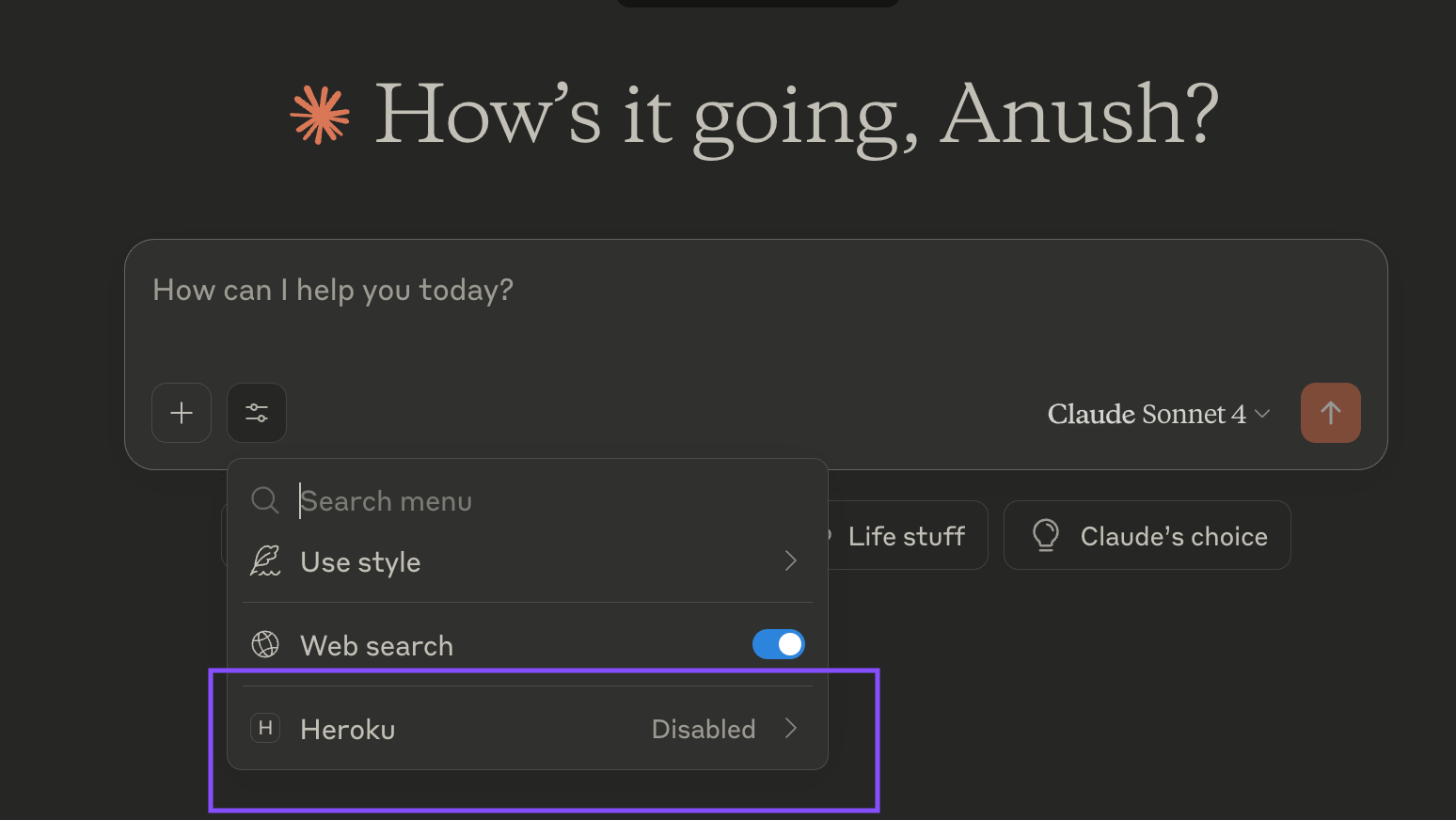
Cursor
For Cursor, you can connect on the Tools & Integrations section in the Cursor settings page.
- Click on
Add a Custom MCP. - Add the following entry to the
mcpServersobject. - Go back to Tools & Integrations, click on “Needs login” to the right of the Heroku MCP entry and authenticate via OAuth.
{
    "mcpServers": {
      "heroku": {
        "url": "https://mcp.heroku.com/mcp"
      }
    }
}
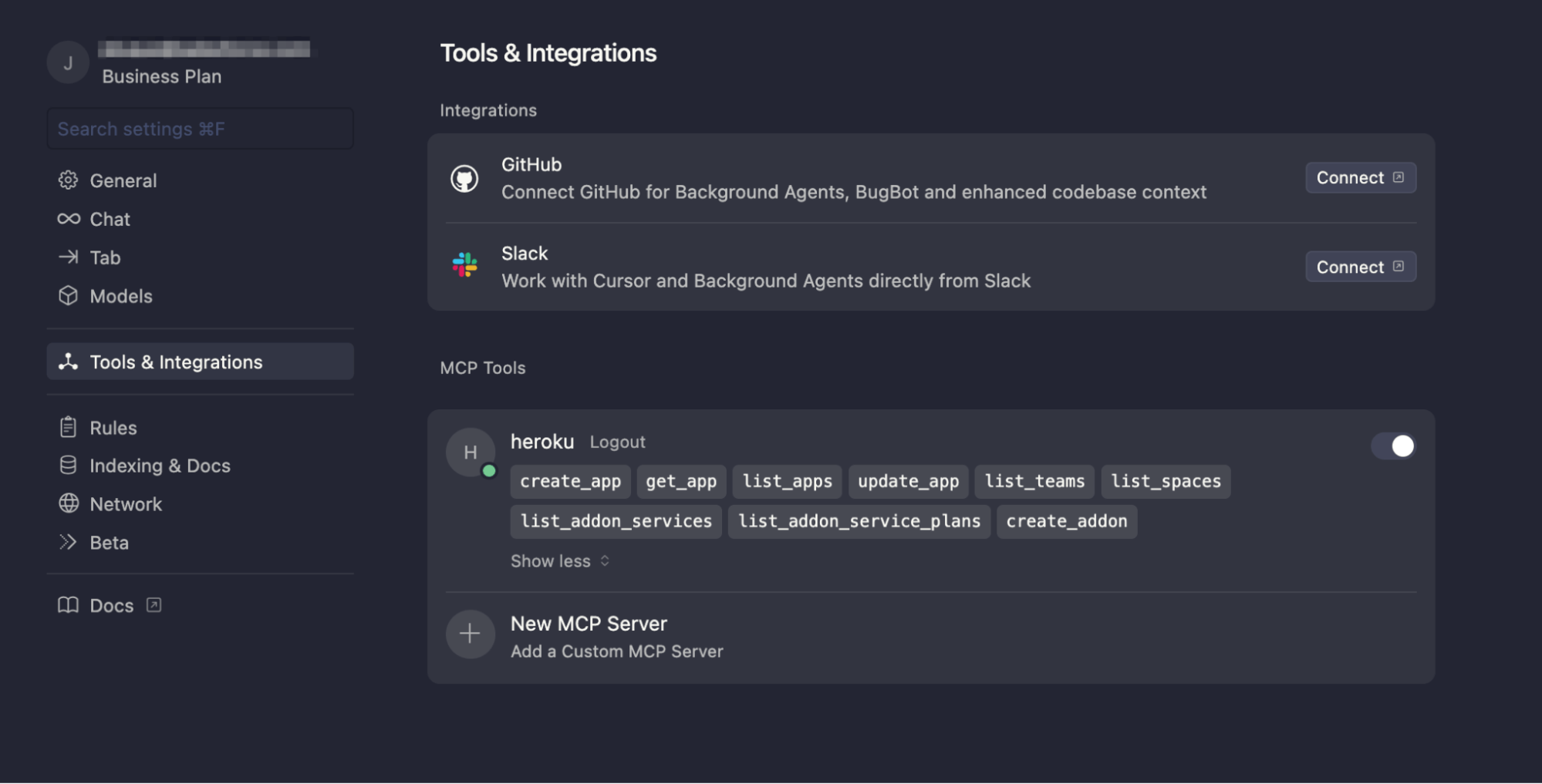
VSCode
For Visual Studio Code, open the command palette and select the following:

- Select
MCP: Add Server.... - HTTP (HTTP or Server Sent Events)
- Insert the url
https://mcp.heroku.com/mcp. - Insert
herokuas server id.
This will add the MCP configuration to the settings.json file, from here it will ask to start the OAuth authentication.

Extend your agents with the Heroku Remote MCP Server
The Heroku Remote MCP Server empowers your agent with a rich set of tools to understand and interact with the Heroku platform. Your agent can now perform a wide array of tasks on your behalf:
- Manage application lifecycle: list your apps, get info on a specific app, and even create and update applications directly via natural language.
- Info: Get a list of the teams you belong to, and view your Private Spaces.
- Add-on marketplace: List available Heroku Add-ons and check their various plans.
This is just the initial set of tools that we have enabled. We are continuously working to enable additional tools to help you with an increasing variety of workflows.
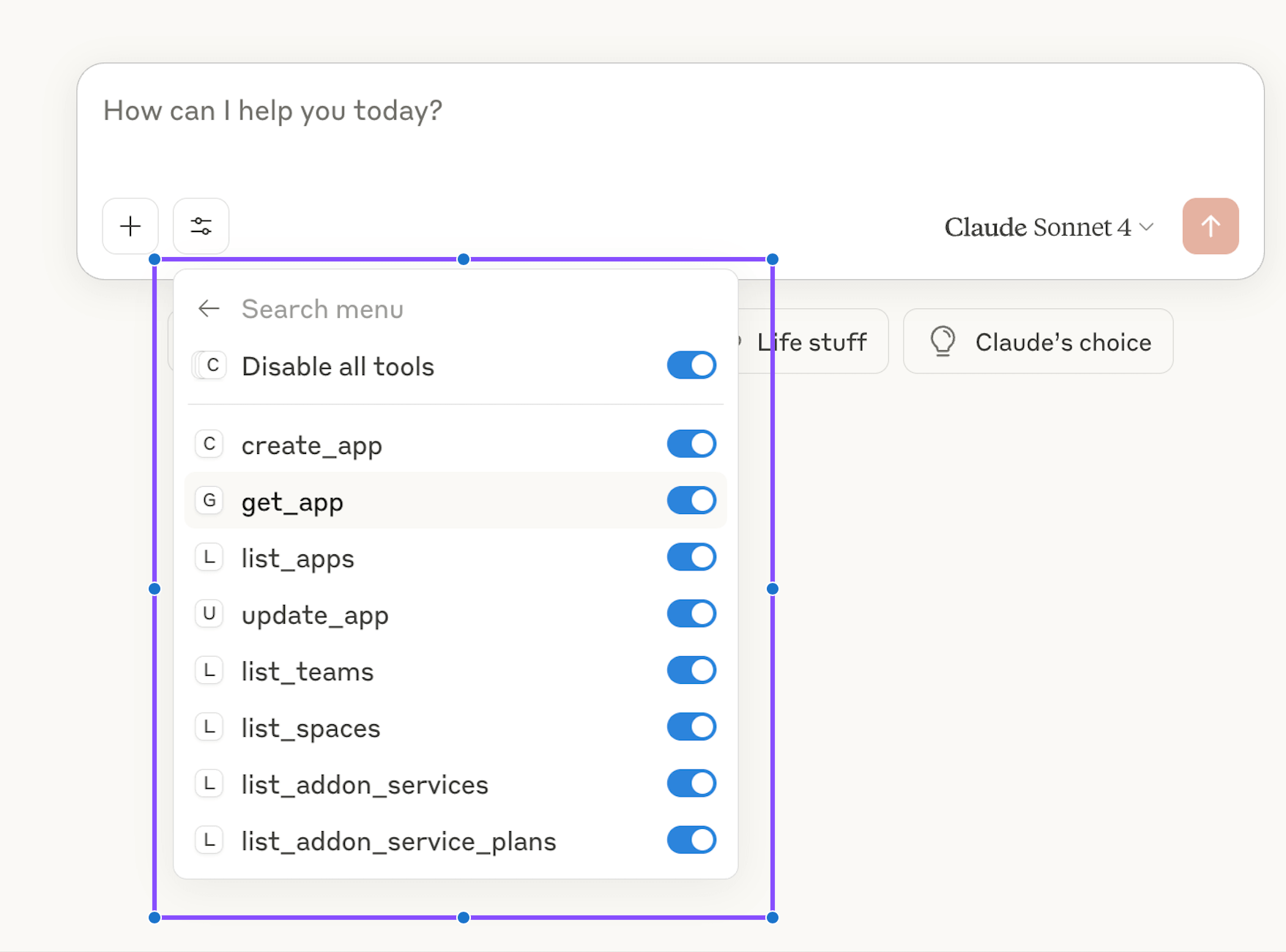
What’s next
We’re excited about the rapid innovation in the MCP and AI ecosystem and are keeping close to the community. We expect to make updates to our MCP tools as the protocol evolves and from customer feedback. We at Heroku are obsessed with providing the best developer and operator experience for your AI workflows and agents. We started this journey with the launch of Heroku Managed Inference and Agents and support to build stdio MCP servers on Heroku and the Heroku Remote MCP Server (mcp.heroku.com/mcp) is the next exciting milestone on this journey.
Join the official Heroku AI Trailblazer Community to keep up with the latest news, ask questions, or meet the team.
To learn more about Heroku AI, check out our Dev Center docs and try it out for yourself.
The post Heroku AI: Heroku Remote MCP Server appeared first on Heroku.
]]>Beginning at 6:00 UTC, on Tuesday, Jun 10, 2025 Heroku customers began experiencing service disruption, creating up to 24 hours of downtime for many customers. This issue was caused by an unintended system update across our production infrastructure; it was not the result of a security incident, and no customer data was lost. Now that […]
The post Summary of Heroku June 10 Outage appeared first on Heroku.
]]>Beginning at 6:00 UTC, on Tuesday, Jun 10, 2025 Heroku customers began experiencing service disruption, creating up to 24 hours of downtime for many customers. This issue was caused by an unintended system update across our production infrastructure; it was not the result of a security incident, and no customer data was lost. Now that we have fully restored our services, we would like to share more details.
The entire Heroku team offers our deepest apology for this service disruption. We understand that many of you rely on our platform as a foundation for your business. Communication during the incident did not meet our standards, leaving many of you unable to access accurate status updates and uncertain about your applications. Incidents like this can affect trust, our number one value, and nothing is more important to us than the security, availability, and performance of our services.
What happened
A detailed RCA is available here. Let’s go over some of the more important points. Our investigation revealed three critical issues in our systems that combined to create this outage:
- A Control Issue: An automated operating system update ran on our production infrastructure when it should have been disabled. This process restarted the host’s networking services.
- A Resilience Issue: The networking service had a critical flaw—it relied on a legacy script that only applied correct routing rules on initial boot. When the service restarted, the routes were not reapplied, severing outbound network connectivity for all dynos on the host.
- A Design Issue: Our internal tools and the Heroku Status Page were running on this same affected infrastructure. This meant that as your applications failed, our ability to respond and communicate with you was also severely impaired.
These issues caused a chain reaction that led to widespread impact, including intermittent logins, application failures, and delayed communications from the Heroku team.
Timeline of Events
(All times are in Coordinated Universal Time, UTC)
Phase 1: Initial Impact and Investigation (06:00 – 08:26)
At 06:00, Heroku services began to experience significant performance degradation. Customers reported issues including intermittent logins, and our monitoring detected widespread errors with dyno networking. Critically, our own tools and the Heroku Status Page were also impacted, which severely delayed our ability to communicate with you. By 08:26, the investigation confirmed the core issue: the majority of dynos in Private Spaces were unable to make outbound HTTP requests.
Phase 2: Root Cause Discovery (08:27 – 13:42)
With the impact isolated to dyno networking, the team began analyzing affected hosts. They determined it was not an upstream provider issue, but a failure within our own infrastructure. Comparing healthy and unhealthy hosts, engineers identified missing network routes at 11:54. The key discovery came at 13:11, when the team learned of an unexpected network service restart. This led them to pinpoint the trigger at 13:42: an automated upgrade of a system package.
Phase 3: Mitigation and Service Restoration (12:56 – 22:01)
While the root cause investigation was ongoing, this became an all-hands-on-deck situation with teams working through the night to restore service.
- Communication & Relief: At 12:56, the team began rotating restarts on internal instances, which provided some relief. A workaround was found to post updates to the @herokustatus account on X at 13:58.
- Stopping the Trigger: The team engaged an upstream vendor to invalidate the token used for the automated updates. This was confirmed at 17:30 and completed at 19:18, preventing any further hosts from being impacted.
- Restoring Services: The Heroku Dashboard was fully restored by 20:59. With the situation contained, the team initiated a fleetwide dyno recycle at 22:01 to stabilize all remaining services.
Phase 4: Long-Tail Cleanup (June 11, 22:01 – 05:50)
This started a long phase of space recovery as well as downstream fixes. Many systems had to catch up after service was restored. For example status emails from earlier in the incident started being delivered. Heroku connect syncing had to catch back up. Heroku release phase had a long backlog that took a few hours to catch up. After extensive monitoring to ensure platform stability, all impacted services were fully restored, and the incident was declared resolved at 05:50 on June 11.
Identified Issues
Our post-mortem identified three core areas for improvement.
First, the incident was triggered by unexpected weaknesses in our infrastructure. A lack of sufficient immutability controls allowed an automated process to make unplanned changes to our production environment.
Second, our communication cadence missed the mark during a critical outage, customers needed more timely updates – an issue made worse by the status page being impacted by the incident itself.
Finally, our recovery process took longer than it should have. Tooling and process gaps hampered our engineers’ ability to quickly diagnose and resolve the issue.
Resolution and Concrete Actions
Understanding what went wrong is only half the battle. We are taking concrete steps to prevent a recurrence and be better prepared to handle any future incidents.
- Ensuring Immutable Infrastructure: The root cause of this outage was an unexpected change to our running environment. We disabled the automated upgrade service during the incident (June 10), with permanent controls coming early next week. No system changes will occur outside our controlled deployment process going forward. Additionally, we’re auditing all base images for similar risks and improving our network routing to handle graceful service restarts.
- Guaranteeing Communication Channels: Our status page failed you when you needed it most because our primary communication tools were affected by the outage. We are building backup communication channels that are fully independent to ensure we can always provide timely and transparent updates, even in a worst-case scenario.
- Accelerating Investigation and Recovery: The time it took to diagnose and resolve this incident was unacceptable. To address this, we are overhauling our incident response tooling and processes. This includes building new tools and improving existing ones to help engineers diagnose issues faster and run queries across our entire fleet at scale. We are also streamlining our “break-glass” procedures to ensure teams have rapid access to critical systems during an emergency and enhancing our monitoring to detect complex issues much earlier.
Thank you for depending on us to build and run your apps and services. We take this outage very seriously and are determined to continuously improve the resiliency of our service and our team’s ability to respond, diagnose, and remediate issues. The work continues and we will provide updates in an upcoming blog post.
The post Summary of Heroku June 10 Outage appeared first on Heroku.
]]>Ah, another day, another deep dive into the ever-evolving world of Python development! Today, let’s talk about something near and dear to every Pythonista’s heart – managing those crucial external packages. For years, pip has been our trusty companion, the workhorse that gets the job done. But the landscape is shifting, and a new contender […]
The post Local Speed, Smooth Deploys: Heroku Adds Support for uv appeared first on Heroku.
]]>Ah, another day, another deep dive into the ever-evolving world of Python development! Today, let’s talk about something near and dear to every Pythonista’s heart – managing those crucial external packages. For years, pip has been our trusty companion, the workhorse that gets the job done. But the landscape is shifting, and a new contender has entered the arena, promising speed, efficiency, and a fresh approach: uv.
As a Python developer constantly striving for smoother workflows and faster iterations, the buzz around uv has definitely caught my attention. So, let’s roll up our sleeves and explore the benefits of using uv as your Python package manager, taking a look at where we’ve come from and how uv stacks up. We’ll even walk through setting up a project for Heroku deployment using this exciting new tool.
A trip down memory lane: The evolution of Python package management
To truly appreciate what uv brings to the table, it’s worth taking a quick stroll down memory lane and acknowledging the journey of Python package management.
In the early days, installing Python packages often involved manual downloads, unpacking, and running setup scripts. It was a far cry from the streamlined experience we have today. Then came Distutils, which provided a more standardized way to package and distribute Python software. While a significant step forward, it still lacked robust dependency resolution.
Enter setuptools, which built upon Distutils and introduced features like dependency management and package indexing (the foundation for PyPI). For a long time, setuptools was the de facto standard, and its influence is still felt today.
However, as the Python ecosystem grew exponentially, the limitations of the existing tools became more apparent. Dependency conflicts, slow installation times, and the complexities of managing virtual environments started to become significant pain points.
This paved the way for pip (Pip Installs Packages). Introduced in 2008, pip revolutionized Python package management. It provided a simple and powerful command-line interface for installing, upgrading, and uninstalling packages from PyPI and other indices. For over a decade, pip has been the go-to tool for most Python developers, and it has served us well.
But the increasing complexity of modern Python projects, with their often intricate web of dependencies, has exposed some of pip’s performance bottlenecks. Resolving complex dependency trees can be time-consuming, and the installation process, while generally reliable, can sometimes feel sluggish.
Another challenge with the complexity of modern applications is package versioning. Lockfiles that pin project dependencies have become table stakes for package management. Many package management tools use them. Throughout the course of the evolution of package management in Python, we’ve seen managers such as Poetry and Pipenv, just to name a few. However, many of these projects don’t have dedicated teams. Sometimes this results in them not being able to keep up with the latest standards or the complex dependency trees of modern apps.
This is where the new generation of package management tools, like uv, comes into play, promising to address these very challenges, with a dedicated team behind them.
Enter the speed demon: The benefits of using uv
uv isn’t just another package manager; it’s built with a focus on speed and efficiency, leveraging modern programming languages and data structures to deliver a significantly faster experience. Here are some key benefits that have me, and many other Python developers, excited:
- Blazing Fast Installation: This is arguably uv’s headline feature. Written in Rust from scratch using a thoughtful design approach uv significantly outperforms pip in resolving and installing dependencies, especially for large and complex projects. The difference can be dramatic, cutting down installation times from minutes to seconds in some cases. This speed boost translates directly into increased developer productivity and faster CI/CD pipelines.
- Efficient Dependency Resolution: uv employs sophisticated algorithms for dependency resolution, aiming to find compatible package versions quickly and efficiently. While pip has made improvements in this area, uv’s underlying architecture allows it to handle complex dependency graphs with remarkable speed. This reduces the likelihood of dependency conflicts and streamlines the environment setup process.
- Drop-in Replacement for pip and
venv: One of the most appealing aspects of uv is its ambition to be a seamless replacement for both pip andvenv(Python’s built-in virtual environment tool). It aims to handle package installation and virtual environment creation with a unified command-line interface. This simplifies project setup and management, reducing the cognitive load of juggling multiple tools. - Compatibility with Existing Standards: uv adheres to existing Python packaging standards like
pyproject.toml(PEP 621). This means that projects already using these standards can easily adopt uv without significant modifications. It reads and respects your existingpyproject.tomlfiles, making the transition relatively smooth. uv is built with a strong emphasis on modern packaging practices, encouraging the adoption ofpyproject.tomlfor declaring project dependencies and build system requirements. This aligns with the direction the Python packaging ecosystem is heading. - Improved Error Messaging: While pip’s error messages have improved over time, uv, being a newer tool, has the opportunity to provide more informative and user-friendly error messages, making debugging dependency issues easier.
- Potential for Future Enhancements: As a relatively new project with a dedicated development team, uv has the potential to introduce further optimizations and features that could significantly enhance the Python development experience. The active development and growing community support are promising signs.
How to use uv with Heroku
Now, let’s put some of this into practice. Imagine we’re building a simple Python web application (using Flask, for instance) that we want to deploy to Heroku, and we want to leverage the speed and efficiency of uv in our development and deployment process.
Here’s how we can set up our project:
1. Install uv
There are a variety of options to install uv, depending on your operating system. For a full list, take a look at the official Installation Guide site. I’m going to install it using Homebrew:
~/user$ brew install uv
2. Create the project directory and initialize uv
~/user$ uv init my-app
~/user$ cd my-app
~/user/my-app$ ls -a
In doing that, uv generates several project files
my-app/
├── main.py
├── pyproject.toml
├── README.md
└── .python-version
Our main.py looks like this:
def main():
    print("Hello from my-app!")

if __name__ == "__main__":
    main()
We can run this with the uv run main.py command which does a few things for us. In addition to actually running main.py and generating the “Hello from my-app!” output, uv also generates a virtual environment for the project and generates a uv.lock file which describes the project. More on that in a bit.
3. Expanding the project… slightly.
Let’s take this project a bit further and turn it into a Flask app that we can deploy to Heroku. We’ll need to specify our dependencies, Flask and Gunicorn for this example. We can do this using pyproject.toml.
Using pyproject.toml:
The uv generated pyproject.toml file looks like this:
[project]
name = "my-app"
version = "0.1.0"
description = "Add your description here"
readme = "README.md"
requires_python =">=3.13"
dependencies = []
To add dependencies we use the uv add command.
~/user/my-app$ uv add Flask
~/user/my-app$ uv add gunicorn
This accomplishes a couple of things:
First, it adds those packages to the pyproject.toml file:
[project]
name = "my-app"
version = "0.1.0"
description = "Add your description here"
readme = "README.md"
requires_python =">=3.13"
dependencies = [
    "Flask>=3.1.1",
    "gunicorn>=23.0.0",
]
Second, it updates the uv.lock file for dependency management.
4. Updating main.py
Let’s update the code in main.py to be a basic Flask web application
from flask import Flask

app = Flask(__name__)

@app.route('/')
def hello_world():
    return "Hello from uv on Heroku!"

if __name__ == '__main__':
    app.run(debug=True)
5. Preparing for Heroku deployment:
Heroku needs to know how to run your application. For a Flask application, we typically use Gunicorn as a production WSGI server. We’ve already included it in our dependencies.
We’ll need a Procfile in the root of our project to tell Heroku how to start our application:
web: gunicorn main:app
Here, app refers to the name of our Flask application instance in main.py.
6. Deploying to Heroku:
Now, assuming you are in the project working directory, have the Heroku CLI installed, and have logged in, you can create a local git repository and Heroku application:
~/user/my-app$ git init
~/user/my-app$ heroku create python-uv  # Replace python-uv with your desired app name
~/user/my-app$ git add .
~/user/my-app$ git commit -m "Initial commit with uv setup"
The Heroku CLI will create a remote in your git repository, but you check to make sure it’s there before you and push your code
~/user/my-app$ git remote -v
heroku https://git.heroku.com/python-uv.git (fetch)
heroku https://git.heroku.com/python-uv.git (push)
~/user/my-app$ git push heroku main
Heroku will detect your Python application, install the dependencies (based on .python-version, uv.lock and pyproject.toml), and run your application using the command specified in the Procfile.
The future is bright (and fast!)
We’re excited to announce that Heroku now natively supports uv for your Python development. By combining uv’s performance with Heroku’s fully managed runtime, teams can ship faster with greater confidence in their environment consistency. This reduces onboarding time, eliminates flaky builds, and improves pipeline performance.
While uv is still relatively new, its potential to significantly improve the Python development workflow is undeniable. The focus on speed, efficiency, and modern packaging standards addresses some of the long-standing frustrations with existing tools.
As the project matures and gains wider adoption, we can expect even more features and tighter integration with other parts of the Python ecosystem. For now, even the significant speed improvements in local development are a compelling reason for Python developers to start exploring uv.
The journey of Python package management has been one of continuous improvement, and uv represents an exciting step forward. If you’re a Python developer looking to boost your productivity and streamline your environment management, I highly recommend giving uv a try. You might just find your new favorite package manager!
Try uv out on Heroku
Whether you’re modernizing legacy apps or spinning up new services, uv gives you the speed and flexibility you need—now with first-class support on Heroku. Get started with uv on Heroku today.
The post Local Speed, Smooth Deploys: Heroku Adds Support for uv appeared first on Heroku.
]]>We’re excited to announce the general availability of Heroku Postgres version 17, packed with new features and enhancements to your database performance. And that’s not all – we’re also introducing a game-changing feature that streamlines your upgrade experience. This new method of version upgrade is now the default, so you can try it to upgrade […]
The post Heroku Postgres 17 with the New Upgrade Process: Faster Performance, Easier Upgrade appeared first on Heroku.
]]>We’re excited to announce the general availability of Heroku Postgres version 17, packed with new features and enhancements to your database performance. And that’s not all – we’re also introducing a game-changing feature that streamlines your upgrade experience. This new method of version upgrade is now the default, so you can try it to upgrade to Postgres 17!
Postgres 17: Powering your applications with enhanced performance and security
Before we dive into the simplicity of the new upgrade process, let’s talk about what makes PostgreSQL 17 a must-have. This release brings significant improvements that directly translate to better performance and stronger security for your applications.
- Fast Query Performance: Postgres 17 delivers notable enhancements to query optimization. Expect to see faster execution times, especially for complex queries.
INclauses with B-tree indexes should see a big improvement, so shouldIS NOT NULLclauses from improved query planning. Also, the new streaming I/O interface helps optimize sequential scans when reading massive amounts of data from a table. - Improved Write Performance: For applications that heavily rely on write operations, Postgres 17 brings good news. Expect better throughput and reduced latency, ensuring your data is written quickly and efficiently, thanks to improvements with WAL processing.
- JSON Enhancements: Postgres 17 introduces enhanced JSON support, including the JSON_TABLE function to convert JSON data into standard PostgreSQL tables. Additionally, SQL/JSON constructors and query functions simplify working with JSON data.
- Vacuum Memory Optimization: Postgres 17 utilizes a new internal memory structure, leading to faster vacuum speeds and a significant reduction in memory consumption of up to 20 times. This optimization allows your workload to have more memory available since the essential PostgreSQL vacuum process now requires less memory to maintain healthy operations.
- Better Observability: Understanding how your database performs is critical. Postgres 17 brings improvements that allow for better monitoring and observation of your database instances with additional EXPLAIN output, capturing time spent for I/O block reads/writes and SERIALIZE and MEMORY options.
These enhancements, and more, mean your Heroku applications will run smoother, safer, and more efficiently with Postgres 17.
Simplify Postgres upgrades
Upgrading your Postgres database has traditionally been a multi-step process involving creating a follower database, upgrading the follower, stopping your application, waiting for data synchronization, and finally promoting the upgraded database. This process can be time-consuming, error-prone, and disruptive to your application’s availability.
We want to change all that. With the new, now default, upgrade method, we’re simplifying this process significantly. This new feature allows you to upgrade your leader Postgres database directly with a 1-step process, removing many manual steps, by default. Rest assured, we have been using this method internally, and successfully performed upgrades on nearly 20,000 databases so far.
Benefits of the new upgrade method
The new Upgrade leverages the capabilities of Postgres’ pg_upgrade utility to perform the upgrade directly on your existing database, in-place. This eliminates the need for data copying and synchronization, resulting in a faster and more efficient upgrade process.
- Reduced Manual Tasks: The new method skips many manual steps required today to perform an upgrade. The improvements in automation can help reduce human-errors and provide peace of mind during upgrades.
- Reduced Downtime: By eliminating the need for a follower database preparation and data synchronization, this in-place upgrade method significantly reduces the time required to upgrade your database.
- Simplified Process: The streamlined upgrade process eliminates the complexity of multi-step procedures that are prone to human errors, leading to safer maintenance overall.
For example, below diagram compares the typical non-Essential database upgrade process vs the new, in-place upgrade process:
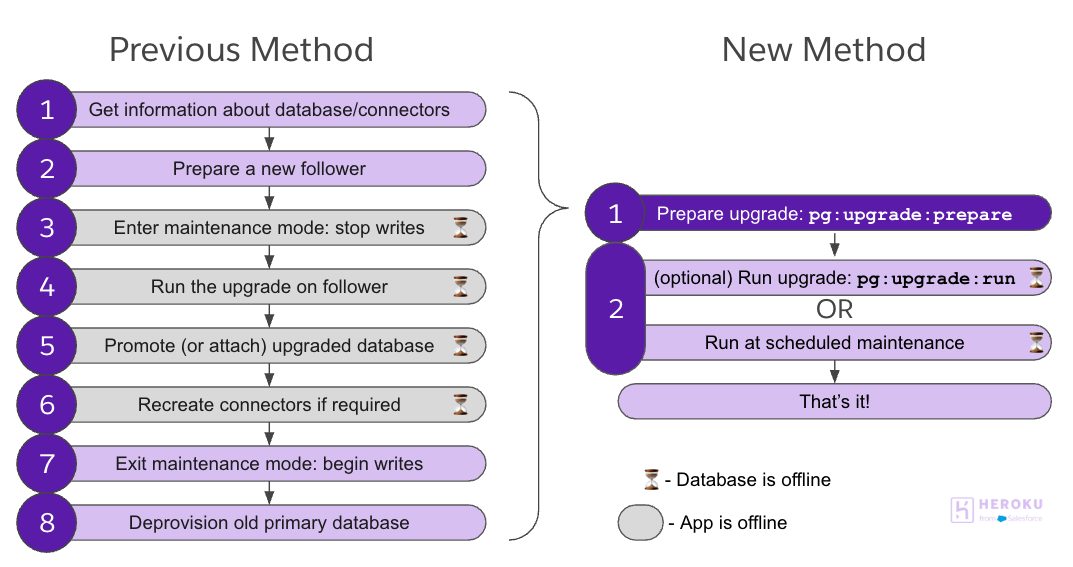
Getting started with the new upgrade
The new Upgrade is available for all Heroku Postgres plans. To use the new process, simply initiate it from your CLI.
First, prepare the upgrade (skip this step if you’re on Essential plan):
heroku pg:upgrade:prepare HEROKU_POSTGRESQL_RED --app example-appThen run the upgrade when it is ready by running below command, or wait for the next maintenance window.
heroku pg:upgrade:run HEROKU_POSTGRESQL_RED --app example-appThat’s it!
Please refer to our Dev Center article or take a look at Heroku Postgres Upgrade Guide: Simplify Your Move to Version 17 to learn more about the change.
While the new Upgrade offers significant benefits by automating many steps, it’s important to note that if the database is very large, the upgrade duration or follower recreation can take about the same time as the previous, manual approaches.
Although we are changing the default method to use the new method for upgrading going forward, you can always use pg:upgrade or pg:copy as documented here.
Conclusion
Heroku Postgres 17 launching with the new upgrade method represents a major step forward in developer experience to manage a database on Heroku. We’re committed to providing you with the tools and features you need to build and run powerful, scalable applications. Our support team is available to assist you should you have any questions or need help. Upgrade to Heroku Postgres 17 today and experience the benefits of the new upgrade method for yourself!
The post Heroku Postgres 17 with the New Upgrade Process: Faster Performance, Easier Upgrade appeared first on Heroku.
]]>If you’ve ever deployed an app on Heroku, chances are you’ve used Heroku Postgres — our fully managed, reliable, and scalable Postgres database service. It’s the backbone for millions of applications, from weekend side projects to enterprise-grade systems running in production. But Postgres, like all software, continues to evolve. With new versions released each year, […]
The post Heroku Postgres Upgrade Guide: Simplify Your Move to Version 17 appeared first on Heroku.
]]>If you’ve ever deployed an app on Heroku, chances are you’ve used Heroku Postgres — our fully managed, reliable, and scalable Postgres database service. It’s the backbone for millions of applications, from weekend side projects to enterprise-grade systems running in production.
But Postgres, like all software, continues to evolve. With new versions released each year, you gain access to performance enhancements, critical security updates, and powerful new features. Keeping your database up to date isn’t just good practice — it’s essential for long-term stability and success.
That’s why we’re thrilled to share that Postgres 17 is now available on Heroku. And with our newly simplified upgrade process, keeping your database current has never been easier. There’s no better time to plan your next upgrade and take full advantage of everything Postgres 17 has to offer.
What is Heroku Postgres?
Heroku Postgres is a managed Postgres service built into the Heroku platform. It handles provisioning, maintenance, backups, high availability, and monitoring so that customers can focus on building engaging data-driven applications, instead of managing infrastructure.
Why upgrading your Postgres version matters
There are several important reasons for why upgrading your Postgres database is necessary,
- Security: Postgres regularly releases security updates to patch vulnerabilities. Running an outdated version could expose your database to known security risks. Once a version is unsupported, the Postgres Community won’t have any more security releases for that version.
- Bug Fixes: Each new version includes fixes for bugs and issues found in previous versions.
- Performance Improvements: Newer versions often include performance optimizations, better query planning, and improved resource utilization.
- New Features: Postgres releases bring new features and capabilities that can enhance your database’s functionality. For example:
- Better parallel query execution
- Improved indexing options
- Enhanced monitoring capabilities
- New data types and functions
- Compatibility: Staying current helps maintain compatibility with other tools, libraries, and applications that interact with your database.
The backstory: Our Postgres version support & deprecation policy
At Heroku, we follow a well-defined lifecycle for Postgres versions:
- Each major version is supported for a set period — currently three years.
- When a version approaches end-of-support, we begin our deprecation process — announcing an upcoming removal from the platform and stopping new provisioning.
- When deprecation is announced, we give customers advance notice and time to upgrade manually.
- If no action is taken, we then automatically upgrade databases still on unsupported versions, ensuring security and platform stability.
What we learned
Our internal upgrade automation has quietly and successfully upgraded tens of thousands of databases each year leading many customers to ask:
That demand inspired the improved pg:upgrade CLI experience — a safer, more transparent, and self-service version of our proven internal tools. Now, all Heroku Postgres users can benefit from the same automation and built-in checks that power our large-scale upgrade process.
Visit our devcenter for more details on how Heroku manages Postgres version support and deprecation timelines.
Introducing new pg:upgrade commands
We’re rolling out five new heroku pg:upgrade:* commands that give you more control, visibility, and confidence during Postgres version upgrades:
pg:upgrade:prepare – Schedule a Postgres upgrade for Standard-tier and higher leader databases during your next maintenance window.
pg:upgrade:run – Trigger an upgrade manually. Perfect to start an upgrade immediately on Essential-tier databases and follower databases, or run a prepared upgrade before the next scheduled maintenance window on a Standard-tier or higher database.
pg:upgrade:cancel – Cancel a scheduled upgrade (before it starts running).
pg:upgrade:dryrun – Simulate an upgrade on a Standard-tier or higher database using a follower to preview the upgrade experience and detect any potential issues — no impact on your production database.
pg:upgrade:wait – Track the progress of your upgrade in real time.
You’ll receive email notifications at every key stage:
- When the upgrade is scheduled, running, cancelled and completed (successfully or not).
- After a dry run completes, with a summary of the results and any potential issues detected.
Upgrading is now a simple 1-step process
You might notice there are more commands available now, but upgrading your database has actually become much simpler — it’s now just a 1-step process!
Heroku handles what used to be multiple manual steps — provisioning a follower, entering maintenance mode, promoting, reattaching, exiting maintenance mode — all with a single workflow.
See the section below for the most efficient path based on your database tier.
Step-by-step: How to upgrade Heroku Postgres
Essential-tier database upgrades
To upgrade, just run:
heroku pg:upgrade:run HEROKU_POSTGRESQL_RED --app example appThat’s it — no preparation step required.
Note: If you don’t specify a version with --version, the upgrade will use the latest supported Postgres version on Heroku.
Standard-tier & higher database upgrades
We recommend this process for Standard-tier and higher, regardless of whether or not you have follower databases.
Step 0 – Optional (but recommended)
Run a test upgrade to detect any potential issues before upgrading your production database.
heroku pg:upgrade:dryrun HEROKU_POSTGRESQL_RED --app example-appThen proceed with the actual upgrade in one simple step:
Step 1 – Prepare the upgrade
heroku pg:upgrade:prepare HEROKU_POSTGRESQL_RED --app example-app --version 17This schedules the upgrade for your next maintenance window.
Note: If --version is not specified, we’ll automatically use the latest supported Postgres version on Heroku.
Use the following to track when the upgrade is scheduled and ready to run:
heroku pg:upgrade:wait HEROKU_POSTGRESQL_RED --app example-appStep 2 (Optional) – Manually run the upgrade
heroku pg:upgrade:run HEROKU_POSTGRESQL_RED --app example-appThis will upgrade your leader database and its follower(s) automatically.
Track the progress until completion with:
heroku pg:upgrade:wait HEROKU_POSTGRESQL_RED --app example-appTip: If you don’t manually run this command, the upgrade will be run automatically during the scheduled maintenance window. You can view your app’s maintenance window and scheduled maintenances by running:
heroku pg:info HEROKU_POSTGRESQL_RED --app example-appFor more information on maintenance windows, check out the Heroku Postgres Maintenance documentation.
Benefits of the new upgrade mechanism
- The new upgrade operates in-place using an internal replica, simplifying the process, removing the need to manage a separate follower add-on, and minimizing the risk of data loss or inconsistencies by managing database access internally throughout the upgrade.
- Using this automation will reduce downtime to about 5-10 minutes for a typical upgrade.
- When you upgrade your leader database, any followers are automatically upgraded – no need to recreate or manually reattach followers.
- Your app’s
DATABASE_URLand other config_vars remain unchanged after the upgrade, ensuring your application continues to operate without any reconfiguration. - The same simple steps apply to upgrading databases with Streaming Data Connectors, replacing what used to require at least 8 manual steps as outlined here.
- If we detect a known issue with your data/schema during the upgrade, you’ll receive an email with remediation steps to help you complete the upgrade.
- If the issue is unexpected or cannot be resolved automatically, we’ll prompt you to open a support ticket so our team can help troubleshoot.
- In all cases, your database remains available, and user access is restored once the upgrade process completes — whether it finishes successfully or is automatically aborted for safety.
- Want added peace of mind? Run a test upgrade in advance using
heroku pg:upgrade:dryrun. This simulates the upgrade on a copy of your database and highlights potential issues before touching production.
The “old” follower upgrade approach
While we now recommend upgrading the leader database directly using the approach explained
above, customers who prefer the traditional flow can still use the follower upgrade approach.
To do this, you can continue to follow the steps as described here.
In order to run the upgrade, use:
heroku pg:upgrade:run HEROKU_POSTGRESQL_RED --app example-appThis approach has one notable benefit, your original leader database remains untouched during the upgrade, which allows for easier rollback, testing, or verification before promoting the upgraded follower.
Deprecation notice
The legacy heroku pg:upgrade command will be deprecated soon. To ensure a smoother, safer upgrade experience, we strongly recommend switching to the new heroku pg:upgrade:* subcommands.
If you continue to use the old command, you’ll receive tailored warnings and redirection to help guide you toward the updated flow. Make the switch today to take full advantage of the simplified, automated upgrade process.
Upgrading shouldn’t be a chore – it should be a habit
Upgrading your Postgres database shouldn’t be a last-minute scramble — it should be a routine habit. Regular upgrades help keep your applications secure and performant, while also giving you access to the latest features and improvements that drive innovation. By making upgrades a part of your development rhythm, you set your systems up for long-term stability, scalability, and success.
At Heroku, we’re focused on making the overall Postgres experience safer and more intuitive for developers. A key part of that is improving the upgrade process: with streamlined tooling, automation, and built-in safeguards, upgrading your Postgres version is now significantly faster and more reliable. All of this is designed to help you stay focused on what matters most – building and shipping great apps – while staying confident that your data layer is future-ready.
The post Heroku Postgres Upgrade Guide: Simplify Your Move to Version 17 appeared first on Heroku.
]]>Anthropic’s Claude 4 Sonnet, part of the next generation of Claude models, is now available on Heroku Managed Inference and Agents. This gives developers immediate access to a model designed for coding, advanced reasoning, and the support of capable AI agents. Heroku Managed Inference and Agents expands your AI choices, offering the freedom to build […]
The post Heroku AI: Claude 4 Sonnet is now available appeared first on Heroku.
]]>Anthropic’s Claude 4 Sonnet, part of the next generation of Claude models, is now available on Heroku Managed Inference and Agents. This gives developers immediate access to a model designed for coding, advanced reasoning, and the support of capable AI agents. Heroku Managed Inference and Agents expands your AI choices, offering the freedom to build transformative applications with the developer and operational ease Heroku is known for. Claude 4 Sonnet extends what’s possible with AI systems by improving task planning, tool use, and overall agent experience within the Heroku ecosystem.
Claude 4 Sonnet offers a significant leap in performance, balancing cutting-edge intelligence with impressive speed and cost-efficiency. It’s designed to excel at a wide range of tasks, making it a versatile tool for developers looking to integrate advanced AI capabilities into their Heroku applications.
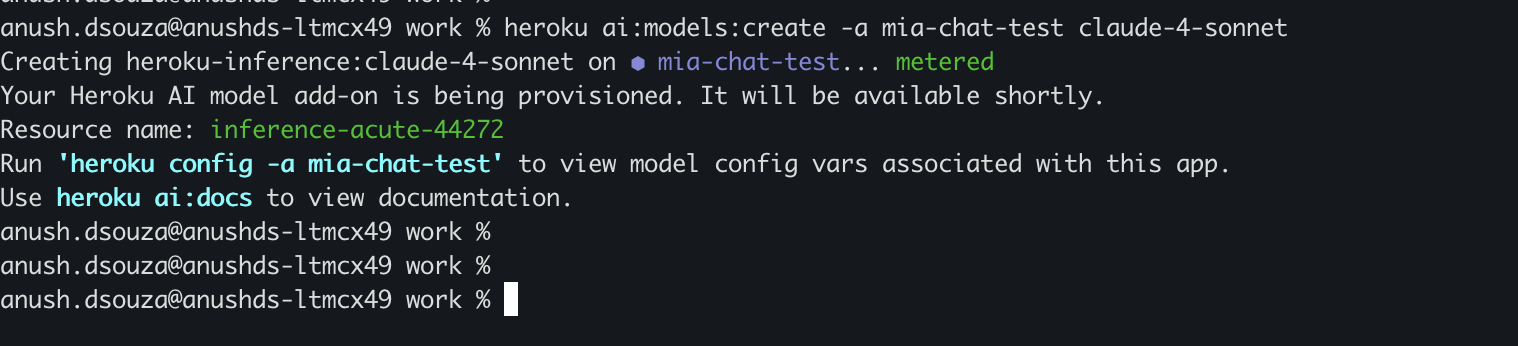
Building with Claude 4 Sonnet made simple
Integrating Claude 4 Sonnet into your Heroku applications is streamlined through Heroku Managed Inference and Agents:
- Seamless Integration: Easily attach Claude 4 Sonnet as a resource to your Heroku app. Environment variables are automatically configured, enabling straightforward API calls from your application code.
- Build Powerful AI Agents: Combine Claude 4 Sonnet’s intelligence with Heroku’s agentic capabilities. Utilize the Model Context Protocol (MCP) to connect your LLM-powered agents to your existing tools, databases (like pgvector for Heroku Postgres for RAG), and other services within Heroku’s trusted environment.
- Unified API Access: Heroku Managed Inference and Agents provides a consistent API experience, making it easier to experiment with and switch between different models as your requirements evolve.
Getting started with Claude 4 Sonnet on Heroku
You can start leveraging Claude 4 Sonnet in your Heroku applications today.
- Provision the Model: Attach the Claude 4 Sonnet model to your application using the Heroku CLI.
heroku ai:models:create -a YOUR_APP_NAME claude-4-sonnet - Utilize API Endpoints: Once provisioned, your application will have the necessary configuration variables to make API calls to the /v1/chat/completions endpoint (or the relevant agent endpoint like /v1/agents/heroku) to interact with Claude 4 Sonnet.You can invoke the model using various methods, including curl, or libraries available for Python, Ruby, and JavaScript, as detailed in the Heroku Dev Center documentation for Managed Inference and AgentsExample curl request:
export INFERENCE_MODEL_ID=$(heroku config:get -a $APP_NAME INFERENCE_MODEL_ID)
# Ensure this is the Claude 4 Sonnet ID
export INFERENCE_KEY=$(heroku config:get -a $APP_NAME INFERENCE_KEY)
export INFERENCE_URL=$(heroku config:get -a $APP_NAME INFERENCE_URL)

curl $INFERENCE_URL/v1/chat/completions \
  -H "Authorization: Bearer $INFERENCE_KEY" \
  -H "Content-Type: application/json" \
  -d '{
        "model": "'"$INFERENCE_MODEL_ID"'",
        "messages": [
          {"role": "user", "content": "Explain the benefits of using PaaS for AI applications."}
        ]
      }'
The future of AI Development on Heroku
The addition of Claude 4 Sonnet to Heroku Managed Inference and Agents represents our ongoing commitment to providing developers with powerful, accessible AI tools. We are excited to see the innovative applications and intelligent solutions you will build.
For detailed documentation, model IDs, and further examples, please visit the Heroku Dev Center.
Start building with Claude 4 Sonnet on Heroku today and redefine what’s possible with AI!
The post Heroku AI: Claude 4 Sonnet is now available appeared first on Heroku.
]]>Heroku recently made the next generation platform – Fir – generally available. Fir builds on the strengths of the Cedar generation while introducing a new modern era of developer experience. Fir leverages modern cloud-native technologies to provide a seamless and performant platform. One of the goals we set out to achieve with Fir is to […]
The post OpenTelemetry Basics on Heroku Fir appeared first on Heroku.
]]>Heroku recently made the next generation platform – Fir – generally available. Fir builds on the strengths of the Cedar generation while introducing a new modern era of developer experience. Fir leverages modern cloud-native technologies to provide a seamless and performant platform.
One of the goals we set out to achieve with Fir is to modernize our platform’s observability architecture. Applications being written today are becoming increasingly more distributed and complex in nature. With this increase in complexity, the need for good observability becomes critical. With solid observability practices in place, it becomes possible to gain deep insights into the internal state of these complex systems.
The Cloud Native Computing Foundation (CNCF)’s second most popular project, OpenTelemetry, standardizes and simplifies the collection of observability data (logs, metrics, and traces) for distributed systems. Integrating OpenTelemetry into Fir makes it easier to monitor, troubleshoot, and improve complex applications and services. OpenTelemetry is more than just a set of tools – it is a standard you as an end-user can benefit from a growing community of vendors that support the OpenTelemetry protocol.
It is for these reasons that we have chosen to build OpenTelemetry directly into the Fir platform. In this blog post we will explain what OpenTelemetry is and how you can quickly get started using OpenTelemetry on Heroku.
What is OpenTelemetry
OpenTelemetry is an open-standard framework that provides a standardized way to collect and export telemetry data from applications. It supports three primary signals:
- Logs: Capture discrete events that happen over time. This signal type provides detailed context for events, aiding in debugging and auditing.
- Metrics: Provide quantitative measurements of system behavior captured at runtime. Metrics offer insights into system performance and resource utilization.
- Traces: Record the execution path of requests through a system. These help in understanding the flow of requests and diagnosing latency issues.
In addition to these three signals, two more are under development.
- Events: A specific type of log, an Event is a named occurrence at an instant in time. It signals that “this thing has happened at this time”. Examples of Events might include things like uncaught exceptions, network events, user login/logout, etc.
- Profiles: A mechanism to collect performant and consistent profiling data
OpenTelemetry SDKs and Collectors
The OpenTelemetry SDK and Collector serve distinct purposes in an observability pipeline. The SDK is a library that allows developers to instrument their applications to generate telemetry like traces, metrics and logs. The collector sits downstream of the application and receives, processes and exports that telemetry data to various other backends. The collector acts as a central hub for observability data.
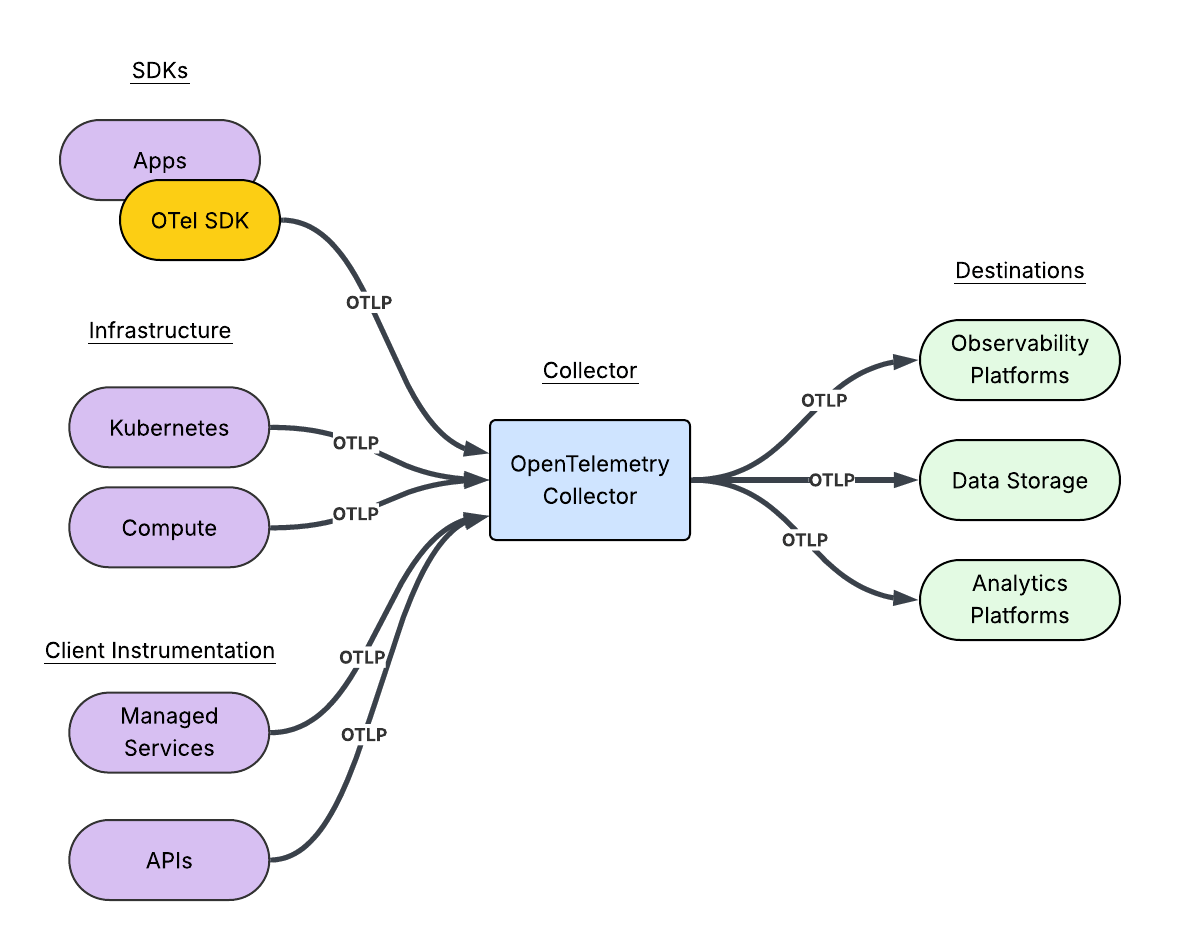
To recap,
An OpenTelemetry SDK:
- Provides language-specific implementations of the OpenTelemetry API.
- Empowers the developers to instrument applications, generating telemetry data.
- Manages the data collection and processing within the application.
- Sends the telemetry data to a Collector or directly to an observability backend.
An OpenTelemetry Collector:
- Is a standalone, vendor-agnostic process.
- Receives telemetry data from multiple sources, including SDKs.
- Processes the telemetry data through pipelines.
- Exports processed telemetry data to observability backends like Prometheus, Jaeger and other vendors.
- Acts as a central hub for managing telemetry pipelines.
At Heroku, our mission is to provide a platform that allows you, the developer, to focus on what matters most; building that app itself. Our platform automatically acts as the central hub for managing your telemetry pipelines.
Getting started
For the purposes of this blog post we are going to use the Getting Started on Heroku Fir with Go tutorial. Zipping through most of the instructions we can bootstrap our application using only a few commands from a terminal.
The first thing we need to do is ensure that we have the latest version of the Heroku CLI installed. If you do not have the Heroku CLI installed or need to perform an update, simply follow the instructions found in the Heroku Dev Center.
$ heroku version
heroku/10.7.0 darwin-arm64 node-v20.19.1
Now we need a Fir space, so let’s create one:
$ heroku spaces:create heroku-otel-demo --generation fir --team demo-team
 ›   Warning: Spend Alert. Each Heroku Standard Private Space costs ~$1.39/hour (max $1000/month), pro-rated to the second.
 ›   Warning: Use heroku spaces:wait to track allocation.
=== heroku-otel-demo

ID:         bdacda5f-a9b5-41a7-a613-58a546ccd645
Team:       heroku-runtime-playground
Region:     virginia
CIDR:       2600:1f18:7a42:c600::/56
Data CIDR:
State:      allocated
Shield:     off
Generation: fir
Created at: 2025-04-23T20:51:39Z
Next we need to clone down the repository and change in our working directory:
$ git clone https://github.com/heroku/go-getting-started.git
Cloning into 'go-getting-started'...
remote: Enumerating objects: 4352, done.
remote: Counting objects: 100% (897/897), done.
remote: Compressing objects: 100% (711/711), done.
remote: Total 4352 (delta 470), reused 162 (delta 162), pack-reused 3455 (from 2)
Receiving objects: 100% (4352/4352), 10.62 MiB | 3.26 MiB/s, done.
Resolving deltas: 100% (1734/1734), done.

$ cd go-getting-started/
Now, we can simply create the application and push the code to Heroku:
$ heroku create --space heroku-otel-demo
Creating app in space heroku-otel-demo... done, ⬢ fathomless-island-10342
https://fathomless-island-10342-6bd6dfa13d9e.aster-virginia.herokuapp.com/ | https://git.heroku.com/fathomless-island-10342.git

$ git push heroku main
Enumerating objects: 3679, done.
Counting objects: 100% (3679/3679), done.
Delta compression using up to 16 threads
Compressing objects: 100% (2033/2033), done.
Writing objects: 100% (3679/3679), 8.35 MiB | 448.00 KiB/s, done.
Total 3679 (delta 1444), reused 3676 (delta 1444), pack-reused 0 (from 0)
remote: Resolving deltas: 100% (1444/1444), done.
remote: Updated 1310 paths from 49f32a9
remote: Compressing source files... done.
remote: Building source:
...
Finally, we can verify that the application is running using one last command:
$ heroku open
This will open your default browser window. You should see something like this:
Great! We’ve got a functioning application running inside a Fir Space. Our next step is to send any platform telemetry to an observability vendor. For this demo, we’re going to use Grafana Cloud. Head over to grafana.com and create a Cloud Free account. Once you have signed up you will be presented with a Welcome to Grafana Cloud page.
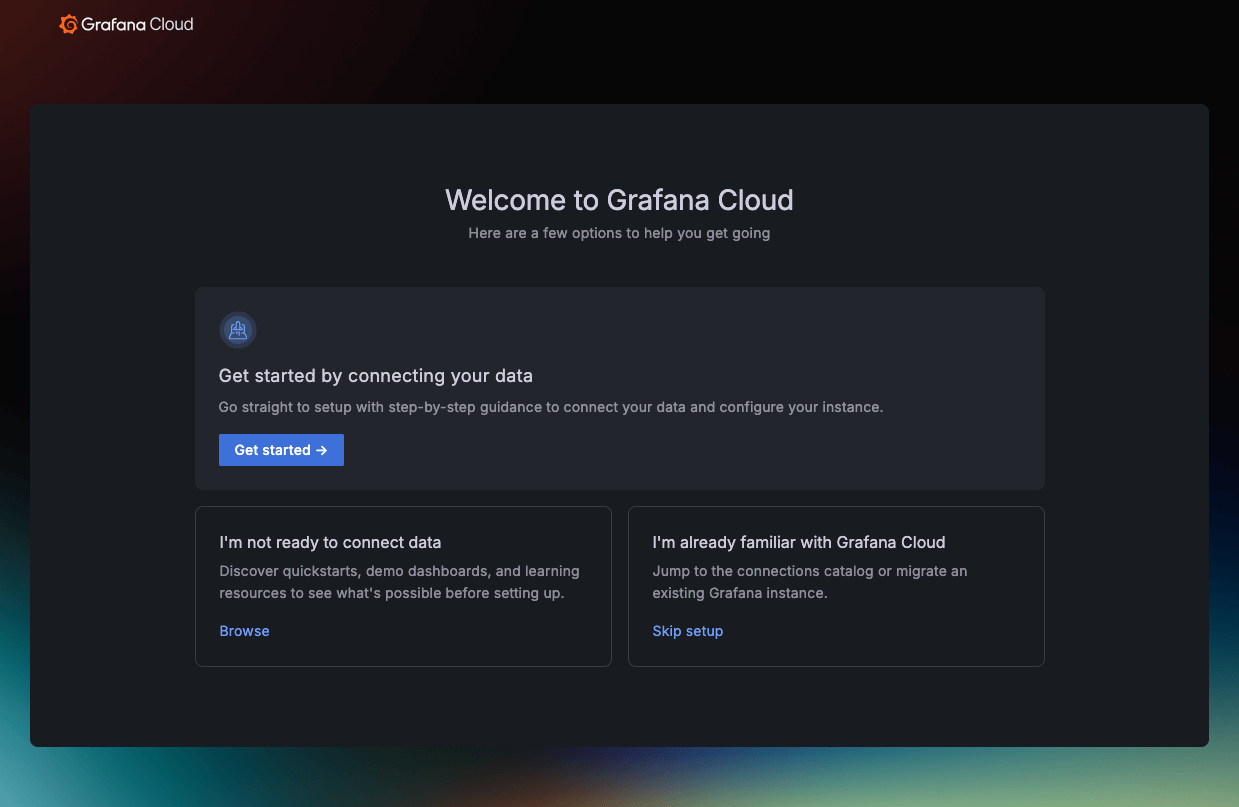
At this point, we are going to skip the rest of the “Getting started” steps. The directions provided by the setup guide do not apply to how we are going to send telemetry data. For now, we can simply click “Skip setup”.
The easiest way to establish a Heroku Telemetry Drain to Grafana Cloud is to use a slightly different path. In a new browser tab, we will simply use the Grafana Cloud Portal. From Grafana.com click “My Account”.
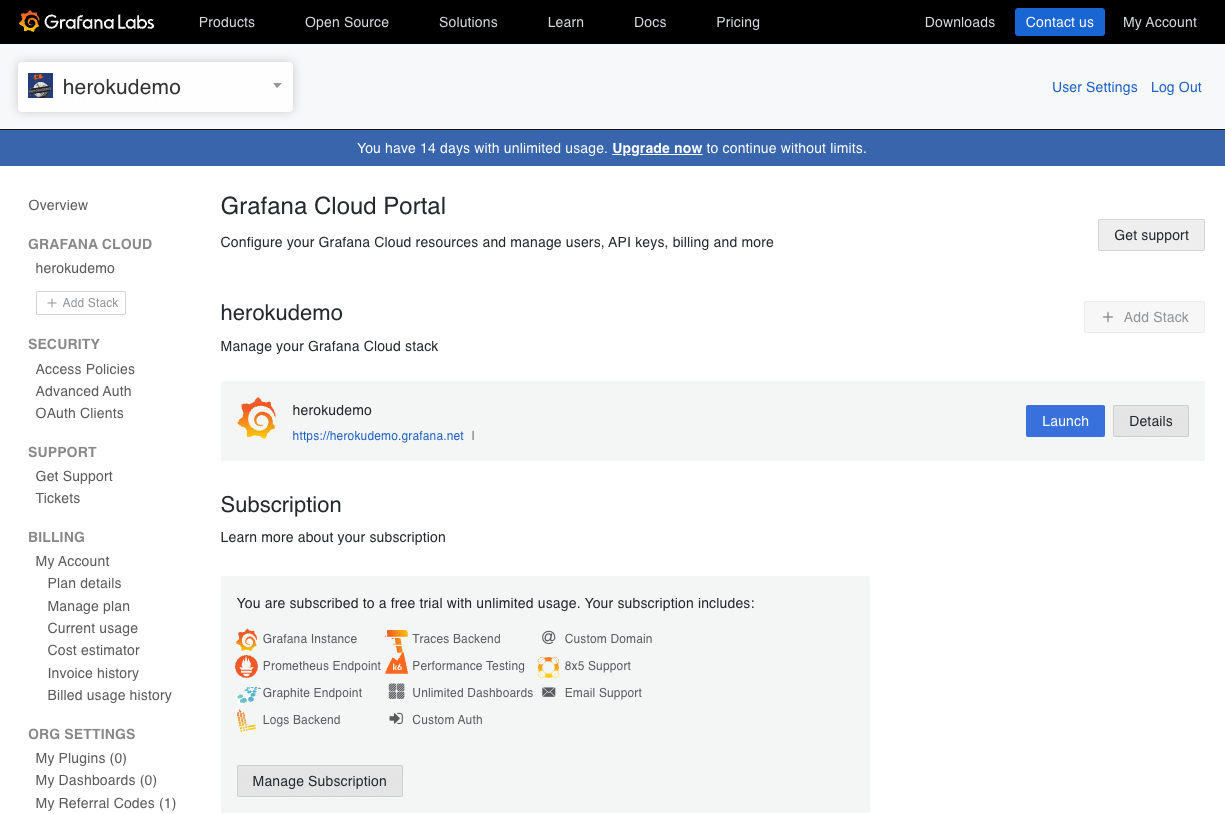
From there, click the “Details” button next to your Grafana Cloud stack. Mine is called herokudemo. Next click on the OpenTelemetry “Configure” button.

For now, don’t worry about copying any of the details to your Clipboard. Instead, scroll down to the “Password / API Token” section and click on the “Generate now” link. Give your token a name. Once you are done, make sure you keep a copy of the generated token for future reference. Now that we have a token, scroll down a bit more and copy the contents of the “Environment Variables” section to your clipboard.
Now we can head back to our terminal window and paste environment variables. We can confirm that pasting the environment variables work by using echo quickly:
$ echo $OTEL_EXPORTER_OTLP_ENDPOINT
https://otlp-gateway-prod-ca-east-0.grafana.net/otlp

$ echo $OTEL_EXPORTER_OTLP_HEADERS
Authorization=Basic MTIzOTIwMjpnbGNfZXlKdklqb2lNVFF4TXpFMU15SXNJbTRpT2lKemRHRmpheTB4TWpNNU1qQXlMVzkwYkhBdGQzSnBkR1V0WkdWdGJ5SXNJbXNpT2lKNE5GZFZOa3hDY0RNNU16VkxOR0ptVkVjMGN6ZE9XVGNpTENKdElqcDdJbklpT2lKd2NtOWtMV05oTFdWaGMzUXRNQ0o5ZlE9PQ==
Next, we will convert the headers into a json format that the Heroku CLI command expects.
$ export HEROKU_OTLP_HEADERS="$(echo "$OTEL_EXPORTER_OTLP_HEADERS" | sed 's/^\([^=]*\)=\(.*\)$/{"\1":"\2"}/')"

$ echo $HEROKU_OTLP_HEADERS
{"Authorization":"Basic MTIzOTIwMjpnbGNfZXlKdklqb2lNVFF4TXpFMU15SXNJbTRpT2lKemRHRmpheTB4TWpNNU1qQXlMVzkwYkhBdGQzSnBkR1V0WkdWdGJ5SXNJbXNpT2lKNE5GZFZOa3hDY0RNNU16VkxOR0ptVkVjMGN6ZE9XVGNpTENKdElqcDdJbklpT2lKd2NtOWtMV05oTFdWaGMzUXRNQ0o5ZlE9PQ=="}
Finally, we can add the Heroku Telemetry Drain:
$ heroku telemetry:add --app fathomless-island-10342 $OTEL_EXPORTER_OTLP_ENDPOINT --transport http --headers "$HEROKU_OTLP_HEADERS"
successfully added drain https://otlp-gateway-prod-ca-east-0.grafana.net/otlp
Back from the Grafana Cloud dashboard, after a few minutes you will start to see some application specific metrics flowing into Grafana Cloud.

Now if you navigate back to your application in the browser (Pro Tip, use heroku open), and hit refresh a few times you should also start to see traces and logs flowing into Grafana Cloud as well.


In Conclusion: Fir’s Observability Power – And Where We Go From Here
So, as we’ve shown, Heroku’s Fir platform, with its built-in OpenTelemetry, streamlines the process of setting up observability for your applications. This means you can move quickly from deploying your app to gaining critical insights into its performance, as demonstrated by the walkthrough using Grafana Cloud. But what you’ve seen here is just one of the many benefits of Heroku’s next-generation platform. In the next part of this series, we’ll dive deeper into how to effectively analyze the telemetry data you’re now collecting. We’ll explore techniques for querying, visualizing, and correlating traces, metrics, and logs to unlock powerful insights that will help you optimize your application’s behavior and troubleshoot issues like a pro.
To get the full picture of everything the Fir platform offers, from enhanced observability to a modern developer experience, don’t forget to watch the Fir launch webinar on-demand!
The post OpenTelemetry Basics on Heroku Fir appeared first on Heroku.
]]>The speed and efficiency of the Go programming language make it popular for backend development. Combine Go with the Gin framework—which offers a fast and minimalistic approach to building web applications—and developers can easily create high-performance APIs and web services. Whether you’re working on a personal project or building a production-ready application, Go and Gin […]
The post Deploying a Simple Go/Gin Application on Heroku appeared first on Heroku.
]]>The speed and efficiency of the Go programming language make it popular for backend development. Combine Go with the Gin framework—which offers a fast and minimalistic approach to building web applications—and developers can easily create high-performance APIs and web services. Whether you’re working on a personal project or building a production-ready application, Go and Gin make for an attractive stack perfectly suited for lightweight, scalable web development.
Creating a Go/Gin application might seem straightforward: You write a few routes, connect a database, and spin up a local server. But when it comes to deploying your app, things can get tricky. Developers unfamiliar with cloud deployment often struggle with configuring environment variables, managing dependencies, and ensuring their app runs smoothly on a hosting platform.
Fortunately, Heroku makes this process incredibly simple. With its streamlined deployment workflow and built-in support for Go, Heroku lets you deploy your Go/Gin app with minimal configuration.
In this article, we’ll walk through the process of building and deploying a Go/Gin web application on Heroku. We’ll set up a local development environment, prepare an application for deployment, and deploy it to run on Heroku. Along the way, we’ll cover best practices and troubleshooting tips to ensure a smooth deployment.
By the end of this guide, you’ll have a fully functional Go/Gin application running on Heroku—and you’ll gain the knowledge needed to deploy future projects with confidence. Let’s get started!
Setting up your development environment
To get started, you must set up your development environment. Here are the steps to install what you need and test your application locally.
An example project can be found in this GitHub repository.
Download and install Go
Download the Go installer from the official Go website, making sure you choose the correct operating system. For Windows or Linux, follow the respective installation instructions on the website.
If you’re on macOS, you can use Homebrew:
$ brew install goOnce installed, verify your installation by running:
$ go versionYou should see your Go version printed in the terminal. For this guide, we’re running version 1.24.0.
Set up your workspace
Create a new directory for your project and initialize a Go module. Open your terminal and execute:
~/project$ go mod init github.com/YOUR-USERNAME/YOUR-REPO-NAMEThis neatly organizes your project and its dependencies, ensuring everything is in order. In the examples to follow YOUR-REPO-NAME will be go-gin.
Add the Gin framework
Now it’s time to invite Gin to the party. Gin is a high-performance web framework that will help you build your REST server fast.
Run the following command to add Gin to your project:
~/project$ go get github.com/gin-gonic/ginThis fetches the Gin package and its dependencies.
The server application code goes in a file called main.go. Download that code here.
Finally, run the server:
~/project$ go run main.goTest your application locally
Before declaring your quest a success, make sure your application runs smoothly on your local machine. As you run the server as described above, you’ll see output indicating that it’s up and running.
~/project$ go run main.go

[GIN-debug] [WARNING] Creating an Engine instance with the Logger and Recovery middleware already attached.

[GIN-debug] [WARNING] Running in "debug" mode. Switch to "release" mode in production.
 - using env:	export GIN_MODE=release
 - using code:	gin.SetMode(gin.ReleaseMode)

[GIN-debug] GET    /quotes                   --> main.main.func1 (3 handlers)
[GIN-debug] GET    /quote                    --> main.main.func2 (3 handlers)
[GIN-debug] POST   /quote                    --> main.main.func3 (3 handlers)
[GIN-debug] [WARNING] You trusted all proxies, this is NOT safe. We recommend you to set a value.
Please check https://pkg.go.dev/github.com/gin-gonic/gin#readme-don-t-trust-all-proxies for details.
[GIN-debug] Listening and serving HTTP on :8080
Test your API server endpoints by sending a curl request in a separate terminal window. For example:
$ curl -s -X GET https://localhost:8080/quote | jq
{
  "quote": "The journey of a thousand miles begins with a single step."
}
(We use jq to pretty-print the JSON result.)
Creating a Heroku App
Assuming you have installed the Heroku CLI, you can create a new Heroku app. Run the following commands:
~/project$ heroku login

~/project$ heroku apps:create my-go-gin-api

Creating ⬢ my-go-gin-api... done
https://my-go-gin-api-7f40e19ce771.herokuapp.com/ | https://git.heroku.com/my-go-gin-api.git
This creates your Heroku app, accessible at the app URL (in the above example, that’s https://my-go-gin-api-7f40e19ce771.herokuapp.com/). The command also creates a Git remote so you can push your code repo to Heroku with a single command.
~/project$ git remote show heroku

* remote heroku
  Fetch URL: https://git.heroku.com/my-go-gin-api.git
  Push  URL: https://git.heroku.com/my-go-gin-api.git
You’ll also see your newly created app in your Heroku Dashboard. Clicking the Open app button will take you to your app URL.

Create the Procfile
The Procfile tells Heroku how to run your application. In your project’s root directory, create a file named Procfile (without any extension). For most simple Go applications, your Procfile will consist of a single line, like this:
web: go run main.goThis tells Heroku that your app will be a web process, and Heroku should start the process by running the command go run main.go. Simple enough! Add the file to your repository.
Tidy up your Go project
Finally, use the following command to clean up your go.mod file to ensure all dependencies are properly listed:
$ go mod tidyEnsure your go.mod and go.sum files have also been added to your repository. This allows Heroku to automatically download and manage dependencies during deployment with the Procfile.
Deploying your application
After completing these simple preparation steps, you’re ready to push your project to Heroku. Commit your changes. Then, push them to your Heroku remote.
~/project$ git add .
~/project$ git commit -m "Prepare app for Heroku deployment"
~/project$ git push heroku main
The git push command will set off a flurry of activity in your terminal, as Heroku begins building your application in preparation to run it:
…
Writing objects: 100% (26/26), 9.52 KiB | 9.52 MiB/s, done.
…
remote: Building source:
remote:
remote: -----> Building on the Heroku-24 stack
remote: -----> Determining which buildpack to use for this app
remote: -----> Go app detected
remote: -----> Fetching jq... done
remote: -----> Fetching stdlib.sh.v8... done
remote: ----->
remote:        Detected go modules via go.mod
remote: ----->
remote:        Detected Module Name: github.com/your-username/go-gin
remote: ----->
remote: -----> New Go Version, clearing old cache
remote: -----> Installing go1.24.0
remote: -----> Fetching go1.24.0.linux-amd64.tar.gz... done
remote: -----> Determining packages to install
remote: go: downloading github.com/gin-gonic/gin v1.10.0
…
remote:
remote:        Installed the following binaries:
remote:        		./bin/go-gin
remote: -----> Discovering process types
remote:        Procfile declares types -> web
remote:
remote: -----> Compressing...
remote:        Done: 6.6M
remote: -----> Launching...
remote:        Released v3
remote:        https://my-go-gin-api-7f40e19ce771.herokuapp.com/ deployed to Heroku
remote:
remote: Verifying deploy... done.
To https://git.heroku.com/my-go-gin-api.git
 * [new branch]      main -> main
This output tells you the location of the binary that Heroku built during the deploy process. In this case, it is at: ./bin/go-gin. For some Go applications, if you have trouble reaching your service and see errors in the logs, you might need to edit your Procfile to have Heroku run the binary directly, rather than using go directly with the source file. For example, your modified Procfile might look like this:
web: ./bin/go-ginTest the live application
With your Go application running on Heroku, you can test it by sending a curl request to your Heroku app URL. For example:
$ curl -s \
    -X GET https://my-go-gin-api-7f40e19ce771.herokuapp.com/quote | jq

{
  "quote": "This too shall pass."
}
To ensure everything is running smoothly after deployment, you can the following command to tail the server’s live logs:
~/project$ heroku logs --tail

…
2025-02-25T15:11:01.922123+00:00 heroku[web.1]: State changed from starting to up
2025-02-25T15:11:22.000000+00:00 app[api]: Build succeeded
2025-02-25T15:16:31.411009+00:00 app[web.1]: [GIN] 2025/02/25 - 15:16:31 | 200 |      29.199µs |   174.17.39.113 | GET      "/quote"
2025-02-25T15:16:31.411487+00:00 heroku[router]: at=info method=GET path="/quote" host=my-go-gin-api-7f40e19ce771.herokuapp.com request_id=7df071ec-9841-499f-b584-61574920e9df fwd="174.17.39.113" dyno=web.1 connect=0ms service=0ms status=200 bytes=186 protocol=https
It’s time for you to Go!
In this article, we walked through each step of creating your Go application that uses the Gin framework, from project setup to Heroku deployment. You can see the power and simplicity of combining Gin’s robust routing capabilities with Heroku’s flexible, cloud-based platform. On top of this, it’s easy to scale your applications as your needs evolve.
Explore the additional features both Heroku and Gin offer. Heroku’s extensive add-on ecosystem can boost your application’s functionality. You can also tap into advanced Gin middleware to optimize performance and strengthen security. To learn more, check out the following resources:
- Getting Started on Heroku with Go
- Heroku Go Support
- Heroku Go Buildpacks
- Heroku Add-ons
- The Gin Web Framework
- External middleware for use with Gin
The post Deploying a Simple Go/Gin Application on Heroku appeared first on Heroku.
]]>SignalR makes it easy to add real-time functionality to .NET web applications—things like live chat, instant notifications, or interactive dashboards. But what happens when your app starts to grow? A single server can only take you so far. At some point, you’ll need to take advantage of SignalR scaling features to scale out your app. […]
The post SignalR Scalability: Scaling Real-Time SignalR Applications on Heroku appeared first on Heroku.
]]>SignalR makes it easy to add real-time functionality to .NET web applications—things like live chat, instant notifications, or interactive dashboards. But what happens when your app starts to grow? A single server can only take you so far. At some point, you’ll need to take advantage of SignalR scaling features to scale out your app.
In this post, we’ll walk through what it takes to scale a SignalR app to run across multiple servers. We’ll start with the basics, then show you how to use Redis as a SignalR backplane and enable sticky sessions to keep WebSocket connections stable. And we’ll deploy it all to Heroku. If you’re curious about what it takes to run a real-time app across multiple dynos, this guide is for you.
What is SignalR?
SignalR is a .NET library for real-time communication between servers and clients. It abstracts complex connection management and simplifies the scale-out of real-time apps. Developers use SignalR to build live chat, notifications, dashboards, and other interactive web features with minimal setup.
SignalR vs. WebSockets
Before we dive into the details of SignalR scalability, it’s useful to understand why you’d use SignalR instead of just using WebSockets. WebSockets provide a low-level protocol for persistent, two-way communication between client and server. But scaling out WebSocket connections across multiple servers can be complex. Each server only knows about its own clients, which makes it difficult to coordinate communication.
SignalR abstracts WebSockets and other protocols, simplifies connection management, and provides native integration with a Redis backplane (among other backplane options). It makes real-time communication scalable and reliable. You can implement SignalR scaling across multiple dynos with minimal configuration compared to hand-rolling a WebSockets solution.
Introduction to our app
For my demo application, I started with Microsoft’s tutorial project on building a real-time application using SignalR, found here. Because we’re focusing on how to scale a SignalR application, we won’t spend too much time covering how to build the original application.
You can access the code used for this demo in our GitHub repository. I’ll briefly highlight a few pieces.
I used .NET 9.0 (9.0.203 at the time of writing). To start, I created a new web application:
~$ dotnet new webapp -o SignalRChat

The template "ASP.NET Core Web App (Razor Pages)" was created successfully.
This template contains technologies from parties other than Microsoft, see https://aka.ms/aspnetcore/9.0-third-party-notices for details.

Processing post-creation actions...
Restoring /home/user/SignalRChat/SignalRChat.csproj:
Restore succeeded
Then, I installed LibMan to get the JavaScript client library for our SignalR project.
~/SignalRChat$ dotnet tool install -g Microsoft.Web.LibraryManager.Cli

~/SignalRChat$ libman install @microsoft/signalr@latest \
  -p unpkg \
  -d wwwroot/js/signalr \
  --files dist/browser/signalr.js
With my dependencies in place, I created the following files:
hubs/ChatHub.cs: The hub class that serves as a high-level pipeline and handles client-server communication.Pages/Index.cshtml: The main Razor file, combining HTML and embedded C# with Razor syntax.wwwroot/js/chat.js: The chat logic for the application.
Lastly, I had the main application code in Program.cs:
using SignalRChat.Hubs;

var builder = WebApplication.CreateBuilder(args);

// Add services to the container.
builder.Services.AddRazorPages();
builder.Services.AddSignalR();

var app = builder.Build();

// Configure the HTTP request pipeline.
if (!app.Environment.IsDevelopment())
{
    app.UseExceptionHandler("/Error");
    // The default HSTS value is 30 days. You may want to change this for production scenarios, see https://aka.ms/aspnetcore-hsts.
    app.UseHsts();
}

app.UseHttpsRedirection();
app.UseStaticFiles();

app.UseRouting();

app.UseAuthorization();

app.MapRazorPages();
app.MapHub("/chatHub");

app.Run();
You’ll notice in this initial version that I’ve added SignalR, but I haven’t configured it to use a Redis backplane yet. We’ll iterate and get there soon.
For a sanity check, I tested my application.
~/SignalRChat$ dotnet build

Restore complete (0.2s)
  SignalRChat succeeded (3.1s) → bin/Debug/net9.0/SignalRChat.dll

Build succeeded in 3.7s

~/SignalRChat$ dotnet run

Using launch settings from /home/user/SignalRChat/Properties/launchSettings.json...
Building...
info: Microsoft.Hosting.Lifetime[14]
      Now listening on: https://localhost:5028
info: Microsoft.Hosting.Lifetime[0]
      Application started. Press Ctrl+C to shut down.
info: Microsoft.Hosting.Lifetime[0]
      Hosting environment: Development
info: Microsoft.Hosting.Lifetime[0]
      Content root path: /home/user/SignalRChat
In one browser, I navigated to https://localhost:5028. Then, with a different browser, I navigated to the same page.
I verified that both browsers had WebSocket connections to my running application, and I posted a message from each browser.
In real time, the messages posted in one browser were displayed in the other. My app was up and running.
Now, it was time to scale.
How to scale SignalR
Scaling a SignalR app isn’t as simple as just adding more servers. Out of the box, each server maintains its own list of connected clients. That means if a user is connected to server A, and a message is sent through server B, that user won’t receive it—unless there’s a mechanism to synchronize messages across all servers. This is where scaling gets tricky.
To pull this off, you need two things:
- Backplane: The backplane handles message coordination between servers. It ensures that when one instance of your app sends a message, all other instances relay that message to their connected clients. A Redis backplane is commonly used for this purpose because it’s fast, lightweight, and supported natively by SignalR.
- Sticky sessions: WebSockets are long-lived connections, and if your app is spread across multiple servers, you can’t have a user’s connection bouncing between them. Sticky sessions make sure all of a user’s requests are routed to the same server, which keeps WebSocket connections stable and prevents dropped connections during scale-out.
By combining these two techniques, you set your SignalR app up to handle real-time communication at scale. Let’s walk through how I did this.
Using Redis as a backplane
The first task in scaling up meant modifying my application to use Redis as a backplane. First, I added the StackExchange.Redis package for .NET.
~/SignalRChat$ dotnet add package \
               Microsoft.AspNetCore.SignalR.StackExchangeRedis
Then, I modified Program.cs, replacing the original builder.Services.AddSignalR(); line with the following:
var redisUrl = Environment.GetEnvironmentVariable("REDIS_URL") ?? "localhost:6379";

if (redisUrl == "localhost:6379") {
    builder.Services.AddSignalR().AddStackExchangeRedis(redisUrl, options =>
    {
        options.Configuration.ChannelPrefix = RedisChannel.Literal("SignalRChat");
        options.Configuration.Ssl = redisUrl.StartsWith("rediss://");
        options.Configuration.AbortOnConnectFail = false;
    });
} else {
    var uri = new Uri(redisUrl);
    var userInfoParts = uri.UserInfo.Split(':');
    if (userInfoParts.Length != 2)
    {
        throw new InvalidOperationException("REDIS_URL is not in the expected format ('redis://user:password@host:port')");
    }

    var configurationOptions = new ConfigurationOptions
    {
        EndPoints = { { uri.Host, uri.Port } },
        Password = userInfoParts[1],
        Ssl = true,
    };
    configurationOptions.CertificateValidation += (sender, cert, chain, errors) => true;

    builder.Services.AddSignalR(options =>
    {
        options.ClientTimeoutInterval = TimeSpan.FromSeconds(60); // default is 30
        options.KeepAliveInterval = TimeSpan.FromSeconds(15);     // default is 15
    }).AddStackExchangeRedis(redisUrl, options => {
        options.Configuration = configurationOptions;
    });
}
The above code configures the SignalR application to use Redis, connecting via a default address (localhost:6379) or through a connection string in the environment variable, REDIS_URL. Using REDIS_URL is an example of me thinking ahead, as I plan to deploy this application to Heroku with the Heroku Key-Value Store add-on.
For how to set up the Redis connection between my .NET application and my Heroku Key-Value Store add-on, I took my cues from here.
With Program.cs modified to use Redis as a backplane, I tested my application locally again.
~/SignalRChat$ dotnet run
This time, with my two browser windows open, I also opened a terminal and connected to my local Redis instance, running on port 6379. I listed the Pub/Sub channels and then subscribed to the main ChatHub channel.
127.0.0.1:6379> pubsub channels

1) "SignalRChat__Booksleeve_MasterChanged"
2) "SignalRChatSignalRChat.Hubs.ChatHub:internal:ack:demo_b3204c22a84c9"
3) "SignalRChatSignalRChat.Hubs.ChatHub:internal:return:demo_b3204c22a84c9"
4) "SignalRChatSignalRChat.Hubs.ChatHub:all"
5) "SignalRChatSignalRChat.Hubs.ChatHub:internal:groups"

127.0.0.1:6379> subscribe SignalRChatSignalRChat.Hubs.ChatHub:all

Reading messages... (press Ctrl-C to quit)
1) "subscribe"
2) "SignalRChatSignalRChat.Hubs.ChatHub:all"
3) (integer) 1
In one browser, I sent a message. Then, in the other, I sent a reply. Here’s what came across in my Redis CLI:
1) "message"
2) "SignalRChatSignalRChat.Hubs.ChatHub:all"
3) "\x92\x90\x81\xa4json\xc4W{\"type\":1,\"target\":\"ReceiveMessage\",\"arguments\":[\"Chrome User\",\"This is my message.\"]}\x1e"
1) "message"
2) "SignalRChatSignalRChat.Hubs.ChatHub:all"
3) "\x92\x90\x81\xa4json\xc4Y{\"type\":1,\"target\":\"ReceiveMessage\",\"arguments\":[\"Firefox User\",\"And this is a reply.\"]}\x1e"
I successfully verified that my SignalR application was using Redis as its backplane. Scaling task one of two was complete!
Moving on to sticky sessions, I would need to scale. For that, I needed to deploy to Heroku.
Deploying to Heroku
Deploying my Redis-backed application to Heroku was straightforward. Here were the steps:
Step #1: Login
~/SignalRChat$ heroku login
Step #2: Create app
~/SignalRChat$ heroku create signalr-chat-demo

Creating ⬢ signalr-chat-demo... done
https://signalr-chat-demo-b49ac4212f6d.herokuapp.com/ | https://git.heroku.com/signalr-chat-demo.git
Step #3: Add the Heroku Key-Value Store add-on
~/SignalRChat$ heroku addons:add heroku-redis

Creating heroku-redis on ⬢ signalr-chat-demo... ~$0.004/hour (max $3/month)
Your add-on should be available in a few minutes.
! WARNING: Data stored in essential plans on Heroku Redis are not persisted.
redis-solid-16630 is being created in the background. The app will restart when complete...
Use heroku addons:info redis-solid-16630 to check creation progress
Use heroku addons:docs heroku-redis to view documentation
I waited a few minutes for Heroku to create my add-on. After this was completed, I had access to REDIS_URL.
~/SignalRChat$ heroku config

=== signalr-chat-demo Config Vars

REDIS_URL: rediss://:pcbcd9558e402ff2615a4484ac5ca9ac373f811e53bcb17f81ada3c243f8a11cc@ec2-52-20-254-181.compute-1.amazonaws.com:8150
Step #4: Add a Procfile
Next, I added a file called Procfile to my root project folder. The Procfile tells Heroku how to start up my app. It has one line:
web: cd bin/publish; ./SignalRChat --urls https://*:$PORT
Step #5: Push code to Heroku
~/SignalRChat$ git push heroku main
…
remote: -----> Building on the Heroku-24 stack
remote: -----> Using buildpack: heroku/dotnet
remote: -----> .NET app detected
remote: -----> SDK version detection
remote:        Detected .NET project: `/tmp/build_ad246347/SignalRChat.csproj`
remote:        Inferring version requirement from `/tmp/build_ad246347/SignalRChat.csproj`
remote:        Detected version requirement: `^9.0`
remote:        Resolved .NET SDK version `9.0.203` (linux-amd64)
remote: -----> SDK installation
remote:        Downloading SDK from https://builds.dotnet.microsoft.com/dotnet/Sdk/9.0.203/dotnet-sdk-9.0.203-linux-x64.tar.gz ... (0.7s)
remote:        Verifying SDK checksum
remote:        Installing SDK
remote: -----> Publish app
…
remote: -----> Launching...
remote:        Released v4
remote:        https://signalr-chat-demo-b49ac4212f6d.herokuapp.com/ deployed to Heroku
remote:
remote: Verifying deploy... done.
Step #6: Test Heroku app
In my two browser windows, I navigated to my Heroku app URL (in my case, https://signalr-chat-demo-b49ac4212f6d.herokuapp.com/) and tested sending messages to the chat.

I also had a terminal window open, connecting to my Heroku Key-Value Store add-on via heroku redis:cli. Just like I did when testing locally, I subscribed to the main chat channel. As I sent messages, they came across in Redis.
redis:8150> subscribe SignalRChat.Hubs.ChatHub:all
1) subscribe
2) SignalRChat.Hubs.ChatHub:all
3) 2
redis:8150> 1) message
2) SignalRChat.Hubs.ChatHub:all
3) ''''json'R{"type":1,"target":"ReceiveMessage","arguments":["Chrome User","I'm on Heroku!"]}
redis:8150> 1) message
2) SignalRChat.Hubs.ChatHub:all
3) ''''json'M{"type":1,"target":"ReceiveMessage","arguments":["Firefox User","So am I!"]}
As another sanity check, I looked in my developer tools console in my browser. Looking in the Network Inspector, I saw a stable WebSocket connection (wss://) as well as the inbound and outbound connection data.

I had successfully deployed to Heroku, using Redis as my backplane. I hadn’t scaled up to multiple dynos just yet, but everything was looking smooth so far.
Scaling with multiple dynos
Next, I needed to scale up to use multiple dynos. With Heroku, this is simple. However, you can’t scale up with Eco or Basic dynos. So, I needed to change my dyno type to the next level up: standard-1x.
~/SignalRChat$ heroku ps:type web=standard-1x

Scaling dynos on signalr-chat-demo... done
=== Process Types

 Type Size        Qty Cost/hour Max cost/month
 ──── ─────────── ─── ───────── ──────────────
 web  Standard-1X 1   ~$0.035   $25

=== Dyno Totals

 Type        Total
 ─────────── ─────
 Standard-1X 1
With my dyno type set, I could scale up to use multiple dynos. I went with three.
~/SignalRChat$ heroku ps:scale web=3
Scaling dynos... done, now running web at 3:Standard-1X
Maintaining WebSocket connections with SignalR sticky sessions
I reloaded the application in my browser. Now, my inspector console showed an issue:
Here’s the error:
Error: Failed to start the transport 'WebSockets': Error: WebSocket failed to connect. The connection could not be found on the server, either the endpoint may not be a SignalR endpoint, the connection ID is not present on the server, or there is a proxy blocking WebSockets. If you have multiple servers check that sticky sessions are enabled.
That’s a pretty helpful error message. Just as we had expected, our real-time SignalR application would run into issues once we scaled up to multiple dynos. What was the solution? Sticky sessions with Heroku’s session affinity feature.
Enabling Heroku session affinity
This feature from Heroku works to keep all HTTP requests coming from a client consistently routed to a single dyno. It’s easy to set up, and it would solve our multi-dyno WebSocket connection issue.
~/SignalRChat$ heroku features:enable http-session-affinity

Enabling http-session-affinity for ⬢ signalr-chat-demo... done
That was it. With sticky sessions enabled, I was ready to test again.
Testing with sticky sessions on multiple dynos
I reloaded the application in both browsers. This time, my network inspector showed no errors. It looked like I had a stable WebSocket connection.

Real-time chat messages were sent and received without any problems.
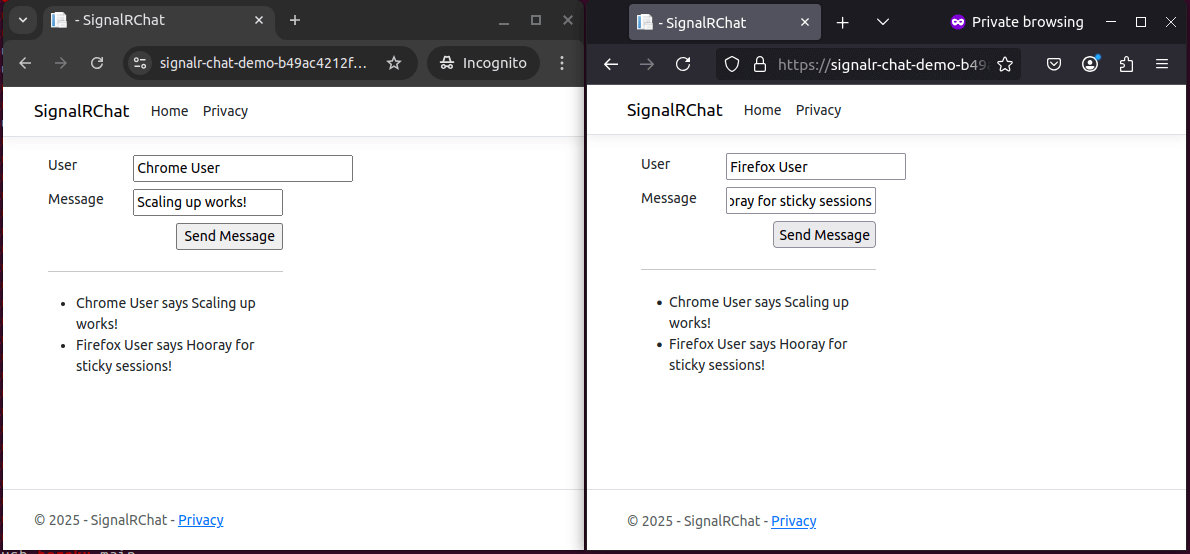
Success!
Wrapping up
With Redis as a SignalR backplane and sticky sessions enabled, our SignalR app scaled seamlessly across multiple dynos on Heroku. It delivered real-time messages smoothly, and the WebSocket connections remained stable even under a scaled-out setup.
The takeaway? You don’t need a complicated setup to scale SignalR, just the right combination of tooling and configuration. Whether you’re building chat apps, live dashboards, or collaborative tools, you now have a tested approach to scale real-time experiences with confidence.
Ready to build and deploy your own scalable SignalR application? Check out the .NET Getting Started guide for foundational knowledge. For a visual walkthrough of deploying .NET applications to Heroku, watch our Deploying .NET Applications on Heroku video.
The post SignalR Scalability: Scaling Real-Time SignalR Applications on Heroku appeared first on Heroku.
]]>Many of the most exciting experiences we’re beginning to rely on every day are powered by AI; whether it’s conversational assistants, personalized recommendations or code generation, these experiences are powered by inference systems and intelligent agents. Behind the scenes, developers offload complex decisions, automate tasks, and compose intelligent applications using large language models and tool […]
The post Heroku AI: Managed Inference and Agents is now Generally Available appeared first on Heroku.
]]>Many of the most exciting experiences we’re beginning to rely on every day are powered by AI; whether it’s conversational assistants, personalized recommendations or code generation, these experiences are powered by inference systems and intelligent agents. Behind the scenes, developers offload complex decisions, automate tasks, and compose intelligent applications using large language models and tool execution flows. Together, these AI-powered primitives are becoming a key complement to traditional application development, enabling a new wave of developer capabilities.
At Salesforce, we are helping our customers bring their agentic strategy to life with Heroku, Agentforce, and Data Cloud. These powerful products allow anyone in the company, from business analysts to developers to build robust, custom agents that can transform their business. Behind the scenes, developers offload complex decisions, automate tasks, and compose intelligent applications using large language models and tool execution flows. Together, these AI-powered primitives are becoming a key complement to traditional application development, enabling a new wave of developer capabilities.
Heroku Managed Inference and Agents bring together a set of powerful primitives that make it simple for developers to build, scale, and operate AI-powered features and applications, without the heavy lifting of managing their own AI infrastructure. With access to leading models from top providers and elegant primitives for building agents that can reason, act, and call tools, developers can focus on delivering differentiated experiences for their users, rather than wrangling inference infrastructure or orchestration logic.
Managed Inference for simplified AI integration
Managed Inference provides ready-to-use access to a curated set of powerful AI models, chosen for their generative power and performance, optimized for ease of use and efficacy in the domains our customers need most. Whether you’re looking to generate text, classify content, summarize documents, or build intelligent workflows, you can now bring AI to your Heroku apps in seconds.
Getting started is as easy as attaching the Heroku Managed Inference and Agents add-on to your app or running: heroku ai:models:create
Agents with Model Context Protocol
Extend Managed Inference with an elegant set of primitives and operations, allowing developers to create agents that can execute code in Heroku’s trusted Dynos, as well as call tools and application logic. These capabilities allow agents to act on behalf of the customer, and to extend both application logic and platform capabilities. Allowing developers to interleave application code, calls to AI, execute logic created by AI, and use of tools, all within the programmatic context. Heroku Managed Inference and Agents can now do more than just generate, it can reason, act, and build by adapting to context, and evolving with your users’ needs.
Heroku Managed Inference and Agents uses the Model Context protocol (MCP) to give your agents new capabilities. MCP helps you build agents and complex workflows by standardizing the way you can provide context and integrate tools. This means you can expose your app’s logic, APIs or custom tools to agents such as Agentforce, Claude or Cursor with custom code.
Heroku Managed Inference and Agents currently supports STDIO MCP servers. Attaching your MCP servers is as simple as attaching your add-on to your Heroku app which contains the MCP server. We are actively developing platform capabilities to support remote MCP servers hosted on heroku, which will feature OAuth integration and buildpack capabilities.

What’s next
Heroku Managed Inference and Agents marks a major milestone on our journey to provide AI-native capabilities on the platform and we’ve designed it with the graceful developer and operator experiences you’ve come to expect. Combined with MCP Server support, AppLink for Agentforce integration, and an evolving selection of curated models and tools, developers will be able to rapidly integrate the latest AI advancements and create next-generation, intelligent user experiences.
Again, to get started, provision Managed Inference and Agents from Heroku Elements or via the command line. We are excited to see what you build with Heroku Managed Inference and Agents! Attend our webinar on May 28 to see a demo and get your questions answered!
To learn more about Heroku AI, check out our Dev Center docs and try it out for yourself.
Interested in unlocking the full potential of your AI agents? Read Heroku AI: Build and Deploy Enterprise Grade MCP Servers.
Stay tuned for more — we’re just getting started.
The post Heroku AI: Managed Inference and Agents is now Generally Available appeared first on Heroku.
]]>Agents hold immense power, but their true potential shines when they connect to the real world, fetching data, triggering actions, or leveraging external tools. The Model Context Protocol (MCP) offers a standardized way for AI agents to do this. MCP is an open protocol that standardizes how applications provide context to LLMs. Think of MCP […]
The post Heroku AI: Build and Deploy Enterprise Grade MCP Servers appeared first on Heroku.
]]>Agents hold immense power, but their true potential shines when they connect to the real world, fetching data, triggering actions, or leveraging external tools. The Model Context Protocol (MCP) offers a standardized way for AI agents to do this.
MCP is an open protocol that standardizes how applications provide context to LLMs. Think of MCP like a USB-C port for AI applications. Just as USB-C provides a standardized way to connect your devices to various peripherals and accessories, MCP provides a standardized way to connect AI models to different data sources and tools.
Heroku Managed Inference and Agents dramatically simplifies hosting these MCP servers and making them available, not only to itself, but also to external agents like Claude, Cursor, or Agentforce. These new capabilities accelerate industry standardization towards agent interoperability by reducing the infrastructure, security, and discovery challenges in building and running MCP servers. Heroku Managed Inference and Agents provides:
- Community SDK support: Build your servers using the official MCP SDK, or any other MCP SDK of your choice.
- Effortless Management: Once you have a server running, set up your Procfile and push to Heroku. The Managed Inference and Agents add-on automatically manages server registration with the MCP Toolkit.
- Unified Endpoint: Managed Inference and Agents automatically has access to all registered servers. Additionally, a MCP Toolkit URL is generated, which can be used to access your servers in external clients.
- Only Pay for What You Use: MCP servers managed by the MCP Toolkit are spun up when in use, and are spun down when there are no requests.
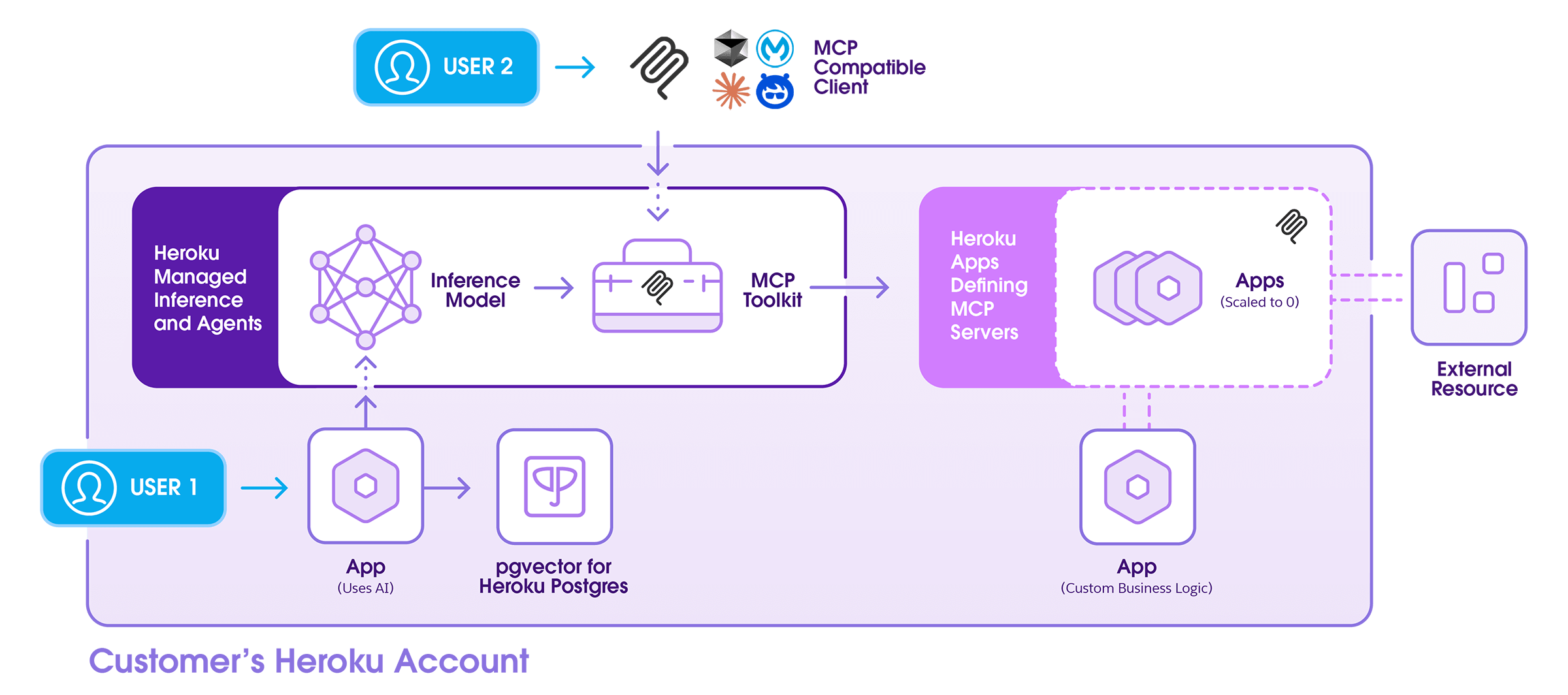
This guide walks you through setting up your own MCP server on Heroku and enabling your Agent to securely and efficiently perform real-world tasks.
Before getting started
MCP Servers are just like any other software application, and therefore can be deployed to Heroku as standalone apps. So while you could build your own multi-tenant SSE server and deploy it yourself, Heroku MCP Toolkits help you do things that standalone servers cannot do.
- First and foremost, they make it seamless to integrate servers with your Heroku Managed Inference and Agents.
- Secondly, they allow tools to be scaled to 0 by default, and spun up only when needed – making them more cost efficient for infrequent requests.
- Thirdly, they provide code isolation which enables secure code execution for LLM generated code.
- Finally, they wrap multiple servers in a single url making it incredibly easy to connect with external clients.
Getting started: Create and deploy your first MCP Server
- Step 1 – Build your Server
- Use an official MCP SDK to create an MCP Server. Note: At this stage, Heroku MCP Toolkits only support STDIO servers. We are working on streamlining platform support for SSE/http servers with authentication.
- MCP Servers are normal Heroku Apps built on the language of your choice. For example, if you are using node, you’ll want to follow best practices and ensure your node and npm engines are set in your package.json like you would typically for a node app on Heroku.
- Step 2 – Add the MCP process type
- Define your MCP process via Procfile with a process prefix of
mcp*. E.g.mcp-heroku: npm start(example)
- Define your MCP process via Procfile with a process prefix of
- Step 3 – Deploy your server
- Once your app is deployed, all
mcp*process types will be ready to be picked up by the Heroku Managed Inference and Agents add-on.
- Once your app is deployed, all
For more examples, take a look at the sample servers listed in our dev center documentation.
Creating an MCP Toolkit
Attach the Heroku Managed Inference and Agents add-on to the app that you just created. This will register any apps defined in the app to the MCP Toolkit. Each new Managed Inference and Agents add-on will correspond to a new MCP Toolkit.
- Navigate to Your App: Open your application’s dashboard on Heroku.
- Go to Resources: Select the “Resources” tab.
- Add Managed Inference and Agents: Search for “Managed Inference and Agents” in the add-ons section and add it to your app.
What plan to select
Each Managed Inference and Agents plan has a corresponding model (ex. Claude 3.5 Haiku or Stable Image Ultra). You should select the model that aligns with your needs. If your goal is to give your model access to MCP tools, then you will need to select one of the Claude chat models. If you have no need for a model, and only want to host MCP tools for external use, that can be done by selecting any plan. Inference usage is metered, so you will incur no cost if there is no usage of Heroku managed models.
As far as the MCP servers are concerned, you will pay for the dyno units consumed by the one-off dynos that are spun up. The cost of tool calls depends on the specific dyno tier selected for your app, but the default eco dynos, that is about .0008 cents/second. Each individual tool call is capped at 300 seconds.
If you decide to host your inference on Heroku, your inference model will have the following default tools free of charge. This includes tools like Code Execution and Document/Web Reader.
Managing and using your MCP Toolkit
The MCP Toolkit configuration can be viewed and managed through a user-friendly tab in the Heroku Managed Inference and Agents add-on. As with all add-ons, navigate to the App Resources page, and click on the Managed Inference and Agents add-on that you provisioned. Navigate to the Tools tab. Here, you will find the following information:
- The list of registered servers, and their statuses
- The list of tools per server, along with their request schemas
These tools are all available to your selected Managed Inference model with no extra configuration. Additionally, you will find the MCP Toolkit URL and MCP Toolkit Token on this page, which can be used for integration with external MCP Clients. The MCP Toolkit Token is masked by default for security.
Caution: Your MCP Toolkit Token can be used to trigger actions in your registered MCP servers, so avoid sharing it unless necessary.
For more information, check out the dev center documentation.
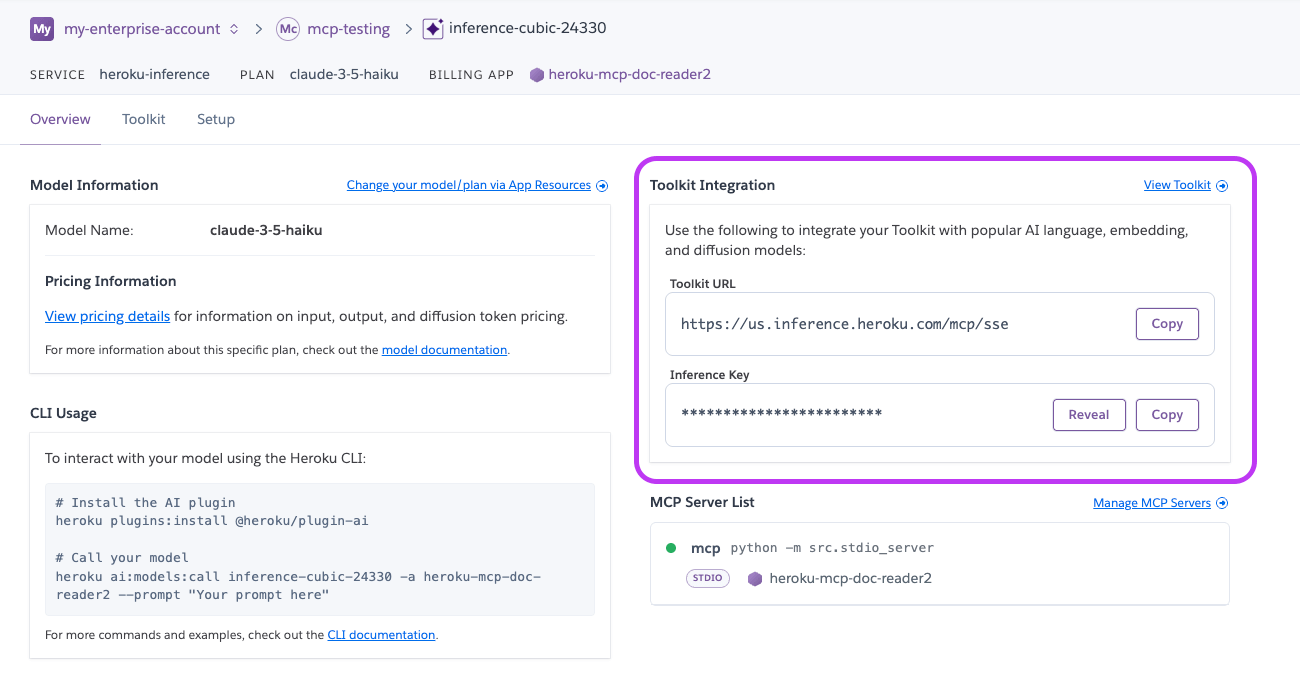
Coming soon
We are actively working on simplifying the process of building SSE/HTTP servers with auth endpoints – both for Heroku Managed Inference and Agents, and for external MCP clients. This will make it possible for servers to access user specific resources, while adhering to the recommended security standards. Additionally, we are building an in-dashboard playground for Managed Inference and Agents so you can run quick experiments with your models and tools.
We are excited to see what you build with Heroku Managed Inference and Agents and MCP on Heroku! Attend our webinar on May 28 to see a demo and get your questions answered!
The post Heroku AI: Build and Deploy Enterprise Grade MCP Servers appeared first on Heroku.
]]>Logging is the unsung hero of enterprise operations—quietly saving the day, one log line at a time. Imagine trying to maintain successful applications without knowing what’s happening inside them. This would be like flying a plane blindfolded at night, in a storm, with no instruments. Spoiler alert: Neither scenario would end well! Today’s distributed systems […]
The post Optimizing Enterprise Operations with Heroku’s Advanced Logging Features appeared first on Heroku.
]]>Logging is the unsung hero of enterprise operations—quietly saving the day, one log line at a time. Imagine trying to maintain successful applications without knowing what’s happening inside them. This would be like flying a plane blindfolded at night, in a storm, with no instruments. Spoiler alert: Neither scenario would end well!
Today’s distributed systems are massively complex. To develop and maintain them properly, your ability to capture, analyze, and act on log data becomes essential. You need good logging for the critical insights to help you:
- Diagnose and troubleshoot issues
- Rightsize cloud resources
- Ensure security
In this post, we’ll explore the importance of logging in enterprise operations and how Heroku’s advanced logging features meet the needs of modern enterprises. We’ll look specifically into features such as Private Space Logging and data residency. Then, we’ll wrap up by looking at how Heroku offers the core attributes of any robust logging solution—scalability, reliability, security, and control.
Private Space Logging: visibility for enhanced monitoring
Private Space Logging offers centralized visibility into all applications deployed within a specific Private Space. This feature provides a consolidated view of the logs for all resources and services required to run an application at scale—including databases, gateways, backend services, CDNs, and more.
In traditional logging systems, logs are dispersed across different applications and environments. Private Space Logging centralizes all the logs in an application ecosystem, making it easier for operations teams to monitor and troubleshoot issues across multiple points in the whole system. When an enterprise manages multiple applications, each composed of diverse services and stacks, quick issue identification and resolution are vital. Private Space Logging helps enterprises in this, contributing to their efficiency and reducing MTTR (Mean Time To Recovery).
Setting up Private Space Logging in Heroku is straightforward. You can quickly get up and running with Private Space Logging simply by creating a Private Space and providing a log drain URL. For example:
heroku spaces:create acme-space \
  --shield \
  --team my-team \
  --log-drain-url https://somename:[email protected]/logpath
The log drain is the specific location where all the logs of a Private Space will be directed.
Private Space Logging works seamlessly with popular logging and monitoring tools, including Mezmo, SolarWinds, and New Relic. This way, organizations can get the benefits of Heroku’s centralized logging while leveraging their existing toolsets for advanced analytics, alerting, and visualization.
With Private Space Logging, enterprises enjoy simplified monitoring and troubleshooting processes. It’s an essential component for any organization looking to maintain a high level of operational efficiency and security.
Ensuring regulatory compliance with data residency
Data residency refers to the physical or geographical location where an enterprise’s data is stored and processed. For many industries—especially those in finance, healthcare, and government—complying with regional data regulations is a best practice and a legal requirement. Many countries have strict laws regarding how data is stored and processed within their borders. Failure to comply can result in severe penalties, including fines, legal action, and even the prohibition of business operations.
Heroku’s logging and data management capabilities can help enterprises ensure they meet data residency and compliance requirements. For example, when deploying applications within a Private Space, you can choose the region where the space should be located, ensuring that all data—including logs—remains within a specified geographic area. This ability lets you maintain control over where your data is stored and processed. By centralizing logs within a defined region, Heroku helps you maintain a clear and auditable trail of data access and usage. This is a key requirement for many compliance frameworks.
Centralized logging also supports organizations in meeting the transparency and reporting obligations often required by data protection regulations. The visibility and control from Heroku’s logging features simplify your process of identifying or removing logs if required by law. Also, Heroku’s Audit Trails for Enterprise Accounts can provide reports on specific events as they happened in the previous month, another useful capability for regulatory compliance.
Best practices for data residency and compliance include:
- Choosing the appropriate region for data storage: When setting up a Heroku Private Space, carefully select the region that aligns with your enterprise’s data residency requirements. This ensures that all application data and logs stay within the correct regulatory jurisdiction.
- Regular auditing of logs: Use Heroku’s logging integrations with third-party tools to review logs for compliance. Automated auditing and monitoring can help detect any anomalies or breaches in compliance.
- Removing or anonymizing sensitive information: Many regulations prohibit personal identifiable information (PII) from being generally accessible. Just as with credentials or other confidential information, PII should be excluded from logs.
- Ensuring your organization’s privacy statement includes logs: Do not overlook logs in your organization’s privacy posture.
- Ensure third-party log applications align with your privacy stance: Heroku provides easy integration with many different log processors, thoroughly vetting these partners for data residency and regulation compliance before integration.
Efficient and secure logging at scale
As applications generate more data, particularly in high-traffic situations, the ability to maintain performance while processing and storing large volumes of logs becomes essential. Heroku’s logging infrastructure leverages autoscaling systems to ensure that it can ingest, process, and store logs efficiently—no matter your scale. What does this mean for your enterprise? Even as the amount of your applications’ log data increases, the performance of the logging system remains robust, with minimal latency or degradation in service.
Maintaining security and control over log data is a fundamental aspect of Heroku’s logging features. Enterprise log data is sensitive data. Ensuring that this data is protected from unauthorized access is crucial. Heroku employs multiple layers of security to safeguard log data, including encryption, access controls, and audit trails.
Heroku’s logging system offers robust access controls, allowing your enterprise to define who can view, manage, and analyze log data. Access can be restricted based on roles, ensuring that only authorized personnel have access to sensitive logs. This is crucial for compliance with regulations that require strict control over data access, such as GDPR or HIPAA.
In addition to access controls, Heroku provides encryption for log data both at rest and in transit. Logs are encrypted using industry-standard protocols. Heroku also provides Customer Managed Keys (CMK) so that organizations have complete control over the encryption protecting their logs.
In a production environment, establishing clear log retention policies and configuring logging appropriately is crucial for both performance and compliance. Here are some recommendations:
Log retention:
- Define Clear Retention Policies: Determine how long logs should be retained based on regulatory requirements, auditing needs, and operational requirements. Different types of logs might have different retention periods. For example, security logs might need to be kept longer than application debug logs.
- Automated Log Archiving and Deletion: Implement automated processes to archive older logs to cost-effective storage and delete logs that have exceeded their retention period. This ensures compliance with data retention policies and prevents storage overload.
- Consider Log Volume and Storage Costs: Be mindful of the volume of logs generated. High-volume logging can lead to significant storage costs. Regularly review and optimize logging levels to balance the need for detailed information with storage efficiency.
Configuration recommendations:
- Log Level Management: In production, set log levels to
INFOorWARNINGto reduce verbosity and minimize log volume. AvoidDEBUGlevel logging unless actively troubleshooting a specific issue. - Structured Logging: Use structured logging formats (e.g., JSON) for easier parsing and analysis. This makes it simpler to query and filter logs.
- Log Rotation: Configure log rotation to prevent individual log files from growing too large. This ensures that logs are manageable and prevents disk space issues.
- Monitoring and Alerting: Set up monitoring and alerting on log data to detect anomalies, errors, and security incidents in real-time. Integrate logging with monitoring tools to trigger alerts based on specific log patterns.
- Regular Log Review: Periodically review logs to identify potential issues, performance bottlenecks, and security threats. This proactive approach can help prevent major incidents and improve overall system stability.
By implementing these log retention policies and configuration recommendations, enterprises can ensure efficient log management, compliance with regulations, and optimal performance in their production environments.
Key benefits of Heroku’s advanced logging features
In your enterprise operations, robust logging cannot be a backburner consideration. It’s vital to your ability to maintain your applications and adhere to data protection laws. Heroku’s advanced logging features make it possible for you to manage these important concerns:
- Centralize your logs for comprehensive visibility
- Integrate seamlessly with third-party solutions for advanced analytics.
- Control where your log data is stored and processed, to maintain compliance and meet data residency requirements.
- Scale your applications confidently, knowing that your enterprise’s applications and logging operations will remain reliable and secure.
To learn more about logging solutions for your organization, check out Heroku Enterprise or contact us today.
The post Optimizing Enterprise Operations with Heroku’s Advanced Logging Features appeared first on Heroku.
]]>Generative AI has been one incredible tool to improve my productivity not only for work but for personal projects too. I use it every day, from generating stories and images for my online role playing games to solving code and engineering problems and building awesome demos. Lately I’ve leaned into Cursor as my go‑to AI […]
The post How I Improved My Productivity with Cursor and the Heroku MCP Server appeared first on Heroku.
]]>Generative AI has been one incredible tool to improve my productivity not only for work but for personal projects too. I use it every day, from generating stories and images for my online role playing games to solving code and engineering problems and building awesome demos. Lately I’ve leaned into Cursor as my go‑to AI coding companion. Its inline suggestions and quick edits keep me moving without context‑switching. Connecting Cursor to my apps through the Heroku MCP Server lets me perform actions like deploying or scaling, without leaving my code editor, making AI a first class citizen in the Heroku AI PaaS developer toolset. Using it along with the Heroku Extension for VS Code is a total win. In this article, I’ll show you how tying Cursor and MCP together saved me time and helped me focus on the parts of development I actually enjoy.
What is Model Context Protocol?
Model Context Protocol (MCP) is an open standard from Anthropic that defines a uniform way for my AI assistant (like Cursor) to talk to external tools and data sources. Instead of juggling custom APIs or integrations, MCP wraps up both the “context” my code assistant needs (code snippets, environment state, database schema) and the “instructions” it should follow (fetch logs, run queries, deploy apps) into a single, predictable format—much like a USB‑C port lets any device plug into any charger without extra adapters, Model Context Protocol is the universal connector for your AI tools and services.
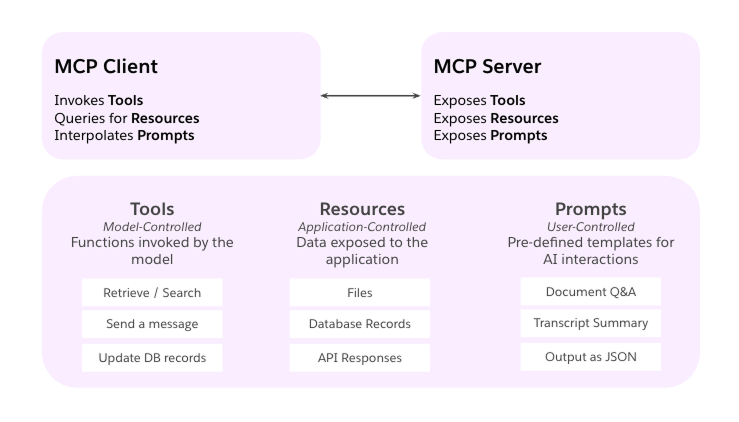
Under the hood, MCP follows a simple client–server model:
- Host: my editor or chat interface (e.g., Cursor) that decides what my assistant can access
- Client: the small bridge component that keeps a live connection open
- Server: a lightweight service exposing specific capabilities (APIs, database calls, shell commands) in MCP’s schema
When I ask Cursor to “scale my Heroku dynos” or “pull the latest customer records,” it sends an MCP request to the right server, gets back a structured response, and I can keep coding without switching contexts or writing new integration code.
AI Dev Tools I Use Everyday
When I’m not on stage presenting or behind a mic recording a podcast, I’m usually in VS Code building JavaScript demos that highlight Heroku’s capabilities and best practices. Backend work is my comfort zone, front-end and design aren’t, so I lean on AI to bridge those gaps. Given a design spec (from Figma for example), I can get a frontend prototype in minutes, instead of writing HTML/CSS at hand, making the interaction with the design team straightforward. I’ve tried Gemini for ideation, and ChatGPT and Claude for debugging and refactoring code.
Lately, though, Cursor has become my go-to IDE. Its inline LLM suggestions and agentic features let me write, test, design, and even deploy code without leaving the editor. Pairing Cursor with different MCPs means that I can remain on the IDE, it keeps me focused, cuts out needless context-switching, and helps me ship demos faster.
Here, I share a list of the MCPs I use and how they improve my productivity:
Heroku MCP Server
All my demos go straight to Heroku. With the Heroku extension for VS Code, I rarely leave my editor to manage apps. And thanks to the Heroku MCP Server, my AI assistant now deploys, scales dynos, fetches logs, and updates config, all without opening the dashboard or terminal.
To install it in your IDE, start by generating a Heroku Authorization token:
heroku authorizations:create --description "Heroku MCP IDE"Alternatively, you can generate a token in the Heroku Dashboard:
- Go to Account Settings → Applications → Authorizations and click Create new authorization.
- Copy the token you receive.
Then open your Cursor mcp.json and add the following JSON configuration with the previously generated Heroku Authorization token:
Note: Make sure you have npx installed a global command in your operative system, npx is part of Node.js.
{
  "mcpServers": {
    "heroku": {
      "command": "npx",
      "args": [
        "-y",
        "@heroku/mcp-server"
      ],
      "env": {
        "HEROKU_API_KEY": ""
      }
    },
  }
}
Check the project README for setup instructions on Claude Desktop, Zed, Cline, Windsurf, and VS Code.
LangChain MCPDoc
Many projects have started to adopt the /llms.txt file, which serves as a website index for LLMs, providing background information, guidance, and links to detailed markdown files. Cursor and other AI IDEs can use the llms.txt file to retrieve context for their tasks. The LangChain MCPDoc offers a convenient way to load llms.txt files, whether they are located remotely or locally, making them available to your agents.
Depending on the project I’m working on, I rely on this MCP to fetch documentation, especially when I’m building other MCPs, I use the recommended https://modelcontextprotocol.io/llms.txt file, or if I’m using LangChain JS to build agentic applications with Node.js, I use https://js.langchain.com/llms.txt.
I have also created my own Heroku llms.txt file, which you can download locally and use for your Heroku-related projects.
Here is how you can setup the LangChain MCPDoc in Cursor:
Note: Make sure you have uvx installed as a global command in your operative system, uvx is part of uv, a Python package manager.
{
  "mcpServers": {
    "heroku-docs-mcp": {
      "command": "uvx",
      "args": [
        "--from",
        "mcpdoc",
        "mcpdoc",
        "--urls",
        "HerokuDevCenter:file:///Users/jduque/AI/llmstxt/heroku/llms.txt",
        "--allowed-domains",
        "*",
        "--transport",
        "stdio"
      ]
    },
    "modelcontextprotocol-docs-mcp": {
      "command": "uvx",
      "args": [
        "--from",
        "mcpdoc",
        "mcpdoc",
        "--urls",
        "ModelContextProtocol:https://modelcontextprotocol.io/llms.txt",
        "--allowed-domains",
        "*",
        "--transport",
        "stdio"
      ]
    }
  }
}
Figma MCP Server
Another one of my favorites is the Figma MCP Server. It allows Cursor to download design data from Figma. I just copy and paste the link of the frame in Figma that I want to implement into my Cursor chat, and with the right prompt, it does the magic. For example, recently I had to implement our brand guidelines on a demo I’m working on, and I just pasted the frame that contains the Heroku color palette. It created a Tailwind CSS theme with the right styles. Without this tool, I’ll have to copy all the colors from the Figma file and organize them in the JSON structure as expected by Tailwind.
Here is how you can setup the Figma MCP Server in Cursor:
{
  "mcpServers": {
    "figma-mcp-server": {
      "command": "npx",
      "args": [
        "-y",
        "figma-developer-mcp",
        "--figma-api-key=",
        "--stdio"
      ]
    }
  }
}
Conclusion
Adding the Heroku MCP Server to Cursor transformed my editor into a powerful development tool. I stopped jumping between terminals, dashboards, and code. Instead, I write a prompt, and Cursor handles the rest: running queries, deploying apps, scaling dynos, or pulling logs.
This shift improved my productivity and shaved minutes off every task, cutting down on errors from running commands by memory or context-switching. More importantly, it lets me stay in flow longer, so I can focus on the parts of coding I enjoy the most.
If you’re already using Cursor or another AI coding tool, give MCP a try. Also, take a look at this quick demo where I use the Heroku MCP Server and Cursor to build and deploy a simple web app.
The post How I Improved My Productivity with Cursor and the Heroku MCP Server appeared first on Heroku.
]]>We’re excited to announce the release of Heroku-Streamlit, a template that makes deploying interactive data visualization applications on Heroku simpler than ever before. Streamlit is an open-source app framework built for machine learning and data science projects. This Streamlit App brings together Heroku’s scalable cloud platform and Streamlit’s intuitive Python-based data application framework. Whether you’re […]
The post Introducing Heroku-Streamlit: Seamless Data Visualization appeared first on Heroku.
]]>We’re excited to announce the release of Heroku-Streamlit, a template that makes deploying interactive data visualization applications on Heroku simpler than ever before. Streamlit is an open-source app framework built for machine learning and data science projects. This Streamlit App brings together Heroku’s scalable cloud platform and Streamlit’s intuitive Python-based data application framework. Whether you’re a data scientist, educator, or developer, you can now spin up a cloud-based Streamlit environment in minutes.
What is Heroku-Streamlit?
Heroku-Streamlit is a ready-to-deploy template that allows data scientists, analysts, and developers to quickly share their data insights through interactive web applications. With minimal configuration, you can transform your data scripts into engaging web applications that anyone can access.
The repository comes pre-configured with:
- One-click deployment to Heroku
- Streamlit’s powerful visualization capabilities
- Sample Uber NYC pickup data application
- Easy customization options for your own projects
Why Use Heroku-Streamlit?
For Data Scientists
- Focus on Analysis, Not Deployment: Write Python code and let Heroku handle the infrastructure
- Share Your Work Easily: Give stakeholders access to your insights through a web browser
- Interactive Presentations: Create dynamic dashboards instead of static reports
For Developers
- Rapid Prototyping: Build and deploy data applications in minutes, not days
- Simplified Workflow: Streamlined deployment process with pre-configured settings
- Customizable: Easily extend with additional Python packages
Getting Started in Minutes
Deploying your first Streamlit application on Heroku is as simple as:
- Click the “Deploy to Heroku” button in the repository
- Wait a few minutes for your app to deploy
- Access your live, interactive Streamlit application
For those who prefer a more hands-on approach, the repository includes detailed instructions for manual deployment.
Customizing Your Application
While the template comes with a sample Uber pickup visualization, you can easily customize it to showcase your own data:
- Add your Python dependencies to requirements.txt
- Update the Procfile to point to your Streamlit script
- Push your changes to Heroku
Supercharge Streamlit Apps with Heroku AI: MIA
Take your Streamlit applications to the next level by integrating Heroku Managed Inference and Agents today!
- Zero Infrastructure Management: Deploy complex LLM models without the need for servers, GPUs, or scaling
- Production-Ready Performance: Automatic scaling, high availability, and optimized inference
- Cost-Effective: Flexible pricing – only pay for what you use
Build sophisticated AI agents to:
- Create Conversational Interfaces: Add natural language chat to your Streamlit apps
- Enable Autonomous Workflows: Build agents that can process data, make decisions, and take action
The Future of Data Sharing
Heroku-Streamlit represents a step forward in sharing data insights on Heroku. By removing the barriers between data analysis and web deployment, we’re enabling more teams to make data-driven decisions through interactive applications.
We’re excited to see what you build with this template and look forward to your feedback and contributions!
Ready to get started? Visit the repository and deploy your first Streamlit app on Heroku today!
The post Introducing Heroku-Streamlit: Seamless Data Visualization appeared first on Heroku.
]]>With API-driven applications being increasingly common, understanding how your APIs are performing is crucial for success. That’s where the combination of Heroku and Moesif allows developers and their organizations to step up their observability game. In this blog, we will quickly examine how you can integrate Moesif with your Heroku app to begin monetizing and analyzing your API traffic. Let’s kick things off by taking a brief look at both platforms.
The post How to Add the Moesif API Observability Add-On to Your Heroku Applications appeared first on Heroku.
]]>With API-driven applications being increasingly common, understanding how your APIs are performing is crucial for success. That’s where the combination of Heroku and Moesif allows developers and their organizations to step up their observability game. In this blog, we will quickly examine how you can integrate Moesif with your Heroku app to begin monetizing and analyzing your API traffic. Let’s kick things off by taking a brief look at both platforms.
What is Heroku?
Heroku is a cloud-based Platform as a Service (PaaS) that enables developers to build, run, and scale applications entirely in the cloud. It abstracts away the complexities of infrastructure management, allowing you to focus on writing code and delivering features. Heroku supports many programming languages and frameworks, making it an excellent application development and deployment tool.
What is Moesif?
Moesif is an API analytics and monetization platform that provides deep insights into how your APIs are used and delivers the capabilities to monetize them easily. It captures detailed information about API calls, including request/response payloads, latency, errors, and user behavior. With Moesif, you can:
- Monitor API Performance: Identify bottlenecks, track error rates, and optimize response times.
- Understand User Behavior: See how users interact with your APIs, which endpoints are most popular, and what features they’re utilizing.
- Debug Issues: Quickly pinpoint the root cause of errors and resolve problems impacting your users.
- Monetize Your API: Implement usage-based billing models and track revenue generated from your API.
Benefits of Heroku and Moesif
By using the Moesif Heroku add-on, you can reduce the time to set up API Observability and ensure a seamless integration with Heroku. Billing and user management is automatically handled by Heroku which further reduces your overhead.
Why Are API Analytics Important?
If your app contains APIs, then a specialized API analytics platform must be used to truly understand how your APIs are used and what value they deliver. API analytics are essential for several reasons:
- Improved Performance: Identify and fix performance issues before they affect your users.
- Enhanced User Experience: Understand how users use your API and tailor it to their needs.
- Data-Driven Decisions: Make informed API development, pricing, and business-level decisions based on usage data.
- Increased Revenue: Monetize your API effectively by understanding usage patterns and identifying growth opportunities.
API analytics allow you to examine not only the engineering side of the puzzle but also derive a large number of business insights.
Adding Moesif to Your Heroku Application (Step-by-Step)
When using Heroku and Moesif together, the process is straightforward and can be done directly through the Heroku CLI and UI. Below, we will go through how to add Moesif to your Heroku instance, including the steps in the UI or Heroku CLI, depending on your preferred approach.
Add Via CLI
First, we will look at installing the Moesif Add-On through the CLI. For this, we assume that you:
- Have a Heroku account and an app running on Heroku
- You have the Heroku CLI installed and logged into the application you want to add Moesif to.
With these prerequisites handled, you can proceed.
Install the Add-on
Moesif can be attached to a Heroku application via the CLI:
heroku addons:create moesif
Once the command is executed, you should see something similar to the following:
-----> Adding moesif to sharp-mountain-4005... done, v18 (free)
A MOESIF_APPLICATION_ID config var is added to your Heroku app’s configuration during provisioning. It contains the write-only API token that identifies your application with Moesif. You can confirm the variable exists via the heroku config:get command:
heroku config:get MOESIF_APPLICATION_ID
This will print out your Moesif Application ID to the console, confirming it is correctly set in the config file.
Add Via UI
Alternatively, you can install the Moesif Add-On through the Heroku Dashboard UI. For this, we assume that you:
- Have a Heroku account and an app running on Heroku
- Are logged into the Heroku Dashboard for the app you’d like to add Moesif to
With these prerequisites handled, you can proceed.
Install the Add-On
While logged into the dashboard for the app you want to add Moesif to, on the Overview page, click the Configure Add-ons button.

This will then bring you to the Resources screen to view your current add-ons. In this instance, we have none. From here, click the Find more add-ons button.

On the next screen, where all available add-ons are listed, click Metrics and Analytics on the left-side menu. Locate the Moesif API Observability entry and click on it.

On the Moesif API Observability and Monetization overview page, click Install Moesif API Observability in the top-right corner.
Next, you’ll be prompted to confirm the installation and submit the order. To confirm and install, click the Submit Order Form button to add Moesif to your Heroku app and activate your subscription.

Once complete, you’ll see that Moesif has been added to your Heroku instance and is ready for further configuration.

Install the server integration
With Moesif installed on our Heroku instance and subscription activated, we need to add Moesif to the application running on Heroku. To do this, go to your Heroku dashboard and open Moesif from under “Installed add-ons”

Once inside the Moesif application, the onboarding flow that appears will walk you through adding the Moesif SDK to your code.

When initializing the SDK, use the environment variable MOESIF_APPLICATION_ID for the application ID. For example, in a Node application, you’d grab the Moesif Application ID by using process.env.MOESIF_APPLICATION_ID. This would be retrieved from the app config variables.
Local setup
After you provision the add-on, you must replicate your config variables locally so your development environment can operate against the service.
Use the Heroku Local command-line tool to configure, run, and manage process types specified in your app’s Procfile. Heroku Local reads configuration variables from a .env file. To view all of your app’s config vars, type heroku config. Use the following command for each value that you want to add to your .env file:
heroku config:get MOESIF_APPLICATION_ID -s >> .env
Credentials and other sensitive values should not be committed to source control. If you’re using Git, you can exclude the .env file by adding it to the gitignore file with:
echo .env >> .gitignore
For more information, see the Heroku Local article.
Using Moesif Dashboards
Once everything is configured, events should begin to flow into Moesif. These events can be used for analytics and monetization directly within the Moesif platform.
Key Moesif Features to Leverage:
- Live Event Log: See individual API calls in real-time.
- Time Series Metrics: Track API traffic, latency, errors, and more over time.
- Funnels and Retention: Analyze user journeys through your API.
- Alerting: Get notified of critical API issues.
- Monetization: Drive revenue from your API calls using post-paid and pre-paid billing
Check out our docs and tutorials pages for all the ways you can leverage Moesif.
Open Through The Heroku CLI
To open Moesif, you can the following command cia the Heroku CLI:
heroku addons:open moesif
Or, from the Heroku Application Dashboard, select Moesif from the Add-ons menu.
Once logged in, you’ll have full access to the Moesif platform, which includes everything needed for extensive API analytics and monetization.
Try It Out
Want to try out Moesif for yourself? You can do so by following the directions above and creating an account through Heroku or sign-up directly. Powerful API analytics and monetization capabilities are just a few clicks away.
The post How to Add the Moesif API Observability Add-On to Your Heroku Applications appeared first on Heroku.
]]>We’re excited to announce the launch of the Heroku MCP Server, designed to bridge the gap between agent-driven development and Heroku’s AI PaaS. Having defined the platform experience for apps in the cloud, Heroku extends our developer and operator experience to AI capabilities. With the Heroku MCP Server, you can now expose Heroku’s robust platform […]
The post Introducing the Official Heroku MCP Server appeared first on Heroku.
]]>We’re excited to announce the launch of the Heroku MCP Server, designed to bridge the gap between agent-driven development and Heroku’s AI PaaS. Having defined the platform experience for apps in the cloud, Heroku extends our developer and operator experience to AI capabilities. With the Heroku MCP Server, you can now expose Heroku’s robust platform capabilities as a set of intuitive actions accessible to AI agents through Model Context Protocol (MCP).
The Heroku MCP server enables AI-powered applications like Claude Desktop, Cursor, and Windsurf to directly interface with Heroku, unlocking new levels of automation, efficiency, and intelligence for managing your custom applications.
How Does the Heroku MCP Server Work?
Under the hood, the Heroku MCP Server makes intelligent use of the toolchain developers already trust: the Heroku CLI. It uses the CLI as the primary engine for executing actions, ensuring consistency and benefiting from its existing command orchestration logic.
To maximize performance and responsiveness, especially for sequences of operations, the server runs the Heroku CLI in REPL (Read-Eval-Print Loop) mode. This maintains a persistent CLI process, enabling significantly faster command execution and making multi-tool operations much more efficient compared to launching a new CLI process for every action.
What Can Your Agents Do Today?
The initial release of the Heroku MCP Server focuses on core developer workflows:
- App Lifecycle Management: Empower agents to handle deploying, scaling, restarting, viewing logs, and monitoring your applications.
- Database Operations: Enable actions on your Heroku Postgres databases.
- Add-on Management: Allow agents to discover available add-ons and attach or detach resources to your apps.
- Scaling and Performance: Facilitate intelligent scaling of your application resources.
Access the full list of tools here.
Here’s How to Get Started
Authentication Setup
Generate a Heroku authorization token by using the following CLI command.
heroku authorizations:create
Copy the token and use it as your HEROKU_API_KEY in the following steps.
Configuration with MCP Clients
MCP clients maintain the MCP config file in different locations:
Add the following to the appropriate config file:
{
  "mcpServers": {
    "heroku": {
      "command": "npx -y @heroku/mcp-server",
      "env": {
        "HEROKU_API_KEY": ""
      }
    }
  }
}
Other Clients
For integration with other MCP compatible clients, please refer to the client specific config documentation.
Turbo Charge Your IDE and Agents
Heroku’s core mission has always been to simplify the complexities of app development and deployment, and a key part of that is meeting developers right where they work: inside their IDE. We’ve championed this with tools like the Heroku VS Code extension, which brings the power of the Heroku Dashboard and the versatility of the CLI directly into your AI editor like Cursor, reducing the need to switch contexts for many common tasks.
As AI-native developer workflows emerge, the friction between coding environments and cloud platforms will disappear entirely. Developers want to stay focused, leveraging AI assistance without interrupting their flow or needing deep platform-specific expertise for routine tasks.
The Heroku MCP Server builds directly on our philosophy of seamless IDE and agent integration. While the VS Code extension provides excellent visual affordances and manual control for developers, the MCP Server addresses the rise of agent-driven development. It provides an intuitive way for your agents to manage your Heroku applications, databases, and infrastructure, making it an essential part of any AI PaaS (AI Platform as a Service) strategy.
What’s Next?
This is just the beginning! We’re actively working on exposing even more of the Heroku platform’s capabilities through the MCP server. Our goal is to continuously enhance the AI-driven developer experience on Heroku, making it richer, more powerful, and even more intuitive. Stay tuned for updates as we expand the range of actions your agents can perform.
Join the Conversation
The Heroku MCP Server is just one piece of Heroku’s plan for providing an excellent AI-driven developer experience, and to provide the primitives necessary to build, manage, and scale AI applications and agents. Stay tuned for next month’s GA of our Managed Inference and Agents product, which comes complete with support for a range of MCP tools, and upcoming enhancements to broad MCP support across the platform.
The post Introducing the Official Heroku MCP Server appeared first on Heroku.
]]>Do you run Rails or pure Ruby applications on Heroku? If so, it’s important to be aware of upcoming end-of-life (EOL) dates for both your stack and your Ruby version. The Heroku-20 stack, built on Ubuntu 20.04 LTS, will reach EOL for standard support in April 2025. Ruby 2.7 has already passed its EOL, meaning […]
The post Migrating Your Ruby Apps to the Latest Stack appeared first on Heroku.
]]>Do you run Rails or pure Ruby applications on Heroku? If so, it’s important to be aware of upcoming end-of-life (EOL) dates for both your stack and your Ruby version. The Heroku-20 stack, built on Ubuntu 20.04 LTS, will reach EOL for standard support in April 2025. Ruby 2.7 has already passed its EOL, meaning it’s no longer receiving critical security updates. Continuing to run your app with either an outdated Ruby version or an unsupported Heroku stack exposes your application to increasing security and stability risks.
In this article, we’ll cover:
What the Heroku-20 EOL means for your application.
Risks of continuing with Ruby 2.7, especially in combination with Heroku-20.
Recommendations and strategies for securely migrating your stack and Ruby version.
But first, here are the commands you can run to determine your current Heroku stack and Ruby version:
$ heroku stack --app <APP NAME>
=== ⬢ your-app-name Available Stacks

  cnb
  container
* heroku-20
  heroku-22
  heroku-24
The above command will list the available stacks and denote the current stack your application is using. If it shows heroku-20, then it’s time to consider an upgrade.
To check your Ruby version, run:
$ heroku run ruby -v --app <APP NAME>
With this information, you’ll be ready to understand your risks clearly and take the recommended migration steps outlined below.
Understanding the Heroku-20 and Ruby 2.7 EOL
Before you plan your migration, it’s crucial to clearly understand what EOL means for both your Heroku stack and your Ruby version.
Heroku-20 Stack
Heroku-20, based on Ubuntu 20.04 LTS, will reach EOL for standard support in April 2025. After this date, Ubuntu 20.04 will stop receiving regular security updates, patches, and technical support. This means any new vulnerabilities discovered after this point will not be officially addressed, significantly increasing security risks and potential compatibility issues with newer software and libraries.
Starting May 1st, 2025, builds will no longer be allowed for Heroku-20 apps.
Ruby 2.7
Ruby 2.7 reached EOL in March 2023. This means Ruby 2.7 no longer receives security patches, bug fixes, or compatibility updates. Applications using Ruby 2.7 are vulnerable to newly discovered security risks and are likely to encounter compatibility problems with other system components, such as newer versions of OpenSSL.
Additionally, Ruby 3.0 reached EOL in April 2024, and Ruby 3.1 is EOL as well. As of this writing, the latest stable Ruby version is Ruby 3.4.2.
Understanding your options and risks
Before jumping straight into a migration, you might have some questions about the implications and potential risks associated with your current stack and Ruby version. Let’s cover the common questions.
Can I continue using Ruby 2.7 on Heroku?
While it’s technically possible to run Ruby 2.7 on Heroku‑20, doing so carries significant risks. Ruby 2.7 no longer receives bug fixes or security updates, making applications vulnerable to emerging threats.
What are the risks of staying on the Heroku‑20 stack?
If you remain on Heroku-20 past its EOL in April 2025, your application environment will become increasingly insecure. You’ll no longer receive critical patches for security vulnerabilities, potentially leading to exploitation. Additionally, dependencies and libraries may become incompatible or fail to build correctly.
Can I just move off of Heroku while keeping my current Ruby version?
Even if you migrate away from Heroku, using Ruby 2.7 on an unsupported or self-managed environment still carries significant risks. Older Ruby versions that no longer receive updates may face mounting compatibility challenges with newer system components. For example, newer Ubuntu releases run OpenSSL 3.x. This will conflict with Ruby 2.7’s expectations of OpenSSL 1.1.x.
While migrating off Heroku might seem like a quick fix, the underlying issue—EOL for Ruby 2.7—remains. Even if you self-manage your infrastructure or move to another platform, you’ll still face security vulnerabilities and compatibility issues. In the long term, maintenance challenges will increase. Modern Ubuntu versions (22.04+) use OpenSSL 3.x, incompatible with Ruby 2.7, making your application more difficult and costly to maintain.
Migration Recommendations
A structured migration plan ensures a smooth transition with minimal disruption. Here are some key pointers for how to approach upgrading your Ruby and Heroku stack.
#1: Embrace Rails LTS
If you’re using Rails with Ruby 2.7, consider migrating to a Rails LTS release. This move requires upgrading both Rails and Ruby and transitioning to a supported Heroku stack (such as Heroku‑22 or Heroku‑24) that continues to receive security updates.
#2: Upgrade incrementally
Rather than overhauling your entire system at once, upgrade Rails one major version at a time—deploy and resolve issues after each change—and handle Ruby upgrades as a separate process. This approach isolates problems and helps you gradually transition toward running at least Ruby 3.2.6.
#3: Adopt the latest versions
Ultimately, your goal should be to run your application on the latest Ruby version and Heroku‑24. Newer releases offer improved performance, enhanced security, and native support for modern libraries like OpenSSL 3, reducing the risk of future compatibility issues.
#4: Consider professional upgrade services
Professional upgrade services are specialized consultants who analyze your codebase and infrastructure to create a tailored migration plan that minimizes downtime and disruption. Their expertise is especially valuable for legacy projects running on significantly outdated versions. Options include:
Keep in mind that older Rails and Ruby versions can be more challenging and costly to upgrade.
#5: Understand the ecosystem constraints
Upgrading your application stack isn’t just about Heroku—it’s about ensuring that your entire environment remains secure and maintainable. Even if you migrate off Heroku, you remain subject to the same challenges regarding security patches, build pipelines, and compatibility. It’s essential to plan so that your overall stack (Ruby, Rails, OS) stays within a supported lifecycle.
Conclusion
Given the upcoming EOL for the Heroku-20 stack and the already-passed EOL of Ruby 2.7, proactive migration is essential to maintain your application’s security, stability, and compatibility. Start your migration plan early and consider incremental upgrades to avoid disruption. Taking these steps now can prevent a last-minute scramble and ensure your application continues to benefit from the latest security and performance enhancements.
Resources
- Ubuntu lifecycle and release cadence
- Ruby 2.7.8 (Last) Release Announcement
- Heroku-20 Stack Documentation
- Heroku Guidance on “Upgrading to the Latest Stack”
- Heroku-20 End-of-Life FAQ
The post Migrating Your Ruby Apps to the Latest Stack appeared first on Heroku.
]]>In a short amount of time, AI has transformed life, work, and how we think about the future. These rapid advancements have left many of us wondering how to integrate AI into our existing workflows and what it means for the future of app development. The apps we’re building today are more than lines of […]
The post Heroku: Powering the Next Wave of Apps with AI appeared first on Heroku.
]]>In a short amount of time, AI has transformed life, work, and how we think about the future. These rapid advancements have left many of us wondering how to integrate AI into our existing workflows and what it means for the future of app development. The apps we’re building today are more than lines of code; they’re becoming dynamic, intelligent, and increasingly autonomous. To navigate this new landscape, we need to bring our current skills and technology into this AI-driven future.
As part of the Salesforce portfolio, Heroku has always been a trusted platform for building apps in any language. Our mission remains focused on helping you deliver value faster, greater reliability, and improved efficiently—all while simplifying the complexities of an ever-changing ecosystem. Our latest innovations empower developers to build custom AI apps faster, enhance existing apps with AI capabilities, and create specialized actions and experiences for AI agents in any language.
To date over 65 million apps in Ruby, .NET, Java, Python, Go, and more have launched to serve billions of requests a day that provide healthcare, sell clothing, detect bank fraud, and order car parts. The next generation of Heroku brings AI capabilities into the platform and with developer tools like Cursor, all in service of helping organizations accelerate their agentic initiatives to improve customer experience and focus on creating unique value.
What’s New: Streamlining AI and Cloud-Native Development
Heroku AppLink
Dramatically streamlines the ability to add custom actions and logic written in any language to Agentforce agents through Salesforce Flows, Apex, and Data Cloud. Agentforce is the agentic layer of the Salesforce Platform for deploying autonomous AI agents across any business function. This capability brings the ecosystem of programming languages and custom code to augment and enhance Salesforce implementations. AppLink is available today in pilot.
Heroku Eventing
Delivers a robust solution to simplify the development of event-based app architectures with a centralized hub for managing, subscribing to, and publishing events, streamlining the development process. Eventing can be used to subscribe and publish to any system including the Salesforce platform. Eventing is available in pilot.
Heroku Fir Generation
This latest version of the Heroku Platform delivers an integrated and automated experience that is resilient, secure, and performant at global scale. Built on open, cloud-native standards like Kubernetes, Open Container Initiative (OCI), and Open Telemetry; the platform now leverages AWS services including Amazon Elastic Kubernetes Service (EKS), Amazon Elastic Container Registry (ECR), AWS Global Accelerator, and AWS Graviton. Generally available later this month.
VS Code Extension
Delivers an all-in-one experience with the essential developer tools to create and manage apps within the IDE. Developers are able to be more productive in building apps and can eliminate the context switching between multiple tools. VS Code Extension is available here.
.NET Support
Enhances and expands the developer experience to include C#, Visual Basic, and F# apps using the .NET and ASP.NET Core frameworks. .NET is available here.
Heroku-Jupyter
Delivers an open-source, production-ready solution to easily spin up cloud-based Jupyter environments in minutes without the challenges of storage or complex configurations. Available open source here.
Heroku Managed Inference and Agents
Delivers a streamlined developer and operator experience in building and managing custom AI apps in any language alongside your data and AI models in one trusted environment. Heroku provides safe execution of AI generated code during agentic workflows, plus secure access to tools and resources like databases and add-ons. Heroku Managed Inference and Agents is available here.
Get Ready to Dig in
We started Heroku before Docker, Kubernetes, and in the early days of cloud to help developers deploy cloud-native apps faster and easier. Fast forward to today and AI has flipped the ecosystem on its head and the landscape is almost unrecognizable. We’re excited to introduce the next generation of the platform to accelerate the needs of cloud-native and AI app delivery at scale with the delightful developer and operator experiences you’ve come to expect from Heroku.
Learn more about Heroku – Register today to join us online Wednesday, April 30 at 1:00pm ET, to learn more about the next generation of Heroku, the platform for AI apps in any language.
The post Heroku: Powering the Next Wave of Apps with AI appeared first on Heroku.
]]>For years, Heroku has been empowering developers to deploy and scale their applications with ease. Now, we’re thrilled to introduce the general availability of the next generation of the Heroku platform, codenamed Fir, launching later this month April 2025. Built on open source standards and cloud-native technologies, Fir accelerates your development like never before. A […]
The post Heroku Fir: Dive into the New Platform Capabilities appeared first on Heroku.
]]>For years, Heroku has been empowering developers to deploy and scale their applications with ease. Now, we’re thrilled to introduce the general availability of the next generation of the Heroku platform, codenamed Fir, launching later this month April 2025. Built on open source standards and cloud-native technologies, Fir accelerates your development like never before.
A change of this scale is not something that we take lightly. Replatforming decisions can represent a massive shift in user experience and operational processes for a single company; we need to consider the needs of the millions of apps for the thousands of companies running on Heroku. With Fir, we are delivering the foundation for the Next Generation of Heroku which brings the power and breadth of the cloud native ecosystem, without the complexity, and a simple, elegant user experience. Helping our customers do more with minimal disruption.
“The deployment environment was very simple and comfortable. And it was similar to the cedar generation environment.”
Team Manager, ICAN Management, Inc
If you’re looking for enhanced flexibility, scalability, and robust observability, check out what’s new with this next generation and where Heroku is headed. To explore what Fir means for you and get a firsthand look at the new platform, register for the Fir GA Webinar on April 30th 10:00AM PST / 1:00PM EST, where we’ll walk through the new capabilities and what’s coming next.
See our Demo video to see all the capabilities discussed below in action!
Build Smarter, Not Harder with Cloud Native Buildpacks
A core part of the Heroku experience has long been its ability to take idiomatic code written in nearly any major language and seamlessly turn it into a running application. The Fir generation delivers on that experience using Cloud Native Buildpacks (CNBs) as its standard build system. CNBs analyze your code and automatically build it into secure, efficient, and portable Open Container Initiative (OCI) container images, ready for deployment.

Focus on your code, not container configuration: Instead of grappling with the complexities of writing and maintaining production-ready Dockerfiles, CNBs automate the process of turning your source code into secure, optimized container images. Heroku provides and maintains open source CNBs infused with expertise for your favorite languages, handling dependencies, compilation, and optimization automatically. Leveraging CNBs means deploying to Heroku Fir remains as simple as git push heroku main, freeing you to concentrate on building great features.
Build Once, Run Anywhere: Portability is inherent with CNBs, as they create standard OCI container images. This means you can build your application once on Heroku Fir and confidently run the identical artifact anywhere OCI images are supported: on Heroku Fir, on other OCI-compliant cloud platforms, or locally with Docker. This adherence to open standards gives you deployment flexibility and minimizes vendor lock-in.
Extensible Build Primitive: While Heroku’s CNBs cover many scenarios out-of-the-box, the buildpack standard provides a powerful, safe, and composable way to extend the build process. Need support for a niche language or custom build logic? You can create your own CNB or utilize community/third-party buildpacks. These integrate with Heroku’s official buildpacks and the standard buildpack lifecycle, offering controlled customization without the pitfalls of managing complex, monolithic Dockerfiles. This standardized extensibility fosters innovation, allowing customers to tailor the platform to their unique needs.
With Cloud Native Buildpacks, Heroku Fir brings containerization within reach for every developer by combining simplicity, security, and portability, all while ensuring compatibility with the OCI ecosystem and tooling.
Deeper Insights with Integrated OpenTelemetry
Observability is paramount for maintaining the health and performance of modern applications. That’s why we’re providing OpenTelemetry (OTel) data natively on all Fir-Generation Heroku apps. This widely-adopted framework provides a standardized way to collect and export telemetry data from your applications.
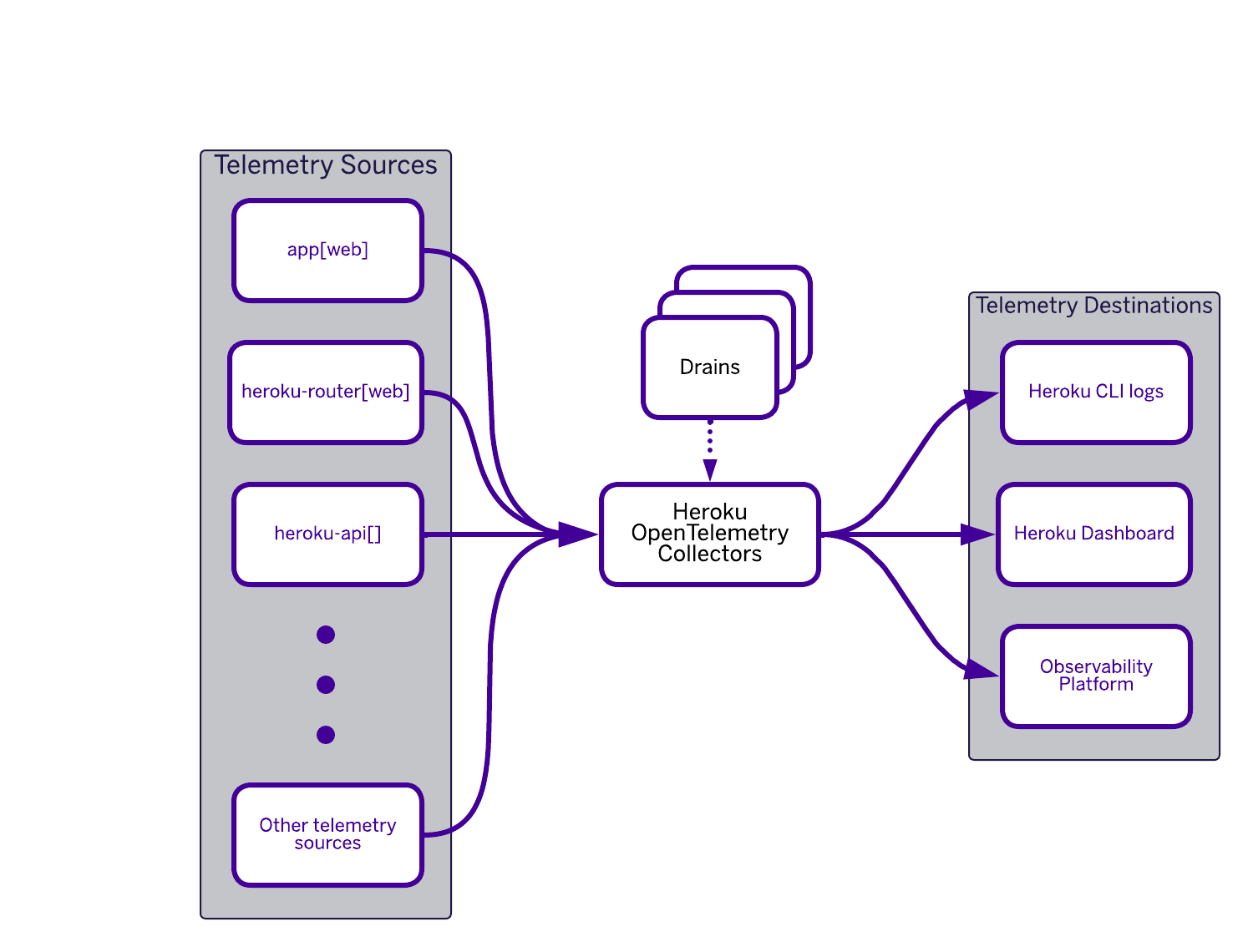
Fir streamlines the process of collecting and exporting telemetry data without extensive configuration. For an immediate, out-of-the-box view, this data automatically populates the familiar Heroku Metrics tab, providing essential insights with zero setup.
When you need to go deeper, Fir’s native support for OpenTelemetry allows you to fully utilize its core signals (traces, metrics, and logs) with upstream SDKs in your language.
Comprehensive Telemetry Signals
Comprehensive telemetry signals are fundamental to understanding, optimizing, and maintaining the health of your applications. By leveraging a combination of traces, metrics, and logs, you gain a holistic view of system behavior, enabling faster issue resolution and more informed decision-making.
Traces provide visibility into the execution path of individual requests, allowing you to pinpoint where latency occurs and identify performance bottlenecks across distributed systems. This insight is invaluable for troubleshooting complex issues, across different application architectures. From monoliths to microservices, understanding the full request path via traces is crucial for isolating problems that degrade the user experience.
Metrics offer quantitative measurements of your system’s performance and resource utilization, such as CPU load, memory usage, and request rates. These continuous data streams help you monitor overall system health, detect anomalies, and plan for scalability by forecasting capacity needs.
Logs, on the other hand, capture discrete events that reflect the inner workings of your application. They offer detailed context for debugging errors, auditing user actions, and tracking security events. OpenTelemetry embraces your existing logging solutions by automatically correlating logs with traces using injected context (like trace IDs) for easier troubleshooting across systems, and providing capabilities to standardize and enrich logs from different sources into a more unified format.
When combined, these telemetry signals provide a powerful toolkit for maintaining application reliability, enhancing security, and optimizing performance — ensuring that your systems can scale to meet evolving business demands.
Telemetry Export with Heroku Telemetry Drains
Extending Heroku’s hallmark simplicity to modern observability, Fir embraces native OpenTelemetry. Fir’s native OpenTelemetry integration makes comprehensive observability straightforward. Crucially, Heroku automatically collects platform and application telemetry (traces, metrics, logs) and seamlessly combines it with any custom instrumentation you add using standard OTel SDKs in your code. This unified stream provides a complete picture of your application’s health and performance, all in one place.
Heroku has always prioritized simplicity and ease of use for developers, and the new Heroku Telemetry tools build upon this foundation. Previously, Heroku’s log drains allowed developers to effortlessly set up and manage log streams, ensuring that critical application data was easily accessible. Now, you can see from the command below that it’s just as easy to configure app or space level telemetry drains and enable seamless transmission of all this data to your preferred observability backend and tools.
heroku telemetry:add https://telemetry.example.com --app myapp --signals traces,metrics --transport http --headers '{"x-sample-header":"sample-value"}'
Greater Flexibility with Expanded Dyno Options
One of the most significant advancements in the Fir generation is the dramatically expanded range of dyno options. Moving beyond the offerings available in previous generations, Fir provides 18 dyno options across various specifications to match resources exactly to your application’s needs.
This isn’t just about having more choices; it’s about having the right choices for your applications. You can see the full list of new dyno options in the table below or review the Technical Specifications by Dyno Size.
Precise Resource Allocation: Fir enables precise resource allocation, eliminating over-provisioning or the need to fit applications into mismatched dynos. These new granular options facilitate the fine-tuning of CPU and memory resources for applications, resulting in more efficient and cost-effective deployments.
Greater Optionality: We’ve listened to your feedback and introduced more intermediate sizes, as well as smaller options like dyno-1c-0.5gb (0.5GB RAM, 1 vCPU) and dyno-2c-1gb (1GB RAM, 2 vCPU). These brand new offerings bring greater optionality to balance your compute, memory, and cost needs.
Optimized for Diverse Workloads: Whether you’re running memory-intensive applications, compute-heavy tasks, or general-purpose web services, Fir’s diverse dyno families provide optimized configurations to meet your specific performance requirements. By offering this increased granularity, Fir empowers you to optimize your application’s performance and costs with unparalleled precision.
| Family | Dyno Type | CPU (Virtual) Cores | Memory (RAM) |
|---|---|---|---|
| Classic | dyno-1c-0.5gb | 1 | 0.5GB |
| Classic | dyno-2c-1gb | 2 | 1 GB |
| General Purpose (1 compute : 4 memory) | dyno-1c-4gb | 1 | 4 GB |
| General Purpose | dyno-2c-8gb | 2 | 8 GB |
| General Purpose | dyno-4c-16gb | 4 | 16 GB |
| General Purpose | dyno-8c-32gb | 8 | 32 GB |
| General Purpose | dyno-16c-64gb | 16 | 64 GB |
| Compute (1 compute: 2 memory) | dyno-2c-4gb | 2 | 4 GB |
| Compute | dyno-4c-8gb | 4 | 8 GB |
| Compute | dyno-8c-16gb | 8 | 16 GB |
| Compute | dyno-16c-32gb | 16 | 32 GB |
| Compute | dyno-32c-64gb | 32 | 64 GB |
| Memory (1 compute: 8 memory) | dyno-1c-8gb | 1 | 8 GB |
| Memory | dyno-2c-16gb | 2 | 16 GB |
| Memory | dyno-4c-32gb | 4 | 32 GB |
| Memory | dyno-8c-64gb | 8 | 64 GB |
| Memory | dyno-16c-128gb | 16 | 128 GB |
Enhanced Platform Data Residency
With this next generation of Heroku, our new architecture allows us to keep all data and services in the same region where our customers are running and storing their data.
All Telemetry data generated by your apps and Heroku’s infrastructure stays within your Fir Space’s region, bolstering Heroku’s data residency capabilities for our customers.
With OpenTelemetry deeply integrated into Fir, you gain valuable insights into your application’s performance with built-in support, allowing for more effective monitoring, debugging, and optimization and it all stays local to where your application is running.
Also, now that Cloud Native Buildpacks are the standard build system for our newest platform, that means that all builds are also created within the same space as where the apps and dynos will be run, and therefore will stay in the same region.
With Fir, you have granular control over how your data is stored and where it runs. In addition, you likely boost application performance by using geographical proximity to optimize data access.
Conclusion
The next generation of Heroku is here, designed with you, the developer, in mind. By offering significantly expanded dyno options, embracing the power of Cloud Native Buildpacks, and integrating robust observability with OpenTelemetry, Heroku Fir empowers you to build, deploy, scale, and monitor your applications with greater flexibility, efficiency, and confidence.
While we’re excited the next generation of Heroku is now generally available, we’re just getting started. Fir is the foundation for delivering the most highly requested Heroku features, and it will enable us to ship faster than ever before. We’re delighted to share the direction we’re heading in, starting with these roadmap items:
- Heroku AppLink for Salesforce
- Enhanced networking features including exposing apps through AWS VPC PrivateLink and AWS Transit Gateway
- Expanded isolation & sandboxing use cases, such as Fir for Multi-Tenancy
- Software supply chain security, including Software Bill of Materials (SBOMs) generation and cryptographically signed build provenance
Want to dive deeper into Fir? Join our team of experts for the Fir GA webinar on April 30th at 10:00AM PST / 1:00PM EST, where we’ll walk through the new platform and give you a sneak peek at what’s ahead.
We’re excited for you to experience the platform and see what you build with it.
The post Heroku Fir: Dive into the New Platform Capabilities appeared first on Heroku.
]]>It’s never been a more exciting time to be a .NET developer. With .NET (formerly known as .NET Core) approaching its 10-year anniversary this November, the platform has evolved into a powerful, cross-platform ecosystem, embracing modern development practices and powering a vast array of applications. Today, we’re thrilled to announce that .NET support on Heroku, […]
The post .NET on Heroku: Now Generally Available appeared first on Heroku.
]]>It’s never been a more exciting time to be a .NET developer. With .NET (formerly known as .NET Core) approaching its 10-year anniversary this November, the platform has evolved into a powerful, cross-platform ecosystem, embracing modern development practices and powering a vast array of applications.
Today, we’re thrilled to announce that .NET support on Heroku, previously in beta, is now Generally Available (GA), marking a significant milestone for .NET developers on our platform. We want to thank our beta users for their invaluable feedback, which has helped us to refine and enhance the .NET experience on Heroku.
Key Benefits of .NET GA
With General Availability, .NET applications on Heroku are fully supported in production environments. This represents our long-term commitment to the .NET ecosystem, meaning you can rely on Heroku’s robust infrastructure and support services for your critical .NET workloads.
.NET joins as our 7th runtime ecosystem on the Heroku platform. Like all of our other ecosystems, what this means for .NET developers:
- You’ll have access to the latest stable version of the .NET runtime the day it’s released.
- Comprehensive documentation is available on the Heroku Dev Center, tailored specifically for .NET developers.
- Our support team is here to help with your .NET deployments, and you’re covered by Heroku’s support policy.
- You’ll have a developer experience that feels native and follows idioms familiar to .NET developers.
General Availability signifies that .NET on Heroku is production-ready, fully supported, and seamlessly integrated into the Heroku ecosystem, providing .NET developers with a first-class experience.
Built for .NET
Heroku now supports .NET, including languages like C#, F#, and Visual Basic. Heroku automatically understands, builds, and deploys your .NET applications, applying smart defaults to simplify your workflow. However, if you need more control, you can easily override these defaults to tailor the environment to your specific requirements, ensuring you can focus on coding and innovation.
.NET on Heroku includes:
- The most recent .NET SDK and runtimes are installed automatically based on your project’s
TargetFramework. You can override that using aglobal.jsonfile if needed. - ASP.NET Core apps are configured to listen on the right port by default. All executable project types, including Console and Worker Services, are detected during build. The build log shows helpful output that can easily be adapted to your own process types with Procfile for more control.
- Heroku supports framework-dependent apps by default, allowing a solution with many projects to be efficiently supported. Other deployment models, such as self-contained, ReadyToRun, and highly optimized Native AOT, are also supported out of the box.
Whether you’re working with a single project or a solution that includes multiple apps, Heroku adapts to your setup in a way that feels intuitive and natural for .NET developers.
Stay in the Flow
Beyond the core support, .NET apps plug right into the developer workflow you expect.
- Use Heroku Pipelines to manage staging and production environments.
- Run tests automatically with Heroku CI, supporting any major .NET testing framework.
- Preview pull requests with Review Apps – complete, disposable Heroku apps that spin up automatically for each GitHub PR.
- Automate tasks like database migrations with Release Phase, scale dynos instantly as demand grows, and roll back to any previously released version if something goes wrong.
With Heroku, you get a smooth, automated, and collaborative .NET development experience, allowing you to release with confidence from coding to production.
Getting Started with .NET on Heroku
Wherever you are in your .NET journey, Heroku offers a smooth path to deployment:
- New to Heroku? Head over to our .NET sign up page for more information.
- Ready to Deploy? Start with our Getting Started with .NET tutorial for a step-by-step guide.
- Already using the
heroku/dotnetbuildpack from the beta? You’re already on the GA version – no changes needed. - Need More Info? Check out the .NET Support Reference on Dev Center.
- Using a Community Buildpack? Continue to use it, or migrate to the official buildpack – migration guides are coming soon.
- Migrating from Another Platform? Reach out to Heroku Support – we’re ready to help.
The Heroku platform now offers .NET developers the performance, reliability, scalability, and ease of use they expect. Share your feedback with us on GitHub and help shape the future of .NET on Heroku!
We’re thrilled to support the .NET community and can’t wait to see what you build next.
The post .NET on Heroku: Now Generally Available appeared first on Heroku.
]]>We’re excited to introduce Heroku-Jupyter, an open-source, production-ready solution for running Jupyter Notebooks on Heroku with persistent storage, seamless deployment, and built-in security. Whether you’re a data scientist, educator, or developer, you can now spin up a cloud-based Jupyter environment in minutes. Why Jupyter on Heroku? Jupyter Notebooks provide an interactive computing environment ideal for […]
The post Jupyter Notebooks on Heroku with Persistent Storage appeared first on Heroku.
]]>We’re excited to introduce Heroku-Jupyter, an open-source, production-ready solution for running Jupyter Notebooks on Heroku with persistent storage, seamless deployment, and built-in security. Whether you’re a data scientist, educator, or developer, you can now spin up a cloud-based Jupyter environment in minutes.
Why Jupyter on Heroku?
Jupyter Notebooks provide an interactive computing environment ideal for data analysis, visualization, and machine learning. However, cloud-based Jupyter deployments often face challenges like ephemeral storage and complex server configurations. Heroku-Jupyter solves these issues by providing a streamlined cloud-based experience.
Persistent Storage for reliable, up-to-date models
- Reliable Data Management: Your notebooks are safely stored in PostgreSQL, ensuring they remain accessible and secure across sessions.
- Data Integrity: With persistent storage, you can trust that your data and models are always up-to-date and backed up, reducing the risk of data loss.
Security First Dev Environment
- Built-in Password Protection: Protect your work with robust password authentication, ensuring that only authorized users can access your notebooks.
- Compliance and Privacy: Heroku’s security features help you meet compliance requirements and maintain data privacy, making it suitable for enterprise-level applications.
Scalability and Flexibility
- One-Click Deployment: No manual setup or infrastructure management—just deploy and start coding.
- Auto-Scaling: Heroku automatically scales your Jupyter environment to handle increased loads, ensuring your applications perform optimally under varying conditions.
- Customizable Environment: While Heroku-Jupyter comes with smart defaults, you can easily override settings to tailor the environment to your specific needs, whether you’re working on a small project or a large-scale application.
Advance AI Capabilities
By leveraging Heroku’s developer-friendly platform, Jupyter users can focus on innovation without worrying about infrastructure.
You can now supercharge your Retrieval-Augmented Generation (RAG) applications on Heroku by combining Heroku-Jupyter, pgvector, and Heroku Managed Inference and Agents.
You can use an embedding model in Heroku Managed Inference and Agents (cohere-embed-multilingual) to convert text into vector representations stored in pgvector for fast retrieval. Then, leverage an inference model in Heroku Managed Inference and Agents (claude-3-5-sonnet) to generate intelligent responses using the retrieved context.
With Heroku-Jupyter, you can easily experiment, fine-tune, and optimize your pipeline—all within Heroku’s ecosystem
A Production-Ready Jupyter Notebook Environment
A delightful developer experience is at the heart of what we do at Heroku. Heroku-Jupyter enhances your workflow through One-Click Deployment buttons. This makes it easy to get started in minutes. No need for complex configuration—just deploy and start working instantly. Once logged into your Heroku account, after clicking the Deploy to Heroku button your Jupiter Notebook will be live in minutes.
Conclusion
We’re committed to bringing Heroku, the beloved developer platform into the AI era by integrating with tools like pgvector and Heroku Managed Inference and Agents. Whether you’re a data scientist, educator, or developer, Heroku-Jupyter is designed to meet your needs and help you achieve your goals with a production-ready Jupyter Notebook environment.
We’d love your feedback! Join the open-source community on GitHub, contribute to the project, and help shape the future of Heroku-Jupyter.
The post Jupyter Notebooks on Heroku with Persistent Storage appeared first on Heroku.
]]>Many advanced users want to use GitHub Actions with their applications on Heroku. Now there’s a straightforward way to use these great systems together, and to meet strong security and compliance requirements at the same time. A Solution for GitHub IP Range Restrictions Heroku is a powerful platform that offers robust CI/CD capabilities and secure, […]
The post Using GitHub Actions with Heroku Flow for additional Security Control appeared first on Heroku.
]]>Many advanced users want to use GitHub Actions with their applications on Heroku. Now there’s a straightforward way to use these great systems together, and to meet strong security and compliance requirements at the same time.
A Solution for GitHub IP Range Restrictions
Heroku is a powerful platform that offers robust CI/CD capabilities and secure, scalable environments for deploying applications. However, GitHub Orgs cannot be configured with Heroku IP ranges, which can be a requirement for some organizations’ security rules. While this is under consideration, we want to share an alternative that leverages GitHub Actions, Heroku’s ability to run arbitrary workloads and its powerful Platform API. If you’re looking to integrate private repositories with Heroku CI/CD, need strict control over source code sharing in regulated environments, or want to explore why running a GitHub Action Runner on Heroku might be more efficient, this blog post is for you!
In this post, we will share and describe a set of repositories and configuration instructions that enable you to leverage GitHub Actions—its features, dashboard reporting, and the ability to host the GitHub Runner on Heroku—for optimal execution and secure access to your private application code, all while still within the Heroku Pipeline dashboard experience.
Keep in mind, while aspects of this solution are part of the core Heroku offering, the pattern explained in this article is provided as a sample only and the final configuration will be your responsibility. Additionally, while we have tried hard to ensure all aspects of the Heroku Flow feature work in this mode – there are some considerations to keep in mind we will share later in this blog and in the accompanying code.
What are GitHub Actions?
In short, GitHub Actions are small code snippets—typically shell scripts or Node.js—that run in response to events like commits or PR creation. You define which events trigger your actions, which can perform various tasks, primarily integrating with CI/CD systems or automating testing, scanning, and code health checks. For secure access to your deployment platform and source code, GitHub requires you to host a Docker image of their Runner component. They also require that you routinely update your runner instances within 30 days of a new release. You can read more about GitHub Actions.
Using GitHub Actions with Heroku
Heroku supports these requirements in two key ways: hosting the runner and providing access to the build and deployment platform. First, Heroku can host official Docker images just as easily as application code, eliminating the need to manage infrastructure provisioning or scaling. Second, the Heroku Platform API enables GitHub Actions to automate managing Review Apps through an existing pipeline, move code through the pipeline, and trigger deployments—all while storing source code briefly on ephemeral storage. Additionally, this setup includes automation for the mandatory 30-day upgrade window for the GitHub Runner component, reusing the above mentioned features to schedule a weekly workflow that rebuilds its Docker image and autodeploy as a Heroku app, which removes the burden of having to update it manually. The following diagram outlines the location of application source repositories, the two GitHub actions required and within Heroku the configuration to run the GitHub runner and of course application deployments created by the actions – all within a Heroku Private space.

There are two repositories we are sharing that help you accomplish the above:
- Heroku-hosted runner for GitHub Actions – This project defines a Dockerfile to run a custom Heroku-hosted runner for Github Actions (see also self-hosted runners). The runner is hosted on Heroku as a docker image via
heroku.yml. Once the self-hosted runner is running on Heroku you can start adding workflows to your private GitHub repositories to automate Heroku Review Apps creation and Heroku Apps deploy using the following action (that includes workflow examples). - Heroku Flow Action – GitHub Action to upload the source code to Heroku from a private GitHub repository using the Heroku Source Endpoint API. The uploaded code is then built to either deploy an app (on
push,workflow_dispatch, andscheduleevents) or create/update a review app (onpull_requestevents such asopened,reopened, andsynchronize). Whenever a PR branch is updated, the latest commit is deployed to the review app if existing, otherwise a new review app is created. The Review App is automatically removed when the pull request is closed (onpull_requestevents when the action is ‘closed‘). The action handles only the above mentioned events to prevent unexpected behavior, handling event-specific requirements and improving action reliability.
The README files in the above repos go into more details – but at a high level what is involved is the following steps to setup GitHub Runner in Heroku and configure the GitHub Actions:
- Identify a Private Space to run your the GitHub Runner in and resulting pipeline apps.
- Identify outbound IPs from the Private Space to be shared in your GitHub configuration.
- Deploy the GitHub Runner to the Private Space with your GitHub access token and Organization Name.
- Configure one or more private repos with the Heroku Flow Action and test by creating some PRs.
What you should see from step 4 is the following:
- A new GitHub Action is started.
- A Review App within the configured Pipeline is automatically created upon the creation of a PR.
- From the Pipeline you can follow the application build as soon as it progresses.
Advantages to using GitHub Actions with Heroku Flow
Using this approach you are able to fully leverage your Heroku investment and reuse the features that the platform already offers, such as build and deploy capabilities and compute power, without needing to use external tools or platforms. In this way, your CI/CD is fully integrated where your apps are, a close integration that allows you to unlock scenarios where you can connect your Heroku-hosted runners to resources within or attached to your Private Space (e.g. secret managers, package registries, Heroku apps …) via Private Space peering or VPN connections.
Using a Private Space is not mandatory, but it adds a layer of security and provides a static set of public IP addresses that can be configured in your GitHub Org. Moreover, Private Spaces are now available for online customers too, so both verified Heroku Teams and Heroku Enterprises can leverage such an option.
Your Heroku Flow can be improved and customized with ad-hoc steps and provide additional features such as manual and scheduled app builds and deploys via GitHub Actions “Run Workflow” and cron/scheduler.
Last, but not least, your Heroku-hosted runners’ consumption is pro-rated to the second.
This solution complements your current Heroku development environments and can be used even for non-Heroku projects, a complete and enhanced delivery workflow is at your fingertips that in the future can open to other integration scenarios (e.g. on-premise GitHub Server, GitLab, Bitbucket …), while remaining on the platform you love!
Considerations for Using GitHub Actions with Heroku Flow
Please keep the following considerations in mind as you explore this pattern and read the README files within the above repositories in detail to fully understand their value and implications. In summary, some key aspects to be aware of are as follows:
- From the Review App UI in the Heroku Pipeline, the URL used to allow easy access to the instance of the actual GitHub repository is not available in this configuration. You will instead need to relay the correct GitHub repository URL to your stakeholders in a different way.
- Heroku CI has a feature that automatically runs tests before creating Review Applications, among other features described here. In this configuration, the standard Heroku-managed Git repository is explicitly not used, and as such, tests are not run in the conventional way. If you need this capability, you could consider extending the action code to run your tests before every subsequent push to your GitHub repository.
- Currently, this configuration is not compatible with Fir, our next-generation platform version.
- While we are using the core GitHub Runner software, we are not using the standard GitHub docker images: Rather, we create a custom image for you. It is up to you to test whether other GitHub actions you have created work as expected.
Please continue to review more detailed consideration information in the README’s here and here.
Conclusion: Heroku + Github Actions Streamlines your CI/CD
GitHub Actions is a powerful tool for automating deployment pipeline tasks. Given the ability to reduce the toil of managing your own GitHub Runner instance along with the ease with which you can monitor the pipeline and let stakeholders test builds through Heroku Review Apps, we’re excited to share this pattern with our customers. As mentioned earlier, out-of-the-box support for this capability is under consideration by our product team. We invite you to share your thoughts on this roadmap item directly via commenting on the github issue. Meanwhile please feel free to fork and/or make suggestions on the above GitHub repos. We welcome your feedback, whether or not you’ve explored this approach. Finally, at Heroku, we consider feedback a gift. If you have broader ideas or suggestions, please connect with us via the Heroku GitHub roadmap.
The post Using GitHub Actions with Heroku Flow for additional Security Control appeared first on Heroku.
]]>Heroku’s commitment to developer productivity shines through in its powerful buildpack system. They handle the heavy lifting of building your app, letting you focus on what matters most: writing code. A prime example is the Heroku Java buildpack, a versatile tool that simplifies deploying Java applications, especially those built with popular frameworks like Spring Boot, […]
The post Simplifying JVM App Development with Heroku’s Buildpack Magic appeared first on Heroku.
]]>Heroku’s commitment to developer productivity shines through in its powerful buildpack system. They handle the heavy lifting of building your app, letting you focus on what matters most: writing code. A prime example is the Heroku Java buildpack, a versatile tool that simplifies deploying Java applications, especially those built with popular frameworks like Spring Boot, Quarkus, and Micronaut.
One of the core strengths of Heroku buildpacks is their automatic nature. They intelligently detect your application’s language and framework, fetching the necessary build tools and configuring the Heroku platform to run your app seamlessly. This means no more wrestling with server configurations or deployment scripts – Heroku handles it all.

Beyond just building your application, our Java Buildpacks go a step further by understanding the nuances of different Java frameworks and tools. They automatically inject framework-specific configurations, such as database connection details for Postgres, eliminating the need for manual setup. This deep integration significantly reduces the friction of deploying complex Java applications. You don’t have to teach Heroku how to run your Spring Boot, Quarkus, or Micronaut app, and in some cases you don’t have to teach these frameworks how to interact with Heroku services either. In many cases, even a Procfile becomes optional! Let’s take a closer look at how the Java Buildpack supports these popular development frameworks.
Spring Boot Development Framework
The Maven or Gradle buildpack recognizes your Spring Boot project by inspecting your build definition, for example your pom.xml file. It automatically packages your app into an executable JAR, and configures the environment to run it using the embedded web server. It also helps out with Spring specific environment variables, ensuring your Spring Boot app behaves as expected when working with databases. Database connections are automatically configured using SPRING_ (such as SPRING_DATASOURCE_URL), so Spring automatically detects your use of the Heroku Postgres add-on. This is also true for our Heroku Key Value Store add-on, whereby the SPRING_REDIS_URL environment variable is automatically set. In many cases, a Procfile isn’t necessary since the buildpack can determine the main JAR file automatically and adds a default process for your application such as: web: java -Dserver.port=$PORT $JAVA_OPTS -jar $jarFile.
Quarkus Development Framework
We recently added support for Quarkus, known for its focus on developer joy. The Java (Maven) or Java (Gradle) buildpacks recognize your Quarkus project by inspecting your build definition. You can omit the usual Procfile and Heroku will default to Quarkus’ runner JAR automatically: java -Dquarkus.http.port=$PORT $JAVA_OPTS -jar build/quarkus-app/quarkus-run.jar.
Micronaut Development Framework
Micronaut, another framework designed for speed and efficiency, also benefits from the Java Buildpack’s intelligent automation. Just like with Spring Boot and Quarkus, database connections via DATABASE_URL and JDBC_DATABASE_URL and other environment-specific settings are handled automatically. You can omit the usual Procfile and Heroku will default to this automatically: java -Dmicronaut.server.port=$PORT $JAVA_OPTS -jar build/libs/*.jar.
Enhance Java Virtual Machine (JVM) Apps with Runtime Metrics
Heroku’s Language Runtime Metrics provide JVM metrics for your application, displayed in the Heroku Dashboard. This feature complements our existing system-level metrics by offering insights specific to your application’s execution, such as memory usage and garbage collection. These more granular metrics offer a clearer picture of your code’s behavior.
Heroku automatically configures your application to collect these metrics via a light-weight JVM agent. No configuration necessary.

Beyond Java: Heroku’s JVM Language Support
Apart from offering excellent support for building Java applications, Heroku offers support for additional JVM languages in Scala and Clojure. The buildpacks for those languages offer a similar suite of features backed by the sbt and Leiningen build tools.
Building great apps with Heroku and Java
Looking through our Heroku customer stories we can see that our customers are enjoying our Java support, building engagement apps, helping with cloud adoption and driving growth by leveraging Heroku’s ability to elastically scale compute intensive workloads.

- eCommerce Site & business platform: Improve user or employee engagement, and retention.
Customer Story: Goodshuffle Pro - Cloud Adoption: Replatforming legacy back-end services.
Customer Story: Dovetail - Engines & APIs: Project customer growth.
Customer Story: PensionBee
Extend Salesforce with Java: Heroku AppLink & Eventing
Yes, and in fact, with any language supported by Heroku, it’s possible to extend your Flow, Apex, and Agentforce experiences with code, frameworks, and tools you’re familiar with from the Java ecosystem. Even if you haven’t used Java before, you’ll find its syntax similar to that of Apex. Check out our latest Heroku Eventing and AppLink pilot samples written in Java to find out more!
Heroku Java Buildpacks: Simplifying Deployment and Configuration
Heroku’s Java buildpacks are powerful tools that significantly simplify deploying JVM applications. By automating the build process, injecting framework-specific configurations, and handling runtime setup, it lets developers focus on writing code, not managing framework configuration. Here are some useful articles the Heroku DevCenter site:
- Getting started with Java and Maven
- Getting started with Java and Gradle
- Working with Spring Boot
- Connecting to Relational Databases on Heroku with Java
To submit feedback on your favorite JVM language, framework, or packaging tool, please connect with us via the Heroku GitHub roadmap. We welcome your ideas and suggestions.
The post Simplifying JVM App Development with Heroku’s Buildpack Magic appeared first on Heroku.
]]>Developers love Heroku for its elegance and simplicity to easily build and deploy any type of app or service in the languages they love. This flexibility enables developers to build robust custom applications or specialized capabilities like agent actions, complex pricing calculations, or real-time transformations and processing. These are often capabilities where Salesforce Admins and […]
The post Heroku AppLink Pilot: The Shortest Path to Bring Your Code to Agentforce appeared first on Heroku.
]]>Developers love Heroku for its elegance and simplicity to easily build and deploy any type of app or service in the languages they love. This flexibility enables developers to build robust custom applications or specialized capabilities like agent actions, complex pricing calculations, or real-time transformations and processing. These are often capabilities where Salesforce Admins and Developers on Heroku come together to design and implement robust workflows and agents to support business processes.
The process of bringing their custom apps on Heroku to their Salesforce implementations has historically been a complex and time-consuming process. To address this, we’ve introduced Heroku AppLink, a powerful new tool designed to streamline the integration process.
Taming the Complexity of Salesforce <-> Heroku Connections
Without a native integration solution, developers and admins face several key challenges:
- Lack of visibility – No centralized place for admin/developer to view and manage all existing connections.
- Limited discoverability – Salesforce Admins and Developers struggle to discover Heroku resources in their implementations.
- Fragmented management – No centralized way for Heroku admins to manage access and connection settings.
- Security & compliance challenges – Ensuring that Heroku services meet Salesforce’s security requirements.
These challenges slowed down development, created inefficiencies between teams, and made it harder to design solutions that fully leveraged the combined power of the Heroku platform and Salesforce Clouds.
That’s why we built Heroku AppLink.
Simplifying Integration with Heroku AppLink
Heroku AppLink, now available in pilot, makes it effortless to securely connect your Heroku applications to Agentforce, Data Cloud, and any Salesforce Cloud. AppLink is designed with long term manageability, visibility, and ease of use in mind.
Now, with a single command, teams can:
- Accelerate development by eliminating manual setup and integration tasks.
- Enhance security with a standardized integration approach and managed connections that meet Salesforce security standards.
- Boost operational efficiency with more granular environment and connection definitions.
- Enhance visibility & governance by providing a single source of truth for Heroku – Salesforce integrations and single UX for managing credentials and connections.
Key Features of Heroku AppLink
- Seamless integration: Automatically connect Heroku apps with Agentforce, Salesforce Clouds, and Data Cloud for near real-time interactions.
- Managed security: Supports three interaction modes while enforcing Salesforce user permissions for data access, and while maintaining user context.
- Flows and Apex-based invocation: Call Heroku-hosted services directly from Salesforce Flows and Apex.
- SDK templates: Use predefined SDK templates to perform DML operations on Salesforce and Data Cloud data.
- Built-in discoverability: Centralized access to Heroku services and resources.
To see Heroku AppLink in action, check out our Heroku AppLink and Eventing Demo video.
Join the Heroku AppLink Pilot
The Heroku AppLink pilot is now complete. We’ve gathered great feedback to help shape the future of Heroku integrations tools. Thank you to all the developers who participated!
Heroku AppLink and Eventing: Better Together, Like Pair Programing
We’re also piloting Heroku Eventing, which works alongside AppLink to provide real-time event streaming between Heroku and Salesforce.
- Heroku AppLink -> Best for secure, managed integrations.
- Heroku Eventing -> Best for event-driven architectures, allowing real time data flow across systems.
Together, these two new capabilities can allow developers to build more responsive and interactive applications and collaborate effectively with their Salesforce Admins.
We’re excited to bring a more connected Heroku experience to developers.
The post Heroku AppLink Pilot: The Shortest Path to Bring Your Code to Agentforce appeared first on Heroku.
]]>Managing event-driven architecture can be challenging. For many organizations, this includes a diverse set of eventing services and buses, often across multiple organizations. Developers must manage authentication and pub/sub services across teams and applications. We’re thrilled to introduce Heroku Eventing, a powerful tool designed to help teams manage events more efficiently and securely. This new […]
The post Heroku Eventing: A Router for All Your Events appeared first on Heroku.
]]>Managing event-driven architecture can be challenging. For many organizations, this includes a diverse set of eventing services and buses, often across multiple organizations. Developers must manage authentication and pub/sub services across teams and applications.
We’re thrilled to introduce Heroku Eventing, a powerful tool designed to help teams manage events more efficiently and securely. This new feature simplifies the process of integrating and monitoring events from various sources, ensuring a seamless and secure experience.
Simplifying Monitoring and Observability
One of the most common challenges our customers face is the need for comprehensive monitoring and observability. Traditionally, this involves manually gathering data from multiple systems or setting up complex, potentially insecure connections. Heroku Eventing offers a streamlined and secure solution to this problem.
With Heroku Eventing, teams can aggregate data from sources such as Salesforce, ServiceNow, New Relic, and Splunk, and view them in a unified, user-friendly interface. This integration provides a clear and accessible overview of platform performance and health metrics, making it easier to monitor and manage your applications.
What is Heroku Eventing?
Heroku Eventing is a robust tool that simplifies event-based application development on the Heroku platform. It offers a centralized hub for managing, subscribing to, and publishing events, streamlining the development process:
- Centralized Management: Manage all subscriptions and publications related to an app from a single, intuitive interface.
- Seamless Integration: Connect directly with Heroku Kafka and Postgres Database.
- Flexible Event Distribution: Push Kafka and Postgres events to subscribers, including data cloud and Salesforce Platform Events.
- Unified API: Use a single API to subscribe and publish to all events and webhooks.
- Secure Authentication: Securely store authentication credentials for all connected services.
- Compliance: Compliant with industry standards, including Cloud Events and Bloblang.
To see Heroku Eventing in action and better understand how it functions, check out this demo video.
Join the Pilot
Heroku Eventing is now available as a pilot. We’re looking for developers to try it out and give us feedback. By joining the pilot, you’ll get early access to Heroku Eventing, and your input will help shape the future of Heroku tools.
Heroku Eventing and AppLink: Better Together, Like Pair Programing
We’ve recently completed a pilot of Heroku AppLink, which works alongside Eventing to expose Heroku apps as APIs in Salesforce, so you can more easily integrate your custom apps with Salesforce.
- Heroku AppLink -> Best for secure, managed integrations.
- Heroku Eventing -> Best for event-driven architectures, allowing real time data flow across systems.
Together, these two features allow developers to build more responsive and interactive applications.
Stay tuned for more updates as we continue improving the Heroku AppLink and Eventing experience based on pilot feedback.
We’re excited to bring a more connected Heroku experience to developers.
The post Heroku Eventing: A Router for All Your Events appeared first on Heroku.
]]>The Heroku Extension for Visual Studio Code (VS Code) is now generally available for all customers—VS Code is an all-in-one tool that brings Heroku’s cloud management directly to your favorite IDE. In today’s fast-paced, AI-assisted development environment, switching between code editors and deployment tools can slow innovation and product delivery. This extension lets you focus […]
The post Heroku Extension for Visual Studio Code (VS Code) Now Generally Available appeared first on Heroku.
]]>The Heroku Extension for Visual Studio Code (VS Code) is now generally available for all customers—VS Code is an all-in-one tool that brings Heroku’s cloud management directly to your favorite IDE. In today’s fast-paced, AI-assisted development environment, switching between code editors and deployment tools can slow innovation and product delivery. This extension lets you focus on building great applications by streamlining cloud resource monitoring, one-click deployments, and add-on management, all within VS Code.
Why Visual Studio Code?
Visual Studio Code (VS Code) is one of the most popular code editors, loved by developers for its extensibility, lightweight design, and robust ecosystem of extensions. Given its widespread adoption, we built the Heroku Extension to integrate seamlessly with VS Code, enabling developers to manage their Heroku apps without interrupting their flow.
Many modern AI-powered code editors, such as Windsurf and Cursor, are forks of VS Code, leveraging its powerful architecture while incorporating AI-driven capabilities. Because our extension is built for VS Code, it’s automatically compatible with these AI code editors, allowing developers to use Heroku’s platform insights and management tools in their preferred environments.
For Salesforce developers, this extension is fully compatible with Salesforce Code Builder, making it easier than ever to extend Salesforce applications with Heroku’s cloud services. Whether you’re working in VS Code, an AI-powered fork, or Code Builder, the Heroku extension enhances your development workflow by providing seamless cloud integration.
Streamline Cloud Development with Heroku and VS Code
A delightful developer experience is at the heart of what we do at Heroku. Heroku’s VS Code Extension enhances the DevEx through…
- Easy Installation: install the extension from many providers. Including the VS Code Marketplace or OpenVSX Registry. The Heroku VS Code extension is compatible with VS Code, Salesforce Code Builder and VS Code forks (Eg: Cursor, Windsurf, Trae, Google IDX)
- Real-time Resource Insights: Access to a dedicated Resource Explorer to monitor dyno statuses, manage add-ons like Heroku Postgres and Heroku Key-Value Store, and view logs directly in your IDE.
- One-click Deployment: Deploy your apps with one click, view live deployment logs, and run shell commands—all within VS Code.
- Simple Onboarding: Existing Heroku users can quickly authenticate and import apps, while newcomers can choose from curated starter templates to kickstart their journey.
- Community-Driven: Our developer community asked for Heroku’s VS Code Extension and we heard you! Your continued feedback is key. Join our GitHub community to share suggestions and track upcoming features.
The Future of Cloud Development is Here with Heroku
Heroku Extension for VS Code seamlessly bridges AI-powered coding with efficient cloud deployment, transforming your development workflow. By integrating all essential Heroku functionalities into one environment, you can build, deploy, and manage applications faster and smarter.
Try it today and experience a streamlined, modern approach to cloud development.
The post Heroku Extension for Visual Studio Code (VS Code) Now Generally Available appeared first on Heroku.
]]>Heroku has announced exciting updates that will help Salesforce Consulting Partners expand their offerings, deepen their expertise, and deliver pro-code solutions to their customers. The updates are designed to accelerate the adoption and successful implementation of Heroku for our customers. These changes make it easy for customers to identify Consultants with Heroku expertise who can […]
The post Heroku Introduces New Partner Resources to Empower Salesforce Consultants appeared first on Heroku.
]]>Heroku has announced exciting updates that will help Salesforce Consulting Partners expand their offerings, deepen their expertise, and deliver pro-code solutions to their customers. The updates are designed to accelerate the adoption and successful implementation of Heroku for our customers. These changes make it easy for customers to identify Consultants with Heroku expertise who can bring value to their business.
New Heroku Partner resources
Heroku introduces new resources designed to help Partners build their expertise and collaborate with the Heroku team.
- Heroku Partner Readiness Guide: A curated summary of resources to accelerate their journey to becoming a Heroku Consulting Partner.
- Heroku Technical Learning Journey: A clear path from beginner to advanced proficiency, guiding Consultants through their technical development with Heroku.
- Heroku Partner Trailblazer Community: A place to ask challenging questions, get real-time feedback, network and share ideas with fellow Partners, and access valuable resources.
Coming in 2025 – Heroku Expert Area for Partners and more
The Heroku Expert Area will be a game-changer for Salesforce Consulting Partners aiming to expand their portfolio with pro-code solutions. Becoming a Heroku Expert allows Partners to gain a trusted status and be recognized as a recommended implementation Partner for customers purchasing Heroku.
This level of expertise is also reflected in the Salesforce Partner Finder portal where customers go to look for Partners with trusted Heroku knowledge and validated experience with successful Heroku implementations. This provides customers with credible recommendations for their Heroku projects and ensures high-quality service delivery.
Requirements to become a Heroku Expert
To become a Heroku Expert, Salesforce Consulting Partners must meet specific criteria based on their expertise in implementing and delivering Heroku projects.
There are three levels of expertise for Partners:
These certifications are designed for Partners who have demonstrated a deep understanding and proven track record with Heroku solutions. To help Partners earn these certifications, Heroku will distribute exam vouchers for the Heroku Architect and Developer exams at no cost, helping lay a solid foundation for growth within the Partner Navigator program.
This Expert Area will launch later in 2025 – stay tuned!
Coming in 2025 – free products to fuel your success
Salesforce Consulting Partners will soon be able to access exclusive Heroku product benefits. These free products will enable Partners to explore Heroku’s capabilities and offer enhanced solutions to their customers.
These benefits will launch later in 2025 – stay tuned!
Looking ahead
These updates represent a major shift in how Salesforce Consulting Partners can leverage Heroku to accelerate their business growth and expand their service offerings. The Heroku Expert Area, combined with the new benefits and resources, will help Partners stay ahead of the curve in an increasingly complex digital landscape.
If you’re a Salesforce Consultant looking to expand your expertise, now is the time to dive deeper into Heroku; explore new Partners resources and stay tuned for more information on becoming a Heroku Expert. The future of cloud app development is here—make sure you’re ready to lead the way.
Interested in learning more? Check out https://www.heroku.com/partnering/
The post Heroku Introduces New Partner Resources to Empower Salesforce Consultants appeared first on Heroku.
]]>TDX25 comes to San Francisco this March 5-6. Heroku, a Salesforce company, has a packed schedule with a variety of sessions and activities designed to enhance your knowledge of our platform and integrations with Agentforce and Salesforce technologies. Whether you’re new to Heroku or a seasoned pro, there’s something for everyone at this year’s event. […]
The post Heroku at TDX 2025: Empowering Developers for the Future appeared first on Heroku.
]]>TDX25 comes to San Francisco this March 5-6. Heroku, a Salesforce company, has a packed schedule with a variety of sessions and activities designed to enhance your knowledge of our platform and integrations with Agentforce and Salesforce technologies. Whether you’re new to Heroku or a seasoned pro, there’s something for everyone at this year’s event.
Breakout & Theater Sessions You Won’t Want to Miss
TDX is not just a conference—it’s an opportunity to learn from experts, connect with the community, and discover tools and resources that make building on the Salesforce Platform even easier. Here’s a sneak peek at some of the key sessions you can expect from Heroku:
Supercharge your Agentforce Actions with Heroku
Also available on Salesforce+
- Andrew Fawcett, VP of Developer Relations at Heroku
Learn how Salesforce’s Heroku complements Flow and Apex to extend Agentforce capabilities for complex use cases, with elastic compute and the new Heroku integration add-on.
Monitor Real-Time Engagement via Heroku Connect & Agentforce
Also available on Salesforce+
- Errol Schmidt, CEO at reinteractive
- Chris Peterson, Sr. Director of Product Management at Heroku
Learn how Heroku and Heroku Connect can be used to rapidly build a website and connect it to Salesforce, and how to use the connected objects in Agentforce to monitor real-time customer engagement.
Build Scalable APIs for Agentforce with MuleSoft and Heroku
Also available on Salesforce+
- Jonathan Jenkins, Senior Success Architect at Heroku
- Julián Duque, Principal Developer Advocate at Heroku
Learn how to configure and test MuleSoft Flex Gateway on Heroku to run services on multiple dynos and handle ever-increasing workloads. Discover how these services can be leveraged in Agentforce.
How Salesforce Runs Slack Apps at Scale with Heroku
Also available on Salesforce+
- Phi Tran, Software Engineering PMTS
- Yadin Porter de León, Director of Product Marketing at Heroku
Learn how Salesforce’s Business Technology team uses Heroku to build and run custom Slack apps at scale, delighting and enabling 85,000 employees.
Improve Apex Performance with Heroku
- Rushi Choudhury, Senior Manager at Workday
- Vivek Viswanathan, Director of Product Management at Heroku
See how Workday improved its Salesforce org by leveraging the Heroku Integration add-on to optimize Apex processes.
Extend Your Code with Heroku and Agentforce
- Vivek Viswanathan, Director of Product Management at Heroku
Learn how to use custom code hosted on Heroku with the Heroku Integration add-on to enhance Agentforce capabilities.
Hands on Learning with Heroku
For a more interactive learning experience, Workshops, Demos and Mini Hacks are the place to be.
Workshop: Get Started with Heroku and Slack App Integration
- Ken Alger, Heroku Developer Advocate
Learn how to integrate Heroku and Slack apps to deliver instant updates, automate tasks, and streamline user interactions.
Demos & Mini Hacks
- Camp Mini Hacks, Level 2 Moscone West
Join the Heroku team at our Demo Booth or Camp Mini Hacks for an interactive experience. Our experts will show you how Heroku seamlessly integrates with Salesforce, Agentforce, and Slack, leveraging popular programming languages to enhance your business impact. Don’t miss this chance to explore powerful solutions and get hands-on guidance from the pros!
Heroku at TDX25 Happy Hour
TDX is a great opportunity to connect with fellow developers, product managers, and innovators who are pushing the boundaries of what’s possible. Register to join us! Our team will be on hand to answer questions, offer advice, and help you get the most out of Heroku.
See You at TDX 2025!
We’re incredibly excited to join you at TDX 2025, and we hope you’ll take advantage of all the Heroku sessions, resources, and opportunities available. Whether you’re looking to improve your app development skills, dive deeper into Agentforce and Heroku or discover the latest Heroku features, there’s no better place to be this year.
Visit TDX 2025 to register and explore the full list of sessions.
The post Heroku at TDX 2025: Empowering Developers for the Future appeared first on Heroku.
]]>The Heroku CLI is a vital tool for developers, providing a simple, extensible way to interact with the powerful features Heroku offers. We understand the importance of keeping the CLI updated to enhance user experience and ensure stability. With the release of Heroku CLI v10, we’re excited to introduce key changes that enhance the user […]
The post Heroku CLI v10: Support for Next Generation Heroku Platform appeared first on Heroku.
]]>The Heroku CLI is a vital tool for developers, providing a simple, extensible way to interact with the powerful features Heroku offers. We understand the importance of keeping the CLI updated to enhance user experience and ensure stability. With the release of Heroku CLI v10, we’re excited to introduce key changes that enhance the user experience and improve compatibility with the next-generation Heroku platform.
What’s New in Version 10.0.0?
Heroku CLI v10 introduces several breaking changes, updates for Fir (the next-generation Heroku platform), and overall performance improvements. Here’s a breakdown of the key features:
Breaking Changes
- Node.js 20 Upgrade:
The CLI has been upgraded to Node.js 20, which brings performance improvements, security fixes, and better compatibility with modern development environments. - Changes to
heroku logsCommand:- The
--dynoflag for specifying the process type and dyno name is now deprecated. - Cedar apps: The –dyno flag will continue to work but will be deprecated.
- Fir apps: Users will need to use the new
--process-typeor--dyno-nameflags instead.
- The
- Changes to
ps:stopandps:restartCommands:- Positional arguments for process type and dyno name are deprecated in ps:stop and ps:restart.
- Cedar apps: Positional arguments will still work with a deprecation warning.
- Fir apps: Users must use the
--process-typeor--dyno-nameflags.
- Compatibility with Fir Apps:
Several commands no longer work with Fir apps, includingheroku run,heroku ps:exec,heroku ps:copy,heroku ps:forward, andheroku ps:socks.- Users should now use
heroku run:inside, which is designed to work with Fir apps but not with Cedar apps.
- Users should now use
Support for Next-Generation Heroku Platform (Fir)
- OpenTelemetry Support:
A new suite of commands underheroku telemetryallows seamless integration with OpenTelemetry for Fir apps, enabling better observability. Check out our DevCenter documentation on telemetry drains for setup instructions. - Spaces Updates:
- The
heroku spaces:createcommand now supports a new--generationflag, allowing users to specify whether they are creating a Cedar or Fir space. - A pilot warning message will appear when Fir is selected.
heroku spaces,heroku spaces:infoandheroku spaces:waitnow display the generation of the space.
- The
- Pipelines and Buildpacks:
heroku pipelines:diffhas been updated to support Fir generation apps.- The
heroku buildpackscommand now lists buildpacks specific to Fir apps, based on the latest release.
- Improved Logs for Fir Apps:
heroku logsnow includes a--tailflag for Fir apps to stream logs in real time.- A new “Fetching logs” message is displayed as logs are being retrieved.
- Color rendering issues have been fixed to ensure consistent log output.
Other Updates
- oclif Upgrade: The CLI has been upgraded to oclif v4.14.36, providing a more stable and modular architecture.
- GitHub Workflows: Updated GitHub workflows and actions now run on Node 20
Why These Updates Matter
The upgrade to Node.js 20 sets a solid foundation for future improvements and feature releases. These changes also help ensure that your Heroku CLI experience stays smooth and reliable as we continue to innovate.
The CLI is now ready for the next-generation Fir platform, making it easier to manage and deploy modern apps with enhanced observability, performance, and flexibility.
Ready to upgrade? Update to CLI version 10.0.0 by running heroku update. For more installation options, visit our Dev Center. We encourage you to try it and share your feedback for enhancing the Heroku CLI and for our full Heroku product via the Heroku GitHub roadmap.
The post Heroku CLI v10: Support for Next Generation Heroku Platform appeared first on Heroku.
]]>Over the past year, Heroku has been on a journey of reflection as we rebase the platform to address the changing needs of app teams toward the future without disrupting your business. In the Heroku way, we want to be thoughtful about your experience as we evolve. When we started Heroku, it was the early […]
The post The Next Generation of the Heroku Platform appeared first on Heroku.
]]>Over the past year, Heroku has been on a journey of reflection as we rebase the platform to address the changing needs of app teams toward the future without disrupting your business. In the Heroku way, we want to be thoughtful about your experience as we evolve.
When we started Heroku, it was the early days of cloud computing, before Docker and Kubernetes were household names in IT. We launched Heroku (and the platform-as-a-service category) to help teams get to the cloud easily with an elegant user experience in front of a powerful platform that automated a lot of the manual work that slowed teams down. To do that then, we had to build a lot of the tooling ourselves, like orchestration and self-hosting the databases in AWS. The platform delivered customers the outcomes they needed to deploy apps quickly and scale effortlessly in the cloud—all without having to worry about how the platform worked.
Fast forward and so much has changed. The landscape of infrastructure, application, and developer tools ecosystem is unrecognizable. Cloud is now the default mode. Cloud-native is a massive movement; the cloud is built on open source, and Kubernetes is the operating system of the cloud. And in an even shorter amount of time, we have seen AI become pervasive in every facet of life, business, and technology–specifically in the software delivery lifecycle.
The challenges facing technology teams have only grown in complexity and risk while increasing the cognitive load on developers and constraining their productivity. While it seems that everything has changed, what hasn’t changed is our mission—to help teams build, deploy, and scale apps and services effortlessly in the cloud.
We’re excited to announce Heroku’s Next Generation Platform-as-a-Service that continues to deliver on this mission, addressing the needs of cloud-native and AI app delivery at scale with a delightful developer experience and a streamlined operator experience.
Heroku changed how the world deployed apps with git push heroku main. That seamless deployment experience is at the core of what developers love about Heroku. Now, we’re bringing that same magic to .NET. Learn more in this post and get started with the beta today.

Kubernetes is the operating system of the cloud, and its ecosystem is vast and innovative. While powerful, it is a part of a platform, not the platform itself. CNCF’s annual survey shows that lack of expertise and concerns about security and observability prevent teams from adopting or scaling Kubernetes. In this release, Heroku brings AWS EKS, ECR, OpenTelemetry, AWS Global Accelerator, Cloud Native Buildpacks, Open Container Initiative (OCI) and AWS Graviton into the platform. Integrating, automating, and scaling with our platform and its opinions help you get started faster and grow safely. One difference now is that some opinions will be “loosely held” and you’ll be able to adjust those configurations to your business requirements. Learn more about the platform updates in this blog.
The impact of AI—on all aspects of our digital lives—continues to grow. However, the ability for organizations to deliver value to their customers and recognize a return on their investments with AI is presenting an increasing challenge. For most companies complexity and security are the largest impediments to integrating AI into their applications and services. By providing managed inference and AI development with AWS Bedrock into the Heroku experience—empowering developers through opinionated simplification—we take care of all the setup, so that you can focus on delivering value. Learn more about Heroku AI in this blog.
We’re excited about this release and are looking forward to hearing from you. Together you’ve built over 65 million apps and created over 38 million data stores on Heroku since 2007, and your critical business apps are serving over 65 billion requests per day. From students learning how to code to processing insurance claims to curating luxury brand experiences—thank you for building your business on Heroku.
The Heroku Next Generation Platform is available in pilot today and will be generally available in early 2025. Sign-up here for pilot access and to stay informed and check out our public roadmap.
The post The Next Generation of the Heroku Platform appeared first on Heroku.
]]>We’re excited to announce that official support for .NET on Heroku is entering public beta starting today. Developers can now build and deploy applications in C#, F#, and Visual Basic, using frameworks like ASP.NET Core and Blazor, all with the simplicity and flexibility of the Heroku platform. .NET has long been one of the most […]
The post .NET Support on Heroku appeared first on Heroku.
]]>We’re excited to announce that official support for .NET on Heroku is entering public beta starting today. Developers can now build and deploy applications in C#, F#, and Visual Basic, using frameworks like ASP.NET Core and Blazor, all with the simplicity and flexibility of the Heroku platform.
.NET has long been one of the most requested frameworks to join Heroku’s lineup, and for good reason. Known for its power and versatility .NET enables developers to build everything from high-performance APIs to complex, full-stack web applications and scalable microservices. Now, developers can combine .NET’s capabilities with Heroku’s streamlined platform for a first-class developer experience.
Why Now?
Over the last decade .NET has evolved from a Windows-only framework into a cross-platform and open-source ecosystem. Shaped by lessons learned and inspired by best practices from other technologies, .NET elegantly emphasizes simplicity, maintainability, and performance – qualities that naturally align with Heroku’s mission to help developers focus on building great apps without unnecessary complexity.
For years, developers have relied on community-built buildpacks to run .NET apps on Heroku, from the early buildpacks to the popular .NET Core buildpack. These solutions not only showed the demand, but also demonstrated what was possible. With official support for .NET, we’re building on that foundation to deliver a cohesive and reliable experience. Developers can expect consistent updates, rigorous testing and quality assurance to confidently build and scale their applications.
Want to Get Started?
Our buildpack makes deploying .NET applications a breeze, offering seamless functionality out of the box with the flexibility to customize as needed. Deploying is simple:
heroku create --buildpack heroku/dotnet
git push heroku main
Note: Setting the buildpack with --buildpack heroku/dotnet is only required during the beta.
Whether you’re a seasoned .NET developer or new to the framework, it’s easy to get started. Check out our Getting Started tutorial walking through steps to deploy a Blazor app using a fully managed Heroku Postgres database, running migrations, and more. Our .NET support reference has more detailed documentation.
There’s no better time to use .NET for your apps — and no better place to deploy them than Heroku. Share your feedback via our public roadmap and help shape the future of .NET on Heroku!
We can’t wait to see what you’ll build, and we’re here to help every step of the way.
The post .NET Support on Heroku appeared first on Heroku.
]]>Cloud platforms have come a long way since Heroku first set out to empower developers. Today’s cloud native development demands even greater flexibility, openness, and scalability. A fun fact about Heroku is that we use trees to denote the generation of the platform technology stack (aka version). In the tradition of Aspen, Bamboo, and Cedar, […]
The post Planting New Platform Roots in Cloud Native with Fir appeared first on Heroku.
]]>Cloud platforms have come a long way since Heroku first set out to empower developers. Today’s cloud native development demands even greater flexibility, openness, and scalability. A fun fact about Heroku is that we use trees to denote the generation of the platform technology stack (aka version). In the tradition of Aspen, Bamboo, and Cedar, we are introducing Fir, the latest Heroku technology stack built on open source standards and cloud native technologies.
When we launched Cedar, we introduced a new way of thinking about application development and popularized principles like stateless applications, automated builds, and other twelve-factor principles; encouraging developers to build applications that were portable, horizontally scalable, and resilient. This work extended beyond our own user base and shaped how the industry builds and deploys applications. These principles were adopted by ecosystems like the Spring community and would ultimately become core principles of the cloud-native movement, laying the foundation for the technologies that define the Cloud Native Landscape today.
Embracing and Creating Open Source Standards
Fir is built on a foundation of cloud native technologies and open source standards, ensuring portability, interoperability, and a vibrant ecosystem for your applications. By embracing technologies like the Open Container Initiative (OCI), Cloud Native Buildpacks (CNBs), OpenTelemetry, and Kubernetes (K8s), we're providing a platform that's not only powerful but also incredibly flexible.
By building on these open source foundations, Heroku avoids reinventing the wheel and aligns with open source standards. We can focus our energy on what we do best: creating a smooth and productive developer experience and bringing that attention to the cloud native ecosystem and enabling end user adoption.
Open Container Initiative & Cloud Native Buildpacks
Today, OCI images are the new cloud executables. By moving to OCI artifacts, all Fir apps will be using images with compatibility across different environments. This means you can build your application once, run it locally, and deploy it anywhere, without worrying about vendor lock-in or compatibility issues.
Building container images can be complex and difficult to manage especially at scale. This is why we created Cloud Native Buildpacks with Pivotal. To ensure its broad adoption and ongoing development, we donated the project to the Cloud Native Computing Foundation, establishing it as a standardized way to build container images directly from source code without needing Dockerfiles. Earlier this year, we open sourced CNBs for all of our supported languages. We built these CNBs on years of experience with our existing buildpacks and running them at scale in production. With our language experts, you can focus on your code, and not the intricacies of containerization.
OpenTelemetry
Observability is crucial for modern applications, and OpenTelemetry provides a standardized way to collect and analyze telemetry data. Fir integrates with OpenTelemetry, not only allowing you to instrument your applications with upstream SDKs but also powering our own Heroku Metrics product. These runtime and network telemetry signals can also be easily integrated with your preferred OpenTelemetry-compatible monitoring and analysis tools. Whether you're using an open-source solution or a commercial provider, you can effortlessly integrate your observability pipeline with Fir.
Kubernetes
Fir is built on Kubernetes, the industry-standard container orchestration system. This allows us to offer more flexible dyno types and increased scaling limits to many hundreds of dynos per space, giving you greater control over your application’s resources and performance. We've abstracted away the complexities of Kubernetes, so you can enjoy its benefits without ever having to touch it directly. You get the same simple Heroku experience, now with the added power and scalability of Kubernetes.
By embracing these open source standards, Fir ensures your applications are future-proof, portable, and ready to integrate with the broader cloud-native ecosystem.
A Platform for the Full Stack Developer
At Heroku, we believe in empowering developers, which means the best choices are the ones you don't have to make. The modern day developer is overwhelmed with choices. It’s not good enough to be a full stack developer, it’s common to also be responsible for containerization, base image updates, and potentially operating the cluster the app runs in. Like Cedar, Fir is built on a core principle: maximize developer productivity by minimizing distractions.
What does this mean? Fir is still the Heroku you know and love. It’s rooted in the world renowned developer experience while built on a bedrock of security and stability. We achieve this by offering seamless functionality out of the box with the flexibility to customize as needed. In today's complex development landscape, minimizing cognitive load is crucial. This allows you to focus on what truly matters: delivering value to your customers.
Here are a few examples of how this principle comes to life in Fir:
- Streamlined deployments: Deploy your code with a single command, using Cloud Native Buildpacks to automatically handle the complexities of containerization.
- Simplified scaling: Scale your applications effortlessly with intuitive controls and intelligent defaults, powered by Kubernetes behind the scenes.
- Integrated observability: Gain valuable insights into your application's performance with OpenTelemetry, fully integrated into Fir and our Heroku Metrics product.
By embracing open source standards and adhering to this design principle, we create a platform that is both powerful and predictable. Fir gives you the freedom and flexibility you need to build modern, cloud-native applications, using the developer experience that Heroku is known for.
Looking Ahead
Fir is a platform about bringing Cloud Native to everyone and is built to be the foundation for the next decade and beyond.
This is just the beginning. Today, we’re starting with a pilot for Fir Private Spaces, analogous to our Cedar Generation Private Spaces offering. We have an exciting roadmap ahead, with plans to introduce:
- Enhanced networking features including exposing apps through AWS VPC PrivateLink and AWS Transit Gateway
- Expand Isolation & sandboxing use cases such as Fir for Multi-Tenancy
- Software supply chain security including Software Bill of Materials (SBOMs) generation and cryptographically signed build provenance
Open source technologies form many of the underpinnings of Fir, bringing increased innovation and reliability to the platform, and we’re committed to actively participating in those communities. Your feedback and contributions are invaluable as we continue to evolve and improve Fir, directly shaping the future of the platform. Please join in the conversation on our public roadmap.
Ready to experience the next generation of Heroku? Sign up for the Heroku Fir pilot today and start building your next application on a platform built for the future.
The post Planting New Platform Roots in Cloud Native with Fir appeared first on Heroku.
]]>Over the last couple of years, we’ve repeatedly heard the question “who will build the Heroku of AI?”. The answer to that question is that Heroku will, of course. We are excited to bring AI to the Heroku platform with the pilot of Managed Inference and Agents, delivered with the graceful developer and operational experience […]
The post Heroku AI | Managed Inference and Agents appeared first on Heroku.
]]>Over the last couple of years, we’ve repeatedly heard the question “who will build the Heroku of AI?”. The answer to that question is that Heroku will, of course.
We are excited to bring AI to the Heroku platform with the pilot of Managed Inference and Agents, delivered with the graceful developer and operational experience and composability that are the heart of Heroku.
Heroku’s Managed Inference and Agents provide access to leading AI models from the world's top AI providers. These solutions optimize the developer and operator experience to easily extend applications on Heroku with AI. Heroku customers can benefit from this high performance and high trust AI service to focus on their core business needs, while avoiding the complexity and overhead of trying to run their own AI infrastructure and systems.
Heroku AI
At its creation, Heroku took something desirable but complicated—deploying and scaling Rails applications—and made it simple and accessible, so that developers could focus on the value of their applications rather than all the complexity of deploying, scaling, and operating them.
Today, Heroku is doing the same with AI. We’re delivering a set of capabilities that enable developers to focus on the value of their applications augmented with AI, rather than taking on the complexity of operating this rapidly evolving technology. Managed Inference and Agents is the initial offering of Heroku AI, and the cornerstone of our strategic approach to AI on Heroku.
Managed Inference and Agents
Developing applications that leverage AI often means interoperating with large language models (LLMs), embedding models (to power retrieval augmented generation or RAG), and various image or multi-modal models that support content beyond text. The range of model types is vast, their value in different domains are quite variable, and their APIs and configurations are often divergent and complex.
Heroku Managed Inference provides access to an opinionated set of models, chosen for their generative power and performance, optimized for ease of use and efficacy in the domains our customers need most.
Adding access to an AI model in your Heroku application is as easy as heroku ai:models:create in the Heroku CLI. This provides the environment variables for the selected model, making it seamless to call from within your application.
To facilitate model testing and evaluation, the Heroku CLI also provides heroku ai:models:call, allowing users to interact with a model from the command line, simplifying the process of optimizing prompts and context, and debugging interactions with AI models.
Heroku Agents extend Managed Inference with an elegant set of primitives and operations, allowing developers to create AI agents that can execute code in Heroku’s trusted Dynos, as well as call tools and application logic. These capabilities allow agents to act on behalf of the customer, and to extend both application logic and platform capabilities in developer-centric ways. Allowing developers to interleave application code, calls to AI, execute logic created by AI, and use of AI tools, all within the programmatic context.
Join the Pilot Today
Heroku Managed Inference and Agents is now in Pilot, and we invite you to join this exciting phase of the product to push the boundaries of AI applications. Apply to join the Managed Inference and Agents Pilot here, and please send any questions, comments, or requests our way.
Check out this blog for more details about how Heroku, a Salesforce company, supercharges Agentforce.
The post Heroku AI | Managed Inference and Agents appeared first on Heroku.
]]>Back in September 2023, we announced our Public Beta for our new Common Runtime router: Router 2.0. Now generally available, Router 2.0 will replace the legacy Common Runtime router in the coming months, and bring new networking capabilities and performance to our customers. The beta launch of Router 2.0 also enabled us to deliver HTTP/2 […]
The post Router 2.0 and HTTP/2 Now Generally Available appeared first on Heroku.
]]>Back in September 2023, we announced our Public Beta for our new Common Runtime router: Router 2.0.
Now generally available, Router 2.0 will replace the legacy Common Runtime router in the coming months, and bring new networking capabilities and performance to our customers.
The beta launch of Router 2.0 also enabled us to deliver HTTP/2 to our customers. And now, because Router 2.0 has become generally available, HTTP/2 is also generally available for all common runtime customers and even Private Spaces customers too.
We’re excited to have Router 2.0 be the foundation for Heroku to deliver new cutting edge networking features and performance improvements for years to come.
Why a New Router?
Why build a new router instead of improving the existing one? Our primary motivator has been faster and safer delivery of new routing features for our customers. You can see the full rationale behind the change in our Public Beta post.
Lessons Learned from Public Beta
Over the past months, Router 2.0 has been available in public beta, allowing us to gather valuable insights and iterate on its design. Because of early adopter customers and a wealth of feedback through our public roadmap, we were able to make dozens of improvements to the Router and ensure it was fully vetted before promoting it to a GA state.
We made all sorts of improvements during that time, and all of them were fairly straight-forward with one exception involving Puma-based applications. Through our investigations, we actually discovered a bug in Puma itself, and were able to contribute back to the community to get it resolved.
The in-depth analysis below showcases the engineering investigation that took place during the Beta period and the amount of rigorous testing that was done to ensure our new platform met the level of performance and trust that our customers expect.
Pumas, Routers, and Keepalives-Oh My!
Tips and Tricks for Leveraging Router 2.0
Ready to try Router 2.0? Well here are some helpful tips & tricks from the folks that know it best:
Tips & Tricks for Migration to Router 2.0
The Power of HTTP/2
Starting today, HTTP/2 support is now generally available for both Common Runtime customers and Private Spaces customers.
HTTP/2 support is one of the most requested and desired improvements for the Heroku platform. HTTP/2 can be significantly faster than HTTP 1.1 by introducing features like multiplexing and header compression to reduce latency and therefore improve the end-user experience of Heroku apps. We were excited to bring the benefits of HTTP/2 to all Heroku customers.
You can find even more information about the benefits of HTTP/2 and how it works on Heroku from our Public Beta Launch Blog.
Stay tuned for an upcoming blog post and demo showcasing the observable performance improvements when enabling HTTP/2 for your web application!
Get Started Today
Enable Router 2.0
To start routing web requests through Router 2.0 for your Common Runtime app simply run the command:
$ heroku features:enable http-routing-2-dot-0 -a <app name>
Enable HTTP/2
Common Runtime:
HTTP/2 is now enabled by default on Router 2.0. If you follow the same command above, your application will begin to handle HTTP/2 traffic.
A valid TLS certificate is required for HTTP/2. We recommend using Heroku Automated Certificate Management.
In the Common Runtime, we support HTTP/2 on custom domains, but not on the built-in <app-name-cff7f1443a49>.herokuapp.com domain.
To disable HTTP/2, while still using Router 2.0, you can use the command:
heroku labs:enable http-disable-http2 -a <app name>
Private Spaces:
To enable HTTP/2 for a Private Spaces app, you can use the command:
$ heroku features:enable spaces-http2 -a <app name>
In Private Spaces, we support HTTP/2 on both custom domains and the built-in default app domain.
To disable HTTP/2, simply disable the Heroku feature spaces-http2 flag on your app.
The Exciting Future of Heroku Networking
We’re really excited to have brought this entire new routing platform online through a rigorously tested beta period. We appreciate all of the patience and support from our customers as we built out Router 2.0 and its associated features.
This is only the beginning. Now that Router 2.0 is GA, we can start on the next aspects of our roadmap to bring even more innovative and modern features online like enhanced Network Error Logging, HTTP/2 all the way to the dyno, HTTP/3, mTLS, and others.
We'll continue monitoring the public roadmap and your feedback as we explore future networking and routing enhancements, especially our continued research on expanding our networking capabilities.
The post Router 2.0 and HTTP/2 Now Generally Available appeared first on Heroku.
]]>Update: Puma 7.0 was released with a fix for the bug described in this article. We recommend Ruby applications upgrade to Puma 7.0.4 or higher. This week, Heroku made Router 2.0 generally available, bringing features like HTTP/2, performance improvements and reliability enhancements out of the beta program! Throughout the Router 2.0 beta, our engineering team […]
The post Pumas, Routers & Keepalives—Oh my! appeared first on Heroku.
]]>Update: Puma 7.0 was released with a fix for the bug described in this article. We recommend Ruby applications upgrade to Puma 7.0.4 or higher.
This week, Heroku made Router 2.0 generally available, bringing features like HTTP/2, performance improvements and reliability enhancements out of the beta program!
Throughout the Router 2.0 beta, our engineering team has addressed several bugs, all fairly straight-forward with one exception involving Puma-based applications. A small subset of Puma applications would experience increased response times upon enabling the Router 2.0 flag, reflected in customers’ Heroku dashboards and router logs. After thorough router investigation and peeling back Puma’s server code, we realized what we had stumbled upon was not actually a Router 2.0 performance issue. The root cause was a bug in Puma! This blog takes a deep dive into that investigation, including some tips for avoiding the bug on the Heroku platform while a fix in Puma is being developed. If you’d like a shorter ride (aka. the TL;DR), skip to The Solution section of this blog. For the full story and all the technical nitty gritty, read on.
Reproduction
The long response times issue was reported by Heroku add-on partner Judoscale who noticed large performance differences between Router 2.0 and the legacy router in high load scenarios. We greatly appreciate Judoscale’s detailed report. As Judoscale reported, in high load scenarios, the performance differences between Router 2.0 and the legacy router were disturbingly stark. An application scaled to 2 Standard-1X dynos would handle 30 requests per second just fine through the legacy router. Through Router 2.0, the same traffic would produce very long tail response times (95th and 99th percentiles). Under enough load, throughput would drop and requests would fail with H12: Request Timeout. The impact was immediate upon enabling the http-routing-2-dot-0 feature flag:
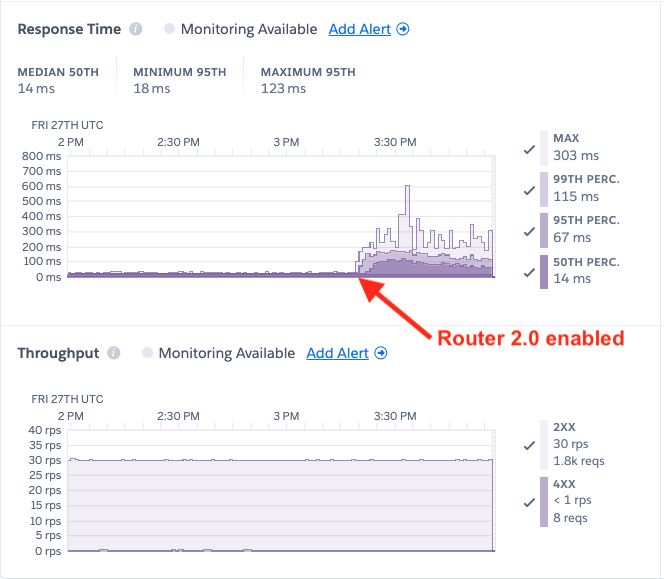
At first, our team of engineers had difficulty reproducing the above, despite running a similarly configured Puma + Rails app on the same framework and language versions. We consistently saw good response times from our app.
Then we tried varying the Rails application’s internal response time. We injected some artificial server lag of 200 milliseconds and that’s when things really took off:
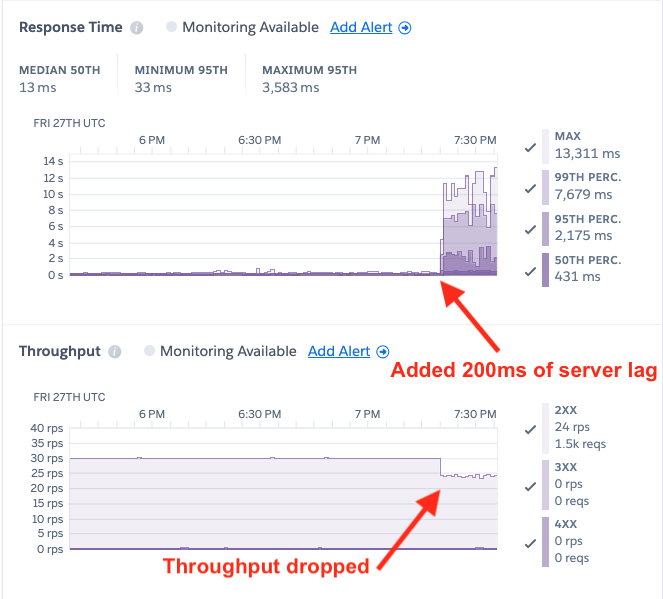
This was quite the realization! In staging environments, Router 2.0 is subject to automatic load tests that run continuously, at varied request rates, body sizes, protocol versions. etc.. These request rates routinely reach much higher levels than 30 requests per second. However, the target applications of these load tests did not include a Heroku app running Puma + Rails with any significant server-side lag.
Investigation
With a reproduction in-hand, we were now in a position to investigate the high response times. We spun up our test app in a staging environment and started injecting a steady load of 30 requests per second.
Our first thought was that perhaps the legacy router is faster at forwarding requests to the dyno because its underlying TCP client manages connections in a way that plays nicer with the Puma server. We hopped on a router instance and began dumping netstat connection states for one of our Puma app’s web dynos :
Connections from legacy router → dyno
[email protected] | # netstat | grep ip-10-1-38-72.ec2:11059
tcp 0 0 ip-10-1-87-57.ec2:28631 ip-10-1-38-72.ec2:11059 ESTABLISHED
tcp 0 0 ip-10-1-87-57.ec2:30717 ip-10-1-38-72.ec2:11059 TIME_WAIT
tcp 0 0 ip-10-1-87-57.ec2:15205 ip-10-1-38-72.ec2:11059 ESTABLISHED
tcp 0 0 ip-10-1-87-57.ec2:17919 ip-10-1-38-72.ec2:11059 TIME_WAIT
tcp 0 0 ip-10-1-87-57.ec2:24521 ip-10-1-38-72.ec2:11059 TIME_WAIT
Connections from Router 2.0 → dyno
[email protected] | # netstat | grep ip-10-1-38-72.ec2:11059
tcp 0 0 ip-10-1-87-57.ec2:24630 ip-10-1-38-72.ec2:11059 TIME_WAIT
tcp 0 0 ip-10-1-87-57.ec2:22476 ip-10-1-38-72.ec2:11059 ESTABLISHED
tcp 0 0 ip-10-1-87-57.ec2:38438 ip-10-1-38-72.ec2:11059 TIME_WAIT
tcp 0 0 ip-10-1-87-57.ec2:38444 ip-10-1-38-72.ec2:11059 TIME_WAIT
tcp 0 0 ip-10-1-87-57.ec2:31034 ip-10-1-38-72.ec2:11059 TIME_WAIT
tcp 0 0 ip-10-1-87-57.ec2:38448 ip-10-1-38-72.ec2:11059 TIME_WAIT
tcp 0 0 ip-10-1-87-57.ec2:41882 ip-10-1-38-72.ec2:11059 TIME_WAIT
tcp 0 0 ip-10-1-87-57.ec2:23622 ip-10-1-38-72.ec2:11059 TIME_WAIT
tcp 0 0 ip-10-1-87-57.ec2:31060 ip-10-1-38-72.ec2:11059 TIME_WAIT
tcp 0 0 ip-10-1-87-57.ec2:31042 ip-10-1-38-72.ec2:11059 TIME_WAIT
tcp 0 0 ip-10-1-87-57.ec2:23648 ip-10-1-38-72.ec2:11059 TIME_WAIT
tcp 0 0 ip-10-1-87-57.ec2:31054 ip-10-1-38-72.ec2:11059 TIME_WAIT
tcp 0 0 ip-10-1-87-57.ec2:23638 ip-10-1-38-72.ec2:11059 TIME_WAIT
tcp 0 0 ip-10-1-87-57.ec2:38436 ip-10-1-38-72.ec2:11059 TIME_WAIT
tcp 0 0 ip-10-1-87-57.ec2:31064 ip-10-1-38-72.ec2:11059 TIME_WAIT
tcp 0 0 ip-10-1-87-57.ec2:22492 ip-10-1-38-72.ec2:11059 TIME_WAIT
tcp 0 0 ip-10-1-87-57.ec2:38414 ip-10-1-38-72.ec2:11059 TIME_WAIT
tcp 0 0 ip-10-1-87-57.ec2:42218 ip-10-1-38-72.ec2:11059 ESTABLISHED
tcp 0 0 ip-10-1-87-57.ec2:41880 ip-10-1-38-72.ec2:11059 TIME_WAIT
In the legacy router case, it seemed like there were fewer connections sitting in TIME_WAIT. This TCP state is a normal stop point along the lifecycle of a connection. It means the remote host (dyno) has sent a FIN indicating the connection should be closed. The local host (router) has sent back an ACK, acknowledging the connection is closed.
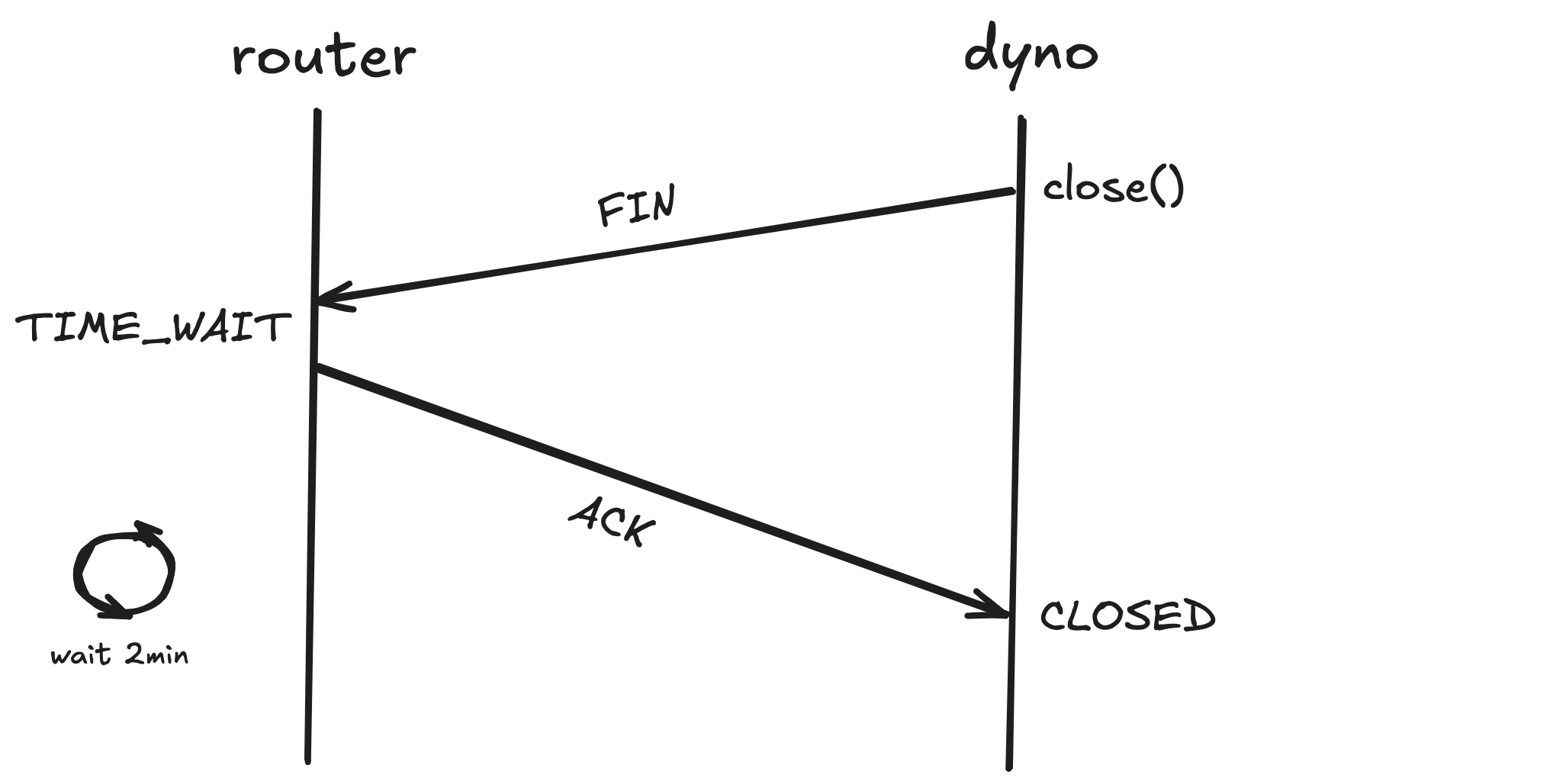
The connection hangs out for some time in TIME_WAIT, with the value varying among operating systems. The Linux default is 2 minutes. Once that timeout is hit, the socket is reclaimed and the router is free to re-use the address + port combination for a new connection.
With this understanding, we formed a hypothesis that the Router 2.0 HTTP client was churning through connections really quickly. Perhaps the new router was opening connections and forwarding requests at a faster rate than the legacy router, thus overwhelming the dyno.
Router 2.0 is written in Go and relies upon the language’s standard HTTP package. Some research turned up various tips for configuring Go’s http.Transport to avoid connection churn. The main recommendation involved tuning MaxIdleConnsPerHost . Without explicitly setting this configuration, the default value of 2 is used.
type Transport struct {
    // MaxIdleConnsPerHost, if non-zero, controls the maximum idle
    // (keep-alive) connections to keep per-host. If zero,
    // DefaultMaxIdleConnsPerHost is used.
    MaxIdleConnsPerHost int
    ...
}

const DefaultMaxIdleConnsPerHost = 2
The problem with a low cap on idle connections per host is that it forces Go to close connections more often. For example, if this value is set to a higher value, like 10, our HTTP transport will keep up to 10 idle connections for this dyno in the pool. Only when the 11th connection goes idle does the transport start closing connections. With the number limited to 2, the transport will close more connections which also means opening more connections to our dyno. This could put strain on the dyno as it requires Puma to spend more time handling connections and less time answering requests.
We wanted to test our hypothesis, so we set DefaultMaxIdleConnsPerHost: 100 on the Router 2.0 transport in staging. The connection distribution did change and now Router 2.0 connections were more stable than before:
[email protected] | # netstat | grep 'ip-10-1-2-62.ec2.:37183'
tcp 0 0 ip-10-1-34-185.ec:36350 ip-10-1-2-62.ec2.:37183 ESTABLISHED
tcp 0 0 ip-10-1-34-185.ec:11956 ip-10-1-2-62.ec2.:37183 ESTABLISHED
tcp 0 0 ip-10-1-34-185.ec:51088 ip-10-1-2-62.ec2.:37183 ESTABLISHED
tcp 0 0 ip-10-1-34-185.ec:60876 ip-10-1-2-62.ec2.:37183 ESTABLISHED
To our dismay, this had zero positive effect on our tail response times. We were still seeing the 99th percentile at well over 2 seconds for a Rails endpoint that should only take about 200 milliseconds to respond.
We tried changing some other configurations on the Go HTTP transport, but saw no improvement. After several rounds of updating a config, waiting for the router artifact to build, and then waiting for the deployment to our staging environment, we began to wonder—can we reproduce this issue locally?
Going local
Fortunately, we already had a local integration test set-up for running requests through Router 2.0 to a dyno. We typically utilize this set-up for verifying features and fixes, rarely for assessing performance. We subbed out our locally running “dyno” for a Puma server with a built-in 200ms lag on the /fixed endpoint. We then fired off 200 requests over 10 different connections with hey:
❯ hey -q 200 -c 10 -host 'purple-local-staging.herokuapp.com' https://localhost:80/fixed

Summary:
  Total:    8.5804 secs
  Slowest:    2.5706 secs
  Fastest:    0.2019 secs
  Average:    0.3582 secs
  Requests/sec:    23.3090

  Total data:    600 bytes
  Size/request:    3 bytes

Response time histogram:
  0.202 [1]    |
  0.439 [185]    |■■■■■■■■■■■■■■■■■■■■■■■■■■■■■■■■■■■■■■■■
  0.676 [0]    |
  0.912 [0]    |
  1.149 [0]    |
  1.386 [0]    |
  1.623 [0]    |
  1.860 [0]    |
  2.097 [1]    |
  2.334 [6]    |■
  2.571 [7]    |■■


Latency distribution:
  10% in 0.2029 secs
  25% in 0.2038 secs
  50% in 0.2046 secs
  75% in 0.2086 secs
  90% in 0.2388 secs
  95% in 2.2764 secs
  99% in 2.5351 secs

Details (average, fastest, slowest):
  DNS+dialup:    0.0003 secs, 0.2019 secs, 2.5706 secs
  DNS-lookup:    0.0002 secs, 0.0000 secs, 0.0034 secs
  req write:    0.0003 secs, 0.0000 secs, 0.0280 secs
  resp wait:    0.3570 secs, 0.2018 secs, 2.5705 secs
  resp read:    0.0002 secs, 0.0000 secs, 0.0175 secs

Status code distribution:
  [200]    200 responses
As you can see, the 95th percentile of response times is over 2 seconds, just as we had seen while running this experiment on the platform. We were now starting to worry that the router itself was inflating the response times. We tried targeting Puma directly at localhost:3000, bypassing the router altogether:
❯ hey -q 200 -c 10 https://localhost:3000/fixed

Summary:
  Total:    8.3314 secs
  Slowest:    2.4579 secs
  Fastest:    0.2010 secs
  Average:    0.3483 secs
  Requests/sec:    24.0055

  Total data:    600 bytes
  Size/request:    3 bytes

Response time histogram:
  0.201 [1]    |
  0.427 [185]    |■■■■■■■■■■■■■■■■■■■■■■■■■■■■■■■■■■■■■■■■
  0.652 [0]    |
  0.878 [0]    |
  1.104 [0]    |
  1.329 [0]    |
  1.555 [0]    |
  1.781 [0]    |
  2.007 [0]    |
  2.232 [2]    |
  2.458 [12]    |■■■


Latency distribution:
  10% in 0.2017 secs
  25% in 0.2019 secs
  50% in 0.2021 secs
  75% in 0.2026 secs
  90% in 0.2042 secs
  95% in 2.2377 secs
  99% in 2.4433 secs

Details (average, fastest, slowest):
  DNS+dialup:    0.0002 secs, 0.2010 secs, 2.4579 secs
  DNS-lookup:    0.0001 secs, 0.0000 secs, 0.0016 secs
  req write:    0.0001 secs, 0.0000 secs, 0.0012 secs
  resp wait:    0.3479 secs, 0.2010 secs, 2.4518 secs
  resp read:    0.0000 secs, 0.0000 secs, 0.0003 secs

Status code distribution:
  [200]    200 responses
Wow! These results suggested the issue is reproducible with any ‘ole Go HTTP client and a Puma server. We next wanted to test out a different client. The load injection tool, hey is also written in Go, just like Router 2.0. We next tried ab which is written in C:
❯ ab -c 10 -n 200 https://127.0.0.1:3000/fixed
This is ApacheBench, Version 2.3 <$Revision: 1913912 $>
Copyright 1996 Adam Twiss, Zeus Technology Ltd, https://www.zeustech.net/
Licensed to The Apache Software Foundation, https://www.apache.org/

Benchmarking 127.0.0.1 (be patient)
Completed 100 requests
Completed 200 requests
Finished 200 requests


Server Software:
Server Hostname:        127.0.0.1
Server Port:            3000

Document Path:          /fixed
Document Length:        3 bytes

Concurrency Level:      10
Time taken for tests:   8.538 seconds
Complete requests:      200
Failed requests:        0
Total transferred:      35000 bytes
HTML transferred:       600 bytes
Requests per second:    23.42 [#/sec] (mean)
Time per request:       426.911 [ms] (mean)
Time per request:       42.691 [ms] (mean, across all concurrent requests)
Transfer rate:          4.00 [Kbytes/sec] received

Connection Times (ms)
              min  mean[+/-sd] median   max
Connect:        0    0   0.2      0       2
Processing:   204  409  34.6    415     434
Waiting:      204  409  34.7    415     434
Total:        205  410  34.5    415     435

Percentage of the requests served within a certain time (ms)
  50%    415
  66%    416
  75%    416
  80%    417
  90%    417
  95%    418
  98%    420
  99%    429
 100%    435 (longest request)
Another wow! The longest request took about 400 milliseconds, much lower than the 2 seconds above. Had we just stumbled upon some fundamental incompatibility between Go’s standard HTTP client and Puma? Not so fast.
A deeper dive into the ab documentation surfaced this option:
❯ ab -h
Usage: ab [options] [http[s]://]hostname[:port]/path
Options are:
    ...
    -k              Use HTTP KeepAlive feature
That’s different than hey’s default of enabling keepalive by default. Could that be significant? We re-ran ab with -k:
❯ ab -k -c 10 -n 200 https://127.0.0.1:3000/fixed
This is ApacheBench, Version 2.3 <$Revision: 1913912 $>
Copyright 1996 Adam Twiss, Zeus Technology Ltd, https://www.zeustech.net/
Licensed to The Apache Software Foundation, https://www.apache.org/

Benchmarking 127.0.0.1 (be patient)
Completed 100 requests
Completed 200 requests
Finished 200 requests


Server Software:
Server Hostname:        127.0.0.1
Server Port:            3000

Document Path:          /fixed
Document Length:        3 bytes

Concurrency Level:      10
Time taken for tests:   8.564 seconds
Complete requests:      200
Failed requests:        0
Keep-Alive requests:    184
Total transferred:      39416 bytes
HTML transferred:       600 bytes
Requests per second:    23.35 [#/sec] (mean)
Time per request:       428.184 [ms] (mean)
Time per request:       42.818 [ms] (mean, across all concurrent requests)
Transfer rate:          4.49 [Kbytes/sec] received

Connection Times (ms)
              min  mean[+/-sd] median   max
Connect:        0    0   0.5      0       6
Processing:   201  405 609.0    202    2453
Waiting:      201  405 609.0    202    2453
Total:        201  406 609.2    202    2453

Percentage of the requests served within a certain time (ms)
  50%    202
  66%    203
  75%    203
  80%    204
  90%   2030
  95%   2242
  98%   2267
  99%   2451
 100%   2453 (longest request)
Now the output looked just like the hey output. Next, we ran hey with keepalives disabled:
❯ hey -disable-keepalive -q 200 -c 10 https://localhost:3000/fixed

Summary:
  Total:    8.3588 secs
  Slowest:    0.4412 secs
  Fastest:    0.2091 secs
  Average:    0.4115 secs
  Requests/sec:    23.9269

  Total data:    600 bytes
  Size/request:    3 bytes

Response time histogram:
  0.209 [1]    |
  0.232 [3]    |■
  0.255 [1]    |
  0.279 [0]    |
  0.302 [0]    |
  0.325 [0]    |
  0.348 [0]    |
  0.372 [0]    |
  0.395 [0]    |
  0.418 [172]    |■■■■■■■■■■■■■■■■■■■■■■■■■■■■■■■■■■■■■■■■
  0.441 [23]    |■■■■■


Latency distribution:
  10% in 0.4140 secs
  25% in 0.4152 secs
  50% in 0.4160 secs
  75% in 0.4171 secs
  90% in 0.4181 secs
  95% in 0.4187 secs
  99% in 0.4344 secs

Details (average, fastest, slowest):
  DNS+dialup:    0.0011 secs, 0.2091 secs, 0.4412 secs
  DNS-lookup:    0.0006 secs, 0.0003 secs, 0.0017 secs
  req write:    0.0001 secs, 0.0000 secs, 0.0011 secs
  resp wait:    0.4102 secs, 0.2035 secs, 0.4343 secs
  resp read:    0.0001 secs, 0.0000 secs, 0.0002 secs

Status code distribution:
  [200]    200 responses
Again, no long tail response times and the median values comparable to the first run with ab.
Even better, this neatly explained the performance difference between Router 2.0 and the legacy router. Router 2.0 adds support for HTTP keepalives by default, in line with HTTP/1.1 spec. In contrast, the legacy router closes connections to dynos after each request. Keepalives usually improve performance, reducing time spent in TCP operations for both the router and the dyno. Yet, the opposite was true for a dyno running Puma.
Diving deep into Puma
Note that we suggest reviewing this brief Puma architecture document if you’re unfamiliar with the framework and want to get the most out of this section. To skip the code review, you may fast-forward to The Solution.
This finding was enough of a smoking gun to send us deep into the the Puma server code, where we homed in on the process_client method. Let’s take a look at that code with a few details in mind:
- Each Puma thread can only handle a single connection at at time. A client is a wrapper around a connection.
- The
handle_requestmethod handles exactly 1 request. It returnsfalsewhen the connection should be closed andtruewhen it should be kept open. A client with keepalive enabled will end up in thetruecondition on line470. fast_checkis onlyfalseonce we’ve processed@max_fast_inlinerequests serially off the connection and when there are more connections waiting to be handled.- For some reason, even when the number of connections exceeds the max number of threads,
@thread_pool.backlog > 0is often times false. - Altogether, this means the below loop usually executes indefinitely until we’re able to bail out when
handle_requestreturnsfalse.
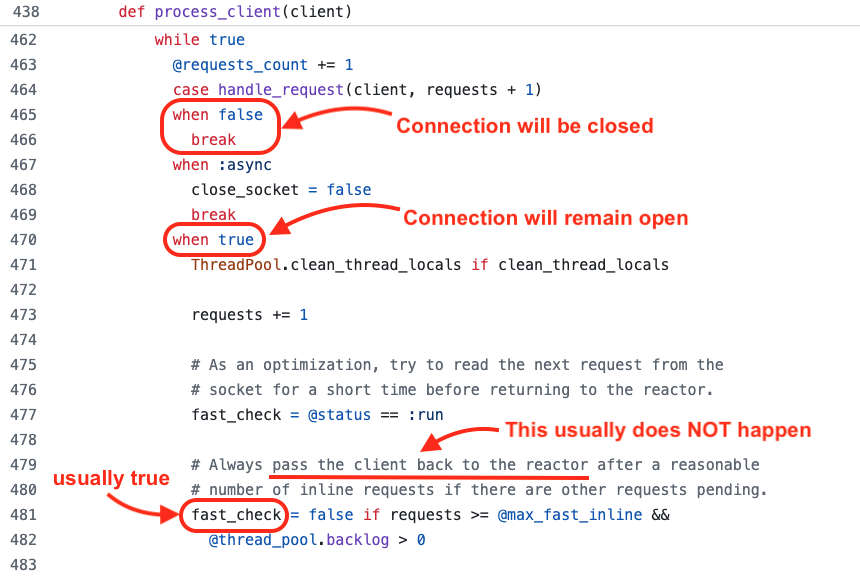
Code snippet from puma/lib/puma/server.rb in Puma 6.4.2.
When does handle_request actually return false? That is also based on a bunch of conditional logic, the core of it is in the prepare_response method. Basically, if force_keep_alive is false, handle_request will return false. (This is not exactly true. It’s more complicated, but that’s not important for this discussion.)
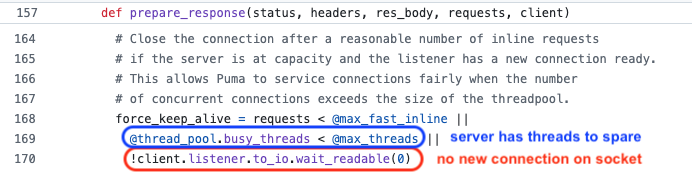
Code snippet from puma/lib/puma/request.rb in Puma 6.4.2.
The last thing to put the puzzle together: max_fast_inline defaults to 10. That means Puma will process at least 10 requests serially off a single connection before handing the connection back to the reactor class. Requests that may have come in a full second ago are just sitting in the queue, waiting for their turn. This directly explains our 10*200ms = 2 seconds of added response time for our longest requests!
We figured setting max_fast_inline=1 might fix this issue, and it does sometimes. However, under sufficient load, even with this setting, response times will climb. The problem is the other two OR’ed conditions circled in blue and red above. Sometimes the number of busy threads is less than the max and sometimes, there are no new connections to accept on the socket. However, these decisions are made at a point in time and the state of the server is constantly changing. They are subject to race conditions since other threads are concurrently accessing these variables and taking actions that modify their values.
The Solution
After reviewing the Puma server code, we came to the conclusion that the simplest and safest way to bail out of processing requests serially would be to flat-out disable keepalives. Explicitly disabling keepalives in the Puma server means handing the client back to the reactor after each request. This is how we ensure requests are served in order.
Once confirming these results with the Heroku Ruby language owners, we opened a Github issue on the Puma project and a pull request to add an enable_keep_alives option to the Puma DSL. When set to false, keepalives are completely disabled. The option will be released soon, likely in Puma 6.5.0.
We then re-ran our load tests with enable_keep_alives disabled in Puma and Router 2.0 enabled on the app:
// config/puma.rb
...
enable_keep_alives false
The response times and throughput improved, as expected. Additionally, once disabling Router 2.0, the response times stayed the same:

Moving forward
Keeping keepalives
Keeping connections alive reduces time spent in TCP operations. Under sufficient load and scale, avoiding this overhead cost can positively impact apps’ response times. Additionally, keepalives are the de facto standard in HTTP/1.1 and HTTP/2. Because of this, Heroku has chosen to move forward with keepalives as the default behavior for Router 2.0.
Through raising this issue on the Puma project, there has already been movement to fix the bad keepalive behavior in the Puma server. Heroku engineers remain active participants in discussions arounds these efforts and are committed to solving this problem. Once a full fix is available, customers will be able to upgrade their Puma versions and use keepalives safely, without risk of long response times.
Disabling keepalives as a stopgap
In the meantime, we have provided another option for disabling keepalives when using Router 2.0. The following labs flag may be used in conjunction with Router 2.0 to disable keepalives between the router and your web dynos:
heroku labs:enable http-disable-keepalive-to-dyno -a my-app
Note that this flag has no effect when using the legacy router as keepalives between the legacy router and dyno are not supported. For more information, see Heroku Labs: Disabling Keepalives to Dyno for Router 2.0.
Other options for Puma
You may find that your Puma app does not need keepalives disabled in order to perform well while using Router 2.0. We recommend testing and tuning other configuration options, so that your app can still benefit from persistent connections between the new router and your dyno:
- Increase the number of threads. More threads means Puma is better able to handle concurrent connections.
- Increase the number of workers. This is similar to increasing the number of threads.
- Decrease the
max_fast_inlinenumber. This will limit the number of requests served serially off a connection before handling queued requests.
Other languages & frameworks
Our team also wanted to see if this same issue would present in other languages or frameworks. We ran load tests, injecting 200 milliseconds of server-side lag over the top languages and frameworks on the Heroku platform. Here are those results.
| Language/Framework | Router | Web dynos | Server-side lag | Throughput | P50 Response Time | P95 Response Time | P99 Response Time |
|---|---|---|---|---|---|---|---|
| Puma | Legacy | 2 Standard-1X | 200 ms | 30 rps | 215 ms | 287 ms | 335 ms |
| Puma with keepalives | Router 2.0 | 2 Standard-1X | 200 ms | 23 rps | 447 ms | 3,455 ms | 5,375 ms |
| Puma without keepalives | Router 2.0 | 2 Standard-1X | 200 ms | 30 rps | 215 ms | 271 ms | 335 ms |
| NodeJS | Legacy | 2 Standard-1X | 200 ms | 30 rps | 207 ms | 207 ms | 207 ms |
| NodeJS | Router 2.0 | 2 Standard-1X | 200 ms | 30 rps | 207 ms | 207 ms | 207 ms |
| Python | Legacy | 4 Standard-1X | 200 ms | 30 rps | 223 ms | 607 ms | 799 ms |
| Python | Router 2.0 | 4 Standard-1X | 200 ms | 30 rps | 223 ms | 607 ms | 735 ms |
| PHP | Legacy | 2 Standard-1X | 200 ms | 30 rps | 207 ms | 367 ms | 431 ms |
| PHP | Router 2.0 | 2 Standard-1X | 200 ms | 30 rps | 207 ms | 367 ms | 431 ms |
| Java | Legacy | 2 Standard-1X | 200 ms | 30 rps | 207 ms | 207 ms | 207 ms |
| Java | Router 2.0 | 2 Standard-1X | 200 ms | 30 rps | 207 ms | 207 ms | 207 ms |
| Go | Legacy | 2 Standard-1X | 200 ms | 30 rps | 207 ms | 207 ms | 207 ms |
| Go | Router 2.0 | 2 Standard-1X | 200 ms | 30 rps | 207 ms | 207 ms | 207 ms |
These results indicate the issue is unique to Puma, with Router 2.0 performance comparable to the legacy router in other cases.
Conclusion
We were initially surprised by this keepalive behavior in the Puma server. Funny enough, we believe Heroku’s significance in the Puma/Rails world and the fact that the legacy router does not support keepalives may have been factors in this bug persisting for so long. Reports of it had popped up in the past (see Issue 3443, Issue 2625 and Issue 2331), but none of these prompted a fool-proof fix. Setting enable_keep_alives false does completely eliminate the problem, but this is not the default option. Now, Puma maintainers are taking a closer look at the problem and benchmarking potential fixes in a fork of the project. The intention is to fix the balancing of requests without closing TCP connections to the Puma server.
Our Heroku team is thrilled that we were able to contribute in this way and help move the Puma/Rails community forward. We’re also excited to release Router 2.0 as GA, unlocking new features like HTTP/2 and keepalives to your dynos. We encourage our users to try out this new router! For advice on how to go about that, see Tips & Tricks for Migrating to Router 2.0.
The post Pumas, Routers & Keepalives—Oh my! appeared first on Heroku.
]]>Heroku Router 2.0 is now generally available, marking a significant step forward in our infrastructure modernization efforts. The new router delivers enhanced performance and introduces new features to improve your applications’ functionality. There are, of course, nuances to be aware of with any new system, and with Router 2.0 set to become the default router […]
The post Tips & Tricks for Migrating to Router 2.0 appeared first on Heroku.
]]>Heroku Router 2.0 is now generally available, marking a significant step forward in our infrastructure modernization efforts. The new router delivers enhanced performance and introduces new features to improve your applications’ functionality. There are, of course, nuances to be aware of with any new system, and with Router 2.0 set to become the default router soon, we’d like to share some tips and tricks to ensure a smooth and seamless transition.
Start with a Staging Application
We recommend exploring the new router’s features and validating your specific use cases in a controlled environment. If you haven’t already, spin up a staging version of your app that mirrors your production set-up as closely as possible. Heroku provides helpful tools, like pipelines and review apps, for creating separate environments for your app. Once you have an application that you can test with, you can opt-in to Router 2.0 by running:
$ heroku features:enable http-routing-2-dot-0 -a <staging app name>
You may see a temporary rise in response times after migrating to the new router, due to the presence of connections on both routers. Using the Heroku CLI, run heroku ps:restart to restart all web dynos. You can also accomplish this using the Heroku Dashboard, see Restart Dynos for details. This will force the closing of any connections from the legacy router. You can monitor your individual request response times via the service field in your application’s logs or see accumulated response time metrics in the Heroku dashboard.
How to Determine if Your Traffic is Going Through Router 2.0
Once your staging app is live and you have enabled the http-routing-2-dot-0 Heroku Feature, you’ll want to confirm that traffic is actually being routed through Router 2.0. There are two easy ways to determine the router your app is using.
HTTP Headers
You can identify which router your application is using by inspecting the HTTP Headers. The Via header, present in all HTTP responses from Heroku applications, is a code name for the Heroku router handling the request. Use the curl command to display the response headers of a request or your preferred browser’s developer tool.
To see the headers using curl, run:
curl --head https://your-domain.com
In Router 2.0 the Via header value will be one of the following (depending on whether the protocol used is HTTP/2 or HTTP/1.1):
< server: Heroku
< via: 2.0 heroku-router
< Server: Heroku
< Via: 1.1 heroku-router
The Heroku legacy router code name for comparison, is:
< Server: Cowboy
< Via: 1.1 vegur
Note that per the HTTP/2 spec, RFC 7540 Section 8.1.2, headers are converted to lowercase prior to their encoding in HTTP/2.
To read more about Heroku Headers, see this article.
Logs
You will also see some subtle differences in your application’s system logs after migrating to Router 2.0. To fetch your app’s most recent system logs, use the heroku logs --source heroku command:
2024-10-03T08:20:09.580640+00:00 heroku[router]: at=info method=GET path="/"
host=example-app-1234567890ab.heroku.com
request_id=2eab2d12-0b0b-c951-8e08-1e88f44f096b fwd="204.204.204.204"
dyno=web.1 connect=0ms service=0ms status=200 bytes=6742
protocol=http2.0 tls=true tls_version=tls1.3
2024-10-03T08:35:18.147192+00:00 heroku[router]: at=info method=GET path="/"
host=example-app-1234567890ab.heroku.com
request_id=edbea7f4-1c07-a533-93d3-99809b06a2be fwd="204.204.204.204"
dyno=web.1 connect=0ms service=0ms status=200 bytes=6742 protocol=http1.1 tls=false
In this example, the output shows two log lines for requests sent to an app’s custom domain, handled by Router 2.0 over both HTTPS and HTTP protocols. You can compare these to the equivalent router log lines handled by the legacy routing system:
2024-10-03T08:22:25.126581+00:00 heroku[router]: at=info method=GET path="/"
host=example-app-1234567890ab.heroku.com
request_id=1b77c2d3-6542-4c7a-b3db-0170d8c652b6 fwd="204.204.204.204"
dyno=web.1 connect=0ms service=1ms status=200 bytes=6911
protocol=https
2024-10-03T08:33:49.139436+00:00 heroku[router]: at=info method=GET path="/"
host=example-app-1234567890ab.heroku.com
request_id=057d3a4b-2f16-4375-ba74-f6b168b2fe3d fwd="204.204.204.204"
dyno=web.1 connect=1ms service=1ms status=200 bytes=6911 protocol=http
The key differences in the router logs are:
- In Router 2.0, the protocol field will display values like
http2.0orhttp1.1, unlike the legacy router which identifies the protocol withhttpsorhttp. - In Router 2.0, you will see new fields
tlsandtls_version(the latter will only be present if a request is sent over a TLS connection).
Here are some alternative ways to view your application's logs.
HTTP/2 is Now the Default
One of the most exciting changes in Router 2.0 is that HTTP/2 is now enabled by default. This new version of the protocol brings improvements in performance, especially for apps handling concurrent requests, as it allows multiplexing over a single connection and prioritizes resources efficiently.
Here are some considerations when using HTTP/2 on Router 2.0:
- HTTP/2 terminates at the Heroku router and we forward HTTP/1.1 from the router to your app.
- Router 2.0 supports HTTP/2 on custom domains, but not on the built-in
<app-name-cff7f1443a49>.herokuapp.com>default domain. - A valid TLS certificate is required for HTTP/2. We recommend using Heroku Automated Certificate Management.
You can verify your app is receiving HTTP/2 requests by referencing the protocol value in your application’s logs or looking at the HTTP response headers for your request.
That said, not all applications are ready for HTTP/2 out-of-the-box. If you notice any issues during testing or if the older protocol is simply more suitable for your needs, you can disable HTTP/2 in Router 2.0, reverting to HTTP/1.1. Run the following command:
heroku labs:enable http-disable-http2 -a <app name>
Keepalives Always On
Another key enhancement in Router 2.0 is the improved handling of keepalives, setting it apart from our legacy router. Router 2.0 enables keepalives for all connections between itself and web dynos by default, unlike the legacy router which opens a new connection for every request to a web dyno and closes it upon receiving the response. Allowing keepalives can help optimize connection reuse and reduce the overhead of opening new TCP connections. This in turn lowers request latencies and allows higher throughput.
Unfortunately, this optimization is not 100% compatible with every app. Specifically, recent Puma versions have a connection-handling bug that results in significantly longer tail request latencies if keepalives are enabled. Thanks to one of our customers, we learned this during the Router 2.0 beta period. For more details, see the blog post on this topic. Their early adoption of our new router and timely feedback helped us pinpoint the issue and after extensive investigation, identify the problem with Puma and keepalives.
Just like with HTTP/2 we realize one size does not fit all, thus we have introduced a new labs feature that allows you to opt-out of keepalives. To disable keepalives in Router 2.0, you can run the following command:
heroku labs:enable http-disable-keepalive-to-dyno -a <app name>
Conclusion
Migrating to Router 2.0 represents a critical step in leveraging Heroku’s latest infrastructure improvements. The transition offers exciting new features like HTTP/2 support and enhanced connection handling. To facilitate a seamless transition we recommend you start testing the new router before we begin the Router 2.0 rollout to all customers in the coming months. By following these tips and confirming your app’s routing needs are met on Router 2.0, you will be well-prepared to take full advantage of the new router’s benefits.
Stay tuned for more updates as we continue to improve Router 2.0’s capabilities and gather feedback from the developer community!
The post Tips & Tricks for Migrating to Router 2.0 appeared first on Heroku.
]]>Your organization may have many reasons to move a cloud service from one provider to another. Maybe you’ve found a better performance-versus-cost balance elsewhere. Maybe you’re trying to avoid vendor lock-in. Whatever your reasons, the convenience and general interoperability of cloud services today put you in the driver's seat. You get to piece together the […]
The post Planning Your PostgreSQL Migration: Best Practices and Key Considerations appeared first on Heroku.
]]>Your organization may have many reasons to move a cloud service from one provider to another. Maybe you’ve found a better performance-versus-cost balance elsewhere. Maybe you’re trying to avoid vendor lock-in. Whatever your reasons, the convenience and general interoperability of cloud services today put you in the driver's seat. You get to piece together the tech stack and the cloud provider(s) that best align with your business.
This includes where you turn for your PostgreSQL database.
If you’re considering migrating your Postgres database to a different cloud provider, such as Heroku, the process might seem daunting. You’re concerned about the risk of data loss or the impact of extended downtime. Are the benefits worth the effort and the risk?
With the right strategy and a solid plan in place, migrating your Postgres database is absolutely manageable. In this post, we’ll walk you through the key issues and best practices to ensure a successful Postgres migration. By the end of this guide, you’ll be well equipped to make the move that best serves your organization.
Pre-migration assessment
Naturally, you need to know your starting point before you can plan your route to a destination. For a database migration, this means evaluating your current Postgres setup. Performing a pre-migration assessment will help you identify any potential challenges, setting you up for a smooth transition.
Start by reviewing the core aspects of your database.
Database version
Ensure the target cloud provider supports your current Postgres version. When you’re connected via the psql CLI client, the following commands will help you get your database version, with varying levels of detail:
psql=> SELECT version();

PostgreSQL 12.19 on aarch64-unknown-linux-gnu, compiled by gcc (GCC) 7.3.1 20180712 (Red Hat 7.3.1-6), 64-bit

psql=> SHOW server_version;

12.19
Extensions
Check for any Postgres extensions installed on your current database which are critical to your applications. Some extensions might not be available on your new platform, so be sure to verify this compatibility upfront.
psql=> dx


List of installed extensions
-[ RECORD 1 ]--------------------------------------------------------------
Name        | fuzzystrmatch
Version     | 1.1
Schema      | public
Description | determine similarities and distance between strings
-[ RECORD 2 ]--------------------------------------------------------------
Name        | plpgsql
Version     | 1.0
Schema      | pg_catalog
Description | PL/pgSQL procedural language
-[ RECORD 3 ]--------------------------------------------------------------
Name        | postgis
Version     | 3.0.0
Schema      | public
Description | PostGIS geometry, geography, and raster spatial types and…
Configurations
Determine and document any custom configurations for your database instance. This may include memory settings, timeouts, and query optimizations. Depending on the infrastructure and performance capabilities of your destination cloud provider, you may need to adjust these configurations.
You might be able to track down the files for your initial Postgres configuration (such as pg_hba.conf and postgresql.conf). However, in case you don’t have access to those files, or your configuration settings have changed, then you can capture all of your current settings into a file which you can review. Run the following command in your terminal:
$ psql  # Include any connection and credentials flags
    -c "copy (select * from pg_settings) to '/tmp/psql_settings.csv' with (format csv, header true);"
This will create a file at /tmp/psql_settings.csv with the full list of configurations you can review.
Schema and data compatibility
Review the schema, data types, and indexes in your current database. Ensure they’re fully compatible with the Postgres version and configurations on the target cloud provider. The feature matrix in the Postgres documentation provides a quick reference to see what is or isn’t supported for any given version.
Performance benchmark
Measure the current performance of your PostgreSQL database. When you establish performance benchmarks, you can compare pre- and post-migration metrics. This will help you (and any other migration stakeholders) understand how the new environment meets or exceeds your business requirements.
When making your performance comparison, focus on key metrics like query performance, I/O throughput, and response times.
Identify dependencies
Create a detailed catalog of the integrations, applications, and services that rely on your database. Your applications may use ORM tools, or you have microservices or APIs that query your database. Don’t forget about any third-party services that may access the database, too. You’ll need this comprehensive list when it’s time to cutover all connections to your new provider’s database. This will help you minimize disruptions and test all your connections.
Migration strategy
When deciding on an actual database migration strategy, you have multiple options to choose from. The one you choose primarily depends on the size of your database and how much downtime you’re willing to endure. Let’s briefly highlight the main strategies.
#1: Dump and restore
This method is the simplest and most straightforward. You create a full backup of your Postgres database using the pg_dump utility. Then, you restore the backup on your target cloud provider using pg_restore. For most migrations, dump and restore is the preferred solution. However, keep in mind the following caveats:
- This is best suited for smaller databases. One recommendation from this AWS guide is not to use this strategy if your database exceeds 100 GB in size. To determine the true size of your database, use the
VACUUM ANALYZEcommands in Postgres. - This strategy requires some system downtime. It takes time to dump, transfer, restore, and test the data. Any database updates occurring during that time would be missed in the cutover, leaving your database out of sync. Plan for a generous amount of downtime — at least several hours — for this entire migration process.
#2: Logical replication
Logical replication replicates changes from the source instance to the target. The source instance is set up to publish any changes, while the target instance listens for changes. As changes are made to the source database, they are replicated in real time on the destination database. Eventually, both databases become synchronized and stay that way until you’re ready to cutover.
This approach allows you to migrate data with little to no downtime. However, the setup and management of replication may be complex. Also, certain updates, such as schema modifications are not published. This means you’ll need some manual intervention during the migration to carry over these changes.
#3: Physical replication
Adopting a physical replication strategy means copying the actual block-level files that make up your database and then transferring them to the target database machine. This is a good option for when you need the consistency of an exact replication of data and system steps.
For this strategy to work, your source and target Postgres versions must be identical. In addition, this approach introduces downtime that is similar to the dump and restore approach. So, unless you have a unique situation that requires such a high level of consistency, you may be better off with the dump and restore approach.
#4: Managed migration tools
Finally, you might consider managed migration tools offered by some cloud providers. These tools automate and manage many aspects of the migration process, such as data transfer, replication, and minimization of downtime. These tools may be ideal if you’re looking to simplify the process while ensuring reliability.
Migration tools are not necessarily a silver bullet. Depending on the size of your database and the duration of the migration process, you may incur high costs for the service. In addition, managed tools may have less customizability, requiring you to still do the manual work of migrating over extensions or configurations.
Data transfer and security
When performing your migration, ensuring the secure and efficient transfer of data is essential. This means putting measures in place to protect your data integrity and confidentiality. Those measures include:
- Database backup: Before starting the migration, create a reliable backup of your database. Ensure the backup is encrypted, and store it securely. This backup will be your fail-safe, in case the migration does not go as planned. Even if your plan seems airtight and nothing could possibly go wrong… do not skip this step. Your future self will thank you.
- Data encryption: When transferring data between providers, use encryption to protect sensitive information from interception or tampering. Encrypt your data both at rest and in transit.
- Efficient transfer: Transferring large datasets can be network intensive, requiring a lot of bandwidth and time. However, you can make this process more efficient. Use compression techniques to reduce the size of the data to be transferred. For smaller databases, you might use a secure file transfer method such as SCP or SFTP. For larger ones, you might use a dedicated, high-throughput connection like AWS Direct Connect.
Network and availability connections
Along with database configurations, you’ll need to set up the network with your new cloud provider to ensure smooth connectivity. This includes configuring VPCs, firewall rules, and establishing peering between environments. Ideally, completing and validating these steps before the data migration is important.
To optimize performance, tune key connection settings like max_connections, shared_buffers, and work_mem. Start with the same settings as your source database. Then, after migration, adjust them based on your new infrastructure’s memory and network capabilities.
Lastly, configure failover and high availability in the target environment, potentially setting up replication or clustering to maintain uptime and reliability.
Downtime minimization and rollback planning
Minimizing downtime during a migration is crucial, especially for production databases. Your cutover strategy outlines the steps for switching from the source to target database with as little disruption as possible. Refer to the list you made when identifying dependencies, so you won’t overlook modifying the database connection for any application or service.
How much downtime to plan for depends on the migration strategy that you’ve chosen. Ensure that you’ve properly communicated with your teams and (if applicable) your end users, so that they can prepare for the database and all dependent services to be temporarily unavailable.
And remember: Even with the best plans, things can go wrong. It’s essential to have a clear rollback strategy. This will likely include reverting to a database backup and restoring the original environment. Test your rollback plan in advance as thoroughly as possible. If the time comes to execute, you’ll need to be able to execute it quickly and confidently.
Testing and validation
After the migration, but before you sound the all clear, you should test thoroughly to ensure everything functions as expected. Your tests should include:
- Data integrity checks, such as comparing row counts and using checksums to confirm that all data has transferred correctly and without corruption.
- Performance testing by running queries and monitoring key metrics, such as latency, throughput, and resource utilization. This will help you determine whether the new environment meets performance expectations or whether you’ll need to fine-tune certain settings.
- Application testing ensures any dependent services interact correctly with the new database. Test all your integrations to validate they perform seamlessly even with the new setup.
Post-migration considerations
With your migration complete, you can breathe a sigh of relief. However, there’s still work to do. Close the loop by taking care of the following:
- Optimize your Postgres setup for the new environment. This includes fine-tuning performance settings like indexing or query plans.
- Implement database monitoring, with tools to track performance and errors. Robust monitoring tools will help you catch potential issues and maintain visibility into database health.
- Update your backup and disaster recovery strategies, ensuring that everything is properly configured according to your new provider’s options. Test and review your recovery plans regularly.
Conclusion
Migrating your Postgres database between cloud providers can be a complex process. However, with proper planning and preparation, it’s entirely possible to experience a smooth execution.
By following the best practices and key steps above, you’ll be well on your way toward enjoying the benefits of leveraging Postgres from whatever cloud provider you choose.
To recap quickly, here are the major points to keep in mind:
- Pre-migration assessment: Evaluate your current setup, check for compatibility at your target provider, and identify dependencies for a seamless cutover.
- Migration strategy: Choose the approach that fits your database size and tolerance for downtime. In most cases, this will be the dump and restore strategy.
- Data transfer and security: Ensure you have reliable backups securely stored, and that all your data—from backups to migration data—is encrypted at rest and in transit.
- Network and availability connections: Don’t forget to port over any custom configurations, at both the database level and the network level, to your new environment.
- Testing and validation: Before you can declare the migration as complete, you should perform tests to verify data integrity, performance, and application compatibility.
- Post-migration considerations: After you’re up and running with your new provider, optimize performance, implement monitoring, and update your disaster recovery strategies.
Stay tuned for our upcoming guides, where we'll walk you through the specifics of migrating your Postgres database from various cloud providers to Heroku Postgres.
The post Planning Your PostgreSQL Migration: Best Practices and Key Considerations appeared first on Heroku.
]]>Today, we are excited to announce Twelve-Factor is now an open source project. This is a special moment in the journey of Twelve-Factor over the years. Published over a decade ago by Heroku co-founder Adam Wiggins to codify the best practices for writing SaaS apps, the ideas espoused on the Twelve-Factor App website inspired many […]
The post Heroku Open Sources the Twelve-Factor App Definition appeared first on Heroku.
]]>Today, we are excited to announce Twelve-Factor is now an open source project. This is a special moment in the journey of Twelve-Factor over the years. Published over a decade ago by Heroku co-founder Adam Wiggins to codify the best practices for writing SaaS apps, the ideas espoused on the Twelve-Factor App website inspired many generations of software engineers and the principles we take for granted in modern application development.
Open sourcing the 12-Factor App is an important milestone to take the industry forward and codify best practices for the future. As the modern app architecture reflected in the 12-Factors became mainstream, new technologies and ideas emerged, and we needed to bring more voices and experiences to the discussion.
What is a 12-Factor app?
A 12-Factor App is an application designed in accordance with the 12-Factor App principles, which aim to maximize portability, scalability, and reliability in the cloud. The core ideas include maintaining a single codebase, declaring dependencies explicitly, storing configuration in the environment, and treating backing services as attached resources. These guidelines inspired developers to create resilient apps supported by modern cloud application platforms like Heroku. It has helped countless teams to build innovative applications, and the 12-factor app methodology remains the foundation for modern application development in the cloud.
Why is Heroku open-sourcing Twelve-Factor?
We’re open sourcing Twelve-Factor because the principles were always meant to serve the broader software community, not just one company. Over time, SaaS went from a growing area of software delivery to the dominant distribution method for software. Concurrently, IaaS overtook data centers for infrastructure. The cloud is now the default.
At the same time the technology landscape changed. Containers and Kubernetes have done to the application layer what virtual machines did to servers and have spawned huge ecosystems and communities of their own focused on a new layer of app and infrastructure abstraction.
With these in mind, we looked at how to drive Twelve-Factor forward; to be even more relevant in the decades to come. Collectively we in the industry, end users and vendors, have learned so much from running apps and systems at scale over the past decade. It is this collective knowledge that we need to codify to help the next wave of app teams be successful. The 12-Factor App movement is bigger than one company and to open it to an industry conversation, we are open sourcing it.
When I wrote Twelve Factor nearly 14 years ago, I never would have guessed these principles would remain relevant for so long, but cloud and backends have changed a lot since 2011! So it makes sense to turn Twelve-Factor into a community-maintained document that can evolve over time.
What does this mean for Heroku? We will continue to support Twelve-Factor as part of the community. The Heroku platform has always been an implementation of the Twelve-Factors to make the act of building and deploying apps easier, and this will continue to be the case as the Twelve-Factors evolves; Heroku will evolve.
We invite you to get to know the project vision, meet the maintainers, and participate in the project. Read more about the project and community on the Twelve-Factor blog.
The post Heroku Open Sources the Twelve-Factor App Definition appeared first on Heroku.
]]>Heroku is a powerful general-purpose PaaS offering, but when combined with the broader Salesforce portfolio, it excels in unlocking and unifying customer data, regardless of its age, location, size, or structure. Salesforce customers turn to Heroku when they need to leverage high data volumes from sources such as consumer web or mobile apps or when […]
The post How to Create an AI Agent With Heroku and Agentforce appeared first on Heroku.
]]>Heroku is a powerful general-purpose PaaS offering, but when combined with the broader Salesforce portfolio, it excels in unlocking and unifying customer data, regardless of its age, location, size, or structure. Salesforce customers turn to Heroku when they need to leverage high data volumes from sources such as consumer web or mobile apps or when they need scalable compute resources to access and analyze complex data in real time. In this blog, we’ll explore how to create an AI agent with Agentforce, taking advantage of the Heroku platform to transform data from diverse sources to provide comprehensive, real-time information that keeps employees in the flow of work

What is an AI agent?
An AI agent is an autonomous digital assistant that uses artificial intelligence to understand requests, reason through complex tasks, and take action across connected business systems. Unlike AI chatbots, AI agents can perform multi-step tasks and make decisions using enterprise context. Given access to the right information, they are a powerful new way to automate tasks and give workers low-friction access to your business’s data.
What is Agentforce?
Salesforce recently launched a new AI-driven technology, Agentforce, along with an array of prebuilt agents tailored to each role within Customer 360, from service to sales and various industries. Salesforce Agentforce is a “digital labor” platform that gives businesses the tools they need to build and deploy autonomous AI agents. The platform includes Agent Builder, a low-code environment for defining and testing AI agents; the Atlas Reasoning Engine, which orchestrates AI workloads like data retrieval and solution planning; and AgentExchange, a marketplace of pre-built skills that can extend agentic capabilities.
Agentforce relies on discrete actions described to the AI engine, allowing it to interpret user questions and execute one or more actions (effectively coded functions) to deliver an answer.
However, some use cases require actions that are more customized to a specific business or workflow. In these situations, custom actions can be built using both code and low-code solutions, enabling developers to extend the range of actions available to Agentforce. Developers can use the Apex programming language or the Flow low-code environment to build actions. If the necessary data resides within Salesforce, and the complexity and computational needs are minimal, both options are worth exploring first. However, if this is not the case, a Heroku custom action written in languages other than Apex can be added to Agentforce agents, as will be demonstrated in this blog post.
Introducing UltraConstruction, an Agentforce user
Let’s take a look at a use case first. UltraConstruction, a 60-year-old company, uses Salesforce Sales and Service Cloud agents to handle customer inquiries. However, their older, unstructured invoices are stored in cloud archives, creating access challenges for their AI agents and leading to delays and customer frustration.

UltraConstruction’s Agentforce builders and developers have discovered that older invoice information is stored in cloud file archives in various unstructured formats, such as Microsoft Word, PDFs, and images. UltraConstruction does not need this information imported, but requires it to be accessible by their AI agents.

UltraConstruction’s developers know that Java has a rich ecosystem of libraries to handle such formats, and that Heroku offers the vertical scalability needed to process and analyze the extracted data in real time. With the additional help of AI, they can make the action more flexible in terms of the queries it can handle—so they get coding! The custom Agentforce action they develop on Heroku accesses information without moving that data, and answers not only the above query but practically any other query that sales or service employees might encounter.
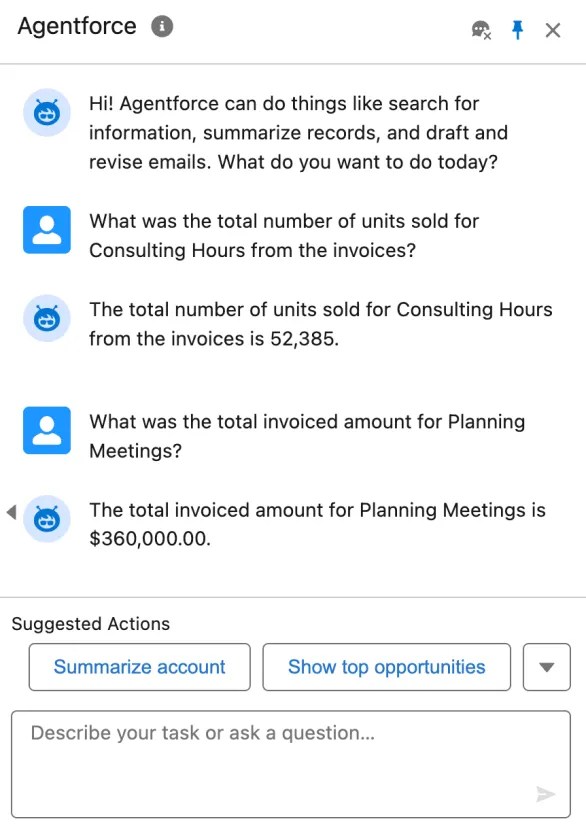
An Agentforce and Heroku integration blueprint
UltraConstruction’s use case can occur regardless of the type, age, location, size, or structure of the data. Even for data already residing in Salesforce, more intensive computational tasks such as analytics, transformations, or ad-hoc queries are possible using Heroku and its array of languages and elastic compute managed services. Before we dive into the UltraConstruction Agentforce action, let’s review the overall approach to using Heroku with Agentforce.
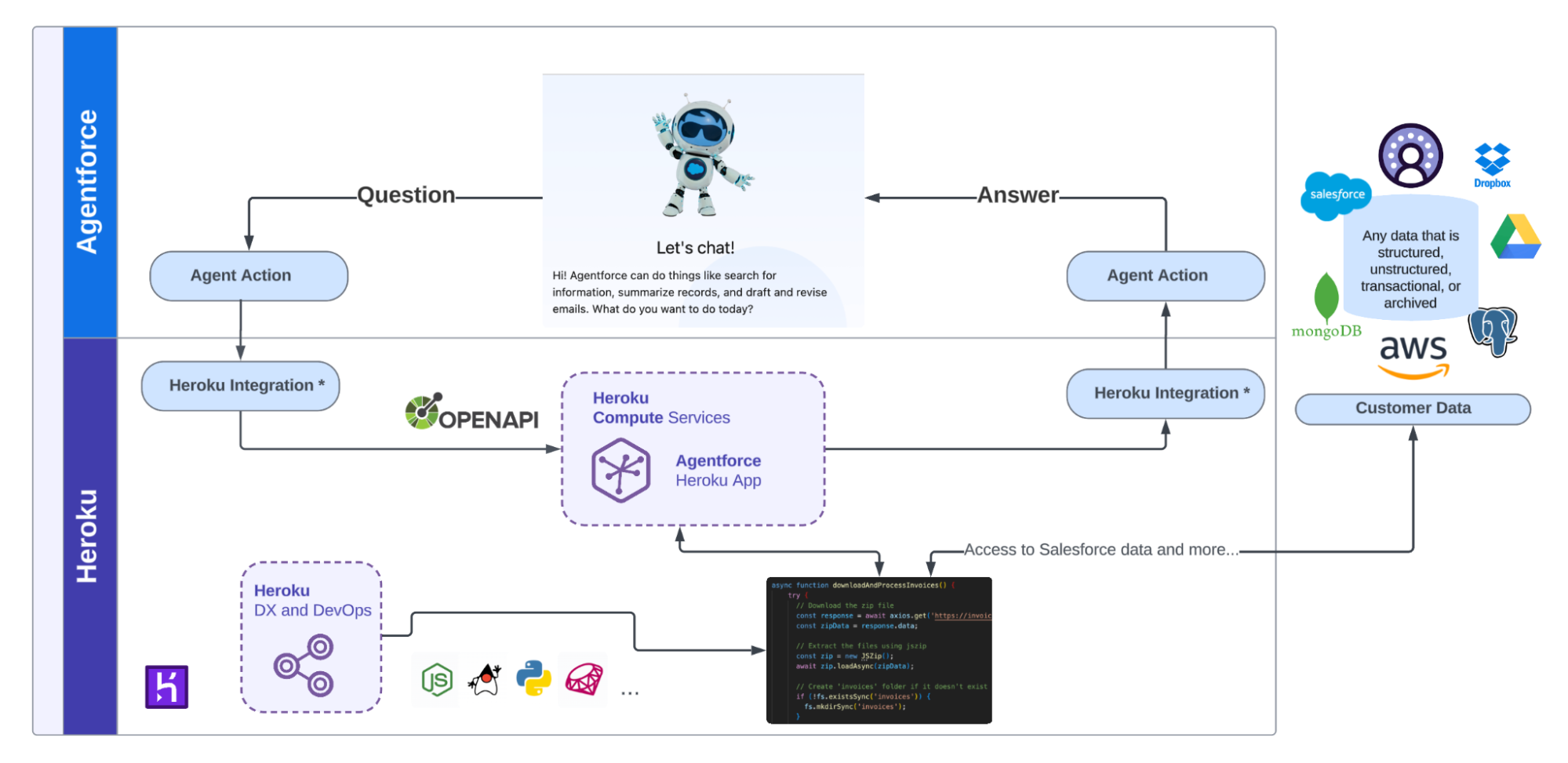
* Heroku Integration is currently available only in pilot mode and is not intended for production use. For more information, including alternative steps for deploying in production, please refer to this tutorial.
On the far right of the diagram above, we can see customer data depicted in various shapes, sizes, and locations, all of which can be accessed by Heroku-managed code on behalf of the AI agent. In the top half of the diagram, Agentforce manages which actions to use. Heroku-powered actions are exposed via External Services and later imported as an Agent Action via Agent Builder.
In the bottom half of the diagram, since External Services are used, the only requirement for the Heroku app is to support the OpenAPI standard to describe the app’s API inputs and outputs, specifically the request and response of the action. Finally, keep in mind that Heroku applications can call out to other services, leverage Heroku add-ons, and utilize many industry programming languages with libraries that significantly speed up the development process.
A sample Agentforce Heroku action
Now that you know the use case and the general approach, let’s look at an example AI agent. In the following video and GitHub repository README file, you will be able to try this out for yourself! The action has been built to simulate the scenario that UltraConstruction found themselves in, with some aspects simplified to make the sample easier to understand and deploy. The following diagram highlights how the above blueprint was taken and expanded upon to build the required action.
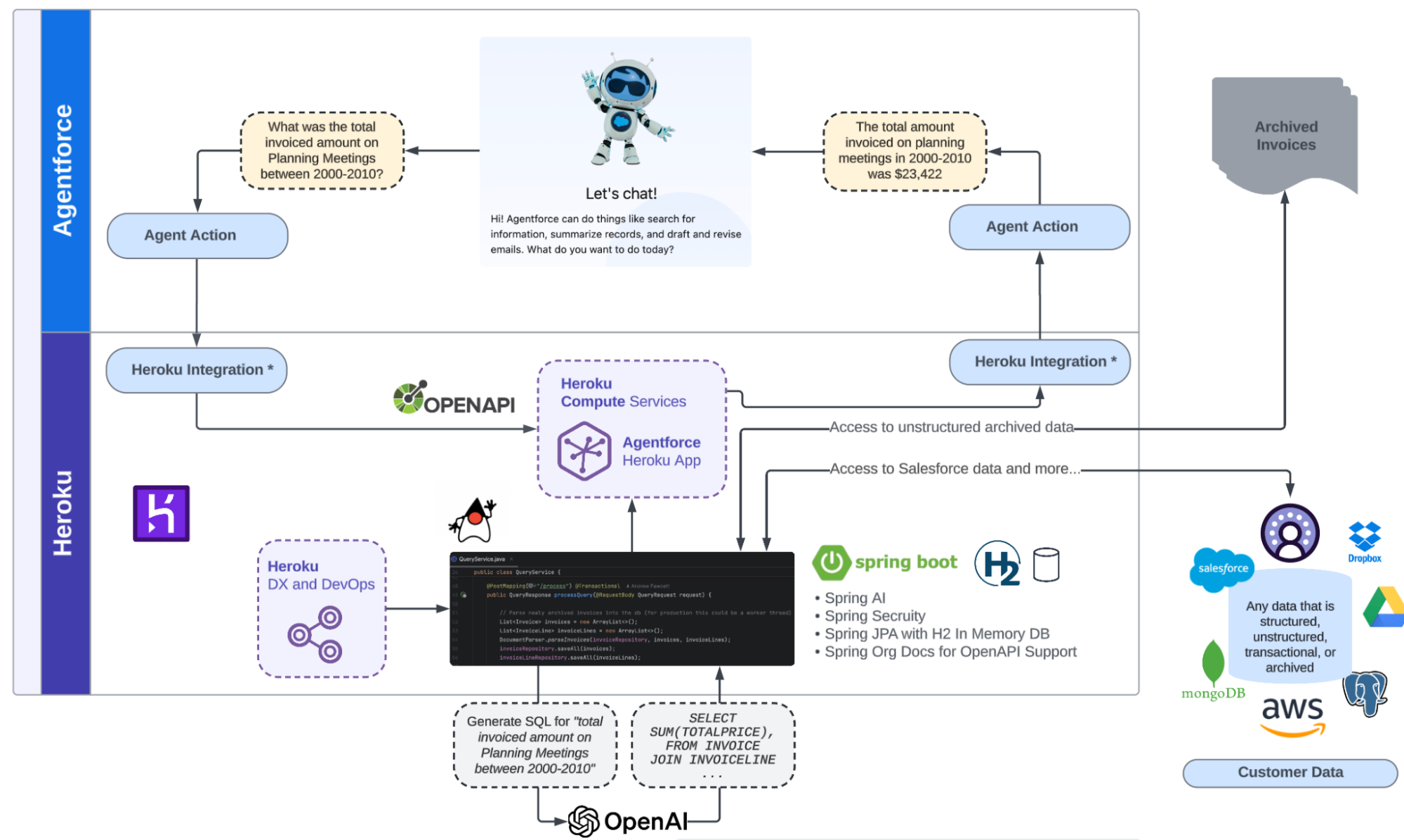
* Heroku Integration is currently available only in pilot mode and is not intended for production use. For more information, including alternative steps for deploying in production, please refer to this tutorial.
The primary changes to note are:
- Java, along with Spring Boot
The Spring framework offers a wide range of tools that make managing data, security, and calling AI LLMs (Large Language Models) very simple with minimal code. It supports both web and API-based applications. - H2 is a highly optimized in-memory database
Stores data from processed invoice documents in a relational form, ready for querying. - springdoc.org is used to generate an OpenAPI schema
Java is a strongly typed language, making it an excellent choice for building and defining APIs. This library requires minimal configuration for compliant OpenAPI APIs, which are required by External Services. - Spring AI has been used to simplify access to industry LLMs
Spring AI is easy to configure and often requires minimal coding—sometimes just one line of code—to tap into powerful LLMs, such as those provided by OpenAI and others. In this case, it is responsible for taking the natural language query entered into the Agentforce agent and converting it into SQL, which is run against the H2 database. The result of this query is then returned to Agentforce and integrated into a natural language response for the user.
If you’re interested in viewing the code and a demonstration, you can watch the video below. When you’re ready to deploy the example AI agent yourself, review the deployment steps in the README.
Conclusion
Code is a powerful tool for integration, but keep in mind that Heroku also provides out-of-the-box integrations that bring Salesforce data closer to your application through Heroku Postgres and our Heroku Connect product. We also support integrations with Data Cloud. Heroku also offers pgvector as an extension to its managed Postgres offering, providing a world class vector database to support your retrieval augmented generation and semantic search needs. You can see it in action here. While this blog’s customer scenario didn’t require these capabilities, other agent use cases may well benefit from these features, further boosting your agent actions! Last but not least, we at Heroku consider feedback a gift, so if you have broader ideas or feedback, please connect with us via the Heroku GitHub roadmap.
Updates
Since publishing this blog, we have released additional content we wanted to share.
- Introduction to the Heroku Integration Pilot for Developers. This video helps developers discover our new Heroku Integration feature, which brings Heroku applications directly into Salesforce orgs to extend Apex, Flow, Agentforce, and many other experiences with Heroku’s elastic compute services. It also provides a new SDK experience for developers to access Salesforce data. This feature is currently in pilot and isn’t generally available at this time; developers can request access through the signup forms included in the video description.
- This step by step tutorial, available in Java and Python, will guide you through configuring an Agentforce Action deployed on Heroku within your Salesforce org. By the end, you will be able to ask Agentforce to generate your own badge, as shown below!

- An additional demonstration video and sample code, diving deeper into how Heroku enhances Agentforce agents’ capabilities. In this expanded version of the popular Coral Cloud Resort demo, vacationing guests can use Agentforce to browse and book unique experiences. With Heroku, the agent can even generate personalized adventure collages for each guest, showcasing how custom code on Heroku enables dynamic digital media creation directly within the Agentforce platform.

The post How to Create an AI Agent With Heroku and Agentforce appeared first on Heroku.
]]>If your cloud application performs poorly or is unreliable, users will walk away, and your enterprise will suffer. To know what’s going on inside of your million-concurrent-user application (Don’t worry, you’ll get there!), you need observability. Observability gives you the insights you need to understand how your application behaves. As your application and architecture scale […]
The post Best Practices for Optimizing Your Enterprise Cloud Applications with New Relic appeared first on Heroku.
]]>If your cloud application performs poorly or is unreliable, users will walk away, and your enterprise will suffer. To know what’s going on inside of your million-concurrent-user application (Don’t worry, you’ll get there!), you need observability. Observability gives you the insights you need to understand how your application behaves. As your application and architecture scale up, effective observability becomes increasingly indispensable.
Heroku gives you more than just a flexible and developer-friendly platform to run your cloud applications. You also get access to a suite of built-in observability features. Heroku’s core application metrics, alerts, and language-specific runtime metrics offer a comprehensive view of your application’s performance across the entirety of your stack. With these features, you can monitor and respond to issues with speed.
In this article, we’ll look at these key observability features from Heroku. For specific use cases with more complexity, your enterprise might lean on supplemental features and more granular data from the New Relic add-on. We’ll explore those possibilities as well.
At the end of the day, robust observability is a must-have for your enterprise cloud applications. Let’s dive into how Heroku gives you what you need.
Application Metrics
Heroku provides several application-level metrics to help you investigate issues and perform effective root cause analysis. For web dynos (isolated, virtualized containers), Heroku gives you easy access to response time and throughput metrics.
- Response time metrics include the median, 95th percentile, and 99th percentile times, offering a clear picture of how quickly the application responds under typical and extreme conditions.
- Throughput metrics are broken down by HTTP status codes, helping you identify traffic patterns and pinpoint areas where requests may be failing.
Across all dynos types (except eco), Heroku gathers memory usage and dyno load metrics.
- Memory usage metrics include data on total memory, RSS (resident set size), and swap usage. These are vital for understanding how efficiently your application uses memory and whether it’s at risk of exceeding memory quotas and triggering errors.
- Dyno load measures the load on the container’s CPU, providing a view into how many processes are competing for time — a signal of whether your application is overburdened or not.
These metrics are crucial for root cause analysis. As you examine trends and spikes in these metrics, you can identify bottlenecks and inefficiencies, preemptively addressing potential failures before they escalate. Whether you’re seeing a surge of slow response times or an anomalous increase in memory usage, these metrics guide developers in tracing the problem back to its source. Equipped with these metrics, your enterprise can ensure faster and more effective issue resolution.
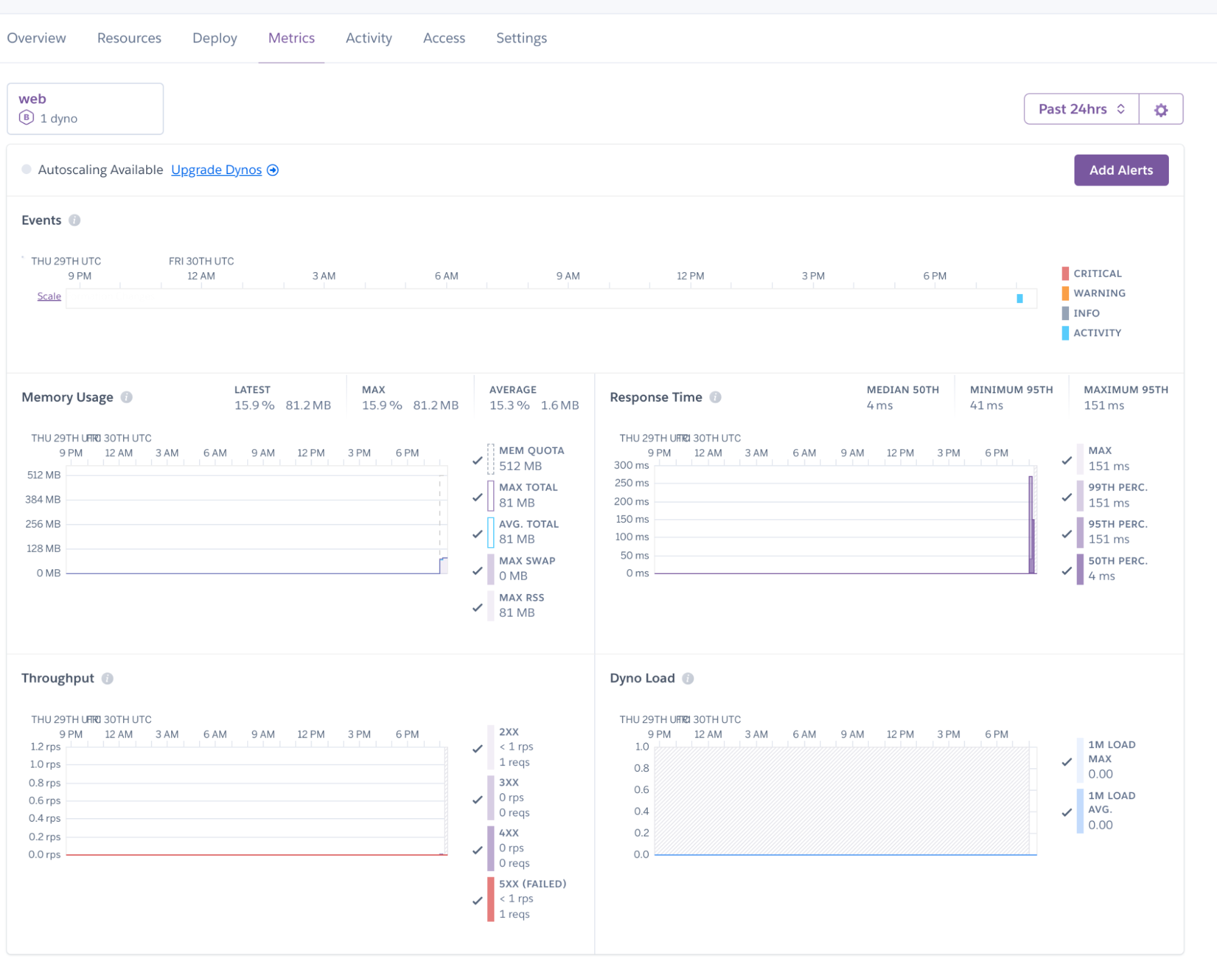
Threshold Alerting
Threshold alerting allows you to set specific thresholds for critical application metrics. When your application exceeds these thresholds, alerts are automatically triggered, and you’re notified of potential issues before they escalate into major problems. With alerts, you can take a proactive approach to maintaining application performance and reliability.
This is particularly useful for keeping an eye on response time, memory usage, and CPU load. By setting appropriate thresholds, you ensure that your application operates within its optimal parameters to prevent resource exhaustion and maintain performance.
Threshold alerting is available exclusively for Heroku’s professional-tier dynos (Standard-1X, Standard-2X, and all Performance dynos).

Language Runtime Metrics
Heroku provides detailed insights into memory usage by offering language-specific runtime metrics for applications running on JVM, Go, Node.js, or Ruby. Metrics include:
- JVM applications: Heap memory usage and garbage collection times.
- Go applications: Memory stack, coroutines, and garbage collection statistics.
- Node.js and Ruby applications: Heap and non-heap memory usage breakdowns.
These insights are crucial for developers in identifying memory leaks, optimizing performance, and ensuring efficient resource utilization. Understanding how memory is consumed allows developers to fine-tune their applications and avoid memory-related crashes. By tapping into these metrics, you can maintain smoother, more reliable performance.
These metrics are available on all dynos (except eco), using the supported languages.
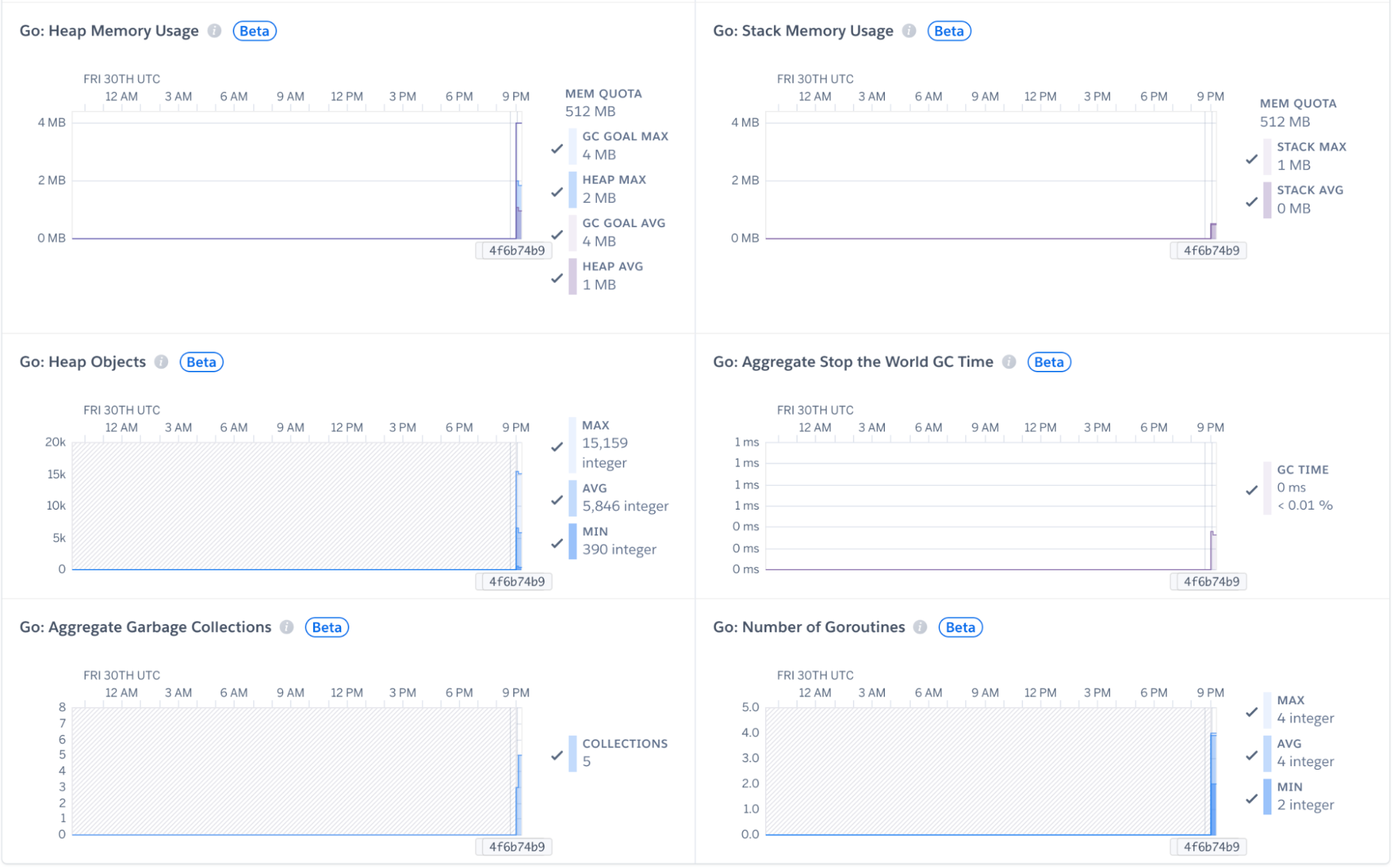
To utilize these features, first enable them in your Heroku account. Then, import the appropriate library within your applications’ build and redeploy.
Heroku and New Relic for the Win
In most cases, the above observability features give you enough information to troubleshoot and optimize your cloud applications. However, in more complex situations, you may want an additional boost through a dedicated application performance monitoring (APM) solution such as New Relic. Heroku offers the New Relic APM add-on, which lets you track detailed performance metrics, monitor application health, and diagnose issues with real-time data and insights.
Key features from New Relic include:
- Code-level diagnostics: Allows developers to identify problematic areas in their code that may be causing performance bottlenecks. This helps in optimizing the application and ensuring lower latency user experiences.
- Transaction tracing: Provides visibility into the life cycle of each transaction within the application. Trace requests from start to finish, pinpointing delays or errors that may occur during specific processes.
- Customizable instrumentation: Enables developers to tailor the monitoring and data collection to their specific needs, providing more granular insights and control over application performance
Features such as these enable more effective troubleshooting and optimization, helping you ensure that your applications run efficiently even under heavy load.
The New Relic APM add-on integrates seamlessly with your application, automatically capturing detailed performance data. With the add-on installed, you can:
- Regularly review transaction traces to identify slow-performing transactions.
- Use error analytics to monitor and address issues in real time.
- Leverage detailed diagnostics to continuously improve the application’s performance.
Connecting your application to New Relic agents is straightforward. You simply install a New Relic library in your codebase and redeploy. The APM solution’s advanced features also allow for more fine-grained control of the data you’re sending. In addition to monitoring application state and metrics, you can also use it to monitor logs and infrastructure.

Conclusion
In this blog, we’ve explored the advanced observability features from Heroku along with the additional power offered by the New Relic APM add-on. Heroku’s observability features alone provide the metrics and alerting capabilities that can go a long way toward safeguarding your deployments and customers’ experience. New Relic further enhances observability with its APM capabilities, such as code-level diagnostics and transaction tracing.
Staying proactive with cloud application observability is key to maintaining enterprise application efficiency. Robust observability helps you ensure that your applications are running smoothly, and it also enables you to handle unexpected challenges. With a strong observability solution, you gain insights that help you sustain application performance and deliver a superior user experience.
To learn more about enterprise observability, read more about the features Heroku Enterprise has to offer, or contact us to help you get started.
The post Best Practices for Optimizing Your Enterprise Cloud Applications with New Relic appeared first on Heroku.
]]>As maintainers of the open source framework Electron, we try to be diligent about the work we take on. Apps like Visual Studio Code, Slack, Notion, or 1Password are built on top of Electron and make use of our unique mix of native code and web technologies to make their users happy. That requires focus: […]
The post Electron on Heroku appeared first on Heroku.
]]>As maintainers of the open source framework Electron, we try to be diligent about the work we take on. Apps like Visual Studio Code, Slack, Notion, or 1Password are built on top of Electron and make use of our unique mix of native code and web technologies to make their users happy. That requires focus: There’s always more work to be done than we have time and resources for. In practice, that means that we don’t want to spend time thinking about the server infrastructure for the project — and we’re grateful for the support we receive from Heroku, where we can host load-intensive apps without worrying about managing the underlying infrastructure. In this blog post, we’ll take a look at some of the ways in which we use Heroku.
A sip from the fire hose: Electron’s update service
Updating desktop software is tricky: Unlike websites, which you can update simply by pushing new code to your server — or mobile apps, which you can update using the app stores, desktop apps usually need to update themselves. This process requires a cloud service that serves information about the latest versions as well as the actual binaries themselves.
To make that easier, Electron offers a free update service powered by Heroku and GitHub Releases. You can add it to your app by visiting update.electronjs.org. The underlying Heroku service is a humble little Node.js app, hosted inside a single web Dyno, but serves consistently more than 100 requests per second in less than 1ms response time, using less than 100MB of memory. In other words, we’re serving at peak almost half a million requests per hour with nothing but the default Procfile.
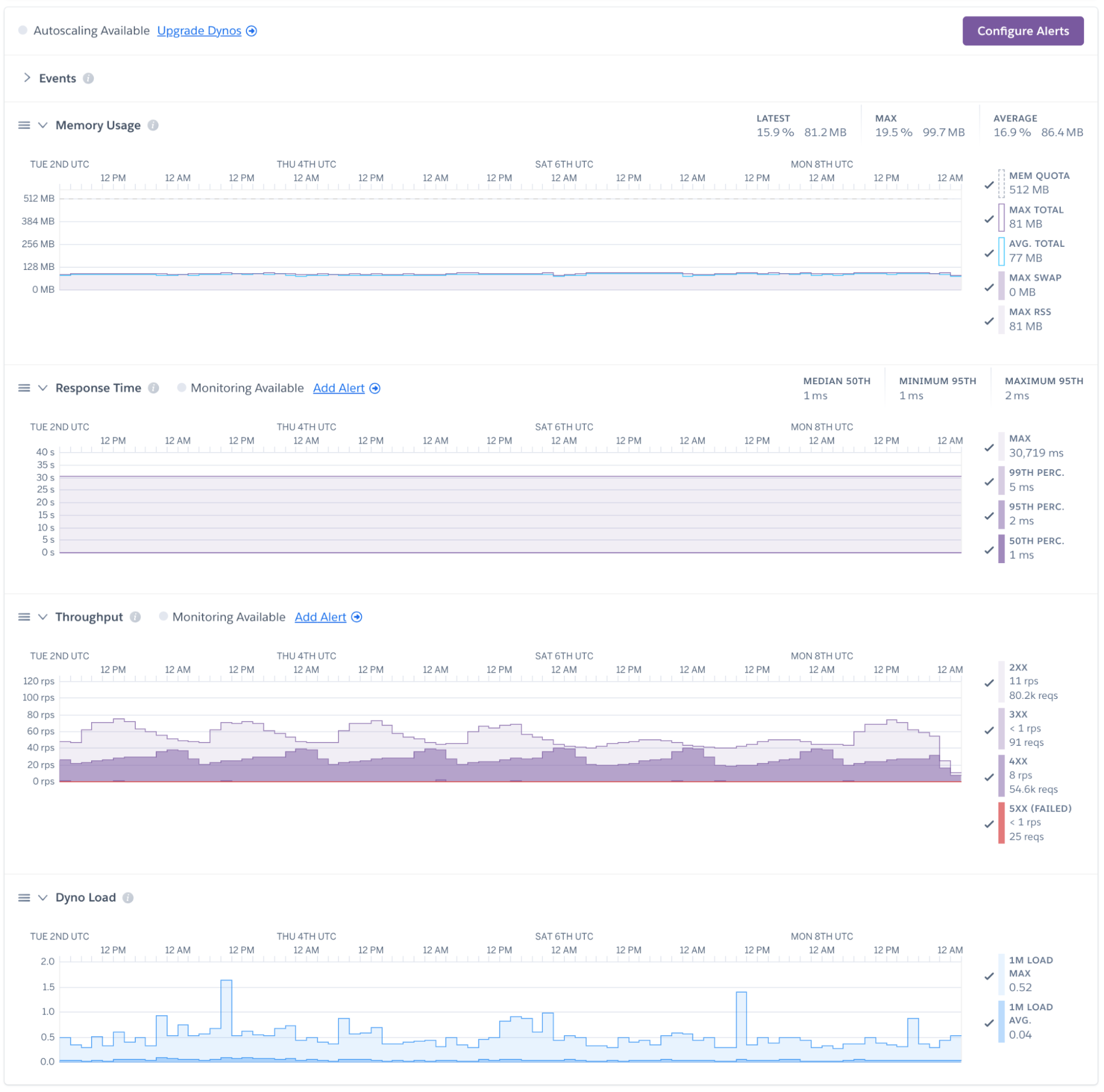
We’re using a simple staging/production pipeline and Heroku Data for Redis as a lightweight data store. In other words, we’re benefiting from sensible defaults — the fact that Heroku doesn’t have us setup or manage keeping this service online means that we didn’t really have to look at it in 2024. It works, allowing us to focus on the things that don’t.
Making Slack a little better for us
Like most open source projects, Electron needs to be constantly mindful of its most limited resource: The time of its maintainers. To make our work easier, we’re making heavy use of bots and automation wherever possible. Those bots run on Heroku, since we ideally want to set them up and never think about them again.
Take the slack-chromium-helper as an example: If you send a URL to a Chromium Developer Resource in Slack, this bot will fetch the content of that resource and automatically unfurl it.

To build this bot, we used Slack’s own @slack/bolt framework. On the Heroku side, no custom configuration is necessary: We’re using a basic web dyno, which automatically runs npm install, npm build, and npm start. The attached data store is Heroku Postgres on the “essential” plan. In other words, we’re getting a persistent, fully-managed data store for cents.
Here too, the main feature of Heroku to us is that it “just works”: We can use the tools we’re familiar with, write an automation that saves us time when working in Slack, and don’t have to worry about long-term maintenance. We’re thankful that we never have to think about upgrading a server operating system.
GitHub, Automated
Many PRs opened against electron/electron are actually made by our bots — the most important one being electron/roller, which automatically attempts to update our major dependencies, Node.js and Chromium. So far, our bot has opened more than 400 PRs — like this one, bumping our Node.js version to v20.15, updating the release notes, and adding labels to power subsequent automation.
The bot is, once again, powered by a Node.js app running on a Heroku web dyno. It uses the popular GitHub Probot framework to automatically respond to closed pull requests and new issues comments. To make sure that it automatically attempts to perform updates, we’re using Heroku Scheduler, which calls scripts on our app daily.
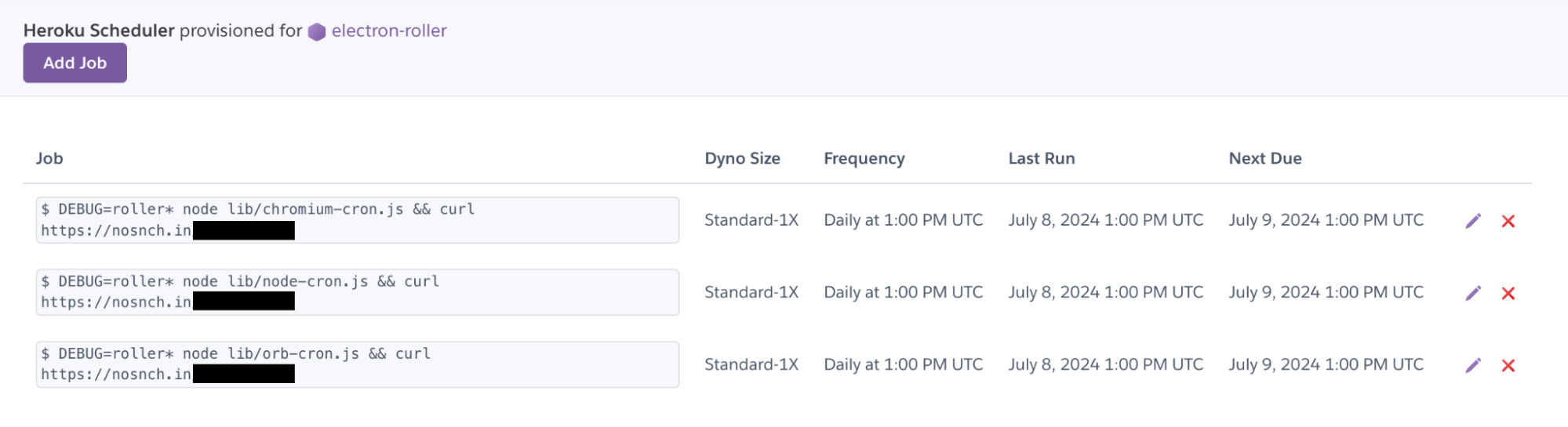
Platform as a Service
If you’d ask the Electron maintainers about Heroku, we’d tell you that we don’t think about it that much. We organize our work by focusing on the features that need to be built the most, the bugs that need to be fixed first, and the tooling changes we need to make to make the lives of Electron app developers as easy as possible.
For us, Heroku just works. We can quickly spin up web services, bots, and automations using the tools we like the most — in our case, Node.js apps, developed on GitHub, paired with straightforward data stores. Thanks to easy SSO integration, the entire group has the access they need without giving anyone too much power.
That is what we like the most about Heroku: How it works. We like it as much as we like electricity coming out of our sockets: Essential to the work that we do, yet never a headache or a problem that needs to be solved.
We’d like to thank Heroku and Salesforce for being such strong supporters of open source technologies, their contributions to the ecosystem, and in the case of Electron, their direct contribution towards delightful desktop software.
The post Electron on Heroku appeared first on Heroku.
]]>We are thrilled to announce that Heroku Automated Certificate Management (ACM) now supports wildcard domains for the Common Runtime! Heroku ACM’s support for wildcard domains streamlines your cloud management by allowing Heroku’s Certificate management to cover all your desired subdomains with only one command, reducing networking setup overhead and providing more flexibility while enhancing the […]
The post Simplify Your Cloud Security: Heroku ACM Now Supports Wildcard Domains appeared first on Heroku.
]]>
We are thrilled to announce that Heroku Automated Certificate Management (ACM) now supports wildcard domains for the Common Runtime!
Heroku ACM’s support for wildcard domains streamlines your cloud management by allowing Heroku’s Certificate management to cover all your desired subdomains with only one command, reducing networking setup overhead and providing more flexibility while enhancing the overall security of your applications.
This highly-requested feature request is here, and in this blog post, we'll dive into what wildcard domains are, why you should use them, and the new possibilities this support brings to Heroku ACM.
What’s a Wildcard Domain and Why Should I Use It?
A wildcard domain is a domain that includes a wildcard character (an asterisk, *) in place of a subdomain. For example, *.example.com is a wildcard domain that can cover www.example.com, blog.example.com, shop.example.com, and any other subdomain of example.com.
Using wildcard domains offers several benefits:
-
Simplified Management: Instead of managing individual certificates for each subdomain, a single wildcard certificate can cover all subdomains, reducing administrative overhead.
-
Cost Efficiency: Wildcard certificates can be more cost-effective than purchasing individual certificates for each subdomain.
-
Flexibility: Wildcard domains provide the flexibility to add new subdomains without issuing a new certificate each time.
What Can I Now Do with Heroku ACM Since It’s Supported?
With the new support for wildcard domains in Heroku ACM, you can now:
-
Easily Secure Multiple Subdomains: Automatically secure all your subdomains with a single wildcard certificate. This is particularly useful for applications that dynamically generate subdomains.
-
Streamline Certificate Management: Reduce the complexity of managing multiple certificates. Heroku ACM will handle the issuance, renewal, and management of your wildcard certificates, just as it does with regular certificates.
-
Enhance Security: Ensure that all your subdomains are consistently protected with HTTPS, improving the overall security posture of your applications.
How to use your Wildcard Domain with Heroku ACM
Previously, you would've seen an error messaging when trying to add a wildcard domain with Heroku ACM enabled, or when trying to enable Heroku ACM when your app was associated to a wildcard domain.
Now, you can follow the typical steps to add a custom domain to your Heroku app using the following command:
$ heroku domains:add *.example.com -a example-app
Once the domain is added, you can enable Heroku ACM using the following command:
$ heroku certs:auto:enable
And just like that, you can utilize your wildcard domain and still all of your certificates managed by Heroku!
Wildcard Domain Support for Private Spaces
At the time of this post, Wildcard Domain support in Heroku ACM is only available for our Common Runtime Customers.
Support for Wildcard Domains for Private Spaces will be coming soon as part of our focus on improving the entire Private Spaces platform. You can find more details about that project on our GitHub Public Roadmap.
Conclusion
The addition of wildcard domain support to Heroku ACM significantly enhances our platform's networking capabilities. Heroku is committed to making it easier to manage and secure your application's incoming and outgoing networking connections. This change, along with our recent addition of HTTP/2 and our new router are all related to the investment Heroku is making to modernize our feature offerings.
This change was driven by feedback from the Heroku Public GitHub roadmap. We encourage you to keep an eye on our where you can see the features we are working on and provide your input. Your feedback is invaluable and helps shape the future of Heroku.
The post Simplify Your Cloud Security: Heroku ACM Now Supports Wildcard Domains appeared first on Heroku.
]]>When building web applications, unit testing your individual components is certainly important. However, end-to-end testing provides assurance that the final user experience of your components chained together matches the expected behavior. Testing web application behavior locally in your browser can be helpful, but this approach isn’t efficient or reliable, especially as your application grows more […]
The post Testing a React App in Chrome with Heroku CI appeared first on Heroku.
]]>When building web applications, unit testing your individual components is certainly important. However, end-to-end testing provides assurance that the final user experience of your components chained together matches the expected behavior. Testing web application behavior locally in your browser can be helpful, but this approach isn’t efficient or reliable, especially as your application grows more complex.
Ideally, end-to-end tests in your browser are automated and integrated into your CI pipeline. Every time you commit a code change, your tests will run. Passing tests gives you the confidence that the application — as your end users experience it — behaves as expected.
With Heroku CI, you can run end-to-end tests with headless Chrome. The Chrome for Testing Heroku Buildpack installs Google Chrome Browser (chrome) and chromedriver in a Heroku app. You can learn more about this Heroku Buildpack in a recent post.
In this article, we’ll walk through the simple steps for using this Heroku Buildpack to perform basic end-to-end testing for a React application in Heroku CI.
Brief Introduction to our React App
Since this is a simple walkthrough, we’ve built a very simple React application, consisting of a single page with a link and a form. The form has a text input and a submit button. When the user enters their name in the text input and submits the form, the page displays a simple greeting with the name included.
It looks like this:
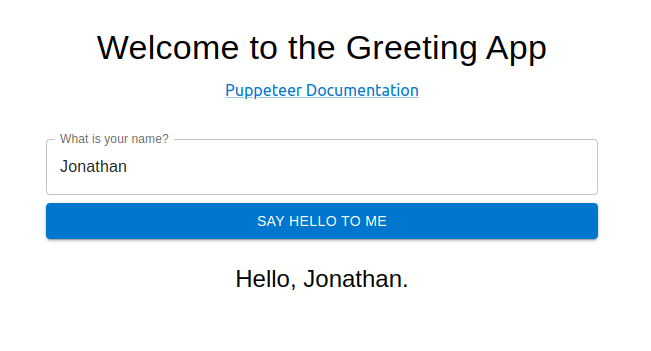

Super simple, right? What we want to focus on, however, are end-to-end tests that validate the end-user experience for the application. To test our application, we use Jest (a popular JavaScript testing framework) and Puppeteer (a library for running headless browser testing in either Chrome or Firefox).
If you want to download the simple source code and tests for this application, you can check out this GitHub repository.
The code for this simple page is in src/App.js:
import React, { useState } from 'react';
import { Container, Box, TextField, Button, Typography, Link } from '@mui/material';

function App() {
  const [name, setName] = useState('');
  const [greeting, setGreeting] = useState('');

  const handleSubmit = (e) => {
    e.preventDefault();
    setGreeting(`Nice to meet you, ${name}!`);
  };

  return (
    <Container maxWidth="sm" style={{ marginTop: '50px' }}>
      <Box textAlign="center">
        <Typography variant="h4" gutterBottom>
          Welcome to the Greeting App
        </Typography>
        <Link href="https://pptr.dev/" rel="noopener">
          Puppeteer Documentation
        </Link>
        <Box component="form" onSubmit={handleSubmit} mt={3}>
          <TextField
            name="name"
            label="What is your name?"
            variant="outlined"
            fullWidth
            value={name}
            onChange={(e) => setName(e.target.value)}
            margin="normal"
          />
          <Button variant="contained" color="primary" type="submit" fullWidth>
            Say hello to me
          </Button>
        </Box>
        {greeting && (
          <Typography id="greeting" variant="h5" mt={3}>
            {greeting}
          </Typography>
        )}
      </Box>
    </Container>
  );
}

export default App;
Running In-Browser End-to-End Tests Locally
Our simple set of tests is in a file called src/tests/puppeteer.test.js. The file contents look like this:
const ROOT_URL = 'https://localhost:8080';

describe('Page tests', () => {
  const inputSelector = 'input[name="name"]';
  const submitButtonSelector = 'button[type="submit"]';
  const greetingSelector = 'h5#greeting';
  const name = 'John Doe';

  beforeEach(async () => {
    await page.goto(ROOT_URL);
  });

  describe('Puppeteer link', () => {
    it('should navigate to Puppeteer documentation page', async () => {
      await page.click('a[href="https://pptr.dev/"]');
      await expect(page.title()).resolves.toMatch('Puppeteer | Puppeteer');
    });
  });

  describe('Text input', () => {
    it('should display the entered text in the text input', async () => {
      await page.type(inputSelector, name);

      // Verify the input value
      const inputValue = await page.$eval(inputSelector, el => el.value);
      expect(inputValue).toBe(name);
    });
  });

  describe('Form submission', () => {
    it('should display the "Hello, X" message after form submission', async () => {
      const expectedGreeting = `Hello, ${name}.`;
      await page.type(inputSelector, name);
      await page.click(submitButtonSelector);

      await page.waitForSelector(greetingSelector);
      const greetingText = await page.$eval(greetingSelector, el => el.textContent);
      expect(greetingText).toBe(expectedGreeting);
    });
  });
});

Let’s highlight a few things from our testing code above:

- We’ve told Puppeteer to expect an instance of the React application to be up and running at `https://localhost:8080`. For each test in our suite, we direct the Puppeteer `page` to visit that URL.
- We test the link at the top of our page, ensuring that a link click redirects the browser to the correct external page (in this case, the Puppeteer Documentation page).
- We test the text input, verifying that a value entered into the field is retained as the input value.
- We test the form submission, verifying that the correct greeting is displayed after the user submits the form with a value in the text input.

The tests are simple, but they are enough to demonstrate how headless in-browser testing ought to work.

### Minor modifications to `package.json`

We bootstrapped this app by using [Create React App](https://create-react-app.dev/). However, we made some modifications to our `package.json` file just to make our development and testing process smoother. First, we modified the `start` script to look like this:

```language-bash
"start": "PORT=8080 BROWSER=none react-scripts start"
Notice that we specified the port that we want our React application to run on (8080) We also set BROWSER=none, to prevent the opening of a browser with our application every time we run this script. We won’t need this, especially as we move to headless testing in a CI pipeline.
We also have our test script, which simply runs jest:
"test": "jest"
Start up the server and run tests
Let’s spin up our server and run our tests. In one terminal, we start the server:
~/project$ npm run start

Compiled successfully!

You can now view project in the browser.

  Local:            https://localhost:8080
  On Your Network:  https://192.168.86.203:8080

Note that the development build is not optimized.
To create a production build, use npm run build.

webpack compiled successfully
With our React application running and available at https://localhost:8080, we run our end-to-end tests in a separate terminal:
~/project$ npm run test

 FAIL  src/tests/puppeteer.test.js
  Page tests
    Puppeteer link
      ✓ should navigate to Puppeteer documentation page (473 ms)
    Text input
      ✓ should display the entered text in the text input (268 ms)
    Form submission
      ✕ should display the "Hello, X" message after form submission (139 ms)

  ● Page tests › Form submission › should display the "Hello, X" message after form submission

    expect(received).toBe(expected) // Object.is equality

    Expected: "Hello, John Doe."
    Received: "Nice to meet you, John Doe!"

      36 |       await page.waitForSelector(greetingSelector);
      37 |       const greetingText = await page.$eval(greetingSelector, el => el.textContent);
    > 38 |       expect(greetingText).toBe(expectedGreeting);
         |                            ^
      39 |     });
      40 |   });
      41 | });

      at Object.toBe (src/tests/puppeteer.test.js:38:28)

Test Suites: 1 failed, 1 total
Tests:       1 failed, 2 passed, 3 total
Snapshots:   0 total
Time:        1.385 s, estimated 2 s
Ran all test suites.
And… we have a failing test. It looks like our greeting message is wrong. We fix our code in App.js and then run our tests again.
~/project$ npm run test

> [email protected] test
> jest

 PASS  src/tests/puppeteer.test.js
  Page tests
    Puppeteer link
      ✓ should navigate to Puppeteer documentation page (567 ms)
    Text input
      ✓ should display the entered text in the text input (260 ms)
    Form submission
      ✓ should display the "Hello, X" message after form submission (153 ms)

Test Suites: 1 passed, 1 total
Tests:       3 passed, 3 total
Snapshots:   0 total
Time:        1.425 s, estimated 2 s
Ran all test suites.
Combine server startup and test execution
We’ve fixed our code, and our tests are passing. However, starting up the server and running tests should be a single process, especially as we intend to run this in a CI pipeline. To serialize these two steps, we’ll use the start-server-and-test package. With this package, we can use a single script command to start our server, wait for the URL to be ready, and then run our tests. Then, when the test run finishes, it stops the server.
We install the package and then add a new line to the scripts in our package.json file:
"test:ci": "start-server-and-test start https://localhost:8080 test"
Now, running npm run test:ci invokes the start-server-and-test package to first start up the server by running the start script, waiting for https://localhost:8080 to be available, and then running the test script.
Here is what it looks like to run this command in a single terminal window:
~/project$ npm run test:ci

> [email protected] test:ci
> start-server-and-test start https://localhost:8080 test
1: starting server using command "npm run start"
and when url "[ 'https://localhost:8080' ]" is responding with HTTP status code 200 running tests using command "npm run test"


> [email protected] start
> PORT=8080 BROWSER=none react-scripts start
Starting the development server...
Compiled successfully!
You can now view project in the browser.
 Local:            https://localhost:8080
 On Your Network:  https://172.16.35.18:8080
Note that the development build is not optimized.
To create a production build, use npm run build.
webpack compiled successfully

> [email protected] test
> jest
 PASS  src/tests/puppeteer.test.js
 Page tests
   Puppeteer link
     ✓ should navigate to Puppeteer documentation page (1461 ms)
   Text input
     ✓ should display the entered text in the text input (725 ms)
   Form submission
     ✓ should display the "Hello, X" message after form submission (441 ms)
Test Suites: 1 passed, 1 total
Tests:       3 passed, 3 total
Snapshots:   0 total
Time:        4.66 s
Ran all test suites.
Now, our streamlined testing process runs with a single command. We’re ready to try our headless browser testing with Heroku CI.
Running Our Tests in Heroku CI
Getting our testing process up and running in Heroku CI requires only a few simple steps.
Add app.json file
We need to add a file to our code repository. The file, app.json, is in our project root folder. It looks like this:
{
  "environments": {
    "test": {
      "buildpacks": [
        { "url": "heroku-community/chrome-for-testing" },
        { "url": "heroku/nodejs" }
      ],
      "scripts": {
        "test": "npm run test:ci"
      }
    }
  }
}
In this file, we specify the buildpacks that we will need for our project. We make sure to add the Chrome for Testing buildpack and the Node.js buildpack. Then, we specify what we want Heroku’s execution of a test script command to do. In our case, we want Heroku to run the test:ci script we’ve defined in our package.json file.
Create a Heroku pipeline
In the Heroku dashboard, we click New ⇾ Create new pipeline.

We give our pipeline a name, and then we search for and select the GitHub repository that will be associated with our pipeline. You can fork our demo repo, and then use your fork for your pipeline.
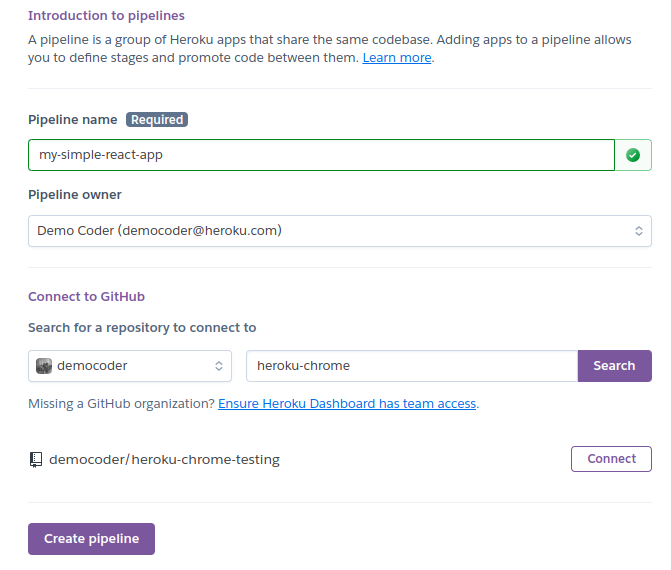
After finding our GitHub repo, we click Connect and then Create pipeline.
Add an app to the pipeline
Next, we need to add an app to our pipeline. We’ll add it to the Staging phase of our pipeline.

We click Create new app…

This app will use the GitHub repo that we’ve already connected to our pipeline. We choose a name and region for our app and then click Create app.

With our Heroku app added to our pipeline, we’re ready to work with Heroku CI.
Enable Heroku CI
In our pipeline page navigation, we click Tests.

Then, we click Enable Heroku CI.
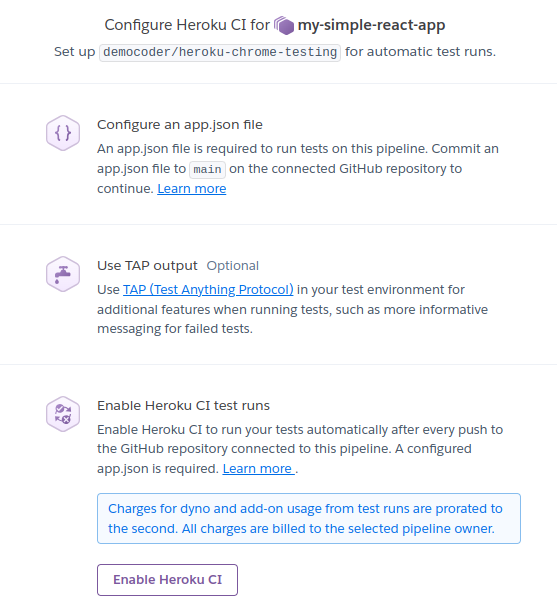
Just like that, Heroku CI is up and running.
- We’ve created our Heroku pipeline.
- We’ve connected our GitHub repo.
- We’ve created our Heroku app.
- We’ve enabled Heroku CI.
- We have an `app.json` file that specifies our need for the Chrome for Testing and Node.js buildpacks, and tells Heroku what to do when executing the `test` script.
That’s everything. It’s time to run some tests!
Run tests (manual trigger)
On the Tests page for our Heroku pipeline, we click the New Test ⇾ Start Test Run to manually trigger a run of our test suite.
As Heroku displays the output for this test run, we see immediately that it has detected our need for the Chrome for Testing buildpack and begins installing Chrome and all its dependencies.

After Heroku installs our application dependencies and builds the project, it executes npm run test:ci. This runs start-server-and-test to spin up our React application and then run our Jest/Puppeteer tests.
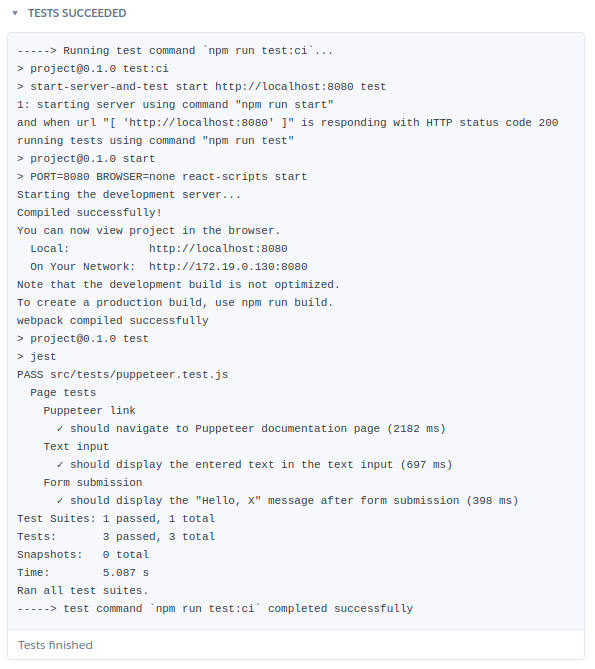
Success! Our end-to-end tests run, using headless Chrome via the Chrome for Testing Heroku Buildpack.
By integrating end-to-end tests in our Heroku CI pipeline, any push to our GitHub repo will trigger a run of our test suite. We have immediate feedback in case any end-to-end tests fail, and we can configure our pipeline further to use review apps or promote staging apps to production.
Conclusion
As the end-to-end testing in your web applications grows more complex, you’ll increasingly rely on headless browser testing that runs automatically as a part of your CI pipeline. Manually running tests is neither reliable nor scalable. Every developer on the team needs a singular, central place to run the suite of end-to-end tests. Automating these tests in Heroku CI is the way to go, and your testing capabilities just got a boost with the Chrome for Testing Buildpack.
When you’re ready to start running your apps on Heroku and taking advantage of Heroku CI, sign up today.
The post Testing a React App in Chrome with Heroku CI appeared first on Heroku.
]]>Dreamforce comes to San Francisco this September 17-19. Heroku, a Salesforce company, has a packed schedule with a variety of sessions and activities designed to enhance your knowledge of our platform and integrations with Salesforce technologies. Learn more about Heroku’s latest innovations by adding us to your agenda via the Dreamforce Agenda Builder. Here’s where […]
The post Discover Heroku at Dreamforce 2024 appeared first on Heroku.
]]>Dreamforce comes to San Francisco this September 17-19. Heroku, a Salesforce company, has a packed schedule with a variety of sessions and activities designed to enhance your knowledge of our platform and integrations with Salesforce technologies.
Learn more about Heroku’s latest innovations by adding us to your agenda via the Dreamforce Agenda Builder. Here’s where you can find Heroku at Dreamforce 2024.
Heroku Demos in the Trailblazer Forest
Whether you are a full-stack Salesforce Developer or just prefer the CLI the Heroku demo booth is the best place to kick off Dreamforce. Dive into the latest product innovations and personalized live demos showcasing Heroku and Data Cloud plus how Heroku can integrate with the MuleSoft Anypoint Flex Gateway. This is also a great opportunity to interact with product managers and get your questions answered.
Interested in AWS+Heroku? Be sure to stop by the Heroku demo at the AWS booth.
Camp Mini Hacks
If you’re a developer looking to challenge yourself, the Camp Mini Hacks are a must-visit. Connect with like-minded developers and tackle code challenges using Heroku and Salesforce technologies: Solve the Mega Hack Challenge, where you’ll integrate an Heroku Application with MuleSoft Anypoint Flex Gateway and Prompt Builder. It’s a hands-on way to learn and showcase your skills.
Breakout Sessions
Heroku’s Breakout Sessions are perfect for those wanting to dive deeper into the platform’s capabilities. Learn how other customers have successfully built and scaled their applications using Heroku. These sessions are informative and provide real-world insights into maximizing the potential of the platform.
Heroku Next-Gen for Cloud Native Workloads
Also available on Salesforce+
- Chris Peterson, Senior Director, Product Management, Salesforce
- Ethan Limchayseng, Director Product Management – Heroku Runtime, Salesforce
- Vivek Viswanathan, Director Product Management, Salesforce
Learn about Heroku’s plan to iterate and expand our platform with our next-gen stack powered by Kubernetes, Heroku-native Data Cloud integration, .NET support, and cutting-edge Postgres offerings.
Maximizing Sales Potential with the Power of Integration
- Alex Solomon, Software Engineering Leader, Cisco Meraki
- MK Korgaonkar, Data Integrations Product Manager, Cisco
Cisco created an integrated sales ecosystem that empowers high-touch sellers across silos to operate as one cohesive team, enabling cross-selling and promoting revenue growth across the organization.
Engaging Customers with Lamborghini’s “Unica” Experience
Also available on Salesforce+
- Lorenzo Cavicchi, Head of IT Commercial & Supporting, Automobili Lamborghini S.p.A.
- David Baliles, Distinguished Technical Architect, Salesforce
- Filippo Tonutti, Next Generation Customer Journey, Automobili Lamborghini
See how Lamborghini’s Unica app, built on Heroku, engages drivers in real time with seamless, digital in-car integration. Discover how collected data enhances Lamborghini’s B2B2C model and ecosystem.
Build a Golden Customer Record Using Heroku
Also available on Salesforce+
- Barry Sheehan, Chief Commercial Officer, Showoff
- Martin Eley, Principal Technical Architect, Salesforce
- Tobias Lilley, Heroku Sales UK&I, Salesforce
Combine records from multiple systems in real time and use Heroku to create a transactional, golden customer record for activation in Data Cloud.
Theater Sessions
Explore how Heroku powers the Next-Gen Platform and the C360. Theater Sessions presentations are part of a joint Mini Theater experience, offering exclusive content that highlights the integration of Heroku with Salesforce’s broader ecosystem.
Secure APIs on Heroku with MuleSoft Flex Gateway
Also available on Salesforce+
- Jonathan Jenkins, Senior Success Architect, Salesforce
- Parvez Mohamed, Director of Product Management, Salesforce
Learn to deploy MuleSoft Flex Gateway on Heroku, connect private and secure API apps, and manage access via AnyPoint controls.
Securely Integrating Heroku Apps with Data Cloud
- Vivek Viswanathan, Director of Product Management, Salesforce
- David Baliles, Distinguished Technical Architect, Salesforce
Learn how to connect Heroku apps with Data Cloud using Flows, Events, and Apex to enhance and extend your data management abilities.
Deliver Innovation with Heroku and Signature Support
Also available on Salesforce+
- Gabriel Avila, Senior Customer Solutions Manager, Salesforce
- Altaf Somani, Head of Software Development, Goosehead Insurance
Learn how Goosehead Insurance improved customer experience with the Heroku PaaS, improving issue identification and resolution by 75% and boosting response time by 55% with the agent enablement app.
Optimize Your Sales Strategy with Heroku, Salesforce, and AI
Also available on Salesforce+
- Xiaolin Xu, Senior Software Engineer, Salesforce
Use the power of vector search to analyze historical sales data and identify trends in customer behavior. Use these insights to make smarter sales forecasts and reduce churn.
Workshops
For a more interactive learning experience, Heroku’s Workshops are the place to be. These hands-on sessions will teach you how to build AI applications and integrate Heroku with Salesforce Data Cloud. It’s a unique opportunity to get practical experience with expert guidance.
Improve Customer Engagement with Heroku and Data Cloud
- Vivek Viswanathan, Director of Product Management, Salesforce
- David Baliles, Distinguished Technical Architect, Salesforce
Learn how to ingest Heroku data into Data Cloud, deploy a web app, and get real-time interactions. By the end, you’ll know how to connect Heroku to Data Cloud to boost your business.
Build Agentic AI Applications with Heroku
- Rand Fitzpatrick, Senior Director, Product Management, Salesforce
- Mauricio Gomes, Principal Engineer, Salesforce
- Marcus Blankenship, Director of AI/ML Engineering, Salesforce
Discover how to use Heroku to enhance your AI with code execution and function use, seamlessly integrated into your Heroku applications.
Roundtable
Gather with like-minded attendees to discuss a particular topic. Opportunity to network and share best practices and common challenges facing the Salesforce community. Each table is moderated by an expert.
Heroku for IT Leaders: Boost Scalability and Cost Efficiency
- Dan Mehlman, Director, Heroku Technical Architecture, Salesforce
- Brandon Schoen, Director, Heroku Professional Services, Salesforce
Discover how you can achieve limitless scalability by using the right tools for the job with Heroku. Save money on DevOps and infrastructure management, allowing you to focus on your product.
Final Thoughts
Dreamforce 2024 is shaping up to be an exciting event, especially for IT leaders and developers using Heroku for their development needs. Make sure to add these sessions to your schedule and experience the best of what Heroku has to offer!
The post Discover Heroku at Dreamforce 2024 appeared first on Heroku.
]]>Over a decade ago, Heroku co-founder Adam Wiggins published the Twelve-Factor App methodology as a way to codify the best practices for writing SaaS applications. In that time, cloud-native has become the default for all new applications, and technologies like Kubernetes are widespread. Best-practices for software have evolved, and we believe that Twelve-Factor also needs […]
The post Updating Twelve-Factor: A Call for Participation appeared first on Heroku.
]]>Over a decade ago, Heroku co-founder Adam Wiggins published the Twelve-Factor App methodology as a way to codify the best practices for writing SaaS applications. In that time, cloud-native has become the default for all new applications, and technologies like Kubernetes are widespread. Best-practices for software have evolved, and we believe that Twelve-Factor also needs to evolve — this time with you, the community.
Originally, the Twelve-Factor manifesto focused on building deployable applications without thinking about deployment, and while its core concepts are still remarkably relevant, the examples are another story. Industry practices have evolved considerably and many of the examples reflect outdated practices. Rather than help illustrate the concepts, these outdated examples make the concepts look obsolete.
It is time to modernize Twelve-Factor for the next decade of technological advancements.
Like art restoration, the majority of the work will first focus on removing accumulated cruft so that the original intent can shine through. For the first step in the restoration, we plan to remove the references to outdated technology and update the examples to reflect modern industry practices. Next, we plan to clearly separate the core concepts from the examples. This will make it easier to evolve the examples in the future without disturbing the timeless philosophy at the core of the manifesto. Just like how microservices are a set of separate services that are loosely coupled together so they can be updated independently, we’re applying this same thinking to Twelve-Factor so the specifications can be separate from examples and reference implementations.
While we originally wrote Twelve-Factor on our own, it’s now time that we define and implement these principles with the community — taking lessons that we’ve all learned from building and operating modern apps and systems and sharing them. Let’s do this together, email to join [email protected] and tag #12factor (X / LinkedIn) or @heroku when you publish blogs with your perspectives and ideas!
We look forward to working together to make the new version of the manifesto awesome!
The post Updating Twelve-Factor: A Call for Participation appeared first on Heroku.
]]>Data Residency Compliance Is Possible with the Right Cloud Provider Because today’s companies operate in the cloud, they can reach a global audience with ease. At any given moment, you could have customers from Indiana, Indonesia, and Ireland using your services or purchasing your products. With such a widespread customer base, your business data will […]
The post What is Data Residency? Data Residency Concerns for Global Applications appeared first on Heroku.
]]>Data Residency Compliance Is Possible with the Right Cloud Provider
Because today’s companies operate in the cloud, they can reach a global audience with ease. At any given moment, you could have customers from Indiana, Indonesia, and Ireland using your services or purchasing your products. With such a widespread customer base, your business data will inevitably cross borders. What does this mean for data privacy, protection, and compliance?
If your company deals with customers on a global — or at the very least, multi-national — scale, then understanding the concept of data residency is essential. Data residency deals with the laws and regulations that dictate where data must be stored and managed. Compliance with the relevant data residency laws keeps you in good business standing and builds trust with your customers.
In this post, we’ll explore the concept of data residency. We’ll look at the implications of a global customer base on your compliance footprint and efforts. At first glance, achieving compliance with data residency requirements may seem like an insurmountable task. However, leveraging cloud regions from the right cloud provider — such as through Private Dynos from Heroku Enterprise — can help relieve your data residency compliance headaches.
Before we begin, and as a reminder, this blog should not be taken as legal advice, and you should always seek your own counsel on matters of legal and regulatory compliance. Let’s start with a brief primer on the core concept for this post.
What is data residency?
Data residency refers to the legal requirements that dictate where your data may be stored and processed. When it comes to data management — which is how you handle data throughout its lifecycle — taking into account data residency laws is essential. Ultimately, this comes down to understanding where a user of your application resides, and subsequently where their data must be stored and processed.
When people think of data protection laws, many immediately think of the General Data Protection Regulation (GDPR) and the California Consumer Privacy Act (CCPA). GDPR has certain requirements about how organizations must handle and process the data of individuals residing within the EU. The CCPA regulates how businesses handle the personal data of California residents.
GDPR and CCPA have stringent rules about how data is processed, but they do not necessarily impose strict requirements on where data resides, as long as that data has been processed in a compliant manner. They are more concerned with privacy and digital rights, emphasizing the individual’s autonomy and authority over their personal data.
However, many countries have strict data residency laws regarding certain kinds of data. For example, China’s Personal Information Protection Law requires handlers of certain types of personally identifiable information (PII) of a Chinese citizen be stored within China’s borders.
There are two additional concepts worth mentioning before we explore how Heroku helps businesses with data residency compliance: data sovereignty and data localization.
Data sovereignty vs data residency
Data residency refers to the physical location where data is stored to satisfy specific legal or regulatory requirements. Data sovereignty, in contrast, concerns the legal jurisdiction governing the data—based on where it resides or the residency of the individuals the data concerns. For example, storing customer data in Germany may meet local residency mandates, while EU laws like GDPR may still apply to EU citizens’ data, even if that data is processed abroad. Organizations with global footprints must consider both, aligning storage infrastructure to meet data residency requirements while addressing the legal reach of sovereignty laws that apply extraterritorially.
H3: Data residency vs data localization
Data localization goes further than data sovereignty and data residency laws: It requires that data be both stored and processed within a specific jurisdiction, often prohibiting cross-border transfers entirely. While residency focuses on where data is housed, localization enforces stricter territorial control over data handling.
Why does data residency matter for compliance?
Your enterprise may be dealing with data from residents or citizens of specific countries or with specific industries in countries that have strict requirements about where the data must be stored. These are data residency requirements, and businesses that operate internationally must comply with these requirements to avoid running afoul of the law.
Compliance ensures that your data handling aligns with local laws and regulations. It helps you avoid legal penalties, and it builds trust among your global customers.
What happens if you don’t comply? The risks of non-compliance are significant. Non-compliance can have far-reaching consequences for any business, including:
- Hefty fines
- Legal disputes
- Possible loss of a license to operate as a business
- Erosion of customer trust
- Damaged company reputation
If your business has a global customer base, then data residency matters because compliance is a must. Managing your data in compliance is more than just a legal buffer; it’s foundational to business integrity and customer trust.
How cloud regions can help you with data residency compliance
This brings us to the all-important concept of cloud regions. Leveraging cloud regions effectively could be a game-changer for your enterprise’s ability to meet data residency requirements, thereby maintaining compliance.
When a cloud provider gives you the option of cloud regions, you can specify where your data is stored. This helps you to align your data handling practices with regional compliance laws and regulations.
For example, if your customer is an EU resident, you might choose to store their data in an EU-based cloud region. If the sensitive data you process is sourced in India, then it might make sense to store that data in India, to satisfy local jurisdiction and compliance requirements.
When you take advantage of cloud regions, you bring better and more granular control over your data. In addition, you likely boost application performance by using geographical proximity to optimize data access.
Using cloud regions lets you scale operations internationally while maintaining compliance. You can be sure that each segment of your business adheres to the data protection standards of any given local jurisdiction.
Heroku’s Private Dynos for global application data compliance
Heroku Enterprise offers dynos in Private Spaces. These Private Dynos give you enhanced privacy and control, allowing your company to choose from the following cloud regions:
- Dublin, Ireland
- Frankfurt, Germany
- London, United Kingdom
- Montreal, Canada
- Mumbai, India
- Oregon, United States
- Singapore
- Sydney, Australia
- Tokyo, Japan
- Virginia, United States
These options enable globally operating companies to maintain compliance across different jurisdictions.
In addition to cloud regions, Heroku offers Heroku Shield, which provides additional security features necessary for high compliance operations. With Heroku Shield Private Spaces, Heroku maintains compliance certifications for PCI, HIPAA, ISO, and SOC.
As we’ve discussed, understanding and implementing adequate data residency measures is essential to your ability to operate. However, with cloud regions from a reliable and secure cloud provider platform, compliance is achievable.
Taking advantage of Heroku’s various products — whether it’s Private Dynos or Heroku Shield — to address the various laws or regulations that apply to your organization can move you in the direction of maintaining compliance. In addition, by using these features to simplify your data management and data residency concerns, you’ll also level up your operational efficiency.
Are you ready to see how Heroku can streamline your compliance efforts with Private Dynos and Heroku Shield? Contact Heroku to find out more today!
The post What is Data Residency? Data Residency Concerns for Global Applications appeared first on Heroku.
]]>Modern applications have an unceasing buzz of user activity and data flows. Users send a flurry of one-click reactions to social media posts. Wearable tech and other IoT sensors work nonstop to transmit event data from their environments. Meanwhile, customers on e-commerce sites perform shopping cart actions or product searches which can bring immediate impact […]
The post Building an Event-Driven Architecture with Managed Data Services appeared first on Heroku.
]]>Modern applications have an unceasing buzz of user activity and data flows. Users send a flurry of one-click reactions to social media posts. Wearable tech and other IoT sensors work nonstop to transmit event data from their environments. Meanwhile, customers on e-commerce sites perform shopping cart actions or product searches which can bring immediate impact to operations. Today’s software organizations need the ability to process and respond to this rich stream of real-time data.
That’s why they adopt an event-driven architecture (EDA) for their applications.
Long gone are the days of monolithic applications with components tightly coupled into a single, bloated piece of software. That approach leads to scalability issues, slower development cycles, and complex maintenance. Instead, today’s applications are built on decoupled microservices and components — individual parts of an application that communicate and operate independently, without direct knowledge of each other’s definitions or internal representations. The resulting system is resilient and easier to scale and manage.
This is where EDA comes in. EDA enables efficient communication between these independent services, ensuring real-time data processing and seamless integration. With EDA, organizations leverage this decoupling to achieve the scalability and flexibility they need for their dynamic environments. And central to the tech stack for realizing EDA is Apache Kafka.
In this post, we’ll explore the advantages of using Kafka for EDA applications. Then, we’ll look at how Apache Kafka on Heroku simplifies your task of getting up and running with the reliability and scalability to support global-scale EDA applications. Finally, we’ll offer a few tips to help pave the road as you move forward with implementation.
Kafka’s Advantages for Event-Driven Systems
An EDA is designed to handle real-time data so that applications can respond instantly to changes and events. Boiled down to the basics, we can break down an EDA application to just a few key concepts:
- An event is data — often in the form of a simple message or a structured object — that represents something that has happened in the system. For example: a customer has placed an order, or a warehouse has confirmed inventory numbers for a product, or a medical device has raised a critical alert.
- A topic is a channel where an event is published. For example: orders, or confirmations, or vital signs.
- A producer is a component that publishes an event to a topic. For example: a web server, or a POS system, or a wearable fitness monitor.
- A consumer is a component that subscribes to a topic. It listens for a notification of an event, and then it kicks off some other process in response. For example: an email notification system, or a metrics dashboard, or a fulfillment warehouse.

Decoupling components
An EDA-based application primarily revolves around the main actors in the system: producers and consumers. With decoupling, these components simply focus on their own jobs, knowing nothing about the jobs of others.
For example, the order processing API of an e-commerce site receives a new order from a customer. As a producer in an EDA application, the API simply needs to publish an event with the order data. It has no idea about how the order will be fulfilled or how the customer will be notified. On the other side of things, the fulfillment warehouse is a consumer listening for events related to new orders. It doesn’t know or care about who publishes those events. When a new order event arrives, the warehouse fulfills the order.
By enabling this loose coupling between components, Kafka makes EDA applications incredibly modular. Kafka acts as a central data store for events, allowing producers to publish events and consumers to read them independently. This reduces the complexity of updates and maintenance. It also allows components to be scaled — vertically or horizontally — without impacting the entire system. New components can be tested with ease. With Kafka at the center, producers and consumers operate outside of it but within the EDA, facilitating efficient, real-time data processing.
Real-time data processing
Kafka allows you to process and distribute large streams of data in real time. For applications that depend on up-to-the-second information, this ability is vital. Armed with the most current data, companies can make better decisions faster, improving both their operational efficiency and their customer experiences.
Fault tolerance
For an EDA application to operate properly, the central broker — which handles the receipt of published events by notifying subscribed consumers — must be available and reliable. Kafka is designed for fault tolerance. It replicates data across multiple nodes, running as a cluster of synchronized and coordinated brokers. If one node fails, no data is lost. The system will continue to operate uninterrupted.
Kafka’s built-in redundancy is part of what makes it so widely adopted by enterprises that have embraced the event-driven approach.
Introduction to Apache Kafka on Heroku
Apache Kafka on Heroku is a fully managed Kafka service that developers — both in startups and established global enterprises — look to for ease of management and maintenance. With a fully managed service, developers can focus their time and efforts on application functionality rather than wrangling infrastructure.
Plans and configurations for Apache Kafka on Heroku include multi-tenant basic plans as well as single-tenant private plans with higher capacity and network isolation or integration with Heroku Shield to meet compliance needs.
With Apache Kafka on Heroku, your EDA application will scale as demand fluctuates. Heroku manages Kafka's scalability by automatically adjusting the number of brokers in the cluster, making certain that sufficient capacity is available as data volume increases. This ensures that your applications can handle both seasonal spikes and sustained growth — without any disruption or need for configuration changes.
Then, of course, we have reliability. Plans from the Standard-tier and above start with 3 Kafka brokers for redundancy, extending to as many 8 brokers for applications with more intensive fault tolerance needs. With data replicated across nodes, the impact of any node failure will be mitigated, ensuring your data remains intact and your application continues to run.

Integration Best Practices
When you design your EDA application to be powered by Kafka, a successful integration will ensure its smooth and efficient operation. When setting up Kafka for your event-driven system, keep in mind the following key practices:
- Define your data flow. As you begin your designs, map out clearly how data ought to move between producers and consumers. Remember that a consumer of one event can also act as a producer of another event. Producers can publish to multiple topics, and consumers can subscribe to multiple topics. When you’ve designed your data flows clearly, integrating Kafka will be seamless and bottleneck-free.
- Ensure data consistency and integrity. Take advantage of Kafka’s built-in features, such as transactions, topic and data schema management, and message delivery guarantees. Using all that Kafka has to offer will help you reduce the risk of errors, ensuring that messages remain consistent and reliably delivered across your system.
- Monitor performance and log activity: Use monitoring tools to track key performance metrics, and leverage logging for Kafka’s operations. Robust logging practices and continuous monitoring of your application will provide crucial performance insights and alert you of any system health issues.
Conclusion: Bringing It All Together with Heroku
In this post, we've explored how pivotal Apache Kafka is as a foundation for event-driven architectures. By decoupling components and ensuring fault tolerance, Kafka ensures EDA-based applications are reliable and easily scalable. By looking to Heroku for its managed Apache Kafka service, enterprises can offload the infrastructure concerns to a trusted provider, freeing their developers up to focus on innovation and implementation.
For more information about Apache Kafka on Heroku, view the demo or contact our team of implementation experts today. When you’re ready to get started, sign up for a new account.
The post Building an Event-Driven Architecture with Managed Data Services appeared first on Heroku.
]]>In today’s fast-paced digital world, companies are looking for ways to expose their APIs and microservices to the internet while enhancing their overall API security. MuleSoft Anypoint Flex Gateway is a powerful solution that solves this problem. Let’s walk through deploying the Anypoint Flex Gateway on Heroku in a few straightforward steps. You’ll learn how […]
The post Mastering API Gateway Integration: Salesforce, Heroku, and MuleSoft Anypoint Flex Gateway appeared first on Heroku.
]]>In today’s fast-paced digital world, companies are looking for ways to expose their APIs and microservices to the internet while enhancing their overall API security. MuleSoft Anypoint Flex Gateway is a powerful solution that solves this problem.
Let’s walk through deploying the Anypoint Flex Gateway on Heroku in a few straightforward steps. You’ll learn how to connect your private APIs and microservices on the Heroku platform through the Anypoint Flex Gateway which provide comprehensive API management capabilities without the hassle of managing infrastructure. Get ready to unlock the potential of this potent pairing and, in the future, integrate it with Salesforce.
API Gateway deployment with Heroku and Salesforce
Salesforce’s ecosystem provides a seamless, integrated platform for our customers. The most recent MuleSoft Anypoint Flex Gateway release is now compatible with Heroku, offering a powerful cloud API gateway with an improved security profile and reduced latency for APIs hosted on Heroku.
By deploying the Anypoint Flex Gateway inside the same Private Space as your Heroku apps, you create an environment where your Heroku apps with internal routing can be exposed to the public through the Flex Gateway. This straightforward API gateway deployment adds an extra layer of control. It simplifies compliance with API security best practices by only allowing traffic to flow through the Flex Gateway, which can be configured easily from the MuleSoft control plane and scaled with the simplicity of Heroku. The joint integration simplifies operations and scalability and accelerates your time to value for your Salesforce solutions.

What is Anypoint Flex Gateway?
MuleSoft Anypoint Flex Gateway is a lightweight, ultrafast API Gateway that simplifies the process of building, securing, and managing APIs in the cloud. It removes the burden of API protection, enabling organizations to focus on delivering exceptional digital experiences. Built on the Anypoint Platform, Flex Gateway provides comprehensive API management and governance capabilities for APIs exposed in the cloud.
Anypoint Flex Gateway offers robust API security features, including authentication, authorization, and encryption, to safeguard sensitive data. This secure gateway solution empowers you with granular traffic management, enabling control over API traffic flow and the enforcement of rate-limiting policies to maintain service availability. Moreover, Flex Gateway works with API Manager, MuleSoft’s centralized cloud-based API control plane, to deliver valuable analytics and insights into API usage, facilitating data-driven decisions and the optimization of API strategies. Flex Gateway and API Manager are key parts of MuleSoft’s universal API Management capabilities to discover, build, govern, protect, manage, and engage with any API.
In conclusion, MuleSoft Anypoint Flex Gateway is an essential API gateway resource for organizations seeking to seamlessly integrate and secure their APIs with Heroku and manage them effectively in a Heroku Private Space. Heroku’s fully managed service, combined with robust security, traffic management, and analytics capabilities, empowers businesses to confidently embrace the cloud and deliver exceptional API experiences to their users.
Setting up Flex Gateway on Heroku
To get started with MuleSoft Anypoint Flex Gateway on Heroku, you will need to:
- Create a Heroku account
- Create an Anypoint Platform account
- Install the Heroku CLI
- Install Docker to register the Flex Gateway
Upon completing these steps, you are now ready to begin the setup process.
The process is described as follows:
- Deploy an API in a Heroku Private Space
- Create an API specification in Anypoint Design Center
- Register the Flex Gateway in Runtime Manager
- Deploy the Flex Gateway to Heroku
- Connect the Private API to the Flex Gateway
Now let’s detail each step so you can learn how to implement this pattern for your enterprise applications.
Deploy an API in a Heroku Private Space
Note: To learn how to create a Heroku Private Space, please refer to the documentation. For our example, we already have a private space called flex-gateway-west.
Let’s take one of our reference applications as our example, which exposes a REST API with OpenAPI support.
Before we deploy the app, we must ensure that it is created as an internal application within the private space.
You can deploy this internal application using the Deploy to Heroku button or the Heroku CLI.
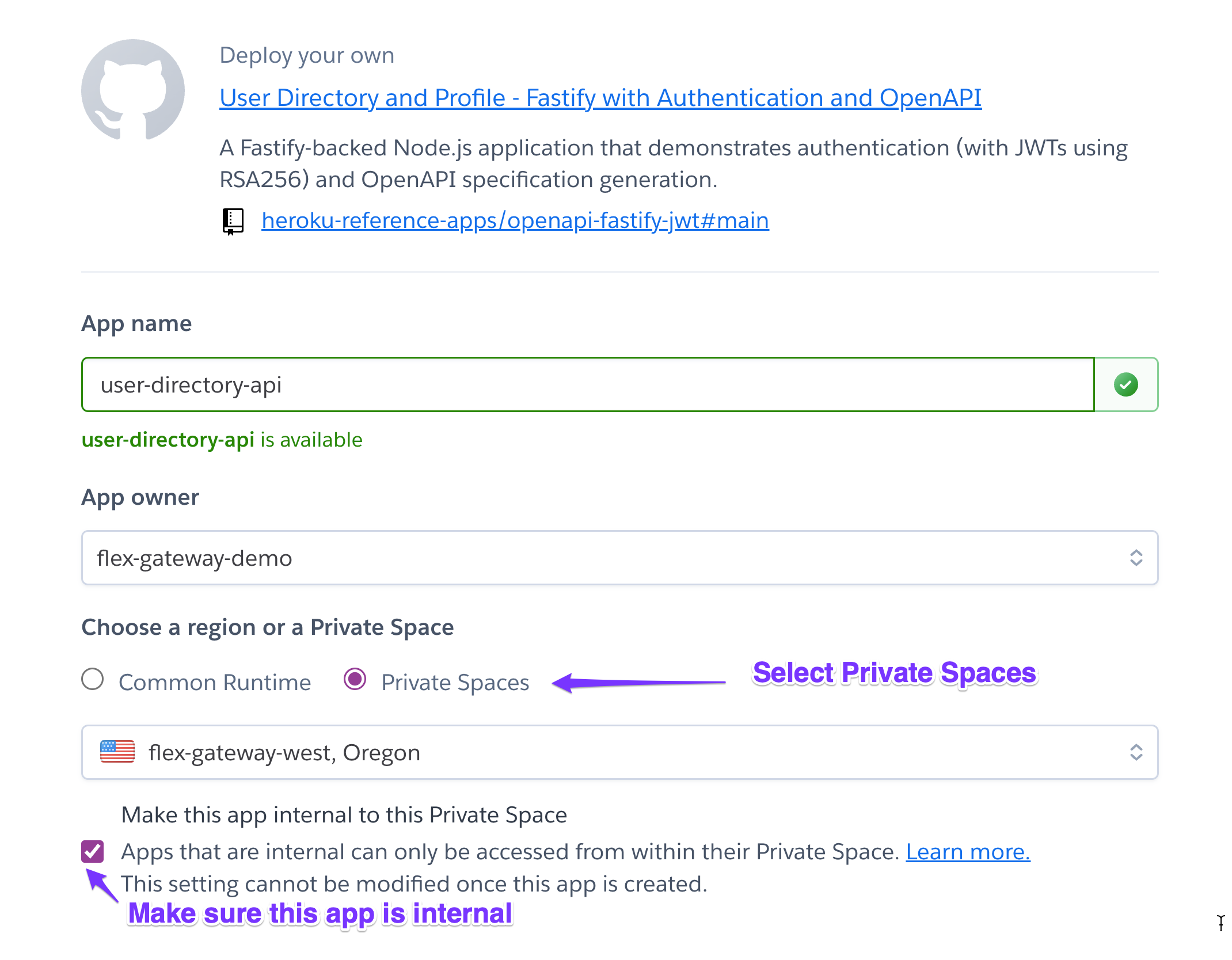
When using the Heroku CLI, make sure you set the --internal-routing flag:
heroku create employee-directory-api --space flex-gateway-west --internal-routing
Next, you will proceed to configure the application and any add-ons required. In our example, we need to provision a private database (heroku-postgresql:private-0) and set up an RSA public key for JWT authentication support, but these steps might differ for your application. Consult the reference application’s README for a more detailed guide.
Once you’ve deployed the app, grab the application URL from the settings page in your Heroku Dashboard. You’ll need this for a later step.
Create an API specification in Anypoint Design Center
To link the API with the Flex Gateway, you’ll need to create an API specification in Anypoint Platform using the Design Center and then publish it to Anypoint Exchange.
If your API running in Heroku Private Space has an API specification that uses the OpenAPI 3.0 standard, which is supported by Anypoint Platform, you can use it here. If you don’t, you can use Design Center to create one from scratch. To learn more, see the API Designer documentation.
The User Directory reference application offers both JSON and YAML API specifications for your convenience. Access them in the openapi folder on GitHub.
In Design Center, let’s click on Create > Import from file, select either the YAML or JSON file, and then click on Import

Once you’ve imported your file, check Design Center to see that your spec file is error-free. You can even use the mocking service to test the API and make sure everything looks good. If there are no problems and it’s the right file, go ahead and click on Publish.
Add the finishing touches to your metadata, like API version and LifeCycle State, then click on Publish to Exchange.
Now, with your API specification in hand, let’s move on to registering and deploying the Anypoint Flex Gateway to Heroku.
Register the MuleSoft Flex Gateway in Runtime Manager
Before you deploy to Heroku, you need to get the registration.yaml configuration file. To do that, go to the Runtime Manager > Flex Gateways and click Add Gateway. Then select Container > Docker and follow the instructions to set up your gateway locally using Docker. Just follow steps 1 and 2, and that will create the registration.yaml file you need.

Once the command has been executed, you’ll see the registration.yaml file. This file is needed on the next step, along with the confirmation of the gateway listed in your Runtime Manager.

API Gateway Deployment to Heroku
Now, let’s get the Flex Gateway deployed to Heroku. You can find a reference application for the Heroku Docker Flex Gateway on GitHub. There, you have two options: use the Deploy to Heroku button for a quick and easy deployment, or follow the detailed Manual Deployment instructions in the README using the Heroku CLI. Just ensure you’re setting up the Flex Gateway in the same Private Space as the internal API you deployed in earlier steps.
For our example, we will use the Heroku CLI, naming our Flex Gateway api-ingress-west and deploying to the flex-gateway-west private space.
git clone https://github.com/heroku-reference-apps/heroku-docker-flex-gateway/
cd heroku-docker-flex-gateway
heroku create api-ingress-west --space flex-gateway-west
heroku config:set FLEX_CONFIG="$(cat registration.yaml)" -a api-ingress-west
heroku config:set FLEX_DYNAMIC_PORT_ENABLE=true -a api-ingress-west
heroku config:set FLEX_DYNAMIC_PORT_ENVAR=PORT -a api-ingress-west
heroku config:set FLEX_DYNAMIC_PORT_VALUE=8081 -a api-ingress-west
heroku config:set FLEX_CONNECTION_IDLE_TIMEOUT_SECONDS=60 -a api-ingress-west
heroku config:set FLEX_STREAM_IDLE_TIMEOUT_SECONDS=300 -a api-ingress-west
heroku config:set FLEX_METRIC_ADDR=tcp://127.0.0.1:2000 -a api-ingress-west
heroku config:set FLEX_SERVICE_ENVOY_DRAIN_TIME=30 -a api-ingress-west
heroku config:set FLEX_SERVICE_ENVOY_CONCURRENCY=1 -a api-ingress-west
heroku stack:set container
git push heroku main
You’ll see your Heroku apps deployed to the Private Space. After a minute or so, you should also see the Flex Gateway as connected in Runtime Manager.

Make sure to grab the api-ingress-west URL under settings like we did with the API. We will need this URL to test things out.

And that’s how you deploy the Flex Gateway to Heroku. Now let’s connect our internal API and test it.
Connect the Private API to the Flex Gateway
Now, the final step is connecting the Private API with Flex Gateway. For this, you will go to Anypoint API Manager and click on Add API.
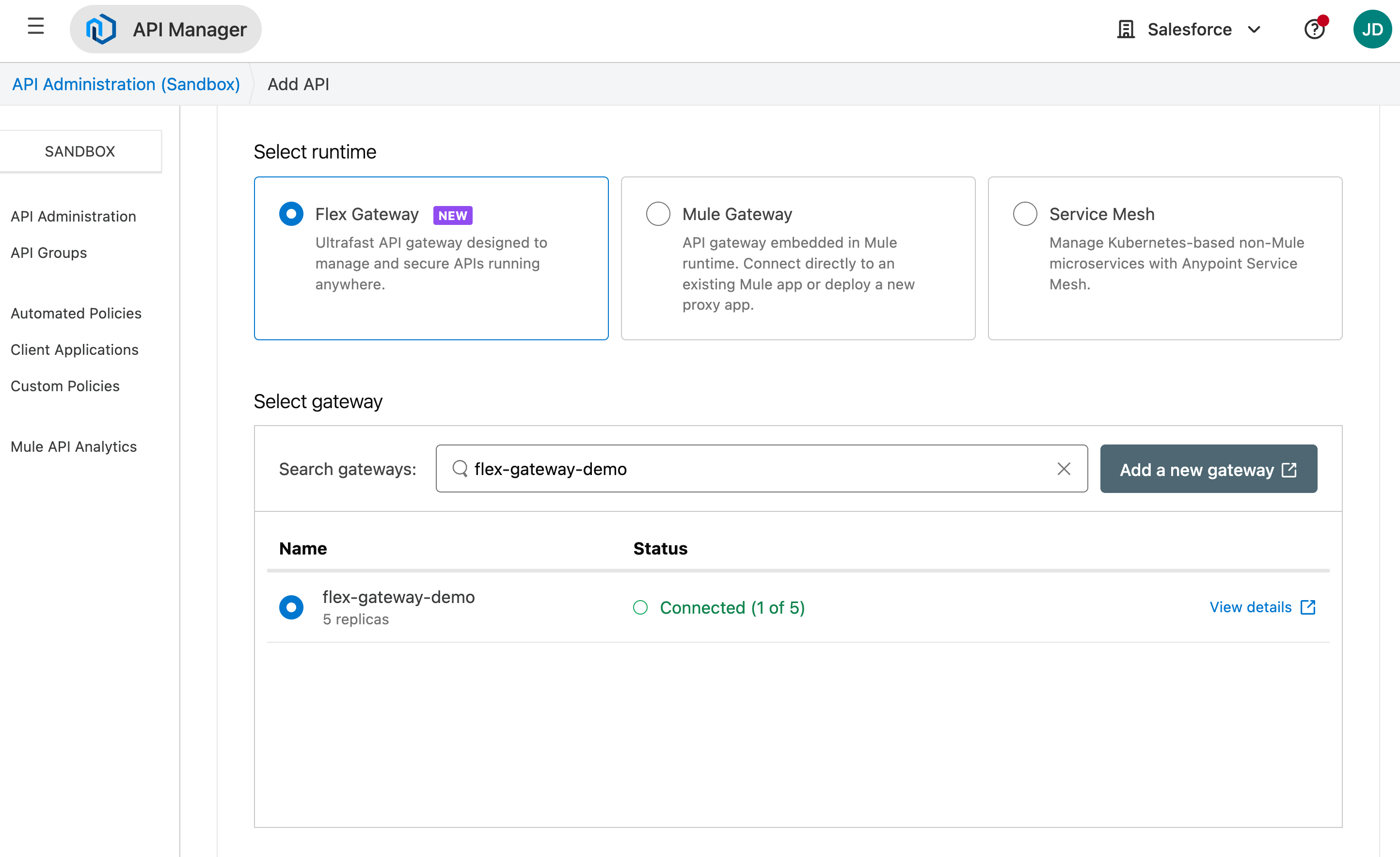
Then, select the API from Exchange and click on Next.

Let’s leave the API Downstream default options as they are and move on to setting up the Upstream. Remember the application URL from our initial step? That URL will serve as our Upstream URL (using http and no trailing /).
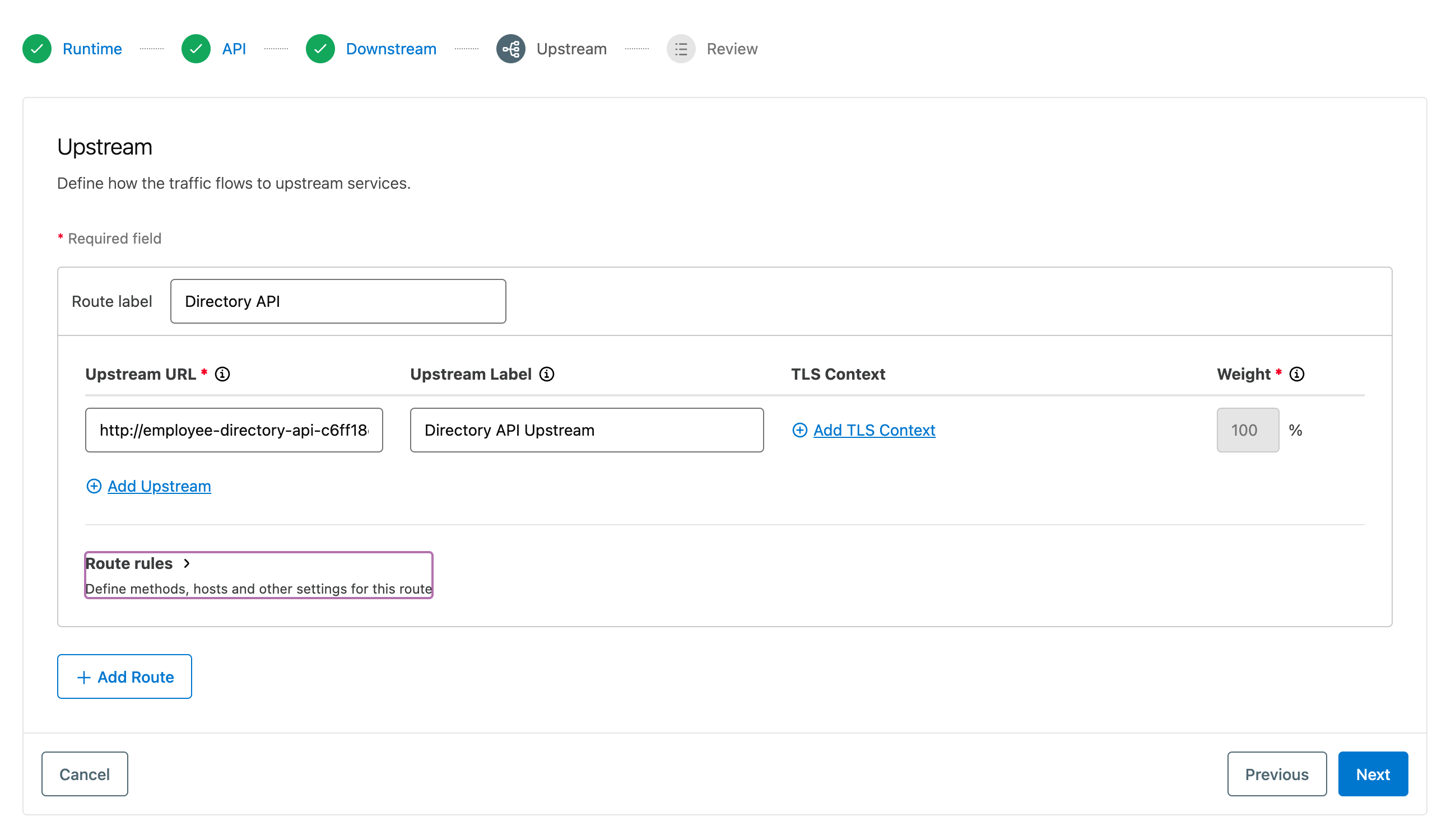
If everything looks good, go ahead and click on Save & Deploy.
As the API is not directly accessible due to internal routing, calling it directly will result in a timeout. However, by calling it through the Flex Gateway, you should be able to retrieve the expected response.
Let’s proceed with a GET request to /directory through the Flex Gateway URL.
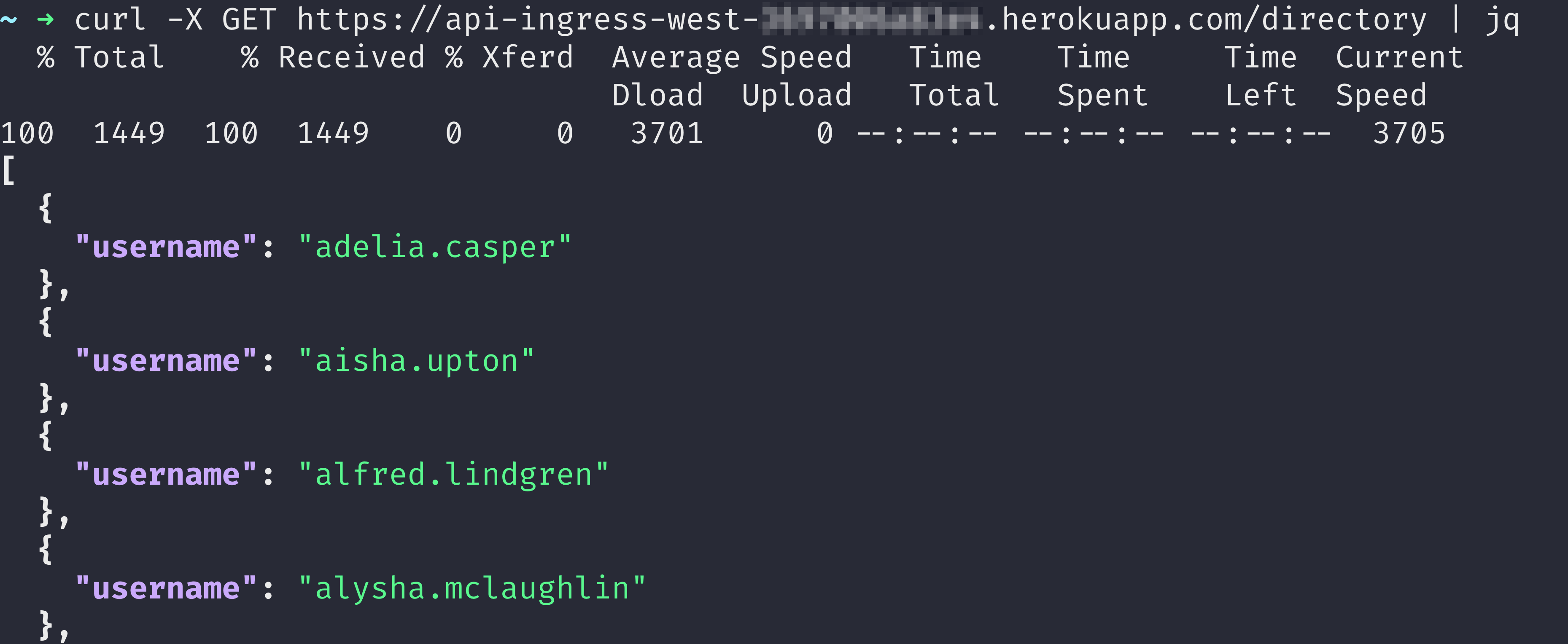
Or you can view the User Directory OpenAPI documentation from our reference app directly on a web browser by using the same URL.
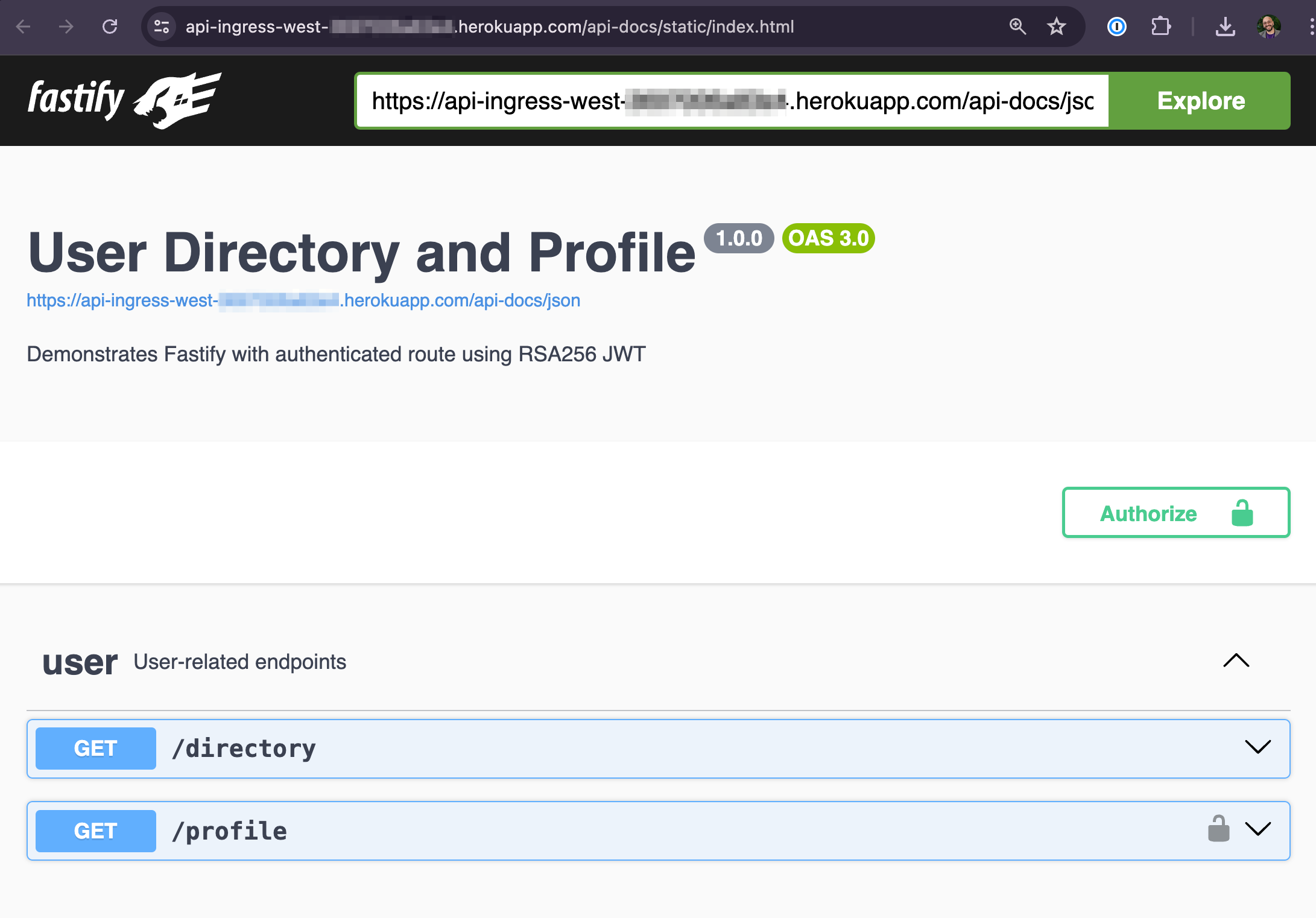
Congratulations, you’ve successfully exposed an internal API deployed in Heroku Private Spaces to the outside world through the Anypoint Flex Gateway running on Heroku. Now you can take full advantage of Anypoint’s API management capabilities, including API-level policies for enhanced API security.
Securing your API with Anypoint Flex Gateway
A common pattern for API authentication is using Client ID Enforcement. You can avoid coding your own solution by utilizing the API Manager to apply policies to your API. In this example, we’ll implement Client ID enforcement to secure the API.
To begin, let’s establish an application within Anypoint Platform that will enable us to access the API. Navigate to Exchange, select your API, and in the top right corner, click on Request access.
Then, pick the API instance where your API is deployed, and select an application to grant access to. If you don’t have one, you can create a new application here and click on Request access to obtain the Client and Client Secret credentials.
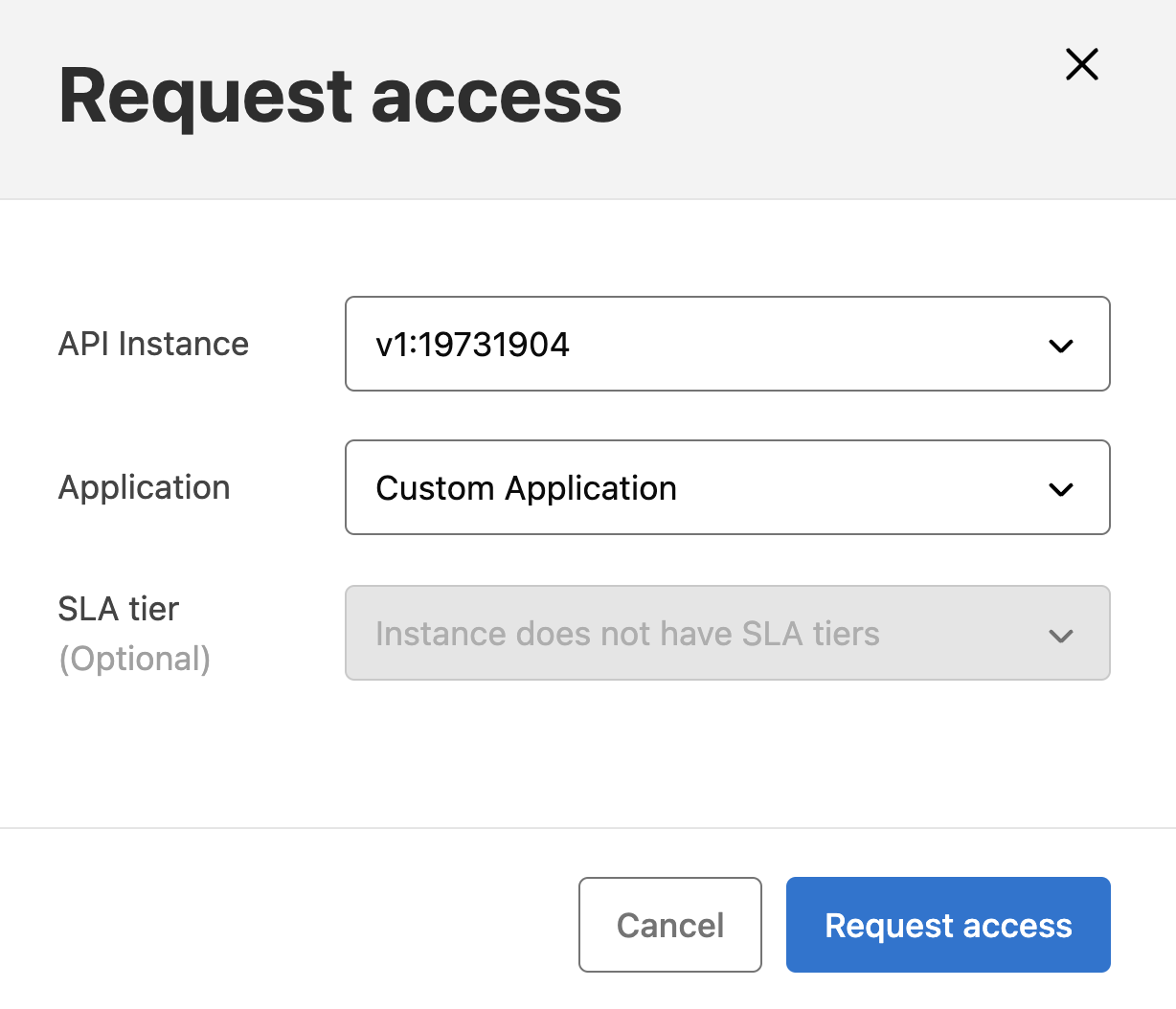
Upon your application’s approval, you’ll receive the Client ID and Client Secret. These credentials will be needed for accessing our newly secured API, so be sure to keep them at hand.
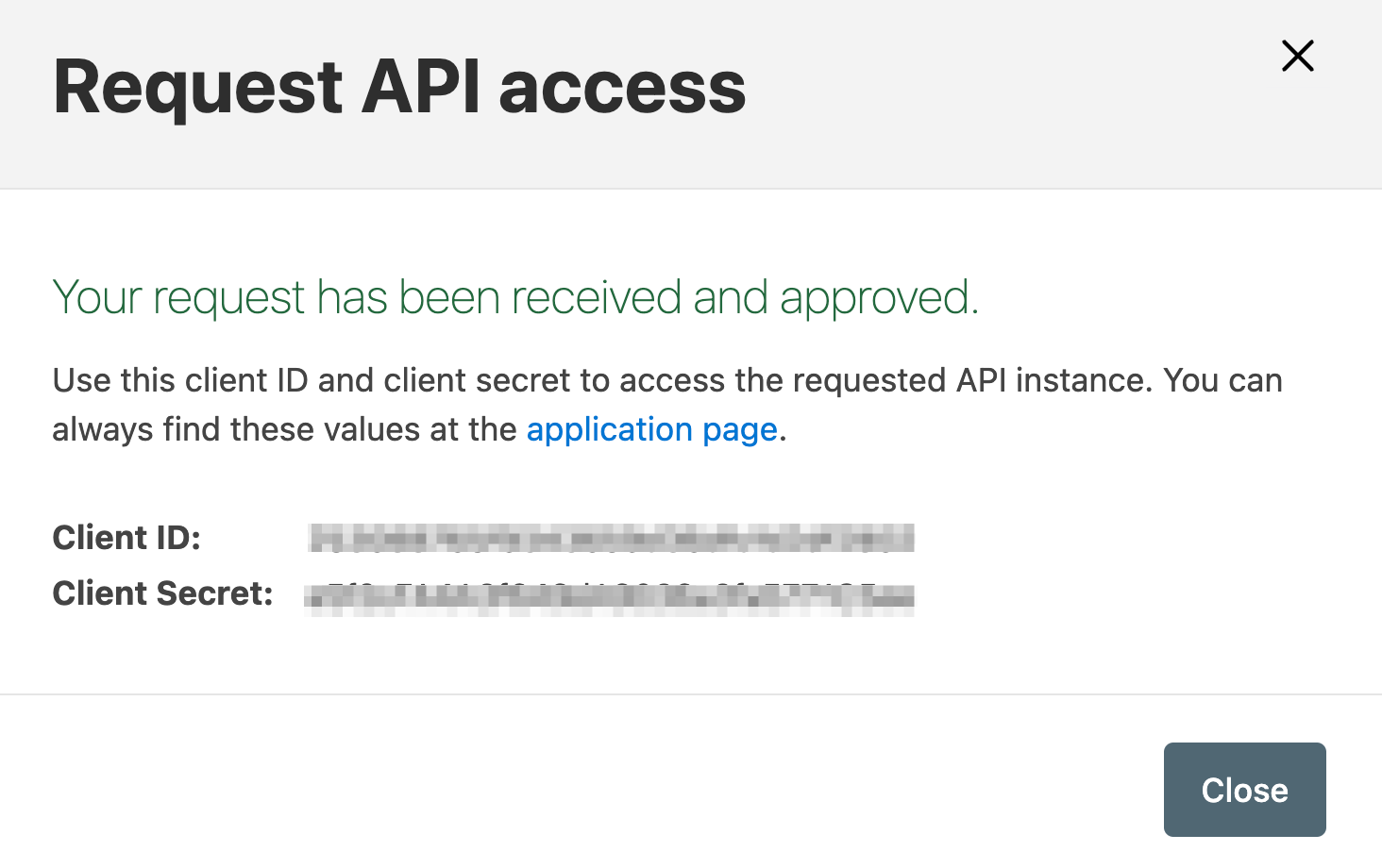
Next, navigate to API Manager, choose the API, and click on Policies in the left menu. Click on Add policy, then select Client ID Enforcement and proceed to Next.
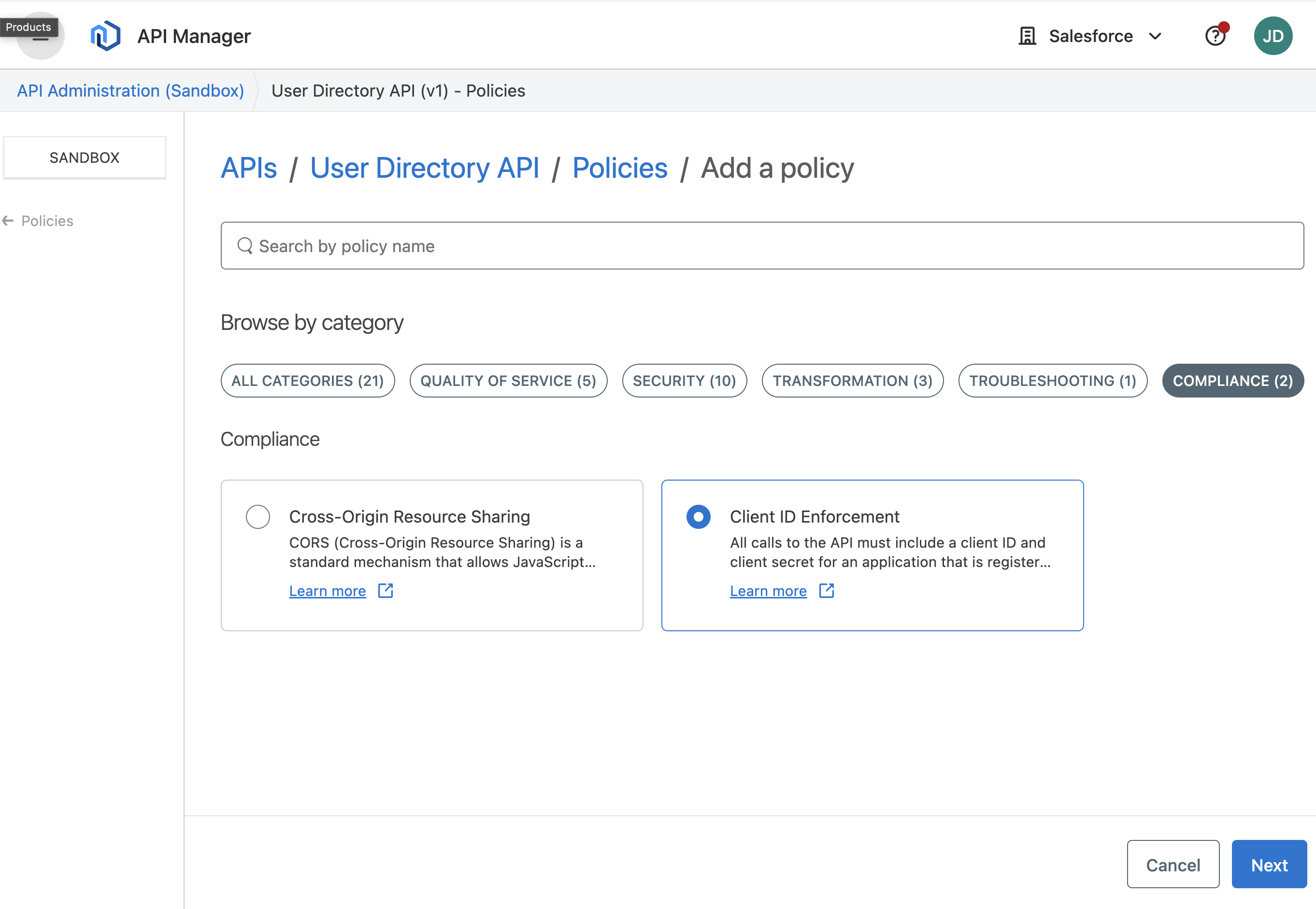
Leave the default configuration for the Client ID Enforcement policy and then click on Apply.

Now that the policy is active, let’s try a new GET request to the /directory API through the Flex Gateway URL.

Because we’re enforcing the Client ID, we must include it in the request. Let’s purposely use an incorrect one to witness the authentication attempt failure.

And finally, let’s get the right Client ID and Client Secret in place to test the authentication.

This is just one simple but powerful example of one of many policies that you can apply with the API Manager.
Strategic collaboration for our customers
The Heroku Customer Solutions Architecture (CSA) team, in collaboration with MuleSoft Engineers, played a pivotal role in this Salesforce multi-cloud integration scenario. They listened to customers and got involved in understanding requirements and technical constraints to propose a preliminary proof-of-concept and a series of incremental changes to achieve a perfect match between Heroku and MuleSoft Flex Gateway.
Heroku Enterprise customers with Premier or Signature Success Plans can request in-depth guidance on this topic from the CSA team. Learn more about Expert Coaching Sessions here or contact your Salesforce account executive.
Learning Resources
- Anypoint Flex Gateway Overview
- Anypoint API Manager documentation
- API Management with MuleSoft Demo series
- Heroku Private Spaces documentation
Authors
Julián Duque
Julián is a Principal Developer Advocate at Heroku, with a strong focus on community, education, Node.js, and JavaScript. He loves sharing knowledge and empowering others to become better developers.
Parvez Mohamed
Parvez Syed Mohamed is a seasoned product management leader with over 15 years of experience in Cloud Technologies. Currently, as Director of Product Management at MuleSoft/Salesforce, he drives innovation and growth in API protection.
Andrea Bernicchia
Andrea Bernicchia is a Senior Customer Solutions Architect at Heroku. He enjoys engaging with Heroku customers to provide solutions for software integrations, architecture patterns, best practices and performance tuning to optimize applications running on Heroku.
The post Mastering API Gateway Integration: Salesforce, Heroku, and MuleSoft Anypoint Flex Gateway appeared first on Heroku.
]]>Introduction The Heroku CLI is an incredible tool. It’s simple, extendable, and allows you to interact with all the Heroku functionality you depend on day to day. For this reason, it’s incredibly important for us to keep it up to date. Today, we’re excited to highlight a major upgrade with the release of Heroku CLI […]
The post Heroku CLI v9: Infrastructure Upgrades and oclif Transition appeared first on Heroku.
]]>Introduction
The Heroku CLI is an incredible tool. It’s simple, extendable, and allows you to interact with all the Heroku functionality you depend on day to day. For this reason, it’s incredibly important for us to keep it up to date. Today, we’re excited to highlight a major upgrade with the release of Heroku CLI v9.0.0, designed to streamline contributions, building, and iteration processes through the powerful oclif platform.
What’s New in Version 9.0.0?
Version 9.0.0 focuses on architectural improvements. Here’s what you need to know:
- oclif Platform: All core CLI commands are built on the oclif platform. Previously, many commands were built using a pre-oclif legacy architecture.
- Unified Package: All core CLI commands are consolidated into a single package, rather than spread across multiple packages. This consolidation makes tasks like dependency management much easier.
- Increased Testing: We greatly improved the code coverage of our unit and integration tests.
- Improved Release Process: Our release process is much simpler and more automated. We can now easily release pre-release versions of the CLI for testing.
- Breaking Changes: With the switch to oclif/core, expect changes in output formatting, including additional new lines, whitespace, table formatting, and output colors. Additional flags now require a — separator, and several commands have updated argument orders or removed flags. We also removed deprecated commands like
outbound-rules,pg:repoint,orgs:default,certs:chain, andcerts:key.
These changes apply only to the core Heroku CLI commands and don’t affect commands installed separately via plugins.
Why We Moved to oclif
For the first time, all core CLI commands are built on the oclif platform. By restructuring the core CLI repository, improving our testing and release processes, and adding telemetry, we laid a solid foundation that allows us to innovate and ship features more quickly and confidently than ever before.
Heroku pioneered oclif (Open CLI Framework) and it’s now the standard CLI technology used at companies like Salesforce, Twillio, and Shopify. It’s a popular framework for building command-line interfaces, offering a modular structure and robust plugin support. By migrating all core CLI commands to oclif, we unified our command architecture, moving away from the legacy systems that previously fragmented our development process. This transition allows for more consistent command behavior, easier maintenance, and better scalability. oclif’s flexibility and widespread adoption underscore its importance in delivering a more reliable and efficient CLI for our users.
Conclusion
The significant architectural enhancements in CLI version 9.0.0 are a testament to Heroku’s commitment to our long-term vision and the exciting developments ahead for our customers. The integration of the oclif platform allows us to deliver a more reliable and efficient CLI, paving the way for future innovations.
Ready to experience the upgrade? Update to CLI version 9.0.0 by running heroku update. For more installation options, visit our Dev Center. We encourage you to try it and share your feedback for enhancing the Heroku CLI and for our full Heroku product via the Heroku GitHub roadmap.
The post Heroku CLI v9: Infrastructure Upgrades and oclif Transition appeared first on Heroku.
]]>What is pnpm? Pnpm is a fast, disk-efficient Node package manager used as an alternative to npm. The Heroku Node.js buildpack now supports pnpm. Early Node.js application owners who’ve taken advantage of pnpm support have seen 10-40% faster install times compared to NPM on Heroku deployments. It’s an excellent choice for managing packages in the […]
The post How to Use pnpm on Heroku appeared first on Heroku.
]]>What is pnpm?
Pnpm is a fast, disk-efficient Node package manager used as an alternative to npm. The Heroku Node.js buildpack now supports pnpm. Early Node.js application owners who’ve taken advantage of pnpm support have seen 10-40% faster install times compared to NPM on Heroku deployments. It’s an excellent choice for managing packages in the Node.js ecosystem because it:
- Minimizes disk space with its content-addressable package store.
- Speeds up installation by weaving together the resolve, fetch, and linking stages of dependency installation.
This post will introduce you to some of the benefits of the pnpm package manager and walk you through creating and deploying a sample application.
pnpm vs npm
Unlike npm, which installs duplicate copies of packages across projects, pnpm uses a content-addressable store and symlinks to save disk space and boost install speeds by ensuring dependencies aren’t redundantly stored. Pnpm also strictly enforces dependency boundaries, preventing issues caused by implicit transitive dependencies. For large applications or monorepos, these differences lead to faster builds and better performance, especially in CI environments like Heroku.
Prerequisites
Prerequisites for this include:
- A Heroku account (signup).
- A development environment with the following installed:
- Git
- Node.js (v18 or higher)
- Heroku CLI
If you don’t have these already, you can follow the Getting Started with Node.js – Setup for installation steps.
How to install pnpm
Let’s start by creating the project folder:
mkdir pnpm-demo
cd pnpm-demo
Since v16.13, Node.js has been shipping Corepack for managing package managers and is a preferred method for installing either pnpm or Yarn. This is an experimental Node.js feature, so you need to enable it by running:
corepack enable
Now that Corepack is enabled, we can use it to download pnpm and initialize a basic package.json file by running:
corepack pnpm@9 init
This will cause Corepack to download the latest 9.x version of pnpm and execute pnpm init. Next, we should pin the version of pnpm in package.json with:
corepack use pnpm@9
This will add a field in package.json that looks similar to the following:
"packageManager":
"[email protected]+sha256.61bd66913b52012107ec25a6ee4d6a161021ab99e04f6acee3aa50d0e34b4af9"
We can see the packageManager field contains:
- The package manager to use (
pnpm). - The version of the package manager (
9.0.5). - An integrity signature that indicates an algorithm (
sha256) and digest (61bd66913b52012107ec25a6ee4d6a161021ab99e04f6acee3aa50d0e34b4af9) that will be used to verify the downloaded package manager.
Pinning the Node package manager to an exact version is always recommended for deterministic builds.
engines field of package.json in the same way we already do with npm and Yarn. See Node.js Support – Specifying a Package Manager for more details.Create the demo application
We’ll create a simple Express application using the express package. We can use the pnpm add command to do this:
pnpm add express
Running the above command will add the following to your package.json file:
"dependencies": {
  "express": "^4.19.2"
}
It will also install the dependency into the node_modules folder in your project directory and create a lockfile (pnpm-lock.yaml).
The pnpm-lock.yaml file is important for several reasons:
- Our Node.js Buildpack requires
pnpm-lock.yamlto enable pnpm support. - It enforces consistent installations and package resolution between different environments.
- Package resolution can be skipped to enable faster builds.
Now, create an app.js file in your project directory with the following code:
const express = require('express')

const app = express()
const port = process.env.PORT || 3000

app.get('/', (req, res) => {
  res.send('Hello pnpm!')
})

app.listen(port, () => {
  console.log(`pnpm demo app listening on port ${port}`)
})
When this file executes, it will start a web server that responds to an HTTP GET request and responds with the message Hello pnpm!.
You can verify this works by running node app.js and then opening https://localhost:3000/ in a browser.
So Heroku knows how to start our application, we also need to create a Procfile that contains:
web: node app.js
Now we have an application we can deploy to Heroku.
Deploy to Heroku
Let’s initialize Git in our project directory by running:
git init
Create a .gitignore file that contains:
node_modules
If we run git status at this point, we should see:
On branch main

No commits yet

Untracked files:
 (use "git add <file>..." to include in what will be committed)
   .gitignore
   Procfile
   app.js
   package.json
   pnpm-lock.yaml

nothing added to commit but untracked files present (use "git add" to track)
Add and commit these files to git:
git add .
git commit -m "pnpm demo application"
Then create an application on Heroku:
heroku create
Not only will this create a new, empty application on Heroku, it will also add the heroku remote to your Git configuration (for more information, see Deploying with Git – Create a Heroku Remote).
Finally, we can deploy by pushing our changes to Heroku:
git push heroku main
Conclusion
Integrating pnpm with your Node.js projects on Heroku can lead to more efficient builds and streamlined dependency management, saving time and reducing disk space usage. By following the steps outlined in this post, you can easily set up and start using pnpm to enhance your development workflow. Try upgrading your application to pnpm and deploy it to Heroku today.
The post How to Use pnpm on Heroku appeared first on Heroku.
]]>Heroku is joining the CNCF at the platinum level, upgrading the long-held CNCF Salesforce membership. This marks my third time serving on the CNCF board for different companies, and I’m excited to participate again. Joining the CNCF at the Platinum level signifies a major commitment, reflecting Heroku’s dedication to the evolving landscape. My three board […]
The post Heroku Joins CNCF as a Platinum Member appeared first on Heroku.
]]>Heroku is joining the CNCF at the platinum level, upgrading the long-held CNCF Salesforce membership. This marks my third time serving on the CNCF board for different companies, and I’m excited to participate again. Joining the CNCF at the Platinum level signifies a major commitment, reflecting Heroku’s dedication to the evolving landscape.
My three board stints aligns with significant shifts in the cloud-native landscape. Two are behind us, one is happening now, and it’s the current one that motivated us to join now. Quick preview: It’s not the AI shift going on right now – the substrate underlying AI/ML shifted to Kubernetes a while ago.
As to why we are joining and why now, let’s take a look at the pivotal shifts that have led us to this point.
The First Shift: Kubernetes Launches – The Early Adopter Phase
It’s been a decade since Kubernetes was launched, and even longer since Salesforce acquired Heroku. Ten years ago, Heroku was primarily used by startups and smaller companies, and Kubernetes 1.0 had just launched (yes, I was on stage for that! Watch the video for a blast from the past). Google Kubernetes Engine (GKE) had launched, but no other cloud services had yet offered a managed Kubernetes solution. I was the Cloud Native CTO at Samsung, and we made an early bet on Kubernetes as transformative to the way we deployed and managed applications both on cloud and on-premises. This was the early adopter phase.
Heroku was one of the early influences on Kubernetes, particularly in terms of developer experience, most notably with The Twelve-Factor App (12-Factor App), which influenced “cloud native” thinking. My presentations from the Kubernetes 1.0 era have Heroku mentions all over them, and it was no surprise to see Heroku highlighted in Eric Brewer’s great talk at the KuberTENes 10th anniversary event. Given Heroku’s legendary focus on user experience, one might wonder why the Kubernetes developer experience turned out the way it did. More on this later, but Kubernetes was built primarily to address the most critical yet painful and error-prone part of the software lifecycle, and the one most people were spending the majority of their time on — operations. In this regard, it is an incredible success. Kubernetes also represented the first broad-based shift to declarative intent as an operational practice, encapsulated by Alexis Richardson as “gitops.” Heroku has a similar legacy: “git push heroku master.” Heroku was doing gitops before it had a name.
The Second Shift: Kubernetes Goes Big
EKS launched six years ago and quickly became the largest Kubernetes managed service, with large companies across all industries adopting it. AWS was the last of the big three to launch a Kubernetes managed service, and this validated that Kubernetes had grown massively and most companies were adopting it as the standard. During this era, Kubernetes was deployed at scale as the primary production system for many companies or the primary production system for new software. Notably, Kubeflow was adopted broadly for ML use cases — Kubernetes was becoming the standard for AI/ML workloads. This continues to this day with generative AI.
During this time, Heroku also matured. Although the credit-card-based Heroku offering remained popular for new startups and citizen developers, the Heroku business shifted rapidly towards the enterprise offering, which is now the majority of the business. Although many think of Heroku as primarily a platform for startups, this hasn’t been the case for many years.
Salesforce was one of the companies that adopted Kubernetes at a huge scale with Hyperforce. The successes of this era (including Hyperforce) were characterized by highly skilled platform teams, often with contributors to Kubernetes or adjacent projects. This demonstrates the value of cloud-native approaches to a company — the significant cost of managing the complexity of Kubernetes and the adjacent systems (including OpenTelemetry, Prometheus, OCI, Docker, Argo, Helm… the CNCF landscape now has over 200 projects) is worth the investment.
However, the large investment in technical expertise is a barrier to even wider adoption beyond the smaller number of more sophisticated enterprises. To be clear, I’m not talking about using EKS, AKS, or GKE—that’s a given. These services are far more cost-effective at running Kubernetes safely and at scale than most enterprises could ever be, thanks to cost efficiencies at scale.
The Third Shift is Afoot: Kubernetes Goes Really Wide
Kubernetes is awesome but complex, and we are seeing the next wave of adopters start to adopt Kubernetes. This wave needs an approach to Kubernetes that provides the benefits without the huge investment. This is why we have shifted the Heroku strategy to be based on Kubernetes going forward. You can hear this announcement during my keynote at KubeCon Paris: Watch the keynote. We are committed to bringing our customers Kubernetes’ benefits on the inside, without the complexity, wrapped in Heroku’s signature simplicity.
Summary: How Should We All Think about Kubernetes?
We view Kubernetes, to quote Jim Zemlin, as the “Linux of the Cloud.” Linux is a single-machine operating system, whereas Kubernetes is the distributed operating system layered on top. Today, Kubernetes is more like the Linux kernel, rather than a full distribution. Various Linux vendors collaborate on a common kernel and differentiate in user space. We view Heroku’s product and contribution to Kubernetes as following that model. We will work with the community on the common unforked Kubernetes but will build great things on top, including Heroku as you know it today.

Final Thoughts
Heroku's commitment to joining the CNCF at the platinum level underscores our dedication to the evolving cloud-native landscape. There’s still more progress to be made for developers & operators alike. That’s why we’re invested in Cloud Native Buildpacks. It lets companies standardize how they build application container images. People can hit the ground running with our recently open sourced Heroku Cloud Native Buildpacks. As Kubernetes and the other constellation of projects around it continue to expand, we are excited to participate, ensuring our customers benefit from its capabilities while maintaining the simplicity and user experience that Heroku is known for.
The post Heroku Joins CNCF as a Platinum Member appeared first on Heroku.
]]>Heroku Connect makes it easy to sync data at scale between Salesforce and Heroku Postgres. You can build Heroku apps that bidirectionally share data in your Postgres database with your contacts, accounts, and other custom objects in Salesforce. Easily configured with a point-and-click UI, you can get the integration up and running in minutes without […]
The post Optimizing Data Reliability: Heroku Connect & Drift Detection appeared first on Heroku.
]]>Heroku Connect makes it easy to sync data at scale between Salesforce and Heroku Postgres. You can build Heroku apps that bidirectionally share data in your Postgres database with your contacts, accounts, and other custom objects in Salesforce. Easily configured with a point-and-click UI, you can get the integration up and running in minutes without writing code or worrying about API limits. In this post, we introduce our recent improvements to Heroku Connect on how we handle drift and drift detection for our customers.
PensionBee, the U.K.-based company, is on a mission to make pensions simple and engaging by building a digital-first pension service on Heroku. PensionBee’s consumer-friendly web and mobile apps deliver sophisticated digital experiences that give people better visibility and control over their retirement savings.
PensionBee’s service relies on a smooth flow of data between the customer-facing app on Heroku and Salesforce on the backend. Both customers and employees need to view and access the most current account data in real time. Heroku Connect ensures all of PensionBee’s systems stay in sync to provide the best end-user experience.

Understanding Data Drift
Heroku Connect reads data from Salesforce and updates Postgres by polling for changes in your Salesforce org within a time window. The initial poll done to bring in changes from Salesforce to Postgres is called a “primary poll”. As the data syncs to Postgres, the polling window moves to capture the next set of changes from Salesforce. The primary poll syncs almost all changes, but it’s possible to miss some changes that lead to “drift”.
Heroku Connect does the hard work of monitoring for “drift” for you and ensures the data eventually becomes consistent. We have now increased the efficiency of this feature to recognize and address drift detection even faster on your behalf. As before, this process is transparent to you; however, we thought our customers might enjoy understanding a bit more about what is going on behind the scenes.
There are several complications in ensuring that the data sync between the two systems is performant while being reliable. One complication is when Heroku Connect polls a Salesforce object for changes, and a long-running automation associated with record updates doesn’t commit data at that time. When those transactions are committed, the polling window could have already moved on to capture the next set of changes in Salesforce. Those missed long-running transactions result in drift. Heroku Connect handles those missed changes seamlessly for its customers.
Drift Detection: Ensuring Data Accuracy and Consistency
Heroku Connect tracks poll windows for each mapping while retrying any failed polls. Drift detection uses a “secondary poll” to catch and fix any changes the primary poll missed. Heroku Connect tracks the poll bounds of the primary poll and schedules a secondary poll for the same poll bounds after some time. Depending on the size of the dataset the primary poll is synchronizing, Heroku Connect uses either the Bulk API or SOAP API for polling. Heroku Connect leverages Salesforce APIs without impacting your API usage limits and license.
With the Bulk API, Heroku Connect creates a bulk job and adds bulk batches to the bulk job during the primary poll. Heroku Connect tracks the poll bounds for each bulk batch, and then performs a secondary poll corresponding to the poll bounds for each bulk batch in the primary poll. During the secondary poll, Heroku Connect creates a bulk job for each bulk batch processed by the primary poll. Sync using Heroku Connect is asynchronous with retries, so it isn’t real-time, though it appears to be.
Scale and Performance Improvements
As Heroku Connect serves more customers with increasingly large mappings, we continue to ensure we provide a scalable, reliable, and performant solution for our customers. One of the areas where we made significant improvements is the way we manage and schedule secondary polls for drift detection, especially for polls that use the Bulk API.
Reduced load on the Salesforce org
In the old process, the secondary poll created a large number of bulk jobs in Salesforce. Now the secondary poll only creates a single bulk job for each bulk job created by the primary poll. Then, for each bulk batch processed by the primary poll, a bulk batch is added to the secondary poll’s bulk job.
Optimized management of the secondary poll
Previously, there was no limit on the number of bulk tasks processed by the secondary poll at a time. As primary bulk batches completed, any number of secondary bulk tasks were scheduled and executed simultaneously. Now Heroku Connect schedules and executes secondary polls so that there’s limited bulk activity at a time. This helps with:
- Improved availability of database connections: Heroku Connect opens database connections as it updates data in Postgres from Salesforce. With an unlimited number of simultaneous secondary poll tasks, Heroku Connect opens a large number of database connections, leaving fewer connections for your applications accessing the same database. By limiting secondary poll tasks and scheduling them in a controlled way, Heroku Connect uses a much smaller number of database connections at any given time, allowing your applications enough connections to work with.
- Improved operational reliability: Our optimizations in scheduling secondary polls enhance the overall performance, ensuring that even during heavy sync activities, the quality of service remains high for all users sharing the underlying infrastructure.
Conclusion
At Heroku, we take the trust, reliability, and availability of our platform seriously. By investing in projects such as improving drift detection, we’re constantly working to improve the resilience of our systems and provide the best possible experience so our customers like PensionBee can continue to rely on Heroku Connect to keep their data in sync. Thank you for choosing Heroku!
If you have any thoughts or suggestions on future reliability improvements we can make, check out our public roadmap on GitHub and submit an issue!
About the Authors
Siraj Ghaffar is a Lead Engineer for Heroku Connect at Salesforce. He has broad experience in distributed, scaleable, and reliable systems. You can follow him on LinkedIn.
Vivek Viswanathan is a Director of Product Management for Heroku Connect at Salesforce. He has more than a decade of experience with the Salesforce ecosystem, and his primary focus for the past few years has been scalable architecture and Heroku. You can follow him on LinkedIn.
The post Optimizing Data Reliability: Heroku Connect & Drift Detection appeared first on Heroku.
]]>We’re thrilled to launch our new Heroku Postgres Essential database plans. These plans have pgvector support, no row count limits, and come with a 32 GB option. We deliver exceptional transactional query performance with Amazon Aurora as the backing infrastructure. One of our beta customers said: “The difference was noticeable right from the start. Heroku […]
The post Introducing New Heroku Postgres Essential Plans Built On Amazon Aurora appeared first on Heroku.
]]>We’re thrilled to launch our new Heroku Postgres Essential database plans. These plans have pgvector support, no row count limits, and come with a 32 GB option. We deliver exceptional transactional query performance with Amazon Aurora as the backing infrastructure. One of our beta customers said:
“The difference was noticeable right from the start. Heroku Postgres running on Aurora delivered a boost in speed, allowing us to query and process our data faster.”
Our Heroku Postgres Essential plans are the quickest, easiest, and most economical way to integrate a SQL database with your Heroku application. You can use these fully managed databases for a wide range of applications, such as small-scale production apps, research and development, educational purposes, and prototyping. These plans offer full PostgreSQL compatibility, allowing you to use existing skills and tools effortlessly.

Compared to the previous generation of Mini and Basic database plans, the Essential plans on the new infrastructure provides up to three times the query throughput performance and additional improvements such as removing the historic row count limit. The table highlights what each of the new plans include in more detail.
| Product | Storage | Max Connection | Max Row Count | Max Table Count | Postgres Versions | Monthly Pricing |
|---|---|---|---|---|---|---|
| Essential-0 | 1 GB | 20 | No limit | 4,000 | 14, 15, 16 | $5 |
| Essential-1 | 10 GB | 20 | No limit | 4,000 | 14, 15, 16 | $9 |
| Essential-2 | 32 GB | 40 | No limit | 4,000 | 14, 15, 16 | $20 |
Our Commitment to the Developer Experience
At Heroku, we deliver a world-class developer experience that’s reflected in our new Essential database plans. Starting at just $5 per month, we provide a fully managed database service built on Amazon Aurora. With these plans, developers are assured they’re using the latest technology from AWS and they can focus on what’s most important—innovating and building applications—without the hassle of database management.
We enabled pg:upgrade for easier upgrades to major versions and removed the row count limit for increased flexibility and scalability for your projects. We also included support for the pgvector extension, bringing vector similarity search to the entire suite of Heroku Postgres plans. pgvector enables exciting possibilities in AI and natural language processing applications across all of your development environments.
You can create a Heroku Postgres Essential database with:
$ heroku addons:create heroku-postgresql:essential-0 -a example-app
Migrating Mini and Basic Postgres Plans
If you already have Mini or Basic database plans, we’ll automatically migrate them to the new Essential plans. We’re migrating Mini plans to Essential-0 and Basic plans to Essential-1. We’re making this process as painless as possible with minimal downtime for most databases. Our automatic migration process begins on May 29, 2024, when the Mini and Basic plans reach end-of-life and are succeeded by the new Essential plans. See our documentation for migration details.
You can also proactively migrate your Mini or Basic plan to any of the new Essential plans, including the Essential-2 plan, using addons:upgrade:
$ heroku addons:upgrade DATABASE heroku-postgresql:essential-0 -a example-app
Exploring the Use Cases of the Essential Plans
With the enhancements of removing row limits, adding pgvector support, and more, Heroku Postgres Essential databases are a great choice for customers of any size with these use cases.
- Development and Testing: Ideal for developers looking for a cost-effective, fully managed Postgres database. You can develop and test your applications in an environment that closely mimics production, ensuring everything runs smoothly before going live.
- Prototype Projects: In the prototyping phase, the ability to adapt quickly based on user feedback or test results is crucial. With Essential plans, you get the flexibility and affordability needed to iterate fast and effectively during this critical stage.
- Educational Projects and Tutorials: Ideal for educational setups that require access to live cloud database environments. They're perfect for hands-on learning, from running SQL queries to exploring cloud application management and operations, without managing the complex infrastructure.
- Low Traffic Web Apps: Ideal for experimental or low traffic applications such as small blog sites or forums. Essential plans provide the necessary reliability and performance, including daily backups and scalability options as your user engagement grows.
- Startups: The Essential plans offer a fully managed and scalable database solution, important for startup businesses to grow without initial heavy investments. It can help speed up time-to-market and reach customers faster.
- Salesforce Integration Trial: The best method to synchronize Salesforce data and Heroku Postgres is with Heroku Connect. The
demoplan works with Essential database plans. Although the demo plan isn’t suitable for production use cases, it provides a way to explore how Heroku Connect can amplify your Salesforce investment. - Incorporating pgvector: Essential database plans support
pgvector, an open-source extension for Postgres designed for efficient vector search capabilities. This feature is invaluable for applications requiring high-performance similarity searches, such as recommendation systems, content discovery platforms, and image retrieval systems. Usepgvectoron Essential plans to build advanced search functionalities such as AI-enabled applications and Retrieval Augmented Generation (RAG).
Looking Forward
As announced at re:Invent 2023, we’re collaborating with the Amazon Aurora team on the next-generation Heroku Postgres infrastructure. This partnership combines the simplicity and user experience of Heroku with the robust performance, scalability, and flexibility of Amazon Aurora. The launch of Essential database plans marks the beginning of a broader rollout that will soon include a fleet of single-tenant databases.
Our new Heroku Postgres plans will decouple storage and compute, allowing you to scale storage up to 128 TB. They’ll also add more database connections and more Postgres extensions, offer near-zero-downtime maintenance and upgrades, and much more. The future architecture will ensure fast and consistent response times by distributing data across multiple availability zones with robust data replication and continuous backups. Additionally, the Shield option will continue to meet compliance needs with regulations like HIPAA and PCI, ensuring secure data management.
Conclusion
Our Heroku Postgres databases built on Amazon Aurora represent a powerful solution for customers seeking to enhance their database capabilities with a blend of performance, reliability, cost-efficiency, and Heroku’s simplicity. Whether you're scaling a high web traffic application or managing large-scale batch processes, our partnership with AWS accelerates the delivery of Postgres innovations to our customers. Eager to be part of this journey? Join the waitlist for the single-tenant database pilot program.
We want to extend our gratitude to the community for the feedback and helping us build products like Essential Plans. Stay connected and share your thoughts on our GitHub roadmap page. If you have questions or require assistance, our dedicated Support team is available to assist you on your journey into this exciting new frontier.
The post Introducing New Heroku Postgres Essential Plans Built On Amazon Aurora appeared first on Heroku.
]]>Today, we’re announcing the integration of the Heroku CLI with Amazon Q Developer. This integration, a result of our expanded Salesforce/AWS partnership, enables Amazon Q Developer command line suggestions of Heroku commands. This integration empowers Heroku users to auto-complete commands, thereby saving time and eliminating error-prone manual configurations of apps. Developers configure and manage their […]
The post Heroku Integration with Amazon Q Developer Command Line appeared first on Heroku.
]]>Today, we’re announcing the integration of the Heroku CLI with Amazon Q Developer. This integration, a result of our expanded Salesforce/AWS partnership, enables Amazon Q Developer command line suggestions of Heroku commands. This integration empowers Heroku users to auto-complete commands, thereby saving time and eliminating error-prone manual configurations of apps.
Developers configure and manage their applications through a command line interface (CLI), especially during development when working within their integrated development environment (IDE). Heroku apps can be deployed in many different ways, and all that flexibility can be controlled through the CLI. This results in thousands of command options and flag combinations, and it's nearly impossible to remember them all and what they do. Searching through documentation pages and scrolling through dozens of flags and options to figure things out takes time.
With our new integration with Amazon Q, we are offering suggestions on how to complete any heroku CLI command. This new feature eliminates the need for Heroku users to remember or look up the exact CLI flag and/or syntax to execute the proper command.
The image below demonstrates how Amazon Q Developer predicts the next argument in the heroku addons:create -a command. Command completion here recognizes the addons:create command as well as the -a flag, and creates a prompt with the available apps to complete the command.

Amazon Q Developer predicts commands from any terminal window, including terminals launched within VS Code. Amazon Q Developer is part of the AWS Toolkit for Visual Studio Code, which offers additional developer productivity tools for software development and deployment of all AWS services.
Conclusion
The integration of Amazon Q Developer with Heroku CLI is a testament to the collaborative efforts of Salesforce and AWS to bring our customers the best developer experience possible. It's available for download and use right now. We encourage you to try it and share your thoughts or suggestions for enhancing the Heroku CLI and developer experience. You can explore this feature in our public roadmap on GitHub and submit an issue to contribute to the ongoing development.
The post Heroku Integration with Amazon Q Developer Command Line appeared first on Heroku.
]]>Heroku Postgres is one of the world's largest managed data stores. Our customers rely on Heroku Postgres to store valuable data, which powers a range of experiences and services they build on Heroku. Salesforce Data Cloud integrates all your company's data into the Einstein 1 Platform, creating a comprehensive customer view for personalized engagements, analytics, […]
The post Introducing the Heroku Postgres Connector for Salesforce Data Cloud appeared first on Heroku.
]]>Heroku Postgres is one of the world's largest managed data stores. Our customers rely on Heroku Postgres to store valuable data, which powers a range of experiences and services they build on Heroku. Salesforce Data Cloud integrates all your company's data into the Einstein 1 Platform, creating a comprehensive customer view for personalized engagements, analytics, and AI.
When businesses bring data from Heroku Postgres into Salesforce Data Cloud to create unified customer profiles, they can deliver highly personalized user experiences and give them a competitive advantage.
Today, we‘re excited to announce the launch of the Heroku Postgres Connector, now part of the Salesforce Data Cloud suite of no-cost connectors. This data connector enables seamless one-way data synchronization from Heroku Postgres to Data Cloud, empowering you to develop customer-facing apps on Heroku and unify Postgres data with Data Cloud.
A Data Connector That Unlocks New Possibilities with Heroku and Data Cloud
Every click and every interaction holds valuable insights into customer preferences and behaviors. Harnessing this data can revolutionize your approach to customer engagement and drive your business forward. You can design a web application hosted on Heroku to capture this engagement data into Heroku Postgres. This data isn't just numbers and metrics; it's a window into your customers' interests and their journey with your brand. The Heroku Postgres Connector for Data Cloud makes it easier to sync the data from your web or mobile apps on Heroku Postgres to Data Cloud, so you can customize your apps to your customer's needs.
By harnessing the power of Heroku and Salesforce Data Cloud, you're not just building a web application — you're creating a digital experience that fosters deeper connections with your customers. This digital experience enables you to understand your customers better, anticipate their needs, exceed their expectations, and drive success like never before. Additionally, this data can then be used to generate an enriched Customer 360 and actionable insights. The following diagram illustrates the Heroku app connectivity to Data Cloud via Heroku Postgres Connector.
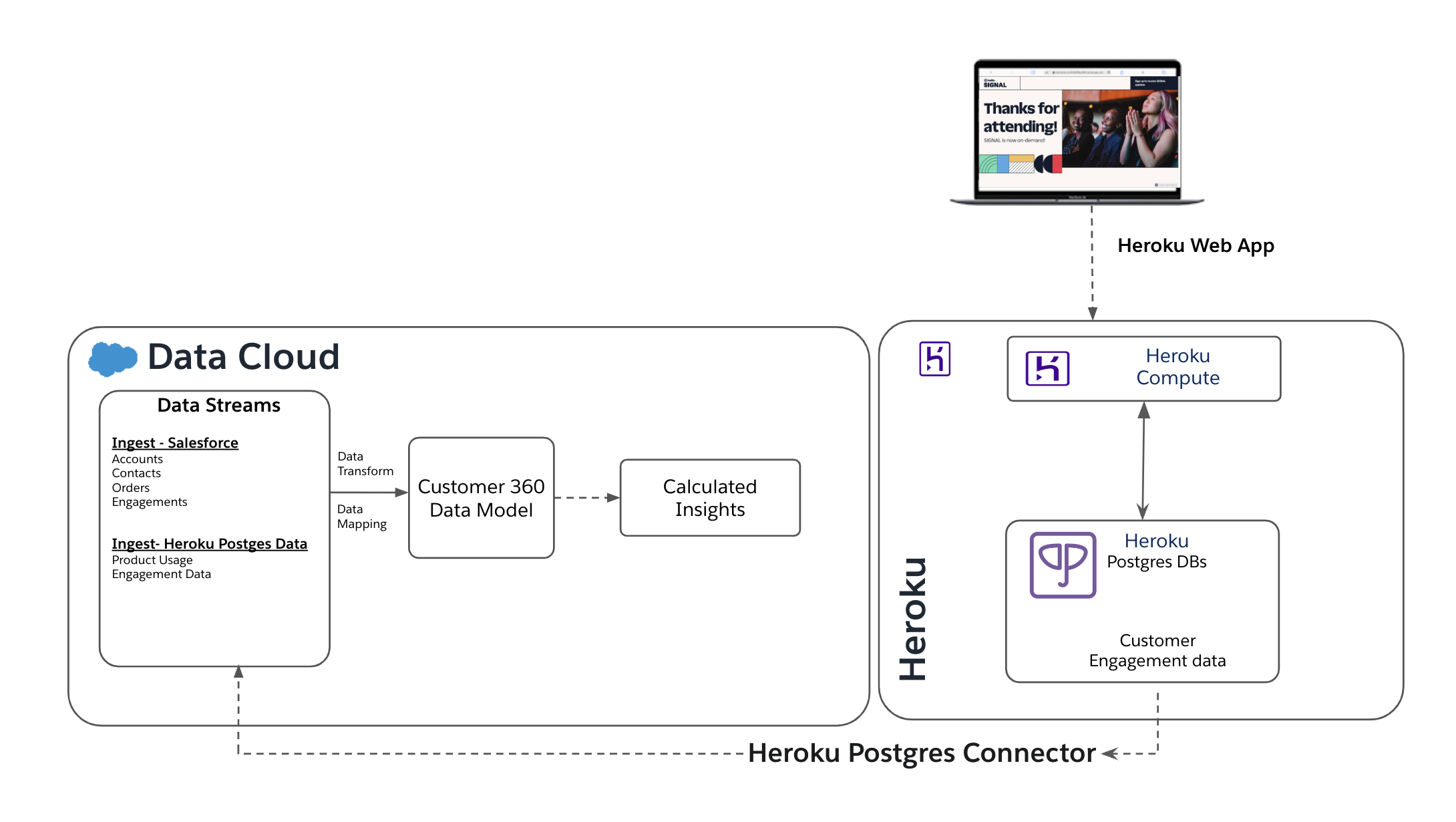
In addition, Heroku Postgres Connector for Data Cloud unlocks many interesting use cases.
Deliver Personalized Experiences: With Data Cloud and Heroku Postgres, you can integrate valuable data from your Heroku app to create a unified customer profile, unlocking insights and enhancing engagement and satisfaction. For example, e-commerce customers can roll out personalized shopping apps and marketing journeys that predict consumer spending behaviors and provide tailored offers.
Automate Customer Engagement: By using our powerful data connector to sync data from Heroku Postgres to Data Cloud, you can create automations based on how your customers interact with your app. Depending on a customer’s interactions, you can automate sending personalized marketing campaigns, identifying potential opportunities, or creating cases in Salesforce.
Simplify Custom Data Transformation: Leverage Heroku Postgres to move data from external systems and applications, to simplify data transformations. Combined with Heroku DevOps and scalable compute; custom transformation in large data sets can be efficiently managed programmatically with low-latency. After the transformation process, with the Heroku Postgres Connector, you can seamlessly synchronize your data with the Data Cloud.
Get Started with the Heroku Postgres Connector
Setting up the data connector is easy with a point-and-click UI. All you need is your database credentials for your Heroku Postgres database and Data Cloud enabled in your Salesforce org to set up the connector. Check out the Connecting Heroku Postgres to Salesforce Data Cloud article on getting started.
Leverage the Power of Heroku's Data Connector
At Heroku, we make it easy to simplify interactions with Data Cloud and other Salesforce products to enhance the customer experience. The introduction of the Heroku Postgres Connector for Data Cloud represents seamless integration of both Salesforce Products. As you explore the possibilities of Data Cloud integration with Heroku, we encourage you to share your innovative ideas with us.
If you have any thoughts or suggestions on future reliability improvements we can make, check out our public roadmap on GitHub and submit an issue!
The post Introducing the Heroku Postgres Connector for Salesforce Data Cloud appeared first on Heroku.
]]>One of our most important goals at Heroku is to be boring. Don’t get us wrong, we certainly hope that you’re excited about the Heroku developer experience — as heavy users of Heroku ourselves, we certainly are! But, even more so, we hope that you don’t have to spend all that much time thinking about […]
The post Evolving the Backend Storage for Platform Metrics appeared first on Heroku.
]]>One of our most important goals at Heroku is to be boring. Don’t get us wrong, we certainly hope that you’re excited about the Heroku developer experience — as heavy users of Heroku ourselves, we certainly are! But, even more so, we hope that you don’t have to spend all that much time thinking about Heroku. We want you to be able to spend your time thinking about the awesome, mission-critical things you’re building with Heroku, rather than worrying about the security, reliability, or performance of the underlying infrastructure they run on.
Keeping Heroku “boring” enough to be trusted with your mission-critical workloads takes a lot of not-at-all-boring work, however! In this post, we’d like to give you a peek behind the curtain at an infrastructure upgrade we completed last year, migrating to a new-and-improved storage backend for platform metrics. Proactively doing these kinds of behind-the-scenes uplifts is one of the most important ways that we keep Heroku boring: staying ahead of problems by continuously making things more secure, more reliable, and more efficient for our customers.
Metrics (as a Service)
A bit of context before we get into the details: our Application Metrics and Alerting, Language Runtime Metrics, and Autoscaling features are powered by an internal-to-Heroku service called “MetaaS,” short for “Metrics as a Service.” MetaaS collects many different “observations” from customer applications running on Heroku, like the amount of time it took to serve a particular HTTP request. Those raw observations are aggregated to calculate per-application, per-minute statistics like the median, max, and 99th-percentile response time. The resulting time series metrics are rendered on the Metrics tab of the Heroku dashboard, as well as used to drive alerting and autoscaling.
At the core of MetaaS lie two high-scale, multi-tenant data services. Incoming observations — a couple hundred thousand every second — are initially ingested into Apache Kafka. A collection of stream-processing jobs consume observations from Kafka as they arrive, calculate the various different statistics we track for each customer application, publish the resulting time series data back to Kafka, and ultimately write it to a database (Apache Cassandra at the time) for longer-term retention and query. MetaaS’s time-series database stores many terabytes of data, with tens of thousands of new data points written every second and several thousand read queries per second at peak.
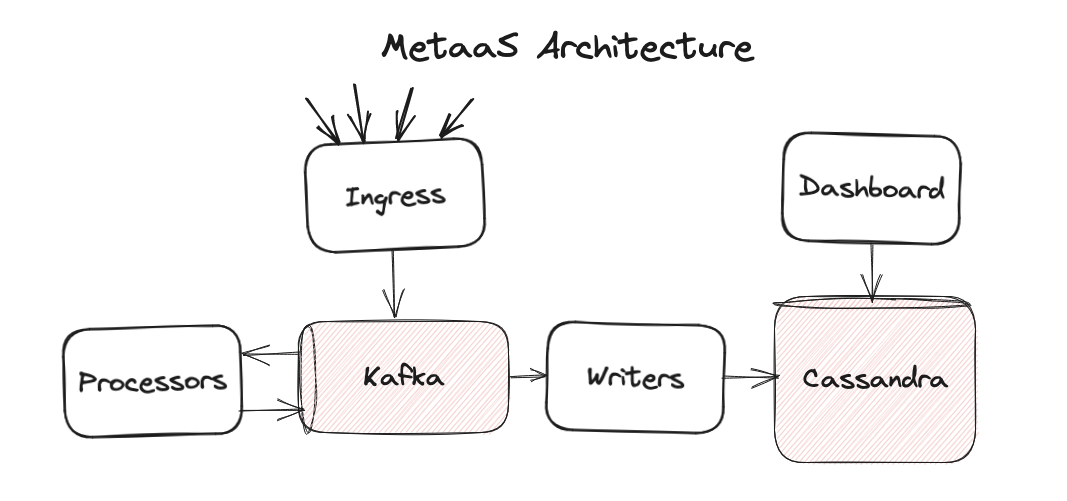
A Storied Legacy
MetaaS is a “legacy” system, which is to say that it was originally designed a while ago and is still here getting the job done today. It’s been boring in all the ways that we like our technology to be boring; we haven’t needed to think about it all that much because it’s been reliable and scalable enough to meet our needs. Early last year, however, we started to see some potential “excitement” brewing on the horizon.
MetaaS runs on the same Apache Kafka on Heroku managed service that we offer to our customers. We’re admittedly a little biased, but we think the team that runs it does a great job, proactively taking care of maintenance and tuning for us to make sure things continue to be boring. The Cassandra clusters, on the other hand, were home-grown just for MetaaS. Over time, as is often the way with legacy systems, our operational experience with Cassandra began to wane. Routine maintenance became less and less routine. After a particularly-rough experience with an upgrade in one of our test environments, it became clear that we were going to have a problem on our hands if we didn’t make some changes.
The general shape of Cassandra — a horizontally-scalable key/value database — remained a great fit for our needs. But we wanted to move to a managed service, operated and maintained by a team of experts in the same way our Kafka clusters are. After considering a number of options, we landed on AWS’s DynamoDB. Like Cassandra, DynamoDB traces its heritage (and its name) back to the system described in the seminal Amazon Dynamo paper. Other Heroku teams were already using DynamoDB for other use cases, and it had a solid track record for reliability, scalability, and performance.
A Careful Migration
Once the plan was made and the code was written, all that remained was the minor task of swapping out the backend storage of a high-scale, high-throughput distributed system without anyone noticing (just kidding, this was obviously going to be the hard part of the job ).
Thankfully, the architecture of MetaaS gave us a significant leg up here. We already had a set of stream-processing jobs for writing time-series data from Kafka to Cassandra. The first step of the migration was to stand up a parallel set of stream-processing jobs to write that same data to DynamoDB as well. This change had no observable impact on the rest of the system, and it allowed us to build confidence that DynamoDB was working and scaling as we expected.
As we began to accumulate data in DynamoDB, we moved on to the next phase of the migration: science! We’re big fans of the open source scientist library from our friends over at GitHub, and we adapted a very similar approach for this migration. We began running a small percent of read queries to MetaaS in “Science Mode”: continuing to read from Cassandra as usual, but also querying DynamoDB in the background and logging any queries that produced different results. We incrementally dialed the experiment up until 100% of production queries were being run through both codepaths. This change also had no observable impact, as MetaaS was still returning the data from Cassandra, but it allowed us to find and fix a couple of tricky edge cases that hadn't come up in our more-traditional pre-production testing.
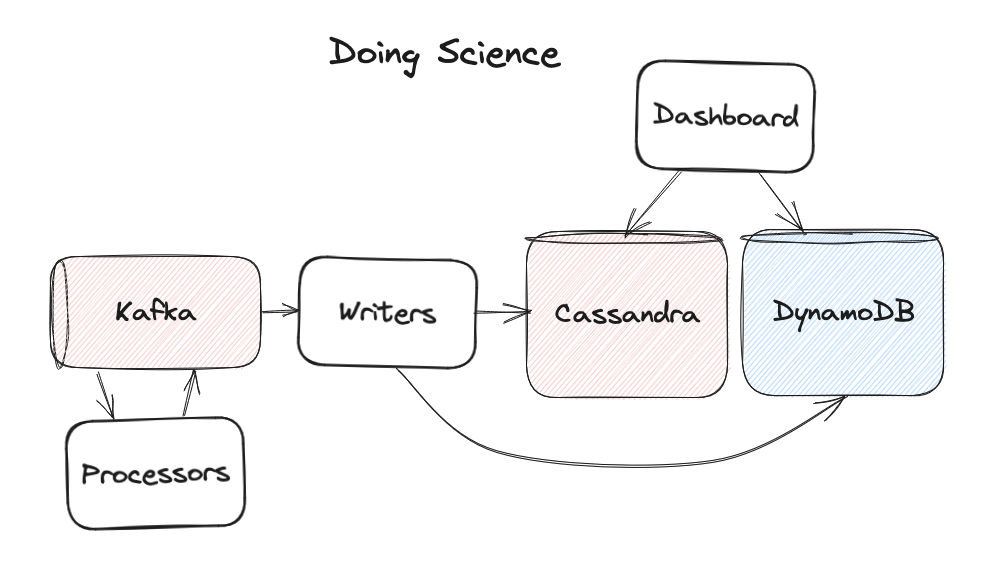
A Smooth Landing
Once our science experiment showed that DynamoDB was consistently returning the same results as Cassandra, the migration was now simply a matter of time. MetaaS stores data for a particular retention period, after which it ages out and is deleted (using the convenient TTL support that both Cassandra and DynamoDB implement). This meant that we didn’t need to orchestrate a lift-and-shift of data from Cassandra to DynamoDB. Once we were confident that the same data was being written to both places, we could simply wait for any older data in Cassandra to age out.
Starting with our test environments, we began to incrementally cut a small percent of queries over to only read from DynamoDB, moving carefully in case there were any reports of weird behavior that had somehow been missed by our science experiment. There were none, and 100% of queries to MetaaS have been served from DynamoDB since May of last year. We waited a few weeks just to be sure that we wouldn’t need to roll back, thanked our Cassandra clusters for their years of service, and put them to rest.

Conclusion
With a year of experience under our belt now, we’re feeling confident we made the right choice. DynamoDB has been boring, exactly as we hoped it would be. It’s been reliable at scale. We’ve spent a grand total of zero time thinking about how to patch the version of log4j it uses. And, for bonus points, it’s been both faster and cheaper than our self-hosted Cassandra clusters were. See if you can guess what time of day we finished the migration based on this graph of 99th-percentile query latency:
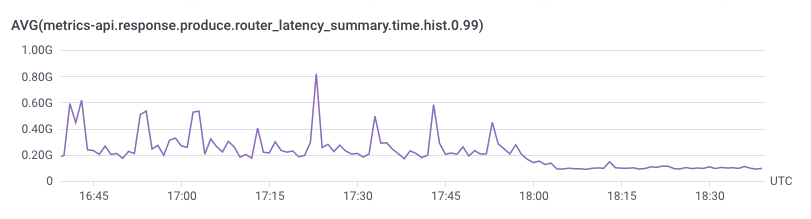
Our favorite part of this story? Unless you were closely watching page load times for the Heroku Dashboard’s Metrics tab at the time, you didn’t notice a thing. For a lot of the work we do here at Heroku, that’s the ultimate sign of success: no one even noticed. Things just got a little bit newer, faster, or more reliable under the covers.
For the moment, MetaaS is back to being a legacy system, doing its job with a minimum of fuss. If you’re interested in the next evolution of telemetry and observability for Heroku, check out the OpenTelemetry item on our public roadmap. It’s an area we’re actively working on, and we would love your input!
This post is a collaborative effort between Heroku and AWS, and it is published on both the Heroku Blog and the AWS Database Blog.
The post Evolving the Backend Storage for Platform Metrics appeared first on Heroku.
]]>Introduction: We’re excited to announce public beta support for HTTP/2 on both Heroku Common Runtime and Private Spaces. HTTP/2 support is one of the most requested and desired improvements for the Heroku platform. HTTP/2 is significantly faster than HTTP 1.1 by introducing features like multiplexing and header compression to reduce latency and therefore improve the […]
The post Improved Heroku App Performance with HTTP/2 appeared first on Heroku.
]]>
Introduction:
We’re excited to announce public beta support for HTTP/2 on both Heroku Common Runtime and Private Spaces. HTTP/2 support is one of the most requested and desired improvements for the Heroku platform. HTTP/2 is significantly faster than HTTP 1.1 by introducing features like multiplexing and header compression to reduce latency and therefore improve the end-user experience of Heroku apps.
Since 2023, we’ve been working on a large platform modernization of our Common Runtime router. This project will allow us to start delivering more modern networking for Heroku. With the majority of that work now complete, we’re excited to focus more on the future and new features.
What Do You Get From HTTP/2?
Upgrading to HTTP/2, the next-generation HTTP protocol, significantly improves web app performance for our customers. Here's how:
-
Faster loading times: HTTP/2 uses header compression and multiplexing to deliver content quicker and more efficiently. This improvement translates to faster page loads, especially for content-heavy applications with many images or videos.
-
Enhanced responsiveness: HTTP/2 lets multiple requests travel simultaneously on a single connection, and stream prioritization ensures smoother communication and faster updates. HTTP/2 reduces latency and improves performance for real-time applications like chat or live collaborative tools.
-
Improved user experience: Streamlined data transfer and reduced waiting times lead to a more enjoyable user experience. Users experience smoother scrolling, faster interactions with forms, and an overall improved sense of responsiveness across Heroku applications.
HTTP/2 terminates at the Heroku router and we forward HTTP/1.1 from the router to your app. This method is great because you get most of the benefits of HTTP/2 without having to make any changes to your app or code.

Along with this beta, we’ll continue to research solutions to provide HTTP/2 end-to-end (all the way to the dyno) and enable features like Server Push and gRPC use cases with Heroku apps. Those capabilities aren’t included in this release.

For more information about HTTP/2, you can refer to the official HTTP/2 RFC (RFC 9113).
How to Turn On HTTP/2 For Your Application
A valid TLS certificate is required for HTTP/2. We recommend using Heroku Automated Certificate Management.
Common Runtime Applications
For Common Runtime apps, if you’re in the Routing 2.0 Public Beta, HTTP/2 is on by default. If you’re not in the beta, you can enable it with this command:
$ heroku labs:enable http-routing-2-dot-0 -a <app name>
After enabling the new router for your app, it can handle HTTP/2 traffic. In the Common Runtime, we support HTTP/2 on custom domains, but not on the built-in <app-name-cff7f1443a49>.herokuapp.com domain.
To opt out of HTTP/2, simply disable the new router on your application.
Private Spaces and Shield Spaces Applications
Private and Shield Spaces Applications
For Private and Shield Spaces apps, you can enable HTTP/2 for an app with a Heroku Labs flag:
$ heroku labs:enable spaces-http2 -a <app name>
In Private Spaces, we support HTTP/2 on both custom domains and the built-in default app domain.
To disable HTTP/2, simply disable the Heroku labs spaces-http2 flag on your app.
Conclusion
We’re excited to finally bring HTTP/2 to the Heroku platform to see how it improves our customers' apps and their users’ experience.
HTTP/2 is currently in public beta. When our new router becomes the default on Common Runtime, the feature will become generally available for all Heroku customers.
We want to express our sincere appreciation for the feedback received on the Heroku Public roadmap request that led to this change. Your insights were instrumental in shaping this first release of features on our next-generation router. We'll continue monitoring the public roadmap and your feedback as we explore future networking and routing enhancements, especially our continued research on expanding HTTP/2 functionality to dynos and exploring HTTP/3.
The post Improved Heroku App Performance with HTTP/2 appeared first on Heroku.
]]>If you’re an API developer working with Node.js, then you’re probably familiar with Express. But have you tried out the Fastify framework to build with power, speed, and convenience? In this walkthrough, we build a full-featured, easy-to-consume API with Fastify. And we deploy it to the cloud with ease. We show you how to: Get […]
The post Build Well-Documented and Authenticated APIs in Node.js with Fastify appeared first on Heroku.
]]>If you’re an API developer working with Node.js, then you’re probably familiar with Express. But have you tried out the Fastify framework to build with power, speed, and convenience? In this walkthrough, we build a full-featured, easy-to-consume API with Fastify. And we deploy it to the cloud with ease. We show you how to:
- Get started working with Fastify to build an API
- Implement API authentication by using a JSON web token (JWT)
- Use Fastify’s Swagger plugins to generate an OpenAPI specification
- Consume the OpenAPI specification with Postman, giving you an API client that can send requests seamlessly to your back-end API
- Deploy your application to Heroku
This project is part of our Heroku Reference Applications GitHub organization where we host different projects showcasing architectures and patterns to deploy to Heroku.
Key Concepts
Before we code, let’s briefly cover the core concepts and technologies for this walkthrough.
Application Flow
A Heroku Postgres database stores records of usernames, first names, last names, and emails in a users table. The public endpoint of our API (/directory) returns a list of usernames for all users in the table. The protected endpoint (/profile) requires a JWT with username in the payload. This endpoint returns additional information about the user with the given username.

What’s Fastify?
Fastify is a web framework for Node.js that boasts speed, low overhead, and a delightful developer experience. Many Node.js developers have adopted Fastify as an alternative to Express.
Fastify is designed with a plugin architecture, making it incredibly modular. Its documentation says that “in Fastify everything is a plugin.” This architecture makes it easy for developers to build and use utilities, middleware, and other niceties. We dive deeper into working with plugins as we get to coding.
Authentication
Our authenticated route requires a JWT signed with an RSA256 private key. We attach that JWT, and the API uses the symmetric public key to validate it.
The username in the payload of the validated JWT is meant to represent the user making the request, so the /profile endpoint returns account information about that user.
API Documentation
We also document our API routes as we write our code. Fastify has OpenAPI support through its plugin ecosystem that generates the full OpenAPI specification and gives us a UI. With the OpenAPI specification generated, we can also use Postman to import the spec to give us a client that can send requests to our API.
Deployment
After doing a little bit of local testing, we can deploy our API to Heroku with just a few quick CLI commands, or the Deploy to Heroku button in the GitHub repository
Get Started
To use this demo, you need:
- A Heroku account. You must add a payment method to cover your compute and database costs. To run this API, go with the Eco dyno, which has a $5 monthly flat fee. You also need a Heroku Postgres instance. Go with the Mini plan, at a max of $5 monthly cost. The Eco and Mini plans are enough for this sample application.
- A GitHub account for your code repository. Heroku hooks into your GitHub repo directly, simplifying deployment to a single click.
- (Optional) The Postman client application installed on your local machine. You need Postman to follow along in our section on importing an OpenAPI specification.
You can start by cloning the GitHub repo for this project. If you simply want to deploy and start using the API, follow the instructions in the README.
To keep this walkthrough simple, we’re going to highlight the most important parts of the code to help you understand how we built this API. We don’t go through everything line by line, but you can always reference the repo codebase to examine the code itself.
Initialize the Project
When building this project, we used Node v20.11.1 along with npm as our package manager. Start by initializing a new project and installing dependencies:
npm init -y

npm install fastify fastify-cli fastify-plugin @fastify/auth @fastify/autoload @fastify/jwt @fastify/swagger @fastify/swagger-ui fast-jwt dotenv pg
Create the Initial app.js File
Just to start things out, we begin with an app.js file in our project root folder. This file is our “hello world” initial application:
app.js
export default async (fastify, opts) => {
  fastify.get(
    "/",
    async function (_request, reply) {
      reply.code(200).type("text/plan").send("hello world");
    },
  );
}
We use the fastify-cli to run the app.js file. Notice that we don’t need to import Fastify in our file, since we pass an instance of a Fastify server object, fastify, to the function as an argument. To start, we add handling for a GET request to /. As we build up our API, we can simply enhance this instance by registering new plugins.
Let’s add some lines to our package.json file to use that app.js file.
package.json
{
  "name": "openapi-fastify-jwt",
  "version": "1.0.0",
  "type": "module",
  "description": "A sample Fastify API with RSA256 JWT authentication",
  "main": "app.js",
  "scripts": {
    "start": "fastify start -a 0.0.0.0 -l info app.js",
    "dev": "fastify start -w -l info -P app.js"
  },
The fastify-cli command in our scripts section starts up our server to listen for requests. We start our local server like this:
npm run dev
[10:22:17.323] INFO (816073): Server listening at https://127.0.0.1:3000
In a separate terminal window, we test our server:
curl localhost:3000
hello world
Create the Database Plugin
Next, we write a plugin for querying our Postgres database, and add it to our fastify instance.
In a subfolder called plugins, we create a file called db.js with the following contents:
plugins/db.js
import fp from "fastify-plugin";
import pg from "pg";

const { Pool } = pg;

export default fp(async (fastify) => {
  const pool = new Pool({
    connectionString: process.env.DATABASE_URL,
    ssl: {
      rejectUnauthorized: false,
    },
  });

  fastify.decorate("db", {
    query: async (text, params) => {
      const result = await pool.query(text, params);
      return result.rows;
    },
  });
})
The standard convention for creating Fastify plugins uses the fastify-plugin package,imported above as a function called fp. We define how to enhance our fastify instance, then call fp() on that functionality and export it.
Note: The Fastify ecosystem has its own @fastify/postgresql plugin which is the recommendation for production-based applications. We decided to build our own plugin to demonstrate how to extend Fastify with a simple plugin.
Our database plugin opens a connection to a Postgres database based on the DATABASE_URL environment variable. We have a method called query which sends the SQL query along with any parameters, returning the result.
Notice that we decorate our fastify instance with the string db, supplying the definition for our query function. By doing this, we can call fastify.db.query for any fastify instance that registered this plugin.
Back in app.js, let’s register our newly created plugin. We could call fastify.register individually on each plugin we want to register, as Fastify’s getting started guide describes. However, we use @fastify/autoload to quickly register all plugins in a given folder. Our app.js file now looks like this, after removing the GET handler for /:
app.js
import path from "path";
import AutoLoad from "@fastify/autoload";
import { fileURLToPath } from "url";

const __filename = fileURLToPath(import.meta.url);
const __dirname = path.dirname(__filename);

export default async (fastify, opts) => {
  fastify.register(AutoLoad, {
    dir: path.join(__dirname, "plugins"),
    options: Object.assign({}),
  });
};
By using autoload, we register any plugins found in our plugins subfolder.
Create the /directory Route
Next, we add our /directory route. This public route returns all the usernames in our database’s users table. The handler uses our db plugin’s query method.
In a subfolder called routes, we create a file called directory.js with the following contents:
routes/directory.js
export default async function (fastify, _opts) {
  fastify.get(
    "/directory",
     async (_request, reply) => {
      const { db } = fastify;
      const rows = await db.query(
        "SELECT username FROM users ORDER by username",
      );
      const records = rows.map((r) => { username: r.username });
      reply.code(200).type("application/json").send(records);
    },
  );
}
Notice how we use the db object from our fastify instance. This code assumes that our fastify instance registered a plugin that decorates the instance with db, giving us convenient access to db.query. We handle GET requests to /directory by making the appropriate query and returning the results.
Back in app.js, we have to make sure to add this route to our fastify instance by calling fastify.register. Just like we did for our plugins subfolder, we autoload any files in our routes subfolder. Let’s also add in a call to dotenv, since we need our DATABASE_URL environment variable soon.
app.js
import "dotenv/config";
import path from "path";
import AutoLoad from "@fastify/autoload";
import { fileURLToPath } from "url";

const __filename = fileURLToPath(import.meta.url);
const __dirname = path.dirname(__filename);

export default async (fastify, opts) => {
  fastify.register(AutoLoad, {
    dir: path.join(__dirname, "plugins"),
    options: Object.assign({}),
  });

  fastify.register(AutoLoad, {
    dir: path.join(__dirname, "routes"),
    options: Object.assign({}),
  });
};
Set Up a Local Postgres Database
For local testing, we set up a local Postgres database. Then, we add the database’s connection string to a file called .env in the project root folder. For example:
.env
DATABASE_URL=postgres://user:password@localhost:5432/my_database
You can use files from the repository codebase (in the data subfolder) to create the database schema and seed the table with records.
psql
        postgres://user:password@localhost:5432/my_database
        < create_schema.sql

psql
        postgres://user:password@localhost:5432/my_database
        < create_records.sql
With the database plugin, public /directory route, and local database all in place, we test our server again. We start our server with npm run dev. Then, in a separate terminal window:
curl localhost:3000/directory
[{"username":"adelia.casper"},{"username":"aisha.upton"},{"username":"alfred.lindgren"},{"username":"alysha.mclaughlin"},{"username":"angie.keebler"},{"username":"antonia.gutmann"},{"username":"baron.hessel"},{"username":"bernadine.powlowski"},{"username":"carlee.abbott"},{"username":"charley.glover"},{"username":"cora.bednar"},{"username":"darryl.reynolds"},{"username":"dee.gorczany"},{"username":"dennis.koss"},{"username":"deshaun.wiza"},{"username":"devante.lakin"},{"username":"edythe.thompson"},{"username":"eldon.bahringer"},{"username":"elenor.trantow"},{"username":"elijah.hane"},{"username":"erin.haley"},{"username":"estefania.will"},{"username":"haven.rippin"},{"username":"houston.rowe"},{"username":"imani.okon"},{"username":"irma.durgan"},{"username":"jaiden.vandervort"},{"username":"jamar.maggio"},{"username":"jamir.walsh"},{"username":"jedediah.mraz"},{"username":"jett.beier"},{"username":"johnathon.hessel"},{"username":"jovan.turner"},{"username":"kade.hilpert"},{"username":"king.berge"},{"username":"laurie.marquardt"},{"username":"madge.hettinger"},{"username":"magali.terry"},{"username":"magdalena.farrell"},{"username":"marty.wunsch"},{"username":"mellie.donnelly"},{"username":"muriel.walker"},{"username":"noelia.jenkins"},{"username":"nolan.dubuque"},{"username":"otis.grady"},{"username":"rene.bins"},{"username":"rhoda.bashirian"},{"username":"rose.boehm"},{"username":"tatyana.wolf"},{"username":"zion.reichel"}]%
Excellent. Our public route and our database plugin look like they’re working. Now, it’s time to move onto authentication.
Create the Authentication Plugin
In our plugins subfolder, we create a new plugin in auth.js. It looks like this:
plugins/auth.js
import fp from "fastify-plugin";
import jwt from "@fastify/jwt";
import auth from "@fastify/auth";

export default fp(async (fastify) => {
  if (!process.env.RSA_PUBLIC_KEY_BASE_64) {
    throw new Error(
      "Environment variable `RSA_PUBLIC_KEY_BASE_64` is required",
    );
  }

  const publicKey = Buffer.from(
    process.env.RSA_PUBLIC_KEY_BASE_64,
    "base64",
  ).toString("ascii");
  if (!publicKey) {
    fastify.logger.error(
      "Public key not found. Make sure env var `RSA_PUBLIC_KEY_BASE_64` is set.",
    );
  }

  fastify.register(jwt, {
    secret: {
      public: publicKey,
    },
  });

  fastify.register(auth);

  fastify.decorate("verifyJWT", async (request, reply) => {
    try {
      await request.jwtVerify();
    } catch (err) {
      reply.send(err);
    }
  });
});
Our authentication process checks that the supplied JWT is properly signed. We verify the signature with the signer’s public key. Let’s walk through what we’re doing here step by step:
- Read in the
publicKeyfrom ourRSA_PUBLIC_KEY_BASE_64environment variable. The key must be in base64 format. - Register the
@fastify/jwtplugin, supplying thepublicKeybecause we use the plugin in verify-only mode. - Register the @fastify/auth plugin, which adds convenience utilities for attaching authentication to routes.
- Decorate our
fastifyinstance with a function calledverifyJWT. Our function calls thejwtVerifyfunction in the@fastify/jwtplugin, passing it the API request. That function checks theAuthorizationheader for a bearer token and verifies the JWT against ourpublicKey.
Because our app.js file already autoloads any plugins in our plugins subfolder, we don’t need to do anything else to register our new authentication plugin.
Create the Authenticated /profile Route
In our routes subfolder, we create a file called profile.js with the following contents:
routes/profiles.js
export default async function (fastify, _opts) {
  fastify.get(
    "/profile",
    {
      onRequest: [fastify.auth([fastify.verifyJWT])],
    },
    async (request, reply) => {
      const { db } = fastify;
      const sql =
        'SELECT id, username, first_name as "firstName", last_name as "lastName", email FROM users WHERE username=$1';

      const rows = await db.query(sql, [request.user.username]);
      if (rows.length) {
        reply.code(200).type("application/json").send(rows[0]);
      } else {
        reply.code(404).type("text/plain").send("Not Found");
      }
    },
  );
}
How we implement this route differs slightly from that of /directory. When calling fastify.get, we include an object with route options as the second argument, before our handler function definition. We include the onRequest option, which acts like middleware handling. When a request to /profile comes in, Fastify calls fastify.auth for authentication, passing it our decorated fastify.verifyJWT function as our authentication strategy.
For our route handler, notice that our SQL query references request.user.username. You might wonder where that came from. Do you remember how we expect the JWT payload to include a username? When the @fastify/jwt plugin verifies the JWT, it writes the JWT payload to a user object in the request, passing that payload information downstream. That gives us access to request.user.username in our route handler. We call our database plugin to query for the user’s information, and we send the response.
And, because app.js autoloads the routes subfolder, our server is immediately serving up this route.
Generating Keys and Tokens
When we deploy our API, we use a new pair of public/private RSA keys. You can generate a pair online here. You need the public key, in base64 format, as an environment variable for JWT verification. You only use the private key when signing a JWT for accessing the API’s authenticated route.
Our codebase provides a utility for generating a JWT and signing it with a private key. Here’s an example of how to use it:
npm run generate:jwt
           utils/keys/private_key.example.rsa
           '{"username":"aisha.upton"}'

Token: eyJhbGciOiJSUzI1NiIsInR5cCI6IkpXVCJ9.eyJ1c2VybmFtZSI6ImFpc2hhLnVwdG9uIiwiaWF0IjoxNzE0NDEzNzk3fQ.U0Nkb5IIDKjGv2VHFZQZE8nMpDbj25ui1b868lAnLU5T_rUcsYq-oq792gFlHcMdYmYZ92eHfqEVKjqEcKbeVRCrWSUi3pm0BN74cXZ8Q0DWc1EdxxsgtxdPZ9jtckUkeCG9BNsMBbCAQfSb_cURq4hbX9js28DYP3sVuc5soKE
With a valid token, we can test our server’s authenticated route:
# Valid token
curl
   --header "Authorization:Bearer eyJhbGciOiJSUzI1NiIsInR5cCI6IkpXVCJ9.eyJ1c2VybmFtZSI6ImFpc2hhLnVwdG9uIiwiaWF0IjoxNzE0NDEzNzk3fQ.U0Nkb5IIDKjGv2VHFZQZE8nMpDbj25ui1b868lAnLU5T_rUcsYq-oq792gFlHcMdYmYZ92eHfqEVKjqEcKbeVRCrWSUi3pm0BN74cXZ8Q0DWc1EdxxsgtxdPZ9jtckUkeCG9BNsMBbCAQfSb_cURq4hbX9js28DYP3sVuc5soKE"
   localhost:3000/profile
{"id":"402b11d2-20a0-4104-9800-9b5b9dee4dc1","username":"aisha.upton","firstName":"Aisha","lastName":"Upton","email":"[email protected]"}%
Our authentication works!
Here are some examples of how the @fastify/auth and @fastify/jwt plugins handle bad requests, just to show how it looks:
# No token
curl localhost:3000/profile
{"statusCode":401,"code":"FST_JWT_NO_AUTHORIZATION_IN_HEADER","error":"Unauthorized","message":"No Authorization was found in request.headers"}

# Invalid token
curl --header "Authorization:Bearer this-is-not-a-valid-token" localhost:3000/profile

{"statusCode":401,"code":"FST_JWT_AUTHORIZATION_TOKEN_INVALID","error":"Unauthorized","message":"Authorization token is invalid: The token is malformed."}

# Token signed by a different key
curl
   --header "Authorization:Bearer eyJhbGciOiJSUzI1NiIsInR5cCI6IkpXVCJ9.eyJ1c2VybmFtZSI6IkNydXoxOSIsImlhdCI6MTcwOTMyMTc4Mn0.YWklNLXmojxc7Kg0M0utMHQGylsUK3LrHozvcVPYHCvZIG-nwJKKSW9FKzQ9I0glxZdWvjELGwoP7uWVGHyyEo7c3HTk1pxG-av7T9CmWf_Gk0D58n1T1PkeO7YqE-2JL6vIlvnAiUQRrrknYlEAc8Z3UruYik_CFqoRxbLkZl8"
   localhost:3000/profile

{"statusCode":401,"code":"FST_JWT_AUTHORIZATION_TOKEN_INVALID","error":"Unauthorized","message":"Authorization token is invalid: The token signature is invalid."}
Use OpenAPI and Swagger UI for Documentation
With Fastify, we can take advantage of the @fastify/swagger and @fastify/swagger-ui plugins to conveniently generate an OpenAPI specification for our API.
First, we define our data model schemas (in schemas/index.js) using the Validation and Serialization feature from Fastify.
Next, in app.js, we register the @fastify/swagger plugin and supply it with general information about our server. We also register the @fastify/swagger-ui, providing a path (/api-docs). This plugin creates an entire Swagger UI with our OpenAPI specification at that path. Our final app.js file looks like this:
app.js
import "dotenv/config";
import path from "path";
import AutoLoad from "@fastify/autoload";
import Swagger from "@fastify/swagger";
import SwaggerUI from "@fastify/swagger-ui";
import { fileURLToPath } from "url";

const __filename = fileURLToPath(import.meta.url);
const __dirname = path.dirname(__filename);

export const options = {};

export default async (fastify, opts) => {
  fastify.register(Swagger, {
    openapi: {
      info: {
        title: "User Directory and Profile",
        description:
          "Demonstrates Fastify with authenticated route using RSA256",
        version: "1.0.0",
      },
      components: {
        securitySchemes: {
          BearerAuth: {
            description:
              "RSA256 JWT signed by private key, with username in payload",
            type: "http",
            scheme: "bearer",
            bearerFormat: "JWT",
          },
        },
      },
      fastifys: [
        {
          url: "https://localhost:8080",
        },
      ],
      tags: [
        {
          name: "user",
          description: "User-related endpoints",
        },
      ],
    },
    refResolver: {
      buildLocalReference: (json, _baseUri, _fragment, _i) => {
        return json.$id || `def-{i}`;
      },
    },
  });

  fastify.register(SwaggerUI, {
    routePrefix: "/api-docs",
  });

  fastify.register(AutoLoad, {
    dir: path.join(__dirname, "plugins"),
    options: Object.assign({}),
  });

  fastify.register(AutoLoad, {
    dir: path.join(__dirname, "routes"),
    options: Object.assign({}),
  });
};
We also want to add OpenAPI specification info for each of our routes. As an example, here is how we do it in routes/profile.js:
routes/profile.js
import {
  profileSchema,
  errorSchema,
} from "../schemas/index.js";

export default async function (fastify, _opts) {
  fastify.addSchema({
    $id: "profile",
    ...profileSchema,
  });

  fastify.addSchema({
    $id: "error",
    ...errorSchema,
  });

  fastify.get(
    "/profile",
    {
      schema: {
        description:
          "Get user's own profile with additional account attributes",
        tags: ["user"],
        security: [
          {
            BearerAuth: [],
          },
        ],
        response: {
          200: {
            description: "User profile",
            $ref: "profile#",
          },
          404: {
            description: "Not Found",
            $ref: "error#",
          },
          500: {
            description: "Internal Server Error",
            $ref: "error#",
          },
        },
      },
      onRequest: [fastify.auth([fastify.verifyJWT])],
    },
    async (request, reply) => {
      …
    },
  );
}
In this file, we add a schema object to our route options argument. In line with how OpenAPI specifications are written, we add information regarding security, responses, and so on. We do something similar in routes/directory.js.
Now, when we spin up our server, we can visit https://localhost:3000/api-docs to see this:

From right within the Swagger UI, we can send requests to our API. For example, we can use the JWT we generated earlier and send an authenticated request to /profile.
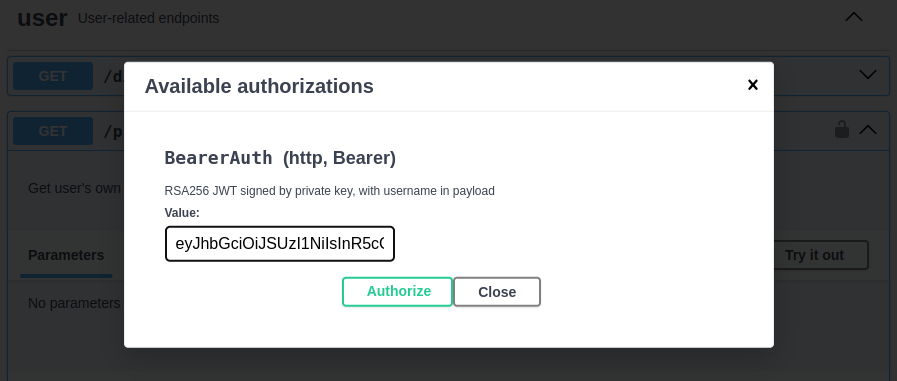

Import OpenAPI Specification into Postman
The Swagger UI is nice, but we can also use Postman for better programmatic usage and developer experience when it comes to authentication.
In Postman, we click the Import button.

We can import our OpenAPI specification using a URL. Our Swagger UI shows that the specification is available at https://localhost:3000/api-docs/json. We provide this URL to Postman, choosing to import the API as a Postman Collection.

Now, we have a new collection in Postman with requests set up to hit our API:

When we click on the profile’s GET request, and then click on the Authorization tab, we see that Postman expects two variables: baseUrl and bearerToken.

Let’s set the values for those. Go to the options for our Postman Collection, navigating to the Variables tab. There, we set baseUrl to https://localhost:3000. Then, we add a new variable called bearerToken, and we use the value of the valid JWT generated earlier.

Click Save in the upper-right corner. Then, we go back to our /profile request and click Send.

Going from our OpenAPI specification to Postman is so quick and easy!
Deploy the API to Heroku
As an API developer, you want to spend your development time focused on building and coding. Ideally, deploying your APIs is fast and painless. With Heroku, it is!
Assuming you installed the Heroku CLI, here’s how to deploy your API.
Step 1: Log in
heroku login
Step 2: Create a new app
heroku create my-fastify-api
Creating ⬢ my-fastify-api... done
https://my-fastify-api-58737de5faf0.herokuapp.com/ | https://git.heroku.com/my-fastify-api.git
Step 3: Add the Heroku Postgres add-on
heroku addons:create heroku-postgresql
Creating heroku-postgresql on ⬢ my-fastify-api... ~$0.007/hour (max $5/month)
Database has been created and is available
Step 4: Load the database schema and seed data
heroku pg:psql < data/create_schema.sql
CREATE TABLE

heroku pg:psql < data/create_records.sql
INSERT 0 50
Step 5: Add your RSA public key as a config variable
heroku config:set \
 RSA_PUBLIC_KEY_BASE_64=`cat utils/keys/public_key.example.rsa | base64`
Setting RSA_PUBLIC_KEY_BASE_64 and restarting ⬢ my-fastify-api... done
Step 6: Create a Git remote to point to Heroku
heroku git:remote -a my-fastify-api
set git remote heroku to https://git.heroku.com/my-fastify-api.git
Step 7: Push your repository branch to Heroku
git push heroku main
…
remote: -----> Creating runtime environment
…
remote: -----> Installing dependencies
…
remote: -----> Build succeeded!
…
remote: -----> Launching...
remote:        Released v6
remote:        https://my-fastify-api-58737de5faf0.herokuapp.com/ deployed to Heroku
…
That’s it! Just a few commands in the Heroku CLI, and our API is deployed, configured, and running. Let’s do some checks to make sure.
At the command line, with curl:
curl https://my-fastify-api-58737de5faf0.herokuapp.com/directory
[{"username":"adelia.casper"},{"username":"aisha.upton"},{"username":"alfred.lindgren"},{"username":"alysha.mclaughlin"},{"username":"angie.keebler"},{"username":"antonia.gutmann"},{"username":"baron.hessel"},{"username":"bernadine.powlowski"},{"username":"carlee.abbott"},{"username":"charley.glover"},{"username":"cora.bednar"},{"username":"darryl.reynolds"},{"username":"dee.gorczany"},{"username":"dennis.koss"},{"username":"deshaun.wiza"},{"username":"devante.lakin"},{"username":"edythe.thompson"},{"username":"eldon.bahringer"},{"username":"elenor.trantow"},{"username":"elijah.hane"},{"username":"erin.haley"},{"username":"estefania.will"},{"username":"haven.rippin"},{"username":"houston.rowe"},{"username":"imani.okon"},{"username":"irma.durgan"},{"username":"jaiden.vandervort"},{"username":"jamar.maggio"},{"username":"jamir.walsh"},{"username":"jedediah.mraz"},{"username":"jett.beier"},{"username":"johnathon.hessel"},{"username":"jovan.turner"},{"username":"kade.hilpert"},{"username":"king.berge"},{"username":"laurie.marquardt"},{"username":"madge.hettinger"},{"username":"magali.terry"},{"username":"magdalena.farrell"},{"username":"marty.wunsch"},{"username":"mellie.donnelly"},{"username":"muriel.walker"},{"username":"noelia.jenkins"},{"username":"nolan.dubuque"},{"username":"otis.grady"},{"username":"rene.bins"},{"username":"rhoda.bashirian"},{"username":"rose.boehm"},{"username":"tatyana.wolf"},{"username":"zion.reichel"}]%
In Postman, with an updated baseUrl to point to our Heroku app URL (while keeping the valid bearerToken):

And finally, in our browser, checking out the API docs:

Conclusion
When building a Node.js API, using the Fastify framework helps you get up and running quickly. You have access to a rich ecosystem of existing plugins, and building your own plugins is simple and straightforward too. Here’s a quick rundown of everything we did in this walkthrough:
- Used Fastify to build an API server
- Built plugins for database querying and JWT authentication
- Built two routes (one public, one protected) for our API
- Integrated OpenAPI-related plugins to get an OpenAPI specification and a Swagger UI
- Showed how to import our OpenAPI specification into Postman
- Deployed our API to Heroku with just a few commands
With technologies like Fastify, JSON web tokens, and OpenAPI, you can quickly build APIs that are powerful, secure, and easy to consume. Then, when it’s time to deploy and run your code, going with Heroku gets you up and running — _within minutes — _at a low cost. When you’re ready to get started, sign up for a Heroku account and begin building today!
The post Build Well-Documented and Authenticated APIs in Node.js with Fastify appeared first on Heroku.
]]>For developers and businesses offering a web-based product, automated browser testing is a critical tool to ensure continuous delivery of a reliable service. Developers write browser tests by scripting actions against a real browser, simulating real usage by navigating, selecting, and making assertions about web pages and their document elements. In this post, we introduce […]
The post Improved Browser Testing on Heroku with Chrome appeared first on Heroku.
]]>For developers and businesses offering a web-based product, automated browser testing is a critical tool to ensure continuous delivery of a reliable service. Developers write browser tests by scripting actions against a real browser, simulating real usage by navigating, selecting, and making assertions about web pages and their document elements.
In this post, we introduce a new community buildpack that helps with automated browser testing. The new buildpack resolves installation reliability problems in the existing Chrome browser buildpacks for Heroku apps.
Browser Testing on Heroku
Developers can manually run browser tests on their machines to support writing and debugging tests. They can automate browser tests with continuous integration tools like Heroku CI to run in response to code updates and catch new problems on feature branches before they’re merged and released. They can also automate browser tests with a continuous end-to-end testing service. For example, running the test suite every hour to catch new problems with a customer-facing app.
At Heroku, we use automated browser testing to ensure the reliability of the Heroku Dashboard, our primary web interface. Continuous testing of the dashboard and related interfaces throughout their lifecycle, from feature development to monitoring the production system, is essential for early bug detection, quality assurance, and adaptability.
Heroku engineers found one long-standing issue regularly disrupts browser testing. Occasionally, automated Chrome browser tests all fail due to a version mismatch of the installed Chrome and Chromedriver components, like this example error message:
This version of ChromeDriver only supports Chrome version N
Current browser version is M
While it seems like the answer is to set a specific version number, Chrome is an evergreen browser. The browser continuously refreshes itself with security updates and features. Setting a specific version is discouraged because the browser quickly falls out of date.
Introducing A New Community Buildpack
To solve this cycle of version mismatches as Chrome updates itself, we created the Chrome for Testing Heroku Buildpack. We were able to release this buildpack because the Chrome development team addressed the long-standing problem of keeping Chrome and Chromedriver versions updated and aligned with each other for automated testing environments.
To use this new Chrome for Testing buildpack in Heroku apps, head over to the Heroku Elements Marketplace and install the Chrome for Testing Heroku Buildpack.
If the app is already using Chrome, make sure to remove existing Chrome and Chromedriver buildpacks before installing the new buildpack. To install Chrome for Testing on an app, add heroku-community/chrome-for-testing as the first buildpack:
heroku buildpacks:add -i 1 heroku-community/chrome-for-testing
By default, this buildpack downloads the latest Stable release, which Google provides. You can control the channel of the release by setting the app’s GOOGLE_CHROME_CHANNEL config variable to Stable, Beta, Dev, or Canary, and then deploy and build the app.
After the app deploys with the Chrome for Testing buildpack, chrome and chromedriver executables are installed on the PATH in dynos, available for browser automation tools like Selenium WebDriver and Puppeteer. We welcome feedback about this buildpack on its GitHub repository. Happy testing!
The post Improved Browser Testing on Heroku with Chrome appeared first on Heroku.
]]>Add-on Controls for Heroku Teams At Heroku, trust and security are top priorities and we’ve been steadily adding more security controls to the platform. Recently, we launched SSO for Heroku Teams, and today, we’re excited to announce more enhancements for teams: add-on controls. Previously, this feature was only available to Heroku Enterprise customers. The Elements […]
The post Add-on Controls for Pay-As-You-Go Customers appeared first on Heroku.
]]>Add-on Controls for Heroku Teams
At Heroku, trust and security are top priorities and we’ve been steadily adding more security controls to the platform. Recently, we launched SSO for Heroku Teams, and today, we’re excited to announce more enhancements for teams: add-on controls. Previously, this feature was only available to Heroku Enterprise customers.
The Elements Marketplace has add-ons built by our partners that help teams accelerate app development on Heroku. Add-ons can interact with your team’s data and apps, so it’s important to manage and audit which add-ons your team uses. Enabling add-on controls helps keep your data and apps protected, so you can remain compliant with your company’s policies.
With today’s announcement, Heroku users with team admin permissions can now control which add-ons their team can use. Enabling this feature restricts non-admin members to only installing add-ons that are on the allowlist.
Setting Up the Allowlist
To begin using add-on controls, a team admin creates a trusted list of add-ons in the Add-on Controls section of the team’s **Settings** page.
To enforce the add-on controls, click Enable Add-ons Allowlisting Restrictions.

Enabling add-on controls doesn’t remove existing installed add-ons that aren’t on the allowlist.
Allowlist Exceptions
The Add-on Controls section has an **Allowlist Exceptions** list. This list shows the add-ons currently used in your team’s apps that aren’t allowlisted. Each entry in this list offers a detailed view option, showing you which app has the add-on installed and since when. These entries help you identify unapproved add-ons your team installed prior to enabling controls, or add-ons installed by an admin.
Conclusion
At Heroku, we take the security and availability of your apps seriously. Extending add-on controls to Heroku Teams for online customers is yet another step to improving security on Heroku.
If you have any thoughts or suggestions on future reliability improvements we can make, check out our public roadmap on GitHub and submit an issue!
The post Add-on Controls for Pay-As-You-Go Customers appeared first on Heroku.
]]>How to connect your GPT on OpenAI to a backend Node.js app Late in 2023, OpenAI introduced GPTs, a way for developers to build customized versions of ChatGPT that can bundle in specialized knowledge, follow preset instructions, or perform actions like reaching out to external APIs. As more and more businesses and individuals use ChatGPT, […]
The post Building a GPT Backed by a Heroku-Deployed API appeared first on Heroku.
]]>How to connect your GPT on OpenAI to a backend Node.js app
Late in 2023, OpenAI introduced GPTs, a way for developers to build customized versions of ChatGPT that can bundle in specialized knowledge, follow preset instructions, or perform actions like reaching out to external APIs. As more and more businesses and individuals use ChatGPT, developers are racing to build powerful GPTs to ride the wave of ChatGPT adoption.

If you’re thinking about diving into GPT development, we’ve got some good news: Building a powerful GPT mostly involves building an API that handles a few endpoints. And in this post, we’ll show you how to do it.
In this walk-through, we’ll build a simple API server with Node.js. We’ll deploy our API to Heroku for simplicity and security. Then, we’ll show you how to create and configure a GPT that reaches out to your API. This project is part of our Heroku Reference Applications GitHub organization where we host different projects showcasing architectures and patterns to deploy to Heroku.
This is going to be a fun one. Let’s do it!
Our GPT: An Employee Directory
Imagine your organization uses ChatGPT internally for some of its operations. You want to provide your users (employees) with a convenient way to search through the employee database. These users aren’t tech-savvy. What’s an SQL query anyway?
With natural language, our users will ask our custom GPT a question about employees in the company. For example, they might ask: “Who do we have in the marketing department that was hired in 2021?”
The end user doesn’t know (or care) about databases, queries, or result rows. Our GPT will send a request to our API. Our API will find the requested information and return a natural language response, which our GPT sends back to the end user.
Here’s how it looks:
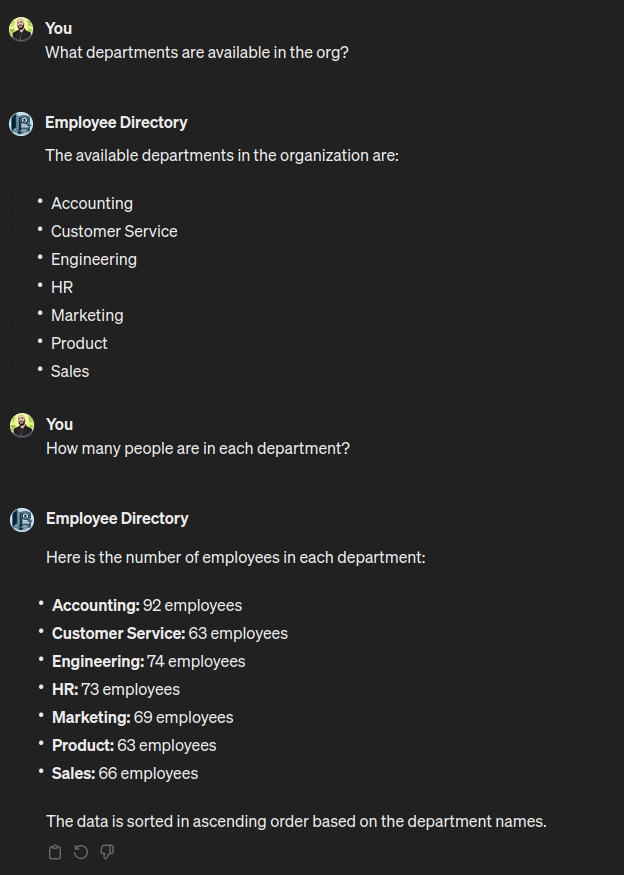
Pretty cool, right? The basic flow looks like this:
- In the ChatGPT interface, the user asks our GPT a question related to the employee directory.
- The GPT sends a POST request containing the user’s question to our API.
- Our API calls OpenAI’s Chat Completions API to help translate the user’s question into a well-formed SQL query.
- Our API uses the SQL query to fetch results from the employee database.
- Our API calls OpenAI’s Chat Completions API to process the query results into a natural language response.
- Our API passes this response back to the GPT.
- ChatGPT presents the response to the user.

Note: In the architecture above, all the data is leaving the Heroku trust boundary to access OpenAI services, take this into account when building data-sensitive applications.
Prerequisites and Initial Steps
Note: If you want to try the application first, deploy it using the “Deploy to Heroku” button in the reference application’s README file.
Before you can get started, you’ll need a few things in place:
- An OpenAI account. You’ll need to add a payment method and purchase a small amount of credit since you want access to its APIs.
- Once you have your OpenAI account set up, you’ll need to create a secret API key and copy it down. Your API application will need this key to authenticate its requests to the OpenAI API.
- A Heroku account. You’ll need to add a payment method to cover your compute and database costs. For building and testing this API, we recommend using an eco dyno, which has a $5 monthly flat fee. It’ll supply you with more than enough hours for initial development. You’ll also need Heroku Postgres. You can use the Mini plan, at $0.007/hour, which is enough for this application.
- A GitHub account for your code repository. Heroku will hook into your GitHub repo directly, simplifying deployment to a single click.
- Clone the GitHub repo with the code for the API application.
Note: Every request incurs costs and the price varies depending on the selected model. For example, using the GPT-3 model, in order to spend $1, you’d have to ask more than 20,000 questions. See the OpenAI API pricing page for more information.
The README in the repo has all the instructions you need to get the API server deployed to Heroku. If you just want to get your GPT up and running quickly, skip down to the Create and Configure GPT section Otherwise, you can follow along to walk through how to build this API.
We used Node v20.10.0 and yarn as our package manager. Install your dependencies.
yarn install
Build the API
One of the most powerful ways to use OpenAI’s custom GPTs is by building an API that your GPT reaches out to. Here’s how OpenAI’s blog post introducing GPTs describes it:
In addition to using our built-in capabilities, you can also define custom actions by making one or more APIs available to the GPT… Connect GPTs to databases, plug them into emails, or make them your shopping assistant. For example, you could integrate a travel listings database, connect a user’s email inbox, or facilitate e-commerce orders.
So, even though we’re building a GPT, under the hood we are simply building an API. For this, we use Express and listen for POST requests to the /search endpoint. We can build and test our API as a standalone unit before creating our GPT and custom action.
Let’s look at src/index.js for how our server will handle POST requests to /search. To keep our code snippet easily readable, we’ve left out the logging and error handling:
server.post('/', authMiddleware, async (req, res) => {
  …
  const userPrompt = req.body.message
  const sql = await AI.craftQuery(userPrompt)
  let rows = []
  …
  rows = await db.query(sql)
  …
  const results = await AI.processResult(userPrompt, sql, rows)
  res.send(results)
})
As you can see, the major steps we need to cover are:
- Ask OpenAI to craft an SQL query.
- Query the database.
- Ask OpenAI to turn the query results into a natural language response.
Using OpenAI’s Chat Completions API
Because our API will need to do some natural language processing, it will make some calls to OpenAI’s Chat Completions API. Not every API needs to do this. Imagine a simple API that just needs to return the current date and time. It doesn’t need to rely on OpenAI for its business logic.
But our GPT’s supporting API will need the Chat Completions API for basic text generation.
The first call to OpenAI: generate an SQL query
As per our flow (see the diagram above), we’ll need to ask OpenAI to convert the user’s original question into an SQL query. Let’s look at src/ai.js to see how we do this.
When sending a request to the Chat Completions API, we send an array of messages to help ChatGPT understand the context, including what’s being requested and how we want ChatGPT to behave in its response. Our first message is a system message, where we set the stage for ChatGPT.
const PROMPT = `
  I have a psql db with an "employees" table, created with the following statements:

  create type department_enum as enum('Accounting','Sales','Engineering','Marketing','Product','Custom
er Service','HR');

  create type title_enum as enum('Assistant', 'Manager', 'Junior Executive', 'President', 'Vice-President', 'Associate', 'Intern', 'Contractor');

  create table employees(id char(36) not null unique primary key, first_name varchar(64) not null, last_name varchar(64) not null, email text not null, department department_enum not null, title title_enum not null, hire_date date not null);
`.trim()

const SYSTEM_MESSAGE = { role: 'system', content: PROMPT }
Our craftQuery function looks like this:
const craftQuery = async (userPrompt) => {
  const settings = {
    messages: [SYSTEM_MESSAGE],
    model: CHATGPT_MODEL,
    temperature: TEMPERATURE,
    response_format: {
    type: 'json_object'
    }
  }

  settings.messages.push({
    role: 'system',
    content: 'Output JSON with the query under the "sql" key.'
  })

  settings.messages.push({
    role: 'user',
    content: userPrompt
  })
  settings.messages.push({
    role: 'user',
    content: 'Provide a single SQL query to obtain the desired result.'
  })

  logger.info('craftQuery sending request to openAI')

  const response = await openai.chat.completions.create(settings)
  const content = JSON.parse(response.choices[0].message.content)
  return content.sql
}
Let’s walk through what this code does in detail. First, we put together the set of messages that we’ll send to ChatGPT:
- The initial
systemmessage that lays out how we have structured our database, so that ChatGPT knows column names and constraints when crafting a query. - A
systemmessage that tells ChatGPT the format/structure we want for the response. In this case, we want the response as JSON (not natural language), with the SQL query under the key calledsql. - A
usermessage, which is the end user’s original request. - A follow-up
usermessage, where we specifically ask ChatGPT to generate a single SQL query for us, based on what we’re looking for.
We use the openai package (not shown) for Node.js. This is the official JavaScript library for OpenAI, serving as a convenient wrapper around the OpenAI API. With our settings place, we call the create function to generate a response. Then, we return the sql statement (in the JSON object) from OpenAI’s response.
Use SQL to query the database
Back in src/index.js, we use the SQL statement from OpenAI to query our database. We wrote a small module (src/db.js) to handle connecting with our PostgreSQL database and sending queries.
Our call to db.query(sql) returns the query result, an array called rows.
The second call to OpenAI: process the query results
Although our API could send back the raw database query results to the end user, it would be a better user experience if we turned those results into a human-readable response. Our user doesn’t need to know that there was a database involved. A natural language response would be ideal.
So, we’ll send another request to the Chat Completions API. In src/ai.js, we have a function called processResult:
const processResult = async (userPrompt, sql, rows) => {
  const settings = {
    messages: [SYSTEM_MESSAGE],
    model: CHATGPT_MODEL,
    temperature: TEMPERATURE
  }

  const userMessage = `
    This is how I described I was looking for: ${userPrompt}

    This is the query sent to find the results: ${sql}

    Here is the resulting data that you found:
    ${JSON.stringify(rows)}

Assume I am not even aware that a database query was run. Do not include the SQL query in your response to me. If the original request does not explicitly specify a sort order, then sort the results in the most natural way. Return the resulting data to me in a human-readable way, not as an object or an array. Keep your response direct. Tell me what you found and how it is sorted.'
  `
  settings.messages.push({
    role: 'user',
    content: userMessage
  })

  logger.info('processResult sending request to openAI')

  const response = await openai.chat.completions.create(settings)
  return response.choices[0].message.content
}
Again, we start with an initial system message that gives ChatGPT information about our database. At this point, you might ask: Didn’t we already do that? Why do we need to tell ChatGPT about our database structure again? The answer is in the Chat Completions API documentation:
Including conversation history is important when user instructions refer to prior messages…. Because the models have no memory of past requests, all relevant information must be supplied as part of the conversation history in each request.
Along with the database structure, we want to provide ChatGPT with some more context. In userMessage, we include:
- The user’s original question (
userPrompt), so ChatGPT knows what question it is ultimately answering. - The
sqlquery that we used to fetch the results from the database. - The database query results (
rows). - Clear instructions about what we want ChatGPT to do now—that is, “return the resulting data to me in a human-readable way” (along with some other guidelines).
Similar to before, we send these settings to the create function, and then pass the response content up to the caller.
Other implementation details (not shown)
The code snippets we’ve shown cover the major implementation details for our API development. You can always take a look at the GitHub repo to see all the code, line by line. Some details that we didn’t cover here are:
- Creating a PostgreSQL database with an
employeestable and populating it with dummy data. See thedata/create_schema.sqlanddata/create_records.sqlfor this. - Implementing bearer auth for our API (see
src/auth.js). Requests to our API must attach an API key that we generate. We store this API key as an environment variable calledBEARER_AUTH_API_KEY. We’ll discuss this lower down when configuring our GPT. - Writing basic unit tests with Jest.
- ESLint and Prettier configurations to keep our code clean and readable.
Testing our API’s business logic
With all of our code in place, we can test our API by sending a POST request, just like our GPT would send a request when a user makes a query. When we start our server locally, we make sure to have a .env file that contains the environment variables that our API will need:
OPENAI_API_KEY: TheopenaiJavaScript package uses this to authenticate requests we send to the Chat Completions API.BEARER_AUTH_API_KEY: This is the API key that a caller of our API will need to provide for authentication.DATABASE_URL: The PostgreSQL connection string for our database.
An example .env file might look like this:
OPENAI_API_KEY=sk-Kie************************************************
BEARER_AUTH_API_KEY=thisismysecretAPIkey
DATABASE_URL=postgres://db_user:db_pass@localhost:5432/company_hr_db
We start our server:
node index.js
In a separate terminal, we send a curl request to our API:
curl -X POST
  --header "Content-type:application/json"
  --header "Authorization: Bearer thisismysecretAPIkey"
  --data "{"message":"Please find names and hire dates of any employees in the marketing department hired after 2018. Sort them by hire date."}"
  https://localhost:3000/search

I found the names and hire dates of employees in the marketing department who were hired after 2018. The data is sorted by hire date in ascending order. Here are the results:

- Jailyn McClure, hired on 2019-02-21
- Leopold Johnston, hired on 2019-02-21
- Francis Kris, hired on 2019-10-09
- Jerad Strosin, hired on 2019-10-22
- Daniela Boehm, hired on 2020-05-25
- Joe Torp, hired on 2020-05-31
- Harry Heaney, hired on 2020-08-16
- Anabel Sporer, hired on 2020-12-22
- Carson Gislason, hired on 2020-12-25
- Bud Farrell, hired on 2021-05-04
- Katelynn Swaniawski, hired on 2021-07-13
- Ernesto Baumbach, hired on 2021-08-15
- Gwendolyn DuBuque, hired on 2021-10-10
- Willow Green, hired on 2021-11-20
- Rodrigo Fay, hired on 2022-07-04
- Makayla Crooks, hired on 2022-08-02
- Gerry Boehm, hired on 2022-09-28
- Gretchen Mertz, hired on 2023-02-15
- Chloe Bayer, hired on 2023-03-30
- Alek Herman, hired on 2023-05-25
- Eloy Flatley, hired on 2023-08-25
- Zackery Welch, hired on 2023-09-08
Our API works as expected! It interpreted our request, queried the database successfully, and then returned results in a human-readable format.
Now it’s time to create our custom GPT.
Deploy to Heroku
First, we need to deploy our API application to Heroku.
Step 1: Create a new Heroku app
After logging in to Heroku, go to the Heroku dashboard and click Create new app.
Provide a name for your app. Then, click Create app.

Step 2: Connect your Heroku app to your project repository
With your Heroku app created, connect it to the GitHub repository for your project.
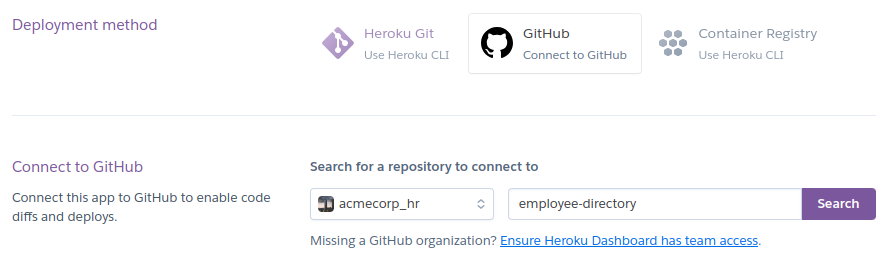
Step 3: Add Heroku Postgres
You’ll also need a PostgreSQL database running alongside your API. Go to your app’s Resources page and search the add-ons for “postgres.”

Select the “Mini” plan and submit the order form.
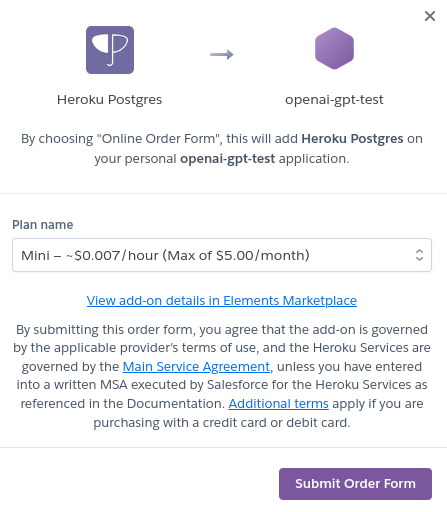
Step 4: Set up app config vars
You’ll recall that our API depends on a few environment variables (in .env). When deploying to Heroku, you can set these up by going to your app Settings, Config Vars. Add a new config var called OPENAI_API_KEY, and paste in the value you copied from OpenAI.
Notice that Heroku has added a DATABASE_URL config var based on your Heroku Postgres add-on. Convenient!
Finally, you need to add a config var called BEARER_AUTH_API_KEY. This is the key that any caller of our API (including ChatGPT, through our custom GPT’s action) will need to provide for authentication. You can set this to any value you want. We used an online random password generator to generate a string.

Step 5: Seed the database
Don’t forget to seed your newly running Heroku Postgres database with the dummy data. Assuming you have the Heroku CLI installed, accessing your database add-on is incredibly convenient. Set up your database with the following:
heroku pg:psql < create_schema.sql
heroku pg:psql < create_records.sql
Step 6: Deploy
Go to the Deploy tab for your Heroku app. Click Deploy Branch. Heroku takes the latest commit on the main branch, installs dependencies, and then starts the server (yarn start). You can deploy your API in seconds with just one click.

After you’ve deployed your application, click Open app

Opening your app to the default page will show a Swagger UI interface with the API specification for our app. We get this by adding functionality from the swagger-ui-express package.
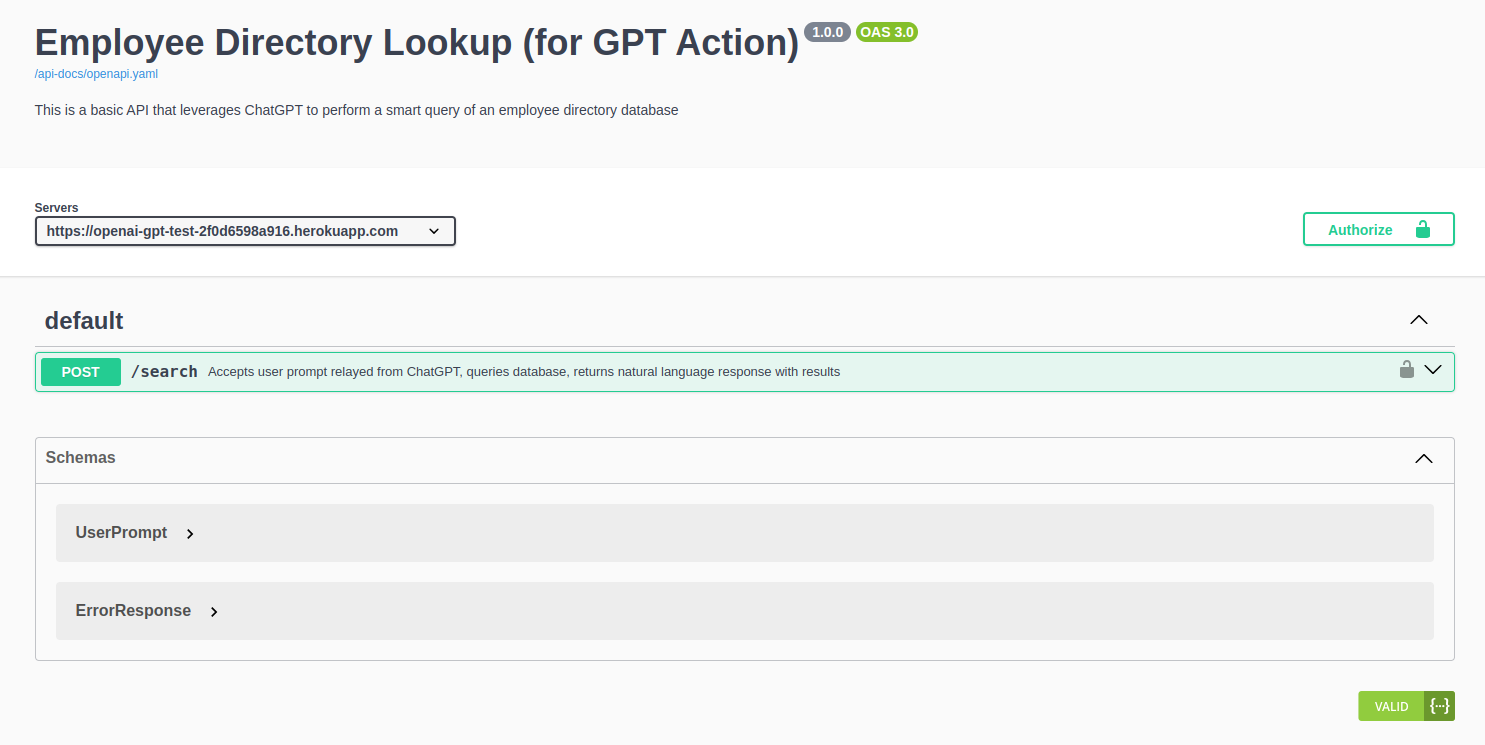
Create and Configure GPT
Creating a GPT is quick and easy. When you’re logged into https://chat.openai.com/, click Explore GPTs in the left-hand navigation. Then, click the + Create button.
Configure the initial settings
There are two tabs you can navigate when creating a GPT. The Create tab is a wizard-style interface where you interact with the GPT Builder to solidify what you want your GPT to do. Since we already know what we want to do, we will configure our GPT directly. Click the Configure tab.

We provide a name, description, and basic instructions for our GPT. We also upload the logo for our GPT. The codebase has a logo you can use: resources/logo.png.
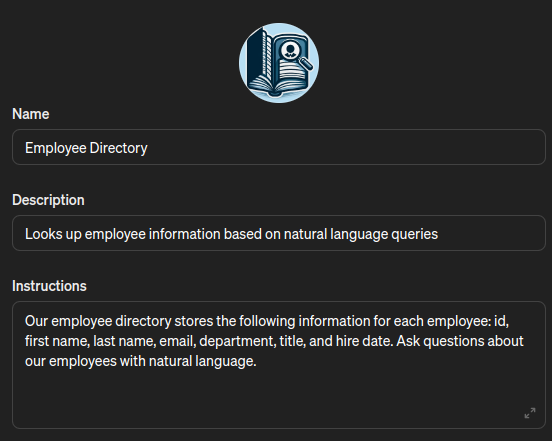
For “Capabilities”, we can uncheck all of the options, as our GPT will not need to use them.
Create new action
The “meat” of our GPT will be an action that calls our Heroku-deployed API. At the bottom of the Configure page, we click Create new action.
To configure our GPT’s action, we need to specify the API authentication scheme and provide the OpenAPI schema for our API. With this information, our GPT will have what it needs to call our API properly.
For authentication, we select API Key as the authentication type. Then, we enter the value we set in our variables for BEARER_AUTH_API_KEY. Our auth type is Bearer.
For schema, we need to import or paste in the OpenAPI specification for our API. This specification let’s ChatGPT know what endpoints are available and how to interact with our API. Fortunately, because we use swagger-ui-express, we have access to a dynamically generated OpenAPI spec simply by visiting the /api-docs/openapi.yaml route in our Heroku app.
We click Import from URL and paste in the URL for our Heroku app serving up the OpenAPI spec (for example, https://my-gpt-12345.herokuapp.com/api-docs/openapi.yaml). Then, we click Import. This loads in the schema.
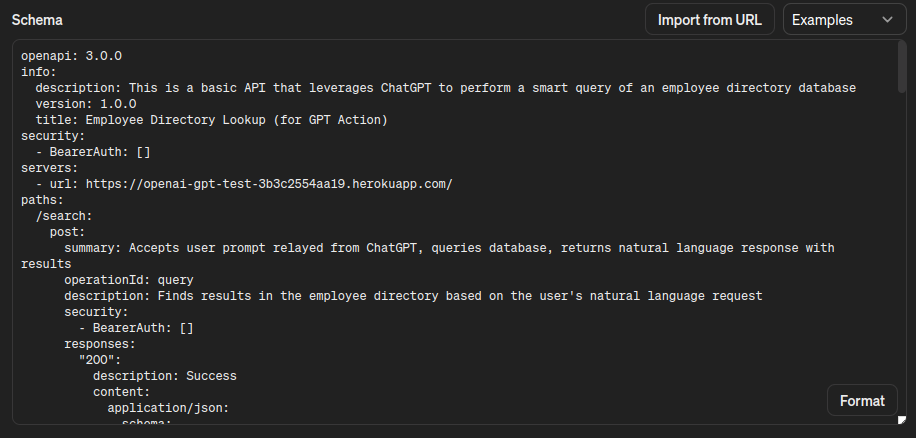
With the configurations for action set, we click Save (Publish to Only me).
Now, we can test out some interactions with our GPT.

Everything is connected and working! If you’ve been following by performing all these steps along the way, then congratulations on building your first GPT!
Conclusion
Experience in building and deploying custom GPTs sets you up to enhance the ChatGPT experience of businesses and individuals who are adopting it en masse. The majority of the work in building a GPT with an action is in implementing the API. After this, you only need to make a few setup configurations, and you’re good to go.
Deploying your API to Heroku—along with any add-ons you might need, like a database or a key-value store—is quick, simple, and low cost. When you’re ready to get started, sign up for a Heroku account and begin building today!
The post Building a GPT Backed by a Heroku-Deployed API appeared first on Heroku.
]]>Introduction Heroku is excited to introduce nine new dyno types to our fleets and product offerings. In 2014, we introduced Performance-tier dynos, giving our customers fully dedicated resources to run their most compute-intensive workloads. Now in 2024, today's standards are rapidly increasing as complex applications and growing data volumes consume more memory and carry heavier […]
The post Expanded Memory and Compute with Heroku’s New Larger Dynos appeared first on Heroku.
]]>
Introduction
Heroku is excited to introduce nine new dyno types to our fleets and product offerings. In 2014, we introduced Performance-tier dynos, giving our customers fully dedicated resources to run their most compute-intensive workloads. Now in 2024, today's standards are rapidly increasing as complex applications and growing data volumes consume more memory and carry heavier CPU loads.
With these additional dyno types, we’re excited to enable new use cases on Heroku with enhanced compute and memory specifications. Some use case examples include real-time processing against big data/real-time analytics, large in-memory cache applications such as Apache Spark or Hadoop processing, online gaming, machine learning, video encoding, distributed analytics, and complex or large simulations.
Heroku is addressing these modern developer requirements with three new dyno types for each of our Performance, Private, and Shield dyno tiers:
- Performance-L-RAM, Performance-XL, and Performance-2XL for Heroku Common Runtime
- Private-L-RAM, Private-XL, and Private-2XL for Private Spaces
- Shield-L-RAM, Shield-XL, and Shield-2XL for Shield Private Spaces

What’s New
We created three distinct new dyno sizes for each of the Performance, Private and Shield tiers that allow for increased flexibility and higher performance ceilings for Heroku customers.
- Performance/Private/Shield-L-RAM: If you’re targeting more memory-focused tasks, you can lower your CPUs, and double your RAM while maintaining the same cost as existing *-L dynos. These dynos are perfect for tackling memory-intensive tasks like large-scale image processing or data analysis.
- Performance/Private/Shield-XL: quadruples your RAM while providing the same stellar CPU performance as *-L dynos, empowering you to run simulations or deliver lightning-fast processing.
- Performance/Private/Shield-2XL: delivers a staggering 8x RAM and 2x CPU boost compared to our *-L dynos, unleashing the full potential of your ambitious projects.
See the updated dyno table for how these new dynos stack up to our previous offering:
| Spec | Memory (RAM) | CPU Share | Compute | Sleeps | Dedicated |
|---|---|---|---|---|---|
| Eco | 512 MB | 1x | 1x-4x |  |
|
| Basic | 512 MB | 1x | 1x-4x | ||
| Standard-1X | 512 MB | 1x | 1x-4x | ||
| Standard-2X | 1024 MB | 2x | 2x-8x | ||
| Performance-M | 2.5 GB | 100% | 12x | |
|
| Performance-L | 14 GB | 100% | 50x | |
|
| Performance/Private/Shield-L-RAM | 30 GB | 100% | 24x | |
|
| Performance/Private/Shield-XL | 62 GB | 100% | 50x | |
|
| Performance/Private/Shield-2XL | 126 GB | 100% | 100x | |
You can migrate applications in seconds using simple CLI commands or through the Heroku Dashboard.
Pricing information is transparent and costs are prorated to the second, so you only pay for what you use. Visit the Heroku pricing page for more details and the Heroku Dev Center on how to unlock more power with these new dynos.
Get Started with New Dynos
All Heroku customers interested in using our new Performance dynos for their applications can start today. The process is simple and follows the typical process of spinning up and switching dyno types.
To provision these dyno types from the Heroku Dashboard, follow the Heroku Dev Center steps on setting dyno types.
Or simply run the following CLI command:
$ heroku dyno:type performance-2xl
Private Space customers can also use the new Private Dynos, and Shield Private Space customers can use the new Shield Dynos in their spaces.
How Heroku Uses the New Dynos
As we started to internally test and prepare the new dyno types for general availability, the Heroku Connect team was a prime candidate as an internal customer. Its data-intensive operations power the Heroku Connect product offering, which enables developers seamlessly access Salesforce CRM data using Heroku Postgres. This bi-directional data synchronization requires hundreds of Shield dynos to make sure data is up-to-date and accurate between Salesforce and Postgres. With a growing number of Heroku Connect customers, the Connect team was reaching the memory limits of our Shield-L dynos, requiring constant scale-ups to meet customer demands.
At the beginning of February, the Connect team upgraded their dyno fleets from Shield-L to Shield-XL dynos. After monitoring the platform and re-scaling appropriately, the team successfully reduced the total number of dynos required to run the data synchronization. The new formation continued to meet all of the availability and data quality requirements that Connect customers expect. In total, by changing their formation to utilize the new dyno sizes, the team reduced the estimated compute-specific costs of running Heroku Connect jobs by almost 20%!
From a senior engineer on the Heroku Connect team:
"We were able to reduce cost and reduce the number of dynos we needed because a lot of these operations are memory-heavy. With the newer dynos, we overcame this bottleneck of memory which required us to add more dynos in the past".
We hope that our customers can perform the same cost optimizations unlocked by these new dyno offerings. This launch is another step towards making Heroku a more cost-effective cloud platform.
We’re excited for the internal wins for our Heroku teams. We’re even more excited to see what new projects and optimizations are possible for our customers now that these dynos are generally available.
Conclusion
With the new larger dyno types, we’re pushing the boundaries of what is possible with Heroku. We’re working to make our platform, bigger, faster, and more resilient. We’re continuously listening to our customers on our Github Public Roadmap. The valuable feedback on the Larger Dynos roadmap item led to this change.
Paired with our recently announced plans for flexible storage on Heroku Postgres, we're working hard to make sure Heroku can scale with your business.
The post Expanded Memory and Compute with Heroku’s New Larger Dynos appeared first on Heroku.
]]>Today, we’re pleased to introduce a security feature addition for Heroku pay-as-you-go customers: Single Sign-On (SSO). SSO makes it easy to centralize and manage access to all the various tools and services used by your employees. Previously, SSO was only available for Heroku Enterprise. SSO improves the employee experience in several ways. You can use […]
The post SSO for Pay-as-you-go Customers appeared first on Heroku.
]]>Today, we’re pleased to introduce a security feature addition for Heroku pay-as-you-go customers: Single Sign-On (SSO). SSO makes it easy to centralize and manage access to all the various tools and services used by your employees. Previously, SSO was only available for Heroku Enterprise. SSO improves the employee experience in several ways. You can use any identity provider (IdP) with built-in SSO support for Heroku, or custom authentication solutions that support the SAML 2.0 standard.
Cybersecurity Threat Mitigation
Usernames and passwords are prime targets for cybercriminals. Frequently, individuals use the same password across multiple platforms. In the event of a security breach, hackers can exploit these credentials to infiltrate corporate systems. Implementing Single Sign-On (SSO) minimizes the proliferation of credentials to a single, managed point.
Improved Usability
Developers interact with a multitude of applications every day. SSO eliminates the hassle of maintaining distinct sets of usernames and passwords for each application.
Lower Support Overhead
When users manage login credentials for different tools, they’re more likely to forget passwords. By adopting SSO, you can reduce support overhead.
Enable SSO
Team admins can enable SSO in the Settings tab of the Heroku Dashboard.
Note: You must have team admin permissions to see this information and enable SSO.

To add end users, create accounts for those users in your IdP. The first time a user logs in to Heroku via the IdP, we create a Heroku account for them via automatic IdP provisioning. You can specify the default role for new user creation, with the default set to member initially.

Conclusion
At Heroku, we take the trust, security, and availability of your apps seriously. Extending SSO to Heroku Teams is yet another step to improving security for all customers.
If you have any thoughts or suggestions on future reliability improvements we can make, check out our public roadmap on GitHub and submit an issue!
The post SSO for Pay-as-you-go Customers appeared first on Heroku.
]]>At Heroku, we believe the best choices are the ones you don’t have to make. That’s why we’re thrilled to announce the preview release of Heroku Cloud Native Buildpacks. Our Cloud Native Buildpack (CNB) offering brings the beloved Heroku language and framework experience to your local machine and beyond. Whether you’re coding in Ruby, Node.js, […]
The post Heroku Cloud Native Buildpacks: Bringing Heroku Magic to Container Images appeared first on Heroku.
]]>At Heroku, we believe the best choices are the ones you don’t have to make. That’s why we’re thrilled to announce the preview release of Heroku Cloud Native Buildpacks. Our Cloud Native Buildpack (CNB) offering brings the beloved Heroku language and framework experience to your local machine and beyond. Whether you’re coding in Ruby, Node.js, Python, PHP, Go, Java, or Scala, Heroku’s set of opinionated CNBs streamline the process of building and managing containerized applications as OCI-compliant images. Developed and maintained by our language experts, these Heroku buildpacks ensure a native experience for each supported language ecosystem and frees you up to focus on what matters: building great features.
What is a Cloud Native Buildpack?
A Cloud Native Buildpack turns your application code into an OCI-compliant container image, which can run on any cloud platform. It produces images via a two-stage process. First, the detect phase examines the app’s code and metadata to determine which buildpacks are applicable. Then, the build phase runs the appropriate buildpacks to install dependencies, set environment variables, compile code, assemble image layers, and perform other necessary actions to produce an image that runs your app.
Buildpacks for Heroku and beyond
Deploying an app to Heroku is as simple as running git push heroku main. Behind the scenes, Heroku buildpacks take care of the dependencies, caching, and compilation for any language your app uses. By open-sourcing Heroku buildpacks and the Buildpack API, Heroku lets you customize your build process. Extensibility remains a core principle on Heroku, whether that’s changing a single line in the buildpack or supporting an entirely new language.
Our vision for buildpacks has always extended beyond Heroku. We strive to create a standard that minimizes lock-in, maximizes transparency, and enables developers to share application-building practices.
Today, OCI images are the new cloud executables. In a joint effort with Pivotal, we invented Cloud Native Buildpacks as a standardized way to build container images directly from source code, without needing Dockerfiles. We built these CNBs on years of experience with our existing buildpacks and running them at scale in production. CNBs offer a new level of portability while also making containers more accessible to developers.

What are Kubernetes buildpacks?
Kubernetes buildpacks are implementations of the Cloud Native Buildpacks spec that run natively on Kubernetes clusters. Using tools like kpack, Kubernetes buildpacks extend Kubernetes with custom resources that detect your app’s source, assemble dependencies, execute the CNB lifecycle—all without requiring handwritten Dockerfiles.
By implementing an open, vendor-neutral API, Cloud Native Buildpacks decouple application building from any single platform, minimizing vendor lock-in and fostering a standardized ecosystem. This approach lets teams leverage a shared library of language-expert, security-patched buildpacks curated by the community. Buildpacks ensure consistent, portable builds, simplified upgrades, and collaborative improvements without custom Dockerfiles or proprietary tooling.
Get started with Heroku Cloud Native Buildpacks
Building container images with Heroku Cloud Native Buildpacks is simple. All you need is a container runtime like Docker and the pack CLI. With these tools, you can transform any source code into a portable OCI image using Heroku CNBs.
Let’s see these CNBs in action with our existing Node.js Getting Started Guide, which intentionally omits a Dockerfile:
$ git clone https://github.com/heroku/node-js-getting-started
$ cd node-js-getting-started
$ pack build my-node-app --builder heroku/builder:22
22: Pulling from heroku/builder
...
===> ANALYZING
Image with name "my-node-app" not found
===> DETECTING
3 of 5 buildpacks participating
heroku/nodejs-engine 2.6.6
heroku/nodejs-npm-install 2.6.6
heroku/procfile 3.0.0
===> RESTORING
===> BUILDING
...
[Discovering process types]
Procfile declares types -> web
===> EXPORTING
...
Setting default process type 'web'
Saving my-node-app...
*** Images (97b42d93c354):
my-node-app
Adding cache layer 'heroku/nodejs-engine:dist'
Adding cache layer 'heroku/nodejs-npm-install:npm_cache'
Successfully built image my-node-app
This command builds a fully OCI-compliant container image named my-node-app. You can push it to any OCI registry, use it as a base image in a Dockerfile, or run it locally as a container.
To run our sample express Node.js application locally on port 9292, we can use a basic docker run command:
$ docker run --env PORT=9292 -p 9292:9292 my-node-app
The Heroku Cloud Native Buildpacks preview release is just the tip of the iceberg. We’re so excited for you to try them even though our platform won’t officially support them until later this year. Get ahead of the curve and experiment with Heroku CNBs today. We’re eager to hear your thoughts and see what you create with them. Head over to the project on GitHub and join us in shaping the future of application packaging!
The post Heroku Cloud Native Buildpacks: Bringing Heroku Magic to Container Images appeared first on Heroku.
]]>2024 is going to be an exciting year at Heroku. Before we jump into 2024, let’s take a look back at 2023 and show you how we’re empowering developers to deliver amazing apps. First of all, we want to take a moment to thank you, our customers, partners, employees, and extended communities. Your passion for […]
The post 2023: Delivering Innovation and Customer Success appeared first on Heroku.
]]>2024 is going to be an exciting year at Heroku. Before we jump into 2024, let’s take a look back at 2023 and show you how we’re empowering developers to deliver amazing apps. First of all, we want to take a moment to thank you, our customers, partners, employees, and extended communities. Your passion for Heroku and the developer community makes our work possible.
Customer Success
Our teams continued to grow to meet the demands of our many existing and new customers in 2023. Customers who do things like make safer cars, bring us live music, deliver last-minute items to our door, and ensure that more people get the affordable healthcare they need. The many ways that Heroku serves as the catalyst for businesses across the globe never fails to amaze our employees.
One example is HealthSherpa who enrolled 6.6 million individuals and families into Affordable Care Act health insurance during the 2024 open enrollment period. The enrollment made up 40% of the total enrollments completed through the Federally Facilitated Marketplace.
Equally exciting is the way that Live Nation brings entertainment to the world using Heroku. The Live Nation team joined us on stage at Dreamforce and shared how they use Heroku and Salesforce to create a custom concert planning system. The Heroku app shaved off 15+ hours from the old process for mounting a tour and ensured that everyone from roadie to food vendor to artist is paid a fair wage.
Delivering Innovations
2023 marked a year of delivering on customer requests about how we can improve the product. We started with the release of larger Postgres plans. Larger plans have been a popular request for a long time and we were excited to deliver it last year.
Our global footprint has been front and center with requests for additional Private Space regions. Now you can launch a Private Space in Canada and India, and we’ll continue to listen for other country requests.
Our customers were very vocal in 2023 about their need to innovate efficiently and economically on Heroku. We listened and added Basic dynos for Enterprise customers. Customers in India can once again pay for services via credit card. We also eliminated fees for Heroku CI and large teams.
Salesforce and Heroku announced a brand new partnership with AWS at the end of 2023. Now customers can purchase Heroku on the AWS Marketplace. The partnership lets us accelerate our innovation in AI and offer more flexible compute and storage for products like Heroku Postgres by leveraging Amazon Aurora.
We believe Heroku has a key role to play in the future of AI apps. As we’ve done for general application development, we’re making the hard things easy and letting our customers focus on experiences that differentiate them. We closed out the year by launching the support for pgvector. pgvector allows Heroku Postgres to quickly find similar data points in complex data, which is great for applications like recommendation systems and prompt engineering for large language models (LLMs). This is just the beginning of what it looks like to bring the Heroku developer experience to AI.
These innovations are just the highlights. We shipped over 200 changes to the platform, ranging from small to large improvements that keep our customers focused on delivering great experiences.
Growing the Community
We know that many communities learn to code on Heroku. In 2023 we provided over 27,000 students access to Heroku through the GitHub Student program. You can learn more about our involvement in the GitHub student program or enroll as a student here. We extended our student program and are now offering 2 years of Heroku credits to learn with Heroku. We’re passionate about the open-source community, and in 2023, we proudly supported 28 projects through our new Open Source Credits program. One of these standout projects is Ember.js, a powerful frontend framework run entirely by volunteers. The team uses Heroku to show up just like giant projects with big corporate budgets backing them!
Our teams were at EmberConf, RubyConf, KubeCon, TrailblazerDX, Dreamforce, and AWS re:Invent in 2023. Heroku’s CTO & SVP of Engineering Gail Frederick spoke at re:Invent about database innovation. Each event brought us closer to the developer community and new opportunities to learn. The reception from our customers at these events has been amazing and validates how important it is for Heroku to represent not just at Salesforce events but broader industry events as well. We can’t wait to meet more of you in 2024!
We’re looking forward to engaging with our customers and partners in 2024, starting with our Heroku Developer Meetup on March 5, 2024 and TrailblazerDX on March 6-7, 2024. We’re hosting six sessions including developing AI apps with Heroku, and so much more. If you have product-specific questions, come meet our technical team at our demo booths. We’re following up TrailblazerDX with KubeCon in Paris as we embark on our renewed commitment to Cloud Native.
Want to learn more about what’s to come and how to interact with us? Follow us on YouTube, LinkedIn, X. To see what else we’re working on, or to suggest enhancements and new features for Heroku, check out our public roadmap on GitHub.
The post 2023: Delivering Innovation and Customer Success appeared first on Heroku.
]]>The countdown has begun for Salesforce's annual developer conference, TrailblazerDX, set to take place on March 6-7, 2024, in San Francisco and streaming live on Salesforce+. This year's conference has been touted as the "AI developer conference of the year," promising a wealth of insights and experiences for developers, architects, and IT leaders. If you're […]
The post TrailblazerDX 2024: More Heroku Experiences appeared first on Heroku.
]]>The countdown has begun for Salesforce's annual developer conference, TrailblazerDX, set to take place on March 6-7, 2024, in San Francisco and streaming live on Salesforce+. This year's conference has been touted as the "AI developer conference of the year," promising a wealth of insights and experiences for developers, architects, and IT leaders. If you're a Heroku enthusiast or looking to dive into the world of Platform-as-a-Service (PaaS), this is an event you don’t want to miss. Register today and then head over to the Agenda Builder to create a personalized agenda.
Developer Meetup: Connecting the Heroku Community
Heroku, Salesforce's robust PaaS offering, is set to take center stage with six insightful sessions catering to both novice developers and seasoned architects. The anticipation begins before the official conference kick-off, with the Heroku Developer Meetup on March 5, from 2-6 pm at the Salesforce Tower. This afternoon promises a sneak peek into the latest Heroku releases, engaging discussions, and a chance to challenge your skills at the Heroku AI Arcade. For those eager to network, you’ll also get to hear from senior leadership and stay for a networking event. This event is SOLD OUT! We look forward to adding more Developer events later this year.
TrailblazerDX Heroku Hands-On Activations and Demos
The hands-on activations and demos at TrailblazerDX 2024 offer attendees a chance to explore Heroku's capabilities and to directly interact with Heroku engineers and technical architects. These interactive experiences transform the learning environment into a collaborative space where attendees can tap into the wealth of knowledge possessed by Heroku team members.
Heroku AI Arcade – Solve code challenges using an AI assistant
Come to the Heroku AI Arcade, where participants can put their skills to the test by solving code challenges with the assistance of an AI companion. Learn while actively applying your knowledge in a fun and dynamic environment.
Camp Mini Hacks – Solve a 30-minute Heroku challenge
Immerse yourself in Camp Mini Hacks, where you have the opportunity to solve a unique 30-minute Heroku challenge that navigates a real-world scenario. Participants will gain practical insights into Heroku's functionalities and enhance their problem-solving skills.
Heroku Connect – Synchronize Salesforce data with Postgres
In this demo, Heroku experts lead you through the seamless integration between Salesforce and Heroku as Heroku Connect takes center stage. Learn how to synchronize Salesforce data with Postgres effortlessly, unlocking new possibilities for data management and accessibility.
Vector DB on Heroku Postgres – Implement retrieval-augmented generation with AI-enabled search
Step into the future of AI-driven search with the Vector DB on Heroku Postgres demo. Discover how to implement retrieval-augmented generation, enhancing search capabilities with artificial intelligence. This hands-on experience empowers developers to harness the power of AI in their applications, bringing innovation to the forefront of their projects.
TrailblazerDX Heroku Theater and Breakout Sessions
Heroku has a lineup of six sessions at this year’s TDX. These sessions cover topics from unlocking the full potential of customer engagement strategies to delving into the realm of artificial intelligence. Led by Heroku staff, these theater and breakout sessions cover topics specific to the developer and IT community.
Boost Engagement with Heroku and Salesforce Data Cloud
Also available on Salesforce+
Presenter: Vivek Viswanathan, Director of Product Management, Salesforce
This session promises to unlock the full potential of your customer engagement strategy. Whether you're a developer or an IT leader, learn how to build trusted personalized ecommerce, loyalty, social engagement, and service apps that seamlessly integrate with Salesforce clouds. Get ready to take your customer engagement strategy to new heights.
Wednesday, March 6 | 2:30 PM – 3:10 PM PST
Build AI Applications on Heroku
Also available on Salesforce+
Presenter: Julián Duque, Principal Developer Advocate, Salesforce
For architects and developers eager to harness the power of AI, this session is a must-attend. Julián Duque, a seasoned expert, guides you through building Heroku applications using AI patterns such as retrieval-augmented generation, agents, GPT actions, open-source languages, and leveraging Heroku Postgres with pgvector.. Dive into the world of AI and revolutionize your application development.
Thursday, March 7 | 9:30 AM – 10:10 AM PST
Build an Event Experience with pgvector Similarity Search
Presenter: Valerie Woolard, Software Engineering LMTS, Salesforce Heroku
In this session designed for architects and developers, Valerie Woolard demonstrates how to use pgvector to build an immersive experience for conference attendees with a Heroku application. Walk away with the ability to perform a similarity search with natural language processing, enhancing the user experience for your applications.
Wednesday, March 6 | 5:00 PM – 5:20 PM PST
Choosing the Right AI Model for Your Heroku Application
Presenter: Rand Fitzpatrick, Senior Director, Product Management, Heroku
Learn the art of selecting the right AI models for your Heroku application. Rand Fitzpatrick, a Senior Director in Product Management at Heroku, guides developers and IT leaders through understanding how to choose models tailored to your specific task, data, and modalities. Achieve the efficiencies and effectiveness you need for your AI applications.
Thursday, March 7 | 2:00 PM – 2:40 PM PST
See How Heroku Postgres is Changing with Amazon Aurora
Presenters: Jonathan K Brown, Sr. Product Manager, Salesforce and Justin Downing, Software Engineering Architect, Salesforce
Explore the evolution of Heroku Postgres with the development of new infrastructure on Amazon Aurora. Learn about enhanced performance, flexibility, scalability, extensibility, and the simplicity Heroku brings to the table. For developers and IT leaders, this session is an opportunity to stay at the forefront of database technology.
Thursday, March 7 | 8:00 AM – 8:20 AM PST
Using Heroku Connect to Leverage Your Salesforce Data
Presenters: Dan Mehlman, Director, Technical Architecture, Salesforce and Jess Carosello, Senior Salesforce Admin – Heroku
Discover the power of Salesforce data across your enterprise. Join this session to learn how to use Heroku Connect to easily leverage Salesforce and expand your data model. This session is ideal for developers looking to integrate Salesforce seamlessly into their applications.
Wednesday, March 6 | 3:30 PM – 3:50 PM PST
Conclusion
As we gear up for TrailblazerDX 2024, the excitement is mounting. For the Heroku team, it's about the technology and so much more. We look forward to connecting with a community of like-minded developers, architects, and IT leaders. Whether you're a seasoned Heroku user or just stepping into the world of PaaS, TDX promises a unique blend of learning, networking, and hands-on experiences.
Register today and add your favorite Heroku sessions to your agenda. Salesforce Events mobile app available for iOS and Android.
The post TrailblazerDX 2024: More Heroku Experiences appeared first on Heroku.
]]>TLS and HTTPS encryption have become foundational primitives and a requirement for running any app or service on the internet. Many Heroku customers told us through our public roadmap to make Heroku Automated Certificate Management available to all dyno types, including our Eco subscription. We’re thrilled to announce that Automatic Certificate Management(ACM) and manual certificate […]
The post Automatic Certificate Management for Eco Dynos appeared first on Heroku.
]]>TLS and HTTPS encryption have become foundational primitives and a requirement for running any app or service on the internet. Many Heroku customers told us through our public roadmap to make Heroku Automated Certificate Management available to all dyno types, including our Eco subscription. We’re thrilled to announce that Automatic Certificate Management(ACM) and manual certificate support are now available for apps running on Eco dynos. You can manually add certificates, or use Heroku ACM to make getting set up with https quick and simple.
Certificates handled by ACM automatically renew one month before they expire. New certificates are created automatically whenever you add or remove a custom domain to an app. Automated Certificate Management makes running secure and compliant apps on Heroku simple. Heroku ACM uses Let’s Encrypt, the free, automated, and open certificate authority for managing TLS certificates. Heroku sponsors Let’s Encrypt, which the Internet Security Research Group (ISRG) runs for public benefit.
You can enable ACM for any app by running the following command:
$ heroku certs:auto:enable
Previously, Heroku automatically enabled ACM when apps were upgraded from Eco to larger dynos. We deprecated this behavior and ACM is no longer auto-enabled when making any dyno type change. See the changelog entry for details.
Conclusion
At Heroku, we take the trust, reliability and availability of your apps seriously. Supporting ACM & manual certificate uploads for Eco dynos is another step to improving security for all app types. Your satisfaction is our priority, and we’re excited to continue delivering features that enhance your experience.
If you have any thoughts or suggestions on future reliability improvements we can make, check out our public roadmap on GitHub and submit an issue!
The post Automatic Certificate Management for Eco Dynos appeared first on Heroku.
]]>How to Build and Deploy a Node.js App That Uses OpenAI’s APIs Near the end of 2023, ChatGPT announced that it had 100M weekly users. That’s a massive base of users who want to take advantage of the convenience and power of intelligent question answering with natural language. With this level of popularity for ChatGPT, […]
The post Working with ChatGPT Functions on Heroku appeared first on Heroku.
]]>How to Build and Deploy a Node.js App That Uses OpenAI’s APIs
Near the end of 2023, ChatGPT announced that it had 100M weekly users. That’s a massive base of users who want to take advantage of the convenience and power of intelligent question answering with natural language.
With this level of popularity for ChatGPT, it’s no wonder that software developers are joining the ChatGPT app gold rush, building tools on top of OpenAI’s APIs. Building and deploying a GenAI-based app is quite easy to do—and we’re going to show you how!
In this post, we walk through how to build a Node.js application that works with OpenAI’s Chat Completions API and uses its function calling feature. We deploy it all to Heroku for quick, secure, and simple hosting. And we’ll have some fun along the way. This project is part of our new Heroku Reference Applications, a GitHub organization where we host different projects showcasing architectures to deploy to Heroku.
Ready? Let’s go!
Meet the Menu Maker
Our web application is called Menu Maker. What does it do? Menu Maker lets users enter a list of ingredients that they have available to them. Menu Maker comes up with a dish using those ingredients. It provides a description of the dish as you’d find it on a fine dining menu, along with a full ingredients list and recipe instructions.
This basic example of using generative AI uses the user-supplied ingredients, additional instructional prompts, and some structured constraints via ChatGPT’s functions calling to create new content. The application’s code provides the user experience and the data flow.
Menu Maker is a Node.js application with a React front-end UI that talks to an Express back-end API server. The Node.js application is a monorepo, containing both front-end and back-end code, stored at GitHub. The entire application is deployed on Heroku.
Here’s a preview of Menu Maker in action:

Let’s briefly break down the application flow:
- The back-end server takes the user’s form submission, supplements it with additional information, and then sends a request to OpenAI’s Chat Completions API.
- The back-end server receives the response from OpenAI and passes it up to the front-end.
- The front-end updates the interface to reflect the response received from OpenAI.

Prerequisites
Note: If you want to try the application first, deploy it using the “Deploy to Heroku” button in the reference application’s README file.
Before we dive into the code let’s cover the prerequisites. Here’s what you need to get started:
- An OpenAI account. You must add a payment method and purchase a small amount of credit to access its APIs. As we built and tested our application, the total cost of all the API calls made was less than $1*.
- After setting up your OpenAI account, create a secret API key and copy it down. Your application back-end needs this key to authenticate its requests to the OpenAI API.
- A Heroku account. You must add a payment method to cover your compute costs. For building and testing this application, we recommend using an Eco dyno, which has a $5 monthly flat fee and provides more than enough hours for your initial app.
- A GitHub account for your code repository. Heroku hooks into your GitHub repo directly, simplifying deployment to a single click.
Note: Every menu recipe request incurs costs and the price varies depending on the selected model. For example, using the GPT-3 model, in order to spend $1, you’d have to request more than 30,000 recipes. See the OpenAI API pricing page for more information.
Initial Steps
For our environment, we use Node v20.10.0 and yarn as our package manager. Start by cloning the codebase available in our Heroku Reference Applications GitHub organization. Then, install your dependencies by running:
yarn install
Build the Back-End
Our back-end API server uses Express and listens for POST requests to the /ingredients endpoint. We supplement those ingredients with more precise prompt instructions, sending a subsequent request to OpenAI.
Working with OpenAI
Although OpenAI’s API supports advanced usage like image generation or speech-to-text, the simplest use case is to work with text generation. You send a set of messages to let OpenAI know what you’re seeking, and what kind of behavior you expect as it responds to you.
Typically, the first message is a system message, where you specify the desired behavior of ChatGPT. Eventually, you end up with a string of messages, a conversation, between the user (you) and the assistant (ChatGPT).
Call Functions with OpenAI
Most users are familiar with the chatbot-style conversation format of ChatGPT. However, developers want structured data, like a JSON object, in their ChatGPT responses. JSON makes it easier to work with responses programmatically.
For example, imagine asking ChatGPT for a list of events in the 2020 Summer Olympics. As a programmer, you want to process the response by inserting each Olympic event into a database. You also want to send follow-up API requests for each event returned. In this case, you don’t want several paragraphs of ChatGPT describing Olympic events in prose. You’d rather have a JSON object with an array of event names.
Use cases like these are where ChatGPT functions come in handy. Alongside the set of messages you send to OpenAI, you send functions, which detail how you use the response from OpenAI. You can specify the name of a function to call, along with data types and descriptions of all the parameters to pass to that function.
Note: ChatGPT doesn’t call functions as part of its response. Instead, it provides a formatted response that you can easily feed directly into a custom function in your code.
Initialize Prompt Settings with Function Information
Let’s take a look at src/server/ai.js. In our code, we send a settings object to the Chat Completions API. The settings object starts with the following:
const settings = {
  functions: [
    {
    name: 'updateDish',
    description: 'Generate a fine dining dish based on a list of ingredients',
    parameters: {
        type: 'object',
        properties: {
        title: {
            type: 'string',
            description: 'Name of the dish, as it would appear on a fine dining menu'
        },
        description: {
            type: 'string',
            description: 'Description of the dish, in 2-3 sentences, as it would appear on a fine dining menu'
        },
        ingredients: {
            type: 'array',
            description: 'List of all ingredients--both provided and additional ones in the dish you have conceived--capitalized, along with measurements, that would be needed to make 8 servings of this dish',
            items: {
            type: 'object',
            properties: {
                ingredient: {
                type: 'string',
                description: 'Name of ingredient'
                },
                amount: {
                type: 'string',
                description: 'Amount of ingredient needed for recipe'
                }
            }
            }
        },
        recipe: {
            type: 'array',
            description: 'Ordered list of recipe steps, numbered as "1.", "2.", etc., needed to make this dish',
            items: {
            type: 'string',
            description: 'Recipe step'
            }
        }
        },
        required: ['title', 'description', 'ingredients', 'recipe']
    }
    }
  ],
  model: CHATGPT_MODEL,
  function_call: 'auto'
}
We’re telling OpenAI that we plan to use its response in a function that we call updateDish, a function in our React front-end code. When calling updateDish, we must pass in an object with four parameters:
title: the name of our dishdescription: a description of our dishingredients: an array of objects, each having aningredientname andamountrecipe: an array of recipe steps for making the dish
Send Settings with Ingredients Attached
In addition to the functions specification, we must attach messages in our request settings, to clearly tell ChatGPT what we want it to do. Our module’s send function looks like:
const PROMPT = 'I am writing descriptions of dishes for a menu. I am going to provide you with a list of ingredients. Based on that list, please come up with a dish that can be created with those ingredients.'

const send = async (ingredients) => {
  const openai = new OpenAI({
    timeout: 10000,
    maxRetries: 3
  })
  settings.messages = [
    {
      role: 'system',
      content: PROMPT
    }, {
      role: 'user',
      content: `The ingredients that will contribute to my dish are: ${ingredients}.`
    }
  ]
  const completion = await openai.chat.completions.create(settings)
  return completion.choices[0].message
}
Our Node.js application imports the openai package (not shown), which serves as a handy JavaScript library for OpenAI. It abstracts away the details of sending HTTP requests to the OpenAI API.
We start with a system message that tells ChatGPT what the basic task is and the behavior we expect. Then, we add a user message that includes the ingredients, which gets passed as an argument to the send function. We send these settings to the API, asking it to create a model response. Then, we return the response message.
Handle the POST Request
In src/server/index.js, we set up our Express server and handle POST requests to /ingredients. Our code looks like:
import express from 'express'
import AI from './ai.js'

const server = express()
server.use(express.json())

server.post('/ingredients', async (req, res) => {
  if (process.env.NODE_ENV !== 'test') {
    console.log(`Request to /ingredients received: ${req.body.message}`)
  }
  if ((typeof req.body.message) === 'undefined' || !req.body.message.length) {
    res.status(400).json({ error: 'No ingredients provided in "message" key of payload.' })
    return
  }
  try {
    const completionResponse = await AI.send(req.body.message)
    res.json(completionResponse.function_call)
  } catch (error) {
    res.status(500).json({ error: error.message })
  }
})

export default server
After removing the error handling and log messages, the most important lines of code are:
const completionResponse = await AI.send(req.body.message)
res.json(completionResponse.function_call)
Our server passes the request payload message contents to our module’s send method. The response, from OpenAI, and then from our module, is an object that includes a function_call subobject. function_call has a name and arguments, which we use in our custom updateDish function.
Testing the Back-End
We’re ready to test our back-end!
The openai JavaScript package expects an environment variable called OPENAI_API_KEY. We set up our server to listen on port 3000, and then we start it:
OPENAI_API_KEY=sk-Kie*** node index.js
Server is running on port 3000
In a separate terminal, we send a request with curl:
curl -X POST
  --header "Content-type:application/json"
  --data "{"message":"cauliflower, fresh rosemary, parmesan cheese"}"
  https://localhost:3000/ingredients

{"name":"updateDish","arguments":"{"title":"Crispy Rosemary Parmesan Cauliflower","description":"Tender cauliflower florets roasted to perfection with aromatic fresh rosemary and savory Parmesan cheese, creating a crispy and flavorful dish.","ingredients":[{"ingredient":"cauliflower","amount":"1 large head, cut into florets"},{"ingredient":"fresh rosemary","amount":"2 tbsp, chopped"},{"ingredient":"parmesan cheese","amount":"1/2 cup, grated"},{"ingredient":"olive oil","amount":"3 tbsp"},{"ingredient":"salt","amount":"to taste"},{"ingredient":"black pepper","amount":"to taste"}],"recipe":["1. Preheat the oven to 425°F.","2. In a large bowl, toss the cauliflower florets with olive oil, chopped rosemary, salt, and black pepper.","3. Spread the cauliflower on a baking sheet and roast for 25-30 minutes, or until golden brown and crispy.","4. Sprinkle the roasted cauliflower with grated Parmesan cheese and return to the oven for 5 more minutes, until the cheese is melted and bubbly.","5. Serve hot and enjoy!"]}"}
It works! We have a JSON response with arguments that our back-end can pass to the front-end’s updateDish function.
Let’s briefly touch on what we did for the front-end UI.
Build the Front-End
All the OpenAI-related work happened in the back-end, so we won’t spend too much time unpacking the front-end. We built a basic React application that uses Material UI for styling. You can poke around in src/client to see all the details for our front-end application.
In src/client/App.js, we see how our app handles the user’s web form submission:
const handleSubmit = async (inputValue) => {
  if (inputValue.length === 0) {
    setErrorMessage('Please provide ingredients before submitting the form.')
    return
  }
  try {
    setWaiting(true)
    const response = await fetch('/ingredients', {
      method: 'POST',
      headers: {
        'Content-Type': 'application/json'
      },
      body: JSON.stringify({ message: inputValue })
    })
    const data = await response.json()
    if (!response.ok) {
      setErrorMessage(data.error)
      return
    }

    updateDish(JSON.parse(data.arguments))
  } catch (error) {
    setErrorMessage(error)
  }
}
When a user submits the form, the application sends a POST request to /ingredients. The arguments object in the response is JSON-parsed, then sent directly to our updateDish function. Using ChatGPT’s function calling feature significantly simplifies the steps to handle the response programmatically.
Our updateDish function looks like:
const [title, setTitle] = useState('')
const [waiting, setWaiting] = useState(false)
const [description, setDescription] = useState('')
const [recipeSteps, setRecipeSteps] = useState([])
const [ingredients, setIngredients] = useState([])
const [errorMessage, setErrorMessage] = useState('')
const updateDish = ({ title, description, recipe, ingredients }) => {
  setTitle(title)
  setDescription(description)
  setRecipeSteps(recipe)
  setIngredients(ingredients)
  setWaiting(false)
  setErrorMessage('')
}
Yes, that’s it. We work with React states to keep track of our dish title, description, ingredients, and recipe. When updateDish updates these values, all of our components update accordingly.
Our back-end and front-end pieces are all done. All that’s left to do is deploy.
Not shown in this walkthrough, but which you can find in the code repository, are:
- Basic unit tests for back-end and front-end components, using Jest
- ESLint and Prettier configurations to keep our code clean and readable
- Babel and Webpack configurations for working with modules and packaging our front-end code for deployment
Deploy to Heroku
With our codebase committed to GitHub, we’re ready to deploy our entire application on Heroku. You can also use the Heroku Button in the reference repository to simplify the deployment.
Step 1: Create a New Heroku App
After logging in to Heroku, click “Create new app” in the Heroku Dashboard.

Next, provide a name for your app and click “Create app”.
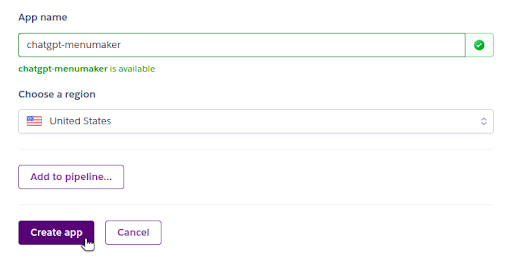
Step 2: Connect Your Repository
With your Heroku app created, connect it to the GitHub repository for your project.

Step 3: Set Up Config Vars
Remember that your application back-end needs an OpenAI API key to authenticate requests. Navigate to your app “Settings”, then look for “Config Vars”. Add a new config var called OPENAI_API_KEY, and paste in the value for your key.
Optionally, you can also set a CHATGPT_MODEL config var, telling src/server/ai.js which GPT model you want OpenAI to use. Models differ in capabilities, training data cutoff date, speed, and usage cost. If you don’t specify this config var, Menu Maker defaults to gpt-3.5-turbo-1106.

Step 4: Deploy
Go to the “Deploy” tab for your Heroku app. Click “Deploy Branch”. Heroku takes the latest commit on the main branch, builds the application (yarn build), and then starts it up (yarn start). With just one click, you can deploy and update your application in under a minute.

Step 5: Open Your App
With the app deployed, click “Open app” at the top of your Heroku app page to get redirected to the unique and secure URL for your app.

With that, your shiny, new, ChatGPT-powered web application is up and running!
Step 6: Scale Down Your App
When you’re done using the app, remember to scale your dynos to zero to prevent incurring unwanted costs.
Conclusion
With all the recent hype surrounding generative AI, many developers are itching to build ChatGPT-powered applications. Working with OpenAI’s API can initially seem daunting, but it’s straightforward. In addition, OpenAI’s function calling feature simplifies your task by accommodating your structured data needs.
When it comes to quick and easy deployment, you can get up and running on Heroku within minutes, for just a few dollars a month. While the demonstration here works specifically with ChatGPT, it’s just as easy to deploy apps that use other foundation models, such as Google Bard, LLaMA from Meta, or other APIs.
Are you ready to take the plunge into building GenAI-based applications? Today is the day. Happy coding!
The post Working with ChatGPT Functions on Heroku appeared first on Heroku.
]]>Heroku is improving the cost-effectiveness of Heroku Enterprise with the addition of Basic dynos. Now, Enterprise customers can unlock the power of Basic dynos on the Common Runtime. Basic dynos enable seamless app development and testing on the Heroku platform in the most efficient and cost-effective way. As part of our efforts to simplify our […]
The post Innovating on Heroku is now more cost-effective appeared first on Heroku.
]]>Heroku is improving the cost-effectiveness of Heroku Enterprise with the addition of Basic dynos. Now, Enterprise customers can unlock the power of Basic dynos on the Common Runtime. Basic dynos enable seamless app development and testing on the Heroku platform in the most efficient and cost-effective way. As part of our efforts to simplify our pricing and packaging, we’re ensuring parity in our product offerings between our card-paying and our Enterprise-contracted customers. Most frequently, Heroku customers use Basic dynos for testing new applications, creating reference apps, and for small-scale projects. By making Basic dynos available on Enterprise, these same apps can use other dyno types when ready for production.
For Enterprise customers, Basic dynos consume 0.28 dyno units, a notable reduction from the existing minimum consumption of 1 dyno unit with Standard-1X dynos. Basic dynos are the new default dyno type for Common Runtime apps for Enterprise customers. If you’re interested in buying Heroku on an Enterprise contract, reach out to our dedicated account team. If you’re a Premier or Signature support customer, our customer solution architects can help you identify cost optimizations for your implementation using Basic dynos.
Basic Dynos Uses & Features
There’s no change to the features Basic dynos supports. If you’re using a Basic dyno, review and ensure that you aren’t relying on a feature that the Basic dyno doesn’t support.
| Feature | Eco | Basic | Standard-1X | Standard-2X | Performance-M | Performance-L |
|---|---|---|---|---|---|---|
| Deploy with Git or Docker | |
|
|
|
|
|
| Custom Domain Support | |
|
|
|
|
|
| Pipelines | |
|
|
|
|
|
| Automatic OS patching | |
|
|
|
|
|
| Regular and timely updates to language version support | |
|
|
|
|
|
| Free SSL and automated certificate management for TLS certs | |
|
|
|
|
|
| Application metrics | |
|
|
|
|
|
| Heroku Teams | |
|
|
|
|
|
| Horizontal scalability | |
|
|
|
||
| Preboot | |
|
|
|
||
| Language runtime metrics | |
|
|
|
||
| Autoscaling for web dynos | |
|
||||
| Dedicated compute resources | |
|
Conclusion
At Heroku, we want to ensure all our customers can build apps rapidly and cost-effectively, no matter whether you’re a card-paying or Enterprise customer. Enabling Basic dynos for Heroku Enterprise represents a significant stride in that direction.
If you have any thoughts or suggestions on future reliability improvements we can make, check out our public roadmap on GitHub and submit an issue!
The post Innovating on Heroku is now more cost-effective appeared first on Heroku.
]]>Today at AWS re:Invent, we’re excited to announce that Heroku is available for purchase in AWS Marketplace through the Private Offers program. Buying Heroku in AWS Marketplace gives you consolidated billing and seamless provisioning. There’s also more opportunity for Heroku and AWS to work with you to find the best mix of products for your […]
The post Heroku is Now Available to Purchase in AWS Marketplace appeared first on Heroku.
]]>Today at AWS re:Invent, we’re excited to announce that Heroku is available for purchase in AWS Marketplace through the Private Offers program. Buying Heroku in AWS Marketplace gives you consolidated billing and seamless provisioning. There’s also more opportunity for Heroku and AWS to work with you to find the best mix of products for your apps and workloads.
![[Blog] [Product] Heroku in AWS Marketplace](https://www.heroku.com/wp-content/uploads/2025/03/1701128141-Blog-Product-Heroku-in-AWS-Marketplace.png)
If you’re a U.S. AWS Enterprise Discount Program (EDP) customer, starting today, you can buy Dynos, Private Spaces, Heroku Postgres, Heroku Data for Redis®, Apache Kafka on Heroku, and Heroku Connect through AWS Marketplace Private Offers. Get in touch with a Heroku sales representative and let them know you’re interested in buying Heroku through AWS.
Heroku is joined in AWS Marketplace by Salesforce Data Cloud, Service Cloud, Sales Cloud, Industry Clouds, Tableau, MuleSoft and Platform. Read the full announcement on the Salesforce Press Site.
If you’re at re:Invent, drop by the Heroku section of the Salesforce booth at the Venetian Content Hub. You can learn more about Heroku in AWS Marketplace, and about all of our features and products. You can also join Heroku CTO, Gail Frederick, at the database innovation talk on Wednesday at 2:30 p.m (watch now).
To see what else we’re working on, or to suggest enhancements and new features for Heroku, check out our public roadmap on GitHub.
The post Heroku is Now Available to Purchase in AWS Marketplace appeared first on Heroku.
]]>Introducing pgvector for Heroku Postgres Over the past few weeks, we worked on adding pgvector as an extension on Heroku Postgres. We're excited to release this feature, and based on the feedback on our public roadmap, many of you are too. We want to share a bit more about how you can use it and […]
The post How to Use pgvector for Similarity Search on Heroku Postgres appeared first on Heroku.
]]>
Introducing pgvector for Heroku Postgres
Over the past few weeks, we worked on adding pgvector as an extension on Heroku Postgres. We're excited to release this feature, and based on the feedback on our public roadmap, many of you are too. We want to share a bit more about how you can use it and how it may be helpful to you.
All Standard-tier or higher databases running Postgres 15 now support the pgvector extension. You can get started by running CREATE EXTENSION vector; in a client session. Postgres 15 has been the default version on Heroku Postgres since March 2023. If you're on an older version and want to use pgvector, upgrade to Postgres 15.
The extension adds the vector data type to Heroku Postgres along with additional functions to work with it. Vectors are important for working with large language models and other machine learning applications, as the embeddings generated by these models are often output in vector format. Working with vectors lets you implement things like similarity search across these embeddings. See our launch blog for more background into what pgvector is, its significance, and ideas for how to use this new data type.
An Example: Word Vector Similarity Search
To show a simple example of how to generate and save vector data to your Heroku database, I'm using the Wikipedia2Vec pretrained embeddings. However, you can train your own embeddings or use other models providing embeddings via API, like HuggingFace or OpenAI. The model you want to use depends on the type of data you're working with. There are models for tasks like computing sentence similarities, searching large texts, or performing image classification. Wikipedia2Vec uses a Word2vec algorithm to generate vectors for individual words, which maps similar words close to each other in a continuous vector space.
I like animals, so I want to use Wikipedia2Vec to group similar animals. I’m using the vector embeddings of each animal and the distance between them to find animals that are alike.
If I want to get the embedding for a word from Wikipedia2Vec, I need to use a model. I downloaded one from the pretrained embeddings on their website. Then I can use their Python module and the function get_word_vector as follows:
from wikipedia2vec import Wikipedia2Vec
wiki2vec = Wikipedia2Vec.load('enwiki_20180420_100d.pkl')
wiki2vec.get_word_vector('llama')
The output of the vector looks like this:
memmap([-0.15647224,  0.04055957,  0.48439676, -0.22689971, -0.04544162,
        -0.06538601,  0.22609918, -0.26075622, -0.7195759 , -0.24022003,
         0.1050799 , -0.5550985 ,  0.4054564 ,  0.14180332,  0.19856507,
         0.09962048,  0.38372937, -1.1912689 , -0.93939453, -0.28067762,
         0.04410955,  0.43394643, -0.3429818 ,  0.22209083, -0.46317756,
        -0.18109794,  0.2775289 , -0.21939017, -0.27015808,  0.72002393,
        -0.01586861, -0.23480305,  0.365697  ,  0.61743397, -0.07460125,
        -0.10441436, -0.6537417 ,  0.01339269,  0.06189647, -0.17747395,
         0.2669941 , -0.03428648, -0.8533792 , -0.09588563, -0.7616592 ,
        -0.11528812, -0.07127796,  0.28456485, -0.12986512, -0.8063386 ,
        -0.04875885, -0.27353695, -0.32921   , -0.03807172,  0.10544889,
         0.49989182, -0.03783042, -0.37752548, -0.19257008,  0.06255971,
         0.25994852, -0.81092316, -0.15077794,  0.00658835,  0.02033841,
        -0.32411653, -0.03033727, -0.64633304, -0.43443972, -0.30764043,
        -0.11036412,  0.04134453, -0.26934972, -0.0289086 , -0.50319433,
        -0.0204528 , -0.00278326,  0.36589545,  0.5446438 , -0.10852882,
         0.09699931, -0.01168614,  0.08618425, -0.28925297, -0.25445923,
         0.63120073,  0.52186656,  0.3439454 ,  0.6686451 ,  0.1076297 ,
        -0.34688494,  0.05976971, -0.3720558 ,  0.20328045, -0.485623  ,
        -0.2222396 , -0.22480975,  0.4386788 , -0.7506131 ,  0.14270408],
       dtype=float32)
To get your vector data into your database:
- Generate the embeddings.
- Add a column to your database to store your embeddings.
- Save the embeddings to the database.
I already have the embeddings from Wikipedia2Vec, so let’s walk through preparing my database and saving them. When creating a vector column, it's necessary to declare a length for it, so check and see the length of the embedding the model outputs. In my case, the embeddings are 100 numbers long, so I add that column to my table.
CREATE TABLE animals(id serial PRIMARY KEY, name VARCHAR(100), embedding VECTOR(100));
From there, save the items you're interested in to your database. You can do it directly in SQL:
INSERT INTO animals(name, embedding) VALUES ('llama', '[-0.15647223591804504,
…
-0.7506130933761597, 0.1427040845155716]');
But you can also use your favorite programming language along with a Postgres client and a pgvector library. For this example, I used Python, psycopg, and pgvector-python. Here I'm using the pretrained embedding file to generate embeddings for a list of animals I made, valeries-animals.txt, and save them to my database.
import psycopg
from pathlib import Path
from pgvector.psycopg import register_vector
from wikipedia2vec import Wikipedia2Vec

wiki2vec = Wikipedia2Vec.load('enwiki_20180420_100d.pkl')
animals = Path('valeries-animals.txt').read_text().split('n')

with psycopg.connect(DATABASE_URL, sslmode='require', autocommit=True) as conn:
    register_vector(conn)
    cur = conn.cursor()
    for animal in animals:
        cur.execute("INSERT INTO animals(name, embedding) VALUES (%s, %s)", (animal, wiki2vec.get_word_vector(animal)))
Now that I have the embeddings in my database, I can use pgvector's functions to query them. The extension includes functions to calculate Euclidean distance (<->), cosine distance (<=>), and inner product (<#>). You can use all three for calculating similarity between vectors. Which one you use depends on your data as well as your use case.
Here I'm using Euclidean distance to find the five animals closest to a shark:
=> SELECT name FROM animals WHERE name != 'shark' ORDER BY embedding <-> (SELECT embedding FROM animals WHERE name = 'shark') LIMIT 5;
 name
-----------
 crocodile
 dolphin
 whale
 turtle
 alligator
(5 rows)
It works! It's worth noting that the model that we used is based on words appearing together in Wikipedia articles, and different models or source corpuses likely yield different results. The results here are also limited to the hundred or so animals that I added to my database.
pgvector Optimization and Performance Considerations
As you add more vector data to your database, you may notice performance issues or slowness in performing queries. You can index vector data like other columns in Postgres, and pgvector provides a few ways to do so, but there are some important considerations to keep in mind:
- Adding an index causes pgvector to switch to using approximate nearest neighbor search instead of exact nearest neighbor search, possibly causing a difference in query results.
- Indexing functions are based on distance calculations, so create one based on the calculation you plan to rely on the most in your application.
- There are two index types supported, IVFFlat and HNSW. Before you add an IVFFlat index, make sure you have some data in your table for better recall.
Check out the pgvector documentation for more information on indexing and other performance considerations.
Collaborate and Share Your pgvector Projects
Now that pgvector for Heroku Postgres is out in the world, we're really excited to hear what you do with it! One of pgvector's great advantages is that it lets vector data live alongside all the other data you might already have in Postgres. You can add an embedding column to your existing tables and start experimenting. Our launch blog for this feature includes a lot of ideas and possible use cases for how to use this new tool, and I'm sure you can come up with many more. If you have questions, our Support team is available to assist. Don't forget you can share your solutions using the Heroku Button on your repo. If you feel like blogging on your success, tag us on social media and we would love to read about it!
The post How to Use pgvector for Similarity Search on Heroku Postgres appeared first on Heroku.
]]>Last month, Heroku announced the beta release of Router 2.0, the new Common Runtime router! As part of our commitment to infrastructure modernization, Heroku is making upgrades to the Common Runtime routing layer. The beta release of Router 2.0 is an important step along this journey. We’re excited to give you an inside look at […]
The post Router 2.0 Common Runtime Router: The Road to Beta appeared first on Heroku.
]]>Last month, Heroku announced the beta release of Router 2.0, the new Common Runtime router!
As part of our commitment to infrastructure modernization, Heroku is making upgrades to the Common Runtime routing layer. The beta release of Router 2.0 is an important step along this journey. We’re excited to give you an inside look at all we’ve been doing to get here.
In both the Common Runtime and Private Spaces, the Heroku router is responsible for serving requests to customers’ web dynos. In 2024, Router 2.0 will replace the existing Common Runtime router. We’re being transparent about this project so that you, our customers, are motivated to try out Router 2.0 now, while it’s in beta. As an early adopter, you can help us validate that things are working as they should, particularly for your apps and your use cases. You’ll also be first in line to try out the new features we’re planning to add, like HTTP/2.
Why a New Router?
Now, you may be asking, why build a new router instead of improving the existing one? Our primary motivator has been faster and safer delivery of new routing features for our customers. For a couple of reasons, this has been difficult to achieve with the Common Runtime’s legacy routing layer.
The current Common Runtime router is written in Erlang. It’s built around a custom HTTP server library that supports Heroku-specific features, such as H-codes, dyno sleeping, and router logs. For over 10 years, this router, dubbed “Hermes” internally, has served all requests to Heroku’s Common Runtime. At the time of Hermes’ launch, Erlang was an appropriate choice since the language places emphasis on concurrency, scalability, and fault tolerance. In addition, Erlang offers a powerful process introspection toolchain that has served our networking engineers well when debugging in-memory state issues. Our engineers embraced the language fully, also choosing to write the previous version of our logging system, Logplex, in Erlang.
However, as the years passed, development on the Hermes codebase proved difficult. The popularity of Erlang within Heroku began to taper off. The open-source and internal libraries that Hermes depends on stopped receiving the volume of contributions they once had. Productivity declined due to these factors, making significant router upgrades risky. After a few failed upgrade attempts, our team decided to pin the software versions of relevant Erlang components. This action wasn’t without trade-offs. Being pinned to an old version of Erlang became a blocker to delivering now common-place features like HTTP/2. Thus, we decided to put Hermes into maintenance mode and focus on its replacement.
Choosing a Language
Before kicking off design sessions, our team discussed what broader goals we had for the replacement. In establishing our priorities, the team came to a consensus around three main goals:
- Write the router in a language everyone on our team knows well. With Erlang knowledge limited to just a couple of engineers on the team, we wanted to rewrite the router in a different language. That language had to be something our team already knew well.
- Write the router in a language with a strong open-source community. A robust community unlocks the ability to quickly adopt new specs, write features, fix bugs, and respond to CVEs. It also expands the candidate pool when it comes time to hire new engineers.
- Share as much code as possible between the Common Runtime and Private Spaces routers. Since the Common Runtime and Private Spaces routers share most of the same features, there’s no reason for the codebases to differ much. Additionally, it’s faster and easier to deliver a feature if we only have to write it once.
With these goals in mind, the language to choose for Router 2.0 was clear — Go.
Not only is the Private Spaces router already written in Go, but the language has become our standard choice for developing new components of Heroku’s runtime. This story isn’t at all unique. Many others in the DevOps and cloud hosting world today have chosen Go for its performance, built-in concurrency handling, automatic garbage collection — the list goes on. Simply put, it’s a language designed specifically for building big dynamic distributed systems. Because of these factors, the Go community outside and within Heroku has flourished, with Go expertise in abundance across our runtime engineering teams.
Today, by writing Router 2.0 in Go, we’re creating a piece of software to which everyone on our team can contribute. Furthermore, by doubling down on the language of the Private Spaces router, we unify the source code and routing behavior of these two products. Historically, these codebases have been entirely distinct, meaning that any implementation our engineers introduce must be written twice. To combat this, we’ve extracted the common functionality of the two routers into an internal HTTP library. With a unified codebase, the delivery of features and fixes becomes faster and simpler, reducing the cognitive burden on our engineers who operate and maintain the routers.
Developing the router is only half the story, though. The other half is about introducing this service to the world as safely and seamlessly as possible.
Architecture
You may recall that back in 2021, Heroku announced the completion of an infrastructure upgrade to the Common Runtime that brought customers better performing dynos and lower request latencies. This upgrade involved an extensive migration from our old, “classic” cloud environment to our more performant and secure “sharded” environment. We wanted to complete this migration without disrupting any active traffic or asking customers to change their DNS setups. To do this, our engineers put an L4 reverse proxy in front of Hermes, straddling the classic and sharded environments. The idea was to slowly shift traffic over to the sharded environments, with the L4 proxy splitting connections to both the classic and the new “in-shard” Hermes instances.
Also a part of this migration, TLS termination on custom domains was transitioned from Hermes to the L4 proxy.

This L4 proxy is the component that has formed the basis for Router 2.0. Over the past year, our networking team has been developing an L7 router to sit in-memory behind the L4 proxy. Today, the L4 proxy + Router 2.0 process runs alongside Hermes, communicating over the localhost network on our router instances. Putting these two processes side by side, instead of on separate hosts, means we limit the number of network hops between clients and backend dynos.
The Strangler Pattern
For apps still on the default routing path, client connections are established with the L4 proxy, which directs traffic through Hermes.
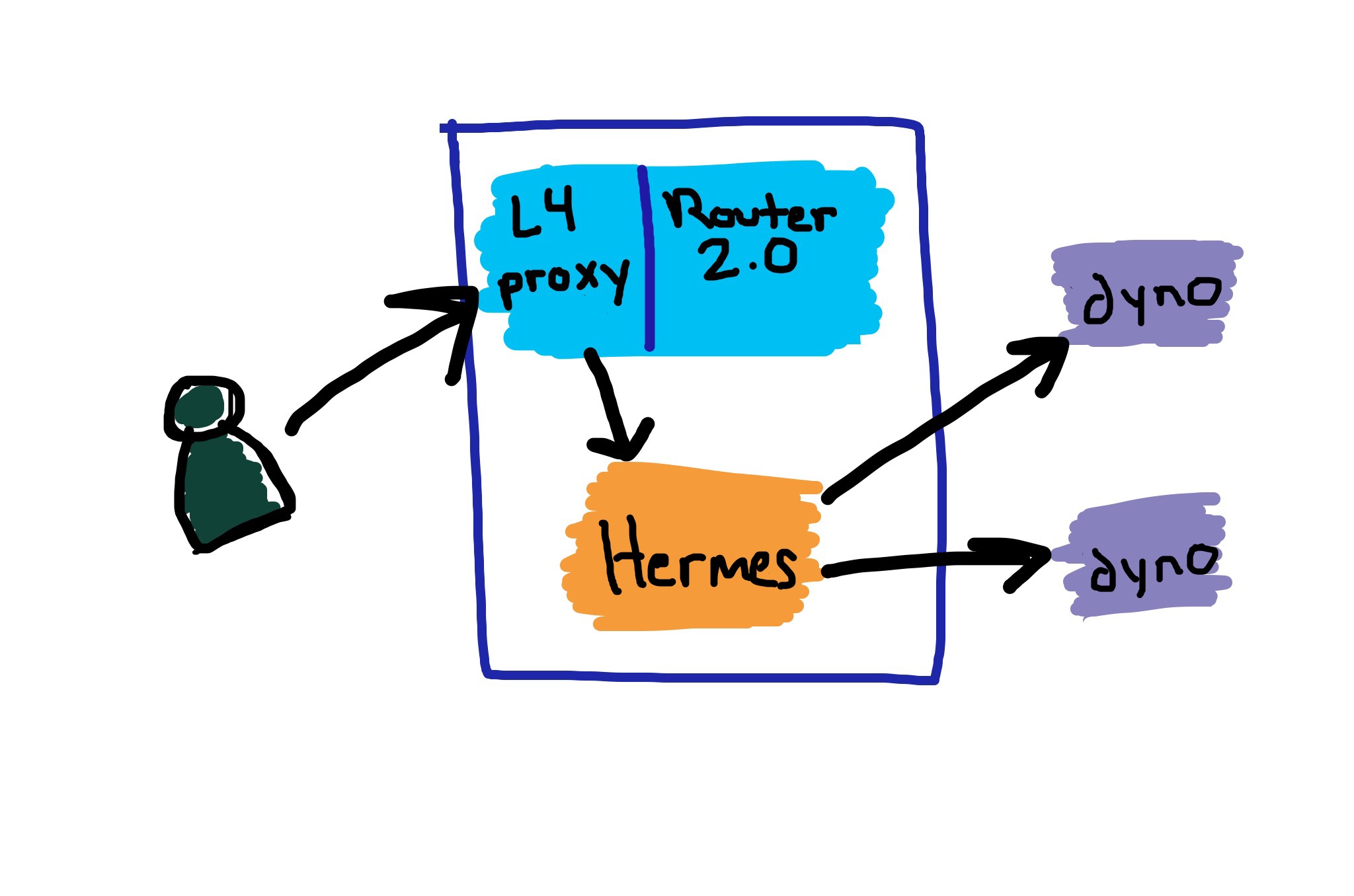
When an app has Router 2.0 enabled, the L4 proxy instead funnels traffic over an in-memory listener to Router 2.0, then out to the app’s web dynos. Hermes is cut out of the network path.

This sort of architecture has a particular name — the “Strangler pattern” — and it involves inserting a form of middleman between clients and the old system you want to replace. The middleman directs traffic, dividing it between the old system and a new system that is built out incrementally. The major advantage of such a setup is that “big bang” changes or “all-at-once” cut-overs are completely avoided. However, both the old and the new systems live on the same production hot path while the development of the new system is in progress. What has this meant for Router 2.0? Well, we had to lay a complete production-ready foundation early on.
Living on the Hot Path
Heroku has always been an opinionated hosting and deployment platform that caters to general use cases. In our products, we optimize for stability while delivering innovation. Within the framing of Router 2.0, this commitment to stability meant we had to do a few things before releasing beta.
Automate Router Deployments
Up until recently, deploying Router 2.0 meant creating a new release and manually triggering router fleet cycles across all our production clouds. This process wasn’t only tedious and time-consuming, but it was also really error prone. We fixed this by building out an automation pipeline, outfitted with gates on availability metrics, performance metrics, and smoke tests. Anytime a router release fails on just one of these health indicators, it doesn’t advance to the next stage of deployment.
Load Test Continuously
An important aspect of vetting the new sharded environments in 2021 was load testing the L4 proxy/Hermes combo. At the time, this was a significant manual undertaking. After manually running these tests, it became obvious that we would need a more practical load testing story while developing Router 2.0. In response, we built a load testing system to continuously push our staging routers to their limits and trigger scaling policies, so that we can also validate our autoscaling setup. This framework has been immensely valuable for Router 2.0 development, catching bugs and regressions before they ever hit production. The results of these load tests feed right back into our deployment pipeline, blocking any deploys that don’t live up to our internal service level objectives.
Introduce Network Error Logging
Traditionally, routing health has been measured through the use of “checkee” apps. These are web-server applications that we deploy across our production Common Runtime clouds and constantly probe from corresponding ”checker“ apps that run in Private Spaces. The checker-checkee duo allows us to mimic and measure our customers’ routing experience. In recent years, the gaps in this model have become more apparent. Namely, our checkees only represent the tiniest fraction of traffic pumping through the router at any given time. In addition, we can’t within our checkers possibly account for all the various client types and configurations that may be used to connect to the platform.
To address the gap, we introduced Network Error Logging (NEL) to both Hermes and Router 2.0. It’s an experimental W3C standard that enables the measurement of routing layer performance by collecting real-time data about network failures from web browsers. Google Chrome, Microsoft Edge, and certain mobile clients already support the spec. NEL ensures our engineers maintain a more holistic understanding of the routing experience actually felt by clients.
The Future
Completely retiring Hermes will take time. We’re only at the end of the beginning of that journey. As detailed in the Dev Center article, Router 2.0 isn’t complete yet because it doesn’t support the full list of features on our HTTP Routing page. We’re working on it. We’ll soon be adding HTTP/2 support, one of the most requested features, to both the Common Runtime and Private Spaces. However, in the Common Runtime, HTTP/2 will only be available when your app is using Router 2.0.
Our aim is to achieve feature parity with Hermes, plus a little more, over the next few months. Once we’re there, we’ll focus on a migration plan that involves flagging apps into Router 2.0 automatically. Much like in the migration from classic environments to sharded environments, we’ll break the process out into phases based on small batches of apps in similar dyno tiers. This approach gives us time to pause between phases and assess the performance of the new system.
Participating
We hope that you, our customers, can help us validate the new router well before it becomes the default. You can enable Router 2.0 for a Common Runtime app, by running:
heroku labs:enable http-routing-2-dot-0 -a <app>
If you choose to enroll, you can submit feedback by commenting on the Heroku Public Roadmap item or creating a support ticket.
Conclusion
Delivering new features to a platform like Heroku is never as simple as flipping an on/off switch. When we deliver something to our customers, there’s always a mountain of behind-the-scenes effort put into it. Simply stated, we write a lot of software to ensure the software that you see works the way it should.
We’re proud of the work we’ve done so far on Router 2.0, and we’re excited for what’s coming next. If you enroll your applications in the beta, keep an eye on the Router 2.0 Dev Center page and the Heroku Changelog. We’ll be posting updates about new features as they become available.
Thanks for reading and happy coding!
The post Router 2.0 Common Runtime Router: The Road to Beta appeared first on Heroku.
]]>We’re pleased to introduce the pgvector extension on Heroku Postgres. In an era where large language models (LLMs) and AI applications are paramount, pgvector provides the essential capability for performing high-dimensional vector similarity searches. This allows Heroku Postgres to quickly find similar data points in complex data, which is great for applications like recommendation systems […]
The post Enhancing Heroku Postgres with pgvector: Generating AI Insights appeared first on Heroku.
]]>We’re pleased to introduce the pgvector extension on Heroku Postgres. In an era where large language models (LLMs) and AI applications are paramount, pgvector provides the essential capability for performing high-dimensional vector similarity searches. This allows Heroku Postgres to quickly find similar data points in complex data, which is great for applications like recommendation systems and prompt engineering for LLMs. As of today, pgvector is fully compatible with all Production-tier databases running Postgres 15 at no additional charge and you can get started with a simple CREATE EXTENSION vector; command in your client session. In this post, we look at how you can use pgvector and its potential applications to enhance your business operations.
Understanding pgvector and Its Significance
Heroku Postgres has evolved well beyond being “just” a relational database. It’s become an adaptable platform enriched with a range of extensions that add new functionalities. Like how we introduced PostGIS for efficient geospatial data handling, we now introduce pgvector, an innovative extension that turns your Heroku Postgres instance into a robust vector database. This enhancement allows you to effectively store vectorized data and execute advanced similarity searches, a capability that can drive innovation in your business.
Complex data can be reduced and represented as vectors. These vectors serve as coordinates in a multi-dimensional space, with hundreds or even thousands of dimensions to represent the data. Datasets that are similar are translated as vectors that are close together, making mathematical similarity calculations simple. For example, characterizing fruits through vectors based on attributes such as color, shape, size, and taste. Vectors that are close to each other share substantial similarities in fruit characteristics, a powerful insight enabled by pgvector.
For AI inference applications, data transformed into its vector representation is called an "embedding". An AI embedding model commonly creates the embeddings. A vector database is a specialized system designed to store these "vectors" or "embeddings". It can quickly find vectors that are close in direction and magnitude across a spectrum of attributes.
Building on this concept, imagine you have a database full of various fruits, each embedded with its unique vector through a machine learning model. Now, let’s say you’re on a quest to find the perfect substitutes for red apples in your fruit salad, with emphasis on their taste and texture. By deploying a vector similarity search, you’ll find alternatives such as green apples and pears, but not fruits like bananas and tomatoes.
Potential Use Cases for pgvector Extension
Using pgvector lets you:
-
Run Prompt Engineering with Retrieval Augmented Generation (RAG): You can populate the database with embedded text segments, such as the latest product documentation for a specific domain, like your business. Given a prompt, RAG can retrieve the most relevant text segments, which are then augmented or “pasted” into the prompt for generative AI. The AI can then generate responses that are both accurate and contextually relevant.
-
Recommend Products: With a vector database containing various attributes, searching for alternatives based on the search criteria is simple. For example in the world of fashion, you can make recommendations based on similar products like dresses or shirts, or match the style and color to offer pants or shoes. You can further extend this with collaborative filtering where the similar preferences of other shoppers enhance the recommendations.
-
Search Salesforce Data: Use Heroku Connect to synchronize Salesforce data into Heroku, then create a new table with the embeddings since Heroku Connect can’t synchronize vector data types. This unlocks a whole new possibility to extend Salesforce like searching for similar support cases with embeddings from Service Cloud cases.
-
Search Multimedia : Search across multimedia contents, like image, audio, and video. You can embed the content directly or work with transcriptions and other attributes to perform your search. For example, generating a music playlist by finding similar tracks based on embedded features like tempo, mood, genre, and lyrics.
-
Categorize and Segment Data: In a variety of fields, from healthcare to manufacturing, data segmentation and categorization are key to successful data analysis. For example, by converting patient records, diagnostic data, or genomic sequences into vectors, you can identify similar cases, aiding in rare disease diagnosis and personalized treatment recommendations.
-
Detect Anomalies: Detect anomalies in your data by comparing vectors that don’t fit the regular pattern. This can be useful in analyzing and detecting problematic or suspicious patterns in areas such as network traffic data, industrial sensor data, transactions data, or online behavior.
For more details on how to actually prepare a database for vector search, look for a post coming soon on our engineering blog!
A Glimpse into the AI Future of Heroku
The pgvector extension adds a whole new dimension to Heroku Postgres. We hope this post was helpful in sparking your interest to start experimenting with vector databases. This introduction to pgvector marks the first step in our journey towards AI-enabled offerings on Heroku. We plan on unveiling much more in the near future, so stay tuned for upcoming innovations that we hope will continue to transform how you build and deploy applications.
We extend our appreciation to the community for their support in advocating for the significance of pgvector. Your engagement has played a vital role in prioritizing this addition to Heroku Postgres. If you have questions, challenges, or require assistance, our dedicated Support team is available to assist you on your journey into this exciting new frontier.
The post Enhancing Heroku Postgres with pgvector: Generating AI Insights appeared first on Heroku.
]]>At Heroku, we’re on a mission to continuously improve our products and services to provide the best possible customer experience. Feedback is at the heart of our innovation, and we’re excited to highlight the Heroku User Research Program. Through this initiative, our customers provide feedback, test new features, and share their insights directly with our […]
The post Heroku User Research Program: A Catalyst for Collaboration and Growth appeared first on Heroku.
]]>At Heroku, we’re on a mission to continuously improve our products and services to provide the best possible customer experience. Feedback is at the heart of our innovation, and we’re excited to highlight the Heroku User Research Program. Through this initiative, our customers provide feedback, test new features, and share their insights directly with our product teams.
Your Participation Matters
Since we introduced this program in April 2023, we’ve made significant strides to enhance our product offerings and engage more effectively with you. Here’s a glimpse of the impact we’ve achieved together in just six months:
- 60+ in-depth interviews with unique customers
- Three large-scale UX studies
- A series of workshops and feedback sessions at TrailblazerDX and Dreamforce
- Direct impact and influence on our public roadmap based on your feedback
Outcomes of Customer Collaboration
This program enhanced how we include your feedback in both product development and planning. Your feedback led to platform improvements such as:
Your feedback also helped prioritize possible future work, such as:
- New regions for Common Runtime
- Official support for .NET on Heroku
- Support for HTTP/2
- Support for pgvector to Heroku Postgres
While there's no guarantee that we'll complete open roadmap items, continuous customer feedback helps us prioritize the most impactful work.
Join Our User Research Program Today
Signing up is easy! Simply fill out the form, and we’ll keep you informed about upcoming research opportunities. Your voice makes a difference, which is why we invite all current, former, and prospective customers to sign up and participate.
We’re committed to creating a more collaborative relationship with our customers, where your insights and experiences drive our innovations. Your participation in the Heroku User Research Program is a crucial step toward this shared goal.
In conclusion, the Heroku User Research Program is a catalyst for collaboration and growth. We continue to achieve remarkable outcomes thanks to your valuable insights and contributions. Don't miss the opportunity to interact with us by visiting our public roadmap, submitting your ideas, or commenting on others' suggestions. We look forward to working with you to create products that not only meet, but exceed your expectations.
Thank you for being a valued member of the Heroku community. Let’s shape the future of Heroku together!
The post Heroku User Research Program: A Catalyst for Collaboration and Growth appeared first on Heroku.
]]>In May 2023, we announced our limited release of two new Heroku Private Spaces regions: India (Mumbai) and Canada (Montreal). This month, we’re announcing the full general availability of those two regions, along with new Heroku Private Spaces regions for the United Kingdom (London) and Singapore. This expansion enables customers to maintain greater control over […]
The post Heroku Private Spaces Global Expansion: Canada, India, Singapore, and the UK appeared first on Heroku.
]]>
In May 2023, we announced our limited release of two new Heroku Private Spaces regions: India (Mumbai) and Canada (Montreal). This month, we’re announcing the full general availability of those two regions, along with new Heroku Private Spaces regions for the United Kingdom (London) and Singapore. This expansion enables customers to maintain greater control over where their data is stored and processed. These four new regions fully support Heroku Private Spaces, Heroku Shield Private Spaces, Heroku Postgres, Apache Kafka on Heroku, Heroku Data for Redis, Heroku Connect, and most Heroku Add-ons.
Private Spaces provide a dedicated virtual network environment for running Heroku applications. They are now supported in the following regions, with the new regions highlighted in bold:
| name | location |
|---|---|
| dublin | Dublin, Ireland |
| frankfurt | Frankfurt, Germany |
| oregon | Oregon, United States |
| sydney | Sydney, Australia |
| tokyo | Tokyo, Japan |
| virginia | Virginia, United States |
| mumbai | Mumbai, India |
| montreal | Montreal, Canada |
| london | London, United Kingdom |
| singapore | Singapore |
Why is Heroku Expanding Its Platform to New Regions?
Heroku Private Spaces let you deploy and run apps in network-isolated environments for improved security and resource isolation. With Private Spaces in these four new regions, we can now serve more customers who want greater control over where their data is processed and stored.
Having more Private Spaces regions can also improve performance. By running apps in specific regions, customers can reduce latency and improve speed and reliability. This capability is especially beneficial for apps that serve users in different regions, providing a better experience for end users. In addition, all new regions utilize three availability zones as announced earlier this year. With the combination of these releases, Private Spaces are even more performant and reliable for our customers.
What’s Our Regional Expansion Strategy?
We carefully considered several factors when deciding which new regions to support for Private Spaces.
Our main goal is to give Heroku customers more options to effectively address their data governance challenges. With the growing number of data sovereignty regulations and privacy laws, our customers value a foundation of trust when handling their data and that of their end users.
Additionally, we analyzed the geographical distribution of our customer base. This assessment revealed a greater need in the Asia-Pacific (APAC) region, and different requirements between our current Europe (Frankfurt and Dublin) Private Spaces customers and those in the UK.
Lastly, we took into account the valuable input from our community via the GitHub public roadmap. This feedback played a pivotal role in shaping our decisions.
Going forward, we will continue researching what it takes to further our expansion efforts and continue to build off the (now!) 10 regions we support. Among other roadmap items, you can follow our progress on deciding where to bring Heroku next on the public roadmap item.
How Do I Access the New Regions?
The new regions are now part of our core Heroku Private Spaces offering. To use Private Spaces in a new region, follow the normal steps for space creation from the Heroku Dashboard, or use the CLI with the --region flag:
$ heroku spaces:create my-space-name --team my-team-name --region london

Creating space my-space-name in team my-team-name... done
=== my-space-name
Team:   my-team-name
Region: london
State:  allocating
See the Heroku Dev Center for more details about creating or migrating a Private Space.
Conclusion
We’re excited to add new Private Spaces regions for customers who want to improve app performance and have more control over their data and infrastructure. We look forward to releasing more features that expand the Heroku platform and serve more customers.
If you have any further feedback, feature requests, or suggestions, check out the Heroku public roadmap on GitHub to join the conversation.
Disclosure: Any unreleased services or features referenced in this or other posts or public statements are not currently available and may not be delivered on time or at all. Customers who purchase Salesforce applications should make their purchase decisions based upon features that are currently available. For more information please visit www.salesforce.com, or call 1-800-667-6389.
The post Heroku Private Spaces Global Expansion: Canada, India, Singapore, and the UK appeared first on Heroku.
]]>While it's not our usual approach to announce hiring updates on our product blog, we're pleased to share our ongoing dedication to improving the Heroku experience. Focused Growth and Progress Heroku is entering a new phase of investment, and as a part of this initiative, we are opening up new positions for individuals who would […]
The post Join us for a New Chapter of Growth and Innovation appeared first on Heroku.
]]>While it's not our usual approach to announce hiring updates on our product blog, we're pleased to share our ongoing dedication to improving the Heroku experience.
Focused Growth and Progress
Heroku is entering a new phase of investment, and as a part of this initiative, we are opening up new positions for individuals who would like to join us in driving this effort. Our goal is to expand our offerings across the platform, catering to both our customers and ecosystem partners.
Our mission remains clear: we aim to assist developers in creating their best code yet, enabling them to build more substantial and AI-enabled applications. Similarly, for our partners, we're dedicated to supporting the creation of tightly integrated experiences. We're also committed to enhancing integrations, particularly with regards to Salesforce, which seamlessly connects Heroku Dynos with CRM data.
Heroku DX streamlines application development and deployment, and our intention is to deliver the same value in incorporating AI within customer applications. Additionally, while Heroku provides managed application support, we recognize that AI can elevate the Heroku DX experience further, aiding developers in refining their application code and effectively managing resources and optimization strategies. This is just a glimpse of what we have planned; our public roadmap reflects our collaborative journey.
Exploring New Opportunities with Heroku
We're in search of talented individuals to join our product, engineering, and operations teams. We're interested in individuals with expertise in AI, DX, Tooling, Data, Operational Excellence, Operations, and more. Whether you're a skilled developer, a strategic engineering manager, or a detail-oriented operator, there's a place for you in our journey.
Feel free to share your thoughts and referrals with us directly on LinkedIn. Are you prepared to contribute to how Heroku is shaping the technology landscape? This is just the beginning, so make sure to regularly visit our careers page to explore the diverse array of open roles and find your next career move.
The post Join us for a New Chapter of Growth and Innovation appeared first on Heroku.
]]>We’ve just introduced three new changes to our pricing at Heroku, all designed to provide extra value to our customers and make cost estimation easier. These changes will kick in from September 1, 2023 onward: Your account will no longer be charged the $10 monthly fee for Heroku CI. Your account will no longer be […]
The post Heroku CI and Heroku Teams Now Free for Card Paying Customers appeared first on Heroku.
]]>We’ve just introduced three new changes to our pricing at Heroku, all designed to provide extra value to our customers and make cost estimation easier. These changes will kick in from September 1, 2023 onward:
- Your account will no longer be charged the $10 monthly fee for Heroku CI.
- Your account will no longer be charged the $10 monthly fee for Heroku Teams with over five members.
- We’ve improved our pricing page to include hourly expenses alongside the maximum monthly costs.
Why is the Heroku pricing page changing? The Heroku team is simplifying pricing for clarity and a better customer experience.
What about Heroku Enterprise customers? Heroku CI has always been included, and the creation and maintenance of teams with fewer than 25 members has always been — and remains — free for Heroku Enterprise customers.
Scale App Testing and Delivery with Heroku CI Pipelines
Heroku CI integrates with any Heroku Pipeline effortlessly, executing your app’s test suite automatically with each push to the linked GitHub repository. Enabling this feature is simple: just activate it within the Settings tab of your pipeline.
Starting September 1, 2023 we will no longer charge the $10 monthly fee for Heroku CI Pipelines for card paying customers. But remember, even though we’re removing the cost for Heroku CI pipelines, you’ll still see charges for any dyno and add-on use during the test run – which is still charged on a prorated basis, down to the second.
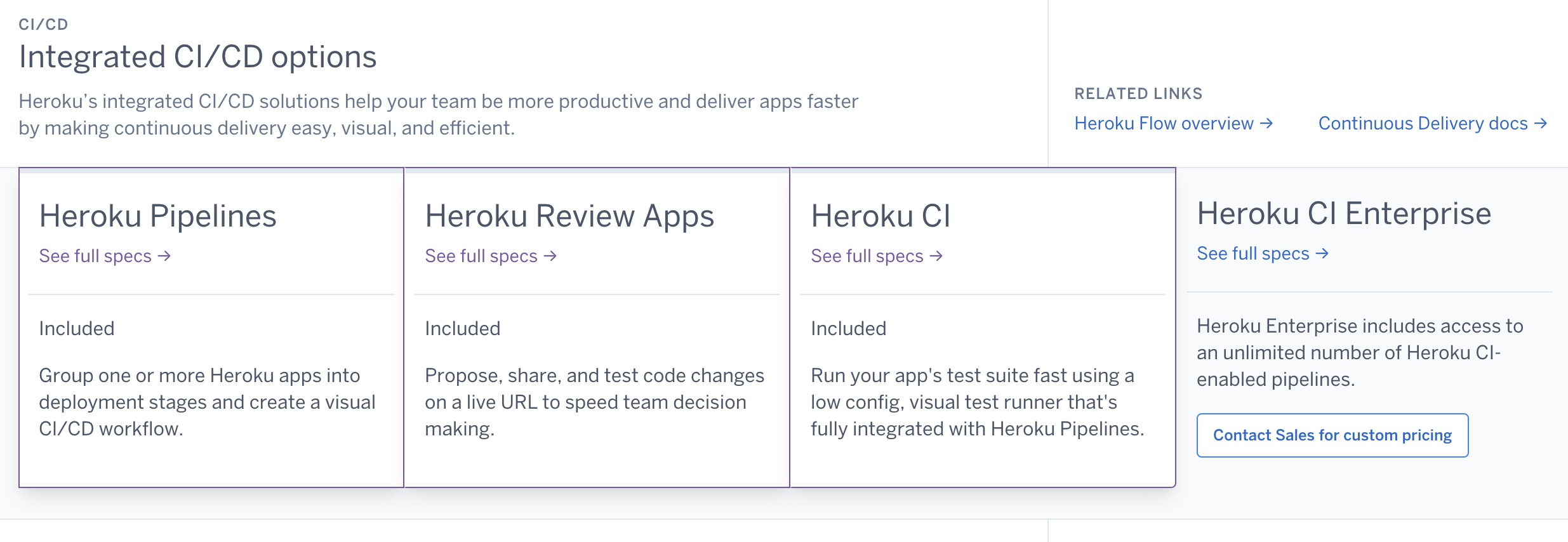
Invite Your Entire Team — No Additional Fee
Here at Heroku, we’ve been providing free access to teams with up to five members all along. Starting September 1, 2023 we’re taking it a step further by waving goodbye to the $10 monthly fee that card paying customers had for bigger teams. Now, within your Heroku account, you can create up to five teams, each accommodating a maximum of 25 members. If you need more teams, or you need to manage access to teams, you can always consider upgrading to a Heroku Enterprise plan. It’s all about giving you more flexibility and options to partner with developers and make magic happen on Heroku.

Improved Cost Transparency
The Heroku community has given us valuable feedback about our pricing on our public roadmap, and we’re happy to close out the roadmap item for these changes. To clear up any confusion about our hourly rates, we’ve made updates to our pricing pages and the Heroku CLI. Now, we not only display the maximum monthly charge, but also the cost per hour, prorated to the second. The only exception is our Eco Dynos, which give you 1,000 dyno hours for a flat fee of $5/month.
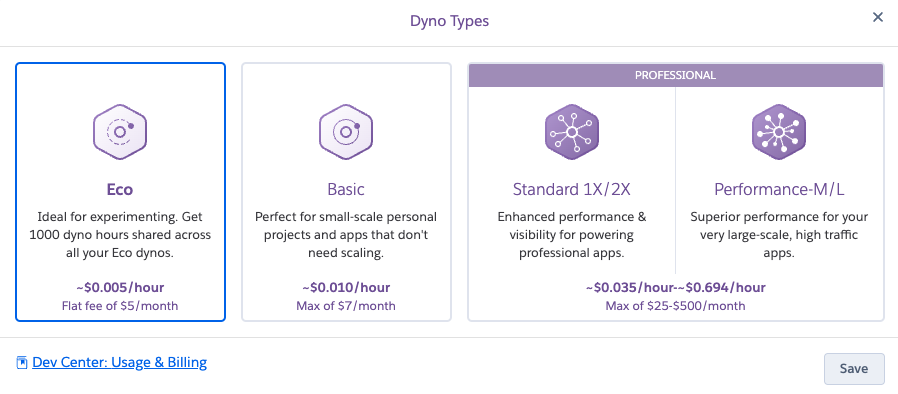
Heroku Listens to Customer Feedback
We continue to invest in Heroku to bring more value to our customers. We’ve expanded Private Spaces to Montreal and Mumbai (with plans to make London and Singapore available starting August 31, 2023) and re-enabled card payments in India. In addition to our pricing transparency above, we have also recently introduced new Heroku Postgres plans. Customer satisfaction continues to be a top priority for Heroku, and we look forward to continuing to deliver new features and functionality moving forward.
The post Heroku CI and Heroku Teams Now Free for Card Paying Customers appeared first on Heroku.
]]>We re-enabled payments to Heroku in India! At the start of August, we resumed accepting credit and debit cards issued by Indian financial institutions. From the engagement on our public roadmap, we know that there are many developers in India eager to get back on the platform. We want to address the work done to […]
The post Heroku Card Payments Are Back in India appeared first on Heroku.
]]>We re-enabled payments to Heroku in India! At the start of August, we resumed accepting credit and debit cards issued by Indian financial institutions.
From the engagement on our public roadmap, we know that there are many developers in India eager to get back on the platform. We want to address the work done to re-enable this functionality, and why Heroku stopped accepting payments from India in the first place.
We started by enabling 3D Secure (3DS) on our platform. 3D Secure is a protocol that prompts a user to use a dynamic authentication methods such as biometrics or token-based authentication to confirm their purchases.

3D Secure is the additional factor of authentication that establishes e-mandates now required by the Reserve Bank of India. An e-mandate is a form of authorization provided by cardholders to issuing banks that grants permission for collecting recurring payments. For Heroku, e-mandates allow us to charge the payment method on file for our Indian customers while the user is off-session, as they are not on our website when their card is charged.
It’s important to call out that while most e-mandate webhooks are returned quickly, in some cases it can take up to 30 minutes. Because Heroku users can’t provision resources until their payment method is verified, we built out a series of email and Heroku Dashboard notifications. These notifications ensure that users are alerted as soon as their card is verified or if they need to take an action.

Heroku Adopts RBI Regulations
On October 1, 2021, new Reserve Bank of India (RBI) regulations came into effect. These new rules stated that automatic, off-session recurring payments using India-issued credit cards now require an e-mandate via an additional factor of authentication, for example, 3D Secure. For Heroku, enabling 3DS allows us to charge the payment method on file for Indian customers while the user is off-session.
Due to the unexpected administrative and technical burdens associated with complying with this unique mandate, Heroku had to make the tough decision to temporarily suspend the acceptance of India-issued debit and credit cards for Heroku customers.
We want to acknowledge the most common feedback we have received from our customers with respect to this change: “This is taking too long!” They’re right, and we completely agree. The solution was not as simple as just enabling this functionality in a dashboard or with a few lines of code. We did the work to support 3DS and establish e-mandates for our users which took time. Getting it right was important to us, and had to be done before we could bring back our Indian customers.
In addition to adopting the RBI regulations, utilizing 3DS also allows us to meet the Strong Customer Authentication (SCA) requirements in Europe. We already rolled out 3DS support to all EU, UK, and Australian customers on our platform. We will continue to monitor this rollout and expand the security 3DS provides to our customers in additional countries.
Trust in Heroku
We are so grateful to our customers for their patience with us throughout this process. With the re-launch of payments from our Indian customers, as well as the recent expansion of Private Spaces to Mumbai, our customers can trust that Heroku continues to keep their privacy, safety, and security needs a top priority.
The post Heroku Card Payments Are Back in India appeared first on Heroku.
]]>Summary Subdomain reuse, also known as subdomain takeover, is a security vulnerability that occurs when an attacker claims and takes control of a target domain. Typically, this happens when an application is deprecated and an attacker directs residual traffic to a host that they control. As of 14 June 2023, we changed the format of […]
The post Security Improvement: Subdomain Reuse Mitigation appeared first on Heroku.
]]>
Summary
Subdomain reuse, also known as subdomain takeover, is a security vulnerability that occurs when an attacker claims and takes control of a target domain. Typically, this happens when an application is deprecated and an attacker directs residual traffic to a host that they control.
As of 14 June 2023, we changed the format of the built-in herokuapp.com domain for Heroku apps. This change improves the security of the platform by preventing subdomain reuse. The new format is <app-name>-<random-identifier>.herokuapp.com. Previously, the format was <app-name>.herokuapp.com. The new format for built-in herokuapp.com domains is on by default for all users.
Why It's Important
When you delete a Heroku application, its globally unique name immediately becomes available to other users. Previously, the app name was the same as the app’s herokuapp.com subdomain, which serves as the default hostname for the application.
With subdomain takeovers, attackers can search the Internet for Heroku application names that are no longer in use. They can create new apps using the freed-up names with the hope that some party still directs traffic to the application. An attacker can also create an app at that URL to intercept the traffic and provide their own content.
A successful subdomain takeover can lead to a wide variety of other potential attack vectors. The attacker who impersonates the original owner can then attempt any of the following attacks.
Stealing cookies
It’s common for web apps to expose session cookies. An attacker can use the compromised subdomain to impersonate a website formerly registered to an app. This impersonation can permit an attacker to harvest cookies from unsuspecting users who visit and interact with the rogue webpage(s).
Phishing
Using a legitimate subdomain name makes it easier for phishers to leverage the former domain name to lure unsuspecting victims.
OAuth Allowlisting
The OAuth flow has an allowlisting mechanism that specifies which callback URIs to accept. A compromised subdomain that is still allowlisted can redirect users during the OAuth flow. This redirection can leak their OAuth token.
The new format prevents these vulnerabilities because — even if an attacker creates an app with a freed-up name — the subdomain of the app now has a random identifier appended.
We always recommend using a custom domain for any kind of production or security-sensitive app. However, with this change, even customers that use default herokuapp.com domain names can do so safely. If those apps are deleted later, the built-in default domains can’t be taken over.
Nothing needs to be set on your account to enable this. The new format for built-in herokuapp.com domains is on by default for all users.
Conclusion
Over the years, we improved the safety of domain management on Heroku to prevent domain hijacks and similar attacks. For example, we removed the <appname>.heroku.com redirects and introduced random CNAME targets.
The introduction of a new format for herokuapp.com domains, which includes a random identifier appended to the subdomain, mitigates the risk of subdomain takeovers. This change prevents attackers from easily impersonating the original app URL and intercepting traffic meant for the deprecated or deleted app. Best of all, there’s no action required on your part to enable this protection.
The post Security Improvement: Subdomain Reuse Mitigation appeared first on Heroku.
]]>PostgreSQL extensions are powerful tools that allow developers to extend the functionality of PostgreSQL beyond its basic types and functions. These extensions can connect your database to an external PostgreSQL instance (postgres_fdw), add native GIS functionality (postgis), standardize address information (address_standardizer), and more. Extensions are arguably one of PostgreSQL’s greatest features and are partially responsible […]
The post Improving the Heroku Postgres Extension Experience appeared first on Heroku.
]]>PostgreSQL extensions are powerful tools that allow developers to extend the functionality of PostgreSQL beyond its basic types and functions. These extensions can connect your database to an external PostgreSQL instance (postgres_fdw), add native GIS functionality (postgis), standardize address information (address_standardizer), and more. Extensions are arguably one of PostgreSQL’s greatest features and are partially responsible for the massive adoption PostgreSQL has received over the years.
We’re pleased to announce a change to the Heroku Postgres extension experience. You can once again install Heroku Postgres extensions in the public schema or any other!
Previously, in response to incident 2450, we required all PostgreSQL extensions to be installed to a new schema: heroku_ext. We’ve listened to our customers, who let us know that this change broke many workflows. We’ve been focusing our recent engineering efforts on restoring the previous functionality. Our goal is to offer our users more flexibility and a more familiar Postgres experience. With this release, we are closing the public roadmap item.
At the moment, installing extensions on schemas other than heroku_ext is an opt-in configuration. We plan on making this the default at a later date. Note that this feature is available for non-Essential-tier databases.
Enable any schema
To enable any schema on new databases, you simply pass the --allow-extensions-on-public-schema flag at provisioning. You can also use the Heroku Data Labs feature to enable any schema on existing databases. Any forks or followers you create against that database will automatically have this support enabled.
To enable any schema for new add-ons:
$ heroku addons:create heroku-postgresql:standard-0 --allow-extensions-on-any-schema
To enable any schema for existing add-ons (this may take up to 15 minutes to apply):
$ heroku data:labs:enable extensions-on-any-schema --addon DATABASE_URL
Once either of these steps are complete, you can verify extensions are installed to public. To do this, first install a new extension:
demo::DATABASE => CREATE EXTENSION address_standardizer;
Then check the output of dx, which is a command in PostgreSQL to view all installed extensions. The Schema value for address_standardizer will be set to public.
         Name         | Version |   Schema
----------------------+---------+------------
 plpgsql              | 1.0     | pg_catalog
 pg_stat_statements   | 1.10    | heroku_ext
 address_standardizer | 3.3.3   | public
(3 rows)
Previously, Postgres extensions were installed to heroku_ext by default. After enabling this support, extensions install to the first schema in your search_path, which in most cases is public.
Enabling the feature does not change existing extensions or anything about your database structure. If an extension is already installed to heroku_ext, it remains there unless you relocate it to another schema. You can reinstall or relocate your extension to any schema you want after enabling the Heroku Data Labs feature. Once enabled, extensions going forward will have their types and functions go to their appropriate schemas (usually public) and nothing new will be added to heroku_ext.
Verify your apps
If your application code assumes extensions will always be in heroku_ext, this change could potentially impact loading your database schema into new add-ons for review apps or developer setups. The following steps ensure your apps continue to work after this change is made:
- Check your code for hard-coded references to
heroku_extand remove them. - Ensure your automated tests pass and all tables, indexes, views, etc. load correctly into a local database with
heroku_extremoved. - Provision a new app with a Postgres database using either of the methods listed above.
- Deploy your code and run through some test workflows to ensure no errors.
- Update your code accordingly.
Timing
This behavior will be the default for all Heroku Postgres add-ons in three phases:
- July 10th, 2023: The
extensions-on-any-schemaHeroku Data Labs feature became the default on new Heroku Postgres add-ons. - July 24th, 2023: All Essential tier databases will be updated to permit extensions to be installed to any schema.
- August 7th, 2023: We enable extensions-on-any-schema on existing Heroku Postgres add-ons and retire the Labs feature.
You can test for issues by enabling the feature using Heroku Data Labs before July 10th, or by creating a new database after that date. If you have any concerns about how this change can impact your existing database, make sure to verify your database before August 7th, 2023.
We want to hear from you
Heroku’s mission is to provide customers with a great platform and take the headache out of running your apps in the cloud. We prioritize keeping your data, and our platform, safe above all else. As we say at Salesforce, Trust is our #1 value.
We value your feedback and never want to make changes that harm the customer experience. After we made the initial change with the heroku_ext schema, we listened to users like Justin Searls, who made this comment in his blog post:
"[It’s] disappointing that this change rolled out without much in the way of change management. No e-mail announcement. No migration tool. No monkey patches baked into their buildpacks."
We agree. Unforeseen situations can arise which force difficult decisions. Although the user experience took a backseat in the short term, we worked hard to restore the seamless Heroku Postgres experience you’d expect without compromising on security. We always welcome feedback and never stop looking for ways to make your experience as great as we safely can.
Thanks to all of you for your continued support over the years. Some really exciting things are in the pipeline, and we can’t wait to show them to you. In case you don’t already know, we maintain a public roadmap on GitHub and encourage you to comment on planned enhancements and offer suggestions.
The post Improving the Heroku Postgres Extension Experience appeared first on Heroku.
]]>Sometimes your data grows and requires a bigger disk without a need for more compute or memory. Previously, our offerings were a bit too inflexible. We also didn’t want to limit our largest database at 4TB. We released new Heroku Postgres plans that give you more flexibility when scaling up your database storage needs on […]
The post Introducing New Heroku Postgres Plans appeared first on Heroku.
]]>Sometimes your data grows and requires a bigger disk without a need for more compute or memory. Previously, our offerings were a bit too inflexible. We also didn’t want to limit our largest database at 4TB.
We released new Heroku Postgres plans that give you more flexibility when scaling up your database storage needs on Heroku. We heard from our customers that they want to be able to upgrade disk space without adding other resources like vCPU or memory. In response, we created new L and XL plans with increased disk limits for premium , private , and shield tiers at the -6 and -9 levels.
These new plans continue to have the same compute, memory, and IOPS characteristics as other plans on the same level. With these changes, our largest database plan now has a 6TB disk limit instead of 4TB. As long as the workload stays fairly constant, you can upgrade to private-l-9 for 5TB or private-xl-9 for 6TB of disk, for example.
This table summarizes the new offerings as of today. You can always check the latest technical information on our Dev Center page. You can find pricing info in the Elements Marketplace.
| Plan Name | Provisioning Name | vCPU | Memory (GB) | IOPS | Disk (TB) | Existing or New |
|---|---|---|---|---|---|---|
| Premium-6 | premium-6 | 16 | 122 | 6000 | 1.5 | Existing |
| Premium-L-6 | premium-l-6 | 16 | 122 | 6000 | 2 | New |
| Premium-XL-6 | premium-xl-6 | 16 | 122 | 6000 | 3 | New |
| Premium-9 | premium-9 | 96 | 768 | 16000 | 4 | Existing |
| Premium-L-9 | premium-l-9 | 96 | 768 | 16000 | 5 | New |
| Premium-XL-9 | premium-xl-9 | 96 | 768 | 16000 | 6 | New |
| Private-6 | private-6 | 16 | 122 | 6000 | 1.5 | Existing |
| Private-L-6 | private-l-6 | 16 | 122 | 6000 | 2 | New |
| Private-XL-6 | private-xl-6 | 16 | 122 | 6000 | 3 | New |
| Private-9 | private-9 | 96 | 768 | 16000 | 4 | Existing |
| Private-L-9 | private-l-9 | 96 | 768 | 16000 | 5 | New |
| Private-XL-9 | private-xl-9 | 96 | 768 | 16000 | 6 | New |
| Shield-6 | shield-6 | 16 | 122 | 6000 | 1.5 | Existing |
| Shield-L-6 | shield-l-6 | 16 | 122 | 6000 | 2 | New |
| Shield-XL-6 | shield-xl-6 | 16 | 122 | 6000 | 3 | New |
| Shield-9 | shield-9 | 96 | 768 | 16000 | 4 | Existing |
| Shield-L-9 | shield-l-9 | 96 | 768 | 16000 | 5 | New |
| Shield-XL-9 | shield-xl-9 | 96 | 768 | 16000 | 6 | New |
You can provision a database on a new plan with the same command used for existing plans:
heroku addons:create heroku-postgresql:private-l-6
Or to upgrade an existing database to a new plan:
heroku addons:upgrade heroku-postgresql:private-l-9
Why Did We Do This?
We had strong engagement and community support to prioritize this feature on our roadmap. We want to highlight how important our public roadmap is for us and how seriously we take suggestions. You too can create a feature request on the public roadmap GitHub page, so please share what you would like to see on Heroku or what pain points you faced!
Where We Are Headed
Our public roadmap isn’t only the place to share your thoughts, but it’s a great place to see what we’re working on and where we are headed. There are many exciting products and features in development with the Heroku Data team that you may find useful. For example, increasing the connection limits on Postgres, adding additional Private Space regions (and their respective data products), and improving disk performance on lower-level plans (i.e. -0 through -4). In the long run, we aim to provide even more flexibility by offering “grow on demand” elastic data services to match your database needs.
Although we expect some changes to roadmap items as we make progress, you can be assured that we’re actively dedicated to the future of the Heroku platform and its data products.
Disclosure: Any unreleased services or features referenced in this or other posts or public statements are not currently available and may not be delivered on time or at all. Customers who purchase Salesforce applications should make their purchase decisions based upon features that are currently available. For more information please visit www.salesforce.com, or call 1-800-667-6389.
The post Introducing New Heroku Postgres Plans appeared first on Heroku.
]]>Heroku is excited to announce the addition of a third availability zone (AZ) for our Private Spaces product offering. Three availability zones make Private Space apps more resilient to outages. We’ve prioritized this improvement as part of our focus on mission-critical features to make the Heroku Platform even more reliable. The changeover to three availability […]
The post Heroku Adds Third Availability Zone for Private Spaces appeared first on Heroku.
]]>Heroku is excited to announce the addition of a third availability zone (AZ) for our Private Spaces product offering. Three availability zones make Private Space apps more resilient to outages. We’ve prioritized this improvement as part of our focus on mission-critical features to make the Heroku Platform even more reliable. The changeover to three availability zones is fully managed by Heroku. Heroku handles all maintenance, upgrades, and management of Private Spaces, so our customers can focus on delivering value to their users without worrying about the underlying infrastructure.
What are availability zones and how does Heroku use them?
All AWS regions have multiple availability zones. An availability zone is an isolated location within a region. Each has its own redundant and separate power, networking, and connectivity to reduce the likelihood of multiple zones failing simultaneously. One or more physical data centers back each zone.
Previously, Heroku Private Spaces spread dynos over only two availability zones. When Private Spaces launched, many AWS regions only had two availability zones, so that was the lowest common denominator we settled on. All AWS regions now have three availability zones, and Heroku takes full advantage of that.
Why did we make this change?
In the case of an AWS availability zone issue, Heroku automatically rebalances your application’s dynos and associated data resources to an alternative zone to prevent downtime. In July 2022, AWS experienced an outage that ultimately impacted two availability zones, and some Heroku Private Spaces apps were degraded as a result. We added a third availability zone to ensure that Heroku Private Spaces apps can better withstand future infrastructure incidents and provide the best experience for our customers and their users.
What should I know about this change?
Now that the change has rolled out to all Private Spaces customers, there’s no action required and no additional costs to start utilizing the third availability zone. There are also no changes to the way you deploy apps in Private Spaces.
Prior to the addition of a third availability zone, Heroku published four stable outbound IP addresses for each space. Only two were used to connect your Private Space to the public internet, while the other two were held in reserve for product enhancements, such as the addition of a third availability zone. With the change to three availability zones, a third address is now used to allow outbound connections from your dyno in the third availability zone. We’re still holding the fourth address in reserve. You can see the stable outbound IPs in the Network tab on your Heroku Dashboard or with the CLI:
heroku spaces:info --space example-space
Conclusion
We’re committed to providing our customers with the best possible computing and data platform. The addition of a third availability zone is just one of the ways that we’re delivering on the promises outlined in the blog last summer. We believe a focus on mission-critical features is instrumental to helping our customers achieve greater business value and an increased return on investment from Heroku. You can read about it in this Total Economic Impact of Salesforce Heroku report.
If you have any feedback, feature requests, or suggestions, check out the Heroku public roadmap on GitHub to join the conversation about the future Heroku roadmap.
For more information about this change, see the Heroku Help site for details on Privates Spaces and Availability Zones.
The post Heroku Adds Third Availability Zone for Private Spaces appeared first on Heroku.
]]>This month, we’re expanding the Heroku platform with a limited release of our Private Spaces product in two new regions, India (Mumbai) and Canada (Montreal), enabling customers to maintain even greater control over where data is stored and processed. These two new regions will fully support Heroku Private Spaces, Heroku Shield Private Spaces, Heroku Postgres, […]
The post Heroku Private Spaces Expand to Mumbai and Montreal appeared first on Heroku.
]]>This month, we’re expanding the Heroku platform with a limited release of our Private Spaces product in two new regions, India (Mumbai) and Canada (Montreal), enabling customers to maintain even greater control over where data is stored and processed. These two new regions will fully support Heroku Private Spaces, Heroku Shield Private Spaces, Heroku Postgres, Apache Kafka on Heroku, Heroku Data for Redis, Heroku Connect, and most Heroku Add-ons.
Private Spaces provide a dedicated and virtual network environment for running Heroku applications. They are now supported in the following regions, with new regions highlighted in bold below:
| name | location |
|---|---|
| dublin | Dublin, Ireland |
| frankfurt | Frankfurt, Germany |
| oregon | Oregon, United States |
| sydney | Sydney, Australia |
| tokyo | Tokyo, Japan |
| virginia | Virginia, United States |
| mumbai | Mumbai, India |
| montreal | Montreal, Canada |
We plan to make these two new regions generally available to all Heroku Enterprise customers later this year. Initially, only customers participating in the Limited Release program (see details below) will be able to create Private Spaces in Mumbai and Montreal.
See below for more details on participating in the limited release, or read the Dev Center article on the limited release. For more details on specifying specific regions when creating a Private Space, please reference the Dev Center article on Heroku Private Spaces.
What's a Limited Release?
A limited release is a controlled introduction of a new product to ensure a smooth and consistent customer experience. To ensure a seamless rollout, Heroku has decided to gradually introduce these two new regions — Mumbai and Montreal — to specific customer cohorts. Private Spaces in these new regions will include the same product features as all the other regions that Heroku supports. Access to the new regions is limited to make sure that we can match demand with available resources in the newer regions and ensure the customer experience is at parity with existing Private Spaces regions.
To provision a Private Space in either Mumbai or Montreal, you must be a current Heroku Private Spaces customer and you must be accepted into the Limited Release program. You can begin the onboarding process by filing a support ticket requesting access. More information about the program can be found in this Dev Center article.
Why is Heroku Expanding Its Platform to New Regions?
Heroku Private Spaces lets you deploy and run apps in network-isolated environments for improved security and resource isolation. With Private Spaces in Mumbai and Montreal, we can now serve more customers who want greater control over where their data is processed and stored.
Another benefit of additional Private Spaces regions is improved performance. By running applications in specific geographic regions, customers can reduce latency and improve the speed and reliability of their applications. This is especially useful for customers with Heroku apps that serve users in different regions, as it allows those apps to provide a better user experience to their customers.
Ultimately, adding these two new regions will enable us to better serve our Indian and Canadian customers.
Conclusion
We are excited to expand Private Spaces to new regions for our customers who are looking for additional control over their data and infrastructure and who want to improve the performance of their applications. We look forward to releasing more features that will continue to expand the Heroku platform and serve more customers. Alongside this change, we are working to unblock Heroku Online India customers by supporting RBI-compliant recurring payments. Also, we are researching new pricing models for Heroku Private Spaces.
If you have any further feedback, feature requests, or suggestions, check out the Heroku public roadmap on GitHub to join the conversation.
Disclosure: Any unreleased services or features referenced in this or other posts or public statements are not currently available and may not be delivered on time or at all. Customers who purchase Salesforce applications should make their purchase decisions based upon features that are currently available. For more information please visit www.salesforce.com, or call 1-800-667-6389.
The post Heroku Private Spaces Expand to Mumbai and Montreal appeared first on Heroku.
]]>In this post, we’d like to share an example of the kind of behind-the-scenes work that the Heroku team does to continuously improve the platform based on customer feedback. The Heroku Common Runtime is one of the best parts of Heroku. It’s the modern embodiment of the principle of computing resource time-sharing pioneered by John […]
The post More Predictable Shared Dyno Performance appeared first on Heroku.
]]>In this post, we’d like to share an example of the kind of behind-the-scenes work that the Heroku team does to continuously improve the platform based on customer feedback.
The Heroku Common Runtime is one of the best parts of Heroku. It’s the modern embodiment of the principle of computing resource time-sharing pioneered by John McCarthy and later by UNIX, which evolved into the underpinnings of much of modern-day cloud computing. Because Common Runtime resources are safely shared between customers, we can offer dynos very efficiently, participate in the GitHub Student Program, and run the Heroku Open Source Credit Program.
We previously allowed individual dynos to burst their CPU use relatively freely as long as capacity was available. This is in the spirit of time-sharing and improves overall resource utilization by allowing some dynos to burst while others are dormant or waiting on I/O.
Liberal bursting has worked well over the years and most customers got excellent CPU performance at a fair price. Some customers using shared dynos occasionally reported degraded performance, however, typically due to “noisy neighbors”: other dynos on the same instance that, because of misconfiguration or malice, used much more than their fair share of the shared resources. This would manifest as random spikes in request response times or even H12 timeouts.
To help address the problem of noisy neighbors, over the past year Heroku has quietly rolled out improved resource isolation for shared dyno types to ensure more stable and predictable access to CPU resources. Dynos can still burst CPU use, but not as much as before. While less flexible, this will mean fairer and more predictable access to the shared resources backing eco, basic, standard-1X, and standard-2X Dynos. We’re not changing how many dynos run on each instance, we’re only ensuring more predictable and fair access to resources. Also note that Performance, Private, and Shield type Dynos are not affected because they run on dedicated instances.
Want to see what we’re working on next or suggest improvements for Heroku? Check out our roadmap on GitHub! Curious to learn about all the other recent enhancements we’ve made to Heroku? Check out the ‘22 roundup and Q1 ’23 News blog posts.
The post More Predictable Shared Dyno Performance appeared first on Heroku.
]]>We are excited to announce that Postgres version 15 is now generally available! The developers of Postgres release a new version around October every year, and we aim to release it on Heroku Postgres each Q1. Additionally, we track Postgres end-of-life dates to ensure that our service and our customers are always on the latest […]
The post Announcing PostgreSQL 15 on Heroku appeared first on Heroku.
]]>We are excited to announce that Postgres version 15 is now generally available! The developers of Postgres release a new version around October every year, and we aim to release it on Heroku Postgres each Q1. Additionally, we track Postgres end-of-life dates to ensure that our service and our customers are always on the latest supported releases.
If you are new to Heroku, great! Your new database defaults to Postgres 15. If you already have a Heroku Postgres database on an older version, we make the upgrade process simple. And if you are still on one of the deprecated versions, such as 9.6 and 10, we urge you to upgrade off of them as soon as possible. We strongly recommend using the latest versions of the software for better performance and security. We keep up with the latest developments and actively support its current versions to make it easy for you to do the same.
Postgres 15 comes with notable performance improvements, as well as new features. You can also review the official documentation, as well docs for Postgres 14 and 13. Meanwhile, our engineering team has curated a short summary of some of the key Postgres 15 features below for you.
Performance Improvements
Sorting Improvements
Sorting functionality is an essential part of Postgres query execution, especially when you use queries like ORDER BY, GROUP BY, and UNION. With Postgres 15, single-column sorting gets a huge boost in performance by switching from tuple-sort to datum-sort. It also has better memory management while sorting which avoids rounding up memory allocation for tuples. This means that unbounded queries use less memory, avoid disk spills, and have better performance. The creators also switched from the polyphase merge algorithm to the k-way merge algorithm. Overall, sorting improvements have up to 400% performance gain.
DISTINCT runs in parallel
To remove duplicate rows from the result, you can use the DISTINCT clause in the SELECT statement, which is a standard operation in SQL. With Postgres 15, you can now perform the operation in parallel instead of doing so in a single process.
Nothing looks different here:
SELECT DISTINCT * FROM table_name;
However, you can adjust the number of workers by changing the value of the max_parallel_workers_per_gather parameter. The expected performance gain can be significant, but it depends on factors such as table size, if an index scan was used, and workload vs. available CPU. This is a welcomed addition to the family of operations that can leverage parallelization, which has been the trend since Postgres 9.6.
Window Function for Performance Gains
Window functions are built into Postgres and it’s similar to an aggregate function, but it avoids grouping the rows into a single output row. They become especially handy when you are trying to analyze the data for reporting. With Postgres 15, you should see performance improvements on the following window functions: row_number(), rank(), dense_rank(), and count().
New Features
Introducing MERGE
A long-awaited command, MERGE, is now available on Postgres 15. From the documentation, “MERGE lets you write conditional SQL statements that can include INSERT, UPDATE, and DELETE actions within a single statement.“ This is the command on Postgres that essentially allows you to “upsert” based on condition, so you no longer need to come up with a workaround using INSERT with ON CONFLICT.
Regular Expressions Enhancement
New functions were added to work with more regular expression patterns. The following four regular expressions were added to Postgres 15: regexp_count(), regexp_instr(), regexp_like(), and regexp_substr(). They all work differently for their own use cases, but here’s an example to perform a count using Postgres 15:
SELECT regexp_count(song_lyric, ‘train’, ‘ig’);
Instead of this example in previous versions:
SELECT count(*) FROM regexp_matches(song_lyric, ‘train’, ‘ig’);
The examples result in the count of how many times the word “train” was mentioned in song lyric(s).
Summary
Postgres 15 brings many benefits to developers. Heroku continues to add value by providing a fully managed service with an array of additional features, giving developers maximum focus on building amazing applications. Please do not hesitate to contact us through our Support team if you encounter issues. As always, we welcome your feedback and suggestions on the Heroku public roadmap.
The post Announcing PostgreSQL 15 on Heroku appeared first on Heroku.
]]>We have a saying around the Heroku team thanks to our awesome engineering leader Gail Frederick. She reminds us of this often: “Feedback is a gift”. These are words we try to live by both internally and with our customers. Feedback: What is Heroku investing in? What has shipped? We had a very busy 2022! […]
The post Heroku Feedback and News – Q1 Edition appeared first on Heroku.
]]>We have a saying around the Heroku team thanks to our awesome engineering leader Gail Frederick. She reminds us of this often: “Feedback is a gift”. These are words we try to live by both internally and with our customers.
Feedback: What is Heroku investing in? What has shipped?
We had a very busy 2022! We just published the product retrospective for last year here.
You’ve given us really positive feedback on the openness of our public roadmap, and many customers have told us they love it. Our top voted ideas around more fine grained security features, GitHub integration and larger compute and data plans are now integral to our roadmap planning. We will continue to use and refine this. Thank you so much for all the engagement.
Feedback: Clarify Account Suspension Policy
We’ve heard customer concerns about our account suspension policy for acceptable use violations. Our policy is that we do not suspend paying customers without giving them recourse, humans are in the loop, and we do not delete accounts, apps, or data when we suspend a customer for violations of terms of service, pending resolution of the suspension. However, we will continue to terminate dynos running apps that violate our terms of use, as we have a commitment to our customers to keep everyone safe.
For clarity and as a reminder to customers currently on Postgres v9.6, if no action is taken by February 25, 2023, we will begin revoking access to databases running PostgreSQL 9.6. Non-compliant databases are subject to deletion in accordance with our customer agreements. It is critical to your safety to move off of versions of Postgres that are out of community support which includes security patching. For more information refer to this article.
Feedback: Improve Status Postings
We’ve heard that our status postings at status.heroku.com could be more actionable and useful. You should expect to see more helpful and actionable information when we make posts there. However, this comes with a tradeoff: we will take the time and care to ensure we understand the potential impacts to customers and to give actionable guidance. We are also going to reach out to customers directly via email when we have smaller numbers of customers impacted so that the impacted customers know more concretely that they are affected, and customers that are not affected are not wondering if they are impacted when they are not.
Feedback: Please Help Open Source Projects
Heroku is built on open source, and home to a wide range of open source applications. We want to give back by providing free capabilities for qualifying open source projects. We are announcing a Heroku credits program for open source projects starting in March 2023. The program grants a platform credit every month for 12 months to selected projects. Credits are applicable to any Heroku product, including Heroku Dynos, Heroku Postgres, and Heroku Data for Redis®; and cannot be applied to paid third-party Heroku add-ons. An application process is open now, with applications reviewed monthly starting in March 2023. We have more info here on how to apply, as well as the terms and conditions of the program.
Please keep talking to us….
As always, if you want to send me a gift of feedback directly, you can find me here. If you prefer to use Twitter, please DM to Andy Fawcett (@andyinthecloud, https://www.linkedin.com/in/andyfawcett/) who runs Heroku product, or Gail Frederick (@screaminggeek, https://www.linkedin.com/in/gfred/) who runs Heroku engineering. The Heroku team will be at TDX in March, we hope to see some of you in person there. Last but not least, we are excited to open invites to join our Heroku customer research program to help shape the future of our platform. As a participant, you’ll have a direct impact on our roadmap and help us build better solutions for you and our community.
-Bob Wise
The post Heroku Feedback and News – Q1 Edition appeared first on Heroku.
]]>2022 was a transformational year for Heroku. In this post, we share how we’ve been enriching the Heroku developer experience in 2022, especially since committing to Heroku’s Next Chapter. We are dedicated to supporting our customers of all sizes who continue to invest and build their projects, careers, and businesses on Heroku. Public Roadmap As […]
The post Heroku 2022 Year-end Roundup appeared first on Heroku.
]]>2022 was a transformational year for Heroku. In this post, we share how we’ve been enriching the Heroku developer experience in 2022, especially since committing to Heroku’s Next Chapter. We are dedicated to supporting our customers of all sizes who continue to invest and build their projects, careers, and businesses on Heroku.
Public Roadmap
As part of our commitment to increase transparency, the Heroku roadmap went live on GitHub in August 2022. The public roadmap has grown with the participation of many of our customers. Thank you for engaging with us about the future of Heroku. We want to hear from you! Today, we have approximately 70 active roadmap cards, most of which have an assigned product owner. We have 24 cards in-flight and have shipped 28 projects. Please continue to contribute and share your ideas. The roadmap is your direct line to Heroku.
Focus on Mission-Critical Stability
At Salesforce and Heroku, Trust is our #1 value. To us, trust means being transparent with you about the security incident in April 2022 that affected Heroku and our customers. After taking necessary remediation steps to bring Heroku back to a stable state, we committed to invest in Heroku to improve resilience and strengthen our security posture. We did invest, are investing, and will continue to invest in operational stability in order to maintain your trust. Here is a sampling of our 2022 highlights in this area:
- Adopting a data deletion program
- Improved internal access restrictions
- Infrastructure availability and hardening
- Credential handling improvements
- Observability improvements
- Partner and vendor changes
As part of operational stability, we instituted an inactive account data deletion program. Customers who go a year or more without logging into their Heroku account and are not on any paid plans will receive a notification giving them 30 days to log in to prevent their account’s deletion. Prior to launching this program, millions of stale Heroku accounts and apps were no longer in use, but we were still keeping the lights on, which came with a cost. Deleting inactive accounts also reduces the risks associated with storing our customer’s data, which sometimes includes personal data and other data customers want to keep private. This change allows us to better maintain effective data hygiene practices and safeguard our customers’ data so it doesn’t sit online indefinitely. It also aligns with Salesforce’s commitment to data minimization and other important global privacy principles.
Mission-critical changes for Heroku are always added to our changelog.
Ending Free Plans
In 2022, ending our free plans was an intentional change to focus Heroku on mission-critical availability for our paid customers. We ended our free plans for Heroku Dynos, Heroku Postgres, and Heroku Data for Redis®. We completed this work in December 2022. We understand that adapting to this change wasn’t easy for many of you and there was work required for you to accommodate the low-cost plans into your development cycles. We appreciate your support and loyalty during this transition.
We know that we affected many users of our platform with this change. We want Heroku to stay available for free to students and learners, so we partnered with GitHub to add free Heroku to their Student Developer Pack. We want to give back to the open source community, so we are announcing a Heroku free credits program for qualifying open source projects starting in March 2023.
New Low-Cost Plans – Eco and Mini
Based on your feedback, Heroku introduced new, lower-cost options for dyno and data plans in November 2022. We announced our new Eco Dynos plan, which costs $5 for 1,000 compute hours a month, shared across all of your eco dynos. We are calling these dynos “Eco“ because they sleep after 30 minutes of no web traffic. They only consume hours when active, so they are economical for you.
To match our new Eco Dynos plan, we also introduced low-cost data plans. We announced new Mini plans for Heroku Postgres (10K rows, $5/month) and Heroku Data for Redis® (25 MB, $3/month). You can find complete pricing details for these plans and others at https://www.heroku.com/pricing.
Improvements to Heroku Data
To help our customers who manage data resources in both Heroku and AWS, we provide additional flexibility with the ability to connect AWS VPCs to your Postgres PgBouncer connection pools and manage them using PrivateLink.
Heroku Data Labs CLI, an extension of the Heroku Data client plugin, debuted with two features that allow you to make configuration changes to your Heroku Postgres add-ons. You can now enable or disable WAL Compression and Enhanced Certificates. Previously, you could only enable these features by opening a ticket with Heroku Support.
MFA Enforced for Heroku
On the security side, Salesforce began requiring multi-factor authentication (MFA) in February 2022. Heroku gave its customers time to adopt this new authentication standard and to opt-in when ready. After nearly a year, Heroku is now enforcing MFA for all its customers.
On their own, usernames and passwords no longer provide sufficient protection against cyberattacks. MFA is one of the simplest, most effective ways to prevent unauthorized account access and safeguard your data and your customers’ data. We now require all Heroku customers to enable MFA.
Heroku Joins GitHub Student Program
We realize that Heroku’s free plans were essential to learners. In October 2022, we announced a new partnership with GitHub, which adds Heroku to the GitHub Student Developer Pack. Heroku gives students a credit of $13 USD per month for 12 months. Students can apply this credit to any Heroku product offering, except third-party Heroku add-ons. To date, we’re supporting over 17,000 students on Heroku through the program.
This is an exciting first step as we explore additional program options that include easier access and longer availability to support student developer growth and learning on the Heroku platform. We are also working on a longer-term solution for educators to support a cohesive classroom experience.
For additional questions about the Heroku for GitHub Students program, see our program FAQ.
Supporting Open Source Projects
Heroku is built on open source, and home to a wide range of open source applications. We want to give back by providing free capabilities for qualifying open source projects. We are announcing a Heroku credits program for open source projects. The program grants a platform credit every month for 12 months to selected projects. Credits are applicable to any Heroku product, including Heroku Dynos, Heroku Postgres, and Heroku Data for Redis®; and cannot be applied to paid third-party Heroku add-ons. An application process is open now, with applications reviewed monthly. We have more info here on how to apply, as well as the terms and conditions of the program.
Nightscout
Over 20,000 Nightscout users with diabetes or parents of a child with diabetes choose Heroku to host their Nightscout application that enables remote monitoring of blood glucose levels and insulin dosing/treatment data. Most of these apps were hosted in Heroku free plans. Prior to ending our free plans, we partnered with Nightscout to ensure a smooth transition for all their users, including posting an advisory with instructions on how to continue using this vital service. To further solidify our long-standing relationship and stand alongside an organization that provides critical health information, Salesforce made a corporate donation to Nightscout.
Add-on Providers
Heroku partners enjoy easier management of their add-ons using our latest Add-on Partner API v3. Partners can obtain a full list of apps where your add-on is installed by using a new endpoint. Previously, partners needed to use the Legacy Add-on Partner App Info API, as requests made to Platform API for Partners are scoped to a single add-on resource linked to the authorization token on the request.
We also announced the general availability of Webhooks for Add-ons. All partners can use Webhooks for their add-ons to subscribe to notifications relating to their apps, domains, builds, releases, attachments, dynos, and more. This can now be done without logging a ticket to request access to this feature.
Continuing our Focus and Delivery
We are energized by our focus as your mission-critical hosting provider. Heroku is just getting started on our operational stability and security improvements, and you’ll also see us deliver innovations in 2023. We will continue to keep you informed about the important changes ahead for the Heroku platform. We will continue to post feature briefs on the latest Heroku updates our customers love.
We really want to hear from you, our customers. Join us at TrailblazerDX for more about all the things we are delivering. We invite you to engage with us on our public roadmap to share your feedback, feature requests, and suggestions. Thank you for your loyalty and trust in Heroku.
The post Heroku 2022 Year-end Roundup appeared first on Heroku.
]]>In September, we announced our new low-cost Eco dynos plan and Mini plans for Heroku Postgres and Heroku Data for Redis®. The time has come! These plans are available today for new and existing applications. For customers paying by credit or debit card, the Eco dynos and Mini data plans are free until November 30th, […]
The post Eco and Mini Plans Now Generally Available appeared first on Heroku.
]]>In September, we announced our new low-cost Eco dynos plan and Mini plans for Heroku Postgres and Heroku Data for Redis®. The time has come! These plans are available today for new and existing applications.
For customers paying by credit or debit card, the Eco dynos and Mini data plans are free until November 30th, 2022. While our free dyno and data plans will no longer be available starting November 28th, 2022, you can upgrade to our new plans early, without extra cost. You begin accruing charges for these plans on December 1st, 2022.
To make the upgrade from free to paid plans easier, we’ve launched a new tool in the Heroku Dashboard. You can quickly see your free resources and choose the ones you want to upgrade. Visit our Knowledge Base for instructions on using the upgrade tool.

Subscribing to Eco automatically converts your free dynos for all your apps to Eco, along with any Scheduler jobs that were using free dynos. When our free plans end, any Heroku Scheduler jobs that use free dynos will fail. You must reconfigure any existing Scheduler jobs that use free dynos to use another dyno type.
For Heroku Enterprise accounts, we will automatically convert your free databases to the Mini plan starting November 28th, 2022. No action is required. You can contact your account executive with any questions.
We have a robust set of frequently asked questions about these new plans. We’ve also published a new Optimizing Resource Costs article with guidance on the most cost-efficient use of Heroku resources.
If you have any questions, feel free to reach out via a support ticket, so we can help get you answers. As always, we welcome feedback and ideas for improvement on the Heroku public roadmap.
The post Eco and Mini Plans Now Generally Available appeared first on Heroku.
]]>Today, we’re announcing heroku data:labs, an extension of the Heroku Data client plugin. This plugin allows you to make configuration changes to your Heroku Postgres addons. Previously, you could only enable these features by opening a ticket with Heroku Support. With heroku data:labs, you’ll save time by turning these features on and off yourself. heroku […]
The post Announcing Heroku Data Labs CLI appeared first on Heroku.
]]>Today, we’re announcing heroku data:labs, an extension of the Heroku Data client plugin. This plugin allows you to make configuration changes to your Heroku Postgres addons. Previously, you could only enable these features by opening a ticket with Heroku Support. With heroku data:labs, you’ll save time by turning these features on and off yourself.
heroku data:labs features are experimental beta features. Upon its release, you can enable and disable two features, and we plan to add more in the future. The initial features are:
- WAL Compression – Write-Ahead Log (WAL) compression is a feature of Postgres databases that shrinks the size of write-ahead logs in your Postgres database. This compression trades off I/O load on your database for increased CPU load. The benefit of WAL compression on your database is dependent on a variety of factors including how your database is used, the amount of used disk space, and if your database has followers. Make sure to monitor your database to understand if WAL compression is right for you.
- Enhanced Certificates – Enhanced Certificates is a feature of Postgres databases that provides protection against man-middle-attacks and eavesdropping by using SSL-secured connections. The Enhanced Certificates feature enables the SSL mode of
verify-full, which ensures that data is encrypted and server connections are made between trusted and verified entities. Enhanced Certificates provide many benefits for your Heroku Postgres add-ons.
You can easily enable an experimental feature by using the heroku data:labs:enable command
 $ heroku data:labs:enable wal-compression -a example-app --addon=ADDON_NAME
 $ heroku data:labs:enable enhanced-certificates -a example-app --addon=ADDON_NAME
Similarly, you can disable the feature on your Heroku add-on using the heroku data:labs:disable command
  $heroku data:labs:disable wal-compression -a example-app --addon=ADDON_NAME
  $ heroku data:labs:disable enhanced-certificates -a example-app --addon=ADDON_NAME
You can read more about this feature in our documentation here. If you have any questions or concerns about this feature, feel free to reach out and also engage with us on our roadmap website.
Happy coding!
The post Announcing Heroku Data Labs CLI appeared first on Heroku.
]]>While it is a little unusual for us to share a hiring post on our product blog, I’ve been asked about our investment in Heroku repeatedly, so we want shine the spotlight on our efforts to grow the team. We are hiring for both product and engineering, from developers to engineering managers working across our […]
The post Heroku is Hiring! appeared first on Heroku.
]]>While it is a little unusual for us to share a hiring post on our product blog, I’ve been asked about our investment in Heroku repeatedly, so we want shine the spotlight on our efforts to grow the team.
We are hiring for both product and engineering, from developers to engineering managers working across our product suite, including Runtime, API, DX, and our Data products. Additionally, we have opened roles in our Research, TPM, Documentation, and Product Management teams. Check out all our open roles.
Our public roadmap continues to evolve, and I am delighted to see significant customer engagement there. Please do come participate with us there in the open. With the introduction of our recent low-cost plans and student program, we continue to listen and incorporate your feedback.
As always, you can also offer me comments and any referrals directly. Thank you!
The post Heroku is Hiring! appeared first on Heroku.
]]>[Update: October 3, 2022 – The Heroku for GitHub Students program is now live. Instructions for signing up for the program have been added to this post.] One of the things I value about being a Salesforce employee is our commitment to community. We support education through giving, mentoring, and many other programs. That commitment […]
The post Heroku Partners with GitHub to Offer Student Developer Program appeared first on Heroku.
]]>[Update: October 3, 2022 – The Heroku for GitHub Students program is now live. Instructions for signing up for the program have been added to this post.]
One of the things I value about being a Salesforce employee is our commitment to community. We support education through giving, mentoring, and many other programs.
That commitment extends through our work on Heroku. Heroku is a powerful way to enter the Salesforce ecosystem, and we are proud of the number of students who have used the Heroku platform to build their careers.
GitHub Partnership
Today, we are announcing a new partnership with GitHub, which adds Heroku to their Student Developer Pack and gives students a credit of $13 USD per month for 12 months. This credit can be applied to any Heroku product offering, except for third-party Heroku Add-ons.
There's no substitute for hands-on experience, but for most students, real-world tools can be cost-prohibitive. That's why GitHub launched GitHub Education in 2014 to provide the education community with free access to the tools and events they need to shape the next generation of software development.
Through the Student Developer Pack, we will offer our students a credit of $13 USD per month for 12 months*. This credit can be applied to any Heroku product offering, including our new Eco Dynos, Mini Postgres, and Mini Heroku Data for Redis® plans. The $13 USD will cover the monthly cost of Eco dyno hours and one instance each of Mini Postgres and Mini Heroku Data for Redis®, or it can be used towards any Heroku Dynos and Heroku Add-on plans (except for third-party add-ons).
To sign up for the student program:
- Individuals applying for the offering must sign up for a Heroku account. If you already have an account, log in with your Heroku credentials.
- The Student Developer Pack is available for all verified students ages 13+, and anywhere in the world where GitHub is available. In order to use Heroku products, students must be 18 years of age. You can join at https://www.heroku.com/github-students/signup which prompts you to verify your GitHub Student status with your academic email address. Only current registrants at qualifying institutions will be approved.
- If the domain is questionable, or the school does not provide academic email, GitHub requires supporting documentation of current student status, such as a dated student ID or course registration for the current semester.
- After validating your student status, verify your Heroku account by providing a valid credit or debit card and verifying your billing information.
- After submitting billing and credit card information, your platform credits will be applied monthly per the program terms ($13/mo for 12 months*).
In addition to this new student program, we are actively working on a more inclusive, long-term Heroku solution to better support educational use cases. We are hoping to launch this for educators before the next school year.
For additional questions about the Heroku for GitHub Students program, please see our program FAQ.
Share Your Feedback
We are grateful to our community members for taking the time to interact with us on our new Heroku Roadmap. The Heroku product and engineering teams are excited to engage more deeply on areas we are researching or delivering soon, as well as thoughts on what we have recently delivered.
Please stop by and share your comments, feedback, or even new inspiration! This will be incredibly valuable as we chart the next chapter of Heroku. Meanwhile, if you have any questions, please feel free to reach out to our team. You can also refer to the roadmap FAQ for additional information.
*After 12 months, accounts will be charged for active services or they must spin down their resources to avoid charges.
Any unreleased services or features referenced in this or other posts or public statements are not currently available and may not be delivered on time or at all. Customers who purchase Salesforce applications should make their purchase decisions based upon features that are currently available. For more information please visit www.salesforce.com, or call 1-800-667-6389.
The post Heroku Partners with GitHub to Offer Student Developer Program appeared first on Heroku.
]]>Update November 7th, 2022: These plans are now generally available. Take a look at our launch announcement post for more information on migration. When we announced Heroku’s Next Chapter last month, we received a lot of feedback from our customers. One of the things that stood out was interest in a middle ground between our […]
The post Heroku Pricing and Our Low-Cost Cloud Plans appeared first on Heroku.
]]>Update November 7th, 2022: These plans are now generally available. Take a look at our launch announcement post for more information on migration.
When we announced Heroku’s Next Chapter last month, we received a lot of feedback from our customers. One of the things that stood out was interest in a middle ground between our retired Heroku free tier and our current Hobby dyno and data plans, a low-cost cloud option. We’ve also fielded requests to keep a dyno that “sleeps” when not receiving requests, which is an essential feature for non-production apps on our cloud application platform.
Heroku Eco Dyno pricing: Free while sleeping
With that in mind, we’re thrilled to announce a new Heroku Dyno pricing tier. Our Eco Dynos plan costs $5 for 1,000 compute hours a month, shared across all of your Eco Dynos. We are calling these dynos Eco because they sleep after 30 minutes of no web traffic and only consume hours when active, so they are economical for you.
Having dynos sleep while not in use is also friendly to our environment by reducing power usage. When Eco dynos are available, you’ll be able to use a one-click conversion of all your Heroku free-tier dynos to Eco, saving you time and clicks!
Eco Dynos are an ideal replacement for the Heroku free plans. They provide cheap cloud hosting for personal projects and small applications that don’t benefit from constant uptime. Developers can experiment and build non-production apps on our AI PaaS while keeping app hosting costs to a minimum. Eco Dynos support up to two process types.
Heroku Postgres pricing: Low-cost database plans
We also heard your feedback to provide a lower-cost data offering. We’re very excited to announce new Mini plans for Heroku Postgres ($5/month) and Heroku Key-Value Store (25 MB, $3/month).
See our FAQ for more information about our low-cost cloud compute and data services.
Introducing Basic dynos
We’re also renaming our existing Hobby plans to Basic. This change is in name only and was done to indicate the flexibility and production-ready power of these small-but-reliable plans. Basic dynos don’t sleep. They are always on, and they support up to ten process types.
We want to thank the passionate developer community that continues to stick with us as we make hard but necessary decisions for our business. We hope that you’ll continue to offer feedback that we can integrate into our public roadmap.
Heroku pricing for low-cost dynos
| Product Plan | Cost | Features |
|---|---|---|
| Eco Dynos | $5 for 1000 dyno hours/month | Ideal for experimenting in a limited sandbox. Dynos sleep during inactivity and don’t consume hours while sleeping. |
| Basic (formerly Hobby) Dynos | ~$0.01 per hour, up to $7/month | Perfect for small-scale personal projects and apps that don’t need scaling. |
| Essential 0 Postgres | ~$0.007 per hour, $5/month | No row limit, 1GB of storage |
| Essential 1 (formerly Hobby-Basic) Postgres | ~$0.012 per hour, up to $9/month | No row limit, 10 GB of storage |
| Mini Heroku Key-Value Store | ~$0.004 per hour, $3/month | 25 MB of storage |
Any unreleased services or features referenced in this or other posts or public statements are not currently available and may not be delivered on time or at all. Customers who purchase Salesforce applications should make their purchase decisions based upon features that are currently available. For more information please visit www.salesforce.com, or call 1-800-667-6389. This page is provided for information purposes only and subject to change. Contact your sales representative for detailed pricing information.
The post Heroku Pricing and Our Low-Cost Cloud Plans appeared first on Heroku.
]]>Back in May, I wrote about my enthusiasm to be part of the Heroku story, and I remain just as passionate today about helping write the next chapter. I’ve had many customer meetings over the past few months, and the theme is consistent — you want to know where we are taking Heroku. We want […]
The post Heroku’s Next Chapter appeared first on Heroku.
]]>Back in May, I wrote about my enthusiasm to be part of the Heroku story, and I remain just as passionate today about helping write the next chapter. I’ve had many customer meetings over the past few months, and the theme is consistent — you want to know where we are taking Heroku. We want to be clear: The priority going forward is to support customers of all sizes who are betting projects, careers, and businesses on Heroku. These are companies like PensionBee, who help people manage their pensions; MX, who help small businesses with loans; Furnished Quarters, who built a portal for corporate clients booking short-term rentals; and EIGENSONNE, who built an app to connect with their customers and local solar craftsman on one platform.
Salesforce has never been more focused on Heroku's future. Today, we're announcing:
- Public roadmap: launch of our interactive product roadmap for Heroku on GitHub.
- Focus on mission critical: discontinue free product plans and delete inactive accounts.
- Student and nonprofit program: an upcoming program to support students and nonprofits in conjunction with our nonprofit team.
- Open source support: we will continue to contribute to open source projects, notably Cloud Native Buildpacks. We will be offering Heroku credits to select open source projects through Salesforce’s Open Source Program Office.
Public Roadmap
You asked us to share our plans on Heroku’s future, and we committed to greater transparency. Today we are taking another step by sharing the Heroku roadmap live on GitHub! We encourage your feedback on this new project, and welcome your comments on the roadmap itself. We’ll be watching this project closely and look forward to interacting with you there.
Focus on Mission Critical
Customers love the magically easy developer experience they get from Heroku today. Going forward, customers are asking us to preserve that experience but prioritize security innovations, reliability, regional availability, and compliance. A good example of security innovation is the mutual TLS and private key protection we announced in June.
As a reminder:
As we believe RFC-8705 based mutual TLS and private key protection for OAuth, as well as full fidelity between the Heroku GitHub OAuth integration and the GitHub App model provides more modular access privileges to connected repositories, we intend to explore these paths with GitHub.
Our product, engineering, and security teams are spending an extraordinary amount of effort to manage fraud and abuse of the Heroku free product plans. In order to focus our resources on delivering mission-critical capabilities for customers, we will be phasing out our free plan for Heroku Dynos, free plan for Heroku Postgres, and free plan for Heroku Data for Redis®, as well as deleting inactive accounts.
Starting October 26, 2022, we will begin deleting inactive accounts and associated storage for accounts that have been inactive for over a year. Starting November 28, 2022, we plan to stop offering free product plans and plan to start shutting down free dynos and data services. We will be sending out a series of email communications to affected users.
We will continue to provide low-cost solutions for compute and data resources: Heroku Dynos starts at $7/month, Heroku Data for Redis® starts at $15/month, Heroku Postgres starts at $9/month. See Heroku Pricing Information for current details. These include all the features of the free plans with additional certificate management and the assurance your dynos do not sleep to help ensure your apps are responsive.
If you want a Heroku trial, please contact your account executive or reach us here.
Students and Nonprofit Program
We appreciate Heroku’s legacy as a learning platform. Many students have their first experience with deploying an application into the wild on Heroku. Salesforce is committed to providing students with the resources and experiences they need to realize their potential. We will be announcing more on our student program at Dreamforce. For our nonprofit community, we are working closely with our nonprofit team, too.
Open Source Support
We are continuing our involvement in open source. Salesforce is proud of the impactful contribution we’ve made with Cloud Native Buildpacks. We are maintainers of the Buildpacks project, which takes your application source code and produces a runnable OCI image. The project was contributed to the CNCF Sandbox in 2018 and graduated to Incubation in 2020. For most Heroku users, Buildpacks remove the worry about how to package your application for deployment, and we are expanding our use of Buildpacks internally in conjunction with our Kubernetes-based Hyperforce initiative. For a more technical Hyperforce discussion, click here.
If you are a maintainer on an open source project, and would like to request Heroku support for your project, contact the Salesforce Open Source Program office.
Feedback Please
As always, you can offer me feedback directly. I also look forward to reading your contribution to the Heroku public roadmap project on GitHub. Refer to FAQ for additional information.
The post Heroku’s Next Chapter appeared first on Heroku.
]]>Webhooks are a more secure, reliable, and powerful alternative to Deploy Hooks, and five years ago, we made app webhooks Generally Available. Today, we are deprecating Deploy Hooks and encouraging customers to migrate to app webhooks. Starting October 17, 2022, we will stop accepting new deploy hooks. Existing hooks will continue working until the product […]
The post Sunsetting Deploy Hooks, Migrate to App Webhooks appeared first on Heroku.
]]>Webhooks are a more secure, reliable, and powerful alternative to Deploy Hooks, and five years ago, we made app webhooks Generally Available. Today, we are deprecating Deploy Hooks and encouraging customers to migrate to app webhooks.
Starting October 17, 2022, we will stop accepting new deploy hooks. Existing hooks will continue working until the product is sunset on February 17, 2023, but we encourage you to migrate your hooks as soon as possible.
There are many benefits to moving from Deploy Hooks to app webhooks, including:
App webhooks are more secure — You can verify that the messages you receive were made by Heroku and that the information contained in them was not modified by anyone. Refer to the Securing webhook
requests section of the official documentation for more information on how to achieve this.
With webhooks, you are in control of the notifications! — If you subscribed at the sync notification level, Heroku retries failed requests until they succeed or until the retry count is exhausted. Additionally, each notification has a status that you can check to monitor the current health of notification deliveries.
More than 20 events are currently supported by app webhooks — This includes release events. You can be notified every time a Heroku Add-on is created, when a build starts, or when the formation changes, among many other things. See the webhook events article for example HTTP request bodies for all event types.
Below you will find a quick migration guide and some differences to note between the two alternatives.
Steps to migrate from HTTP post hooks to webhooks
- List your current add-ons.
heroku addons --all - For each deploy hook with the HTTP plan, open the Add-on page.
heroku addons:open <add-on name>
You will be presented with a page like this:

- Copy the URL shown on the Add-on page.
- Create a webhook using the URL.
heroku webhooks:add -i api:release -l notify -u <URL> -a <your app name> - Verify your webhook (you can use the releases:retry plugin to trigger a release).
heroku releases:retry -a <your app name> - Remove the deploy hook.
heroku addons:destroy -a <your app name> <your add-on name>
App webhooks only support calling an HTTP(S) endpoint, so if you have deploy hooks using email or IRC plans, you will need to build an intermediate app to receive the webhook and send an email or post an IRC message.
Keep in mind that webhooks do not support adding dynamic parameters, such as revision={{head}}, to the webhook URL. If your HTTP post hook made use of this feature, you will need to build an app to receive the webhook, extract the needed values from the payload, and call your URL passing the parameters you need.
Another difference between app webhooks and Deploy Hooks is that you will receive a message when the deploy starts and a follow up message when it is finished. You may receive a third message if you have a release phase command. Please read this KB article for more info about this behavior.
Lastly, you should consider the differences on the payload sent by Deploy Hooks and webhooks, and update your receivers accordingly.
To ease this transition, we have made an app that handles most of these differences, and you can check it out on GitHub.
To learn more, please see the app webhooks article or try the app webhooks tutorial.
If you have any questions or concerns about this transition, please feel free to reach out to us.
Happy coding!
The post Sunsetting Deploy Hooks, Migrate to App Webhooks appeared first on Heroku.
]]>We have concluded our investigation and want to provide our customers with an overview of the threat actor’s actions, direct mitigations we have taken because of this incident, and additional changes we will make in the face of a continually evolving threat landscape. Our incident summary outlines what we have learned during the course of […]
The post April 2022 Incident Review appeared first on Heroku.
]]>We have concluded our investigation and want to provide our customers with an overview of the threat actor’s actions, direct mitigations we have taken because of this incident, and additional changes we will make in the face of a continually evolving threat landscape. Our incident summary outlines what we have learned during the course of our investigation starting on April 13, 2022, and ending May 30, 2022. This incident summary and numerous actions we’ve taken to add to our overall security posture is part of our ongoing commitment to maintain your trust.
On April 13, 2022, GitHub notified Salesforce of a potential security issue, kicking off our investigation into this incident. Less than three hours after initial notification, we took containment action against the reported compromised account.
As the investigation continued, we discovered evidence of further compromise, at which point we engaged our third-party response partner. Our analysis, based on the information available to us, and supported by third-party assessment, led us to conclude that the unauthorized access we observed was part of a supply-chain type attack. We are continuing to review our third-party integrations and removing any that are not aligned with our security standards and commitment to improving the shared security model.
At Salesforce, Trust is our #1 value, and that includes the security of our customers' data. We know that some of our response and containment actions to secure our customer’s data, in particular cutting off integration with GitHub and rotating credentials, impacted our customers. We know that these actions may have caused some inconvenience for you, but we felt it was a critical step to protect your data.
We continue to engage with the GitHub security and engineering teams to raise the bar for security standards. As we believe RFC-8705 based mutual TLS and private key protection for OAuth, as well as full fidelity between the Heroku GitHub OAuth integration and the GitHub App model provides more modular access privileges to connected repositories, we intend to explore these paths with GitHub.
We also continue to invest in Heroku, strengthen our security posture, and strive to ensure our defenses address the evolving threat landscape. We look forward to your feedback on both the report and our future roadmap. If you would like to offer me feedback directly, please contact me here: www.linkedin.com/in/bobwise.
Incident 2413 – Summary of Our Investigation
The following is a summary, including known threat actor activity and our responses, of our investigation into unauthorized access to Heroku systems taking place between April 13, 2022, and May 30, 2022.
Incident Summary
On April 13, 2022, GitHub notified our security team of a potential security issue they identified on April 12, 2022, and we immediately launched an investigation. Within three hours, we took action and disabled the identified compromised user’s OAuth token and GitHub account. We began investigating how the user’s OAuth token was compromised and determined that, on April 7, 2022, a threat actor obtained access to a Heroku database and downloaded stored customer GitHub integration OAuth tokens.
According to GitHub, the threat actor began enumerating metadata about customer repositories with the downloaded OAuth tokens on April 8, 2022. On April 9, 2022, the threat actor downloaded a subset of the Heroku private GitHub repositories from GitHub, containing some Heroku source code. Additionally, according to GitHub, the threat actor accessed and cloned private repositories stored in GitHub owned by a small number of our customers. When this was detected, we notified customers on April 15, 2022, revoked all existing tokens from the Heroku Dashboard GitHub integration, and prevented new OAuth tokens from being created.
We began investigating how the threat actor gained initial access to the environment and determined it was obtained by leveraging a compromised token for a Heroku machine account. We determined that the unidentified threat actor gained access to the machine account from an archived private GitHub repository containing Heroku source code. We assessed that the threat actor accessed the repository via a third-party integration with that repository. We continue to work closely with our partners, but have been unable to definitively confirm the third-party integration that was the source of the attack.
Further investigation determined that the actor accessed and exfiltrated data from the database storing usernames and uniquely hashed and salted passwords for customer accounts. While the passwords were hashed and salted, we made the decision to rotate customer accounts on May 5, 2022, out of an abundance of caution due to not all of the customers having multi-factor authentication (MFA) enabled at the time and potential for password reuse.
As the investigation continued, we confirmed that on the same day the threat actor exfiltrated the GitHub OAuth tokens, they also downloaded data from another database that stores pipeline-level config vars for Review Apps and Heroku CI. Once detected on May 16, 2022, we notified impacted customers privately on May 18, 2022, and provided remediation instructions. During this time, we placed further restrictions on token permissions, database access, and architecture changes.
Over the course of our investigation we implemented a production moratorium and disabled or rotated credentials of other critical accounts. We engaged our third party incident response partner for additional assistance on April 14, 2022. We worked with our threat intelligence partners across the industry to gain additional insight into this actor’s activity, which allowed us to expand our investigation, improve detection, and implement additional security controls that were targeted at preventing the threat actor from gaining any further unauthorized access. We engaged GitHub on an ongoing basis for information and checked for other potentially compromised assets, credentials, and tokens. We took further proactive measures, including additional credential and key rotation, re-encryption, disabling internal automation, installing more threat detection tools, and shutting down non-essential systems.
The diligent response efforts, including enhanced detection, comprehensive mitigation, and detailed investigation effectively disrupted the threat actor’s established infrastructure and eliminated their ability to continue their unauthorized access. We have continuous monitoring in place and have no evidence of any unauthorized access to Heroku systems by this actor since April 14, 2022.
Per our standard incident response process, we leveraged this incident to intensely scrutinize our security practices, both offensively and defensively, identified improvements, and have prioritized these actions over everything else.
Security Best Practices for Our Customers
In addition to the actions that have already been communicated to our customers and the additional security enhancements we are making, please keep the following best practices in mind:
- Never re-use your passwords across Heroku and other websites. Password re-use increases the probability of your Heroku account being compromised due to a security issue in another service. We suggest using password managers such as the one available in your operating system, your browser, or open source and commercial password managers.
- Enable MFA on your Heroku account to significantly reduce the probability of password based compromise. Here are some resources to help with your MFA journey:
- For guidance on setting up MFA, visit the MFA article in the Heroku Dev Center .
- Set up recovery codes so you have a backup to your primary MFA verification method.
- For additional details, bookmark the Heroku Multi-Factor Authentication FAQ. This resource is updated regularly with the latest information.
- Audit your GitHub repositories and organizations against GitHub best practices and consider enabling GitHub repository security policies when possible. Review any integration that you connect to your GitHub repositories and ensure that the integration is trusted.
The post April 2022 Incident Review appeared first on Heroku.
]]>[Update: May 25, 2022 – GitHub integration is now re-enabled. You can connect to GitHub immediately or wait for the enhanced integration as described below. To re-establish your GitHub connection now, please follow these instructions.] We know you are waiting for us to re-enable our integration with GitHub, and we’ve committed to you that we […]
The post Plans to Re-enable the GitHub Integration appeared first on Heroku.
]]>[Update: May 25, 2022 – GitHub integration is now re-enabled. You can connect to GitHub immediately or wait for the enhanced integration as described below. To re-establish your GitHub connection now, please follow these instructions.]
We know you are waiting for us to re-enable our integration with GitHub, and we’ve committed to you that we would only do so following a security review. We are happy to report that the review has now been completed.
One of the areas of focus was a review of the scope of tokens we request from GitHub and store on your behalf. Currently, when you authenticate with GitHub using OAuth, we request repo scope. The repo scope gives us the necessary permissions to connect a Heroku pipeline to your repo of choice and also allows us to monitor your repos for commits and pull requests. It also enables us to write commit status and deploy status to your repo on GitHub. As GitHub OAuth integration is designed, it provides us with greater access than we need to get the integration working.
In an effort to improve the security model of the integration, we are exploring additional enhancements in partnership with GitHub, which include moving to GitHub Apps for more granular permissions and enabling RFC8705 for better protection of OAuth tokens. As these enhancements require changes by both Heroku and GitHub, we will post more information as the engagement evolves.
Meanwhile, we are working quickly to re-enable the integration after running through a detailed checklist with the current permissions in place. Once the integration is re-enabled, you will be able to reconnect with GitHub and restore the Heroku pipeline functionality, including review apps, with newly generated tokens. We will be turning the integration back on next week and will notify you via a Heroku status post when it is available again for use.
When we re-enable the integration next week, you will be able to re-connect to GitHub or choose to wait for us to improve on our integration with GitHub as described earlier. The choice is yours. Either way, we recommend git push heroku to keep your services up and running until you choose to re-connect with GitHub on Heroku.
Thank you for your patience. We are as excited as you are to re-enable the GitHub integration as we know you are eager to start using it again.
The post Plans to Re-enable the GitHub Integration appeared first on Heroku.
]]>I started as Heroku GM a few weeks ago with intense enthusiasm to be a part of such a storied team. As you might expect, the last few weeks have not been what I would have imagined. But, contrary to what you might expect, I’m energized. I’ve been deeply impressed by the skills and dedication […]
The post We’ve Heard Your Feedback appeared first on Heroku.
]]>I started as Heroku GM a few weeks ago with intense enthusiasm to be a part of such a storied team. As you might expect, the last few weeks have not been what I would have imagined. But, contrary to what you might expect, I’m energized.
I’ve been deeply impressed by the skills and dedication of the Heroku team, and the commitment of Salesforce to Trust as our #1 value. I’m also energized because it is clear that the Heroku team does not stand alone inside Salesforce. To respond to this incident, Salesforce colleagues from around the company have augmented the Heroku team in every way possible. The Heroku team and their colleagues have worked around the clock, including nights and weekends. It’s often during a crisis when a team really comes together, and it has been inspiring to see that happen here.
Based on our investigation to date, and the hard work of our team, supported by a third-party security vendor, and our extensive threat detection systems, we have no evidence of any unauthorized access to Heroku systems since April 14, 2022. We continue to closely monitor our systems and continually improve our detection and security controls to prevent future attempts. Additionally, we have no evidence that the attacker has accessed any customer accounts or decrypted customers’ environment variables.
We’ve heard your feedback on our communications during this incident. You want more transparency, more in-depth information, and fewer “we are working on it” posts. It is a hard balance to strike. While we strive to be transparent, we also have to ensure we are not putting our customers at risk during an active investigation. Our status post on May 5, 2022, was part of our effort to get the balance right. Based on your feedback, we are going to start publishing only when we have new relevant information to share. Once the incident is resolved, we will publish details regarding the incident to provide a more complete picture of the attacker’s actions.
We know that the integration between Heroku and GitHub is part of the magic of using Heroku. We heard loud and clear that you are frustrated by how long it has taken us to re-enable the GitHub integration that simplifies your deployment workflows. We hope to reinstate the integration in the next several weeks, but we will only do that when we are sure that integration is safe and secure for our customers. Until then, please rely on git push heroku or one of the alternative approaches that utilize our Platform API. As we progress through our response, we will provide updates as they are available.
We can be better, and we will be. In the course of responding to this incident, we have significantly added to our overall security posture. We will work to rebuild your trust through more meaningful communications and bringing the integration with GitHub back online.
I have a lifelong enthusiasm for developers and the experience they have building software together, and I could not be more thrilled to be part of the Heroku family as we chart our course in the coming years. If you would like to offer me feedback directly, please contact me here: www.linkedin.com/in/bobwise
Revised on May 10, 2022, with updated links to documentation for GitHub integration and temporary alternatives.
The post We’ve Heard Your Feedback appeared first on Heroku.
]]>We launched Salesforce Functions last fall and the response so far has been terrific. While the most obvious use cases for functions are stateless processing of data, there are many examples of business processes that can take advantage of the simplified operating model of functions, but require some persistent state to span function invocations. Today, […]
The post Heroku Data in Salesforce Functions appeared first on Heroku.
]]>We launched Salesforce Functions last fall and the response so far has been terrific. While the most obvious use cases for functions are stateless processing of data, there are many examples of business processes that can take advantage of the simplified operating model of functions, but require some persistent state to span function invocations.
Today, we’re happy to tell you that we’ve added a new feature that enables stateful function invocation using Heroku Data products. It’s a simple feature that lets your functions securely access Heroku Data products, including Heroku Postgres, Heroku Kafka, and Heroku Redis directly from your function.
Access to Heroku Data is enabled through collaboration between your Salesforce org and a Heroku account. It’s easy to enable collaboration and Functions developers can access data stores running in Heroku by adding a Heroku account as a collaborator:
sf env compute collaborator add --heroku-user [email protected]
The Heroku account can then share the data store with a Functions compute environment. Simply get the name of the compute environment you want to give access to, then attach the data store to the environment.
Get the name of the compute environment from the sf cli:
sf env list
Then attach it:
heroku addons:attach <example-postgres-database> --app <example-compute-environment-name>
This currently works only for data stores running in the Common Runtime, for example Standard and Premium Postgres plans. We hope to expand this to allow existing private data stores to be securely exposed to Functions. If you are new to functions, see Get Started with Salesforce Functions for an overview and quick start.
Connecting Heroku Data and Functions opens up many new use cases:
- Create a function to easily iterate across data in Heroku Postgres, including data managed by Heroku Connect.
- Produce messages into an Apache Kafka on Heroku stream, making it easier to deploy Apache Kafka on Heroku as a orchestration layer for microservices on the Heroku platform.
- Sharing a job queue or cache based on Heroku Redis.
We can’t wait to hear your feedback.
The post Heroku Data in Salesforce Functions appeared first on Heroku.
]]>At Salesforce, we strive to balance the security of your data and apps with an efficient and enjoyable user experience. Last year, we shortened login sessions for the Heroku Dashboard to 12 hours to improve security. Starting today, users can stay logged in for up to 24 hours. Even better, if you have multi-factor authentication […]
The post Improving User Experience with Long-Lived Dashboard Sessions appeared first on Heroku.
]]>At Salesforce, we strive to balance the security of your data and apps with an efficient and enjoyable user experience. Last year, we shortened login sessions for the Heroku Dashboard to 12 hours to improve security. Starting today, users can stay logged in for up to 24 hours. Even better, if you have multi-factor authentication (MFA) enabled and use the Heroku Dashboard daily, your session can be extended up to 10 days before you need to log in again. If you are idle on the Dashboard for more than 24 hours, you must re-authenticate. SSO-enabled users were not impacted by these changes and will continue to log in through their identity provider every 8 hours.
We've learned a lot on our journey of implementing MFA, which has been available on Heroku since 2014. Last year, we introduced enhancements to our MFA implementation including additional verification methods and administrative controls like managing MFA for Enterprise Account users. In addition, we now require MFA for all Heroku customers which mitigates the risk of phishing and credential stuffing attacks.
Feedback is Important
At Heroku we take customer feedback seriously and incorporate it into our product plans. We got a lot of feedback that the 12-hour session timeout and resulting daily logins seriously degraded the Heroku Dashboard user experience, and we appreciate the opportunity to use that feedback to improve Heroku. The new, longer Dashboard sessions strike a better balance between security and user experience: If you’re a frequent Heroku user you now only have to log in every 10 days and the inactivity-based timeout ensures that inactive or abandoned sessions do not pose a security risk.
We hope you enjoy this improvement as much as we do!
The post Improving User Experience with Long-Lived Dashboard Sessions appeared first on Heroku.
]]>This article was originally authored by Srinath Ananthakrishnan, an engineer on the Heroku Runtime Networking Team Summary This following story outlines a recent issue we saw with migrating one of our internal systems over to a new EC2 substrate and in the process breaking one of our customer’s use cases. We also outline how we […]
The post The Adventures of Rendezvous in Heroku’s New Architecture appeared first on Heroku.
]]>This article was originally authored by Srinath Ananthakrishnan, an engineer on the Heroku Runtime Networking Team
Summary
This following story outlines a recent issue we saw with migrating one of our internal systems over to a new EC2 substrate and in the process breaking one of our customer’s use cases. We also outline how we went about discovering the root of the issue, how we fixed it, and how we enjoyed solving a complex problem that helped keep the Heroku customer experience as simple and straightforward as possible!
History
Heroku has been leveraging AWS and EC2 since the very early days. All these years, the Common Runtime has been running on EC2 Classic and while there have always been talks about moving to the more performant and feature rich VPC architecture that AWS offers, we hadn’t had the time and personnel investment to make it a reality until very recently. The results of that effort were captured in a previous blog post titled Faster Dynos for All
While our Common Runtime contains many critical components, including our instance fleet to run app containers, our routers and several other control plane components, one of the often overlooked but yet critical components is Rendezvous, our bidirectional proxy server that enables Heroku Run sessions to containers. This is the component that lets customers run what are called one-off dynos that are used for a wide range of use-cases ranging from a simple prompt to execute/test a piece of code to complex CI scenarios.
Architecture of Rendezvous
Rendezvous has been a single-instance server from time immemorial. It is a sub-200 line Ruby script that runs on an EC2 instance with an EIP attached to it. The ruby process receives TLS connections directly, performs TLS termination and proxies bidirectional connections that match a given hash.
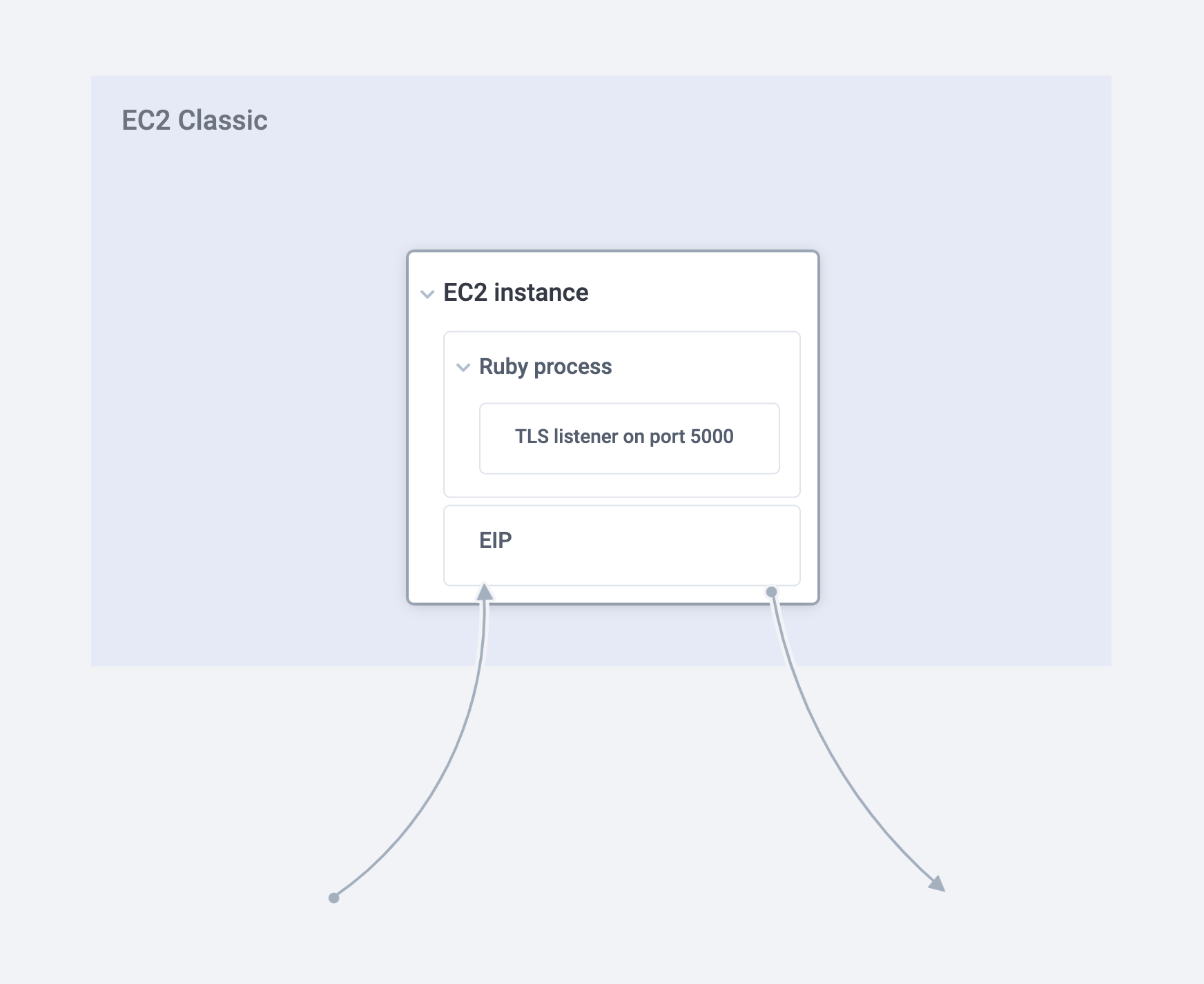
Every Heroku Run/One-off dyno invocation involves two parties – the client which is usually the Heroku CLI or custom implementations that use the Heroku API and the dyno on one of Heroku’s instances deep in the cloud. The existence of Rendezvous is necessitated by one of the painful yet essential warts of the Internet – NATs.
Both the client and the dyno are behind NATs and there’s no means for them to talk to each other through these pesky devices. To combat this, the Heroku API returns an attach_url as part of the create_dyno request which lets the client reach the dyno. The attach_url also contains a 64 bit hash to identify this specific session in Rendezvous. The same attach_url with the exact hash is passed on by our dyno management system to an agent that runs on our EC2 instance fleet which is responsible for the lifecycle of dynos.
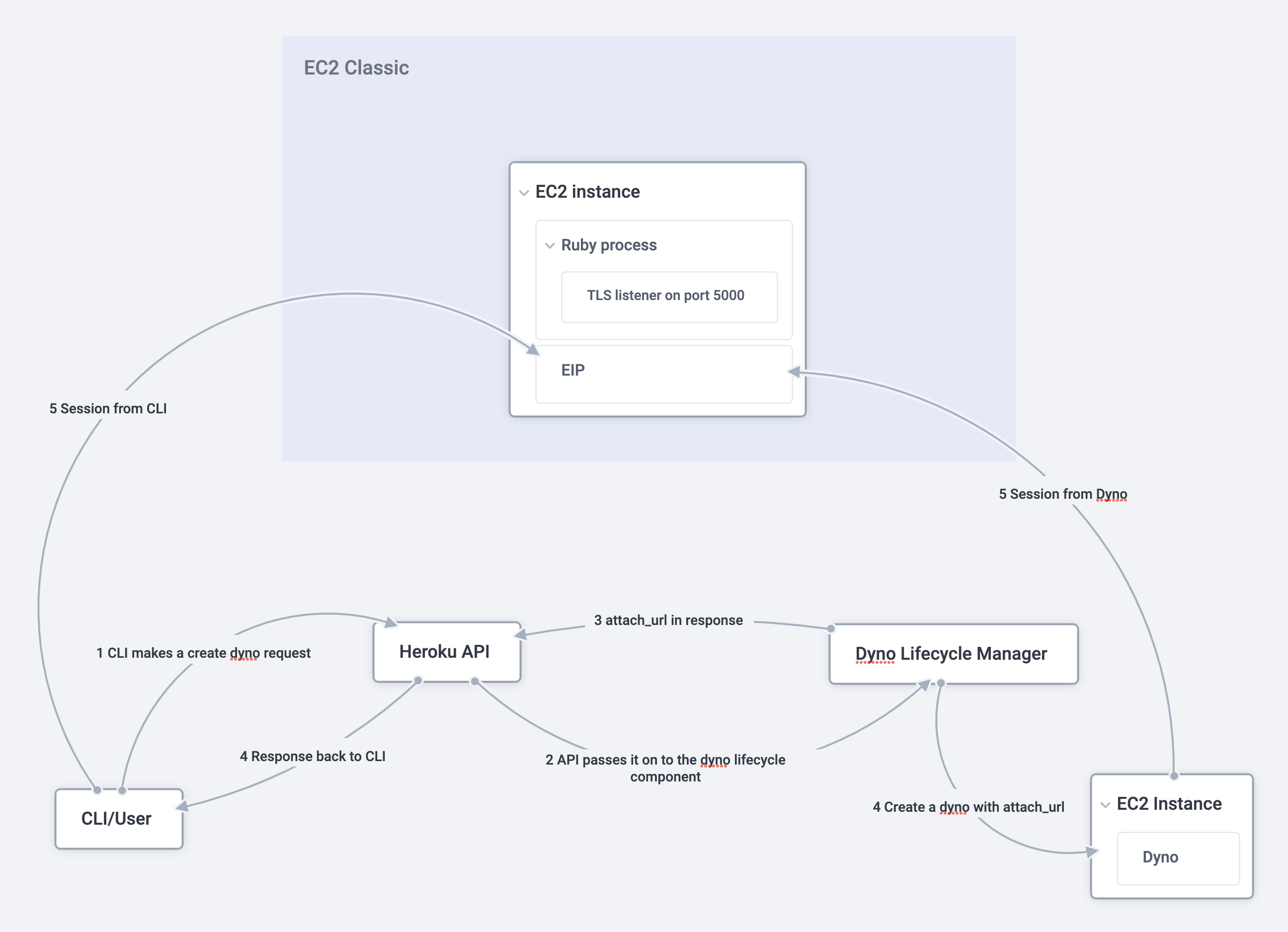
Once both the systems receive the attach_url with the same hash, they make a TLS request to the host, which is a specific instance of Rendezvous. Once the TLS session is established, both sides send the hash as the first message which lets Rendezvous identify which session the connection belongs to. Once the two sides of the session are established, Rendezvous splices them together, thus creating a bi-directional session between the CLI/user and the dyno.
A unique use-case of Rendezvous
While the majority of customers use Rendezvous via heroku run commands executed via the CLI, some clients have more sophisticated ways of needing containers to be started arbitrarily via the Heroku API. These clients programmatically create a dyno via the API and also establish a session to the attach_url.
One of our customers utilized Rendezvous in a very unique way by running an app in a Private Space that received client HTTP requests and within the context of a request, issued another request to the Heroku API and to Rendezvous. They had a requirement to support requests across multiple customers and to ensure isolation between them, they opted to run each of their individual customer’s requests inside one-off dynos. The tasks in the one-off dyno runs are expected to take a few seconds and were usually well within the expected maximum response time limit of 30s by the Heroku router.
Oh! Something’s broken!
In July 2021, we moved Rendezvous into AWS VPCs as part of our effort to evacuate EC2 classic. We chose similar generation instances for this as our instance in classic. As part of this effort, we also wanted to remove a few of the architectural shortcomings of rendezvous – having a single EIP ingress and also manual certificate management for terminating TLS.
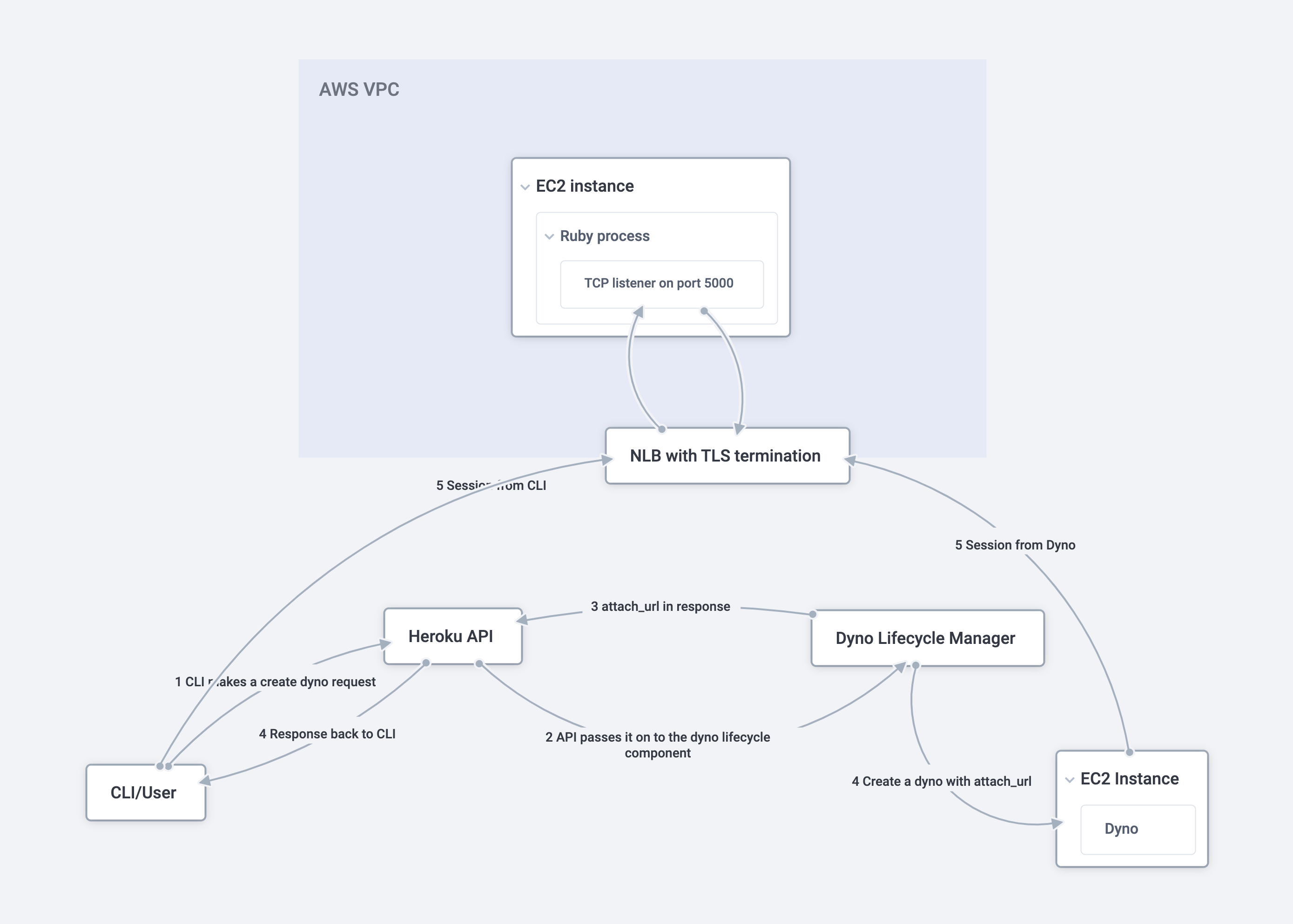
Based on experience with other routing projects, we decided to leverage Network Load Balancers that AWS offers. From a performance perspective, these were also significantly better – our internal tests revealed that NLBs offered 5-7x more throughput in comparison to the EIP approach. We also decided to leverage the NLB’s TLS termination capabilities which allowed us to stop managing our own certificate and private key manually and rely on AWS ACM to take care of renewals in the future.
While the move was largely a success and most customers didn’t notice this and their heroku run sessions continued to work after the transition, our unique customer immediately hit H12s on their app that spawns one-off dynos. Almost immediately, we identified this issue to Rendezvous sessions taking longer than the 30s limit imposed by the Heroku Router. We temporarily switched their app to use the classic path and sat down to investigate.
Where’s the problem!
Our first hunch was that the TLS termination on the NLB wasn’t happening as expected but our investigations revealed that TLS was appropriately terminated and the client was able to make progress following that. The next line of investigation was in Rendezvous itself. The new VPC-based instances were supposed to be faster, so the slowdown was something of a mystery. We even tried out an instance type that supported 100Gbps networking but the issue persisted. As part of this effort, we also had upgraded the Ruby version that Rendezvous was running on – and you guessed it right – we attempted a downgrade as well. This proved to be inconclusive as well.
All along we also suspected this could possibly be a problem in the language runtime of the recipient of the connection, where the bytes were available in the userspace buffer of the runtime but the API call was not notified or there is a race condition. We attempted to mimic the data pattern between the client and the process in the one-off dyno by writing our own sample applications. We actually built sample applications in two different languages with very different runtimes. Both these ended up having the same issues in the new environment as well.
We even briefly considered altering the Heroku Router’s timeout from 30s, but it largely felt like spinning a roulette wheel since we weren’t absolutely sure where the problem was.
Nailing it down!
As part of the troubleshooting effort, we also added some more logging on the agent that runs on every EC2 instance that is responsible for maintaining a connection with Rendezvous and the dyno. This agent negotiates TLS with Rendezvous and establishes a connection and sets up a pty terminal connection on the dyno side and sets up stdin/stdout/stderr channels with the same. The client would send requests in a set-size byte chunks which would be streamed by this agent to the dyno. The same agent would also receive bytes from the dyno and stream it back to Rendezvous to send it back to the client. Through the logs on the agent, we determined that there were logs back and forth indicating traffic between the dyno and Rendezvous when connections worked. However, for the abnormal case, there were no logs indicating traffic coming from the dyno after a while and the last log was bytes being sent to the dyno.
Digging more, we identified two issues with this piece of code:
- This piece of code was single threaded – i.e. a single thread was performing an
IO.selecton the TCP socket on the Rendezvous side and the terminal reader on the dyno. - While #1 itself is not a terrible problem, it became a problem with the use of NLBs which are more performant and have different TLS frame characteristics.
#2 meant that the NLB could potentially send much larger TLS frames than the classic setup where the Rendezvous ruby process would have performed TLS.
The snippet of code that had the bug was as follows.
# tcp_socket can be used with IO.select
# ssl_socket is after openssl has its say
# pty_reader and pty_writer are towards the dyno
def rendezvous_channel(tcp_socket, ssl_socket, pty_reader, pty_writer)
    if o = IO.select([tcp_socket, pty_reader], nil, nil, IDLE_TIMEOUT)
        if o.first.first == pty_reader

            # read from the pty_reader and write to ssl_socket

        elsif o.first.first == tcp_socket

            # read from the ssl_socket and write to pty_writer

        end
    end
end
Since the majority of the bytes were from the client, this thread would have read from the ssl_socket and written them to the pty_writer. With classic, these would have been small TLS frames which would mean that an IO.select readability notification would correspond to a single read from the SSL socket which would in-turn read from the TCP socket.
However, with the shards, the TLS frames from the NLB end up being larger, and a previous read from the ssl_socket could end up reading more bytes off of the tcp_socket which could potentially block IO.select till the IDLE_TIMEOUT has passed. It’s not a problem if the IDLE_TIMEOUT is a relatively smaller number but since this was larger than the 30s limit imposed by the Heroku Router, IO.select blocking here resulted in that timer elapsing resulting in H12s.
In fact, the Ruby docs for IO.select specifically talk about this issue.
The most likely situation is that OpenSSL::SSL::SSLSocket buffers some data. IO.select doesn't see the buffer. So IO.select can block when OpenSSL::SSL::SSLSocket#readpartial doesn't block.
According to the Linux kernel on the instance, there were no bytes to be read from the tcp_socket while there were still bytes being left to read from the buffers in openssl since we only read partially the last time around.
The fix
Once we had identified the issue, it was rather straightforward for us to fix this. We made the code dual threaded – one each for one side of the connection and also fixed the way we read from the sockets and did an IO.select. With this code change, we ensured that we wouldn’t perennially block where there are bytes lying around to be read.
We deployed this fix to our staging environments and after thorough testing we moved the customer over to the VPC-based rendezvous. The customer subsequently confirmed that the issue was resolved and all our remote offices erupted in roars of cheer after that. It was time.
Conclusion
Computers are fun, computers are hard!
Try to run a platform and you’ll often say, oh my god!
Gratifying and inspiring it is, to run our stack
For if you lose their trust, it’s hard to get it back …
Running a platform makes you appreciate more of Hyrum’s Law, every day. Customers find interesting ways to use your platform and they sure do keep you on your toes to ensure you provide the best in class service. At Heroku we have always taken pride in our mission to make life easy for customers and we are grateful to have got the opportunity to demonstrate that yet again as part of this endeavor.
Thanks are in order for all the folks who tirelessly worked on identifying this issue and fixing it. In alphabetical order – David Murray, Elizabeth Cox, Marcus Blankenship, Srinath Ananthakrishnan, Thomas Holmes, Tilman Holschuh and Will Farrington.
The post The Adventures of Rendezvous in Heroku’s New Architecture appeared first on Heroku.
]]>Ryan Basayne of Coralogix sits down with Morgan Shultz of Copado to discuss his experience leveraging Coralogix on the Heroku Platform. Copado is an end-to-end, native DevOps solution that unites Admins, Architects and Developers on one platform. DevOps is a team sport, and uniting all 3 allows you to focus on what you need to […]
The post How Copado Uses Coralogix for Log Management on Heroku appeared first on Heroku.
]]>Ryan Basayne of Coralogix sits down with Morgan Shultz of Copado to discuss his experience leveraging Coralogix on the Heroku Platform.
Copado is an end-to-end, native DevOps solution that unites Admins, Architects and
Developers on one platform. DevOps is a team sport, and uniting all 3 allows you to focus on
what you need to focus on – getting innovation into the hands of the customer.
Q: Who are you and what does Copado do?
“My name is Morgan Shultz. I'm a team lead in the Professional Services division at Copado. My team is responsible for implementing our software and maximizing the value that a customer receives when they decide to invest in our software.
Copado is DevOps software specifically for low-code platforms like Salesforce, but also Mulesoft, Heroku and soon even SAP. We bring structure and visibility to the development process on these platforms.”
Q: Can you tell us a little about your experience on Heroku, and why you chose it as your PaaS Solution?
“Our application consists of two parts. The front end is a Salesforce native app. Our customers all use Salesforce, so it makes sense for our app to be built on top of a platform that they're already familiar with.
But our software also integrates with external tools and requires more processing time and controls than what you can get out of Salesforce alone. So our backend processes need a separate compute platform and we run those backend processes on Heroku for the majority of our customers.”
Q: Can you describe your experience with Coralogix and why it was picked for your log management platform?
“We needed additional tools to help us parse our backend logs. Our developers initially selected Coralogix because it was super easy for them to integrate with Heroku. Now, years later, we're still using Coralogix because it continues to deliver what we need.
Our company has grown exponentially, and we rely on Coralogix to handle our logs. We can create and share dashboards and visualizations across the organization and build alerts to help us troubleshoot customer issues or even optimize our software performance.
We use data points like job duration to highlight customer health or keyword frequency in our logs to help identify configuration errors. We also use metrics to maximize our data retention and identify longer running patterns.”
Q: Are there any specific use cases you can share with us?
“My first use case with Coralogix was hoping to identify performance issues with our customers' software instances. We used the platform to define and build alerts around job latency and how long it takes for jobs to complete.
This is a big indicator of performance issues with the customer. Once the team identifies potential performance issues. We can use the dashboards to dive down further into the logs and provide a root cause analysis for performance issues at hand.”
About Coralogix
Coralogix is the leading stateful streaming data platform for log, metric, and security data. Using proprietary Streama© technology, Coralogix provides modern engineering teams with real-time insights and trend analysis with no reliance on storage or indexing.
This unique approach to monitoring and observability enables organizations to overcome the challenges of exponential data growth in large-scale systems.
Find Coralogix in the Heroku Add-Ons Marketplace
The post How Copado Uses Coralogix for Log Management on Heroku appeared first on Heroku.
]]>Since April 2021, the Heroku Runtime team has been working to deploy upgrades to the infrastructure powering Common Runtime apps, and we’re excited to formally announce the performance improvements that customers are already seeing. When this Changelog post was published in May introducing the changes, almost all Common Runtime apps had been migrated from what […]
The post Faster Dynos and Improved Performance For All appeared first on Heroku.
]]>Since April 2021, the Heroku Runtime team has been working to deploy upgrades to the infrastructure powering Common Runtime apps, and we’re excited to formally announce the performance improvements that customers are already seeing.
When this Changelog post was published in May introducing the changes, almost all Common Runtime apps had been migrated from what we internally called the “classic“ infrastructure to the new “sharded” architecture. In addition to performance enhancements, this migration is expected to result in lower latency across the platform.
Around 99.9% of customers didn’t have to make any changes to their Heroku apps to benefit from these upgrades, and dyno prices are unchanged.

Common Runtime Improvements
The new sharded architecture includes two major performance improvements:
First, we’ve upgraded to newer generation infrastructure instances, similar to the improvements we made to Heroku Private Spaces in 2020.
Second, we’ve updated our routing infrastructure and services. With this comes several improvements such as automatic TLS 1.2+ enforcement. More importantly, the new routing infrastructure will help us unlock further product enhancements in the coming months and years.
Thank You!
We tried (and mostly succeeded) to make the migration seamless for Heroku customers. As expected with any sweeping architecture change, we did uncover some unique use cases and situations that required assistance from customers to properly migrate.
If you’re subscribed to the Heroku Changelog you might have seen mention of a few of the DNS and SSL Endpoint changes. Those changes were required to let Heroku properly support apps on the improved platform without causing any downtime or degraded experience for you or your end users. We sincerely appreciate your patience and help as we made these changes in order to modernize and improve Heroku.
Customer Impact
Rolling out a massive change to millions of apps has taken many months. As apps have come online on the new infrastructure, we’ve seen improvements from both Heroku customers and their apps’ users.
When reading these graphs, keep in mind that every app is different and Common Runtime use cases are varied. In some cases, we’ve been able to see roughly 30% percent improvement in latency and CPU utilization. While such dramatic improvements are not guaranteed, we expect every customer to see improvements.
Check out a few of the examples below:
The changes @heroku have been rolling out to their standard runtime are legit. @railsautoscale was routinely running up to 20 std-1x web dynos. Now it’s mostly just 3 dynos.
Can you tell when they made the switch? pic.twitter.com/BHfzXxK8Pg
— Adam McCrea (@adamlogic) August 26, 2021
And from Reddit:
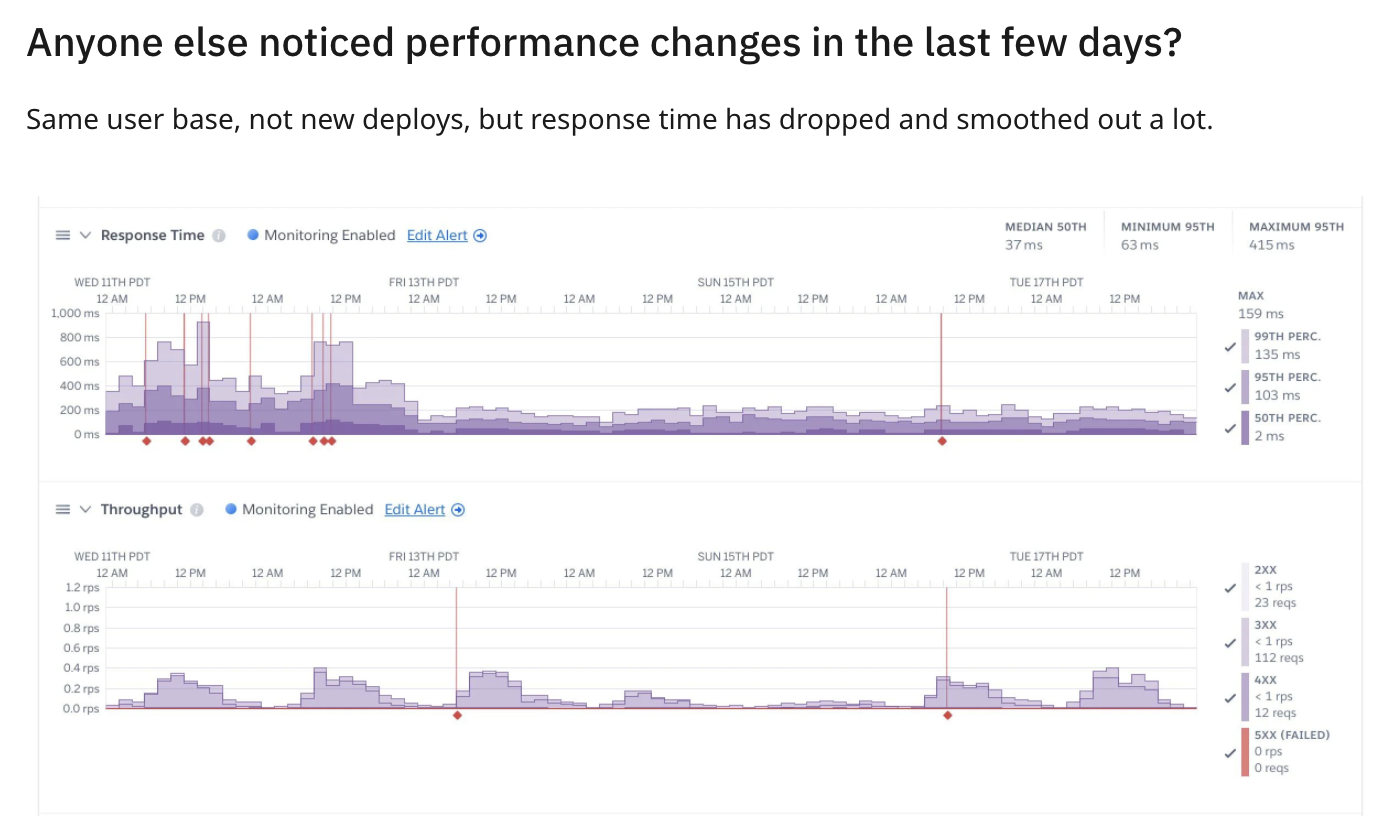
Some quotes from support tickets:
Request Latency Decrease
Since Wednesday June 2nd at 11pm GMT + 7 we experienced a lot of performance improvements, can be seen in ScoutAPM, Librato or Heroku metrics itself.
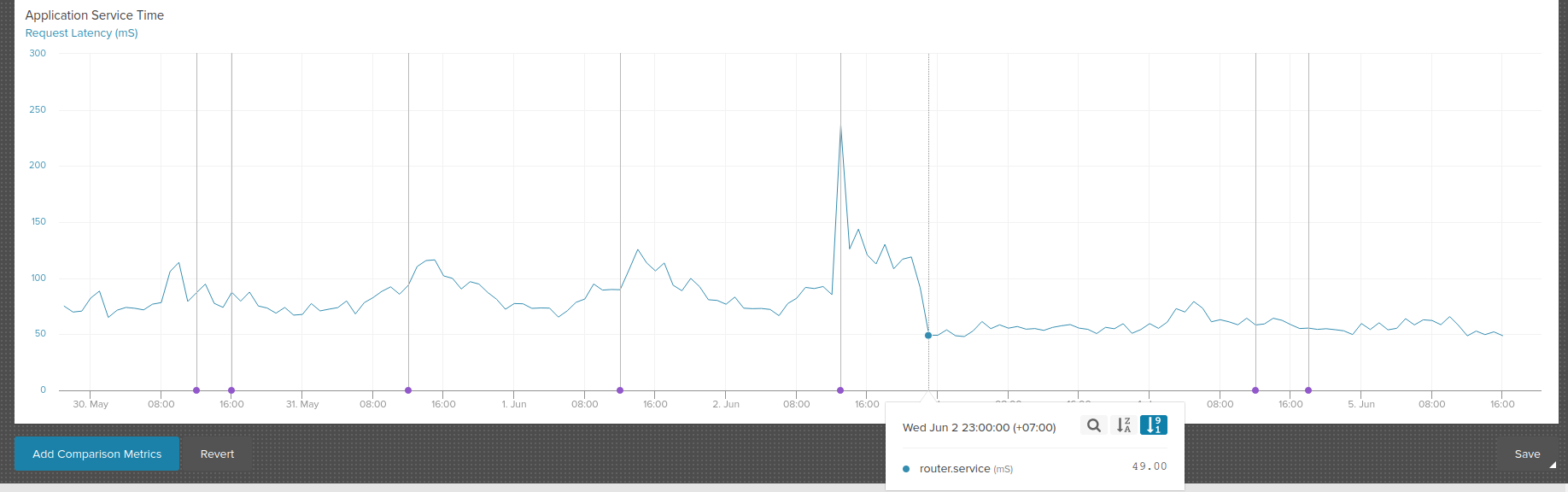
Dyno Performance Improved
It seems that our dynos are really FAST this morning, and it all started between 00:10 and 00:20 UTC+2… we are glad to know that this is the new normal for the platform. The performance we are obtaining right now are very good, and they improve the experience for our customers.
Faster Heroku Review Apps and Heroku CI
…our tests got much faster!
[Test 1] ran on August 9th and took about 11 minutes
[Test 2] ran on August 13th and took about 8 minutes
Summary
The Common Runtime performance enhancements rolled out over the summer are a great example of the benefits of relying on a managed PaaS like Heroku rather than running apps directly on un-managed infrastructure that has to be laboriously maintained and updated. Most Heroku Common Runtime customers should see meaningful performance improvements with no customer-action required.
The post Faster Dynos and Improved Performance For All appeared first on Heroku.
]]>Here at Xplenty (Integrate.io), we have a number of customers who use Xplenty’s Heroku Add-on with Heroku Connect to enable Salesforce integration at their organization. Since Xplenty and Heroku Connect both provide a bi-directional data connection to Salesforce, you might think that you should use one or the other for your integration needs. But our […]
The post Salesforce Integration: Xplenty and Heroku Connect appeared first on Heroku.
]]>Here at Xplenty (Integrate.io), we have a number of customers who use Xplenty’s Heroku Add-on with Heroku Connect to enable Salesforce integration at their organization. Since Xplenty and Heroku Connect both provide a bi-directional data connection to Salesforce, you might think that you should use one or the other for your integration needs. But our experience shows that each tool has specific strengths that make them complementary parts of a full solution. Read on to understand the basics of our Xplenty solution, Heroku Connect, and how they can work together to address your Salesforce integration challenges.
Heroku Connect
Heroku Connect is a Salesforce component, built on the Heroku platform, that creates a real-time read/write connection between a Salesforce instance and a Heroku Postgres database. Each table in the Heroku Connect database corresponds with a Salesforce object. Once the Salesforce object data is in the database, it is available for integration:
Processes that read the database will access an up-to-date copy of the data in the corresponding objects. When an object instance is created or updated in Salesforce, a Heroku Connect UPDATE or INSERT command sends the data to Postgres.
When a process updates data or inserts a row into the Heroku Postgres database, Heroku Connect updates or inserts data into the Salesforce object that corresponds with the row in the Postgres database.
The ability to access a Postgres copy of Salesforce data opens that data to a wide variety of integration tools that don’t communicate directly with Salesforce. Any programming language or integration tool that supports Postgres — and that’s pretty much all of them — can be used to access your organization’s Salesforce data. Since Postgres’s interface is standard SQL, instead of the proprietary Salesforce API, your developer resources are able to access Salesforce using a familiar query language.
Heroku Connect opens the door to Salesforce integration, and if you have development resources, you can pass through that door and enter a world where Salesforce and your internal systems interchange data in near real time.
Xplenty
Xplenty is a data integration tool that supports over 100 different integration targets, including Postgres on the Heroku platform. Xplenty provides a drag-and-drop interface where non-programmers can create data pipelines connecting any of the different systems that Xplenty supports. Xplenty pipelines support a number of different data cleansing and transform operations, so you can standardize data, or weed out low quality data, without getting developers involved. Since Xplenty supports any system using the widely-used REST API, even systems that don’t have a direct interface to Postgres can access Heroku Connect data via a Xplenty data pipeline.

Xplenty can also address some of the security issues that prevent cloud data integration with on-premises systems (leveraging reverse SSH tunnels). The Xplenty security solution allows systems behind the firewall to access Salesforce data securely, without exposing those systems to the wider internet. Leveraging our SOC 2 certified and HIPAA-compliant tool eliminates both the security and development timeline risk associated with a roll-your-own interface to on-premises systems.
Common Heroku Connect use cases
Analytics — While the Heroku Postgres database is great for synchronization and transactions, it’s not optimized for analysis. Using Xplenty, you can quickly and easily transfer data to high performance data warehousing systems like Snowflake, Amazon Redshift, or Google BigQuery. The Xplenty data pipeline tool lets you schedule extracts for any timeline, starting at once per minute. Our data pipeline tool allows you to select only records meeting your data quality criteria (for example, leads with phone numbers and email addresses) for analysis, and publishing the results back into Salesforce.
Application Integration — If you have a customer-facing application hosted on another platform, an Xplenty data pipeline can feed that app customer data from your Salesforce system. This, in turn, powers a smooth end user experience, where signup for your app is much easier since the customer’s information is pre-populated in the application database. Again, the powerful Xplenty data pipeline tools give you the ability to select only specific customers (such as B2C but not B2B) for your customer-facing app. Our large set of database integrations let you insert customer data directly into the application database, or we can use your application’s REST API to push and pull data from your system.
Marketing — While Salesforce has powerful marketing tools, your organization may already have committed time and money to another marketing platform. Since Xplenty supports some marketing platforms natively, and almost any other via a pipeline, you can transfer data from Salesforce to your marketing system, and back again, using a Xplenty data pipeline. Our data pipeline allows you to select customers by any criteria stored in Salesforce, such as geographic location or products purchased.
Backup — Xplenty supports inexpensive cloud storage solutions like Amazon S3 and Google Cloud, so you can use a pipeline to push your data into cloud storage for a robust backup that won’t break the bank.
These are just a few of the possible use cases of Xplenty to enhance the capabilities of Heroku Connect.
Native Salesforce integration
While Heroku Connect’s near real-time connection to Salesforce is a powerful and compelling capability for a number of applications, it may be more than your organization needs for other common uses of Salesforce data.
Say, for instance, that you have a Salesforce custom object that stores data that is analyzed monthly or quarterly by your organization. Instead of keeping that data in a “live” state in the Heroku Postgres database, you can just as easily extract it directly from Salesforce using an Xplenty data pipeline. If your custom object is related to other data stored in Heroku Connect, your Xplenty pipeline can access that data in parallel with data stored in the Postgres database, and push that data into your analytic database. This allows you to use Heroku Connect for the data that you analyze regularly, while saving on Heroku and Salesforce cycles for rarely studied information.
Conclusion
Heroku and Xplenty make it easy to integrate many systems to and from Salesforce in near real time or in batch. A free trial of the Xplenty Heroku Add-on is available to help you explore further.
The post Salesforce Integration: Xplenty and Heroku Connect appeared first on Heroku.
]]>Every entrepreneur wonders: “Will my startup sink or swim?” When Felix Brandon and his wife Jordan Lloyd Bookey launched Zoobean, a startup focused on children’s reading, they found themselves swimming in rough waters early on. A few months after launch, the founders were invited to pitch their business on the TV show Shark Tank. What […]
The post How Heroku’s Scaling helped Zoobean through their Shark Tank Pitch appeared first on Heroku.
]]>Every entrepreneur wonders: “Will my startup sink or swim?” When Felix Brandon and his wife Jordan Lloyd Bookey launched Zoobean, a startup focused on children’s reading, they found themselves swimming in rough waters early on. A few months after launch, the founders were invited to pitch their business on the TV show Shark Tank.
What felt like a sinking moment turned into more than a lifeline for the fledgling business — it entirely transformed their business model. In the year that followed the Shark Tank episode, Zoobean went from a consumer subscription service to an enterprise reading program platform loved by millions of readers of all ages. As Zoobean pivoted, Heroku’s scalable application hosting solutions helped its founders grow their business without worrying about software scalability.

From the mouths of babes to the scrutiny of sharks
Zoobean began in the simplest way: with a child’s comment. Felix and Jordan were looking for children’s books that could help their two-year-old son learn how to be a big brother, and they came across a book that featured an interracial, interfaith family like their own. For the first time, their son immediately recognized his own family in the pictures: “That’s mommy. That’s daddy. That’s me.” Felix recalls that pivotal moment: “We felt that everyone should have this experience of seeing themselves in a book. The problem was finding those books.”
Felix and Jordan set about solving that problem, and in 2013, Zoobean was born. The company’s mission was to help people discover books that were right for their families. To jumpstart the business, the couple participated in a weekend competition run by NewME, an entrepreneurship program for founders who were people of color and/or women. Zoobean won the competition and NewME featured the startup across its social channels.
What happened next was an entrepreneur’s dream come true. Felix and Jordan received a random email from a producer with Shark Tank — a show that could introduce their new service to the nation. Felix had been a long-time fan of the show from its early days, and he couldn’t believe his luck. “It was surreal,” he says. “The email came from a gmail address, so we didn’t believe it at first. We looked him up on IMDb before calling him.” Two months later, the couple were on the Shark Tank set in Hollywood.
The drama of the Shark Tank pitch
When Felix and Jordan arrived on set, it looked and felt like the familiar show — that is, until taping started. It was chaotic: everyone talked at once, the sharks made snide comments, and the entrepreneurs were struggling to hold their own. It was nothing like the edited version that appears on TV. “At one point, though,” says Felix, “it just felt like any conversation where you’re trying to pitch your business. But it was almost better, because we knew it would end with a “yes” or “no” rather than be left in limbo.”
However, their answer did not come easily. The founders received heavy critique for the modest size of Zoobean’s customer base at the time, and the company’s business category also lacked definition, which sparked a heated debate between the sharks. Although Zoobean’s focus was on sending books to monthly subscribers, Mark Cuban insisted that it was actually a technology company. Kevin O’Leary argued that Zoobean was a marketing company that “sent people things in a box.” In the end, Mark Cuban would be proven right.
The Shark Tank experience was tough on Felix and Jordan, but they walked away with two invaluable wins. One was a “yes” from Mark Cuban, who invested $250k in the startup. “It was actually a benefit that we were so early in our business,” says Felix. “Mark seemed to understand and appreciate where we were with it.” The second was their new investor’s insight — maybe Zoobean really was a tech company? Felix and Jordan began to think more about their software’s potential and less about growing subscriptions.
Software scalability for prime-time network traffic spike
Once Mark Cuban decided to invest in Zoobean, Felix and Jordan teamed up with Tyler Ewing to lead technical development. The initial site had been built on Heroku’s scalable cloud application platform by an agency, and when Tyler took the reins, he started by focusing on scalability. The Zoobean team didn’t know exactly when their episode would be aired, and they wanted to be ready for a surge in traffic to the site at showtime.
Zoobean’s Heroku technical account manager walked Tyler through the process of monitoring performance and scaling dynos on Heroku, as well as load testing and making any modifications needed. They were storing data in Heroku Postgres and background jobs in the Heroku Add-on Redis to Go, using Sidekiq to process background jobs asynchronously. Caching data using the MemCachier add-on also helped enable scale.
Another startup had experienced a crash during their Shark Tank episode, and the team was determined to avoid that scenario at all costs. Tyler load tested four times more traffic than expected — close to 200,000 requests per minute — and the site handled it well. Zoobean was ready.
Monitoring web traffic during the show
On April 18, 2014, six weeks after taping, the Zoobean episode aired. Sure enough, the expected traffic spike happened right when Felix and Jordan came on set and in the 15 minutes that followed. Monitoring is key to software scalability, and throughout the show, Tyler kept a close eye on the Heroku Dashboard, as well as performance metrics coming in from Heroku Add-ons New Relic APM and Librato. “I think anytime you see that amount of traffic hit your site all of a sudden,” Tyler says, “it’s always going to be scary.”
To help allay his fears, their Heroku technical account manager had set up a channel on HipChat so that he could be available to help Tyler troubleshoot if needed. This allowed the whole team to relax a bit knowing that they wouldn’t have to scramble to try and get support in the moment.
After the show aired on the East Coast, there was a second spike later that evening from West Coast viewers. Much to the team’s relief, the site held steady throughout with no issues, even as close to 25,000 concurrent users were eagerly exploring Zoobean as they watched Felix and Jordan pitch the business on TV.
Feedback leads to business transformation
For many startups, an appearance on Shark Tank results in millions of dollars in sales. For Zoobean, it was the opposite. The show sparked a tremendous amount of interest in the company, but sales were disappointing — yet another indicator that the business model needed a course correction. Undaunted, the founders responded quickly, which ultimately saved them time, energy, and resources. Felix says: “Our Shark Tank experience allowed us to see what wasn’t working. It would have otherwise taken us months, or maybe more, to figure that out.”
By the time the show aired, the startup had already begun to pivot. Zoobean was still focused on consumers, but it now included a personalized book recommendation system, which put more focus on the technology and app experience than on shipping books.
Soon, Zoobean was getting attention from libraries across the country, which opened entirely new opportunities for the business. The team worked with the Sacramento Public Library to develop a version of the app that allowed the library to recommend books in its collection to members. As more and more libraries followed suit, new ideas emerged, and Zoobean evolved even further. The team saw an unexpected spike in use from one library and discovered that it was using the app to run a summer reading program. They began promptly adding new features, such as tracking and incentives, that enabled libraries to engage readers in reading challenges.
The result was their flagship product Beanstack, a customizable reading challenge platform for libraries, schools, colleges and universities, and corporations. “That’s really where the business has grown,” says Felix. “Recommendations are still important, but we’re now more focused on motivating groups of readers of all ages to read more.”

Heroku’s scalable cloud platform brings Zoobean to millions of readers
Seven years after Shark Tank, Zoobean is a thriving company that serves over 1,900 library systems (representing 10,000 library branches), 1,200 schools, and three million readers. Its business model is now primarily enterprise-focused, but the company’s core mission remains the same: helping kids become lifelong readers. This continually inspires new, innovative ideas to make an impact, such as extending the challenge model to support reading fundraisers, where students can raise money for their school by reading. In another new direction, companies are using Beanstack to run team-building programs based on shared reading experiences.
Zoobean is also looking towards expanding Beanstack internationally and recently launched in Canada. To support Canadian data residency requirements, the team worked with Heroku to connect an AWS database in Canada to their Heroku Private Space using PrivateLink. “We’re just really comfortable with Heroku,” says Tyler. “We didn’t want to have to find another solution from a company in Canada or someone else. We wanted to try to keep as much consistent as possible, and Private Spaces offered us the way to do it.”
As Felix and Jordan look back on their journey, one thing is clear. The Shark Tank experience was the springboard to Zoobean’s success, and they are “eternally grateful to be a part of the Shark Tank family.”
The post How Heroku’s Scaling helped Zoobean through their Shark Tank Pitch appeared first on Heroku.
]]>Customer Trust is our highest priority at Salesforce and Heroku. It’s more important than ever to implement stronger security measures in light of increasing security threats that could affect services and apps that are critical to businesses and communities. We’re pleased to announce that all Heroku customers can now take advantage of the security offered […]
The post Enhancing Security: MFA Now Available for All Heroku Customers appeared first on Heroku.
]]>
Customer Trust is our highest priority at Salesforce and Heroku. It’s more important than ever to implement stronger security measures in light of increasing security threats that could affect services and apps that are critical to businesses and communities.
We’re pleased to announce that all Heroku customers can now take advantage of the security offered by Multi-Factor Authentication (MFA). We encourage you to check out these new MFA features and add another layer of protection to your account by enabling MFA.
As we announced in February 2021, all Salesforce customers are required to enable MFA starting Feb 1, 2022. There’s no reason to wait – it takes a couple of simple steps to enable MFA when prompted on your next login or from your Account Settings.
Heroku MFA – More Options, Better Security
You may be already familiar with Heroku 2FA using TOTP based code generator apps. Like 2FA, MFA requires an additional verification method after you enter your password. To meet your needs, we support several types of strong verification methods.
You can take advantage of push notifications and automatic verification from trusted locations for fast, frictionless MFA using Salesforce Authenticator as a verification method. You can also use WebAuthn security keys and on-device biometrics as verification methods. TOTP based code generator apps are also available. You don’t even need to limit yourself to just one type of verification method – use recovery codes or additional verification methods to always have a backup.
We are no longer offering SMS as a verification method for MFA due to Security risks associated with the use of SMS. If you had enabled Heroku 2FA in the past using a code generator app, you don’t need to take any further action to enable MFA. Your code generator app and any recovery codes will continue to work as MFA verification methods. Previously configured 2FA backup phone numbers will be usable for a limited time.
Check out Dev Center for additional details about MFA.
More Frequent Re-authentication
As part of our ongoing security improvements, we are changing how long users can stay logged in on the Heroku Dashboard. Starting in April 2021, all users that are not using SSO will be required to log in every 12 hours.
As always, SSO enabled users need to log in through their identity provider every 8 hours.
Coming Soon
Keep an eye on this space for more news in the coming months as we make it easier to use MFA for your teams and continue to make other improvements.
As always, we’d love to hear from you.
The post Enhancing Security: MFA Now Available for All Heroku Customers appeared first on Heroku.
]]>