


Warm folded paper texture sample
Pearlescent shell material sample
Soft clay form material sample
Warm pastry pattern texture sample
Colorful clay tile material sample
Sunset gradient surface texture sample
AI-Powered Texture & Material Pipeline

AI Texture Studio

The fastest way to create production-ready textures & PBR materials.

Generate seamless textures, extract AI PBR maps, upscale assets, and export production-ready materials—all in one workspace.

0K
Maximum Resolution
0
PBR Maps
0x
AI Upscaling
0s
Typical Generation

One prompt. An entire material world.

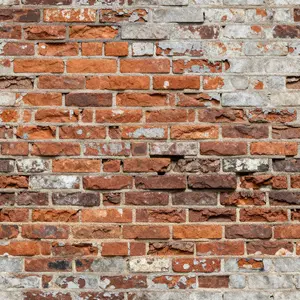
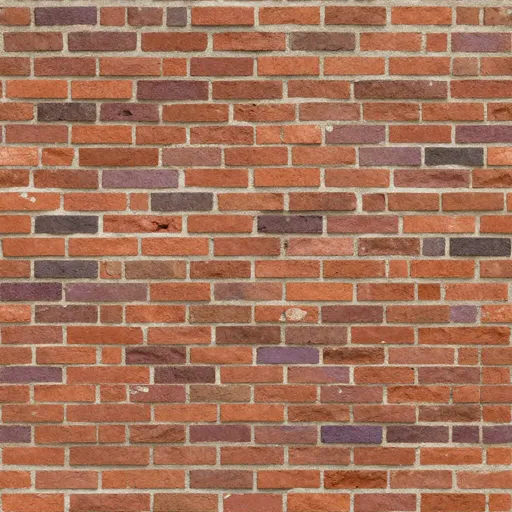
Weathered Red Brick
Weathered Red Brick
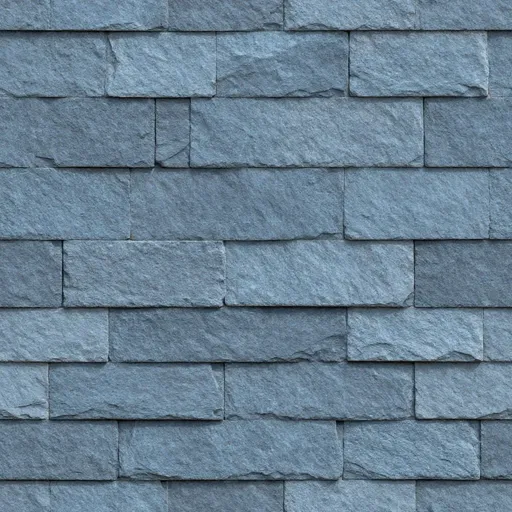
Blue Gray Slate
Blue Gray Slate
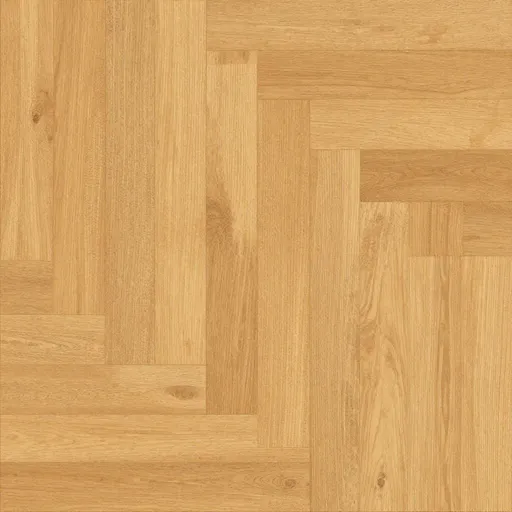
Honey Oak Parquet
Honey Oak Parquet
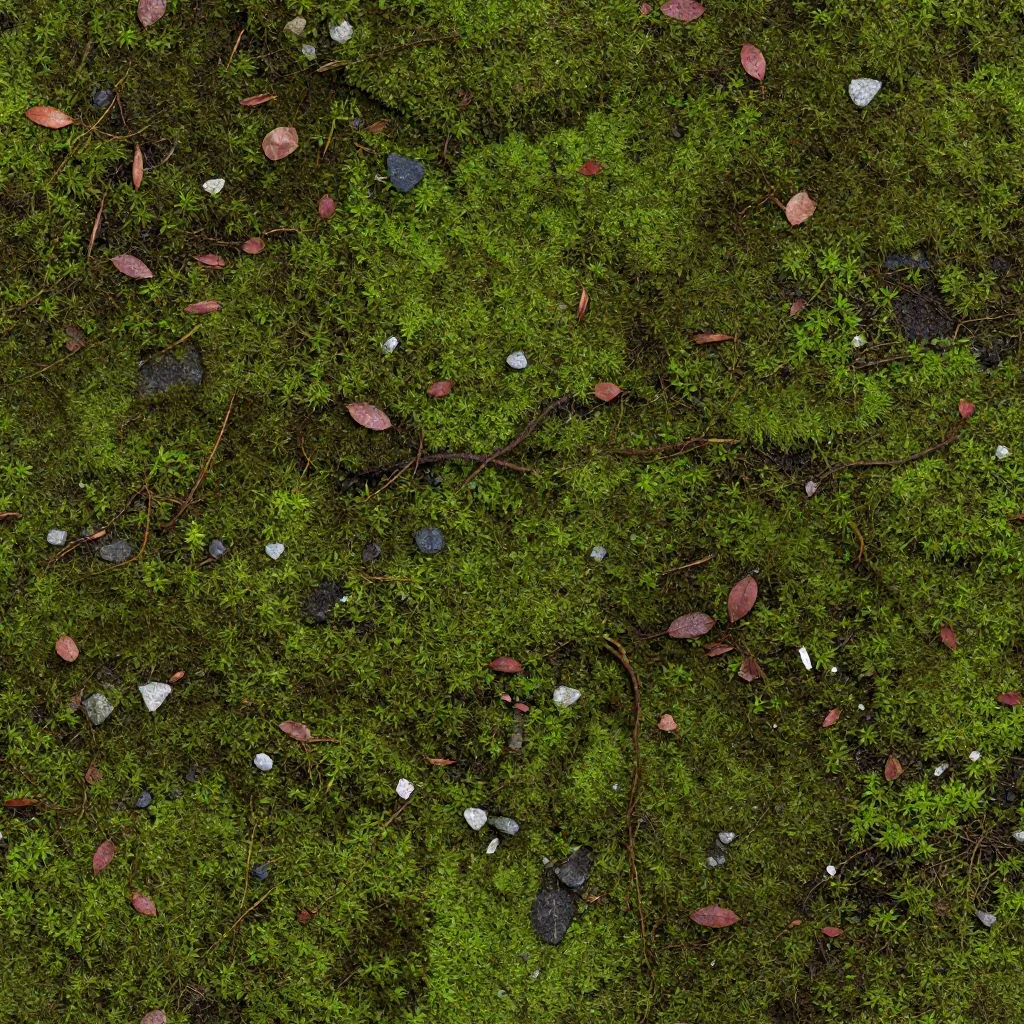
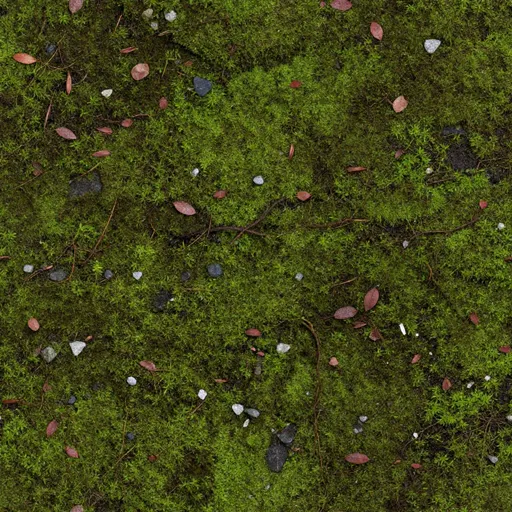
Mossy Forest Ground
Mossy Forest Ground
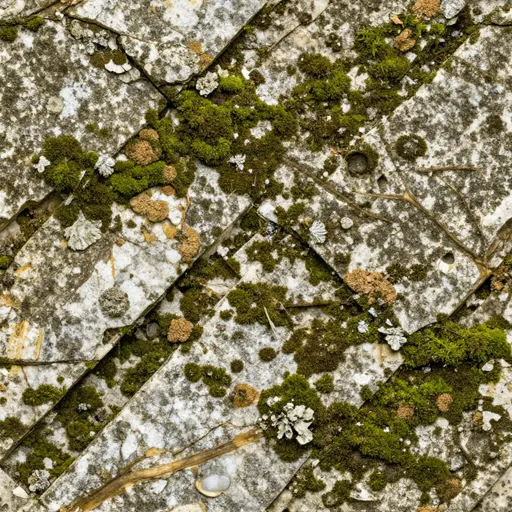
Mossy Ancient Limestone
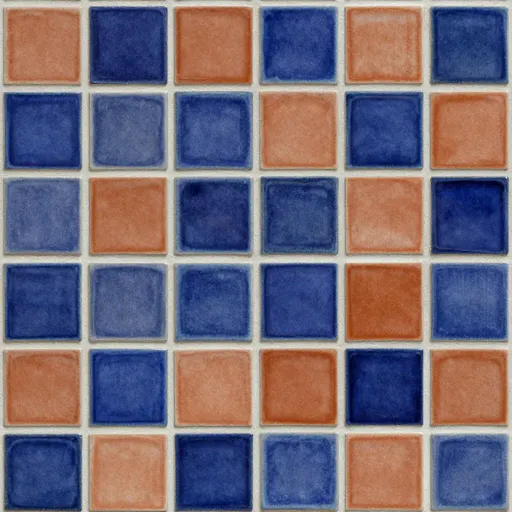
Cobalt Terracotta Tile
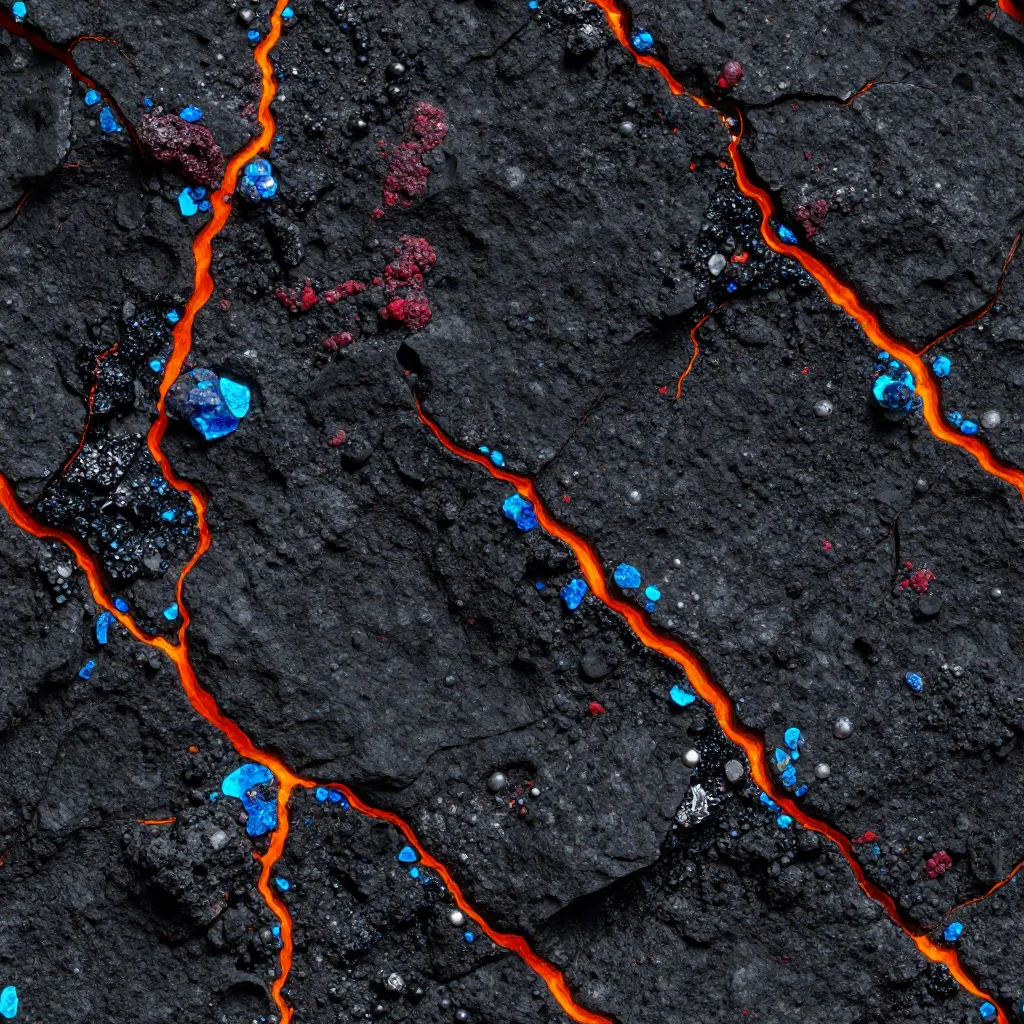
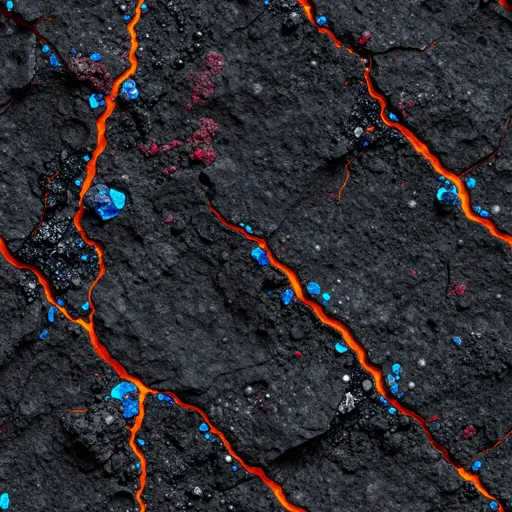
Volcanic Basalt Crystals
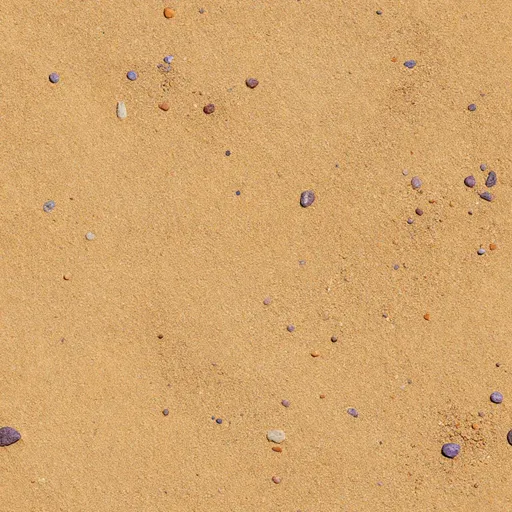
Desert Sand Pebbles
Desert Sand Pebbles
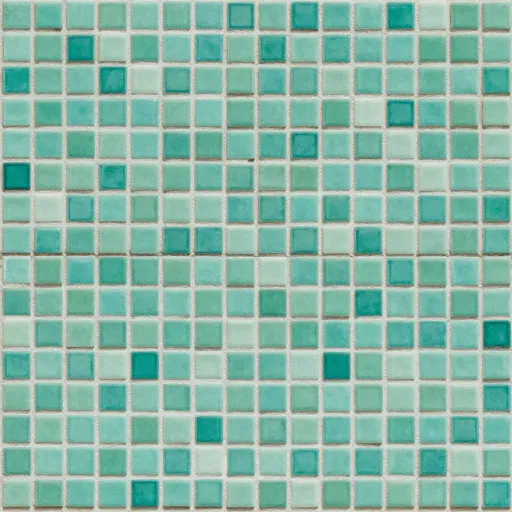
Sea Green Mosaic
Sea Green Mosaic
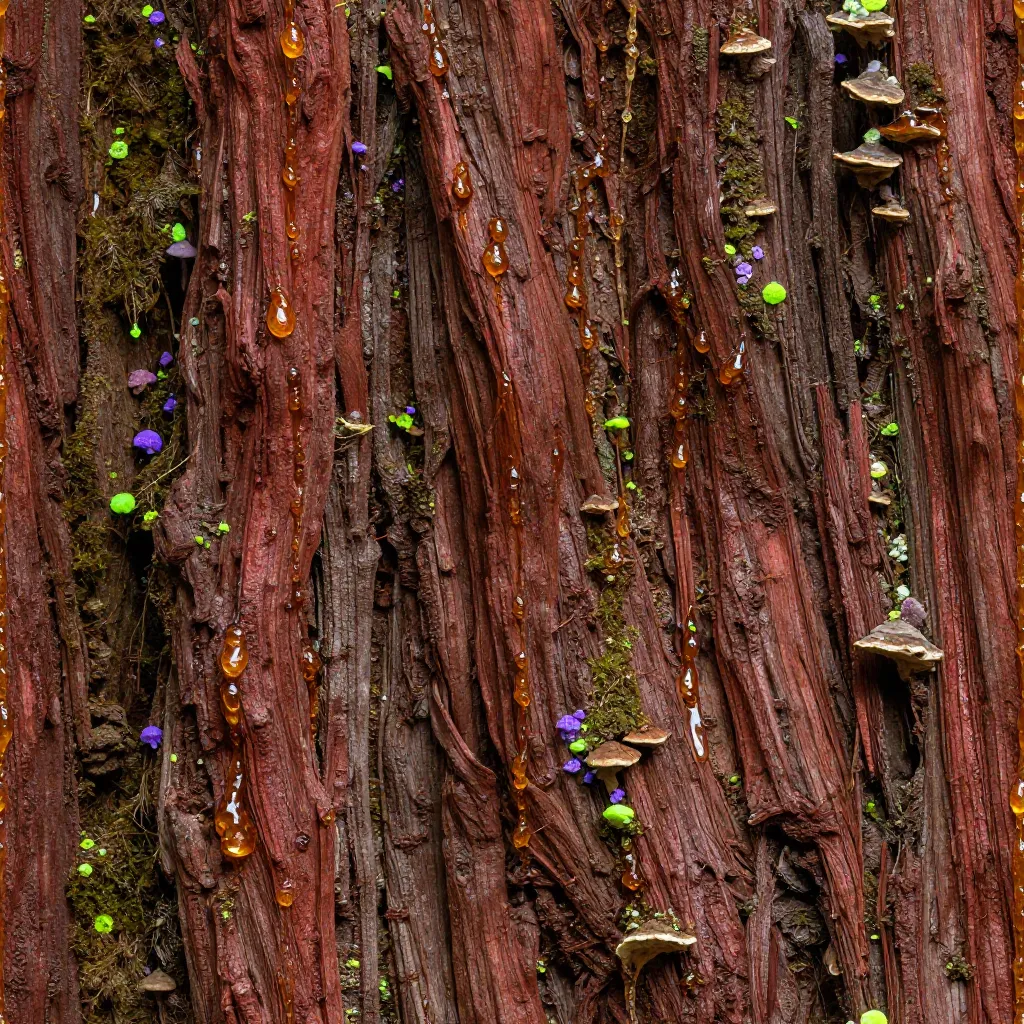
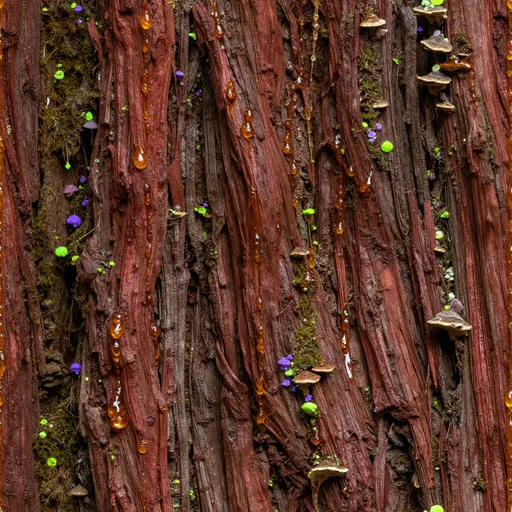
Bioluminescent Redwood Bark
Confetti Terrazzo
Confetti Terrazzo
Walnut Wood Grain
Walnut Wood Grain

Start with the Workflow That Removes Your Bottleneck

Select a workflow to preview its input, output, and best use

AI Texture

Prompt → Seamless Texture

Turn a surface idea into a tileable texture without searching libraries or painting seams by hand.

Best when

You are losing time to asset-library searches or manually hiding visible seams.

Seamless on both X and Y axes

Input: Text PromptOutput: Tileable
Seamless brick texture generated by AI Texture
TileableAI Texture Studio

From Prompt or Photo to a Production-Ready Surface

Skip asset hunting, seam cleanup, PBR baking, and channel packing. Generate the first material result in about 10 seconds.

AI Texture Studio

Step 01 / 05

PromptImageTexture

Prompt

64 / 400

Industrial iron plate, deep pits, flaking metal scales

1:11024 × 1024
Generate →

Workflow ready

Describe or Upload

01

Describe or Upload

Start with a prompt, a reference photo, or an existing texture. Choose the shortest path from what you already have.
AI Texture Studio

Step 02 / 05

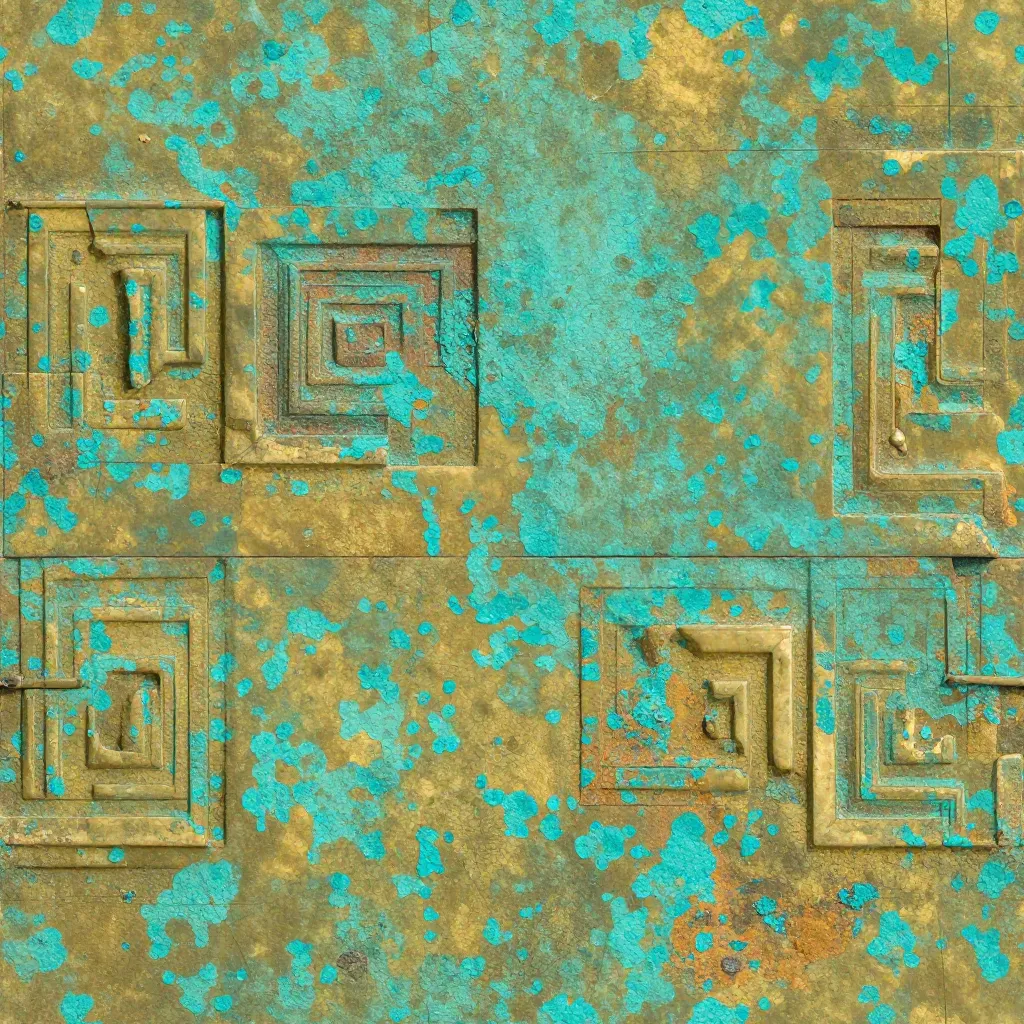
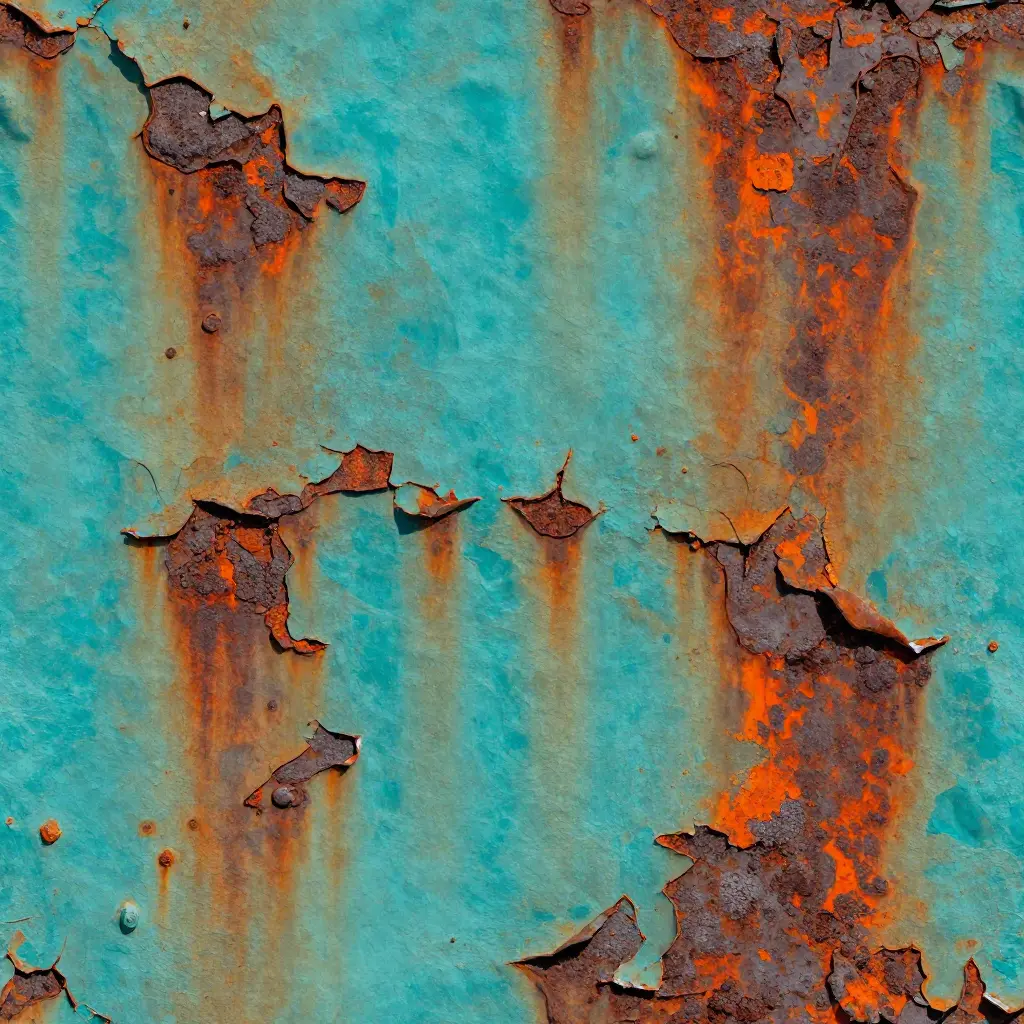
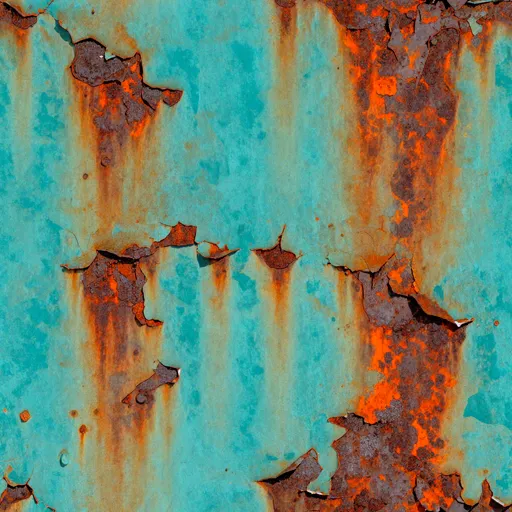
high-resolution 4k texture of a heavily rusted industrial iron plate with peeling vibrant teal paint2 × 2 repeat

Workflow ready

Generate a Seamless Tile

02

Generate a Seamless Tile

Create the first X/Y tileable result in about 10 seconds, ready to repeat across a larger surface.

No offset filter or clone-stamp cleanup

AI Texture Studio

Step 03 / 05

Base Color
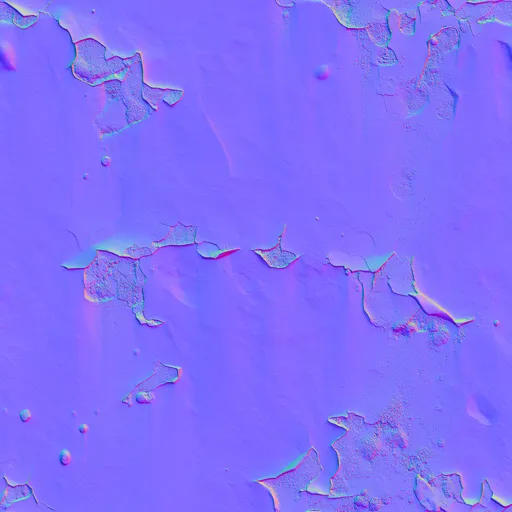
Base Color
Normal Map
Normal Map
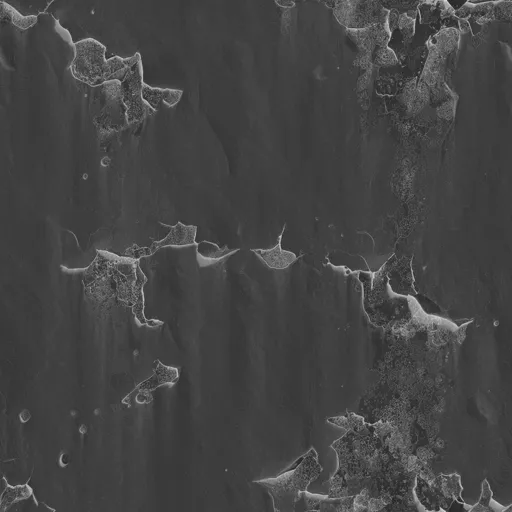
Roughness
Roughness
Metalness
Metalness
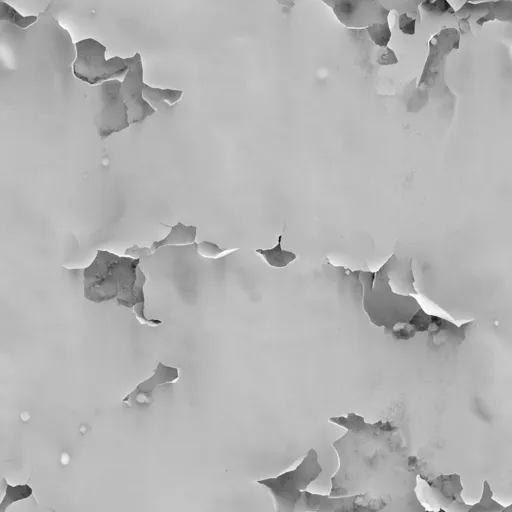
Height Map
Height Map

Workflow ready

Build Complete PBR Maps

03

Build Complete PBR Maps

Generate Base Color, Normal, Roughness, Metalness, and Height as one coordinated material set.

No manual map baking

AI Texture Studio

Step 04 / 05


Three-dimensional preview of a generated PBR material

Material viewport

PBR / 3D

Workflow ready

Preview the Surface

04

Preview the Surface

Inspect how the maps respond together on a 3D surface before committing to export.

Optional 2× / 4× upscale to 8K

AI Texture Studio

Step 05 / 05

Export package

material_weathered_brick.zip

/textures/weathered_brick/

  • BaseColor.webpWEBP
  • Normal.webpWEBP
  • Roughness.webpWEBP
  • Metalness.webpWEBP
  • Height.webpWEBP

ORM · 8K · ZIP

Export ZIP

Workflow ready

Export to Engine

05

Export to Engine

Prepare ORM, Mask Map, Blender, or Godot outputs for the tool where the material ships.

Engine presets without manual channel packing

More Than a Flat Image: A Complete PBR Material

Separate control over color, depth, reflection, and surface response.

Base Color

Raw material color, free of baked lighting. Maps to Albedo in all major engines.

Unreal: Base Color · Unity: Albedo · Blender: Color

Explore Material Worlds

Browse seamless textures by material family, inspect every surface, and open any prompt directly in Studio.

View All Textures

Choose a category, then drag the material deck or use the arrow controls

Mossy Forest Ground: Emerald moss over damp forest soil with russet leaves, fine roots, and scattered gray stones, seamless top-down texture.

Questions Before You Generate

Direct answers for licensing, seamless tiling, PBR maps, engine support, uploads, and credits.

01

Can I use these textures commercially?

Yes. Paid-tier generated textures and materials are intended for commercial games, films, ArchViz renderings, and merchandise without royalties.

02

Are the generated textures fully seamless?

Yes. The workflow is built around tileable logic on both X and Y axes so repeated surfaces do not show visible seam lines.

03

Can I export standard PBR maps, or is it just images?

The material workflow is designed around five coordinated PBR maps: Basecolor, Normal, Roughness, Metalness, and Height.

04

Do you support Blender and Unreal Engine export?

Yes. Blender, Unreal Engine, Unity, and Godot workflows are represented with engine-specific map and channel packing structures.

05

Can I upload my own photo to generate PBR maps?

Yes. The Image to PBR workflow accepts a photo or image reference, removes baked lighting, and prepares tileable material maps.

06

How many credits does one generation cost?

Credit cost varies with the workflow, output size, map count, and upscale setting. New accounts receive 10 starter credits, and the exact cost is shown before you generate.

What will you make first?

Free to try · No credit card · 10 starter credits on signup